carat

Prompt Gallery

/

Chibi Illustration

Login
Sign Up

Chibi Illustration

Explore practical AI prompts and prompt-building tips for chibi illustration.

2026.07.06

·
AI-generated Pastel 3D Cartoon Character made with GPT Image 2

Pastel 3D Cartoon Character

GPT Image 2· Image
A stylized 3D cartoon character of a [PERSON] with big expressive eyes and a slightly sad, pouty expression, standing against a solid pastel green background. He is wearing a soft white fuzzy beanie with ear flaps and matching white over-ear headphones. His hair is short, brown, and slightly messy, peeking out from under the cap. He wears an oversized light green t-shirt with a bold black graphic on the front, and his arms are crossed in a bored or annoyed pose. The lighting is soft, diffused studio lighting with smooth shadows, giving a clean aesthetic. Ultra-detailed, high-quality 3D render, Pixar-style, soft textures, shallow depth of field, centered composition, minimal background, vibrant but soft color palette. Negative prompt (optional): blurry, low quality, extra limbs, distorted face, harsh shadows, cluttered background, text artifacts, watermark
@Naiknelofar788
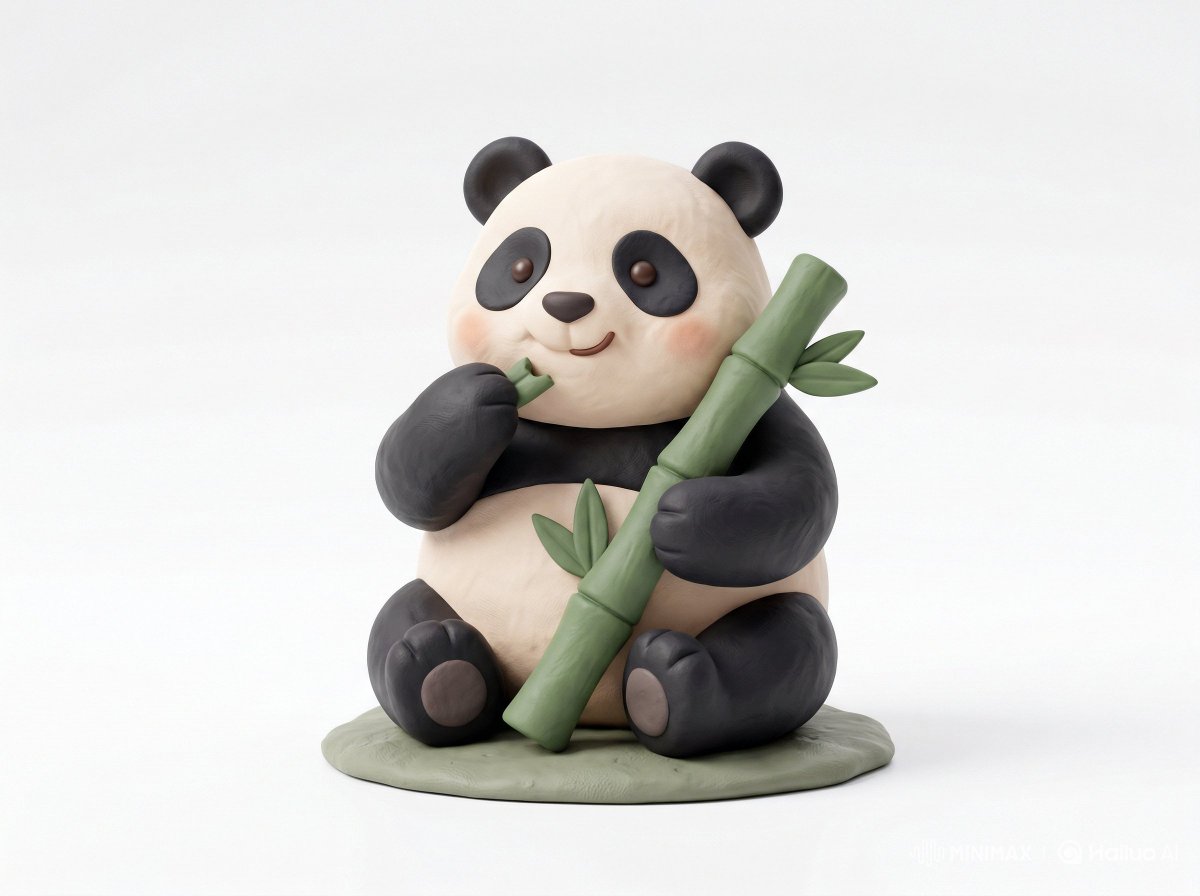
AI-generated Clay Toy Icon Character made with Nano Banana Pro

Clay Toy Icon Character

NanoBanana Pro· Image
Cute 3D render of a [subject], matte surface, kneaded clay icon style, simple stylized design, [doing action], [emotion or mood], rounded proportions, soft sculpted details, playful body language, vibrant [color1], [color2], and [color3] accents, clean white background, minimal composition, soft ambient lighting, subtle shadow, charming character design, high-resolution, polished toy-like aesthetic
@Strength04_X
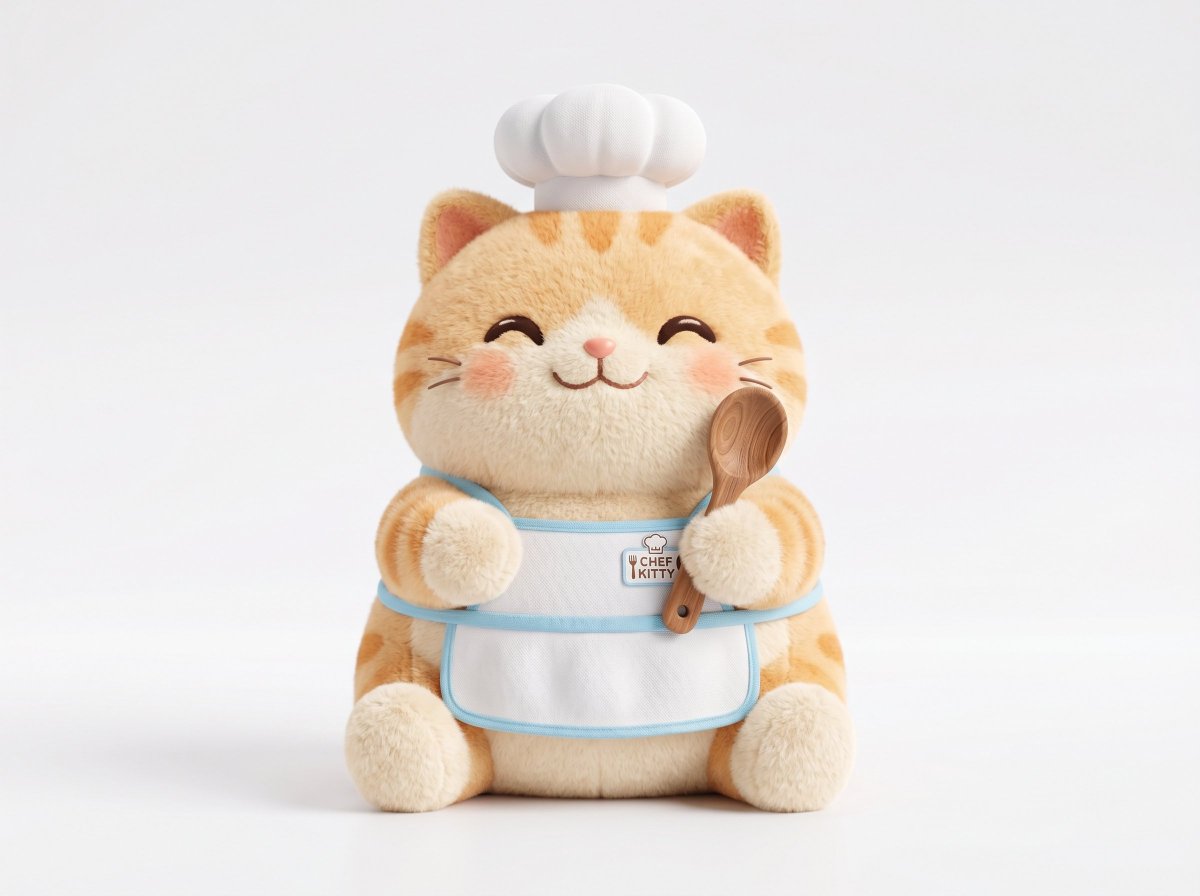
AI-generated Plush 3D Model made with GPT Image 2

Plush 3D Model

GPT Image 2· Image
A soft plush 3D model of a [subject] with [key detail], rendered in a cute stylized aesthetic, velvety surface, squeezable toy-like form, rounded proportions, charming animated [object type] design, clean white background, centered composition, soft ambient lighting, pastel palette, subtle shadows, high-resolution 3D render, front-facing view, ultra clean, adorable collectible feel
@Strength04_X
GPT 이미지 2로 생성한 귀여운 동물 일러스트 세트

귀여운 동물 일러스트 세트

GPT Image 2· Image
cute animal illustration set featuring bear, fox, cat, dog, rabbit, and bird, cohesive flat vector style, soft pastel palette, isolated on clean background, no text
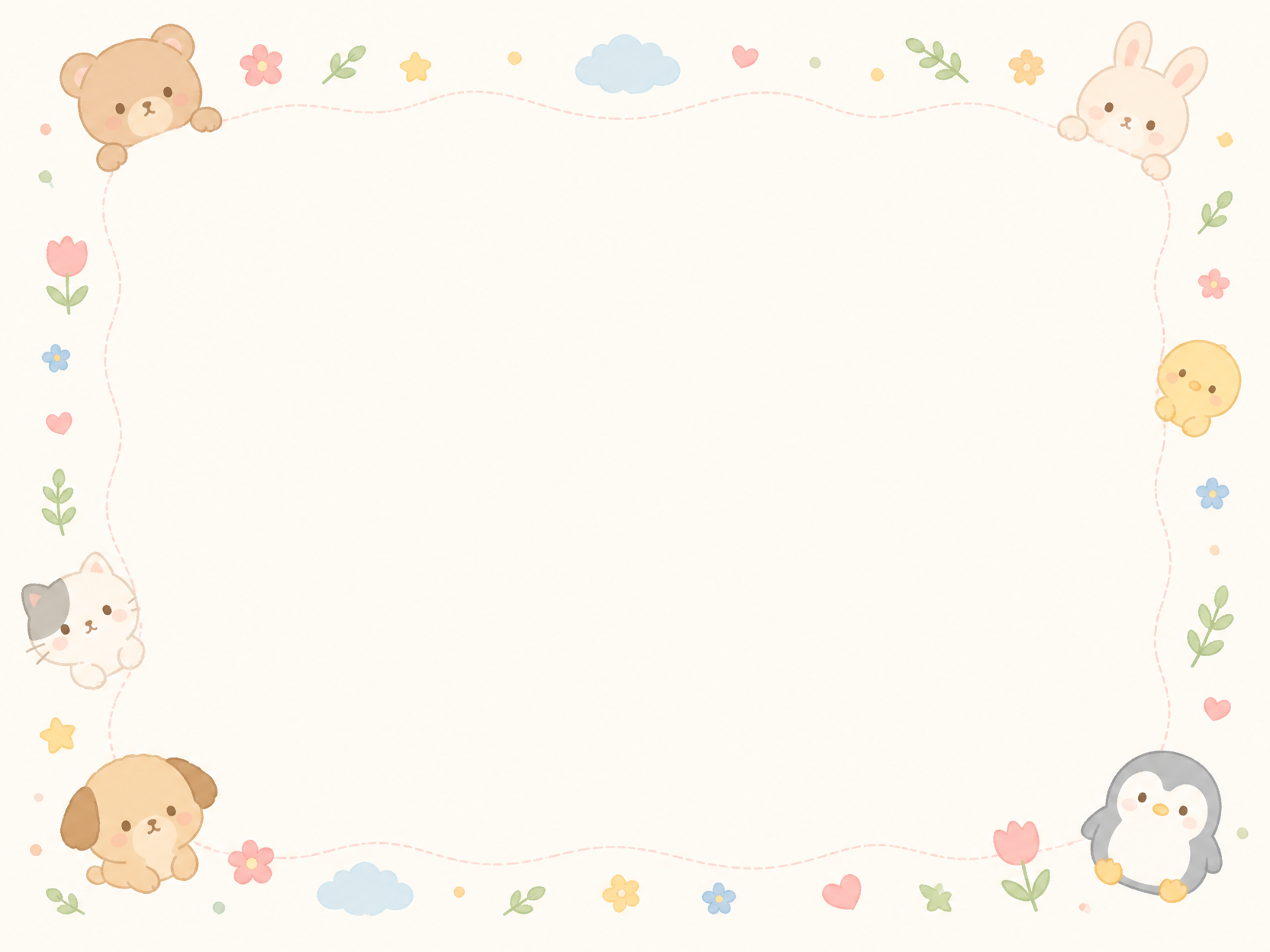
GPT 이미지 2로 생성한 귀여운 동물 편지지

귀여운 동물 편지지

GPT Image 2· Image
cute stationery letter paper with tiny animal doodles around the edges, clean blank center, soft pastel colors, printable A4 design, no text
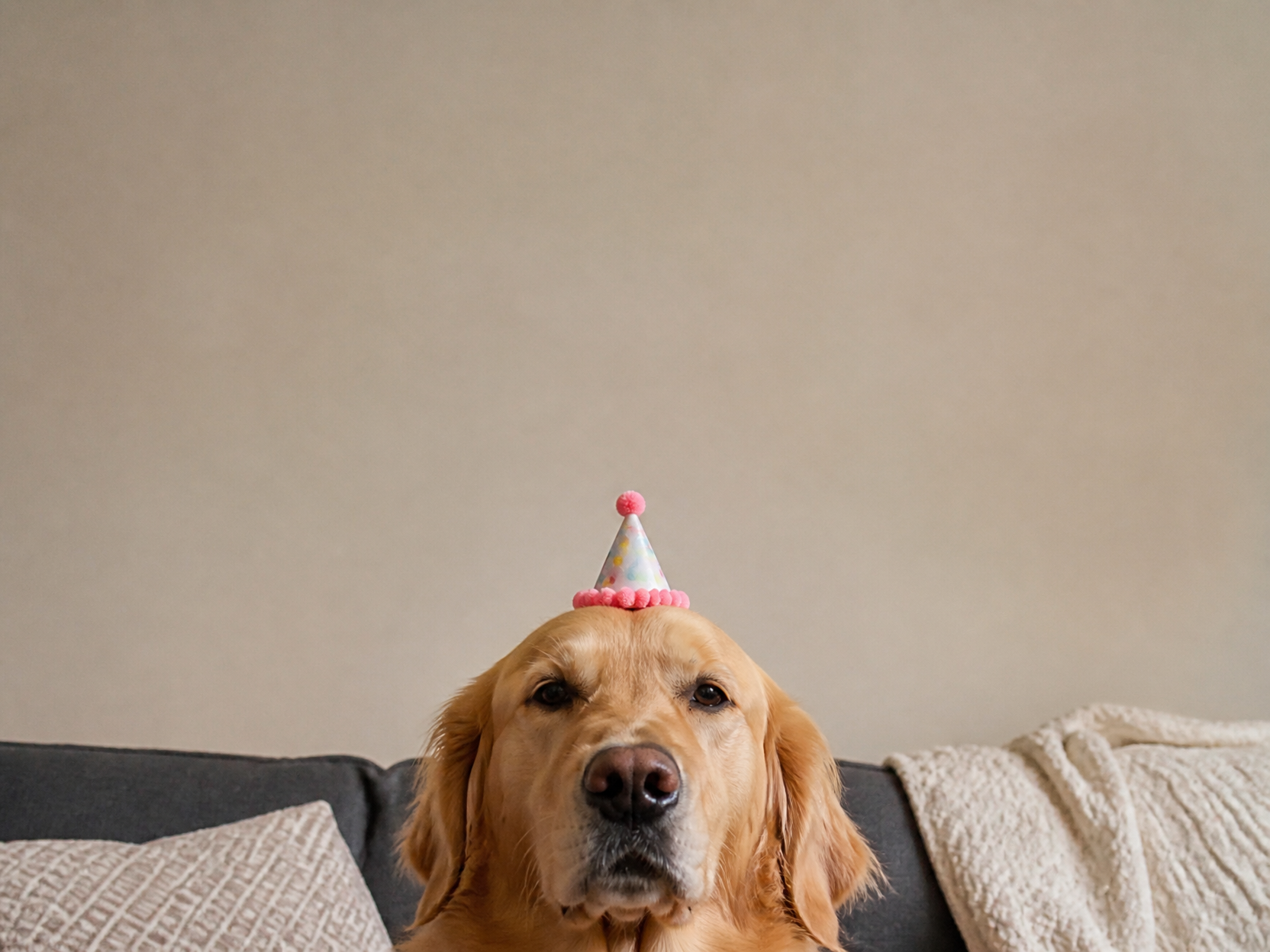
GPT 이미지 2로 생성한 귀여운 강아지 밈

귀여운 강아지 밈

GPT Image 2· Image
cute dog meme visual, golden retriever wearing a tiny party hat with deadpan expression, blank top space for caption, realistic photo, no text
AI-generated MapleStory-Style Character Conversion made with GPT Image 2

MapleStory-Style Character Conversion

GPT Image 2· Image
Transform the uploaded image into a MapleStory-style 2D chibi game character illustration. This is a universal image-to-image character conversion prompt: whatever person, avatar, anime character, mascot, or fictional character appears in the uploaded image should be converted into an original MapleStory-inspired SD game avatar while preserving the key recognizable traits from the input image. Keep the subject count, main pose, silhouette, hairstyle impression, facial expression, outfit category, color relationships, and major accessories from the uploaded image, but redraw everything in a cute side-scrolling MMORPG character-art style. Style direction: MapleStory-like 2D online RPG avatar art, super-deformed cute proportions, oversized head, compact tiny body, large expressive eyes, simplified nose and mouth, clean thick outlines, crisp cel shading, glossy hair highlights, bright polished colors, soft gradient accents, sprite-like compact shape language, playful Korean online game aesthetic, high-resolution 2D illustration. Character conversion rules: - Preserve the uploaded image's identity cues and composition as much as possible. - If there is one subject, make one Maple-style avatar. - If there are multiple subjects, convert each subject into a matching Maple-style avatar while keeping their relative positions. - Translate real clothing or complex costume details into simplified cute game-avatar clothing. - Translate props, weapons, hats, hair ornaments, bags, or accessories into simplified fantasy game item details. - Keep the result original and game-avatar-like, not a direct copy of any existing franchise character. Composition: centered character portrait or full-body avatar depending on the uploaded image, clean simple background, polished character selection icon feeling. The final image must clearly look like a Maple-style 2D character conversion, not a realistic portrait, not a generic anime illustration, and not a 3D render. No text, no captions, no watermark, no logo, no photorealism, no 3D render, no realistic skin texture, no complex painterly realism.
GPT 이미지 2로 생성한 귀여운 지구 캐릭터

귀여운 지구 캐릭터

GPT Image 2· Image
Cute Earth character illustration: smiling planet with tiny arms and legs, small hearts and leaves, sticker-ready clean outline, white background, no text.
AI-generated Paper-Cut Chibi Girl made with GPT Image 2

Paper-Cut Chibi Girl

GPT Image 2· Image
Cute layered paper-cut art style illustration of a chibi girl with big expressive eyes and long wavy black hair, designed like a 3D sticker character with a white outline border. The scene is made entirely from textured pastel paper craft layers with soft shadows and handcrafted details. Cozy whimsical environment with wooden bridges, colorful flowers, trees, clouds, amusement park elements, festival kites, and cute outdoor scenery. Soft pastel color palette, dreamy atmosphere, miniature diorama aesthetic, ultra-detailed paper texture, kawaii cartoon style, cinematic composition, depth layered papercraft, handcrafted scrapbook look, adorable fashion outfit, oversized shoes, playful pose, warm lighting, storybook fantasy vibe, highly detailed 3D paper illustration.
@Taaruk_
AI-generated Travel Character 3D Cartoon Set made with GPT Image 2

Travel Character 3D Cartoon Set

GPT Image 2· Image
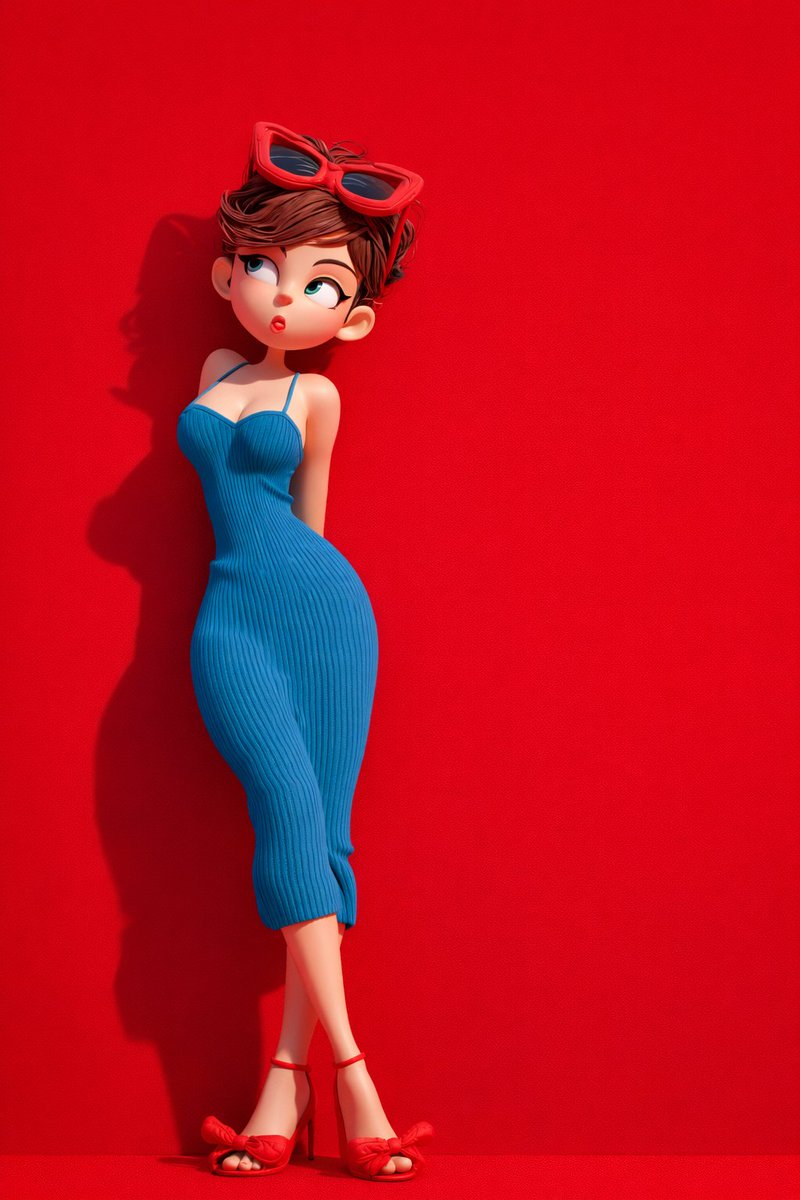
{ "global_settings": { "resolution": "8K", "quality": "ultra-high definition", "aspect_ratio": "2:3", "render_style": "AI-edited, high-detail 3D render", "lighting_quality": "soft studio lighting with realistic shadows", "sharpness": "extreme clarity, crisp edges", "noise": "none", "compression": "none" }, "Module_1_Image_1_Style": { "subject": { "character_type": "stylized 3D cartoon female", "pose": "standing, body slightly angled, one hand raised with index finger touching lips", "expression": "cheerful smile, wide eyes", "hair": { "color": "black", "style": "two braided pigtails", "accessories": "green cap" }, "face": { "eyes": "large, rounded, dark pupils", "skin": "smooth, matte, stylized texture" } }, "clothing": { "top": "sleeveless green crop top", "bottom": "loose green jogger-style pants with drawstring", "footwear": "white sneakers" }, "accessories": { "luggage": "green hard-shell suitcase with extended handle" }, "color_palette": [ "multiple shades of green", "white accents" ], "background": { "color": "solid green", "texture": "soft, slightly grainy studio backdrop" }, "composition": { "framing": "full body", "camera_angle": "eye-level", "depth": "subject sharply separated from background" } }, "Module_2_Image_2_Style": { "subject": { "character_type": "stylized 3D cartoon female", "pose": "leaning slightly backward against background", "expression": "playful, lips slightly pursed, eyes looking sideways", "hair": { "color": "brown", "style": "short, tousled", "accessories": "red sunglasses resting on head" } }, "clothing": { "dress": "form-fitting blue ribbed dress with thin straps", "footwear": "red high-heel sandals with bow detail" }, "color_palette": [ "bold red", "deep blue" ], "background": { "color": "solid red", "texture": "smooth matte surface" }, "lighting": { "direction": "soft directional light from one side", "shadow": "defined shadow cast on red background" }, "composition": { "framing": "full body", "pose_emphasis": "curved posture, crossed legs" } }, "Module_3_Image_3_Style": { "subject": { "characters": [ { "type": "stylized 3D cartoon female", "position": "left", "wrapped_in": "red textured blanket", "expression": "calm, slight smile, eyes looking upward" }, { "type": "stylized 3D cartoon male", "position": "right", "wrapped_in": "orange textured blanket", "expression": "neutral, gentle gaze upward" } ] }, "environment": { "furniture": "red sofa", "floor": "red surface", "background": { "color": "deep red", "texture": "fabric-like horizontal texture" } }, "details": { "feet": "female barefoot, male wearing socks", "blanket_texture": "thick, knitted fabric" }, "composition": { "framing": "centered, medium-wide shot", "symmetry": "balanced left and right composition" } },
@meng_dagg695
GPT 이미지 2로 생성한 귀여운 강아지 캐릭터 세트

귀여운 강아지 캐릭터 세트

GPT Image 2· Image
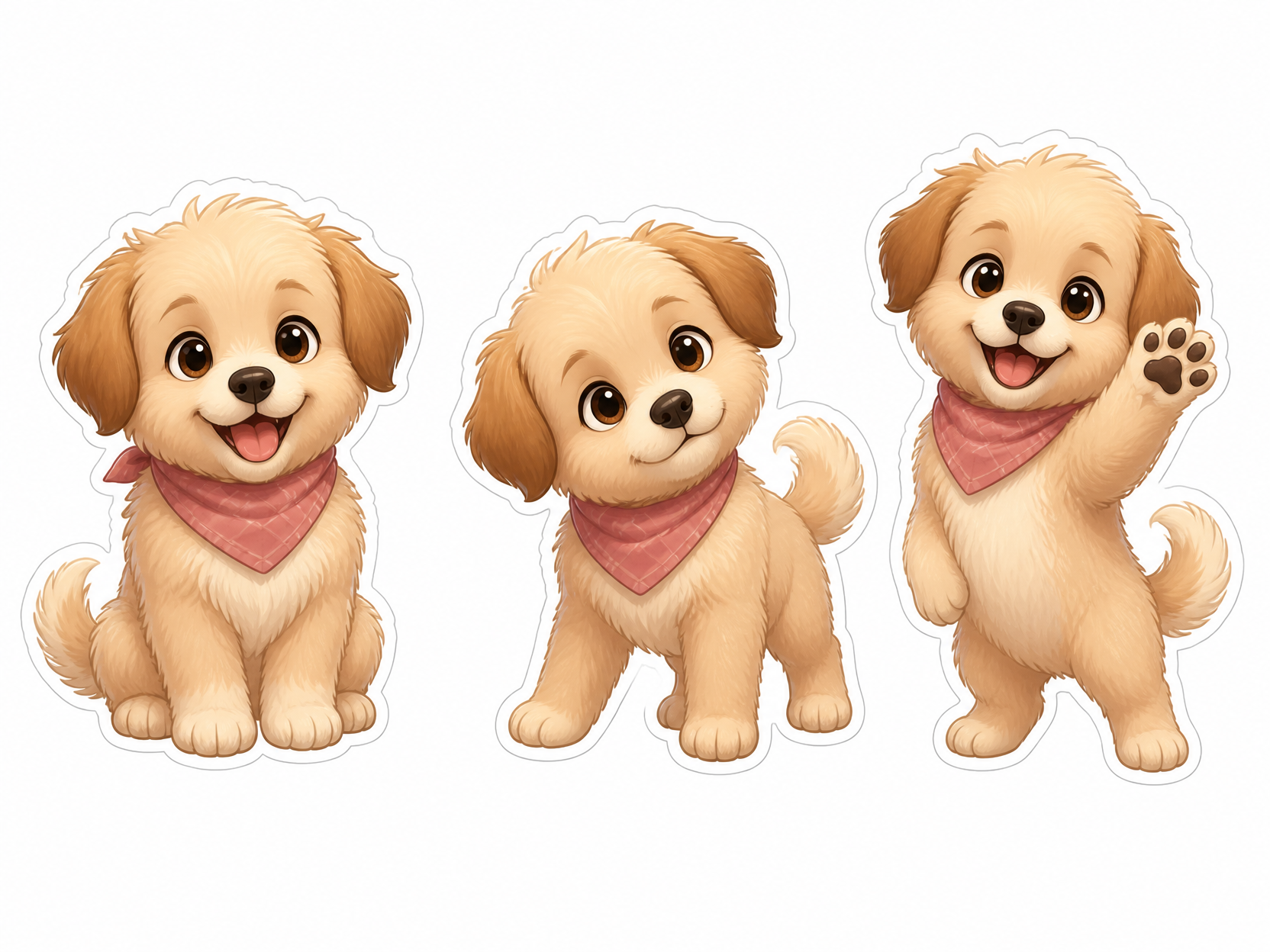
Create a cute dog character sheet: one small fluffy puppy in three poses, happy, curious, and waving, rounded proportions, clean sticker outline, warm pastel colors, white background, no text.
Example image of Cute 3D Street Diorama generated with Nano Banana 2

Cute 3D Street Diorama

NanoBanana 2· Image
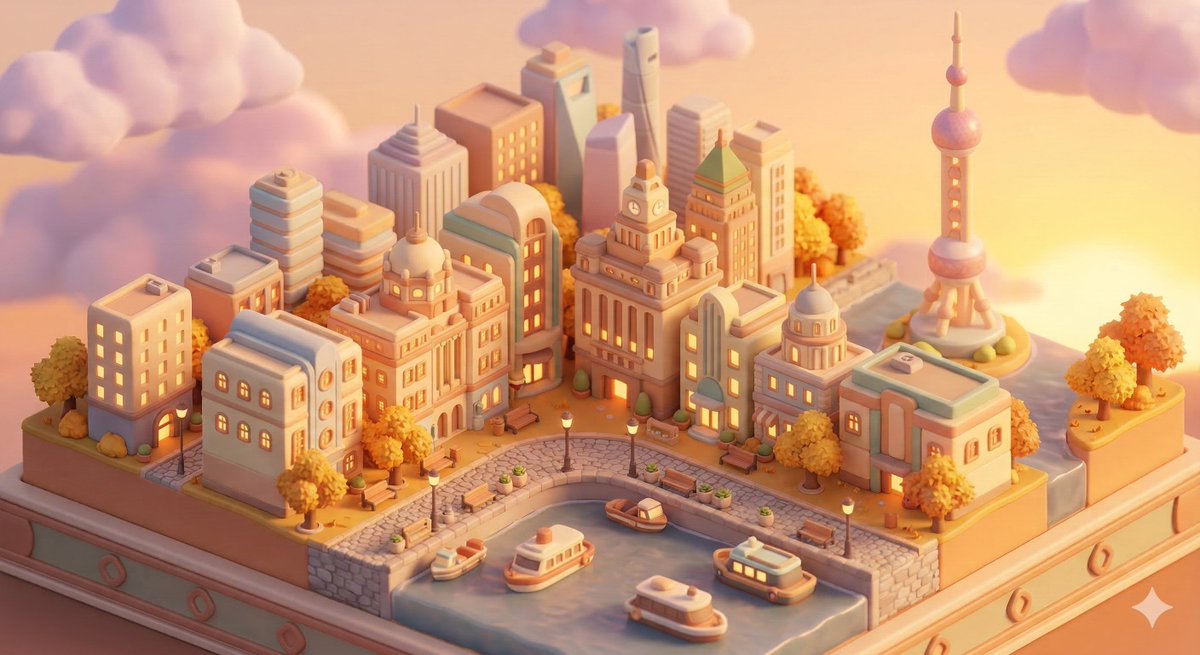
Animal Crossing New Horizons art style, 3D render, isometric diorama view, [LOCATION] street scene, cute rounded chibi buildings, [SEASON ELEMENTS], soft warm light, pastel color palette, cozy atmosphere, subsurface scattering, soft shadows, miniature world, Nintendo aesthetic, blender render, no text
@0x00_Krypt

What Are Chibi Illustration AI Prompts?

Chibi Illustration AI prompts are focused prompt patterns for generating a specific scene, character mood, or stylistic direction with clearer intent than a broad generic tag. Instead of asking an AI model for a simple subject, this tag helps you define the role of the scene, the visual mood, the camera distance, the lighting, the material cues, and the final publishing context. It is especially useful when you need prompts for SD 캐릭터, 굿즈 아이콘, 프로필 아바타, 이모티콘, 캐릭터 스티커. A strong prompt in this category usually combines a clear subject with production details, such as background context, composition, atmosphere, color palette, lens behavior, and the format where the output will be used.

Best Use Cases

  • Building visual concepts for brand campaigns, landing pages, social posts, or editorial layouts
  • Creating prompt variations for thumbnails, carousel covers, posters, product pages, and short-form content
  • Placing characters, products, or objects inside a scene that feels purposeful rather than random
  • Testing multiple art directions by changing lighting, season, color palette, lens type, or material texture
  • Turning a rough idea into a repeatable production prompt that can be reused across a campaign

Why This Tag Works

Chibi Illustration works because it narrows the model's decision space. When a prompt only includes a broad subject, the model has to guess the setting, the framing, the style, and the emotional tone. This tag gives the prompt a more concrete search intent and a clearer production target. Details such as big head, small body, simple eyes, rounded limbs, flat color, cute pose help the model understand what should be visible on screen, what should be emphasized, and what should remain secondary. The result is usually more consistent, easier to compare, and more useful for real creative workflows. You can adapt the same prompt for realistic photography, illustration, cinematic video, anime-inspired visuals, packaging previews, or social-first design systems by changing the medium and camera instructions.

Explore Related Prompts

  • Illustration
  • Character
  • Anime Style
  • Pet Character
  • Children Book
  • Baby Illustration
  • Diary Sticker

Prompt Building Tips

  1. Start with the subject and setting, then add the intended use case so the model understands the output goal.
  2. Specify camera distance, aspect ratio, lens style, lighting direction, and color palette to reduce random composition choices.
  3. Add material cues, environmental details, and secondary objects only when they support the main idea.
  4. Include a short negative instruction for unwanted artifacts, clutter, incorrect text, extra limbs, or mismatched branding.
    Chibi Illustration prompts perform best when the scene is specific enough to guide the model but still flexible enough to allow rich visual interpretation. Keep the core idea clear, then iterate through style, lighting, and composition variations until the output matches your publishing context.

Frequently Asked Questions

Related Prompts

Chibi Style

Chibi Style

24 prompts

Kawaii Illustration

Kawaii Illustration

64 prompts

Character

Character

143 prompts

Illustration

Illustration

300 prompts

Carat Prompt Gallery

Create trending AI prompts instantly

Prompts

  • Logo
  • PPT Design
  • Thumbnail
  • Poster
  • Web Novel Cover
  • ID Photo
  • Caricature
  • Product Detail Page
  • Banner

Models

  • GPT Image 2
  • Seedance 2.0
  • NanoBanana Pro
  • NanoBanana 2

Carat

  • Get started
  • About
  • Blog
  • Careers
  • Contact
  • Partnership
  • Terms
  • Privacy

© 2026 Paradot.Inc All rights reserved.