carat

Prompt Gallery

/

Kawaii Illustration

Login
Sign Up

Kawaii Illustration

Explore practical AI prompts and prompt-building tips for kawaii illustration.

2026.07.06

·
GPT 이미지 2로 생성한 곰 캐릭터 예시 2

곰 캐릭터 예시 2

GPT Image 2· Image
Kawaii bear character holding a honey jar, soft brown fur, rounded shapes, simple background, children book mascot style, no readable text.
GPT 이미지 2로 생성한 딸기 일러스트 예시 2

딸기 일러스트 예시 2

GPT Image 2· Image
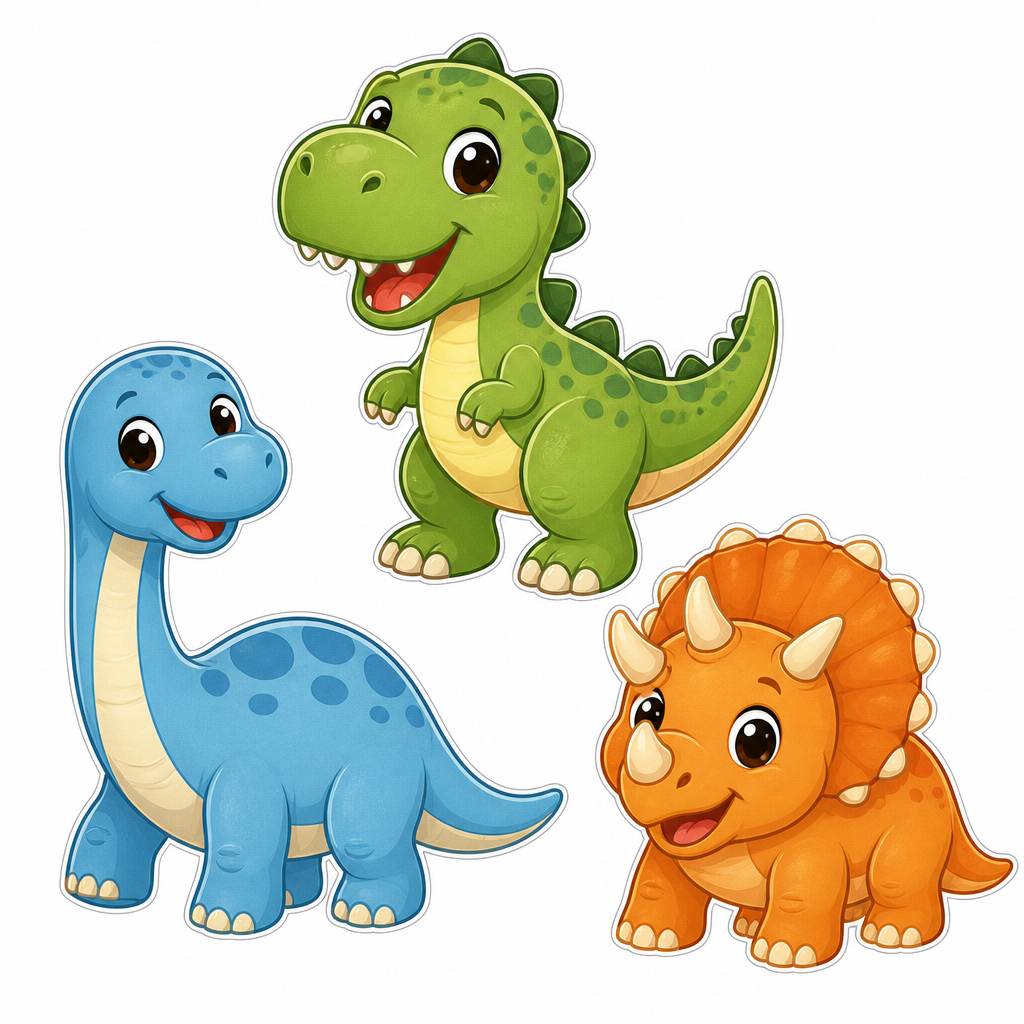
Cute strawberry character illustration with a tiny smile and rounded body, sticker design, soft pink shadow, simple white background, cheerful kawaii mood, no text.
AI-generated My Melody Gyaru cosplay illustration made with GPT Image 2

My Melody Gyaru Cosplay Illustration

GPT Image 2· Image
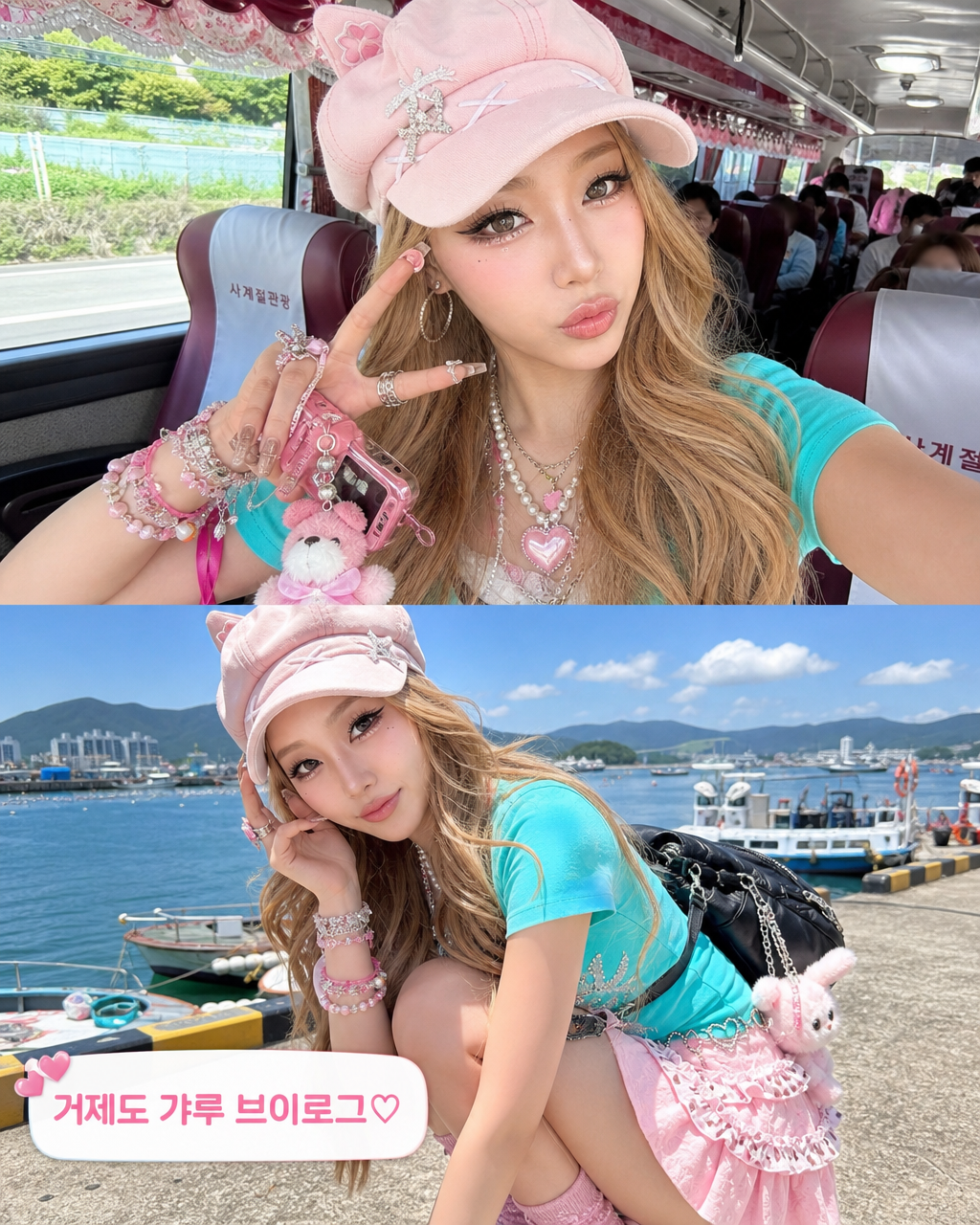
Transform the person in this photo into the Sanrio character My Melody. Keep the EXACT same outfit, accessories, and pose from the photo — replicate every detail: clothing items, colors, patterns, bag, jewelry, socks, shoes, and any charms or keyrings. Replace the person entirely with My Melody in her original Sanrio cartoon illustration style: cute 2D chibi proportions, soft pink hood covering her head with two small round ears, sweet round white face with tiny black dot eyes and a small pink nose, no visible mouth. Do NOT make her look realistic or like a person wearing a mascot costume — she should look like official Sanrio character art. Plain solid white background (#FFFFFF). Output in 3:4 portrait ratio.
AI-generated Kuromi Gyaru cosplay illustration made with GPT Image 2

Kuromi Gyaru Cosplay Illustration

GPT Image 2· Image
Transform the person in this photo into the Sanrio character Kuromi. Keep the EXACT same outfit, accessories, and pose from the photo — replicate every detail: clothing items, colors, patterns, bag, jewelry, socks, shoes, and any charms or keyrings. Replace the person entirely with Kuromi in her original Sanrio cartoon illustration style: cute 2D chibi proportions, black jester hood with a pink skull on the forehead, expressive purple eyes, small white rabbit-like face, and a curly devil tail. Do NOT make her look realistic or like a person wearing a mascot costume — she should look like official Sanrio character art. Plain solid white background (#FFFFFF). Output in 3:4 portrait ratio.
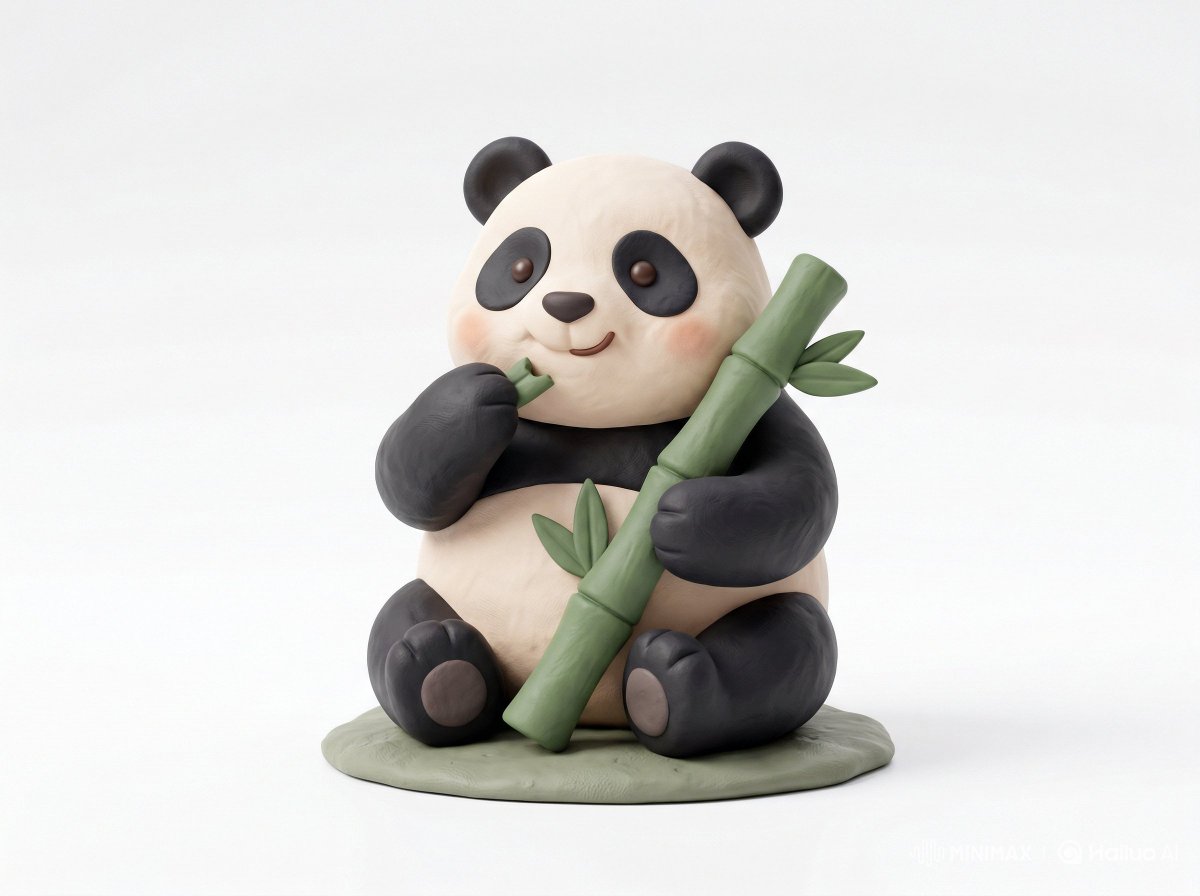
AI-generated Clay Toy Icon Character made with Nano Banana Pro

Clay Toy Icon Character

Nano Banana Pro· Image
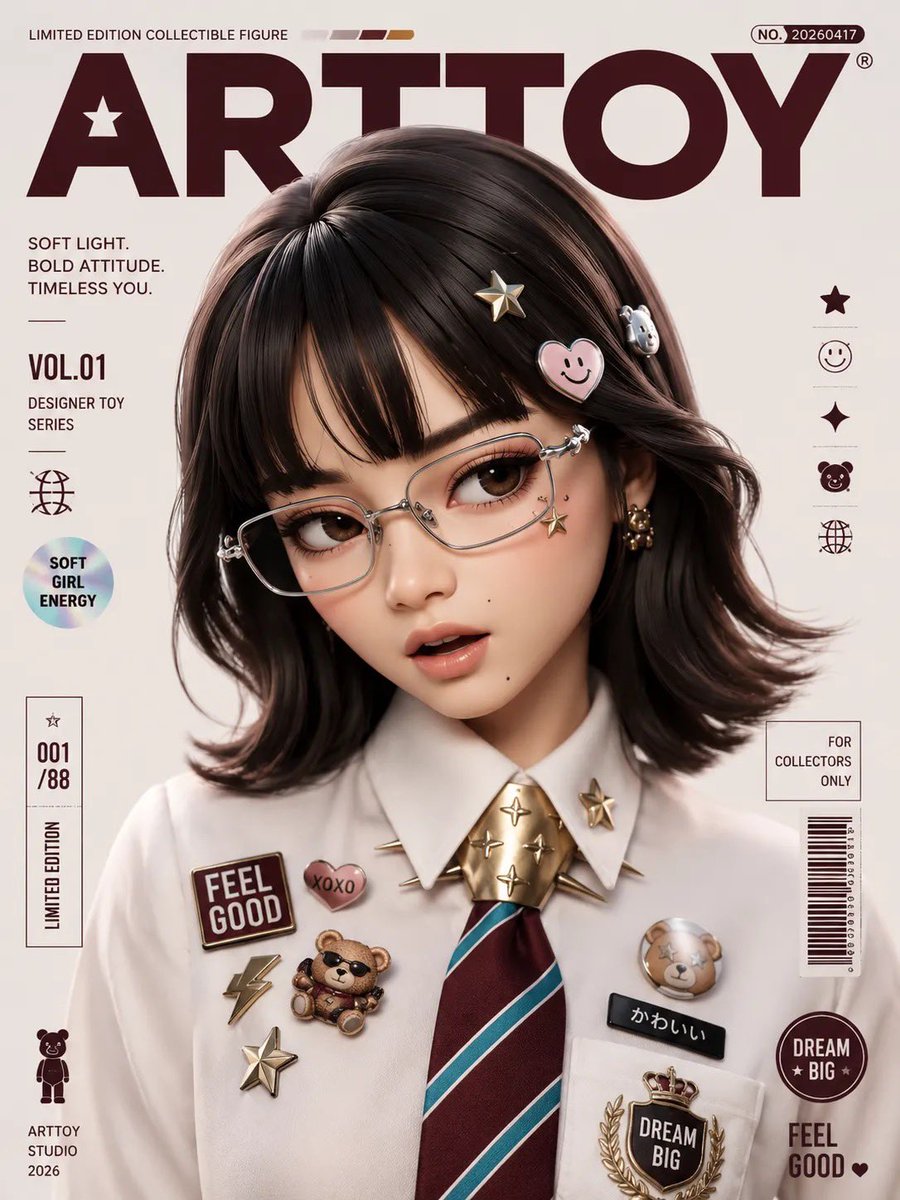
Cute 3D render of a [subject], matte surface, kneaded clay icon style, simple stylized design, [doing action], [emotion or mood], rounded proportions, soft sculpted details, playful body language, vibrant [color1], [color2], and [color3] accents, clean white background, minimal composition, soft ambient lighting, subtle shadow, charming character design, high-resolution, polished toy-like aesthetic
@Strength04_X
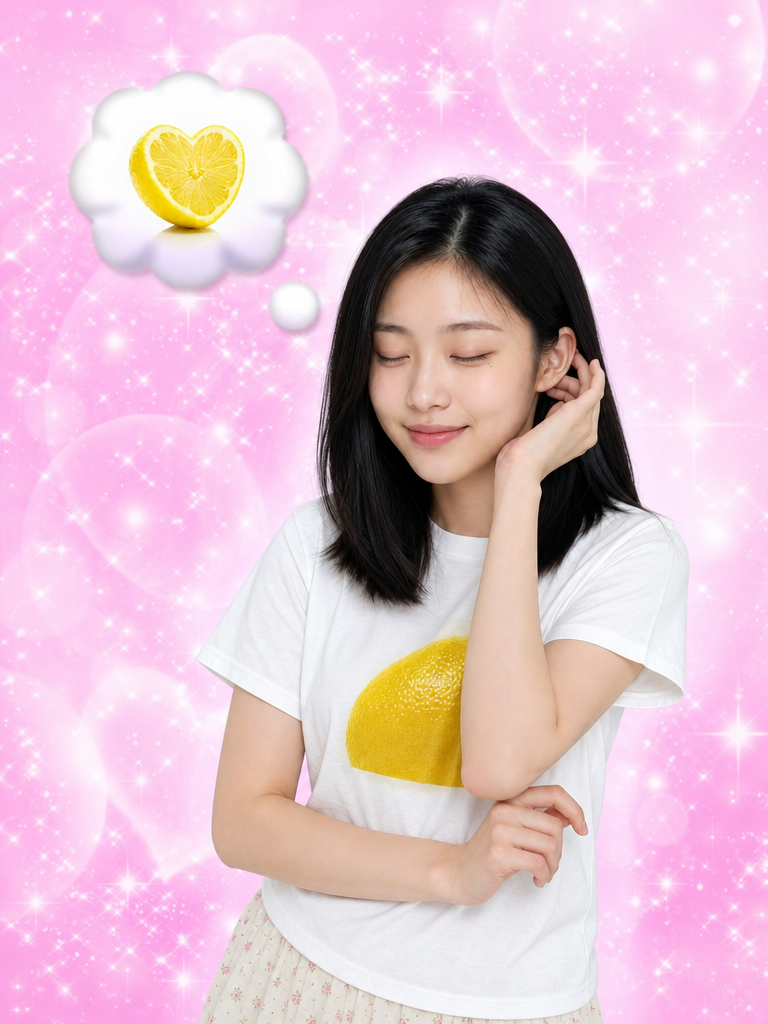
GPT Image 2 generated result for I Keep Thinking of Lemon Lemon Tang prompt

I Keep Thinking of Lemon

GPT Image 2· Image
Images 1 and 2 are identity references — use them to define the facial features (eye shape, nose, lips, skin tone, face structure) and the hair style (texture, curl, wave, and volume). Image 3 (https://assets.carat-api.im/upload_from_app/3052856/20260622/187c03e4-ea29-4e40-b15b-21c555b33c1a.png) is the target. Replace the face and hair of the person in Image 3 with the identity from Images 1 and 2. The hair must match the style from the references, including any curl or wave texture. STRICTLY PRESERVE: the closed eyes, the satisfied humming expression (mouth gently closed with a pleased slight smile, like saying "mmm~"), the head angle, the pose, the clothing, the background, and the lighting. Eyes must remain closed.
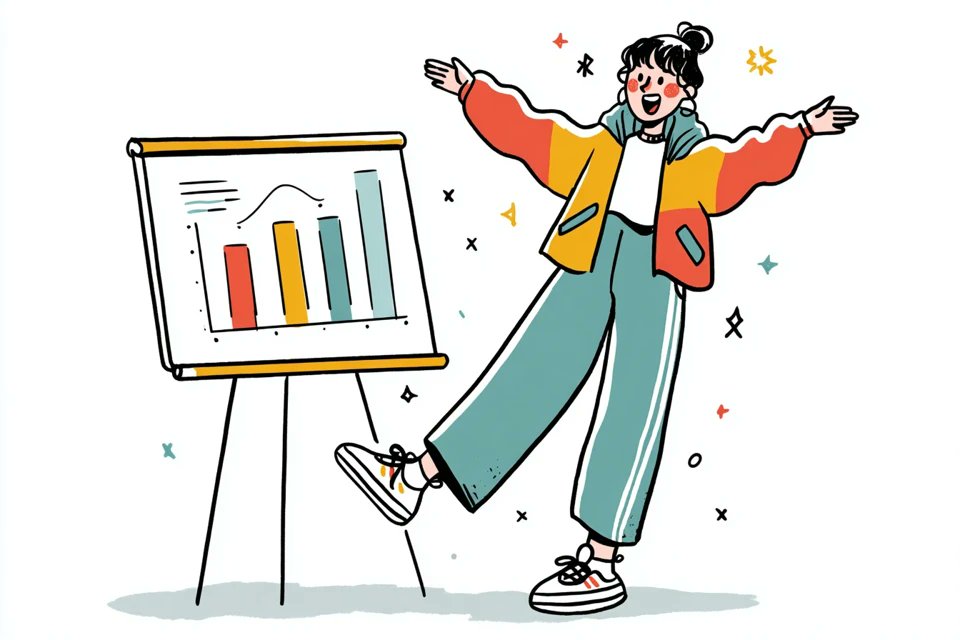
AI-generated Hand-Drawn Quirky Character Illustration made with GPT Image 2
Hand-Drawn Quirky Character Illustration

GPT Image 2· Image
A simple illustration of a [subject] in [outfit], [doing action], with a [facial expression] expression, in the style of Gemma Correll, playful hand-drawn linework, quirky character design, minimal detail, expressive posture, clean white background, charming editorial illustration feel
@azed_ai
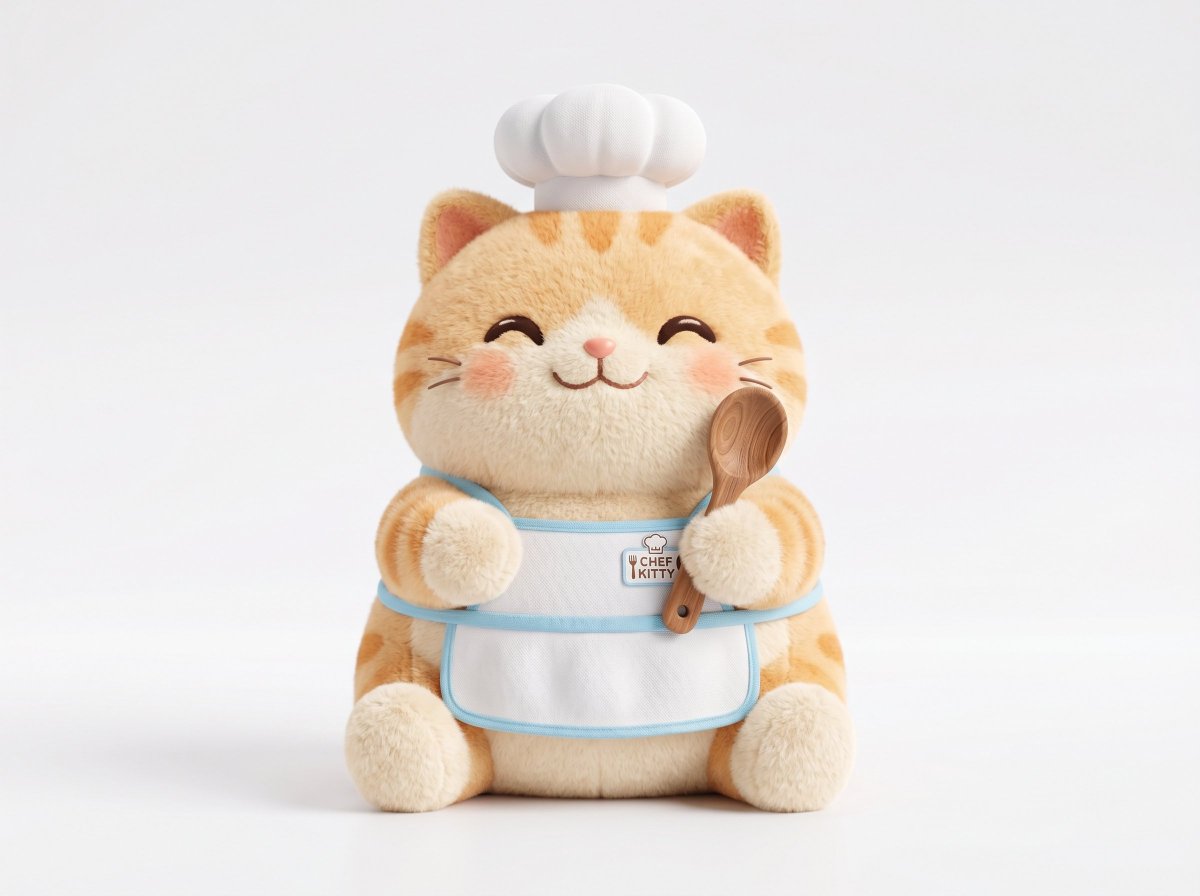
AI-generated Plush 3D Model made with GPT Image 2

Plush 3D Model

GPT Image 2· Image
A soft plush 3D model of a [subject] with [key detail], rendered in a cute stylized aesthetic, velvety surface, squeezable toy-like form, rounded proportions, charming animated [object type] design, clean white background, centered composition, soft ambient lighting, pastel palette, subtle shadows, high-resolution 3D render, front-facing view, ultra clean, adorable collectible feel
@Strength04_X
GPT Image 2 generated result for Lemon Tang Tang Tang Lemon Tang prompt

Lemon Tang Tang Tang

GPT Image 2· Image
Image 1 (frontal portrait) is REQUIRED. Image 2 (side profile) is OPTIONAL but improves hair accuracy. Image 1: FACE IDENTITY ONLY — facial features (eye shape, nose shape, lip shape, skin tone). Image 2: HAIR IDENTITY ONLY — hair color, texture, volume, silhouette. Image 3 (https://assets.carat-api.im/upload_from_app/3052856/20260619/d1dd743d-6133-464e-9c5a-04de92fdb86e.png): BASE IMAGE — all pose, outfit, background, lighting, composition come from here. CHANGE: Replace only the face and hair with the identity from Image 1 and Image 2. EXPRESSION (critical): A subtle self-satisfied smirk — one corner of the mouth lifted very slightly, lips barely parted with quiet confidence. Eyes slightly narrowed and heavy-lidded, knowing languid gaze straight at camera. One eyebrow raised ever so slightly. NOT a full smile. PRESERVE from Image 3 exactly: body angled slightly left, right arm extended forward toward viewer, white t-shirt with large bright citrus lemon graphic, clean white background, large heart-shaped lemon slice on the right with motion blur, sparkle overlay, asymmetric landscape composition.
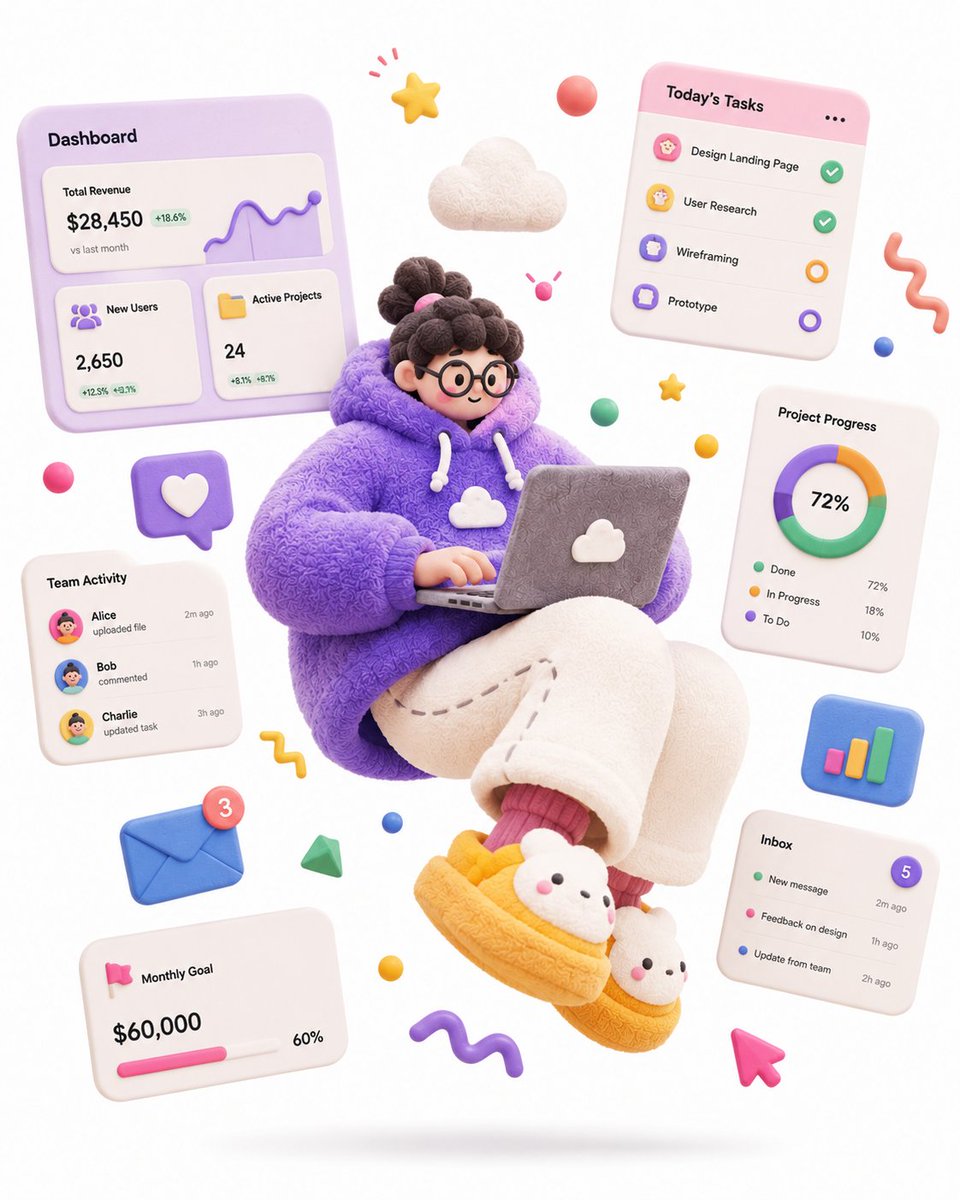
AI-generated Soft Sculpture Jumping Character made with GPT Image 2

Soft Sculpture Jumping Character

GPT Image 2· Image
A complete single 3D illustration, exaggerated artistic editorial illustration style, not storyboard, not a collage layout. The subject is an exaggerated cartoon character with a tiny head, round chubby body, extremely elongated limbs, oversized hands and oversized shoes, off-balance center of gravity, frozen mid-air in a dramatic jumping pose, with strong tension and comedic energy. Overall form looks like a soft sculpture toy round, chunky, bouncy, exaggerated not anatomically correct. Materials are matte soft rubber, fuzzy fabric, knitted texture, plasticine feel, with fine fiber details, slight grain, hand-sculpted touch avoid glossy plastic toy look, avoid translucent glass look, avoid high reflections. High-saturation dopamine color palette, bold color clashes, large flat color blocks, bright but not over-glowing. Clean white background, minimal space, only a soft oval shadow on the ground, no complex scene. Floating abstract graphic elements around the character: stars, squiggle lines, balls, cubes, icons, symbols all rendered as soft rubber or paper props to enhance motion and design feel. Soft studio lighting, global illumination, soft shadows, low contrast, clean commercial render. C4D / Blender 3D illustration, stylized soft sculpture, matte clay material, fuzzy fabric texture, knitted surface detail, playful editorial 3D illustration, high quality. Theme: a SaaS-hoodie product designer floating with a laptop, surrounded by dashboard UI cards, charts and task widgets, hero illustration for a SaaS landing page
@MissDelulu9
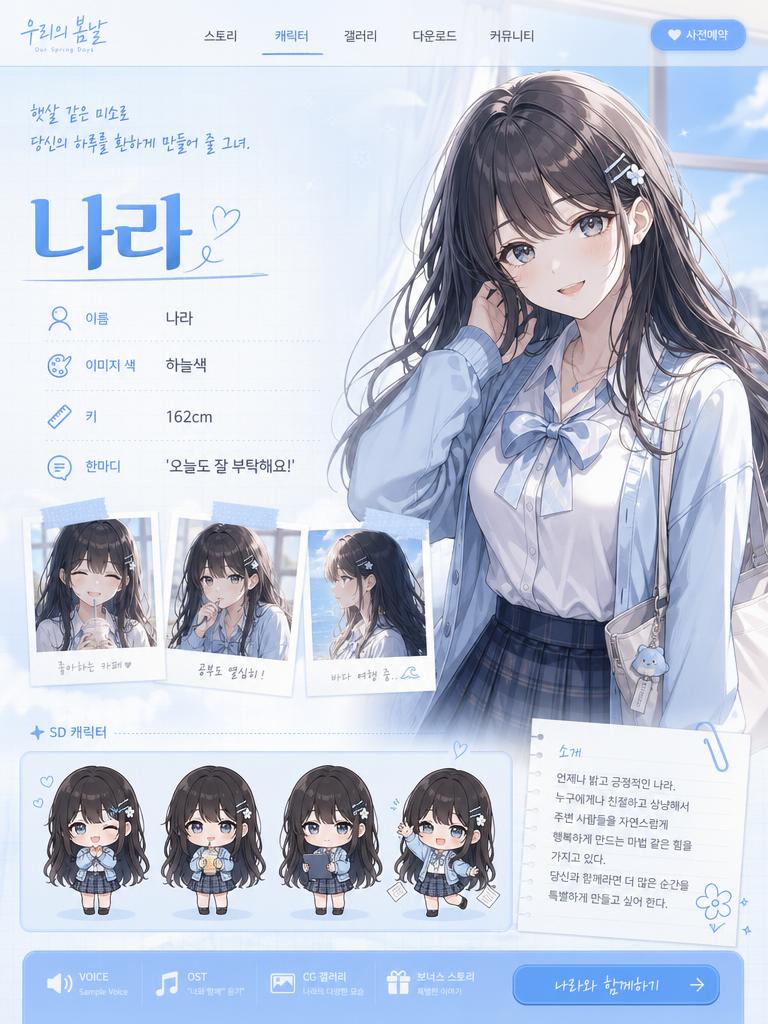
AI-generated Character Charm Anatomy Board made with GPT Image 2

Character Charm Anatomy Board

GPT Image 2· Image
入力されたキャラクター画像をもとに、 そのキャラクターの「魅力解剖図」を1枚のビジュアルとして作成してください。 これは通常のキャラクター設定資料、三面図、プロフィールシートではありません。 目的は、キャラクターの情報を説明することではなく、 「この子のどこが可愛いのか」「なぜ目を惹かれるのか」「どの部分に好きになる理由があるのか」を、 デザイン的・感情的に分解して見せることです。 入力画像からキャラクターの以下の魅力要素を丁寧に読み取ってください。 ・目の形、瞳の色、目線の印象 ・髪の流れ、前髪、毛先、シルエットの可愛さ ・表情のクセ、微笑み方、照れ、無表情の中の感情 ・手の仕草、指先、袖口との関係 ・衣装の好きポイント、リボン、フリル、装飾、小物 ・首元、肩、袖、スカート、靴などの見せ場 ・そのキャラクターが一番かわいく見える角度 ・全体から感じる性格、雰囲気、守りたくなるポイント、惹かれる理由 中央にはキャラクターを大きく配置してください。 キャラクターはただ立たせるのではなく、 その子の魅力が最も伝わる角度、ポーズ、表情で描いてください。 正面すぎる証明写真のような構図は禁止。 少し振り向く、手を口元に添える、袖をつまむ、髪を軽く押さえる、視線を少し外すなど、 “好きになる瞬間”を切り取ったような自然で魅力的なポーズにしてください。 周囲には、キャラクターの魅力ポイントを分解した小さなクローズアップパネルを配置してください。 ただし機械的な設定資料のように並べるのではなく、 雑誌の特集ページ、デザイン解剖図、ファンが作った愛のある分析ボードのように、 美しく、可愛く、少し偏愛を感じるレイアウトにしてください。 配置するパネル例: ・瞳のアップ:この子らしさが宿る目元 ・髪の流れ:シルエットを決める毛束 ・手元:仕草に出る性格 ・表情差分:微笑み、照れ、少し不機嫌、無防備な顔 ・衣装の推しポイント:リボン、袖、襟、装飾、素材感 ・一番かわいい角度:顔の向き、視線、首の傾き ・小物やモチーフ:その子の世界観を象徴する要素 各パネルは、キャラクターの魅力を強調するための拡大カットとして描いてください。 パーツだけを無機質に切り抜くのではなく、 「ここが好き」と思わせるような温度感のある見せ方にしてください。 画面内には短い注釈風のラベルを入れてもよいですが、 長文説明ではなく、短い見出しや記号的なデザインにしてください。 例: “eyes” “hair flow” “gesture” “best angle” “favorite detail” “charm point” “soft expression” “tiny habit” 文字は主役にしすぎず、あくまでデザイン要素として扱ってください。 読ませる資料ではなく、見た瞬間に「この子、可愛い」と伝わるビジュアルにしてください。 デザイン全体は、可愛い研究ノート、キャラクター愛の解剖図、ファッション誌の分析ページ、公式アートブックの特集ページを合わせたような雰囲気。 背景はシンプルで清潔感があり、キャラクターの色に合わせた淡いグラデーション、紙面風の余白、細い罫線、半透明のパネル、手書き風の丸囲み、矢印、ハート、小さな装飾を使ってください。 重要: キャラクターを単に説明しないこと。 身長、年齢、能力、所属、武器説明などの設定資料的な情報は不要です。 描くべきなのはスペックではなく、 “好きになる理由”です。 キャラクター本人の魅力が最優先。 パネルや注釈が多すぎて主役が埋もれないようにしてください。 中央のキャラクターは必ず最も可愛く、最も完成度高く描いてください。 全体の印象: cute character charm analysis sheet, visual breakdown of cuteness, not a character profile, not a model sheet, aesthetic design board, fan-favorite details, emotional attraction map, soft editorial layout, official artbook style, clean anime illustration, beautiful eyes, expressive hands, flowing hair, adorable pose, best angle, lovable expression, fashion detail close-ups, delicate annotations, soft pastel panels, refined graphic design, high-quality anime illustration, commercial-level finish.
@kiAI_stable
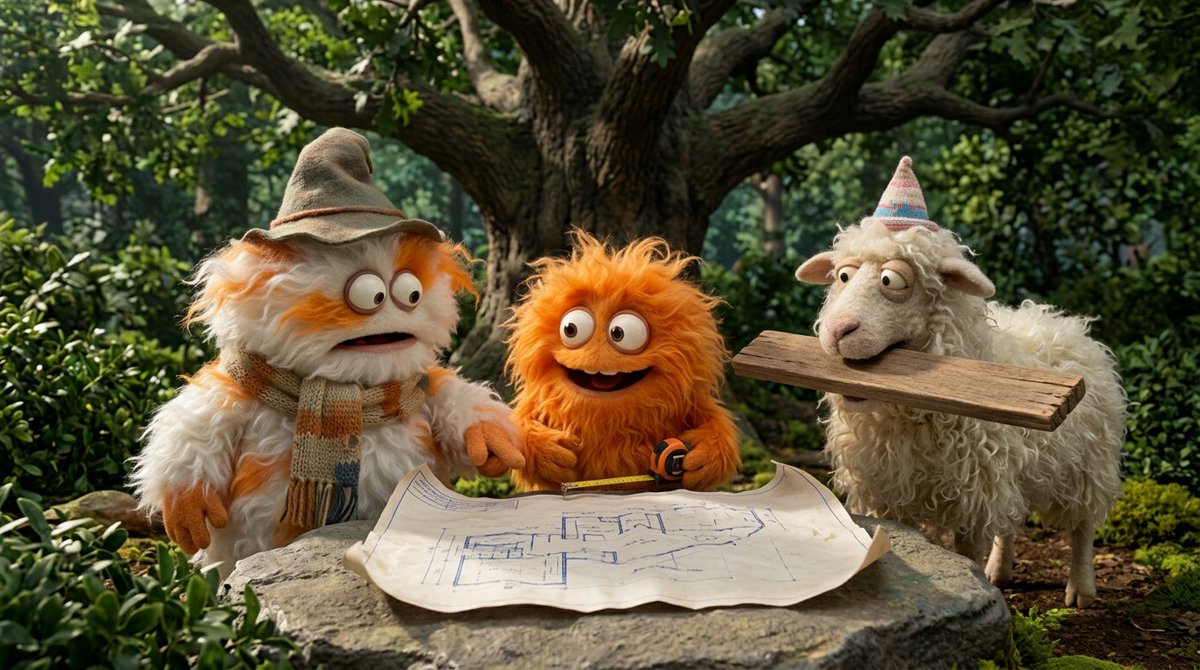
AI-generated Fluffy Creatures 4-Part Story made with Nano Banana Pro

Fluffy Creatures 4-Part Story

Nano Banana Pro· Image
Create a funny 4-part story featuring 3 fluffy creatures building a treehouse. The story has emotional highs and lows and ends in a happy moment. Maintain consistent identity across the 3 characters. Generate 4 images in 16:9 format, one at a time.
@GoogleAI

What Are Kawaii Illustration AI Prompts?

Kawaii Illustration AI prompts are focused prompt patterns for generating a specific scene, character mood, or stylistic direction with clearer intent than a broad generic tag. Instead of asking an AI model for a simple subject, this tag helps you define the role of the scene, the visual mood, the camera distance, the lighting, the material cues, and the final publishing context. It is especially useful when you need prompts for 귀여운 캐릭터 굿즈, 다이어리 일러스트, SNS 프로필, 카드뉴스 아이콘, 스티커 세트. A strong prompt in this category usually combines a clear subject with production details, such as background context, composition, atmosphere, color palette, lens behavior, and the format where the output will be used.

Best Use Cases

  • Building visual concepts for brand campaigns, landing pages, social posts, or editorial layouts
  • Creating prompt variations for thumbnails, carousel covers, posters, product pages, and short-form content
  • Placing characters, products, or objects inside a scene that feels purposeful rather than random
  • Testing multiple art directions by changing lighting, season, color palette, lens type, or material texture
  • Turning a rough idea into a repeatable production prompt that can be reused across a campaign

Why This Tag Works

Kawaii Illustration works because it narrows the model's decision space. When a prompt only includes a broad subject, the model has to guess the setting, the framing, the style, and the emotional tone. This tag gives the prompt a more concrete search intent and a clearer production target. Details such as round shapes, pastel palette, sparkly eyes, soft blush, small body, simple background help the model understand what should be visible on screen, what should be emphasized, and what should remain secondary. The result is usually more consistent, easier to compare, and more useful for real creative workflows. You can adapt the same prompt for realistic photography, illustration, cinematic video, anime-inspired visuals, packaging previews, or social-first design systems by changing the medium and camera instructions.

Explore Related Prompts

  • Illustration
  • Character
  • Pet Illustration
  • Pet Character
  • Children Book
  • Baby Illustration
  • Diary Sticker

Prompt Building Tips

  1. Start with the subject and setting, then add the intended use case so the model understands the output goal.
  2. Specify camera distance, aspect ratio, lens style, lighting direction, and color palette to reduce random composition choices.
  3. Add material cues, environmental details, and secondary objects only when they support the main idea.
  4. Include a short negative instruction for unwanted artifacts, clutter, incorrect text, extra limbs, or mismatched branding.
    Kawaii Illustration prompts perform best when the scene is specific enough to guide the model but still flexible enough to allow rich visual interpretation. Keep the core idea clear, then iterate through style, lighting, and composition variations until the output matches your publishing context.

Frequently Asked Questions

Related Prompts

Kawaii

Kawaii

58 prompts

Character

Character

253 prompts

Illustration

Illustration

646 prompts

Chibi Style

Chibi Style

24 prompts

Carat Prompt Gallery

Create trending AI prompts instantly

Prompts

  • Logo
  • PPT Design
  • Thumbnail
  • Poster
  • Web Novel Cover
  • ID Photo
  • Caricature
  • Product Detail Page
  • Banner

Models

  • GPT Image 2
  • Seedance 2.0
  • NanoBanana Pro
  • NanoBanana 2

Carat

  • Get started
  • About
  • Blog
  • Careers
  • Contact
  • Partnership
  • Terms
  • Privacy

© 2026 Paradot.Inc All rights reserved.