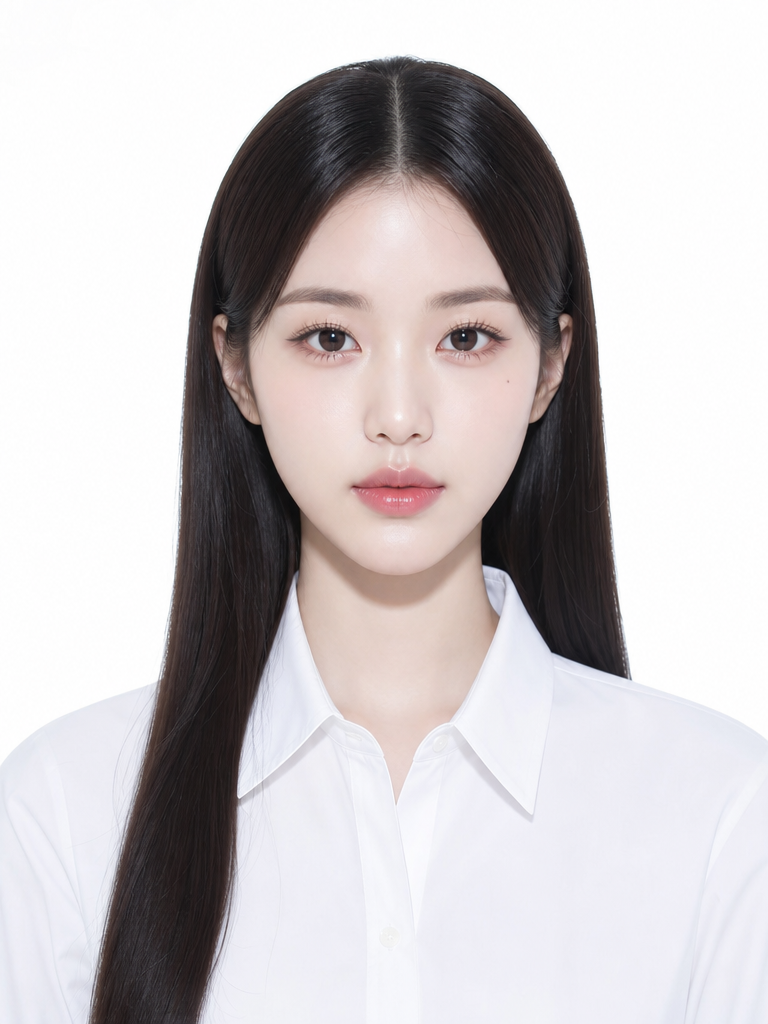
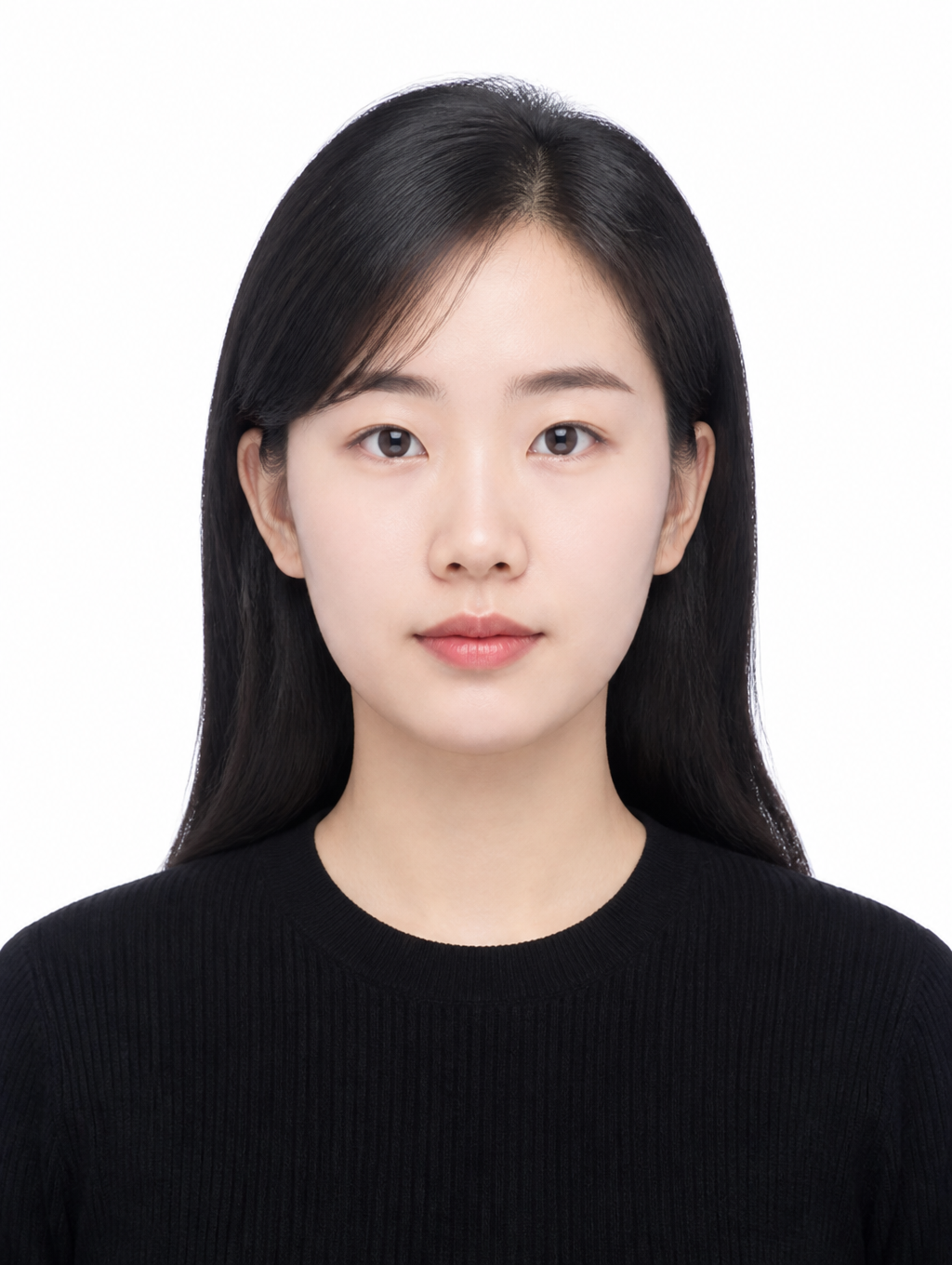
Civil Servant Exam Photo
Create civil service exam ID photos and application portraits with AI prompts.
2026.07.08
Make “Civil Servant Exam Photo” exactly the way you wantCreate your own “Civil Servant Exam Photo”
Just ask in plain language — Carat generates optimized images and videos for you.

Start now with 100 free credits daily
Two Passport Photos Shot
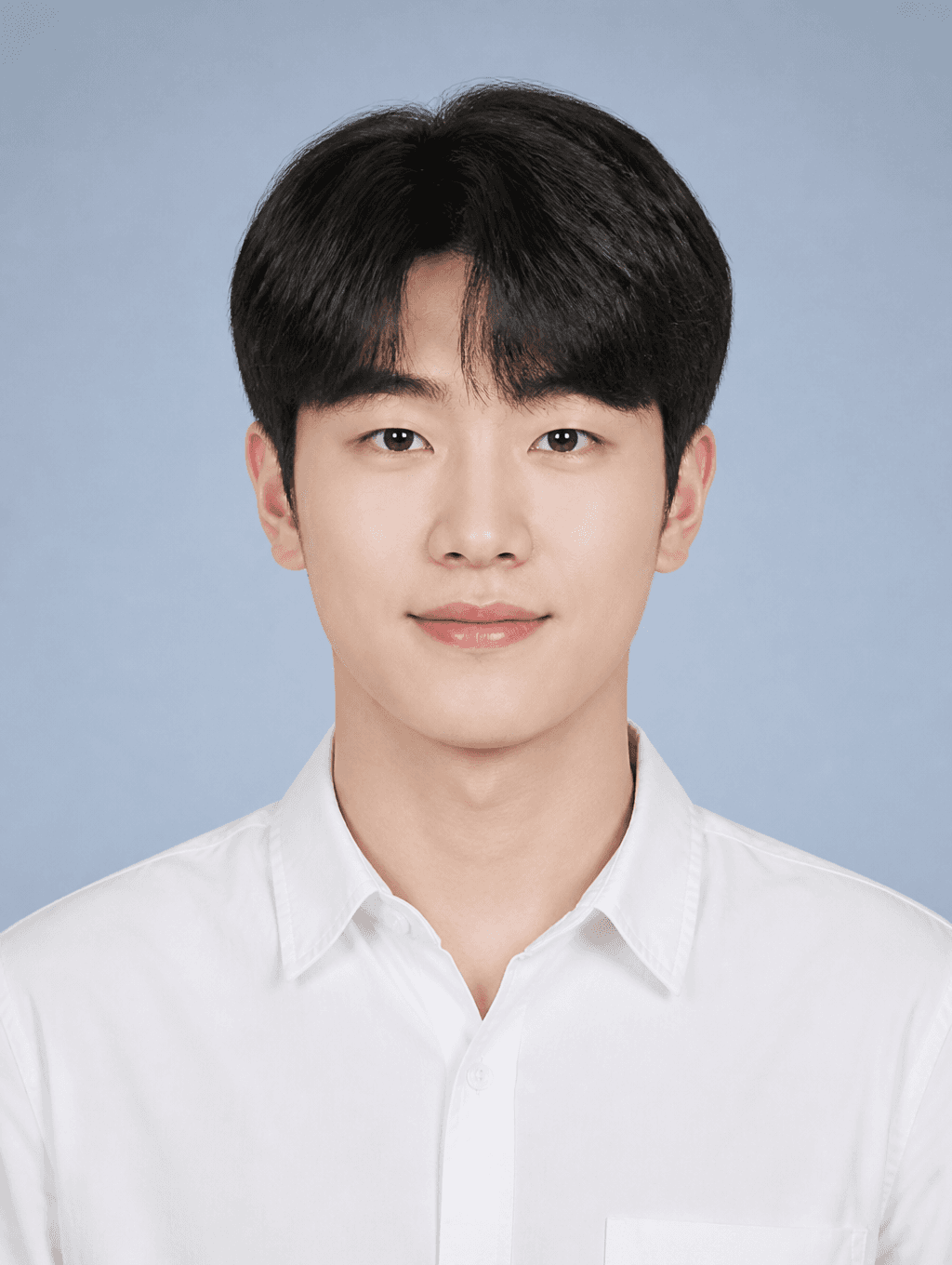
Student ID Photo
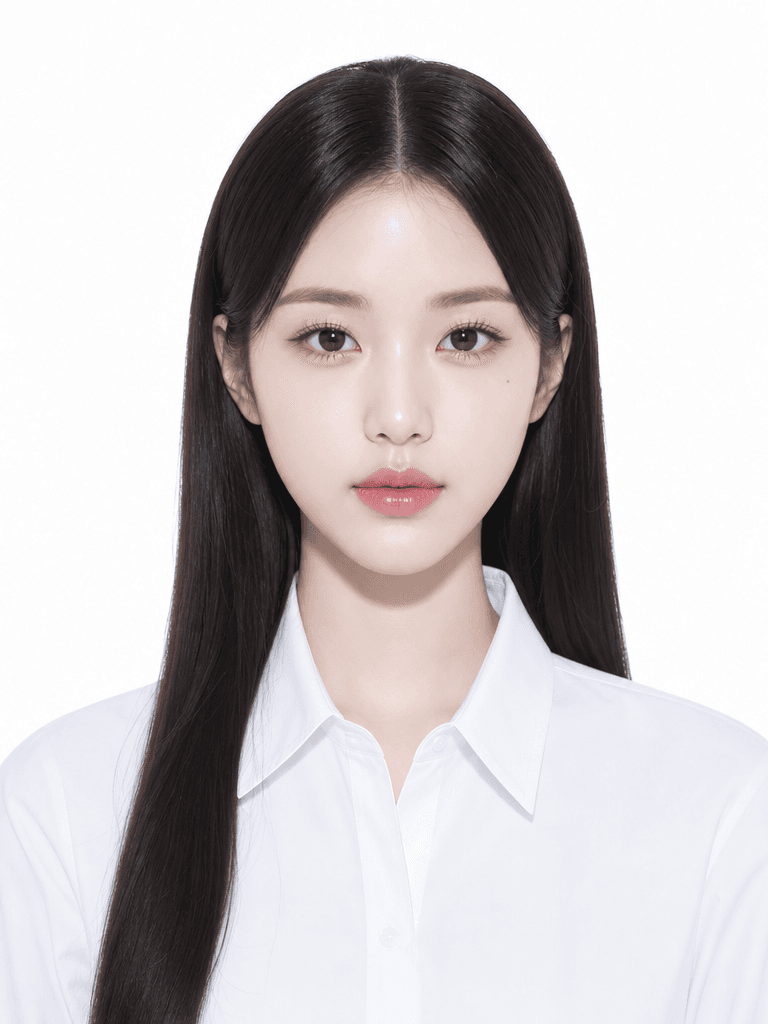
증명사진 일러스트
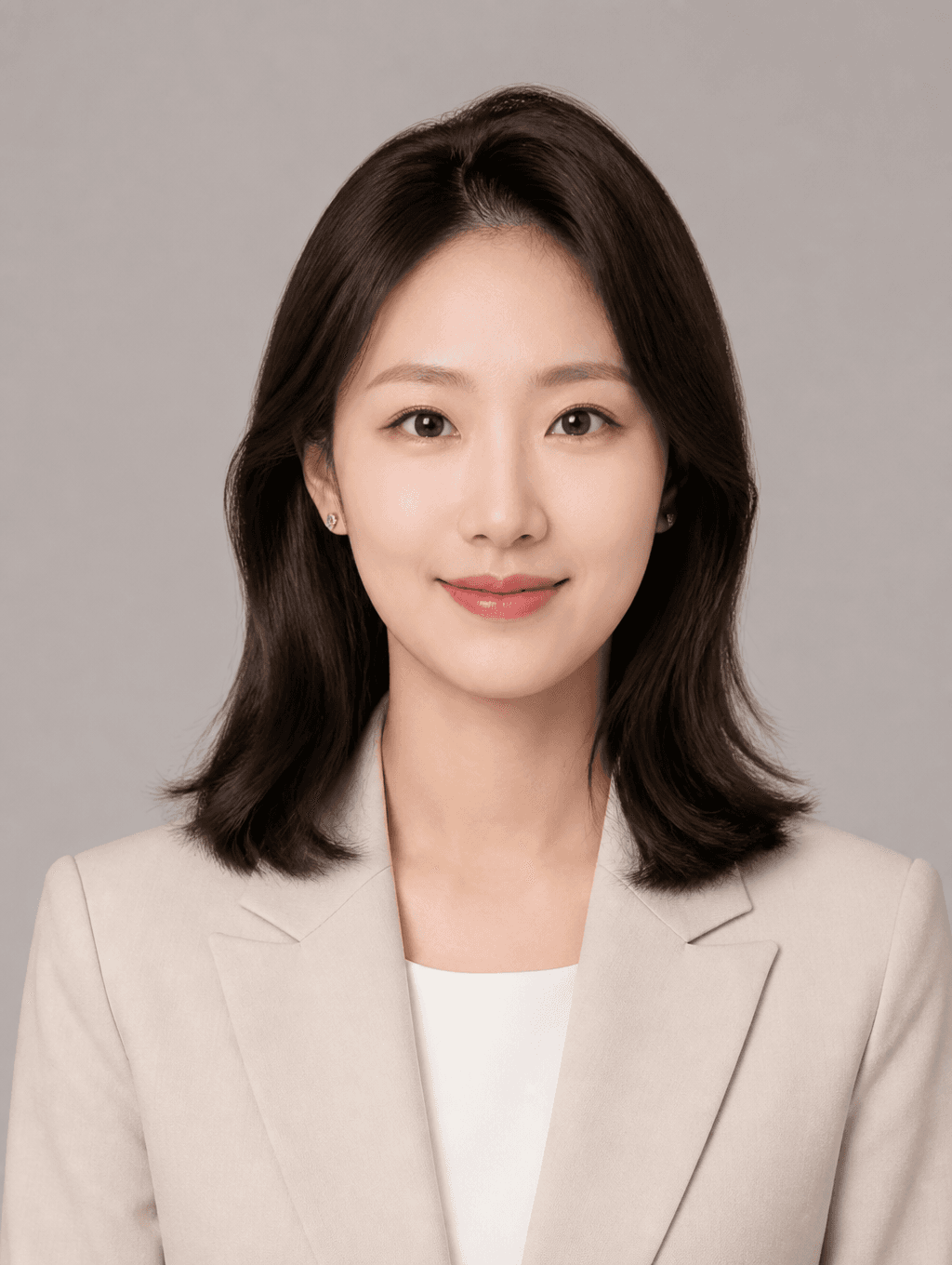
Profile ID Photo
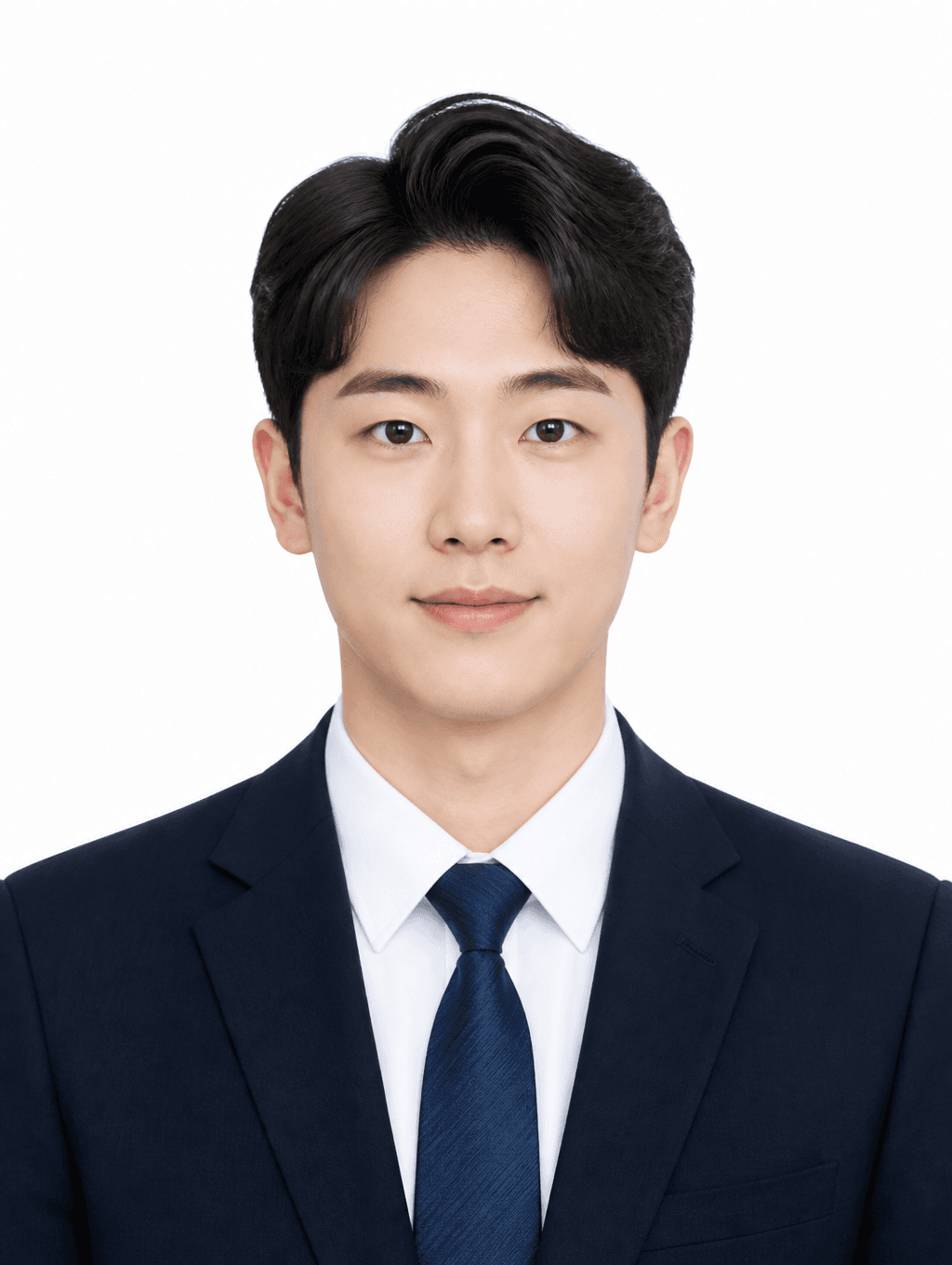
Job Application ID Photo
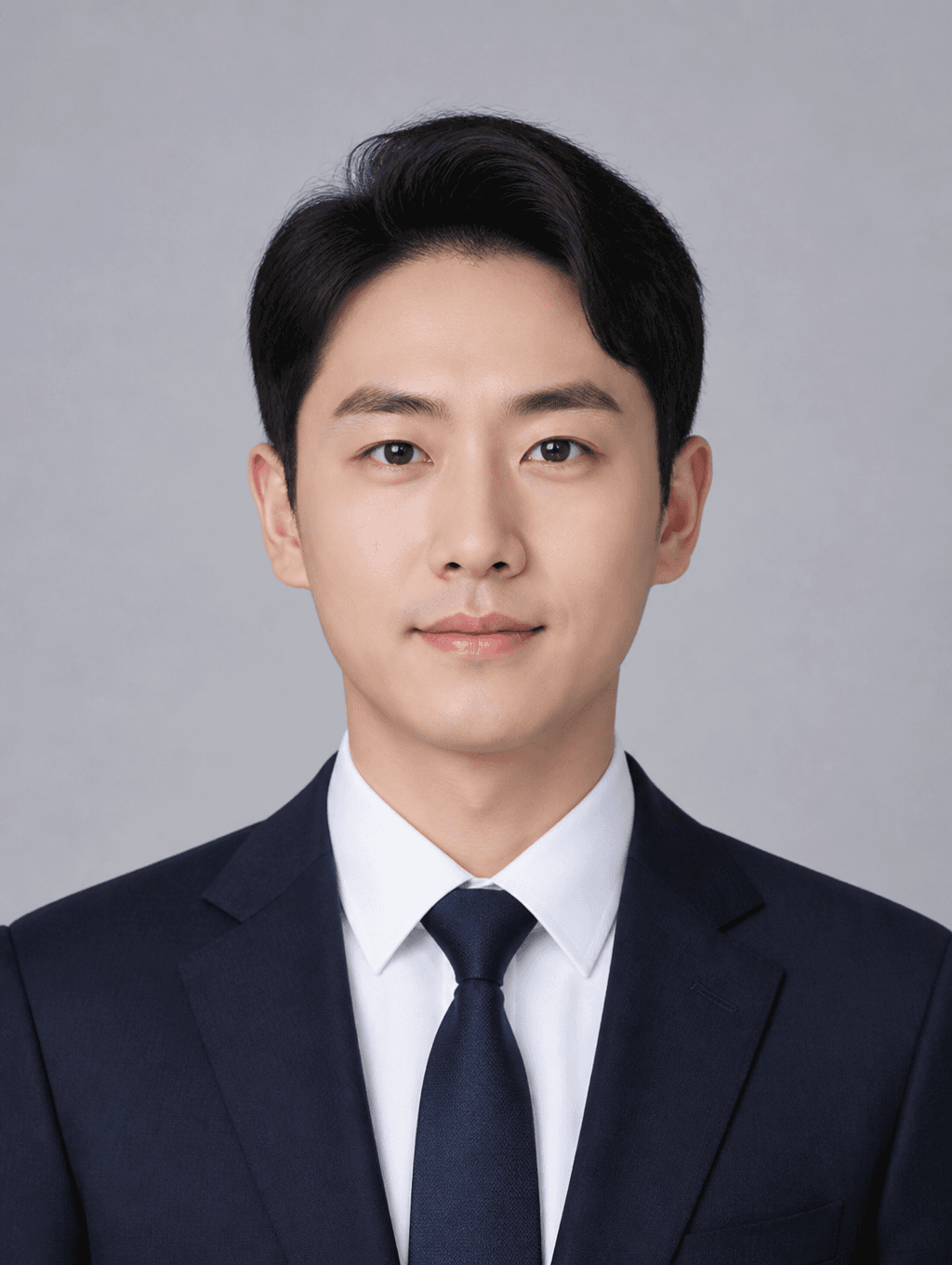
Business ID Photo
What Is a Civil Servant Exam Photo?
A civil servant exam photo is an identification photograph required for civil service examination applications, submitted during the exam registration process for government positions including national civil service, local civil service, and military civilian positions. The standard specifications typically require a 3.5x4.5 centimeter photograph with a white or light blue background, showing the applicant in a front-facing posture with formal attire and a natural expression. Civil service exam photos differ from casual ID photos in that they must convey trustworthiness, professionalism, and neatness appropriate for government service, as the photo represents the applicant's first impression to the examining board. Different civil service exams may have slightly varying photo specifications, making it essential to verify the exact requirements for each specific examination before submitting the application. AI image generation tools now provide an accessible alternative for producing specification-compliant civil servant exam photos without visiting a professional photo studio.
How to Write AI Civil Servant Exam Photo Prompts
When generating a civil servant exam photo with AI, specify the size, background color, front-facing composition, formal attire, and natural expression as key elements. Include prompt phrases like "3.5x4.5cm," "white background," "front-facing composition," "formal business suit," and "natural expression or neutral face." Civil servant exam photos must convey trustworthiness and neatness, so emphasize a clean, natural impression over excessive retouching, and specify formal attire such as a business suit or dress shirt with a tie for male applicants and a blouse or blazer for female applicants. The background color is typically white for most civil service exams, though some may accept light blue, so specify the exact color required by the target examination.
Civil Servant Exam Photo Prompt Examples
A job application ID photo prompt creates a trustworthy, business-tone ID photo suitable for civil service exam applications, featuring formal attire and professional quality. A profile-use ID photo prompt generates a polished yet formal profile photo that works well for civil service applications and professional networking. A student ID photo prompt creates a student-appropriate neat ID photo, useful for recent graduates applying for entry-level civil service positions. A business ID photo prompt generates a suit-wearing business-tone photo that conveys professionalism and competence. A passport photo two-cut prompt creates passport-specification ID photos in a two-cut format, which can also serve as civil service exam photos when specifications align. An ID photo illustration prompt generates an identification photo-style illustration that can be used for informal application materials.
Tips for Using AI Civil Servant Exam Photos
Generated civil servant exam photos can be used for civil service exam applications, national certification exams, job applications, passport issuance, and other official purposes requiring formal ID photos. Accurately specify the civil service exam photo specifications, including size, background color, and composition, in the prompt to ensure compliance. Specify formal attire such as a business suit, dress shirt, or blazer, and emphasize a natural expression to create a trustworthy, professional impression that suits the seriousness of government service. AI tools provide a fast, convenient alternative to studio visits for producing specification-compliant exam photos, but always verify the generated photo against the specific exam's official requirements before final submission, as requirements may vary between different civil service examinations and may be updated periodically. For applicants preparing for multiple exams, generating photos with slightly different attire and expression variations provides options to choose the most appropriate image for each specific application.
Frequently Asked Questions About Civil Servant Exam Photo Prompts
Common questions include whether AI photos meet civil service exam specifications, whether white backgrounds are accurately generated, whether suit-wearing photos can be created, how civil servant exam photos differ from regular ID photos, and whether photos can be used for online application submission. With precise prompting, AI tools produce specification-compliant civil servant exam photos with full control over background, attire, and composition. The key is specifying the exact exam requirements, including size, background color, and formality level, to generate photos that meet civil service application standards.