Creepy Bug Illustration
Create creepy bug illustration visuals with practical AI prompt examples, style tips, and use cases.
2026.07.03
Make “Creepy Bug Illustration” exactly the way you wantCreate your own “Creepy Bug Illustration”
Just ask in plain language — Carat generates optimized images and videos for you.

Start now with 100 free credits daily
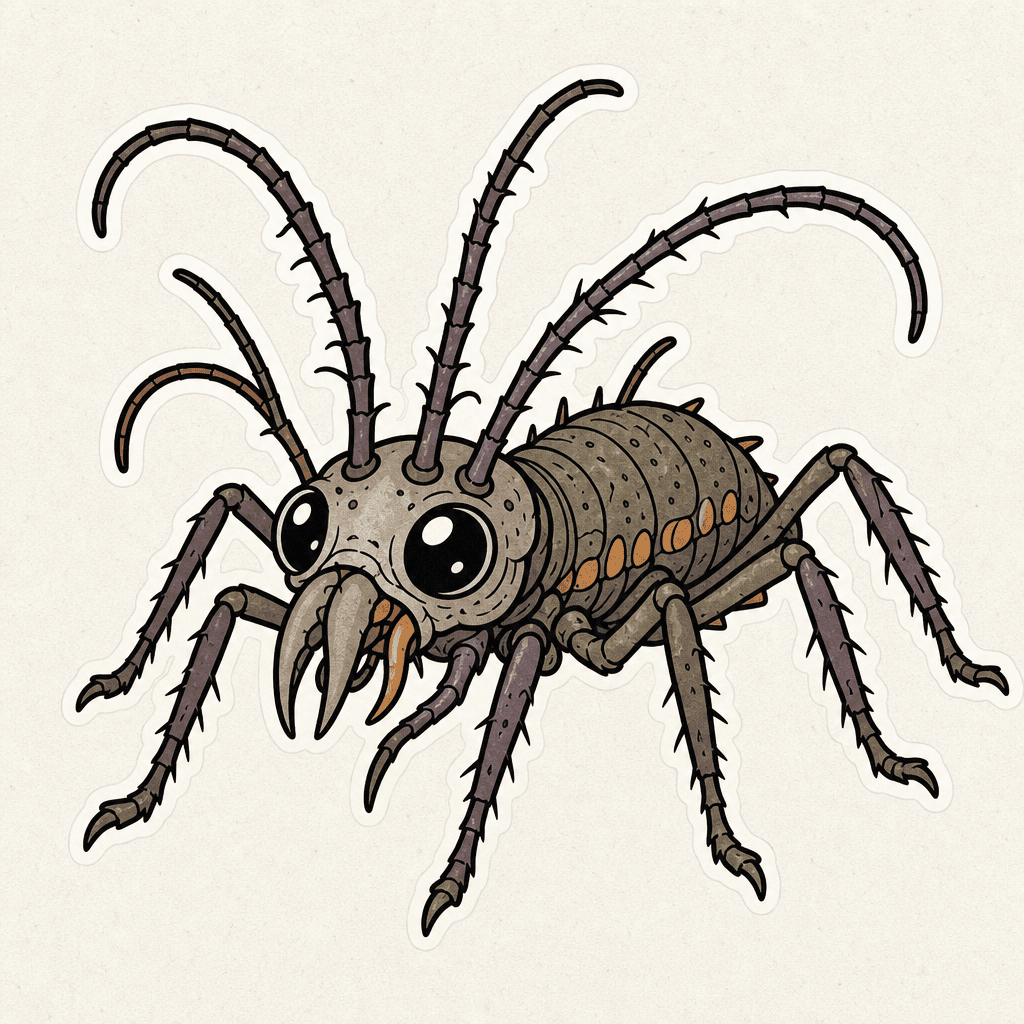
징그러운 벌레 일러스트
What are Creepy Bug Illustration AI prompts?
Creepy Bug Illustration prompts help you generate a clear visual asset by describing the subject, composition, line style, color palette, texture, background density, and intended use. A strong prompt is more useful than a single keyword because it tells the image model what the final asset should be used for. This makes the result easier to reuse in cards, posters, stickers, worksheets, thumbnails, menus, presentations, classroom materials, or social posts.
Main use cases
- 곤충 학습 카드
- 할로윈 장식 이미지
- 과학 활동지
- 스티커 디자인
- 생태 콘텐츠 삽화
Why this tag is useful
징그러운 느낌은 다리와 더듬이의 형태로 표현하고, 고어 표현 없이 spooky-cute 방향으로 조절하는 편이 안전합니다. For production-ready results, add constraints such as clean outline, flat colors, centered composition, soft paper texture, simple background, no readable text, no logo, and no watermark. These details reduce ambiguity and help the generated image stay reusable. The tag is useful when you need one clear asset that works across multiple design contexts without heavy retouching.
Related prompts to explore
Useful related tags include illustration, sticker-design, food-illustration, character-illustration, poster, coloring-page. Combine this tag with sticker-design for cutout-style assets, educational-poster for classroom-ready visuals, or poster when the same idea should become a campaign or event image.
Prompt writing tips
- Start with the output format, such as card, poster, sticker, coloring page, worksheet, icon, thumbnail, or presentation image.
- Add observable details such as shape, outline, color palette, texture, and background simplicity.
- Keep production constraints explicit: no readable text, no logo, no watermark, and a clean background.
- Generate variations by changing only the palette, background, or detail level, then choose the most reusable result.