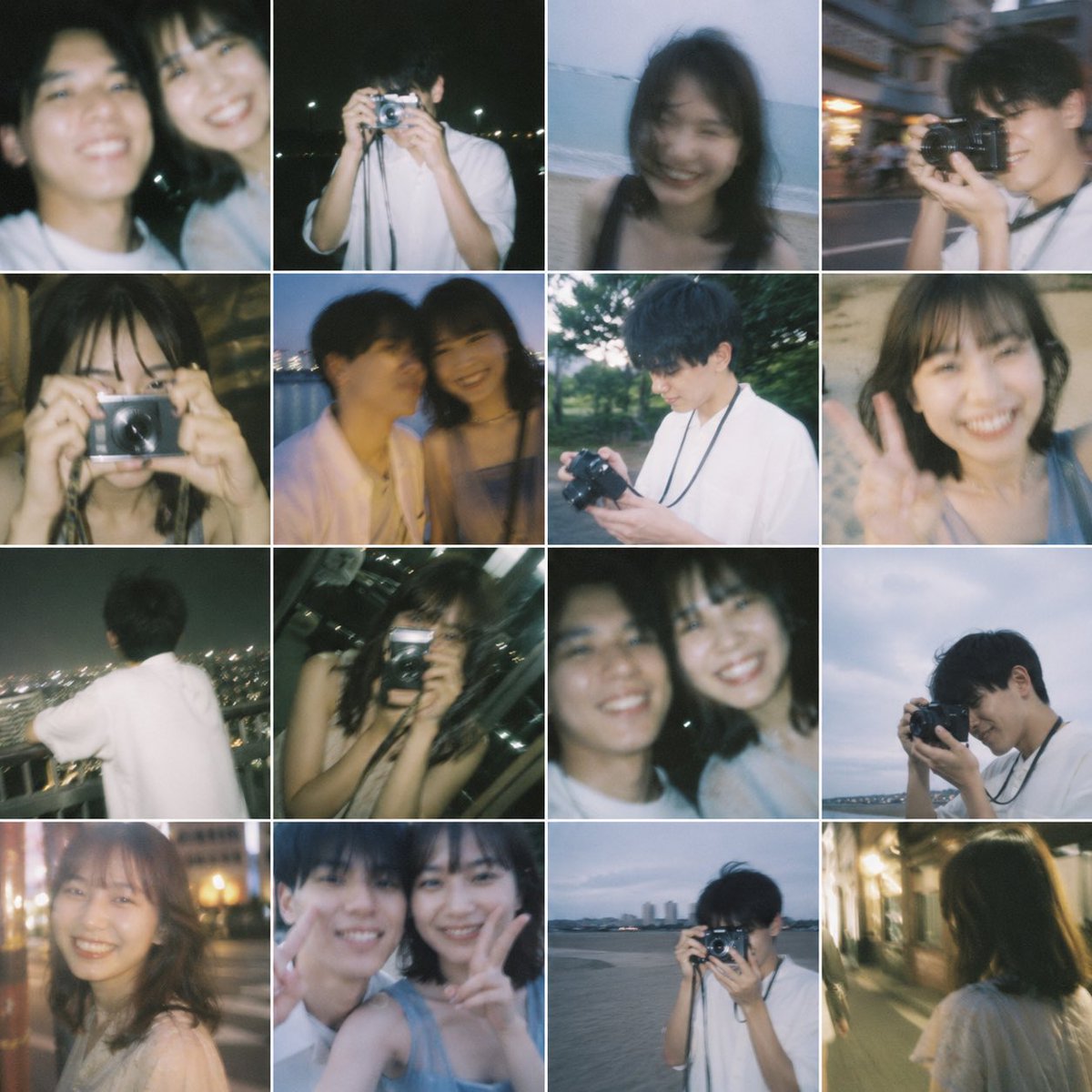
Digicam Photo
Create vintage digital camera (digicam) aesthetic photos with AI prompts. Master the Y2K digicam look with warm tones, digital noise, and direct flash for authentic early 2000s photo aesthetics.
2026.07.08
Make “Digicam Photo” exactly the way you wantCreate your own “Digicam Photo”
Just ask in plain language — Carat generates optimized images and videos for you.

Start now with 100 free credits daily
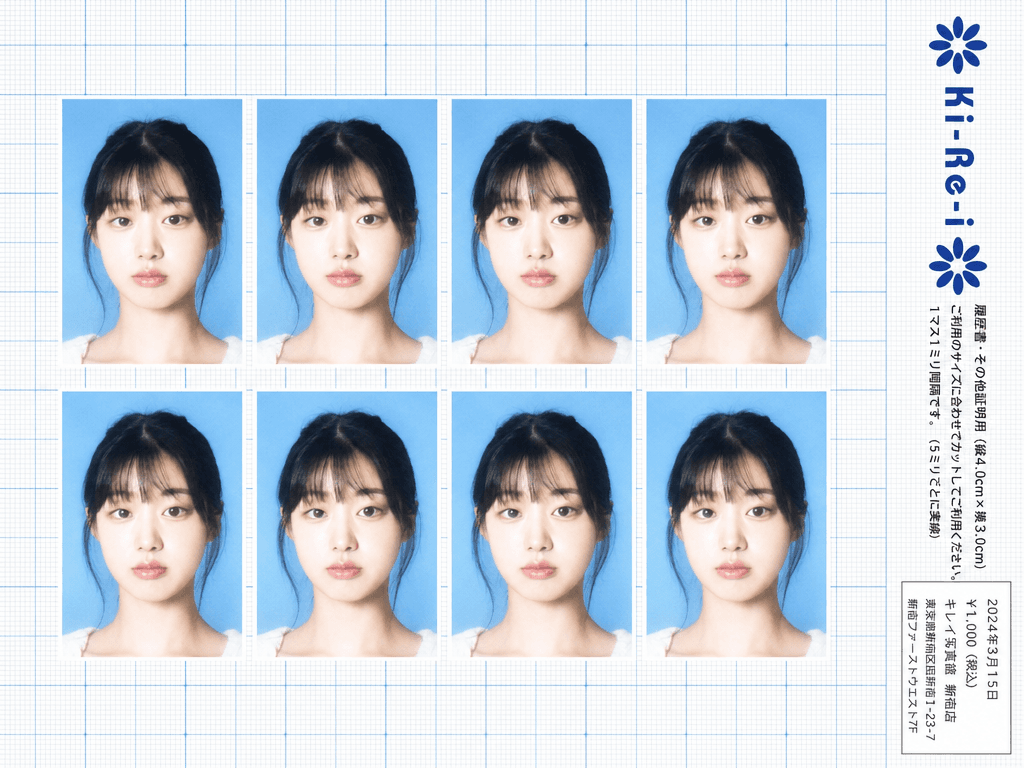
Ki-Re-i ID Photo Sheet
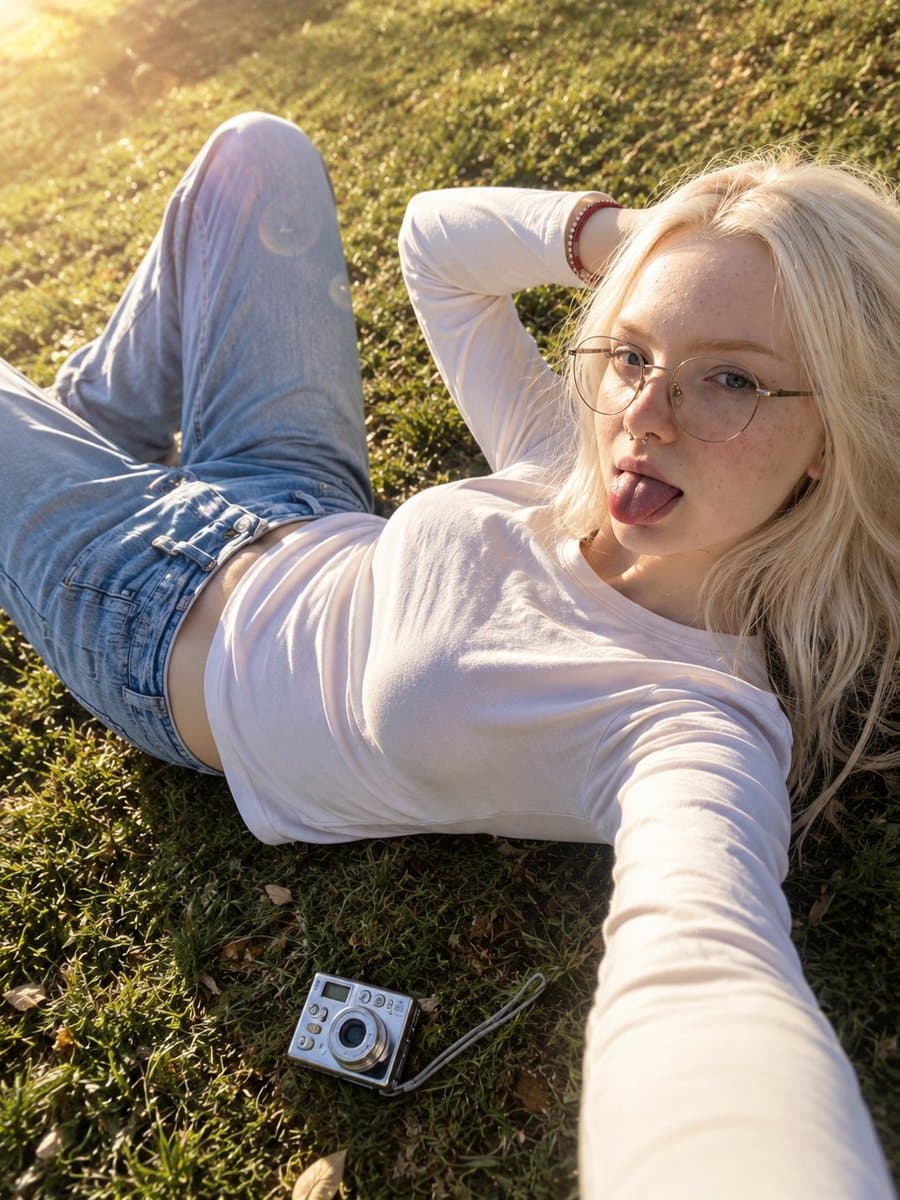
Golden Hour Grass Field Selfie
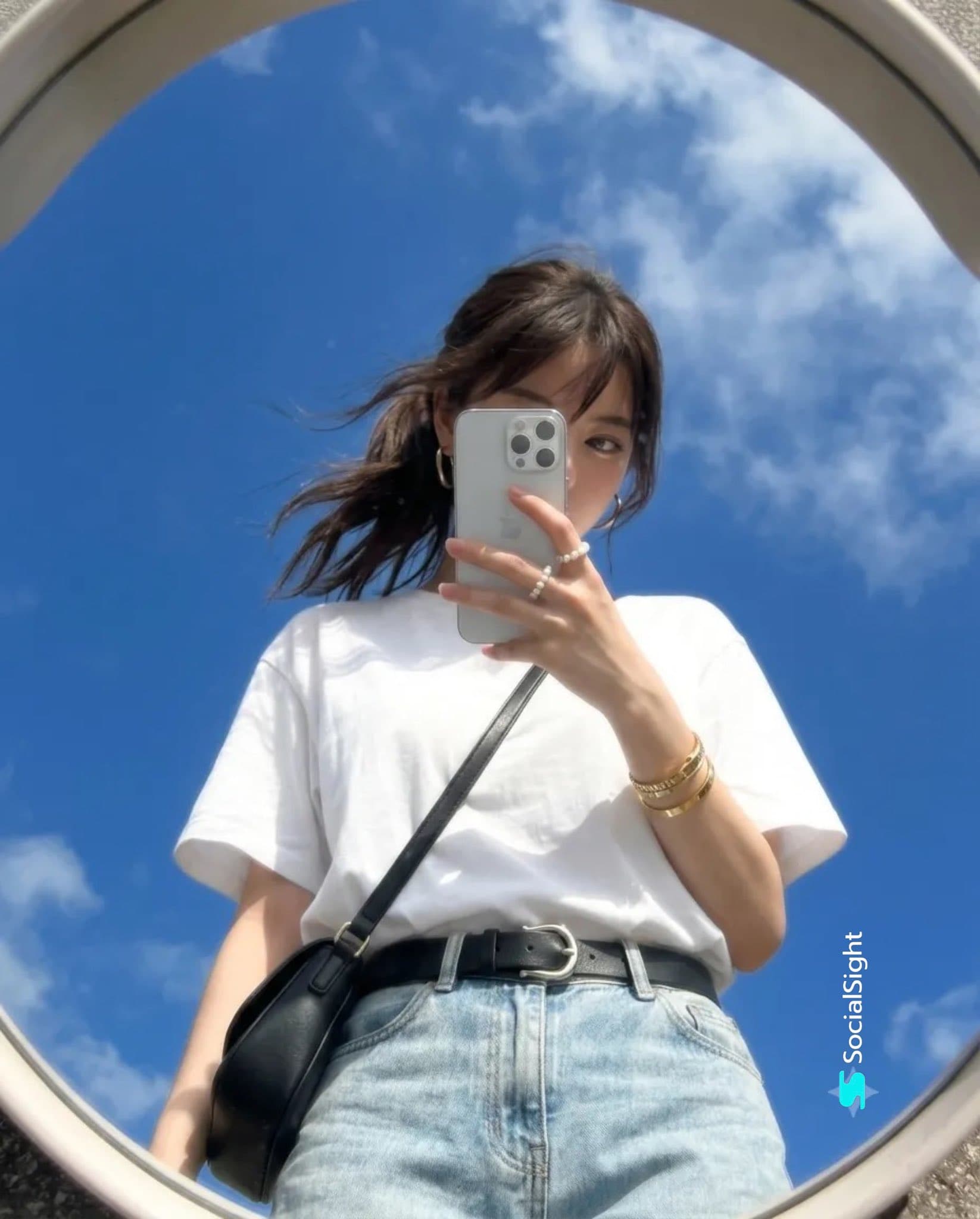
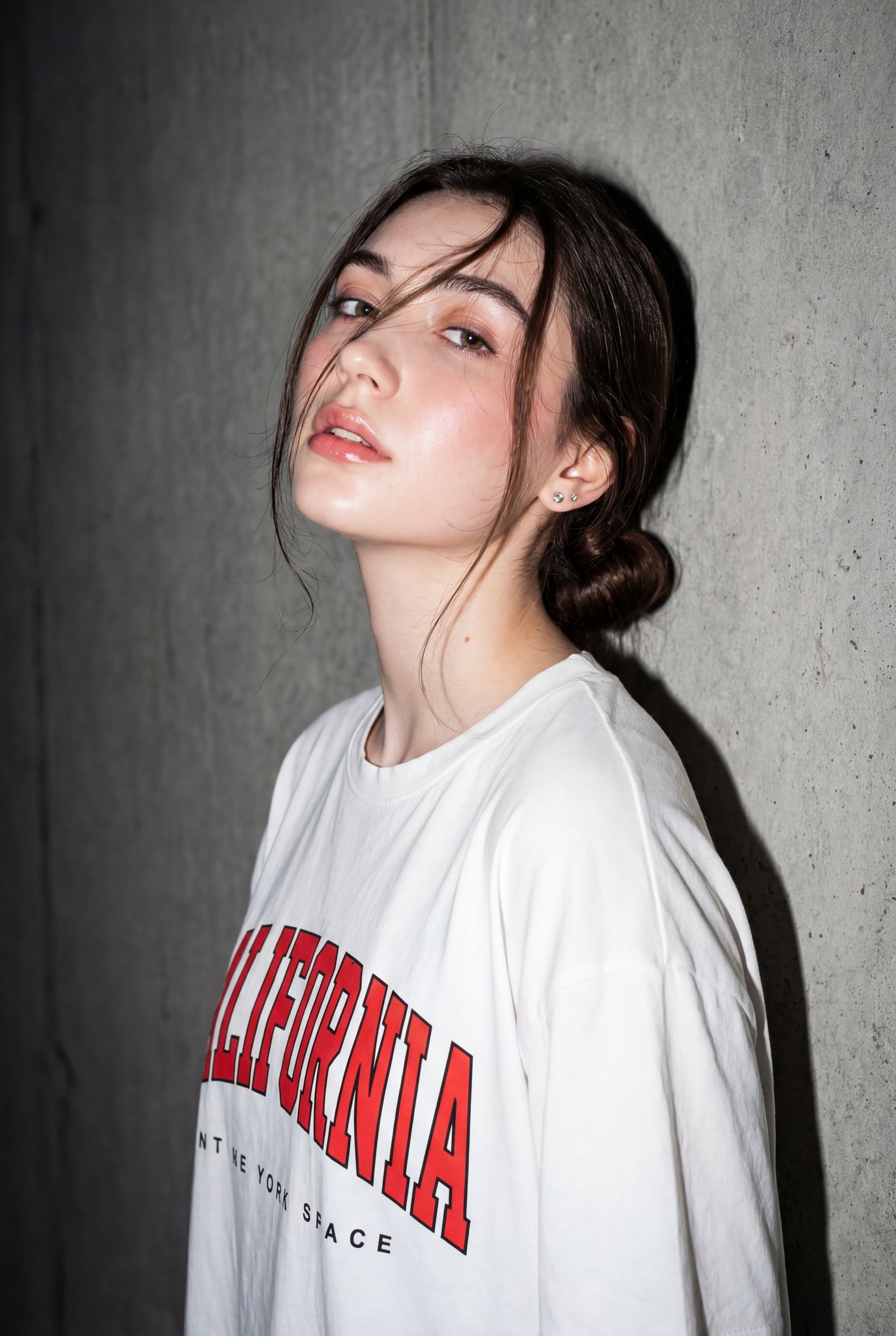
Early-2000s Digicam Dreamy Portrait
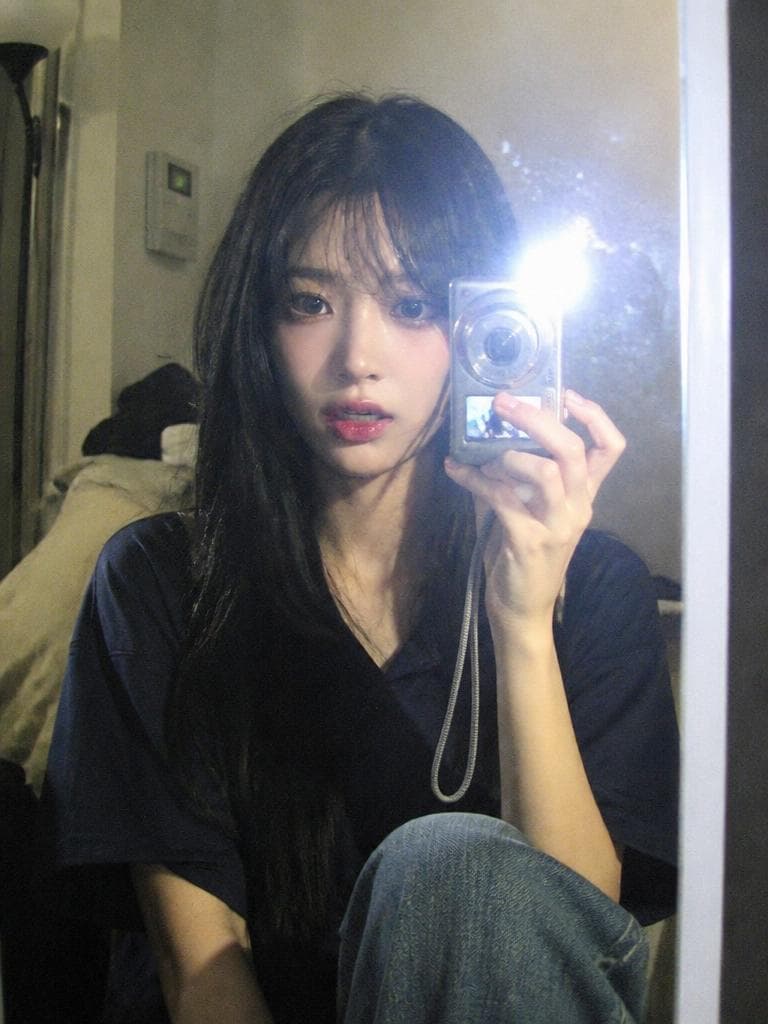
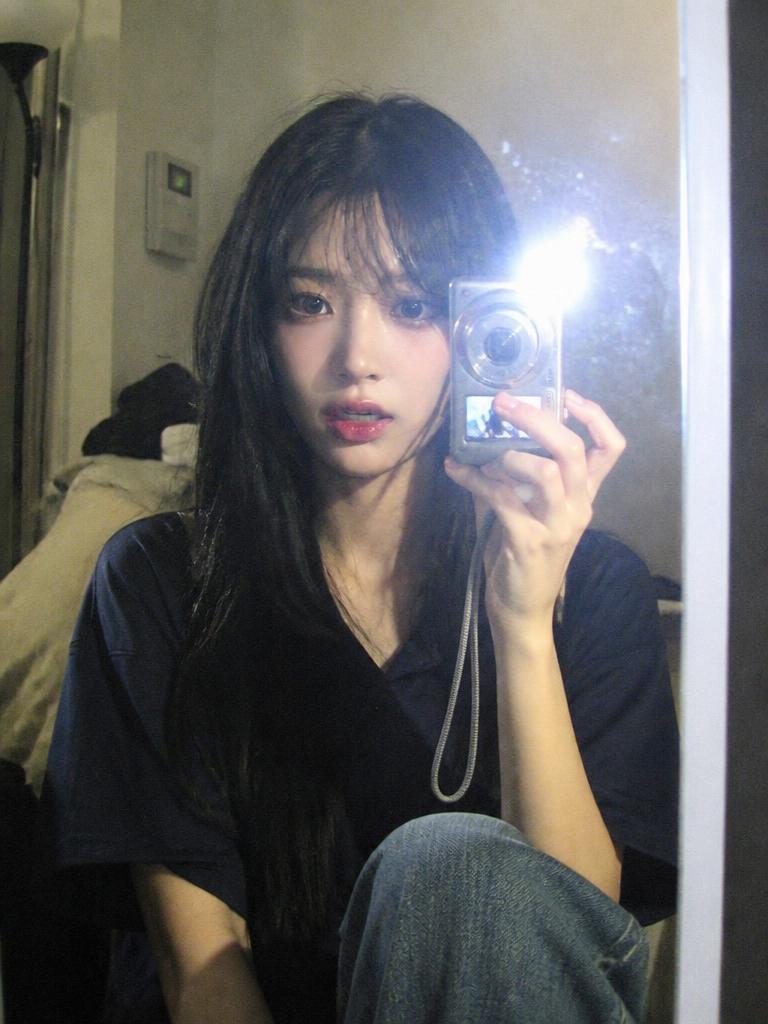
Digital Camera Mirror Selfie
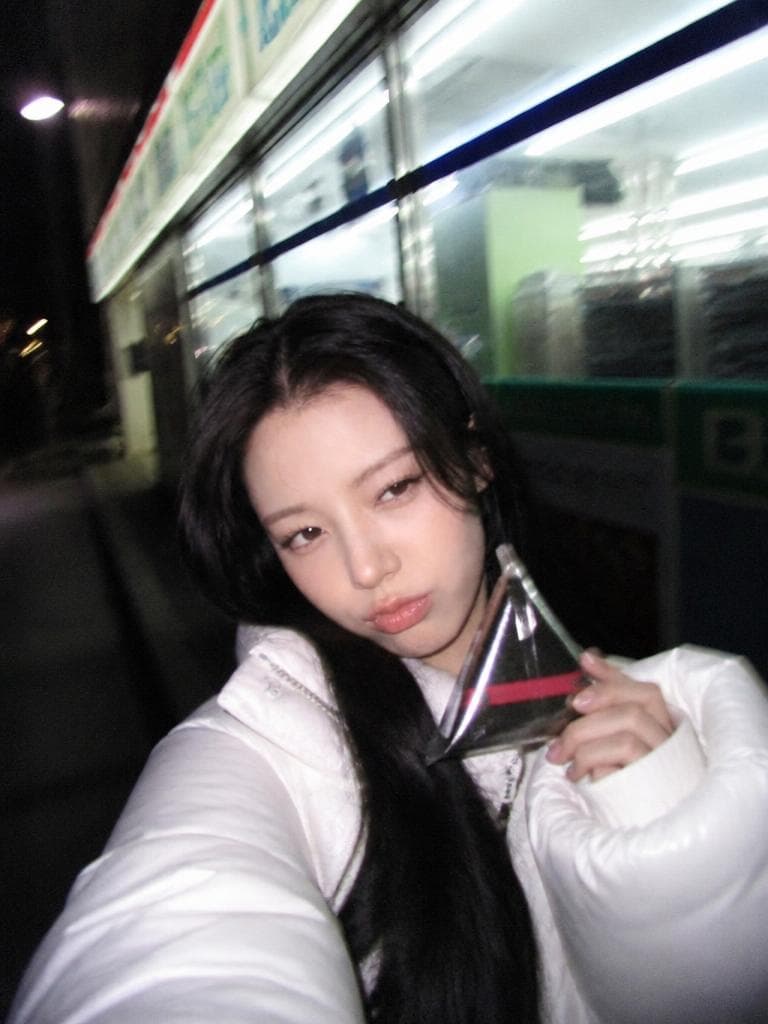
Y2K Midnight Convenience Store Selfie
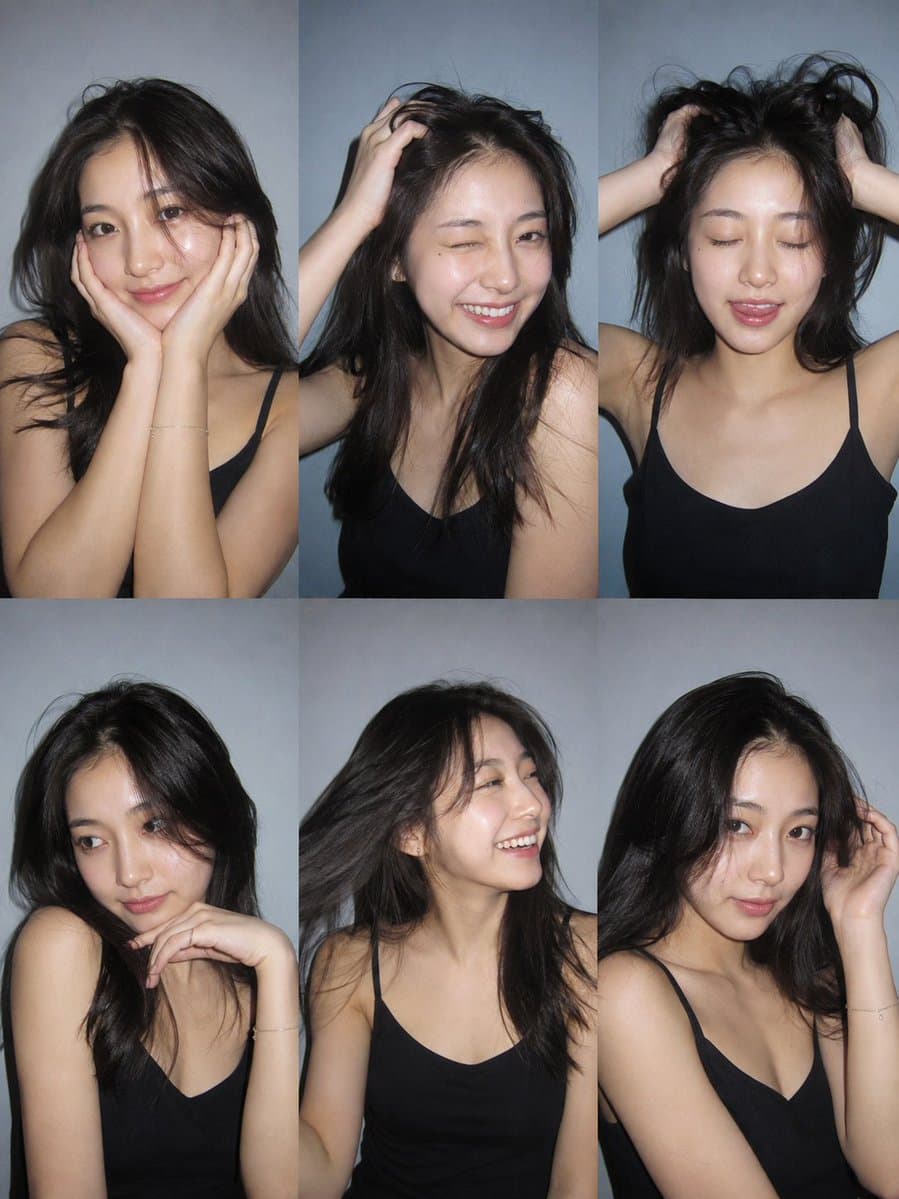
Six-Photo Instagram Dump Collage
Digicam Photo AI Image Prompt Guide
The digicam aesthetic - photos that look like they were taken with an early 2000s digital camera - has made a massive comeback thanks to the Y2K revival trend. Characterized by warm color temperatures, subtle digital noise, direct flash, and slightly oversaturated colors, digicam photos evoke nostalgia for a simpler era of digital photography. AI image generation can faithfully recreate this beloved aesthetic across any subject matter.
What Makes the Digicam Look
Early 2000s digital cameras had distinct characteristics that defined their image quality. Understanding these technical traits is key to writing effective digicam prompts:
1. Color Temperature: Digicams typically produced warm-toned images with slightly oversaturated colors. The white balance tended toward yellow-orange, especially in indoor and low-light situations. Specify "warm color temperature, slightly oversaturated, yellow-tinted whites" to capture this look.
2. Digital Noise: Unlike film grain (which is organic and varied), digital camera noise has a uniform, slightly blocky quality. Use "subtle digital noise, slight grain, low-resolution aesthetic, CCD sensor noise" to differentiate from film photography. The noise should be present but not overwhelming.
3. Direct Flash: The built-in flash on early digicams was harsh and direct, creating hard shadows on walls behind subjects and overexposing nearby faces. "Direct flash, harsh shadow on wall behind subject, slight overexposure on face" is the signature look of 2000s party photography.
4. Soft Focus and Resolution: Digicams had limited resolution (2-5 megapixels was standard), resulting in images that were sharp in the center but soft at the edges. "Soft focus, slightly soft edges, low-resolution aesthetic, minimal edge sharpness" captures this quality.
5. Date Stamp: Many digicams burned a date stamp directly onto the photo. "Subtle date stamp in bottom right corner, orange digital text" adds an authentic touch (though you may want to specify "no date stamp" for cleaner results).
Digicam Prompt Examples by Scenario
Mirror Selfie: "Mirror selfie taken with early 2000s digital camera, direct flash reflecting in mirror, harsh shadow on wall behind, slightly overexposed face, warm color temperature, Y2K fashion with butterfly hair clips and low-rise jeans. Dark interior background, party atmosphere."
Night Snapshot: "Nighttime photo taken with digicam at convenience store, direct flash, fluorescent ceiling lighting mixed with flash, slight motion blur, overexposed foreground, dark background with light spill. Early 2000s aesthetic, subtle digital noise."
Daytime Casual: "Outdoor daytime photo with digicam aesthetic, slightly overexposed sky, warm color temperature, soft focus on edges, natural poses, casual early 2000s fashion. CCD sensor color rendering, subtle digital noise, nostalgic summer afternoon feel."
Group Photo: "Group of friends at a 2000s house party, digicam direct flash, red-eye effect on some subjects, warm indoor lighting, slightly crowded composition, everyone dressed in Y2K fashion. Nostalgic party photo aesthetic, slight motion blur on moving subjects."
Street Snapshot: "Urban street photo with digicam look, warm afternoon light, slightly oversaturated colors, soft focus, passing cars with slight motion blur. Early 2000s city aesthetic, casual documentary style, CCD sensor color palette."
Beach Vacation: "Beach photo with digicam aesthetic, overexposed sand and sky, warm color temperature, slightly washed-out highlights, subjects squinting in bright sun. Summer 2000s vacation photo, subtle digital noise, nostalgic feel."
Advanced Digicam Techniques
Red-Eye Effect: Early digicams commonly produced red-eye in flash photos. Add "subtle red-eye effect on subject" for authenticity, though this may not work in all AI models. Alternatively, "flash reflection in eyes" is a milder version.
Timestamp Overlay: "Orange digital date stamp in bottom right corner reading 2003.07.15" adds period authenticity. Use this selectively, as not all digicam photos had timestamps.
LCD Screen Preview: "Photo of a digital camera LCD screen showing a preview image, low-resolution screen pixels, slight refresh line, held in hand" creates a meta-digicam composition.
Decayed Digital: "Corrupted digicam photo, slight data artifacts, color channel misalignment, partial scan lines" for a glitch-art interpretation of the digicam aesthetic.
Styling and Props for Authentic Digicam Vibes
To sell the digicam aesthetic, the subjects and setting should match the era:
- Fashion: Low-rise jeans, baby tees, butterfly clips, velour tracksuits, trucker hats, mini skirts
- Technology: Flip phones, iPods, thick headband headphones, CD players
- Settings: House parties, shopping malls, convenience stores at night, school hallways, bedroom mirrors
- Poses: Peace signs, duck lips, arms around friends, mirror selfie poses, candid group shots
Digicam vs Film: How to Differentiate in Prompts
Many people confuse digicam and film aesthetics. Here is how to specify each:
Digicam: "digital noise, CCD sensor, warm oversaturated colors, direct flash, soft edges, low-resolution"
Film: "film grain, light leaks, organic color shifts, sprocket holes, analog warmth, halation"
The key difference is noise quality (digital vs organic), color rendering (oversaturated vs faded), and flash characteristics (harsh direct vs soft bounced).