Camera Illustration
Discover a collection of high-quality AI prompts designed to generate stunning camera and lens illustrations in various artistic styles.
2026.07.04
Make “Camera Illustration” exactly the way you wantCreate your own “Camera Illustration”
Just ask in plain language — Carat generates optimized images and videos for you.

Start now with 100 free credits daily
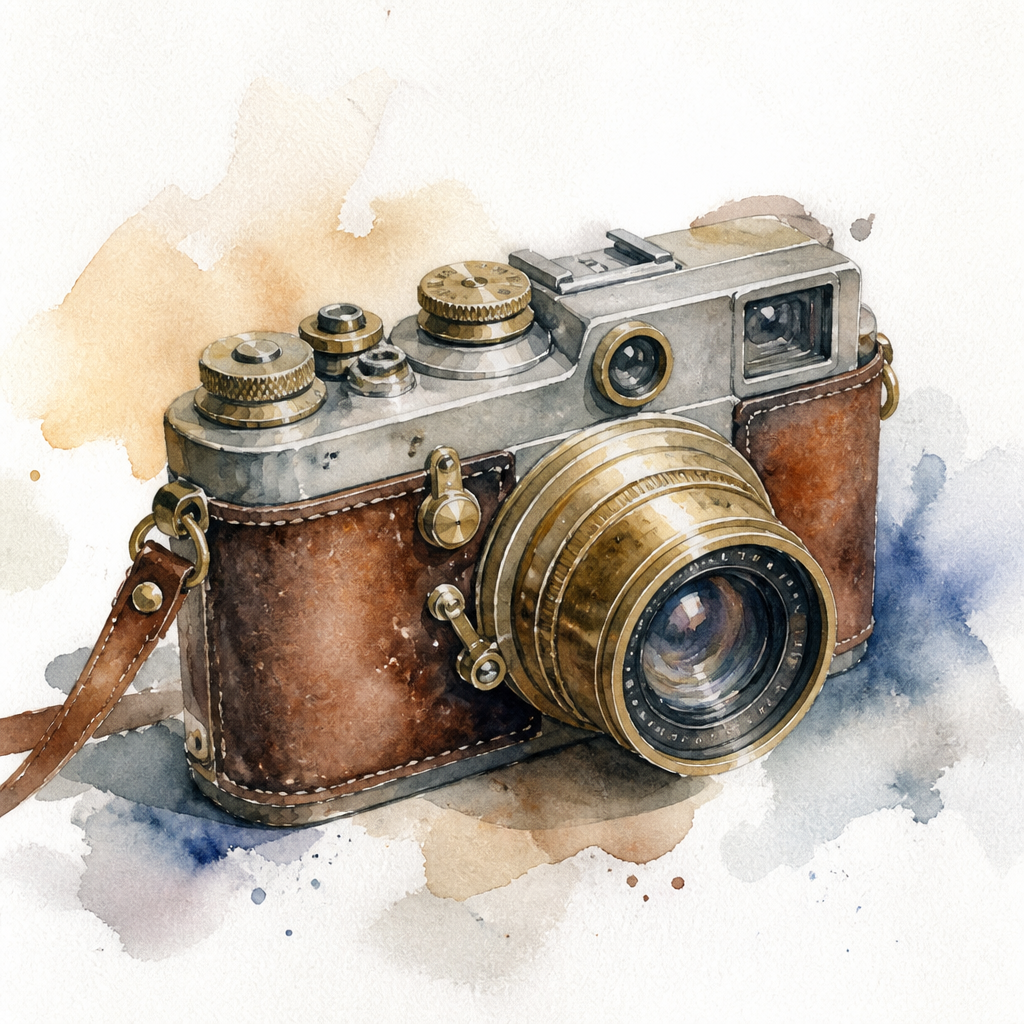
카메라 일러스트
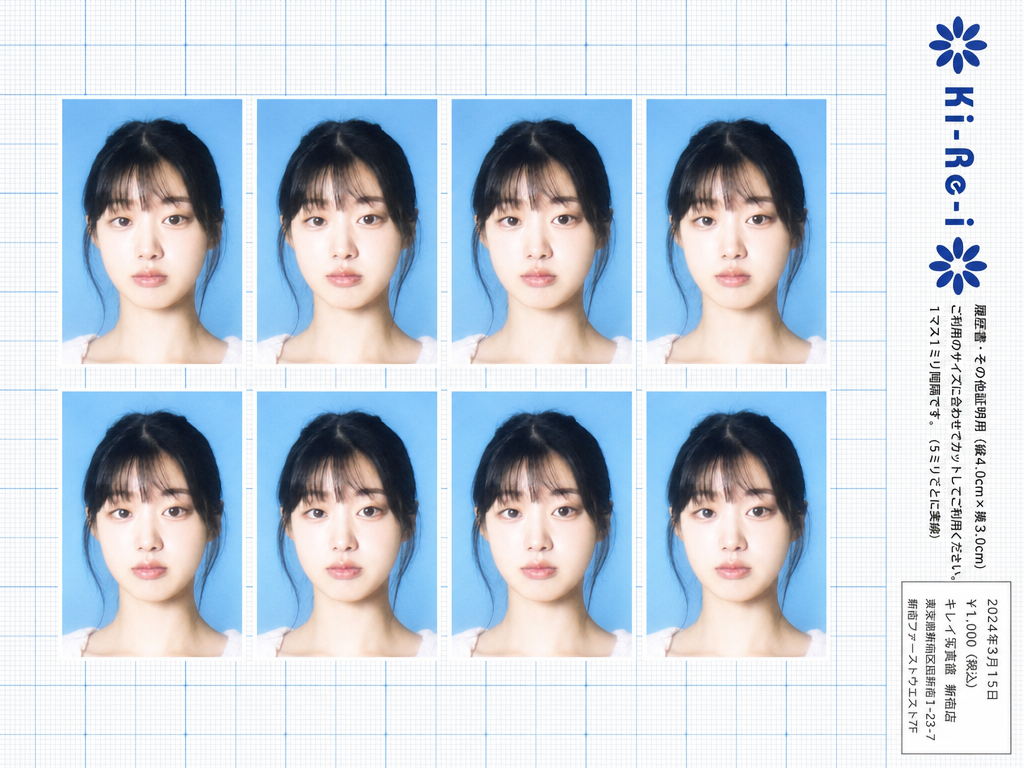
Ki-Re-i ID Photo Sheet
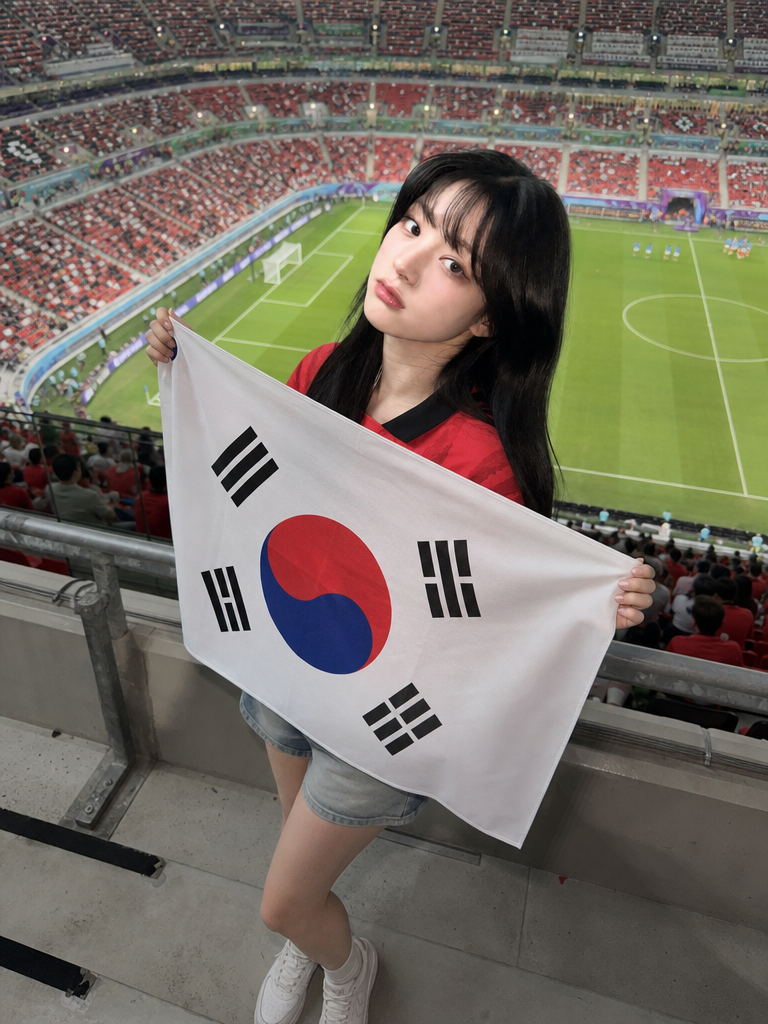
Full-Body Flag Cheering Shot
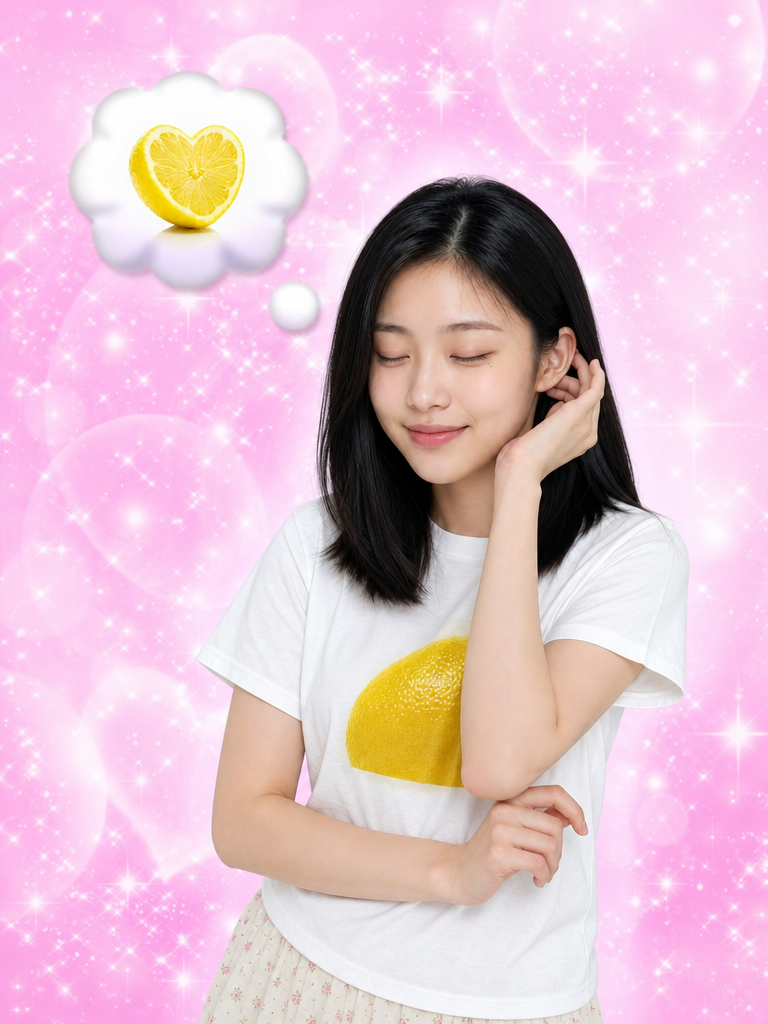
I Keep Thinking of Lemon

Supermarket Couple Selfie Prompt
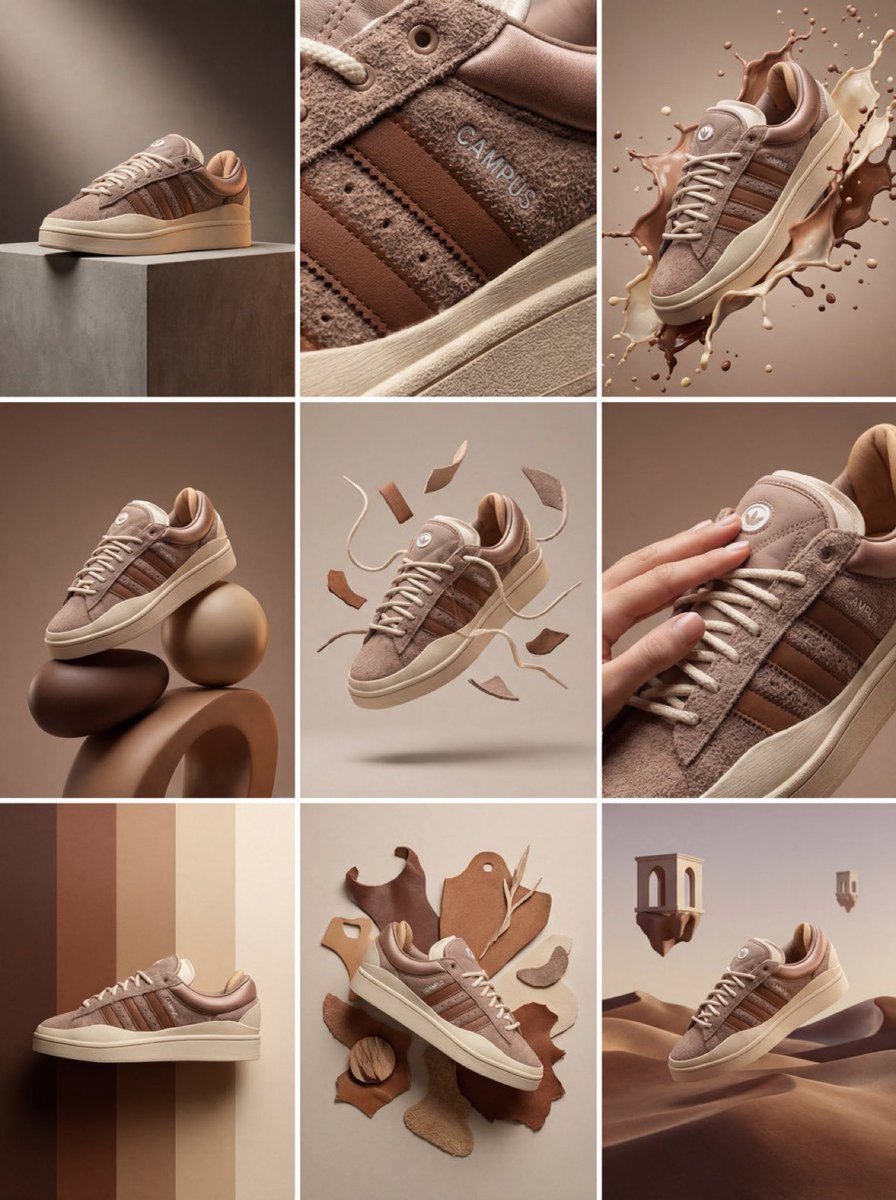
3x3 Product Campaign Grid
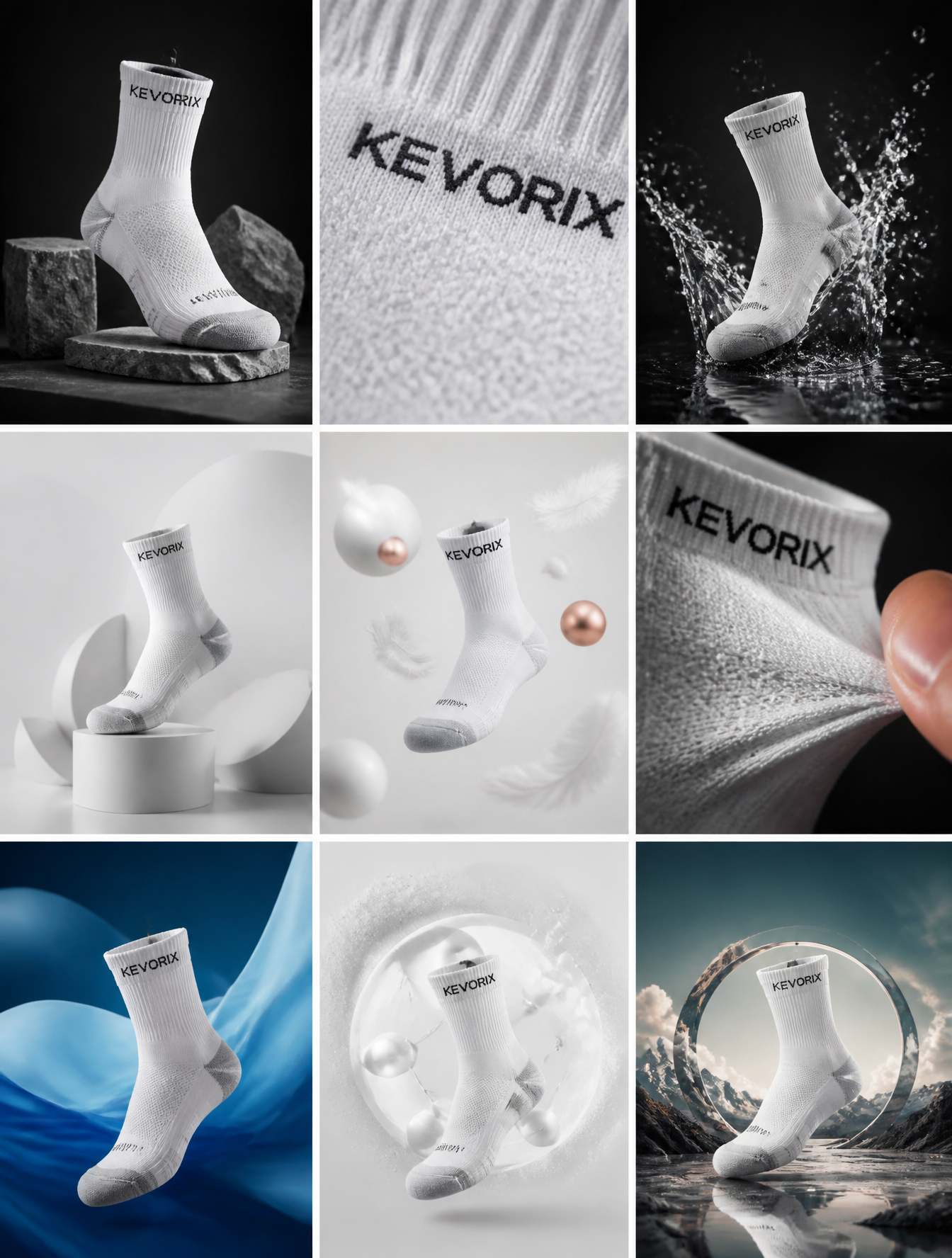
KEVORIX Sock Campaign 3x3 Grid
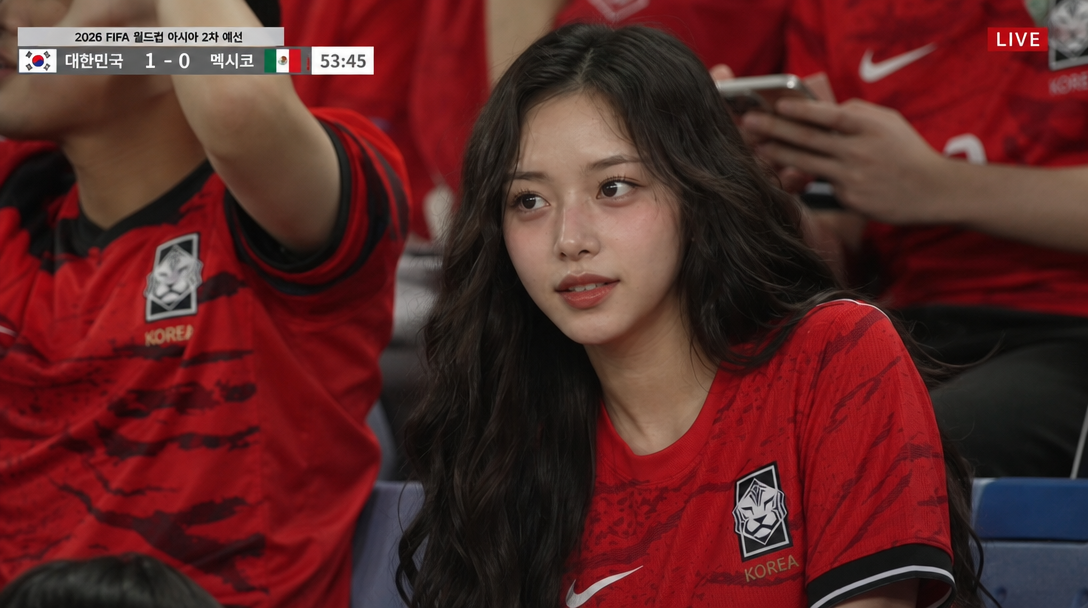
Football Broadcast Crowd Shot
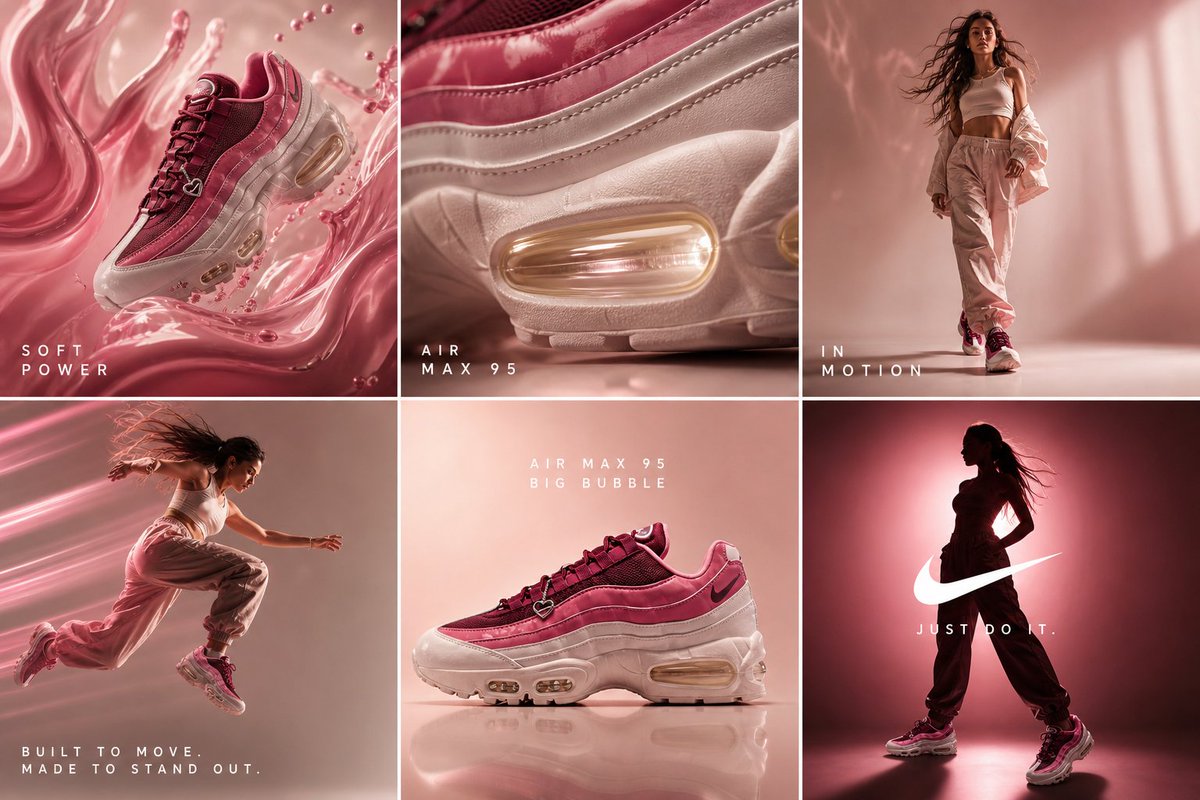
Nike Air Max 95 Six-Frame Campaign
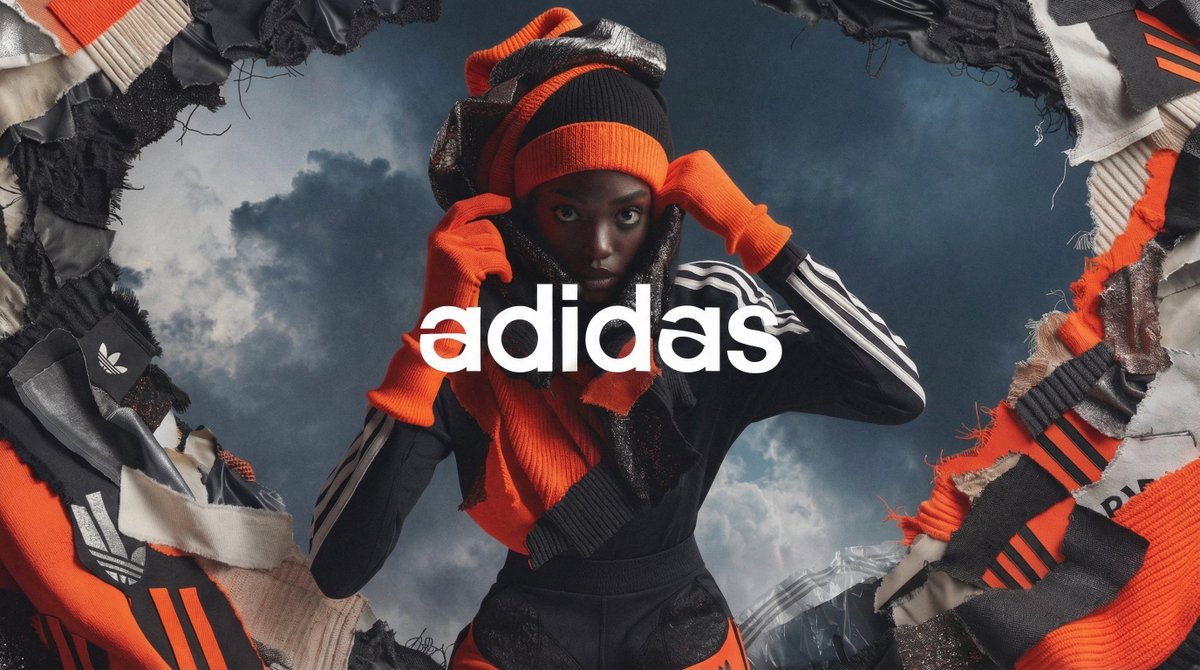
High Fashion Campaign Poster
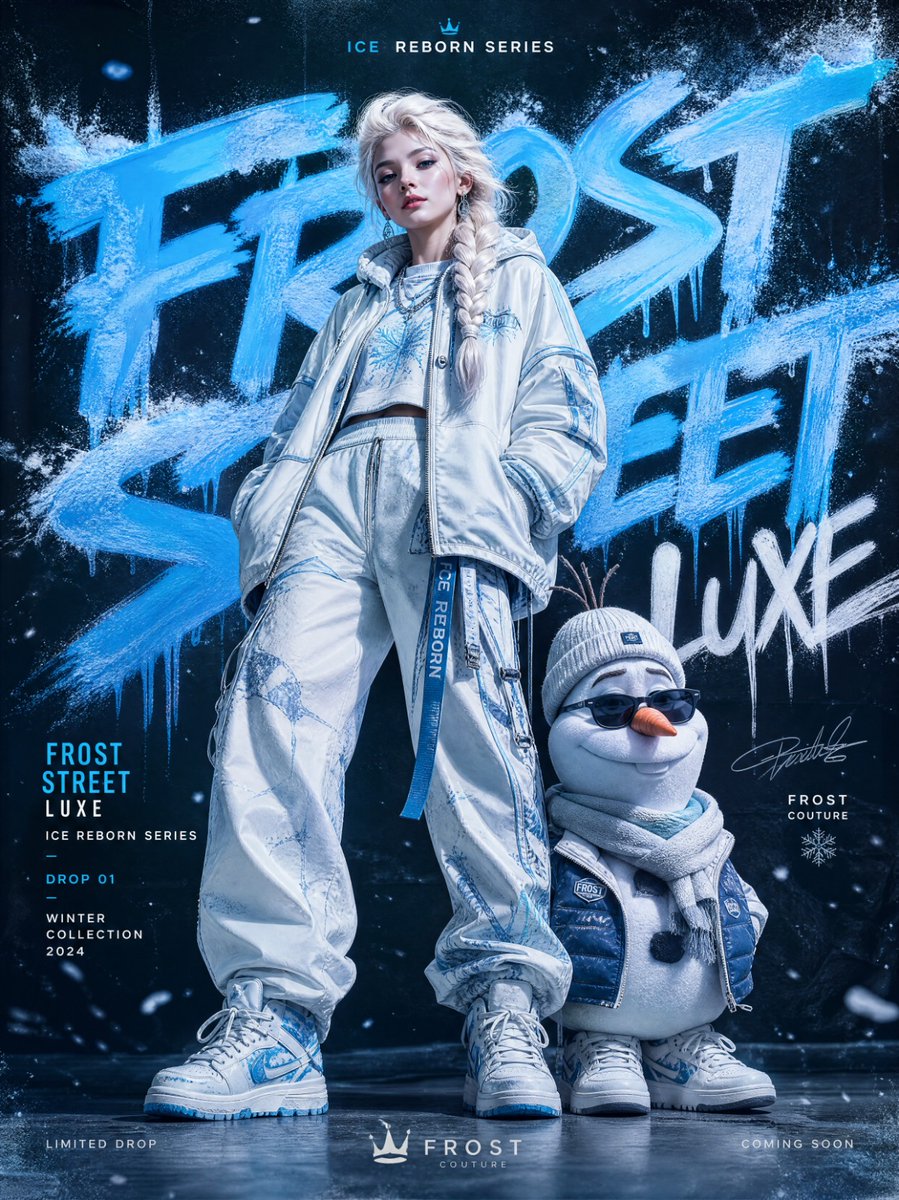
Frozen Streetwear Fashion Campaign
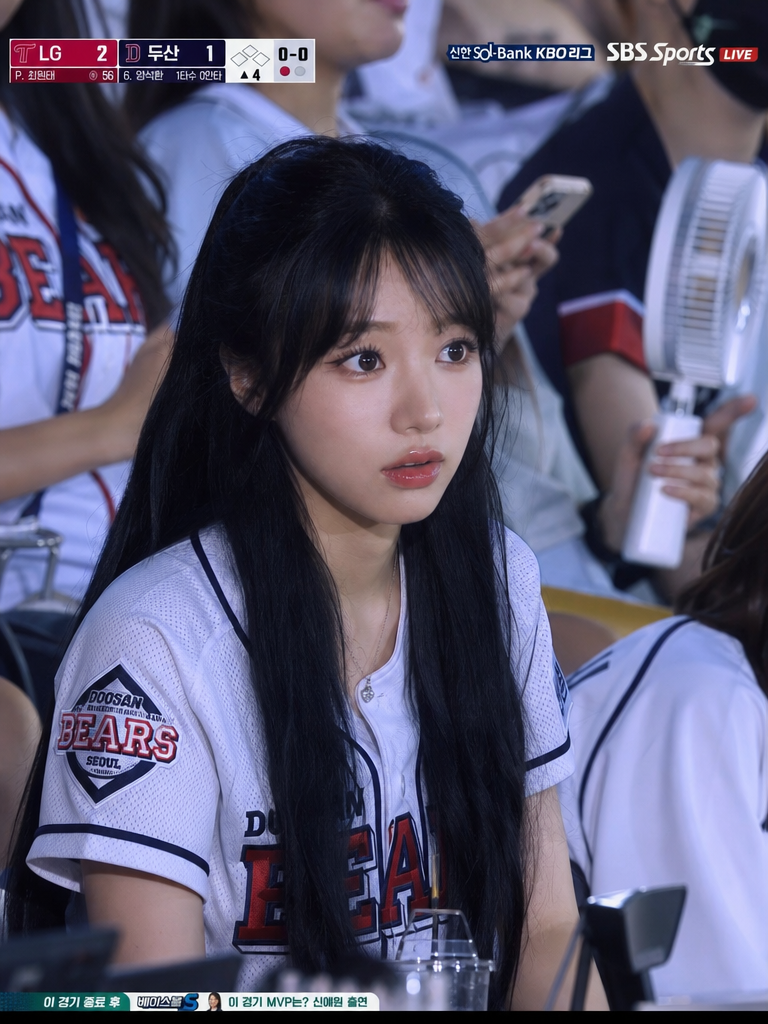
KBO Stadium 4:3 Close Audience Frame
What Are Camera Illustration AI Prompts?
Camera Illustration AI Prompts are specialized sets of linguistic instructions designed to guide artificial intelligence models in rendering visually compelling images of photographic equipment. These prompts go beyond simple keywords, acting as a bridge between a creative concept and a high-fidelity digital asset. Whether you are aiming for a nostalgic 1950s film camera or a cutting-edge futuristic digital mirrorless system, these prompts provide the necessary parameters for the AI to understand mechanical nuances. They meticulously describe elements such as the curvature of a wide-angle lens, the brushed metal finish of a shutter dial, and the intricate leatherette texture of a camera body. By utilizing these curated prompts on Carat, creators can bypass the steep learning curve of technical drawing, allowing for the rapid generation of professional-grade imagery that captures the essence of photography as an art form. The evolution of generative AI has made it possible to simulate lighting effects like studio strobes or natural golden hour light directly on the camera equipment, making the resulting illustrations indistinguishable from high-end commercial artwork.
Best Use Cases
The versatility of camera illustrations makes them an essential asset for a wide variety of professional and creative projects. In the realm of branding, these images are frequently used to create logos for photography studios, personal watermarks for freelance photographers, and profile headers for social media accounts focused on visual storytelling. For educational purposes, detailed camera illustrations are perfect for instructional manuals, photography workshop posters, and online course materials that explain the anatomy of a camera. In the editorial world, magazines and tech blogs often use stylized camera graphics to accompany gear reviews or articles about the history of optics. Furthermore, small business owners and content creators find these illustrations invaluable for designing merchandise like t-shirts, stickers, and tote bags that appeal to the photography community. The ability to generate these images in styles ranging from minimalist line art to photorealistic 3D renders ensures that they can fit the aesthetic of any marketing campaign or personal project seamlessly.
Why This Tag Works
The Camera Illustration tag on Carat is highly effective because it addresses the specific challenges inherent in rendering complex mechanical objects. Cameras are composed of numerous geometric shapes, reflective surfaces, and fine details that can easily become distorted in generic AI generation. Our curated prompts are engineered with 'structural anchors'-specific descriptive terms that help the AI maintain the correct proportions and functional logic of a camera. For instance, the prompts ensure that buttons are placed where they should be and that lenses exhibit the correct optical properties like chromatic aberration or lens flare when requested. Moreover, this tag bridges the gap between technical accuracy and artistic expression. It allows users to apply diverse styles-such as vibrant watercolors, classic oil paintings, or sleek vector graphics-to the camera subject without losing its recognizable form. This balance of precision and creativity is what makes the Camera Illustration tag a powerful tool for anyone looking to produce high-impact visual content related to the world of photography.
Explore Related Prompts
Enhance your creative workflow by exploring these related tags that complement camera-themed illustrations.
- Illustration
- Poster
- Card News Template
- Character
- Watercolor Style
- Oil Painting Style
- Cinematic Video
Prompt Building Tips
To get the best results when creating camera illustrations, specificity is your best friend. Start by identifying the type of camera you want: is it a 'Twin Lens Reflex (TLR)', a 'Rangefinder', or a 'Digital Mirrorless'? Adding descriptors for materials, such as 'magnesium alloy body' or 'brass accents', will add a layer of realism to the output. Don't forget to specify the lighting and atmosphere; terms like 'soft Rembrandt lighting', 'neon cyberpunk glow', or 'bright sunlight with harsh shadows' can completely change the mood of the illustration. If you are designing for a specific layout, use composition prompts like 'flat lay view on a wooden desk' or 'close-up macro shot of the lens'. Experimenting with different artistic movements can also yield unique results-try combining your camera prompt with 'Art Nouveau style' or 'Industrial Bauhaus design'. Finally, remember that iterative refining is key; start with a basic prompt and slowly add layers of detail until the AI produces the exact image you envisioned for your project.