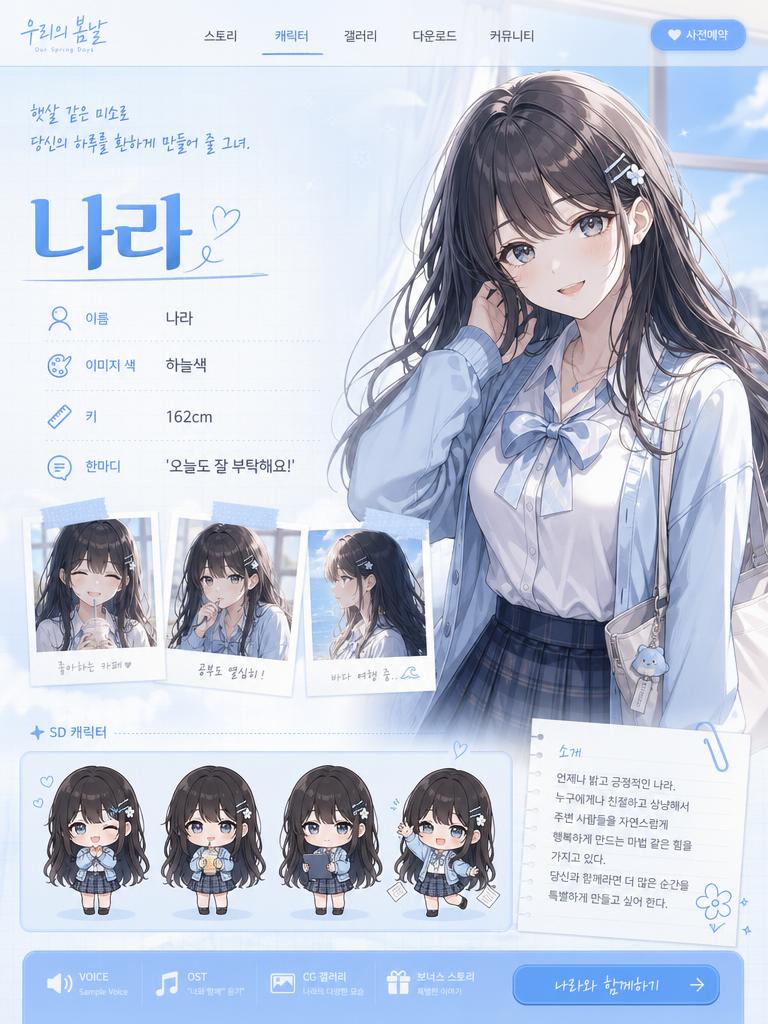
Emoticon
AI emoticon prompts to instantly create character reaction sets for messaging. Make animal, couple, and office-worker emoticons as sets and clean them up as PNGs.
2026.06.02
Make “Emoticon” exactly the way you wantCreate your own “Emoticon”
Just ask in plain language — Carat generates optimized images and videos for you.

Start now with 100 free credits daily
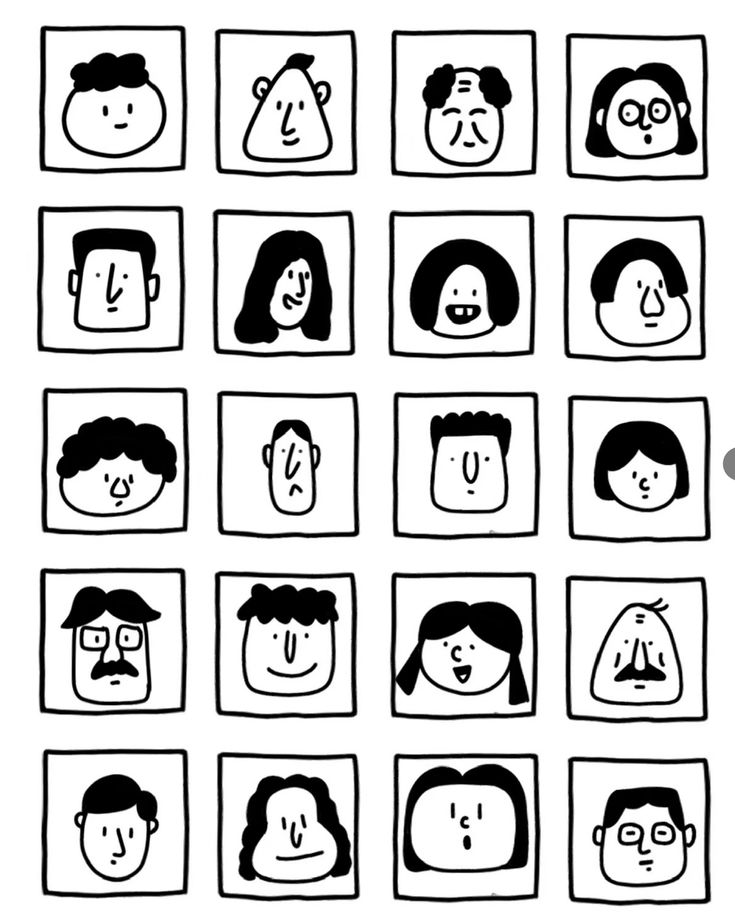
Black and White Face Grid
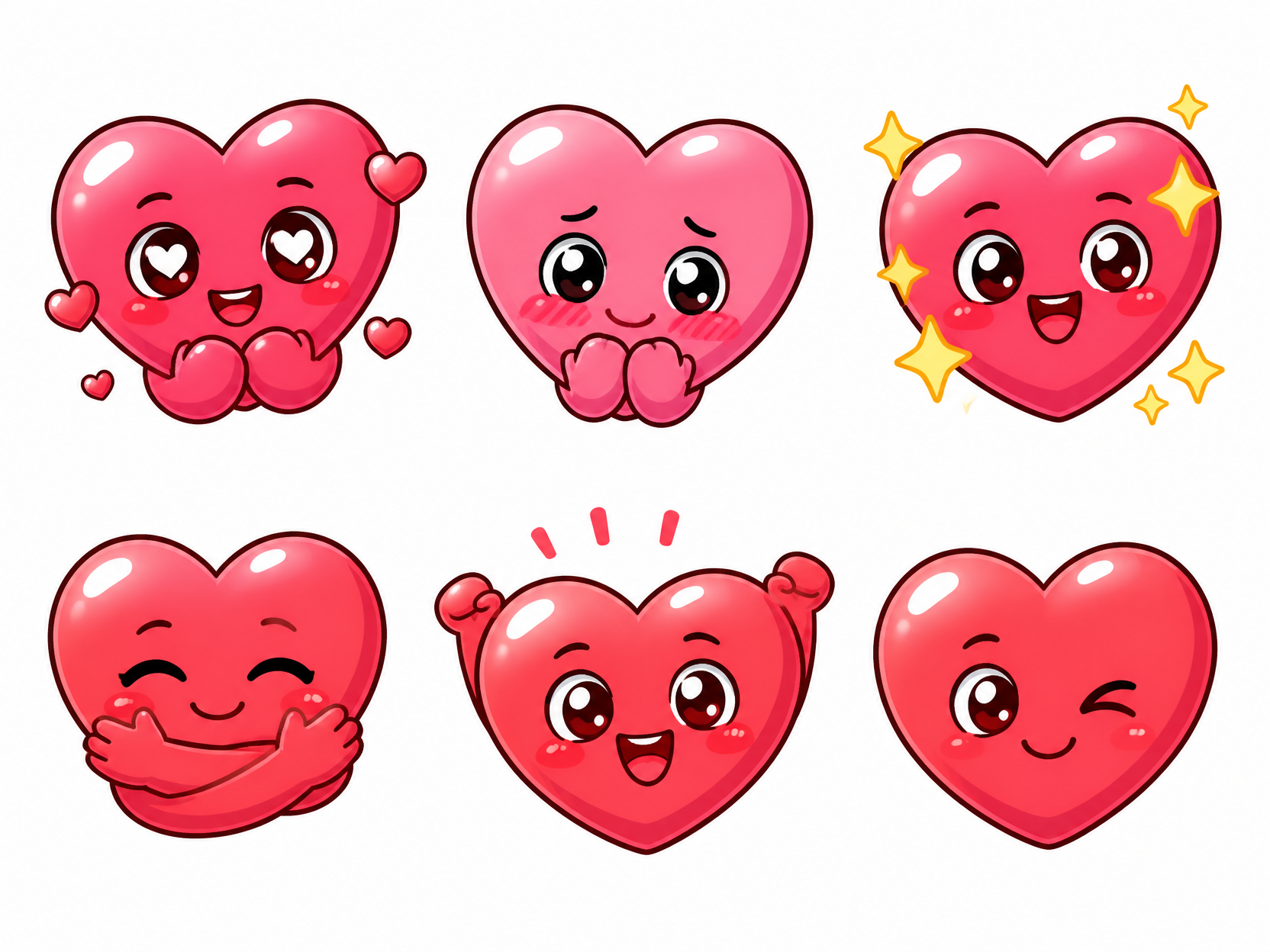
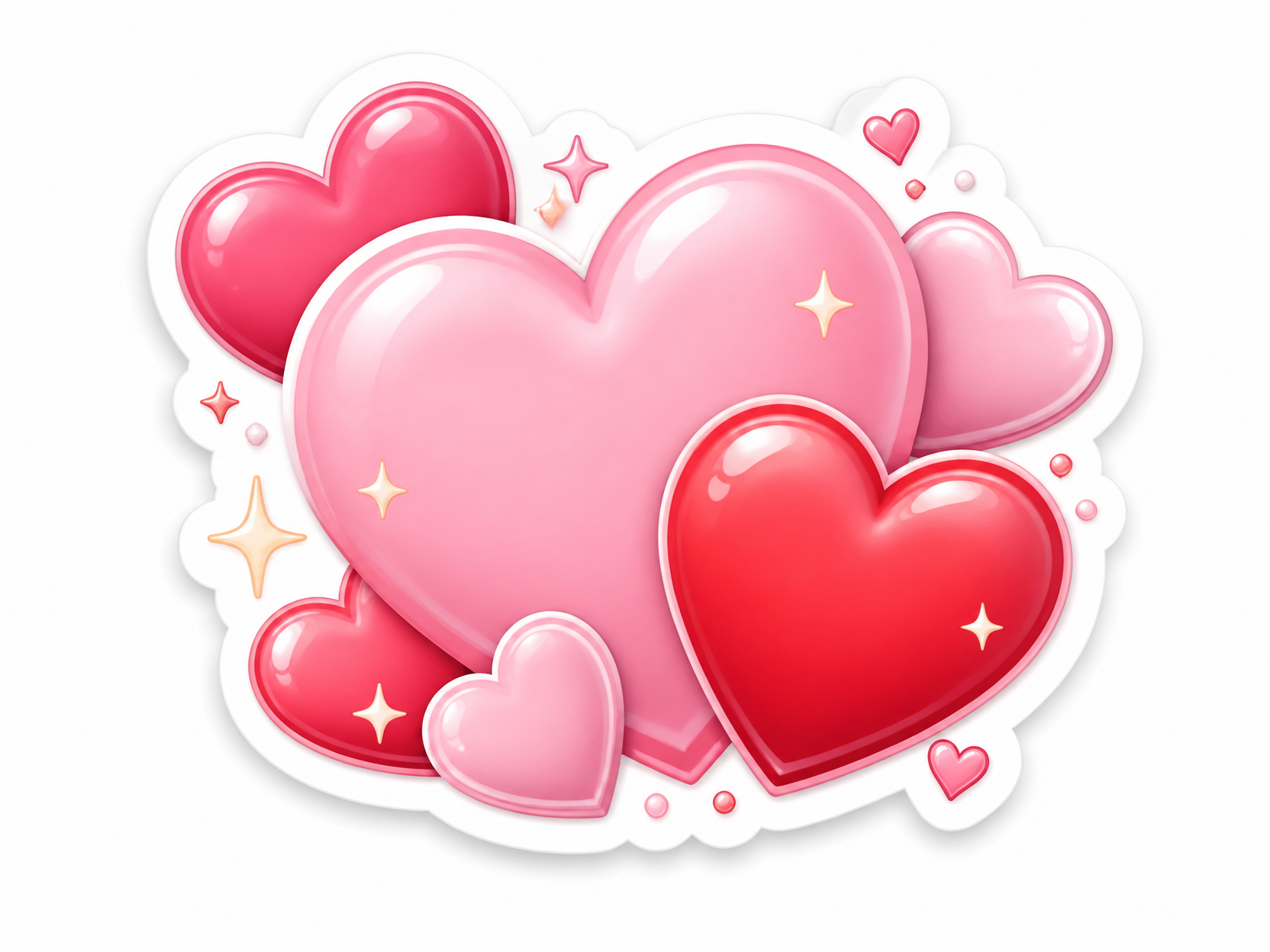
하트 이모티콘 스티커 세트
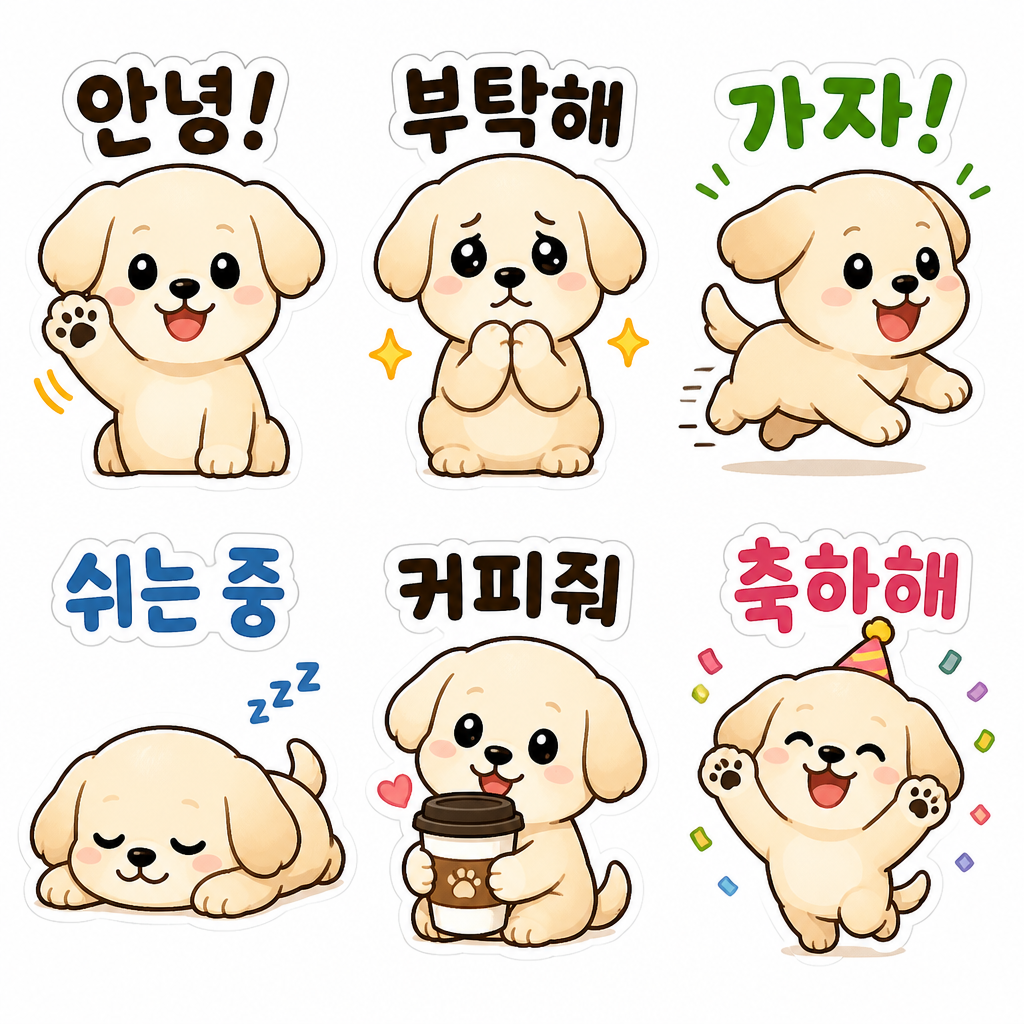
Dog Daily Emoticon Set
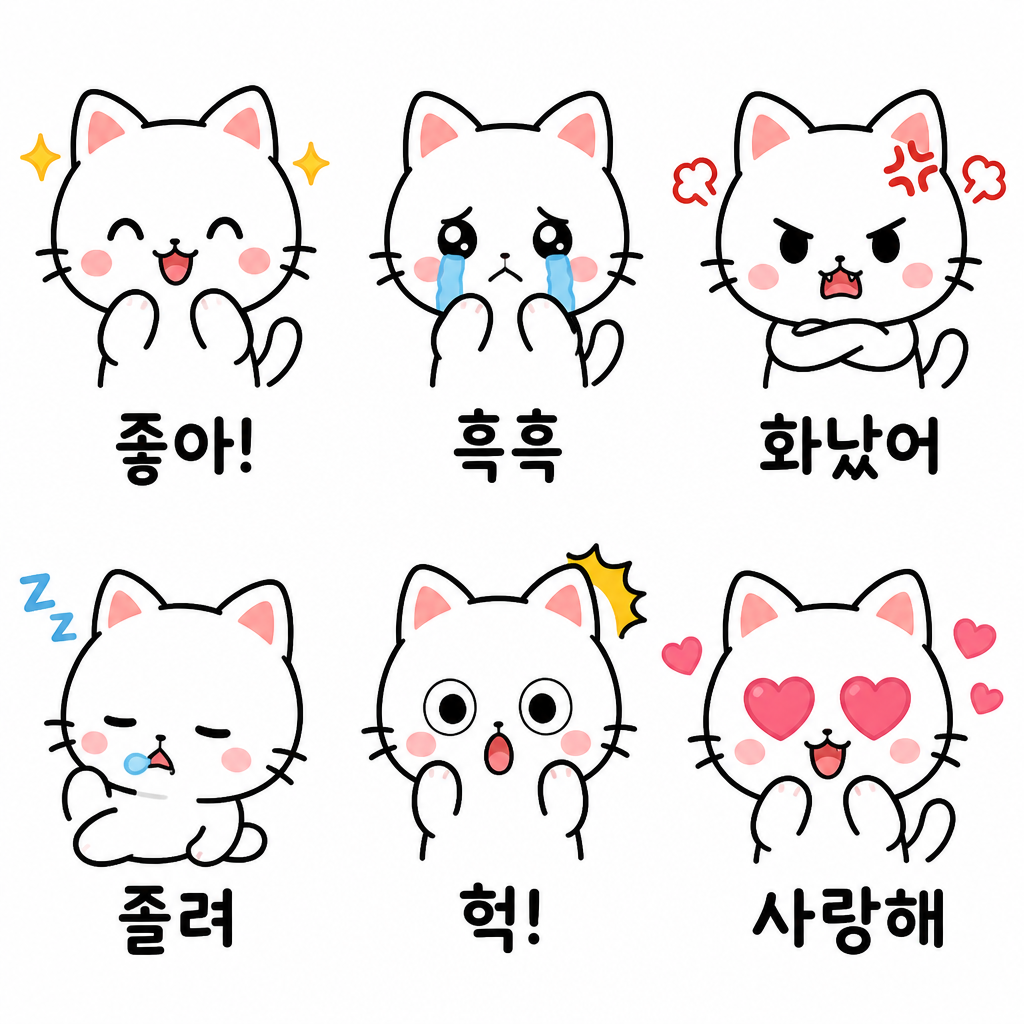
Cat Emotion Emoticon Set
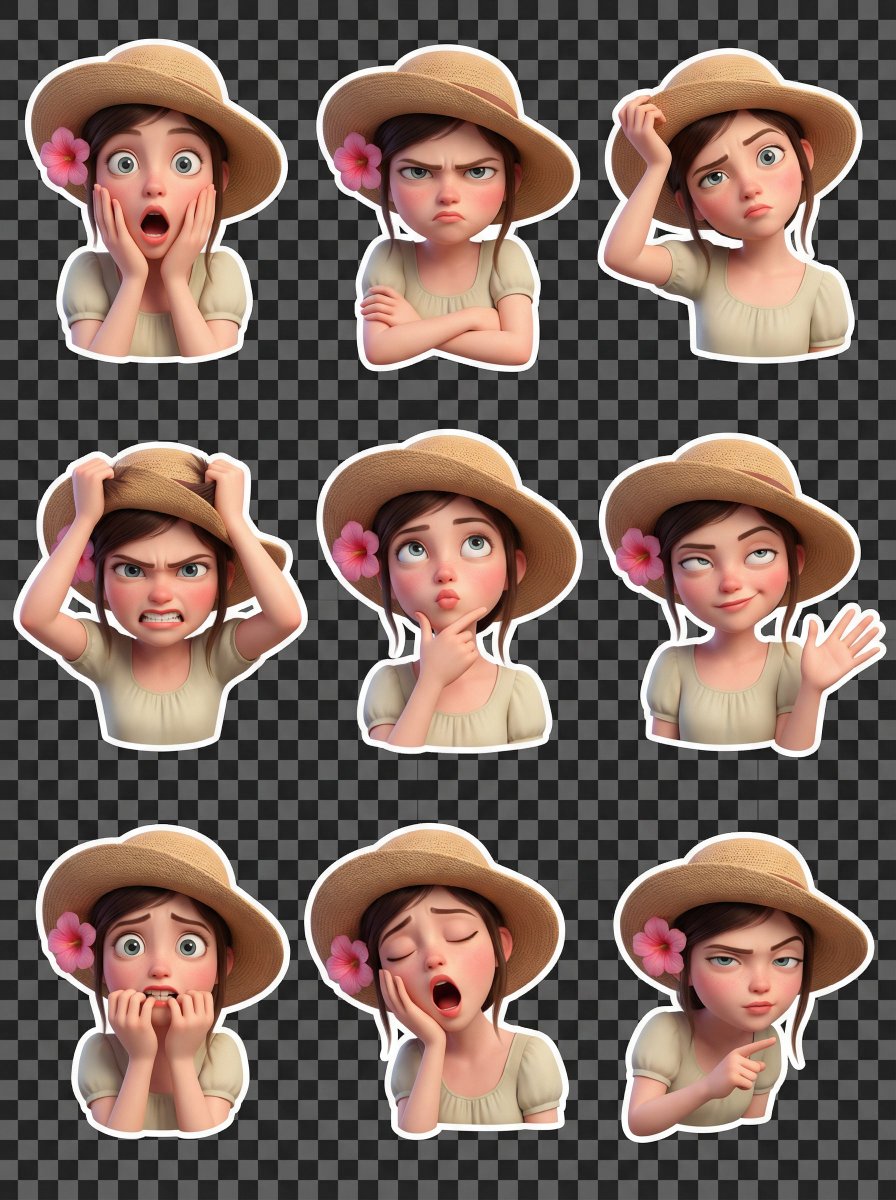
Selfie Pixar Sticker Set
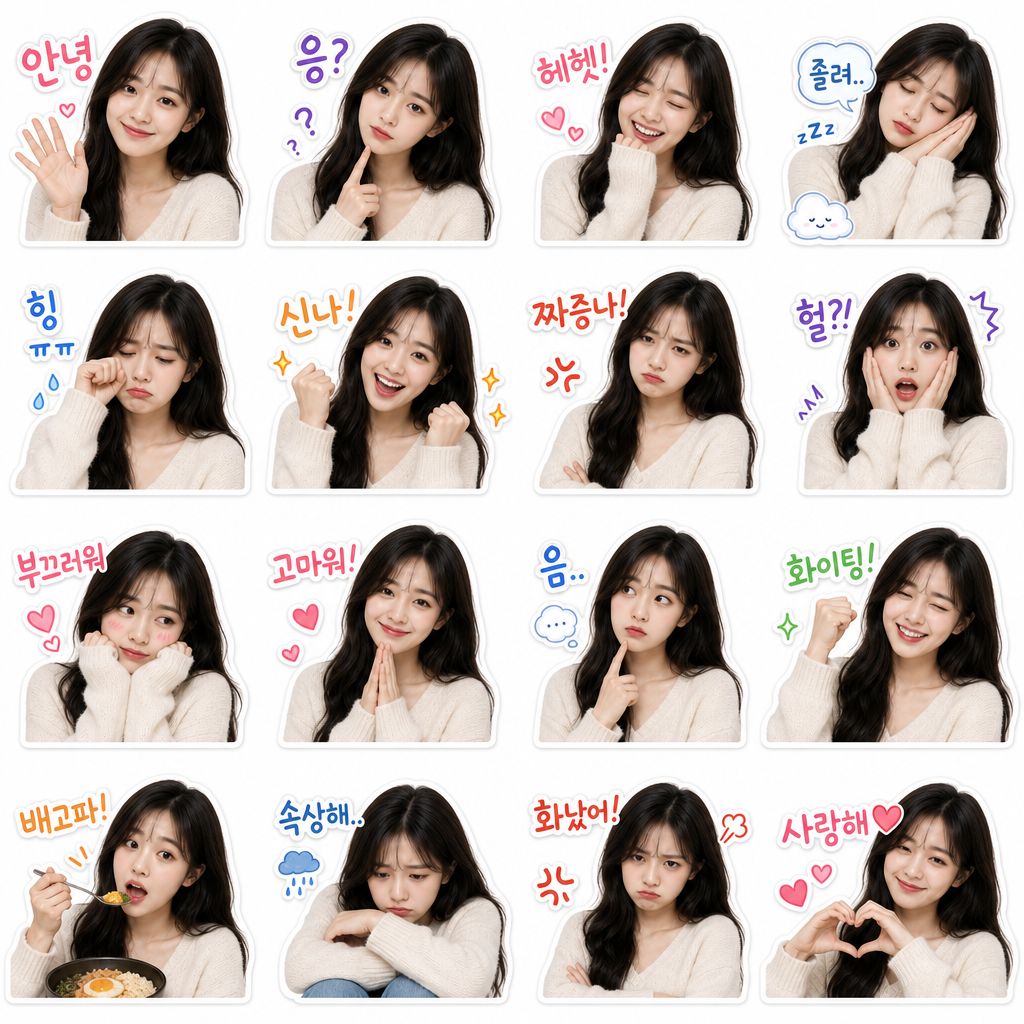
My Face KakaoTalk Emoticon Set
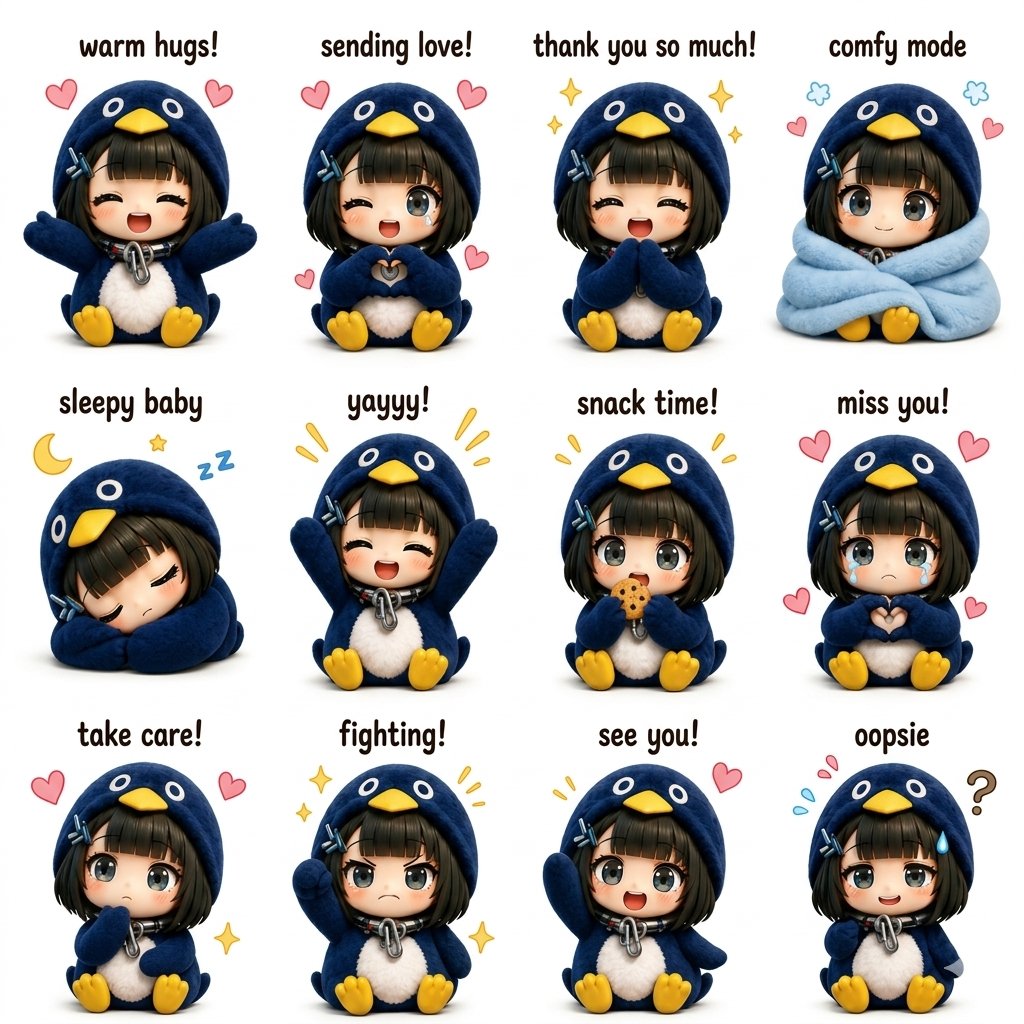
Kawaii Chibi Sticker Sheet
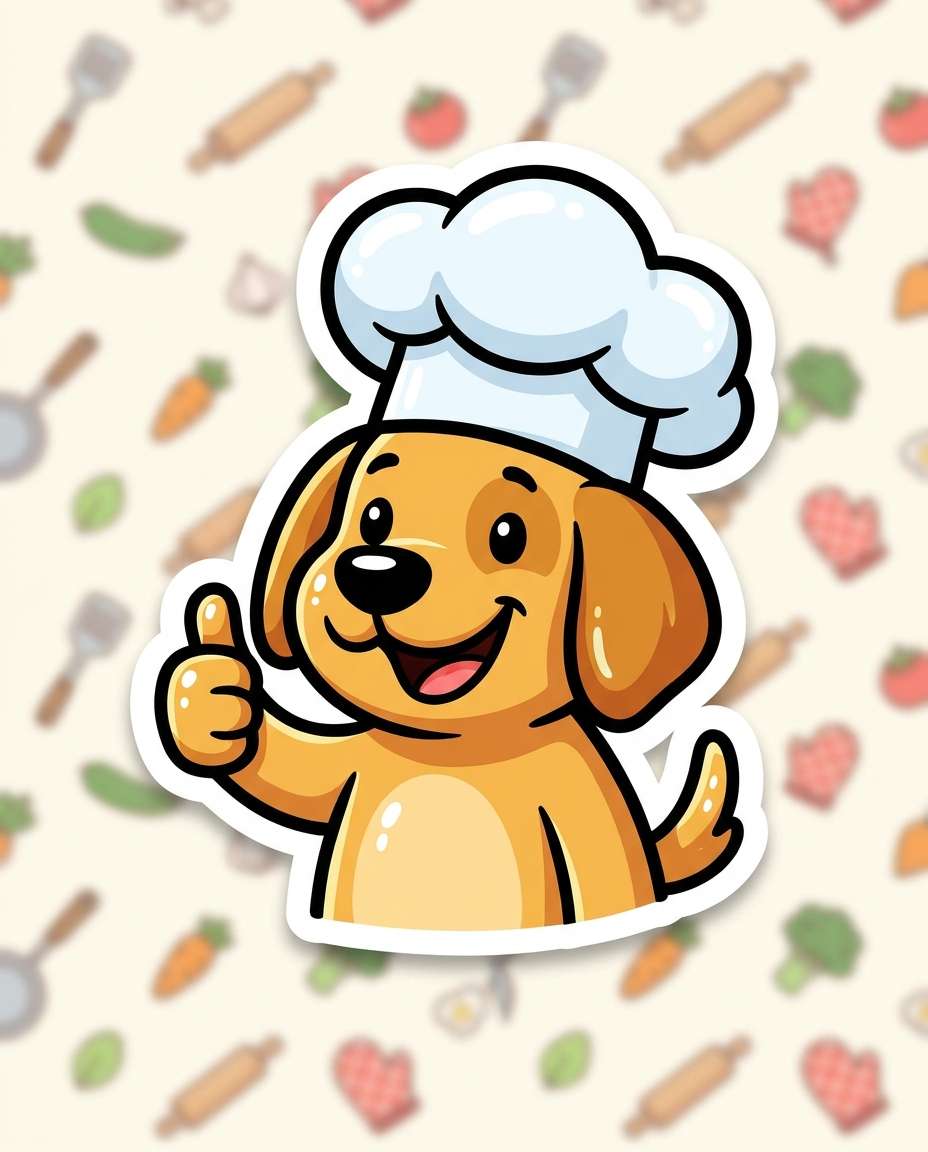
Chef Dog Sticker
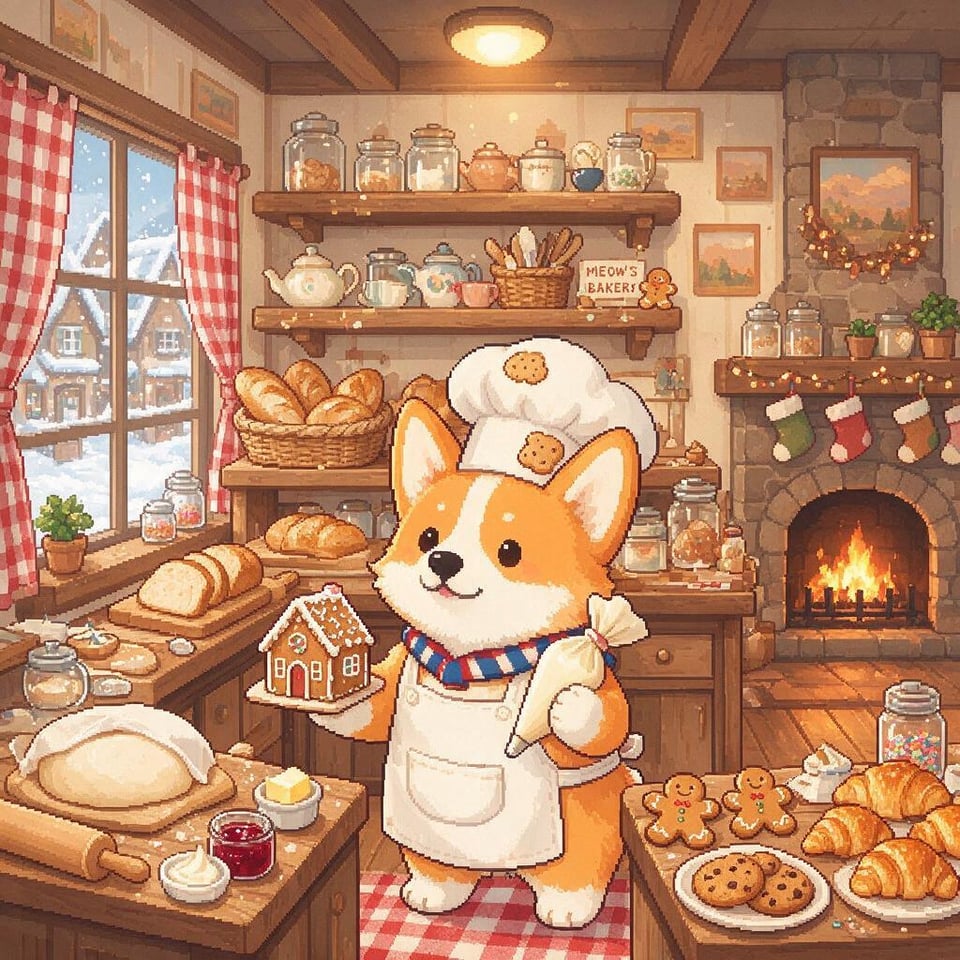
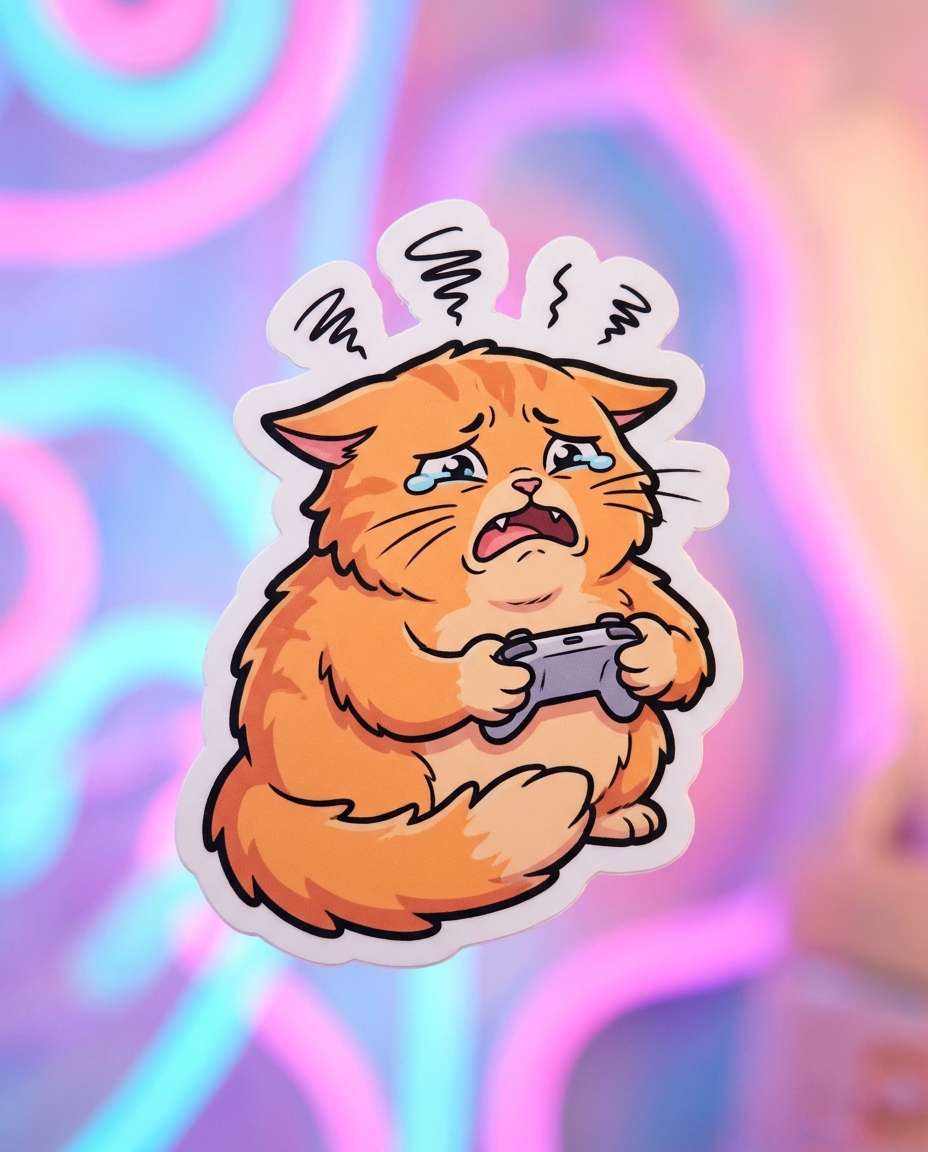
Gamer Cat Sticker
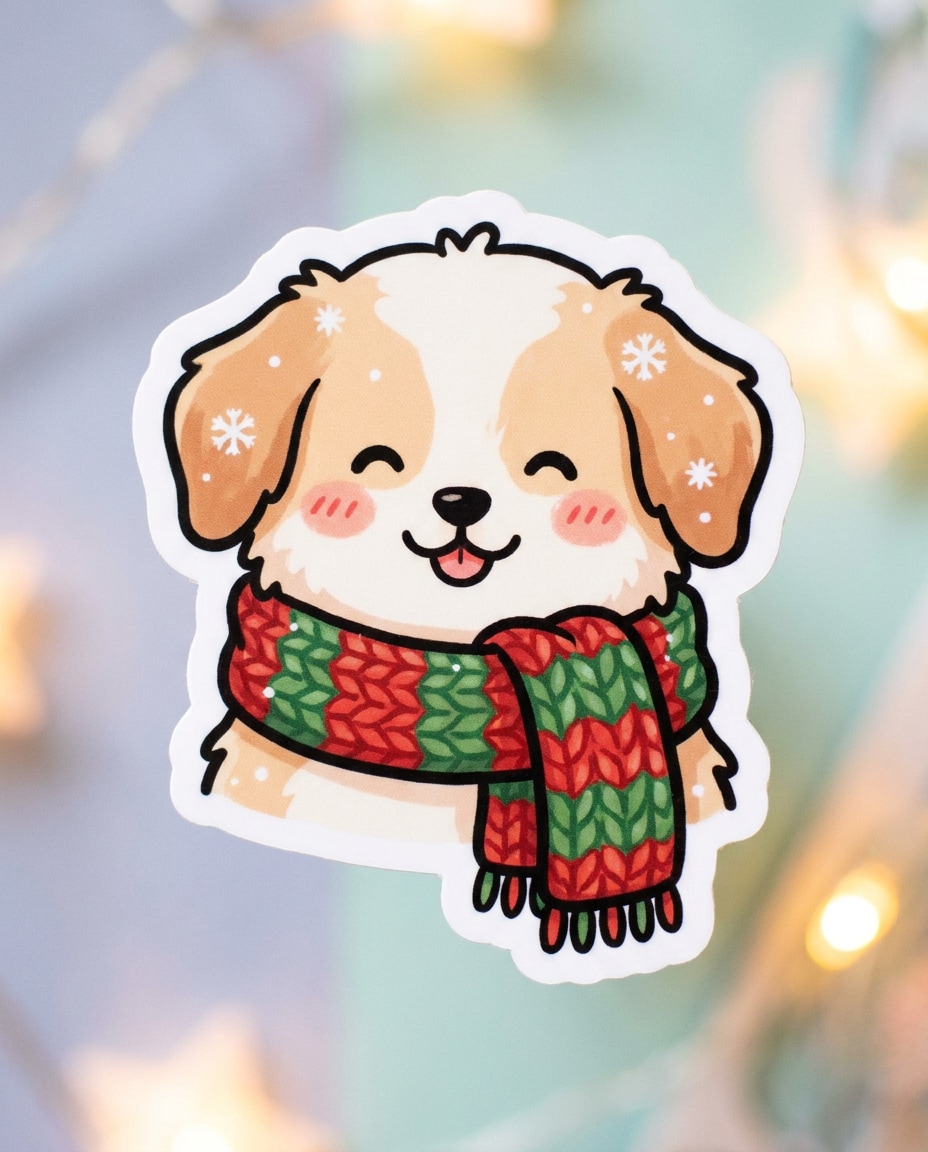
Winter Puppy with Scarf Sticker
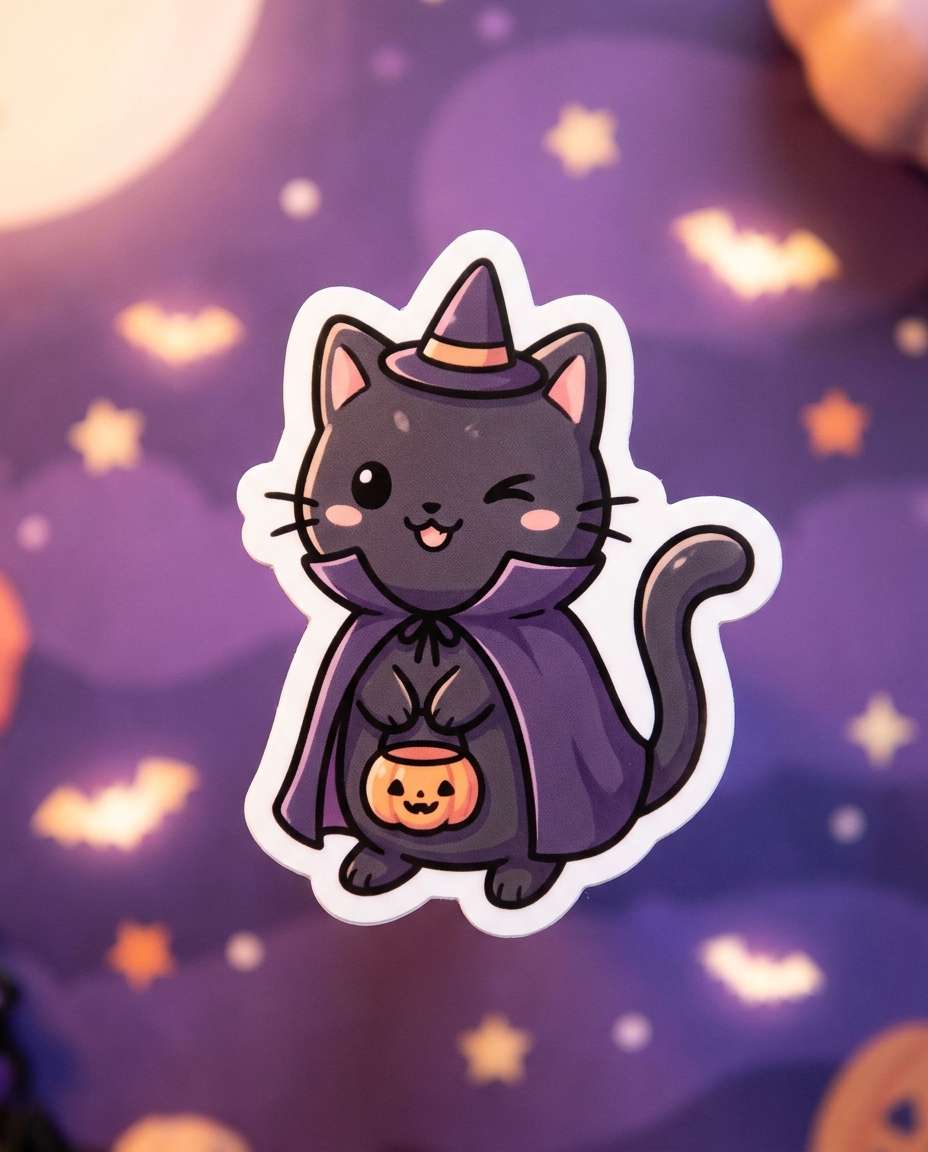
Witchy Halloween Cat Sticker
What Are Emoticon AI Prompts?
Emoticon prompts are AI prompts for quickly creating character reaction sets used in messaging. Lock one character, then change expressions and poses to expand into a 6- or 12-cut set, and tidy it up for KakaoTalk or LINE. In Carat, you can generate with models like GPT Image 2, then continue with background removal and aspect-ratio changes to get it PNG-ready.
Where You'll Use It
- Animal character emoticon sets
- Couple and friend chat reactions
- Relatable office-worker emoticons
- Brand mascot emotion sets
- Character stickers for social and goods
Why This Tag Is Useful
An emoticon has to read instantly even at a small size. The simpler you keep the character's silhouette, expression, hand gesture, and short caption, the better it fits a messenger. Keeping the same character and changing only the expression keeps the set consistent. Check the character tone and caption placement in the examples first. (Official KakaoTalk emoticon registration needs separate review, and platforms may have AI-image policies.)
Tips for Building Your Prompt
- Lock the character's type, personality, and color in one sentence first.
- Specify the set count (6 or 12) and the grid layout.
- Add each cut's emotion and a short caption.
- Ask for a white background and margins so it's easy to cut out as a PNG.
After generating, check expression consistency and caption typos, then refine in Carat with background removal and aspect-ratio changes.