Emoticon Design
Explore emoticon design prompts for structured, reusable AI image or video creation with clear style and production direction.
2026.07.02
Make “Emoticon Design” exactly the way you wantCreate your own “Emoticon Design”
Just ask in plain language — Carat generates optimized images and videos for you.

Start now with 100 free credits daily
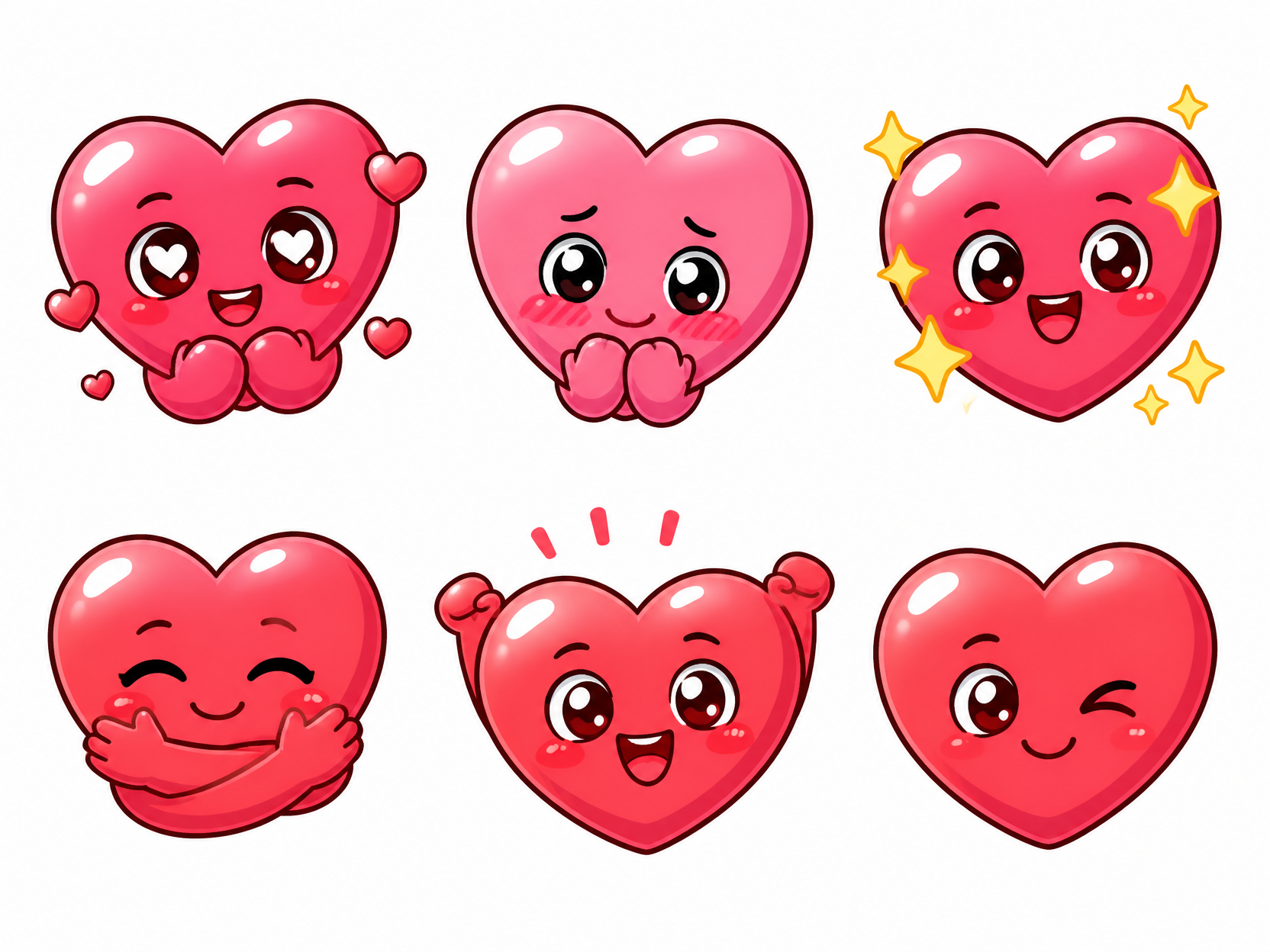
하트 이모티콘 스티커 세트
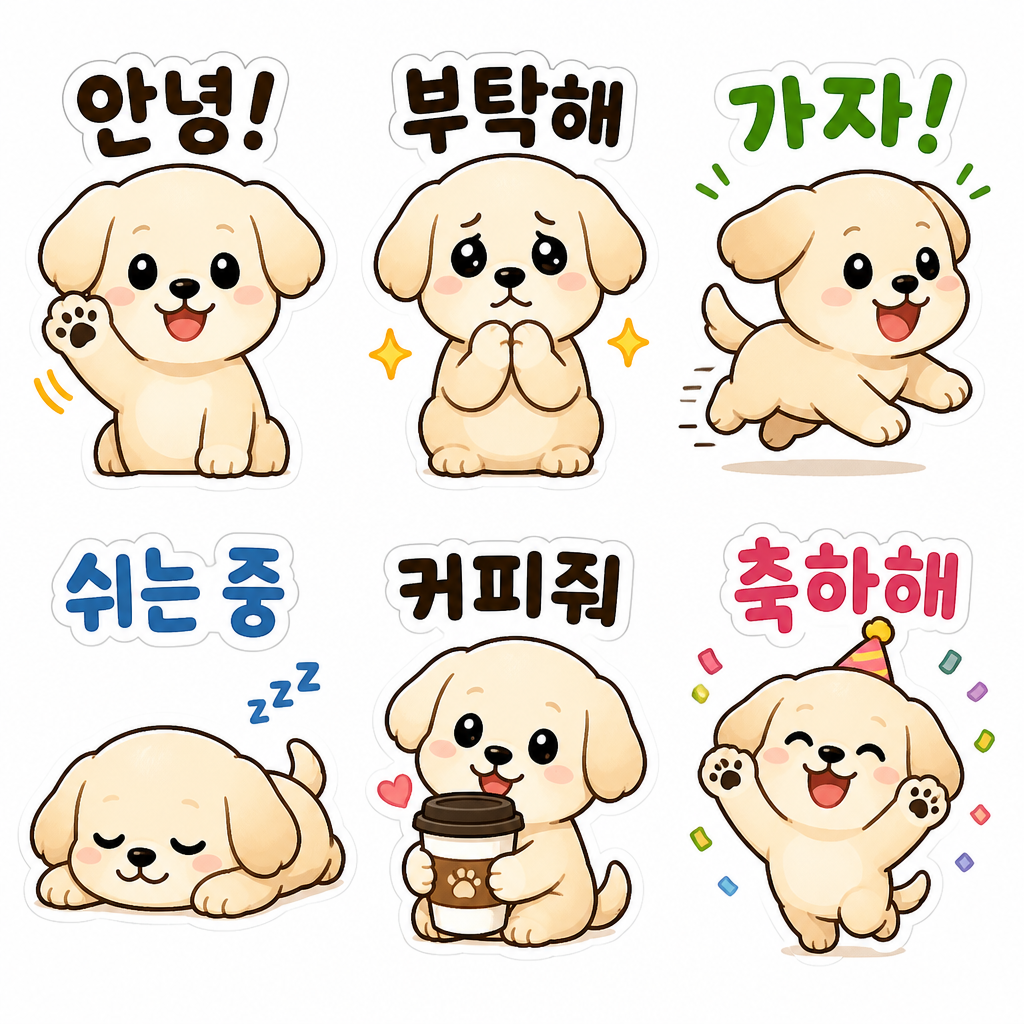
Dog Daily Emoticon Set
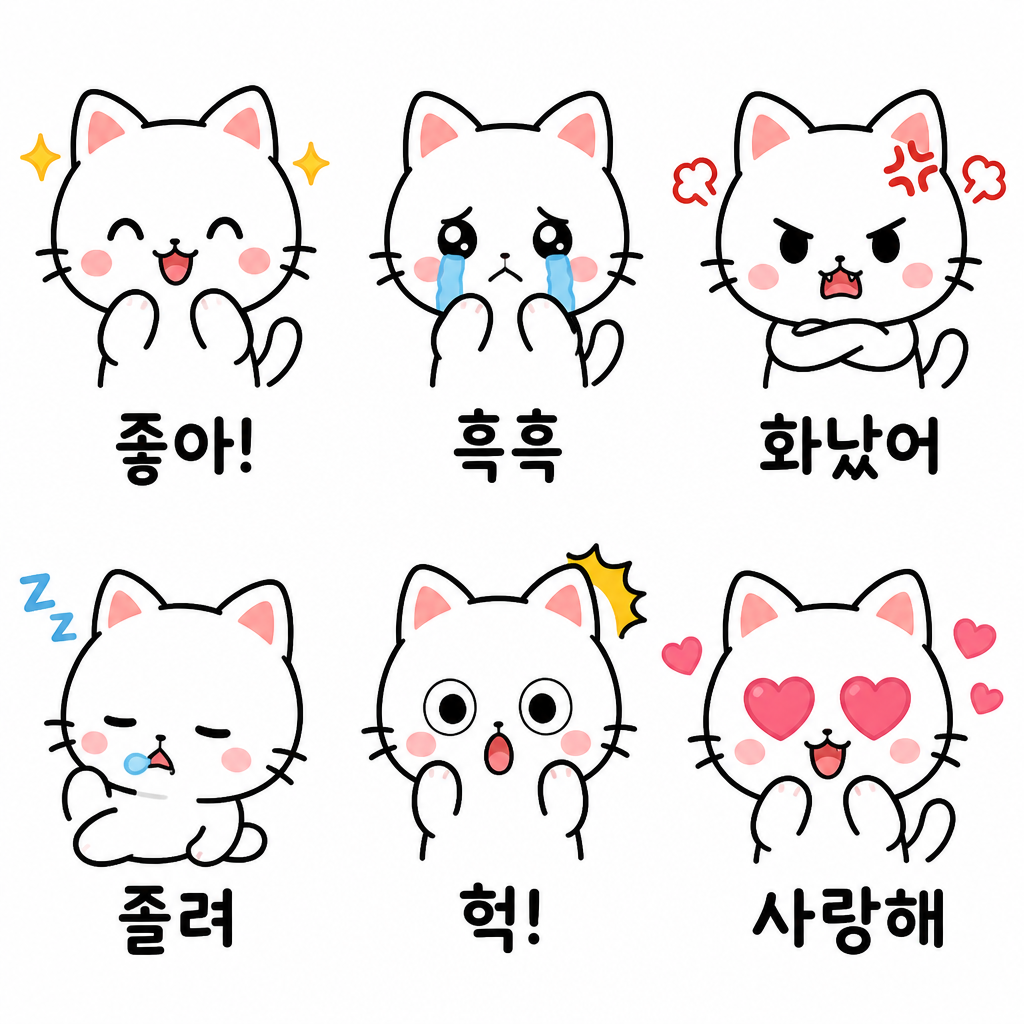
Cat Emotion Emoticon Set
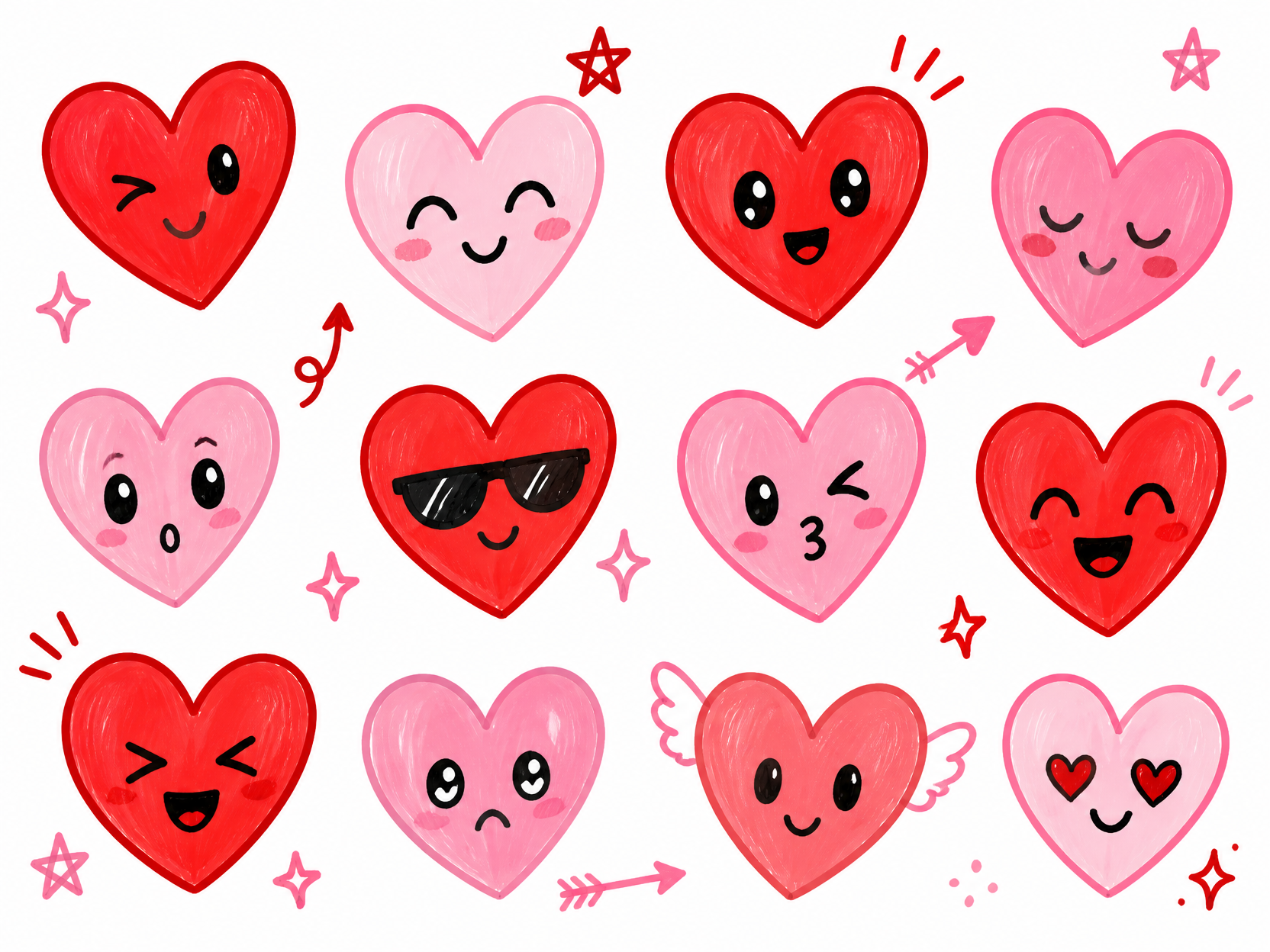
손그림 하트 이모티콘
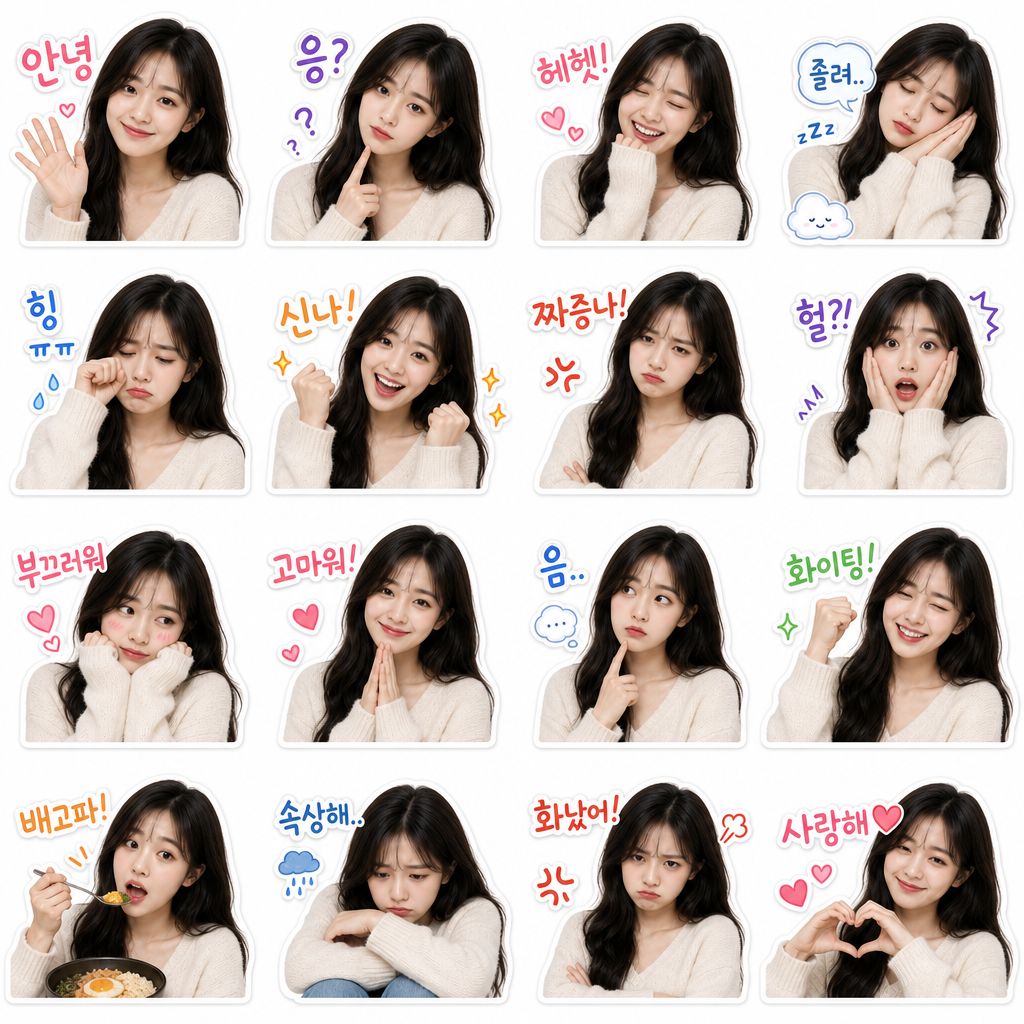
My Face KakaoTalk Emoticon Set
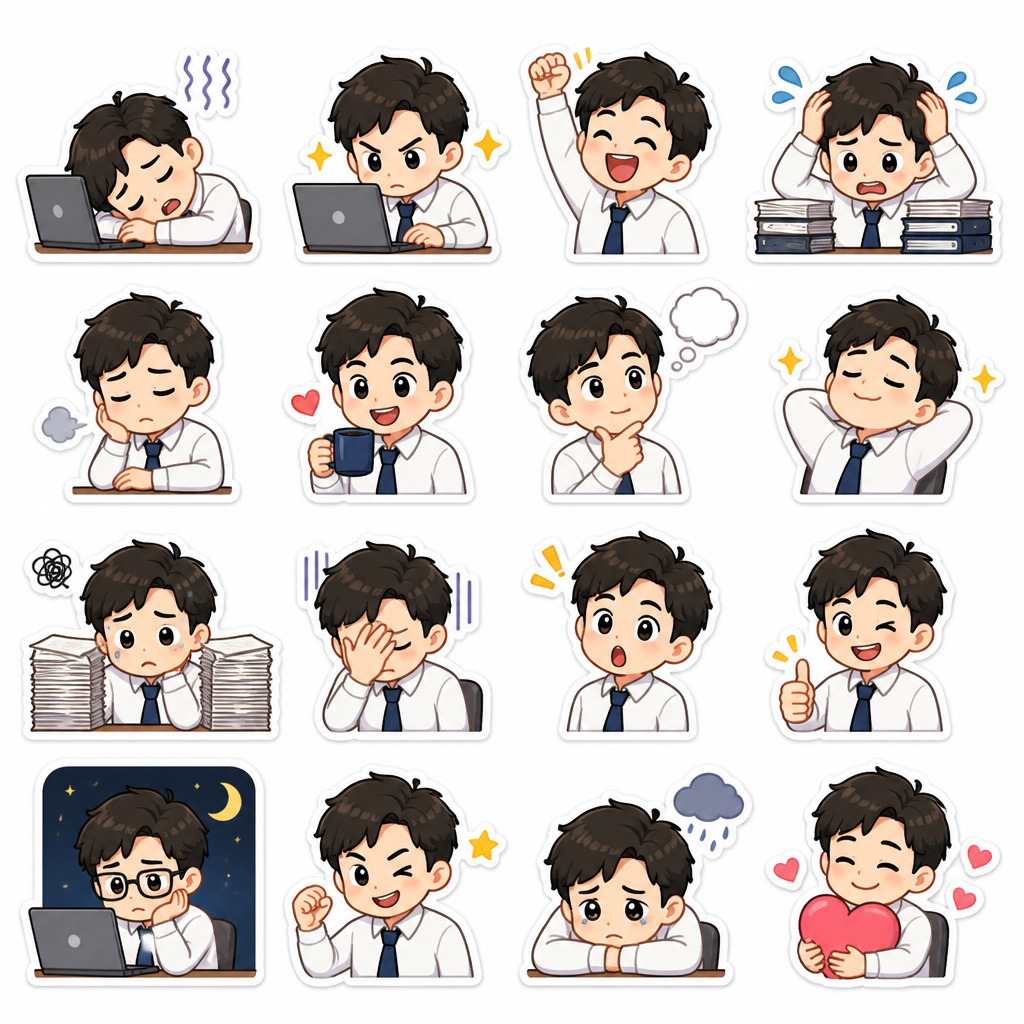
Office Worker Emoticon Set
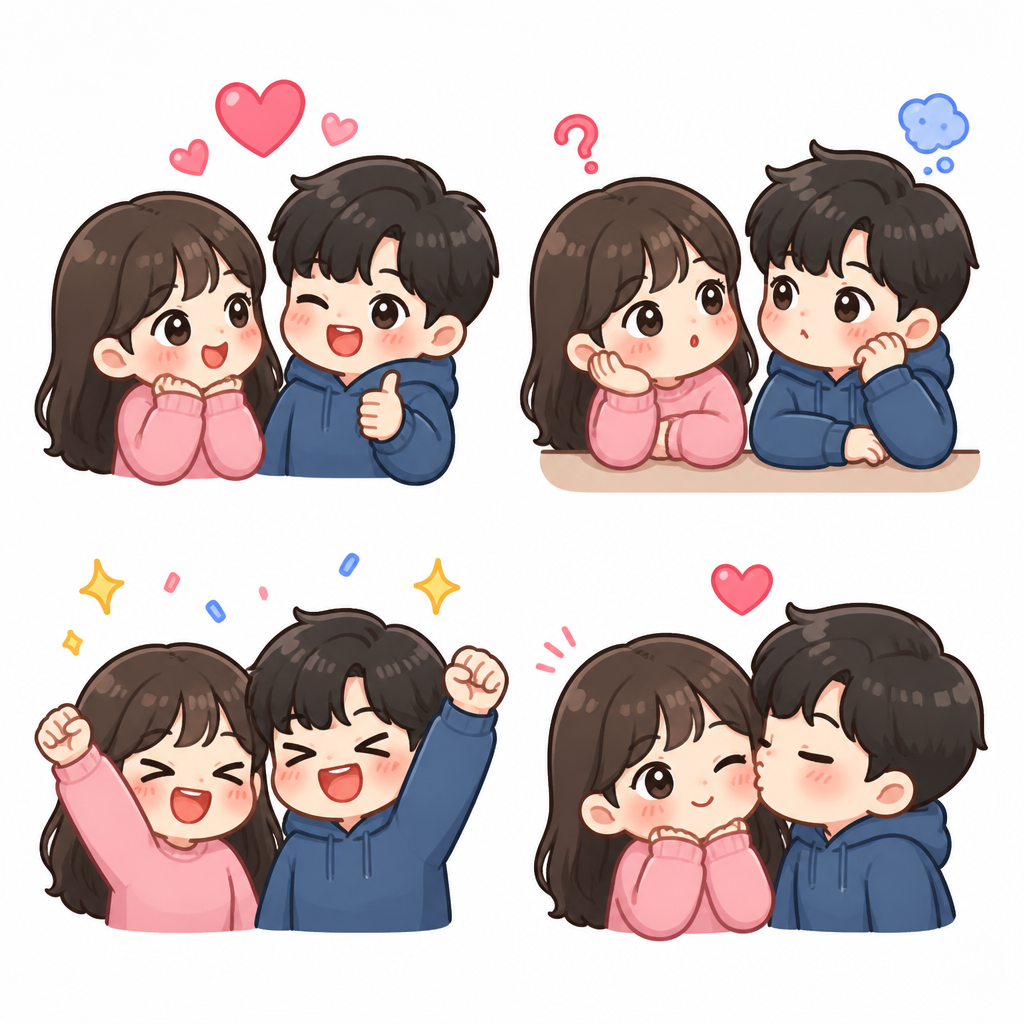
Couple Chat Emoticon Set
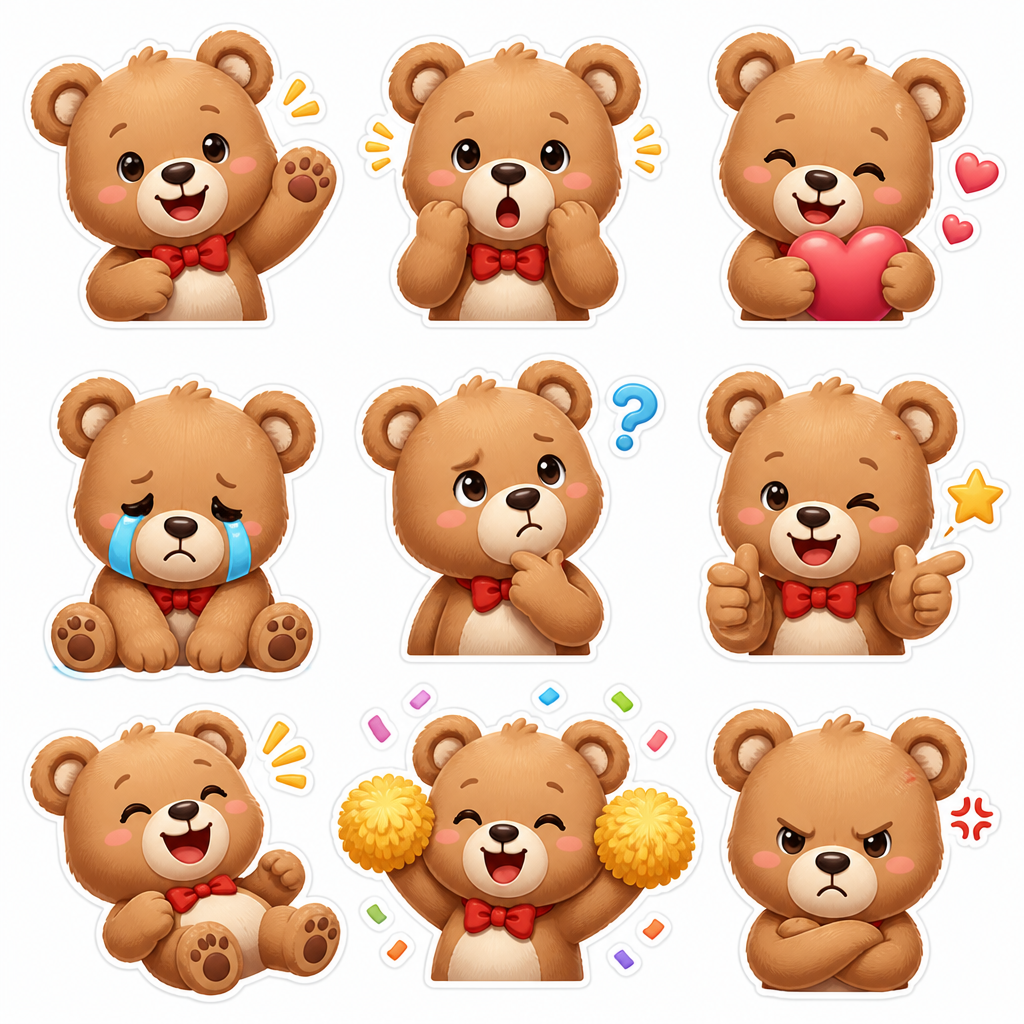
Bear Reaction Emoticon Set
What are Emoticon Design AI prompts?
Emoticon Design prompts help turn a broad visual idea into a usable creative direction with a clear subject, setting, mood, camera language, and output goal. Instead of starting from an empty text box, you can study prompt examples that already define composition, lighting, texture, pacing, or graphic layout. This makes the tag useful for creators who need a fast starting point for social posts, campaigns, thumbnails, short videos, pitch decks, or concept boards. A strong prompt in this category usually explains what should be shown, why it matters, how the viewer should feel, and which details must stay consistent.
Common use cases
- 메신저 리액션 세트
- 브랜드 캐릭터 표정
- 반려동물 이모티콘
- 직장인 공감 스티커
- 커플 대화 이모티콘
Why this tag is useful
The biggest benefit of a focused Emoticon Design prompt collection is speed with direction. Many AI results fail because the prompt only names a style and does not define the production context. The examples under this tag help you compare how framing, scene order, props, motion, lighting, and surface details affect the final output. You can borrow the structure, replace the subject with your own product or character, and keep the parts that control quality. This is especially helpful when you need several variations that still feel connected, such as a campaign set, a creator reel, a scene sequence, or a branded visual series.
Related prompts to explore
- Diary Sticker
- Pet Character
- Character Design
- Anime Style
- Webtoon Style
- Children Book
- Pet Illustration
Prompt writing tips
- 캐릭터 형태, 감정, 말풍선 여부, 선 굵기를 함께 지정하기
- 한 장이 아니라 세트라면 감정 목록을 먼저 정하기
- 배경은 투명 또는 단색으로 지정해 활용성을 높이기
- 텍스트가 필요하면 짧은 한국어 문구와 위치를 명확히 쓰기
When adapting a prompt, keep a simple production checklist: subject, environment, visual hierarchy, lighting, camera or motion, material details, and final delivery format. This prevents the output from becoming a generic style sample and gives the model enough constraints to make deliberate choices. You can also create a small variation system by changing only one variable at a time, such as background, color, lens, speed, or expression. That makes it easier to compare results and choose a direction for a real project.
Before generating, decide the final channel and aspect ratio. A prompt for a mobile short, a landing page hero, and a printed poster should not be written the same way. Add concrete details such as camera height, light source, background material, color palette, duration, or text placement. If the first result feels generic, do not only add adjectives. Add observable constraints that a viewer could point to on the screen. That is what makes Emoticon Design prompts more repeatable and easier to refine.