carat

Prompt Gallery

/

Game Button UI

Login
Sign Up

Game Button UI

Game Button UI prompts. Copy and use Game Button UI image generation prompts from Carat right away.

2026.07.10

·
GPT 이미지 2로 생성한 게임 UI 디자인

게임 UI 디자인

GPT Image 2· Image
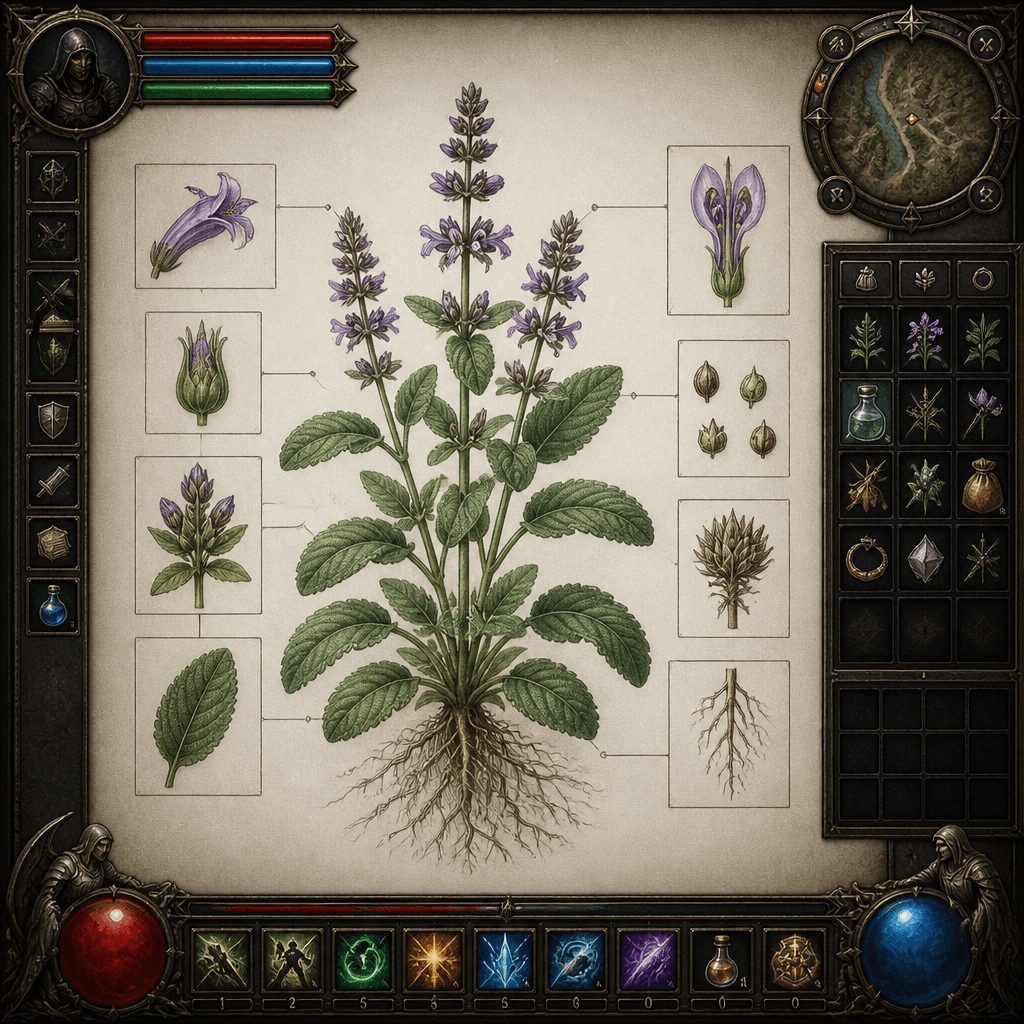
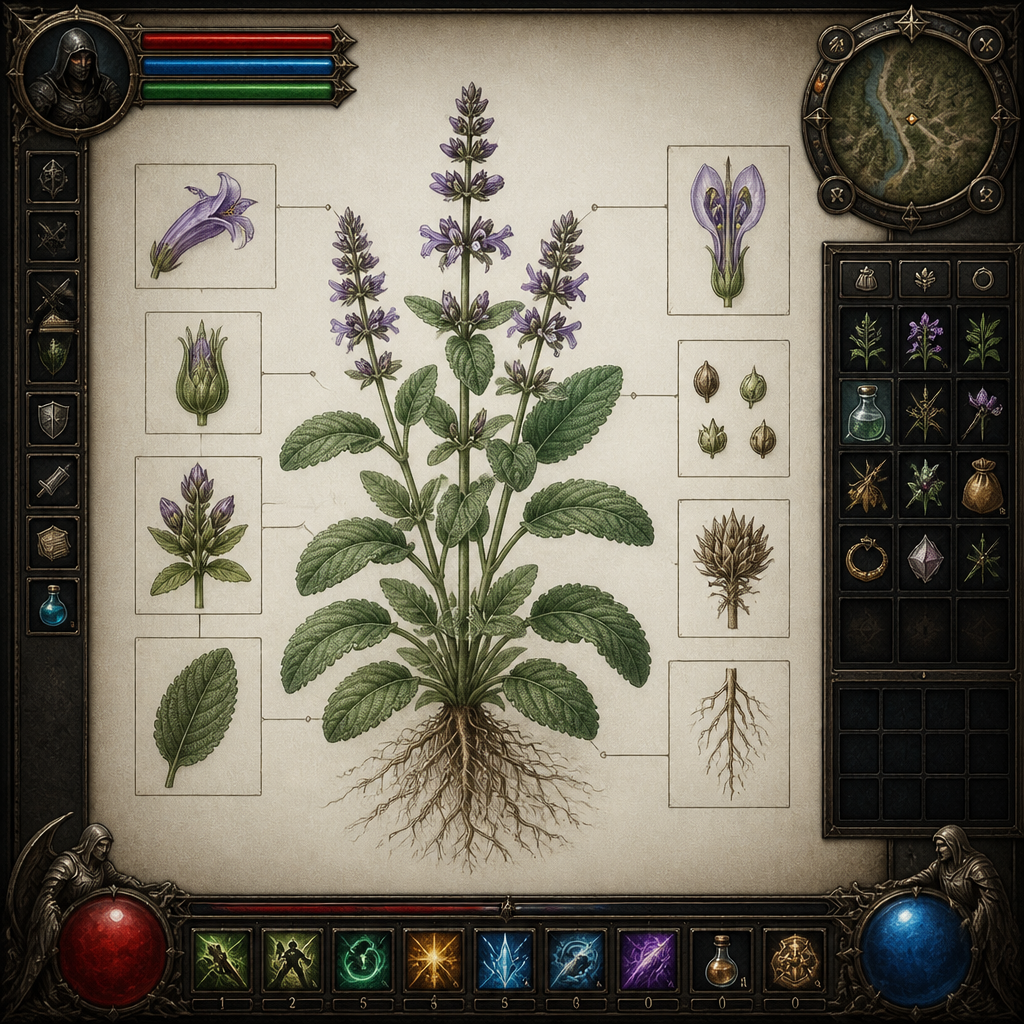
A fantasy RPG game interface with health bars, skill icons, inventory slots and minimap, dark fantasy aesthetic., Detailed botanical / scientific illustration, even natural daylight, soft shadow, precise, educational, elegant mood, naturalistic colors, sage green and earth tones, centered specimen, annotated feel without actual text, No text, no watermark.
GPT 이미지 2로 생성한 게임 버튼 UI

게임 버튼 UI

GPT Image 2· Image
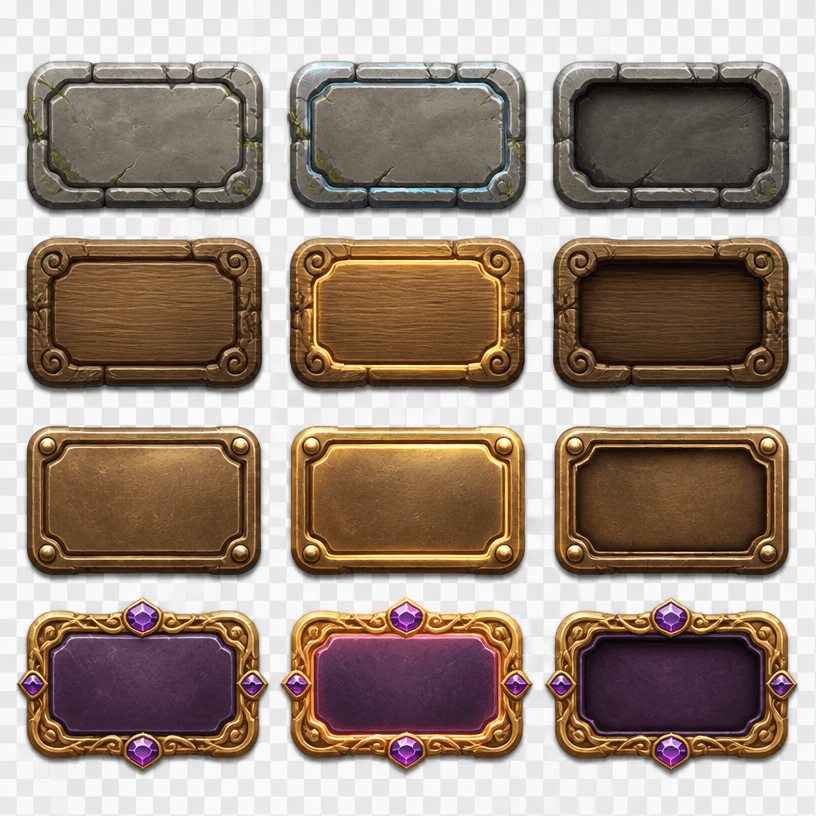
Square game UI asset sheet of fantasy adventure buttons in stone, wood, bronze and jewel variants, idle, hover and pressed states, empty faces, crisp beveled edges. No text, no logo, no watermark.
GPT 이미지 2로 생성한 게임 로딩 화면

게임 로딩 화면

GPT Image 2· Image
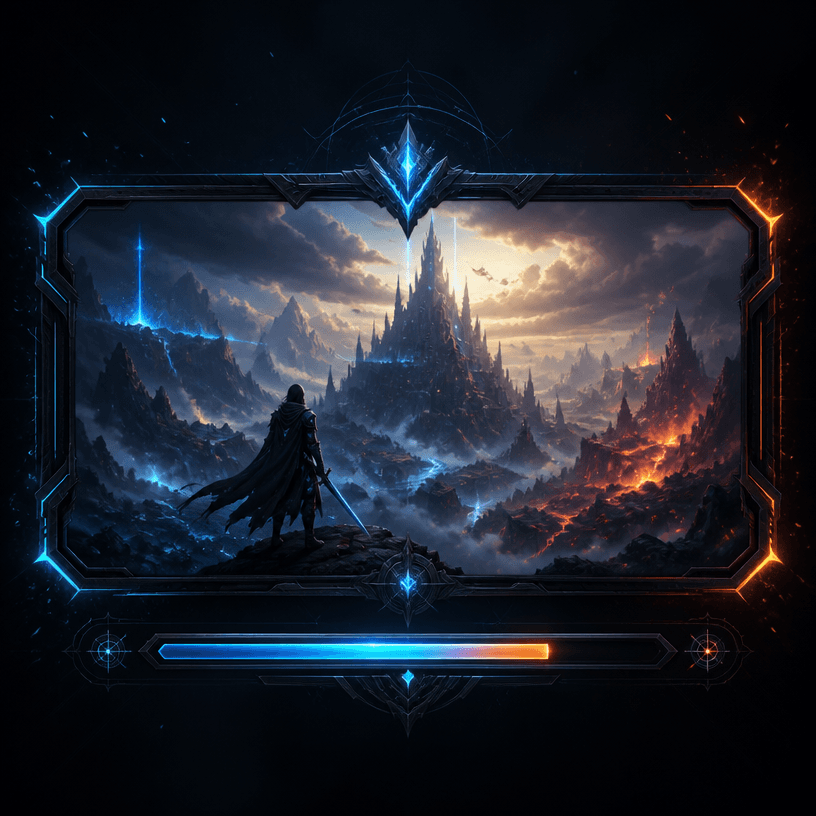
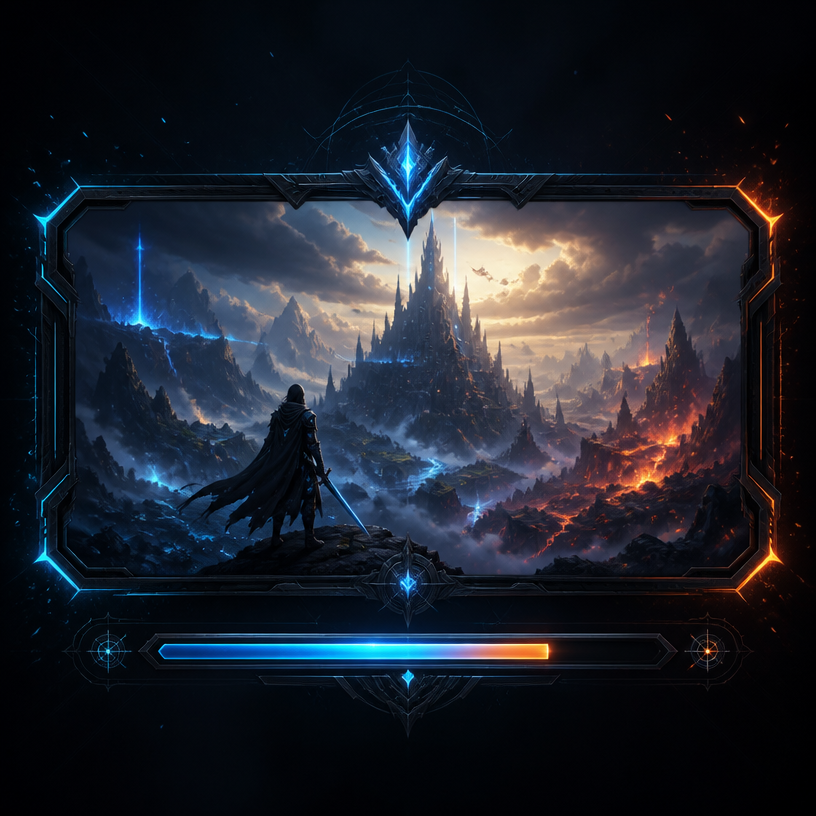
A stylish game loading screen interface design, dark futuristic background with glowing neon blue and orange accents, progress bar at the bottom, fantasy landscape artwork in the center panel, epic atmosphere with particle effects, AAA game UI aesthetic. No text, no watermark.

Interactive Otome Game Transition

MiniMax H3· Video
Use the first image as the exact opening frame and the second as the exact ending frame. Create a transition within a premium Chinese otome visual-novel interface, capturing an intimate backstage moment before and after a performance. Move naturally from “Choose to watch his performance” to “Han Xu reacts with intrigued interest after hearing the heroine.” Reveal UI copy, choices, and dialogue boxes with refined otome-game motion design. Keep transitions fluid and the romantic tension suggestive but restrained.
@MiniMax_AI

Interactive Game Equipment UI

MiniMax H3· Video
Use Image 1 for the character and Image 2 for the UI style. [0–2 seconds] High-angle overhead shot. The character sits on a vivid, highly saturated purple floor, looks up at camera, and matches Image 1. A game menu appears on the right: START NEW GAME, CONTINUE (highlighted), SETTINGS, EXIT GAME. Player profile MINIMAX appears top left. The cursor selects CONTINUE. [2–4 seconds] Smoothly push in to her right arm. A RIGHT ARM EQUIPMENT panel slides in from the right. PHANTOM GRIP is selected, then the selection moves to CHRONOS CLAW. Her mechanical hand reconfigures: fingers separate, new claw-like joints lock into place, and cyan LEDs flare brighter. [4–7 seconds] Arc smoothly to her left. An ARMAMENT CUSTOMIZATION grid slides in, showing hand, forearm, elbow, and upper-arm components. The selector cycles rapidly. Her left arm disassembles section by section: the forearm plate releases, new armor slides in, the elbow joint swaps, and the hand reconfigures, with exposed wiring and pistons visible during the change. [7–8.5 seconds] Pull back to a medium shot. CONFIRM CONFIG flashes; click it. All UI panels collapse inward and vanish. She uncrosses her legs and settles into a relaxed seated pose with one knee raised, lifting the prosthetic hand for a subtle post-configuration movement. [8.5–10 seconds] A LOADING bar appears along the bottom and races from 0% to 100%. The saturated purple environment darkens as shadows creep inward and warm golden light begins to bleed through. [10–15 seconds] As she stands, the full world loads around her: a dense cyberpunk slum with flickering neon, rain-wet streets, moving crowds, passing motorcycles, tangled overhead cables, and stacked buildings stretching toward futuristic towers. Settle into a third-person camera behind her. HUD elements fade in: minimap top right, health and ammo bottom left, then a mission marker. She steps into the street.
@MiniMax_AI

What are Game Button UI Prompts?

A collection of AI prompts for generating game button ui images. Copy the Game Button UI prompts provided by Carat and paste them into an AI image generation tool to get professional-grade results.

How to Use Game Button UI Prompts

  1. Select and copy your desired prompt.
  2. Paste it into the Carat agent.
  3. Modify colors, styles, and composition as needed.
  4. Download the generated image and use it in your project.

Tips for Writing Game Button UI Prompts

Specify lighting, texture, composition, and lens information in detail for more precise results. Add "No text, no watermark" to prevent unwanted text overlays.

Game Button UI Prompt Applications

Game Button UI prompts are used across content creation, marketing, design, and educational resources. AI-generated images dramatically reduce production time while maintaining professional quality.

Game Button UI Prompt Optimization Guide

Choose the aspect ratio based on your use case: vertical (9:16) for social media, horizontal (16:9) for web banners, and square (1:1) for product images.
Frequently Asked Questions

Related Prompts

Game UI Design

Game UI Design

2 prompts

Game Menu UI

4 prompts

Game HUD

Game HUD

5 prompts

Game Loading Screen

Game Loading Screen

5 prompts

Carat Prompt Gallery

Create trending AI prompts instantly

Prompts

  • Logo
  • PPT Design
  • Thumbnail
  • Poster
  • Web Novel Cover
  • ID Photo
  • Caricature
  • Product Detail Page
  • Banner

Models

  • GPT Image 2
  • Seedance 2.0
  • NanoBanana Pro
  • NanoBanana 2

Carat

  • Get started
  • About
  • Blog
  • Careers
  • Contact
  • Partnership
  • Terms
  • Privacy

© 2026 Paradot.Inc All rights reserved.