carat

Prompt Gallery

/

Isometric Art

Login
Sign Up

Isometric Art

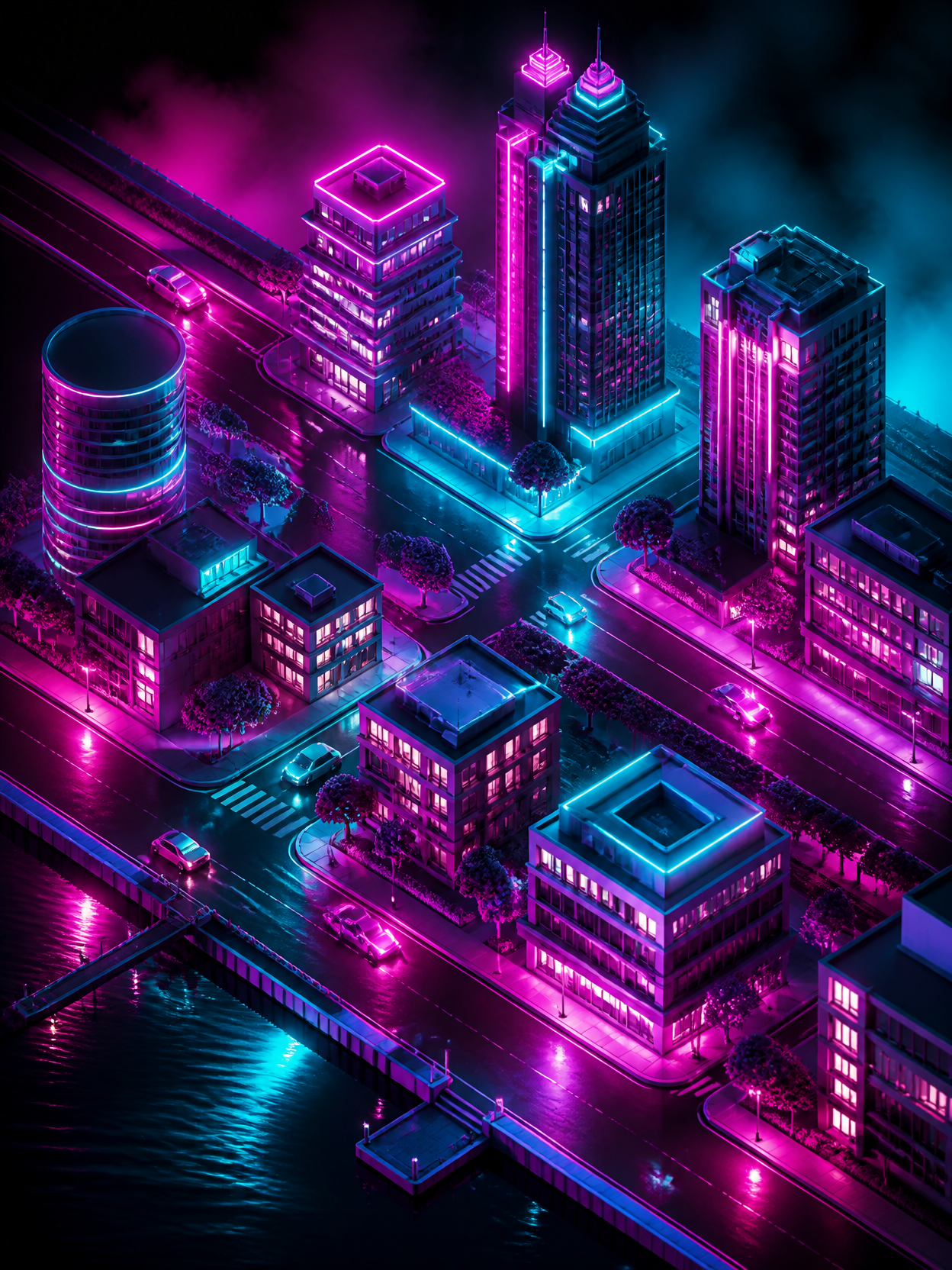
입체적이고 아기자기하게 공간이나 구조를 묘사하는 3D 아이소메트릭 및 기술 인포그래픽 디자인 태그입니다.

2026.07.02

·
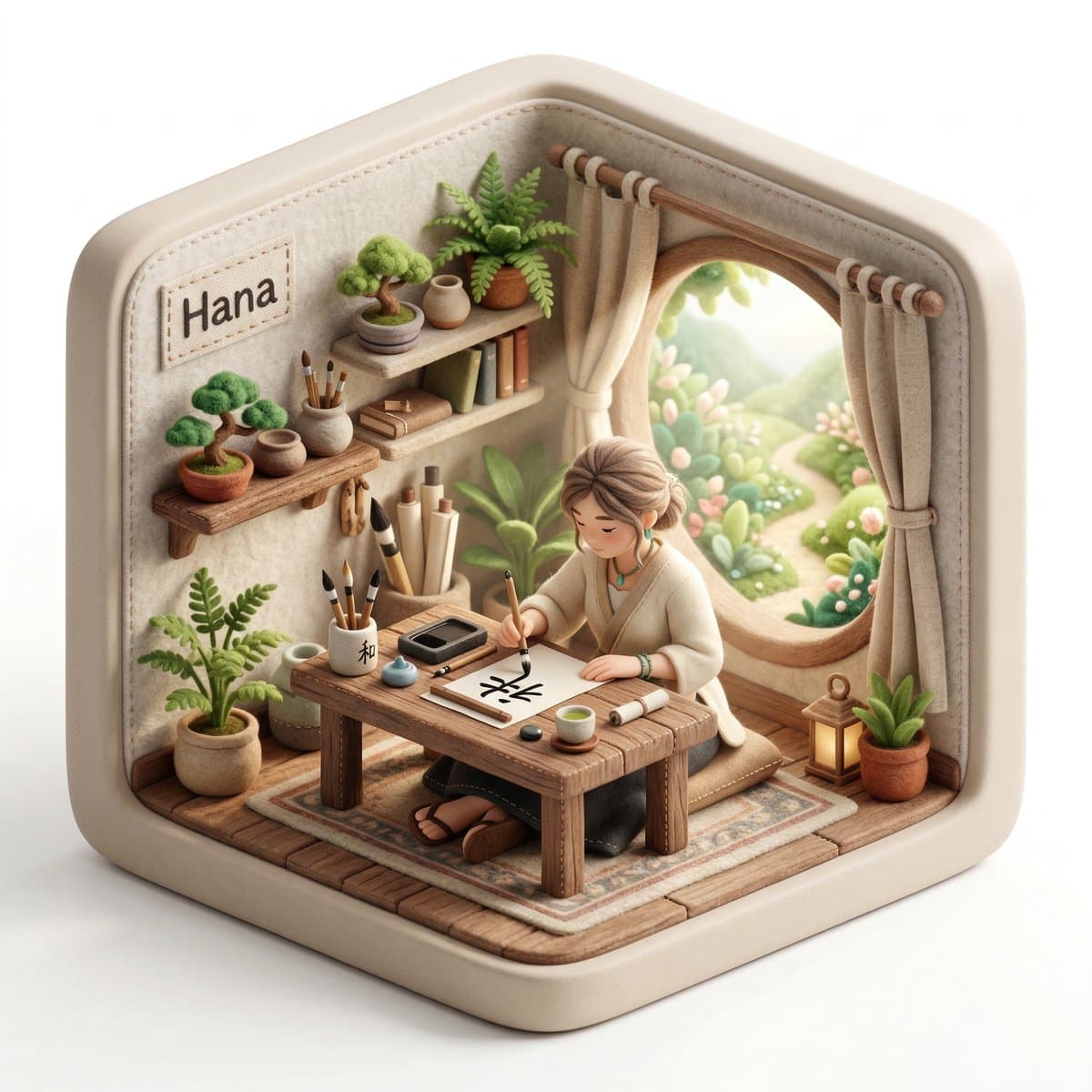
AI-generated Isometric Diorama Character made with Nano Banana Pro

Isometric Diorama Character

NanoBanana Pro· Image
Create a 3D isometric diorama illustration of an original character named [CHARACTER NAME], peacefully working or practicing a creative activity in a nature-inspired environment, sitting at a wooden desk near a large open window with sunlight flowing in and soft greenery visible outside. The character should be inspired by [ARCHETYPE / PROFESSION – e.g. writer, painter, meditator, calligraphy artist, tea master] and have a unique visual identity, including soft, natural clothing, organic textures, and a calm, introspective personality. The entire scene must have a handcrafted felt aesthetic, with soft rounded shapes, visible stitching details, and clean, polished textures. The diorama is enclosed inside a rounded cube structure with subtle hexagonal proportions, made of [MATERIAL STYLE – e.g. soft matte ceramic, light frosted resin, natural wood finish]. The environment must strongly reflect a peaceful, nature-connected lifestyle, including plants, natural wood furniture, soft textiles, and minimalistic decor. On the desk, include small detailed objects such as [OBJECT 1 – e.g. tea cup], [OBJECT 2 – e.g. brush or pen], [OBJECT 3 – e.g. notebook or scroll]. Lighting should be bright, soft, and natural, with warm sunlight beams entering through the window, creating a serene and airy atmosphere, with a clean white background outside the diorama. Render in 1080x1080, ultra-detailed, photorealistic style. Include a small stitched fabric name tag sewn onto the INNER wall of the diorama (top-left corner inside the cube), clearly integrated into the scene, not floating and not outside the structure, displaying the name: [CHARACTER NAME].
@Preda2005
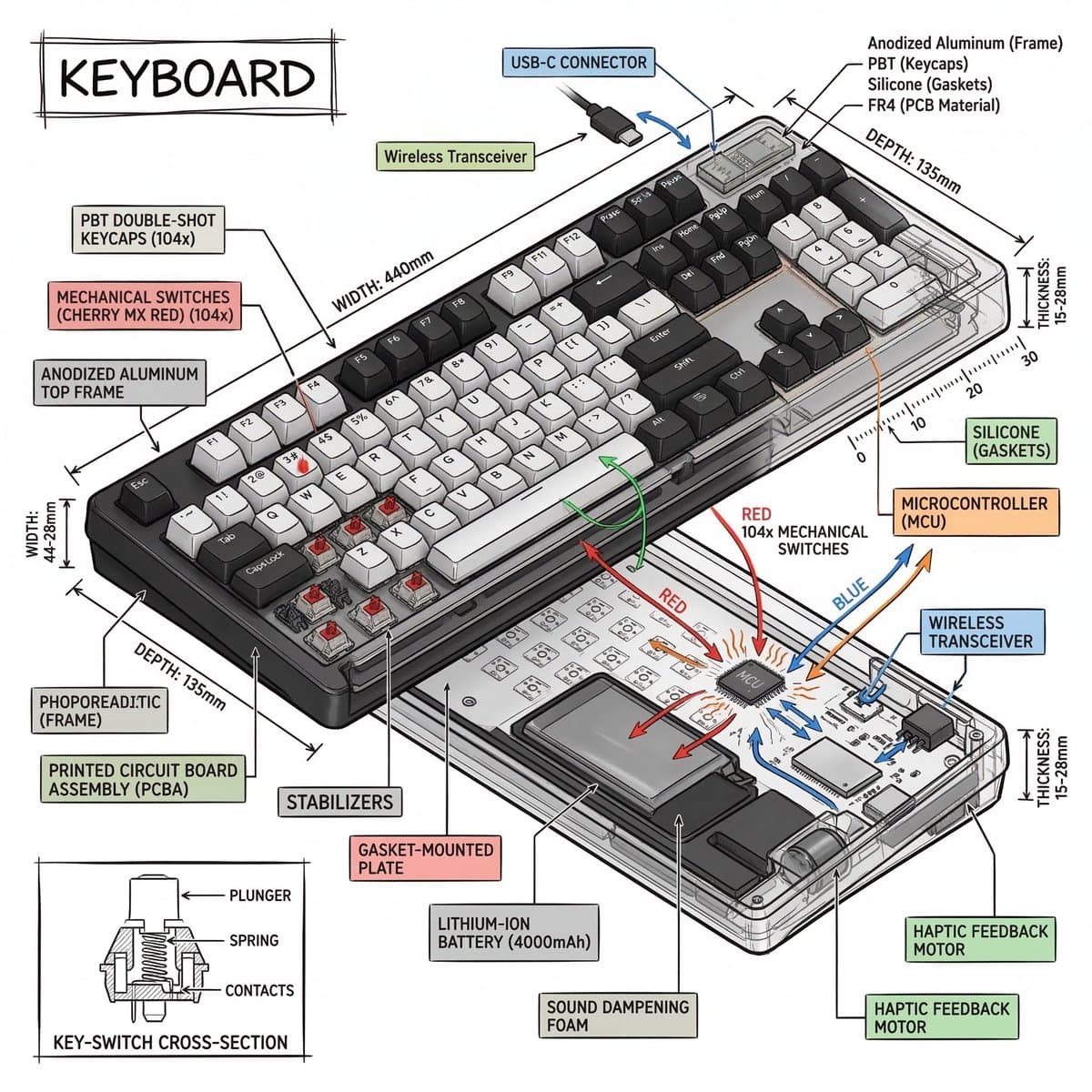
Example image of Isometric Technical Infographic generated with Nano Banana 2

Isometric Technical Infographic

NanoBanana 2· Image
Create a technical infographic of [OBJECT] with a 45-degree isometric 3D perspective showing the device slightly tilted to reveal depth and dimension. Combine a realistic photoreal render with black ink technical annotations on pure white background. Include: Key component labels with color-coded callout boxes Internal component visibility through transparent/cutaway sections Measurements, dimensions, and precise scale markers Material callouts and quantities Color-coded arrows for function/flow: RED (power/battery), BLUE (data/connectivity), ORANGE (thermal/processor), GREEN (sensors/haptics) Simple schematics or cross-sectional diagrams where relevant Place “OBJECT” title in a hand-drawn technical box (top-left corner). Style: Black linework (technical pen/architectural), sketched but precise. Object remains clearly visible. Educational museum-exhibit vibe. Clean composition, balanced negative space. Perspective: Isometric 3D angle—tilted to show depth, dimension, and internal architecture dramatically. Like a professional product teardown or engineering manual. Colors: ~10-15% accent density. Black dominant. White background. Output: 1080×1080, ultra-crisp, social-feed optimized.
@heymarmot_ai
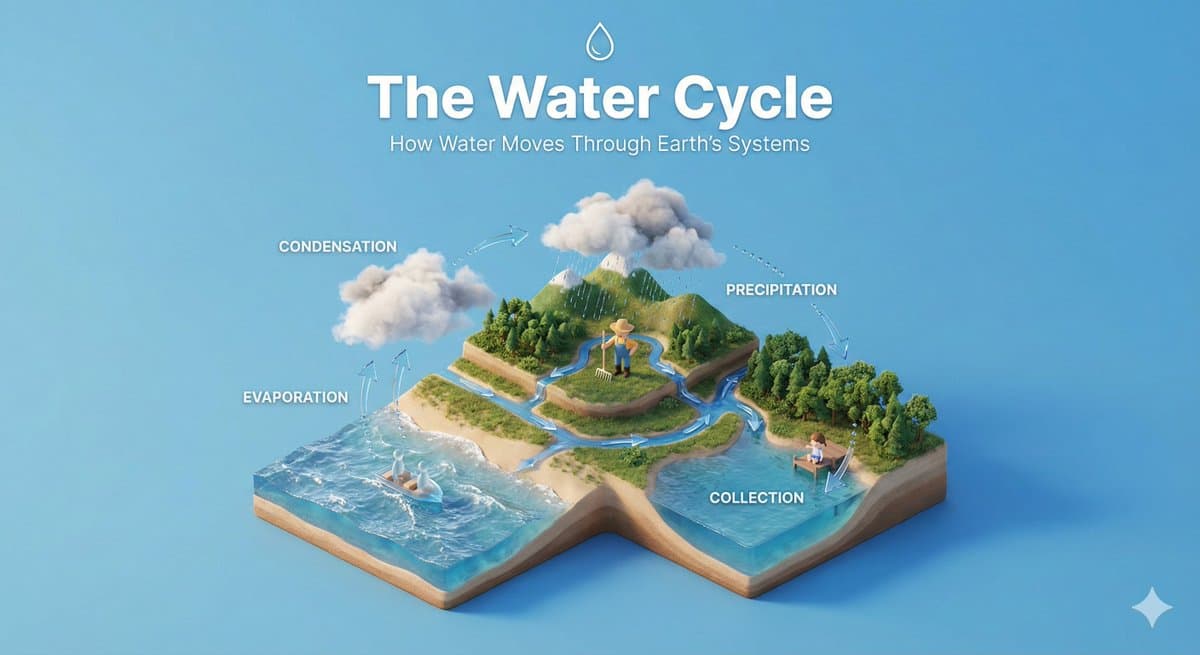
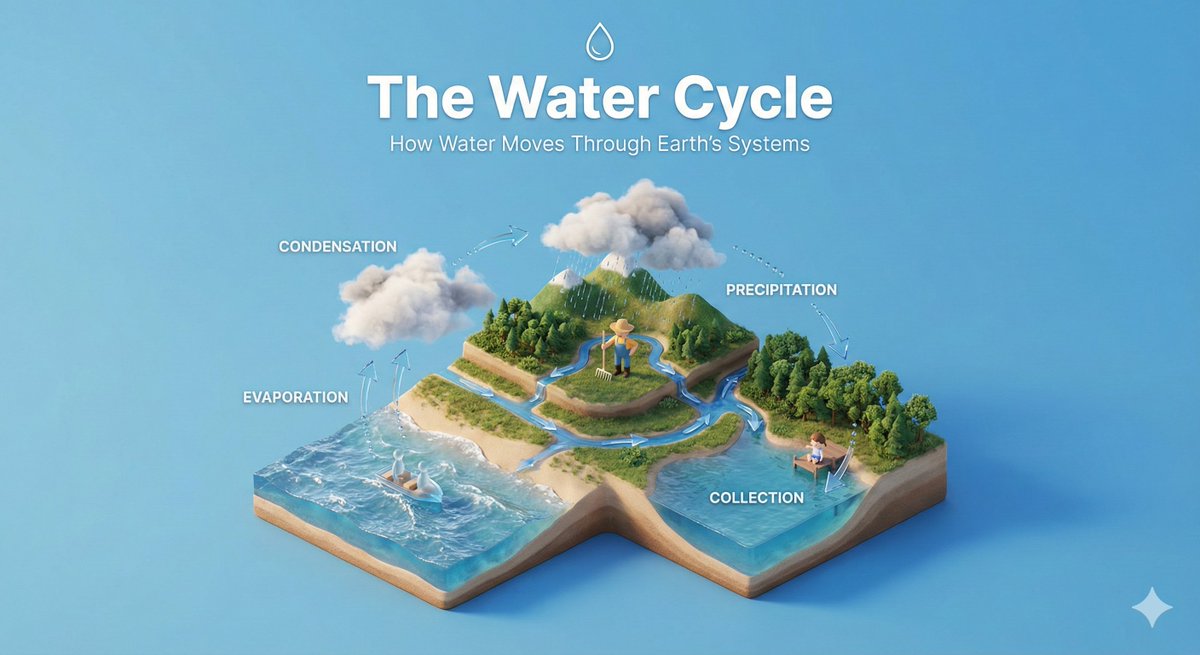
AI-generated Isometric Educational Diorama made with Nano Banana Pro

Isometric Educational Diorama

NanoBanana Pro· Image
Create a clear, 45° top-down isometric miniature 3D educational diorama explaining [PROCESS / CONCEPT]. Use soft refined textures, realistic PBR materials, and gentle lifelike lighting. Build a stepped or layered diorama base showing each stage of the process with subtle arrows or paths. Include tiny stylized figures interacting with each stage (no facial details). Use a clean solid [BACKGROUND COLOR] background. At the top-center, display [PROCESS NAME] in large bold text, directly beneath it show a short explanation subtitle, and place a minimal symbolic icon below. All text must automatically match the background contrast (white or black).
@aleenaamiir

What are Isometric Art AI prompts?

Isometric Art prompts guide you to produce a precise image framework including specific subject placement, close-focus details, material textures, environment props, lighting dynamics, and direct channel aspect ratio. The main purpose is not just to gather simple style guidelines, but to outline a predictable environment that can be deployed into actual campaigns, product listings, banners, or editing pipelines without unexpected drift. A high-quality prompt defines what the primary focus should be and what must stay in the background margin.

Main use cases

  • 교육 디오라마
  • 기술 인포그래픽
  • 3D 도시 레이아웃
  • 오피스 미니어처
  • 아이소메트릭 캐릭터 세트

Why this tag is useful

Isometric Art creations often require strict control over framing to be useful. By standardizing the parameters of your prompt (such as background density, camera lenses, finishing colors, and light distribution) you ensure the generated results can actually be formatted for multi-channel usage without awkward visual cropping. It also allows developers and designers to evaluate multiple stylistic variations safely while preserving the core composition. Rather than relying on random adjective combinations, a structured approach helps the generative model make intentional design choices.

When optimizing a prompt, iterate stepwise by updating one specific key-value parameter at a time. This establishes a clean path for evaluating improvements. For motion-based assets, remember to integrate timing, target movement, camera speed, transition hooks, and ending states to make sure the clip fits nicely into modern social channels. Specific cinematic and visual directives remain the most powerful mechanism for getting the perfect Isometric Art output on the first try.

Related prompts to explore

  • diorama-style
  • miniature-style
  • scenery-photo
  • poster
  • editorial-design
  • product-ad-image

Prompt building tips

  1. Set the exact layout ratio from the beginning to match the target social channel or printing frame.
  2. State the central subject with clear details, then build around it with specific environmental objects, key lights, and background colors.
  3. Add negative parameters to secure your composition and prevent unwanted details such as text distortion, awkward crops, or confusing shapes.
  4. Keep your base sentence and replace only one specific component per test run. This guarantees a safe path toward production-ready Isometric Art assets.

Frequently Asked Questions

Related Prompts

3D Cartoon

70 prompts

Diorama

Diorama

8 prompts

Diorama Illustration

Diorama Illustration

9 prompts

Illustration

Illustration

300 prompts

Carat Prompt Gallery

Create trending AI prompts instantly

Prompts

  • Logo
  • PPT Design
  • Thumbnail
  • Poster
  • Web Novel Cover
  • ID Photo
  • Caricature
  • Product Detail Page
  • Banner

Models

  • GPT Image 2
  • Seedance 2.0
  • NanoBanana Pro
  • NanoBanana 2

Carat

  • Get started
  • About
  • Blog
  • Careers
  • Contact
  • Partnership
  • Terms
  • Privacy

© 2026 Paradot.Inc All rights reserved.