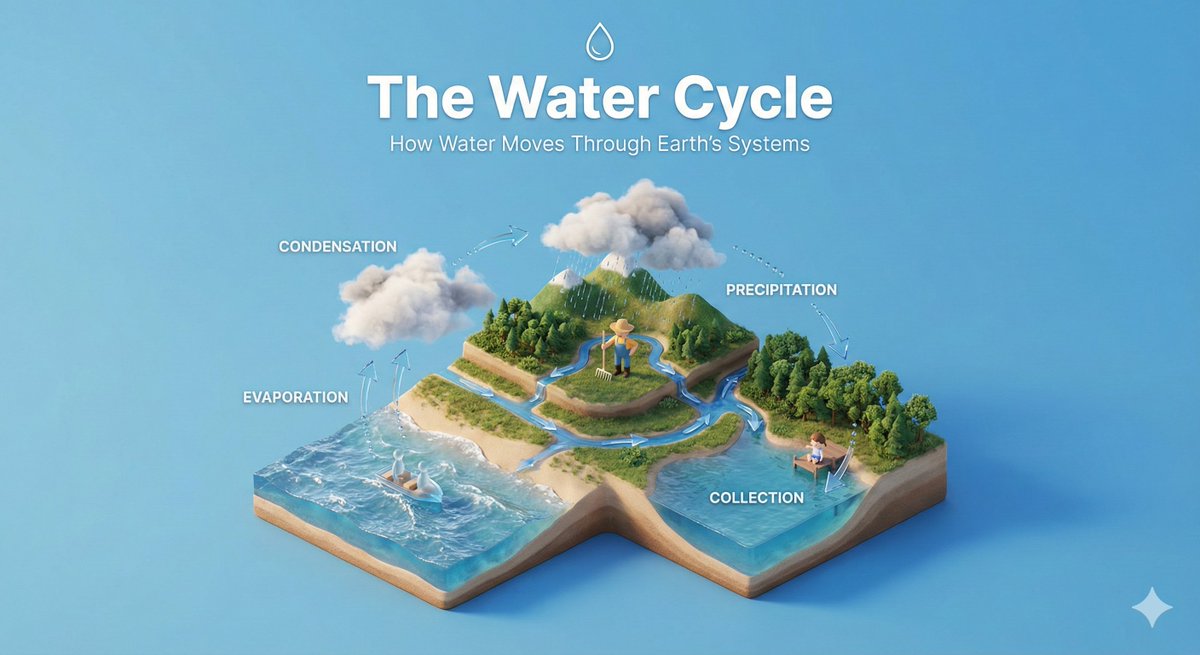
Isometric Illustration
AI prompts for clean isometric illustrations that explain concepts and miniature scenes. Quickly create 45-degree 3D dioramas and informational graphics.
2026.06.30
Make “Isometric Illustration” exactly the way you wantCreate your own “Isometric Illustration”
Just ask in plain language — Carat generates optimized images and videos for you.

Start now with 100 free credits daily
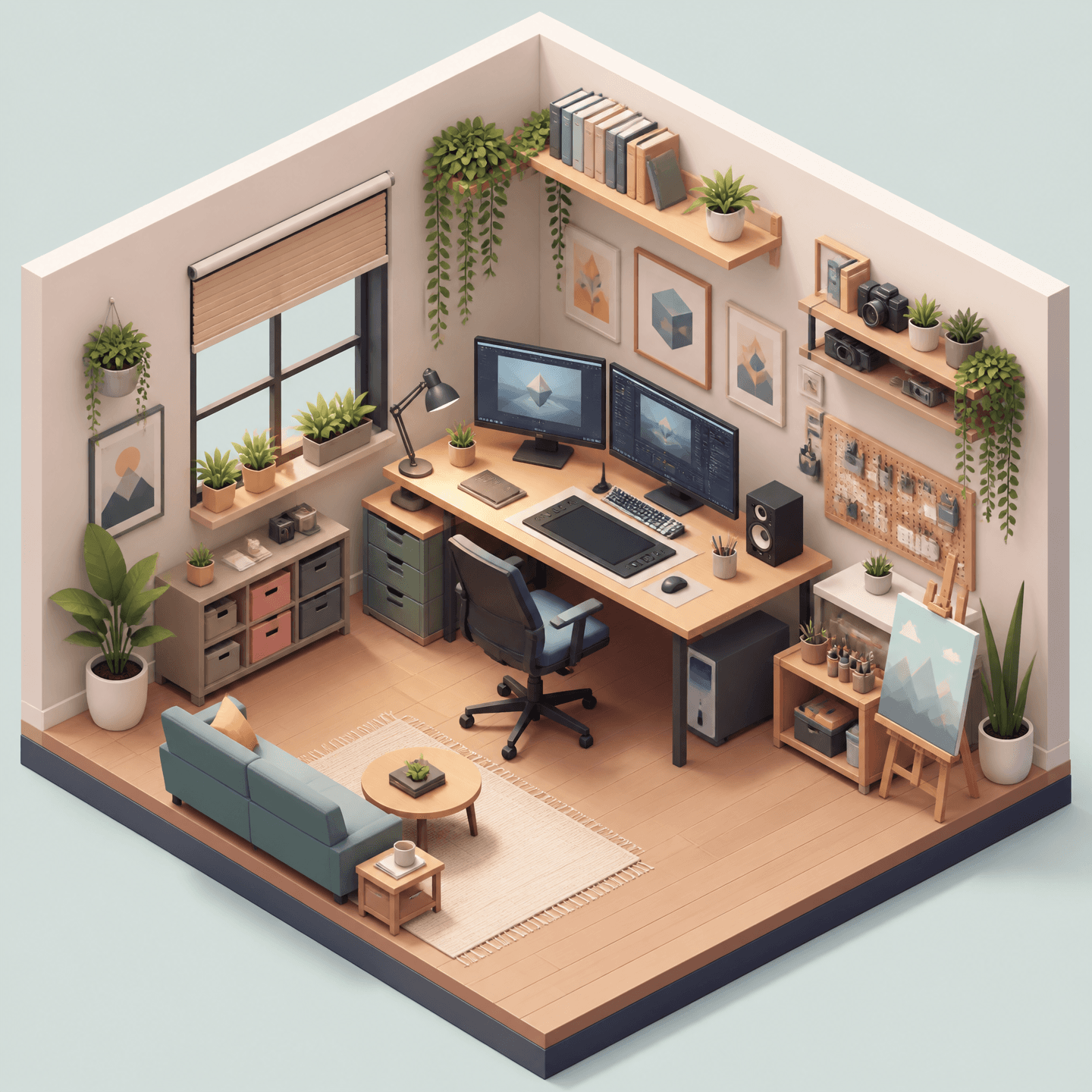
아이소메트릭 일러스트
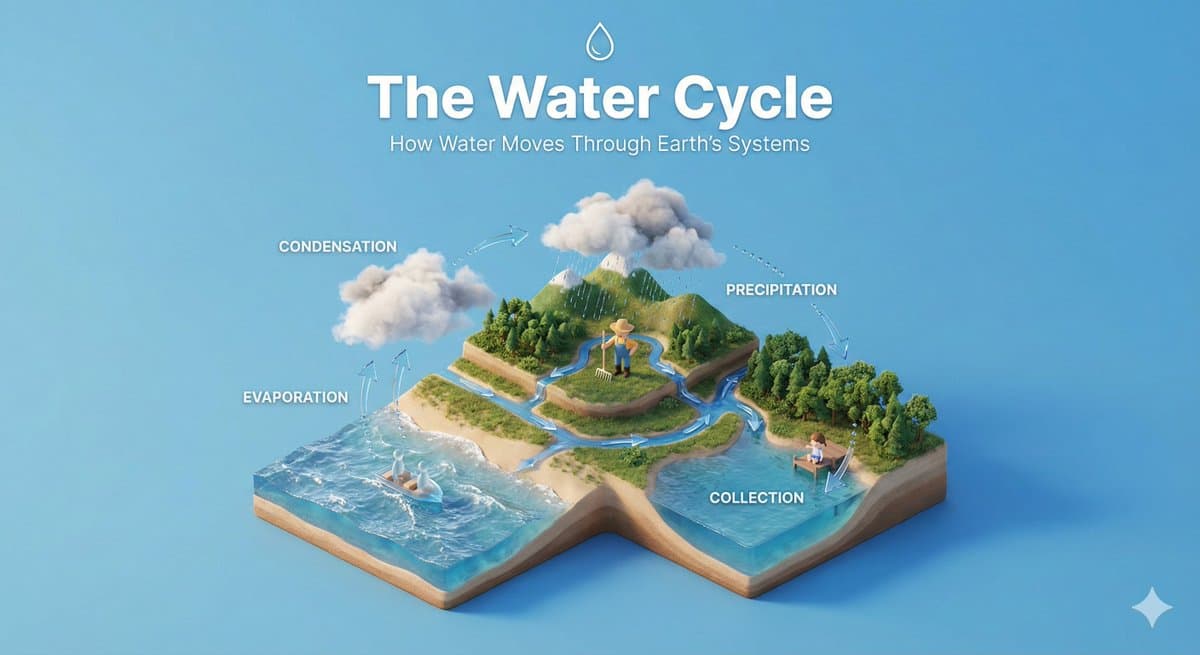
Isometric Educational Diorama
What Are Isometric Illustration AI Prompts?
Isometric illustration is a 3D graphic style that depicts objects as if viewed from a tilted 45-degree angle. Parallel lines stay parallel with no perspective distortion, so complex structures or processes can be shown clearly at a glance. Isometric illustration AI prompts let you specify this viewpoint, the miniature diorama feel, and soft material textures all at once, so models like GPT Image 2 produce neat, consistent results. Instead of manually setting up grids in a design tool, you can quickly create concept diagrams, game assets, and informational graphics.
Where You'll Use It
- Educational dioramas that explain a process or concept step by step
- Infographic-style graphics that organize a service structure or flow
- Miniature scenes of cozy rooms, cities, and buildings
- Dimensional illustrations for app and web landing pages
- Isometric assets for game maps and items
Why This Tag Is Useful
The isometric viewpoint conveys information without distortion while keeping more depth than flat illustration, making it great for explaining complex content in a friendly way. Because it turns procedures or spatial structures that are hard to describe in text into visuals, it's widely used in presentations, blogs, and product screens. By clearly specifying the viewing angle, materials, and lighting in your prompt, you can reliably get a consistent tone and tidy composition every time, which is especially efficient when building a series of cohesive graphics.
More Related Prompts
Tips for Building Prompts
- Lock in the viewpoint first. Stating something like "45-degree top-down isometric" keeps the composition stable.
- Name the core subject you want to depict. The more specific the process, space, or object, the better.
- Add materials and lighting. Specifying "soft PBR materials" and "gentle lighting" brings out the miniature feel.
- Set the background and color tone. A solid background or pastel palette works well for infographics or series work.
Fill in these four elements in order and you'll reliably produce clean, consistent isometric illustrations.