KakaoTalk Profile Picture Maker
Prompts for clear facial framing and mood in a KakaoTalk profile picture.
2026.08.14
Make “KakaoTalk Profile Picture Maker” exactly the way you wantCreate your own “KakaoTalk Profile Picture Maker”
Just ask in plain language — Carat generates optimized images and videos for you.

Start now with 100 free credits daily
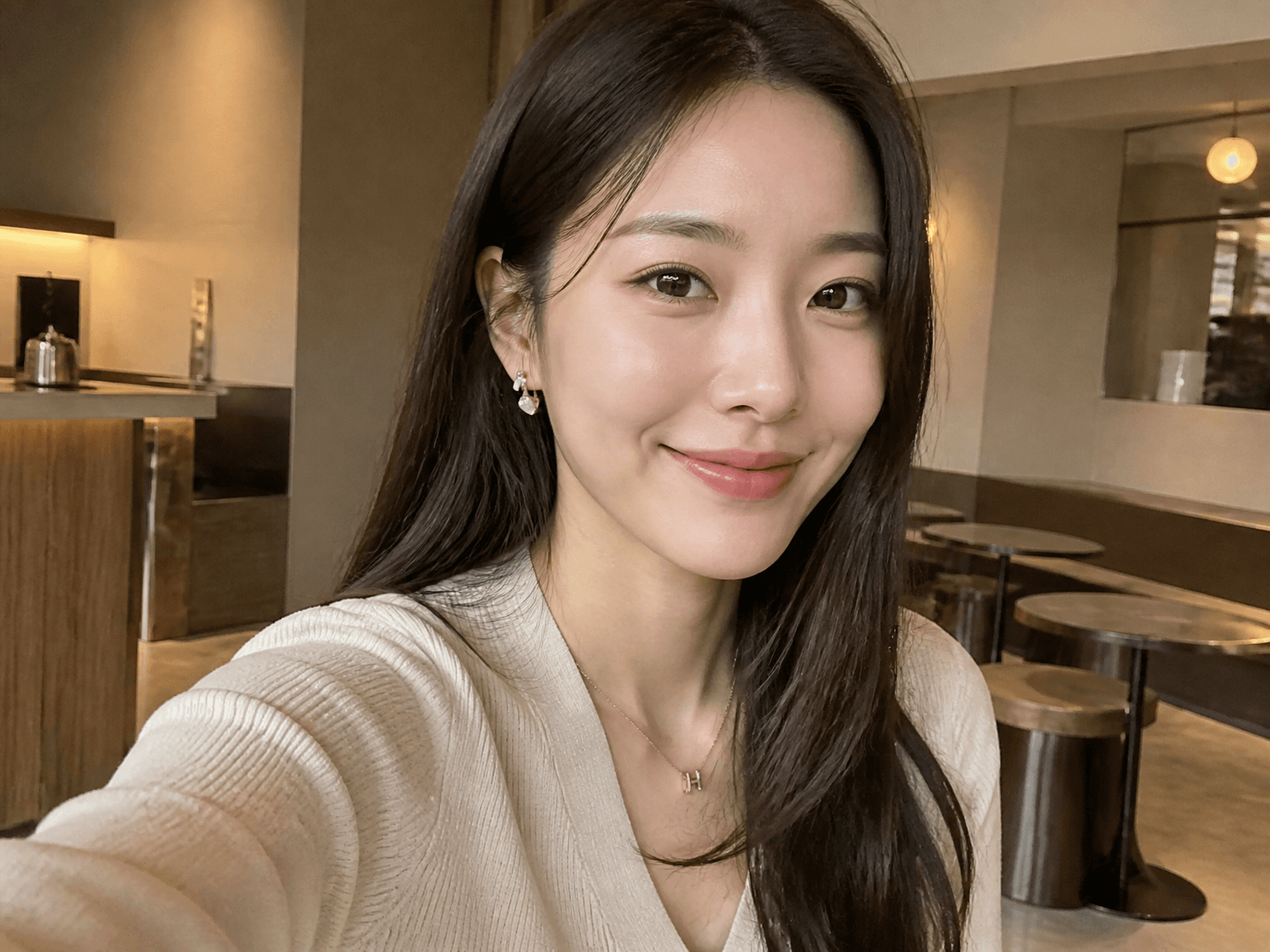
인스타 프로필 사진 예시 1

캐릭터 프로필 사진

디스코드 프로필 사진
What are KakaoTalk profile picture maker prompts?
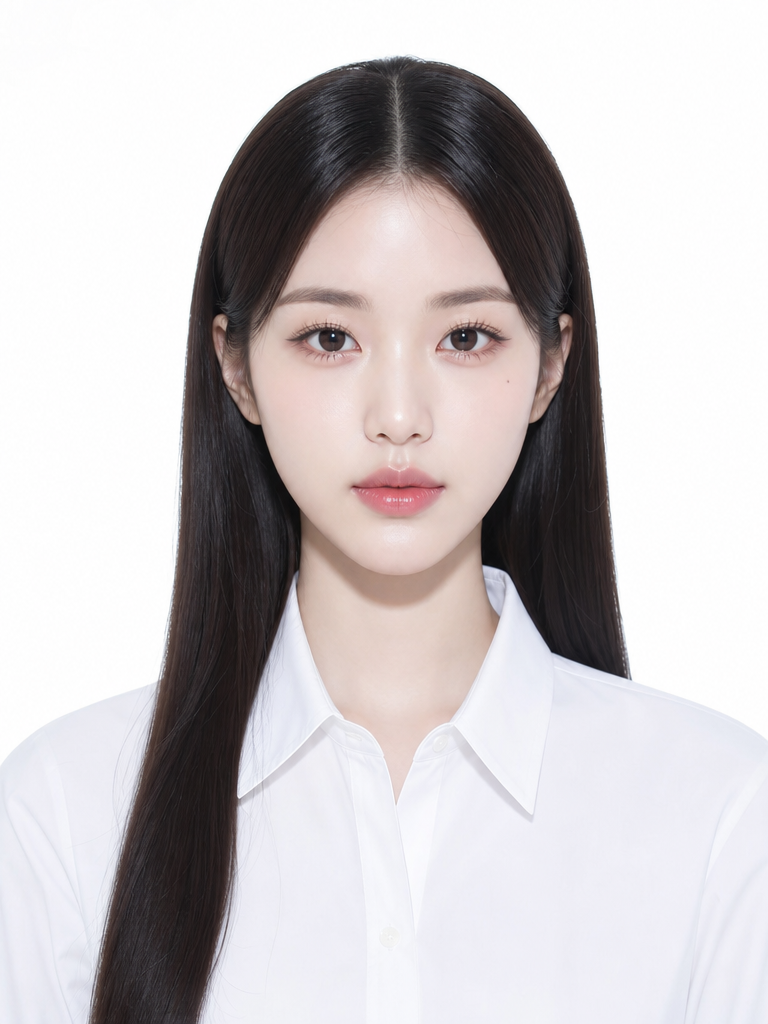
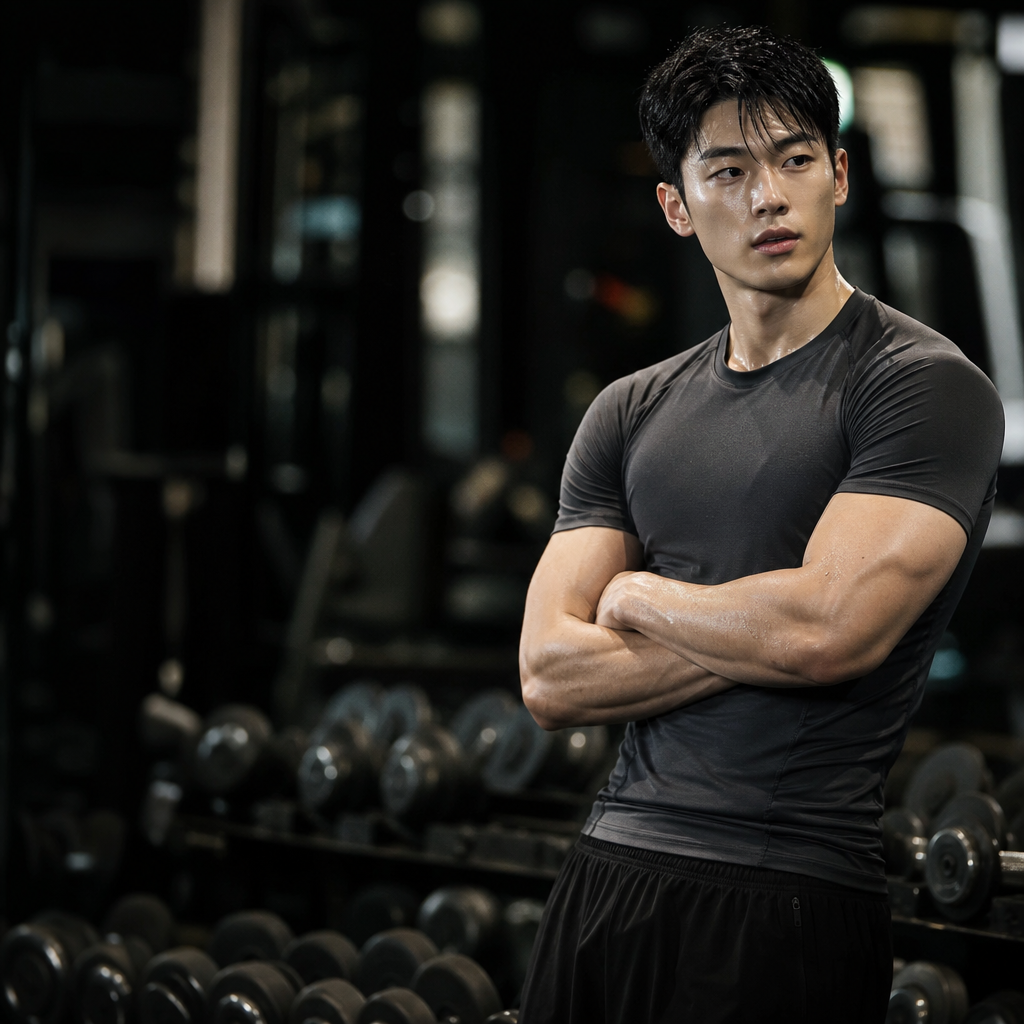
These prompts are designed for a small square or circular profile area where the face and mood must remain recognizable. You can control expression, gaze, background color, wardrobe, and one meaningful prop to create anything from a casual portrait to a character icon. The key is to protect the face with generous padding and keep background detail subordinate to the subject.
Practical uses
- Natural everyday profile portraits
- Work or hobby-oriented identity images
- Bright conversational profile pictures
- Character-based icons
- Seasonal or mood-based profile changes
Framing the face
A frontal or lightly turned upper-body crop communicates expression well at small size. Center the face and leave room above the hair and beside the shoulders so a circular crop does not cut into the features. Choose one readable emotion, such as a friendly smile or calm gaze, and use a simple or softly blurred background.
Choosing a style
Realistic portraits benefit from natural light and believable skin texture, while illustration makes color and silhouette more distinctive. For a professional profile, use neat clothing and a controlled backdrop. For a hobby profile, add one relevant prop without allowing it to compete with the face.
Prompt tips
Describe age range, expression, hair, wardrobe, background, camera distance, and aspect ratio in that order. State the KakaoTalk profile use, square crop, face-centered framing, and padding. Test the finished image at thumbnail size to ensure the eyes and mouth remain readable and background details do not overpower the portrait.