Profile Photo Prompts
Create natural, polished profile photos by defining the subject, purpose, lighting, background, and composition.
2026.08.02
Make “Profile Photo Prompts” exactly the way you wantCreate your own “Profile Photo Prompts”
Just ask in plain language — Carat generates optimized images and videos for you.

Start now with 100 free credits daily
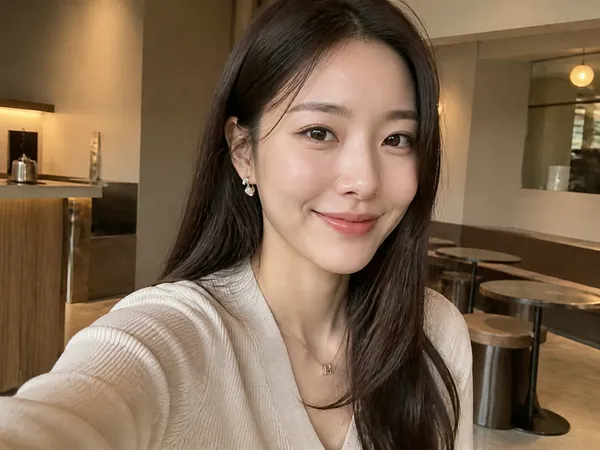
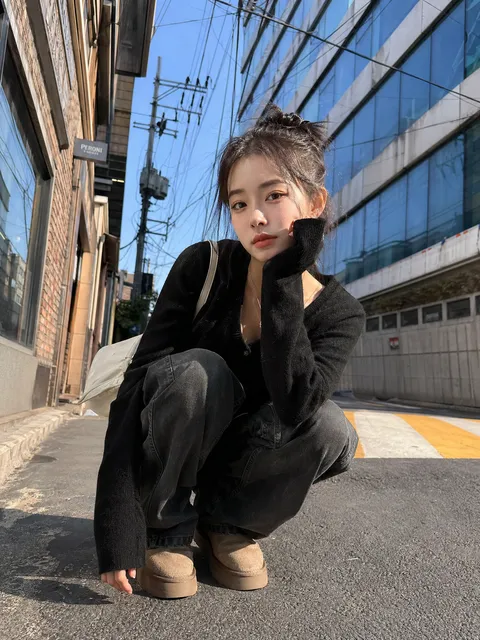
Instagram Profile Photo Example 1
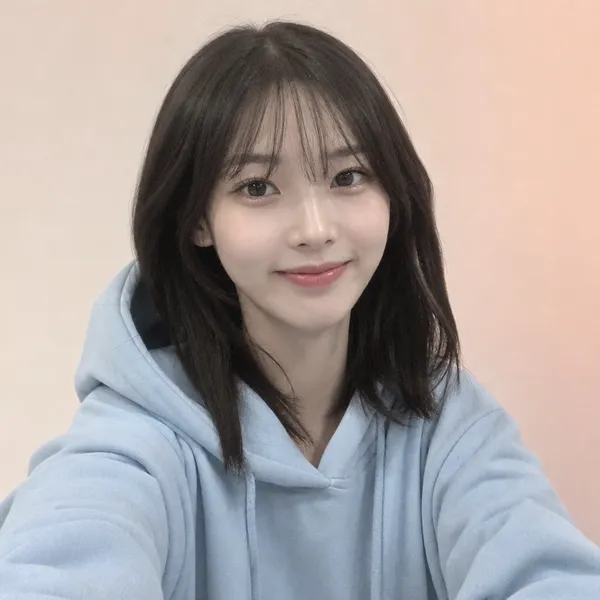
Discord Profile Picture
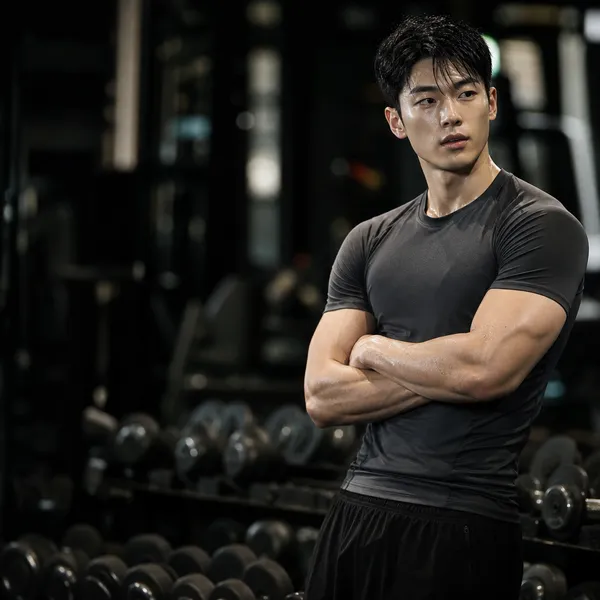
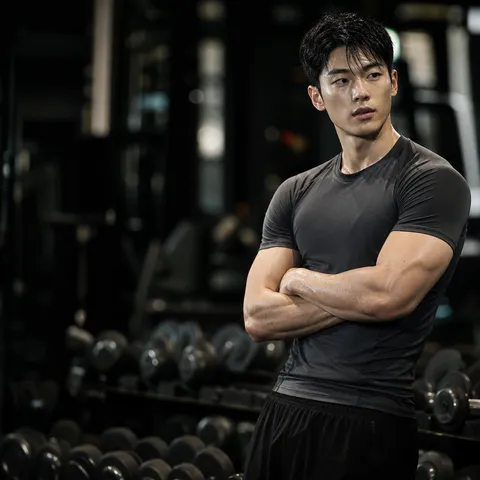
Trainer Profile Photo
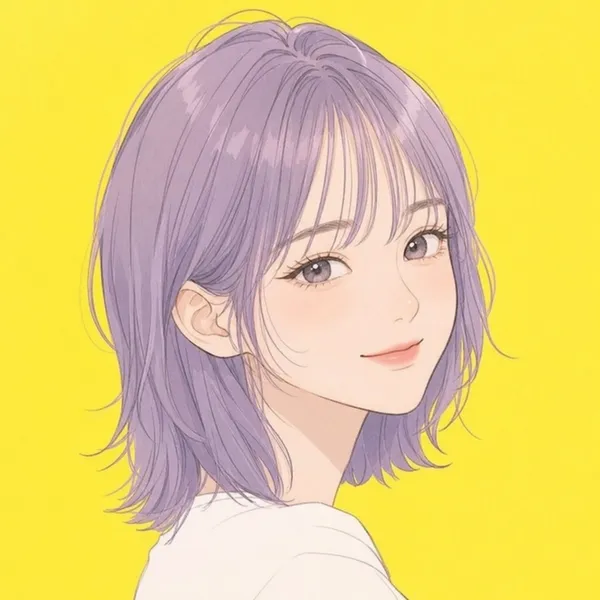
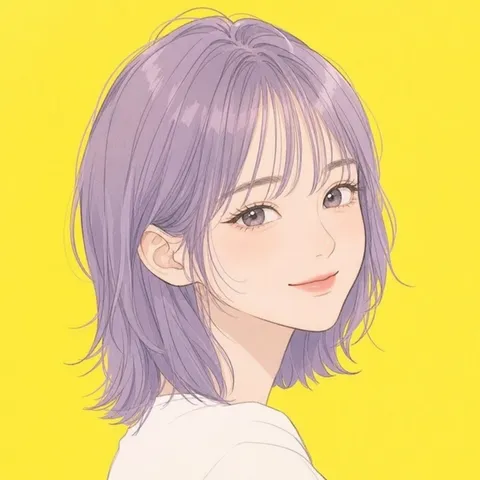
Character Profile Picture
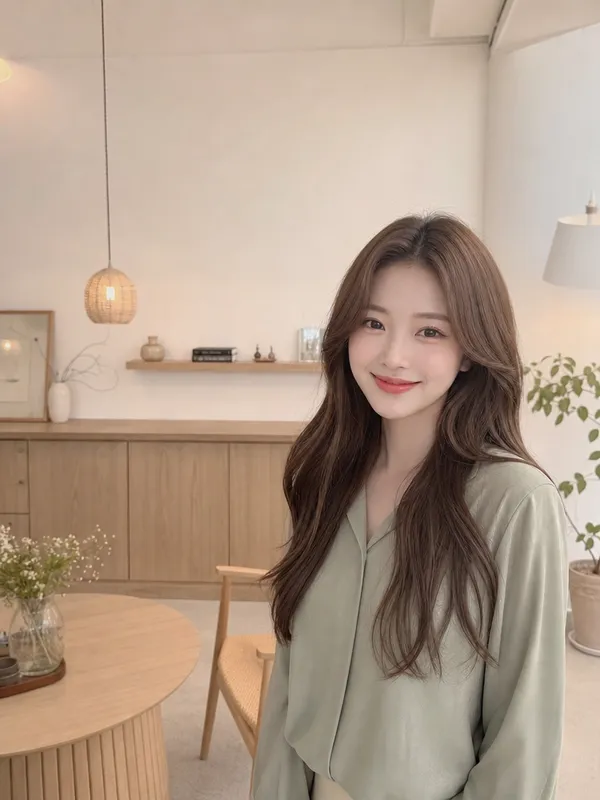
YouTuber Profile Image
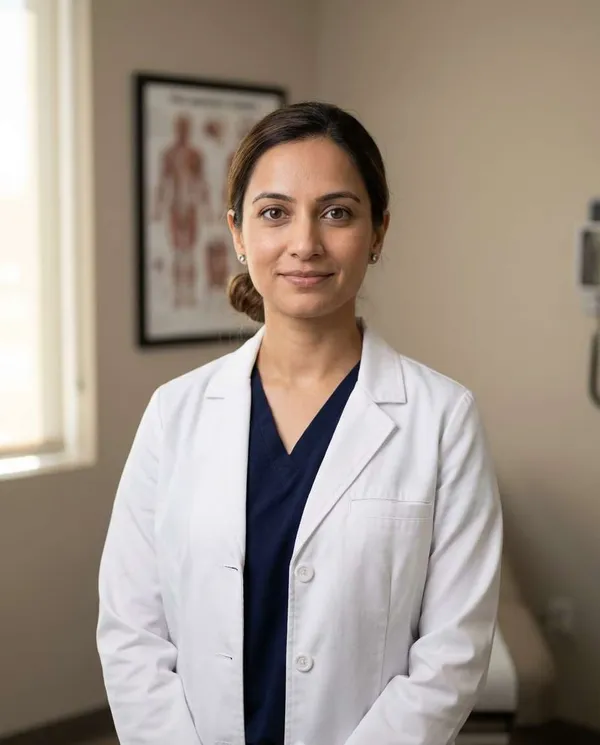
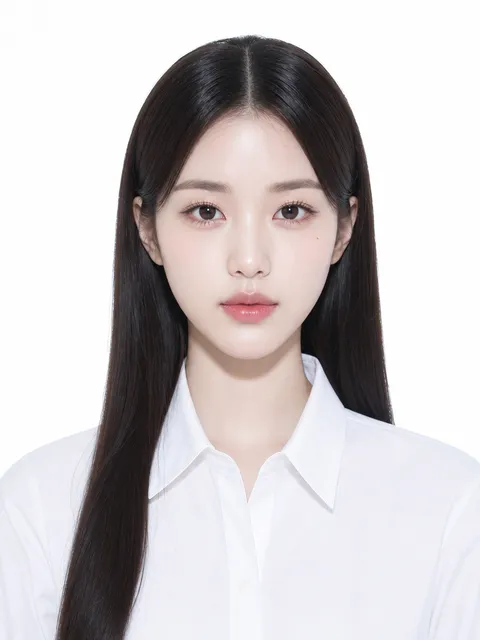
Warm Clinic Doctor Headshot
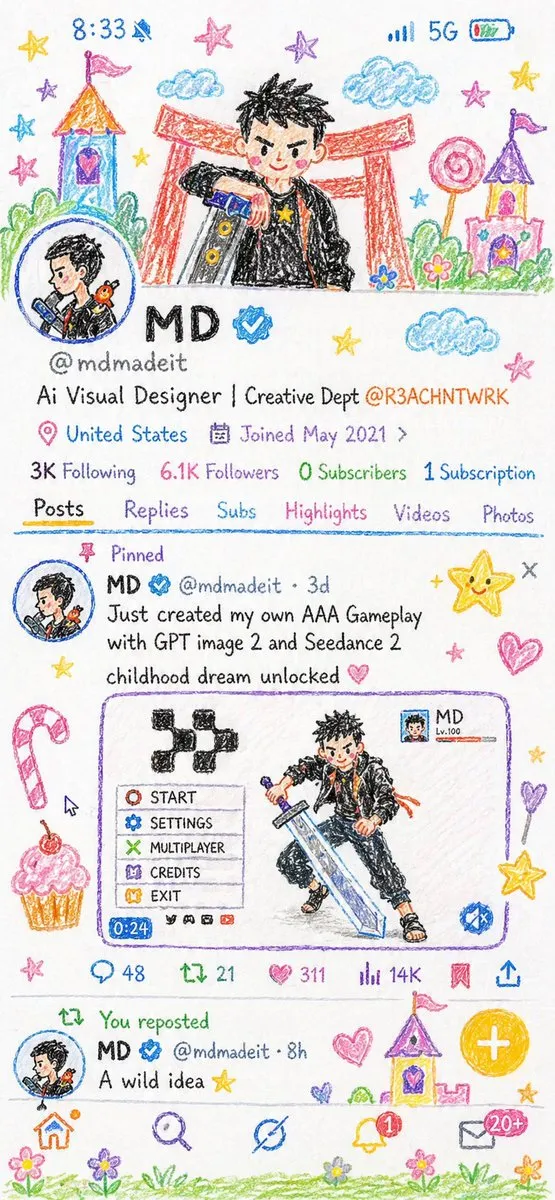
Crayon Style Illustration Profile Picture
What are profile photo prompts?
Profile photo prompts are structured instructions that tell an image model how a person should look and how the portrait should be framed. Instead of asking for a generic attractive portrait, specify the expression, gaze, shoulder angle, camera height, lens impression, lighting direction, and background depth. A professional networking profile may need a calm expression and neutral background, while a social profile can use stronger color, a relaxed pose, or a distinctive environment.
Define the impression first
For a professional portrait, combine neat hair, a clean shirt or jacket, soft frontal lighting, and an eye-level camera. For a friendly image, use a subtle smile, warm window light, a slightly turned body, and a natural background blur. Creator and character profiles can benefit from a controlled color palette, a recognizable prop, and a composition that keeps the face large enough to remain clear at thumbnail size.
Essential prompt details
A reliable prompt usually moves from subject and styling to expression, gaze, pose, camera distance, lens, lighting, background, and aspect ratio. You can add details such as an 85mm portrait-lens look, shallow depth of field, balanced negative space around the head, and realistic skin texture. If glasses, earrings, a hairstyle, or a facial feature must remain consistent, describe it explicitly and repeat it across variations.
Adapt the portrait to its use
Resume and business profiles work well with a plain wall or softly blurred office because the background does not compete with the face. Instagram and community profiles can use stronger color contrast, a more casual pose, or a themed setting. Discord and gaming communities often benefit from a square face-focused crop, illustrated styling, or character props that remain readable at small sizes. When creating a set for one person, keep the facial structure and hair silhouette fixed while changing only the outfit, background, or lighting.