carat

Prompt Gallery

/

Live Shopping

Login
Sign Up

Live Shopping

Live Shopping prompts. Copy and use Live Shopping image generation prompts from Carat right away.

2026.07.16

·
AI-generated Korean Beauty Influencer Livestream Room Background made with GPT Image 2
Korean Beauty Influencer Livestream Room Background

GPT Image 2· Image
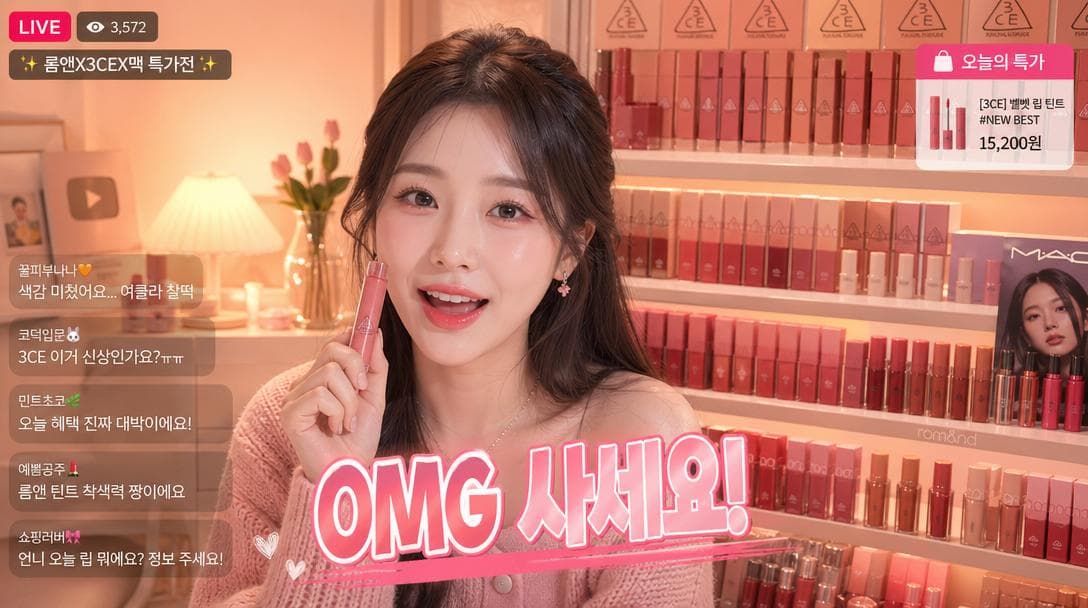
Korean beauty influencer livestream room background. K-beauty lipstick collection display wall — rows of Korean lip products (3CE, MAC Korea, Romand) arranged by color. Warm peach ambient lighting, Korean beauty brand packaging visible. Korean caption overlay: 'OMG 사세요!' Live commerce Korean aesthetic.
@songguoxiansen
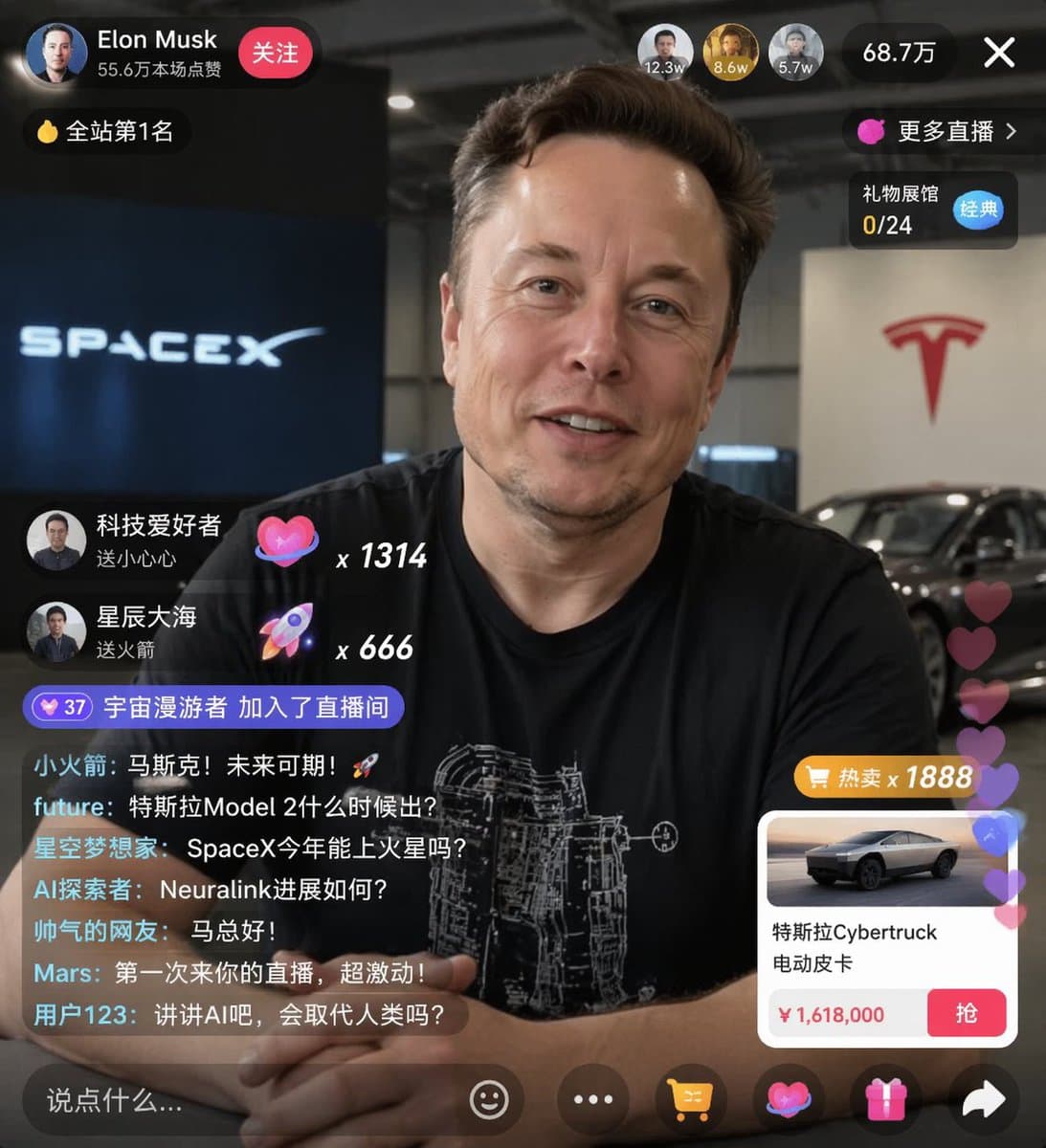
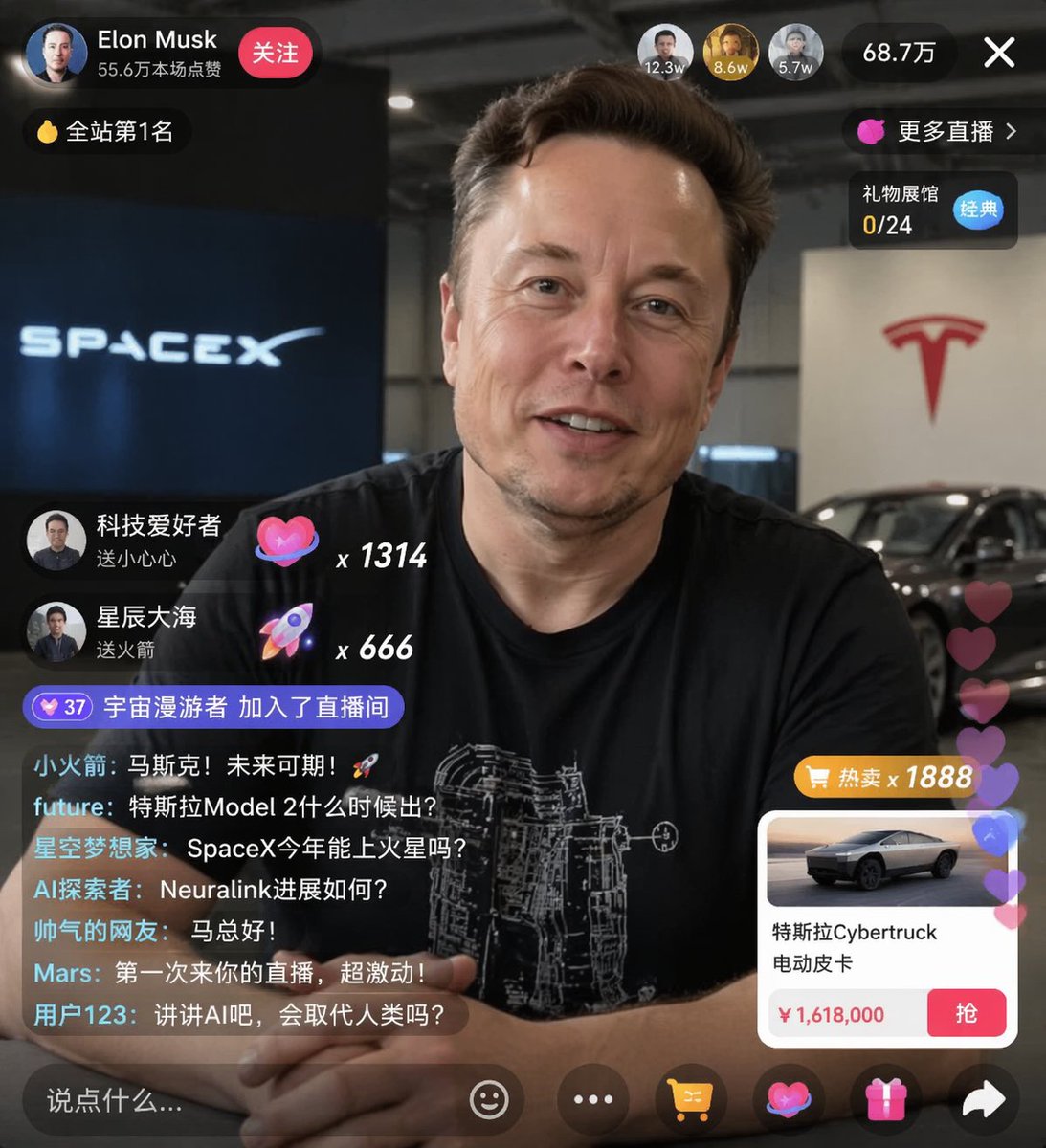
AI-generated {"type": "Live Stream UI Mockup" made with GPT Image 2

{"type": "Live Stream UI Mockup"

GPT Image 2· Image
{"type": "live stream UI mockup", "subject": {"description": "portrait of {argument name=\"host name\" default=\"Elon Musk\"}, smiling, wearing a black t-shirt with a white technical schematic graphic", "background": "left side shows a screen with '{argument name=\"left background logo\" default=\"SPACEX\"}' text, right side shows a red '{argument name=\"right background logo\" default=\"Tesla T logo\"}' and a dark car"}, "ui_overlay": {"top_header": {"host_info": "avatar, name '{argument name=\"host name\" default=\"Elon Musk\"}', subtext '556K likes this session', red 'Follow' button"}}}
@sjbbxhz
AI-generated Vertical Illustration of a Korean E-commerce Live Shopping Host made with GPT Image 2

Vertical Illustration of a Korean E-commerce Live Shopping Host

GPT Image 2· Image
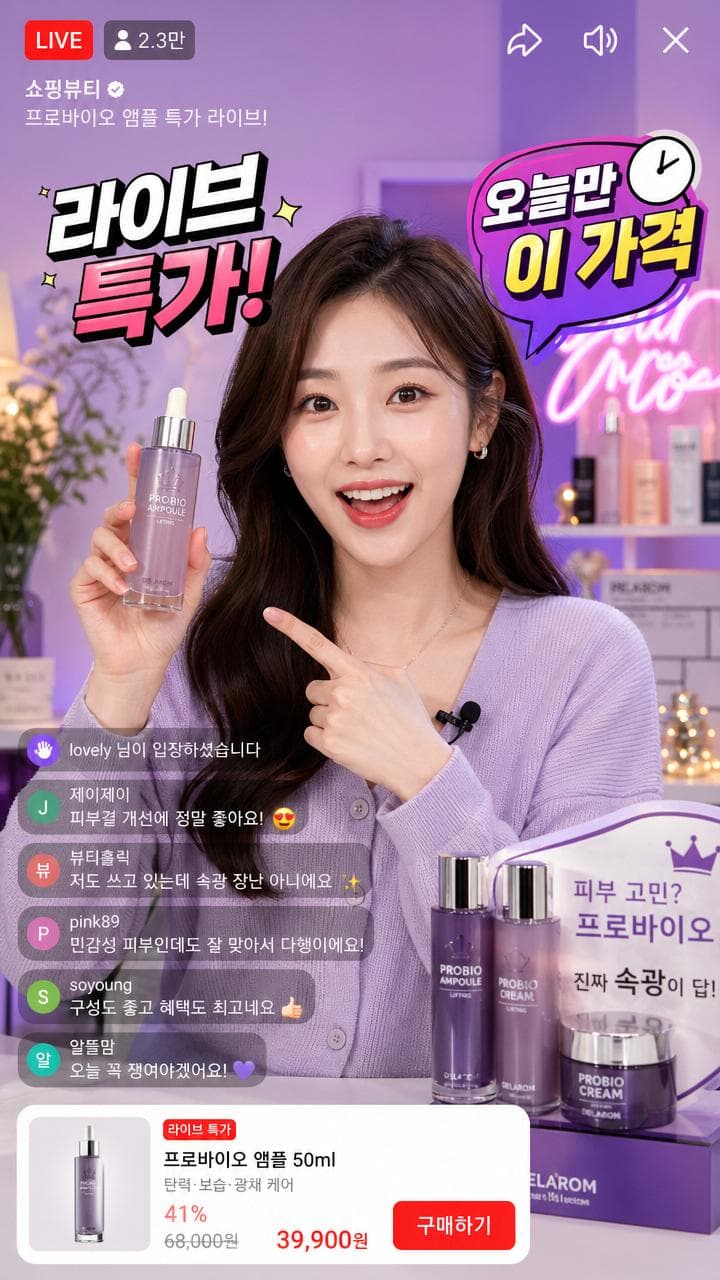
Vertical illustration of a Korean e-commerce live shopping host. Stylish Korean woman presenter with bright studio lighting, colorful product displays behind her. Floating Korean text overlays: '라이브 특가!', '오늘만 이 가격', viewer count badge. Korean live commerce aesthetic, vibrant and energetic.
@LVWANGJI_0327

What are Live Shopping Prompts?

A collection of AI prompts for generating live shopping images. Copy the Live Shopping prompts provided by Carat and paste them into an AI image generation tool to get professional-grade results.

How to Use Live Shopping Prompts

  1. Select and copy your desired prompt.
  2. Paste it into the Carat agent.
  3. Modify colors, styles, and composition as needed.
  4. Download the generated image and use it in your project.

Tips for Writing Live Shopping Prompts

Specify lighting, texture, composition, and lens information in detail for more precise results. Add "No text, no watermark" to prevent unwanted text overlays.

Live Shopping Prompt Applications

Live Shopping prompts are used across content creation, marketing, design, and educational resources. AI-generated images dramatically reduce production time while maintaining professional quality.

Live Shopping Prompt Optimization Guide

Choose the aspect ratio based on your use case: vertical (9:16) for social media, horizontal (16:9) for web banners, and square (1:1) for product images.
Frequently Asked Questions

Related Prompts

Live Streaming

Live Streaming

6 prompts

UI Screen

UI Screen

33 prompts

Ecommerce Poster

Ecommerce Poster

9 prompts

UI Design

UI Design

13 prompts

Carat Prompt Gallery

Create trending AI prompts instantly

Prompts

  • Logo
  • PPT Design
  • Thumbnail
  • Poster
  • Web Novel Cover
  • ID Photo
  • Caricature
  • Product Detail Page
  • Banner

Models

  • GPT Image 2
  • Seedance 2.0
  • NanoBanana Pro
  • NanoBanana 2

Carat

  • Get started
  • About
  • Blog
  • Careers
  • Contact
  • Partnership
  • Terms
  • Privacy

© 2026 Paradot.Inc All rights reserved.