MacBook
AI image generation prompts for creating stylish MacBook laptop photos and desk setup scenes. Product shots, cafe workspaces, and creative studio environments.
2026.07.09
Make “MacBook” exactly the way you wantCreate your own “MacBook”
Just ask in plain language — Carat generates optimized images and videos for you.

Start now with 100 free credits daily
Room as an Aquarium

news anchor

뉴스 스튜디오 배경

news anchor
MacBook photo prompts are AI image generation instructions designed to create polished, aesthetic images featuring Apple MacBook laptops and surrounding desk environments. From clean product photography to cozy desk setups and professional workspace scenes, these prompts help you generate magazine-quality MacBook imagery.
The MacBook is a product whose design itself is a work of art. With color options like Silver, Space Gray, Midnight, and Starlight, and a thin lightweight form factor, capturing its beauty requires attention to detail. Specifying material, color, angle, and lighting in your prompt produces significantly more refined results.
For product photography style, place the MacBook at a 45-degree angle on a clean white background. Display a system settings window or finder on screen to convey an in-use feel. Softbox lighting creates gentle highlights that enhance the metallic texture of the device. Adding subtle reflections on the surface beneath the laptop adds depth and professionalism.
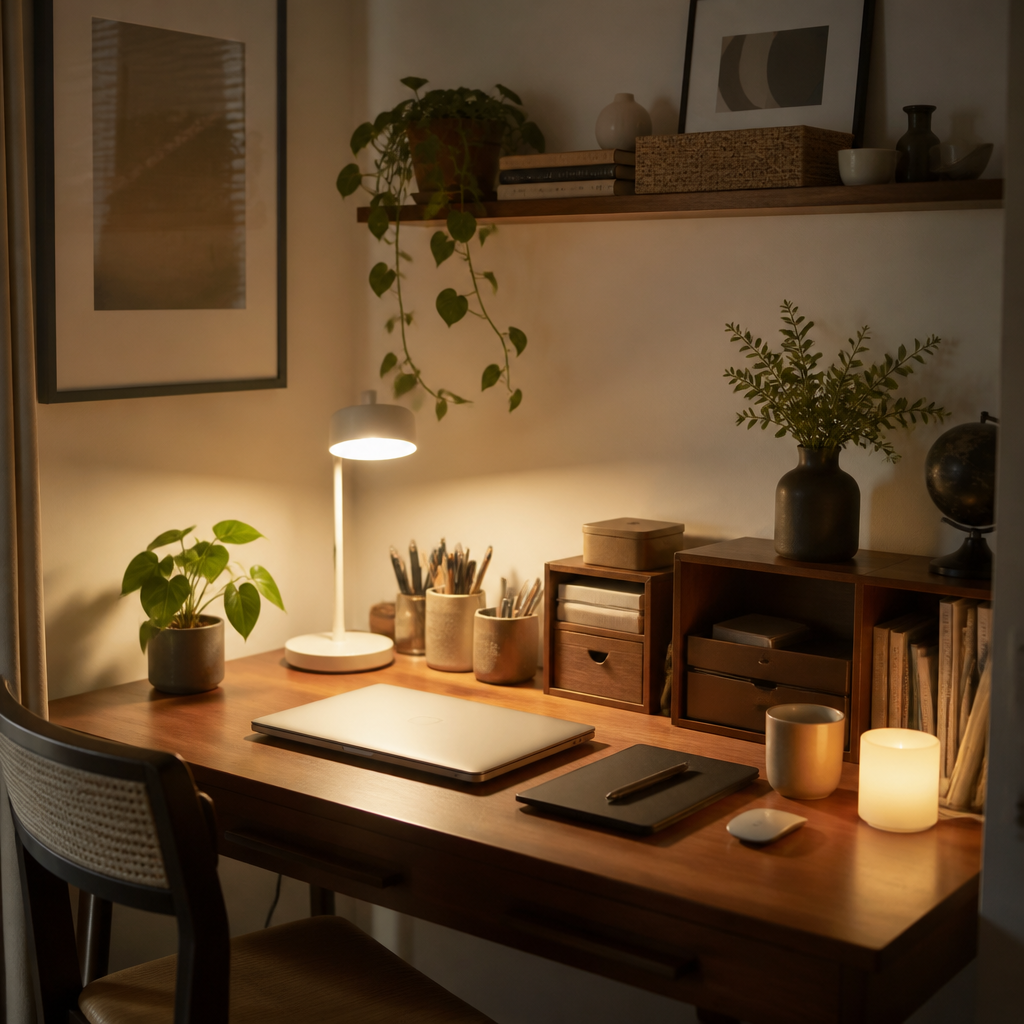
Desk setup style is incredibly popular for social media and tech content. Surround the MacBook with a coffee cup, potted plant, mechanical keyboard, mouse, and external monitor to create a lived-in workspace scene. The table material dramatically changes the mood. A light wood desk feels warm and Scandinavian, a white desk feels clean and modern, and a dark desk feels sleek and professional. Warm ambient lighting and small plants add that Instagram-worthy aesthetic.
Cafe workspace style captures the digital nomad lifestyle. A MacBook open on a cafe table with a latte beside it, natural window light streaming in, and a softly blurred background creates a cinematic scene. This style works perfectly for freelance lifestyle content, remote work articles, and productivity blog headers.
Creative studio style goes further by adding artistic elements. A MacBook on a drafting table surrounded by sketches, color swatches, and design tools tells a story of creative work. Neon accent lighting, dark backgrounds, and floating UI elements can create a futuristic tech vibe suitable for app development and startup content.
For e-commerce and review content, the MacBook should be the clear focal point. Use a minimalist background, dramatic rim lighting, and a slightly elevated angle to showcase the laptop's profile and screen. Adding contextual elements like a pair of headphones or a notebook suggests the complete user experience.
Lighting choices define the entire mood. Cool blue-toned lighting creates a tech-forward, professional atmosphere. Warm amber lighting feels cozy and personal. High-key bright lighting works for clean product showcases, while low-key dramatic lighting suits cinematic and editorial styles.
At Carat, we offer MacBook prompts across product photography, desk setups, cafe workspaces, and creative studios. Whether you need a blog thumbnail, social media content, product review image, or website banner, our prompts help you achieve professional results without studio equipment or photography skills.