Menu Design
Quickly create professional and stylish menu designs for restaurants and cafes using advanced AI prompts.
2026.07.04
Make “Menu Design” exactly the way you wantCreate your own “Menu Design”
Just ask in plain language — Carat generates optimized images and videos for you.

Start now with 100 free credits daily
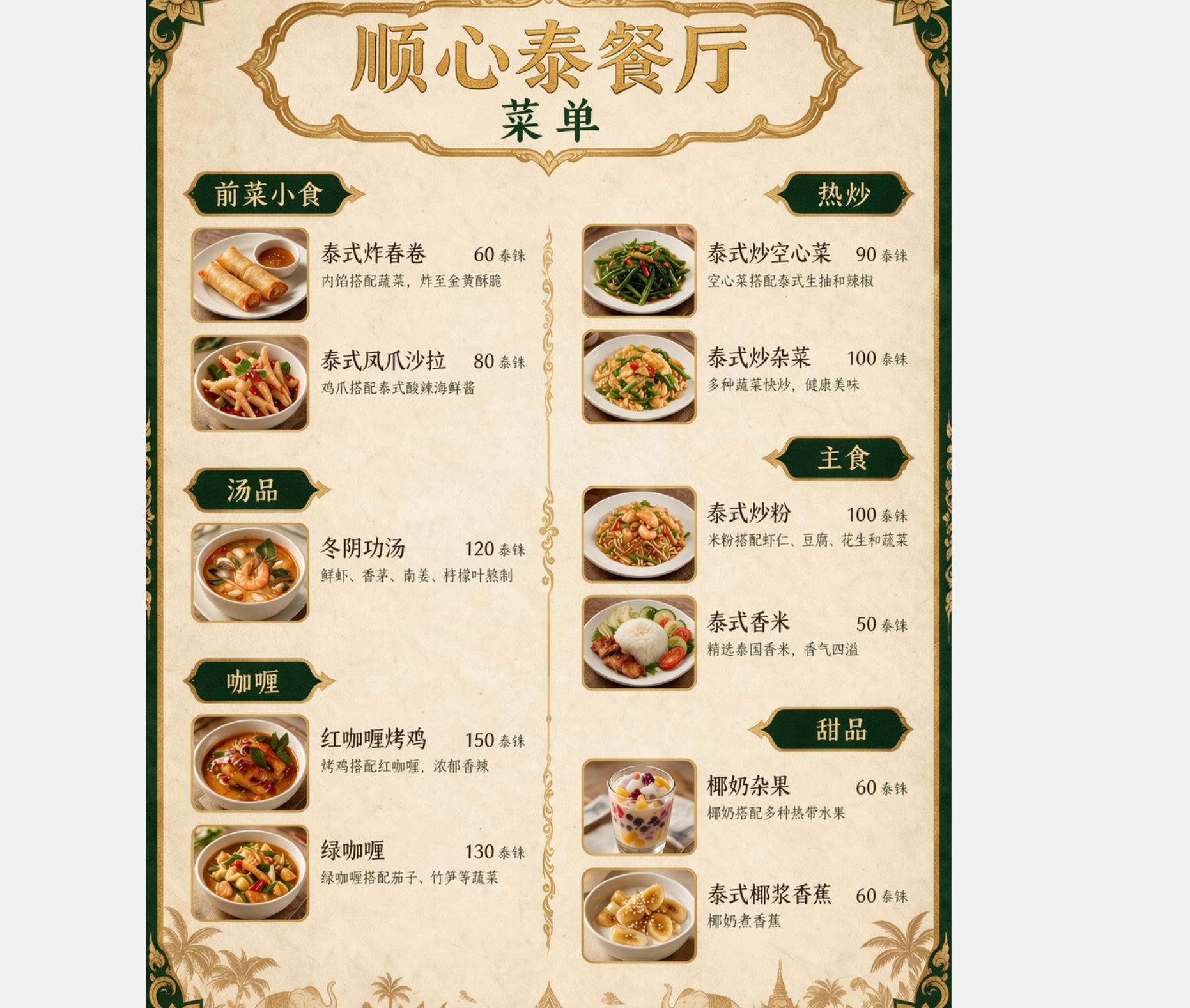
Thai Restaurant Menu Translation
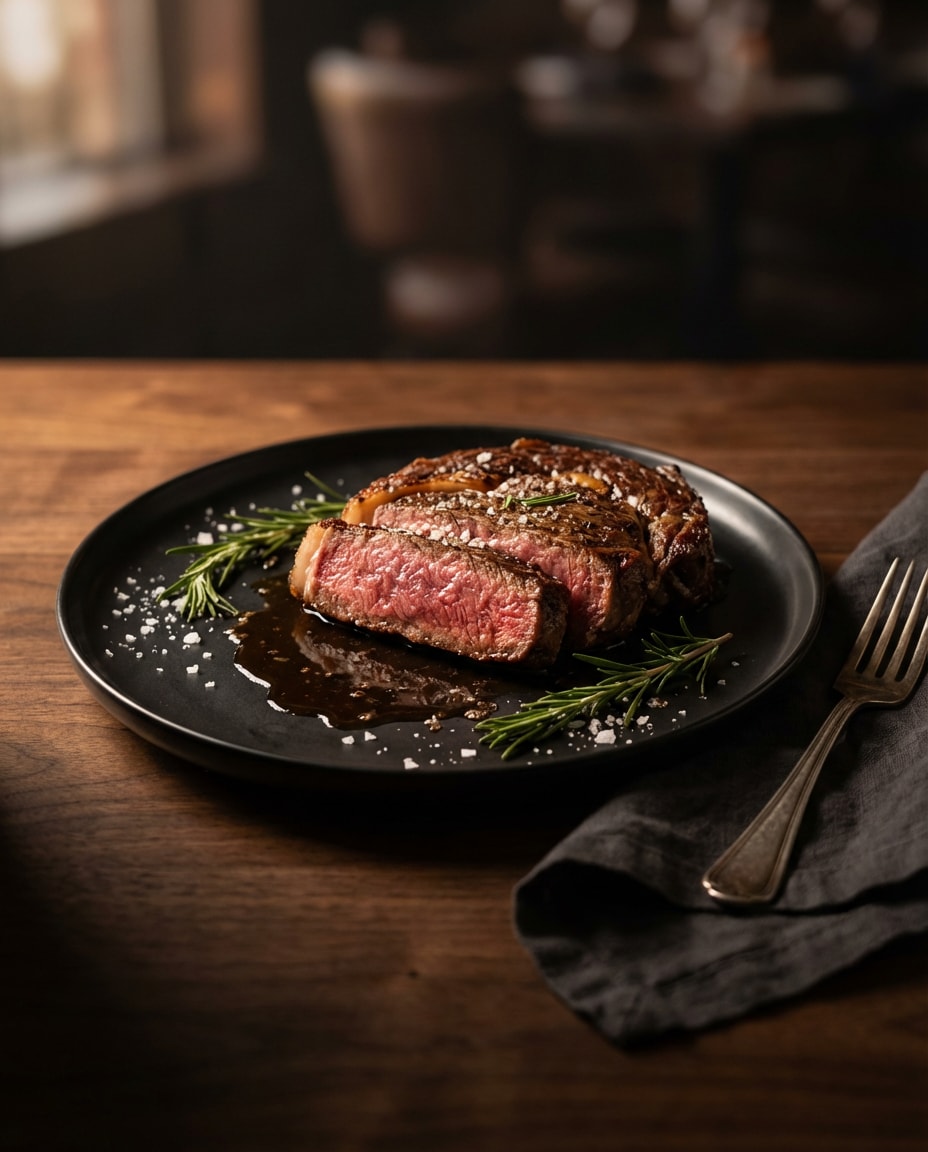
Moody Steak Sizzle Food Photo
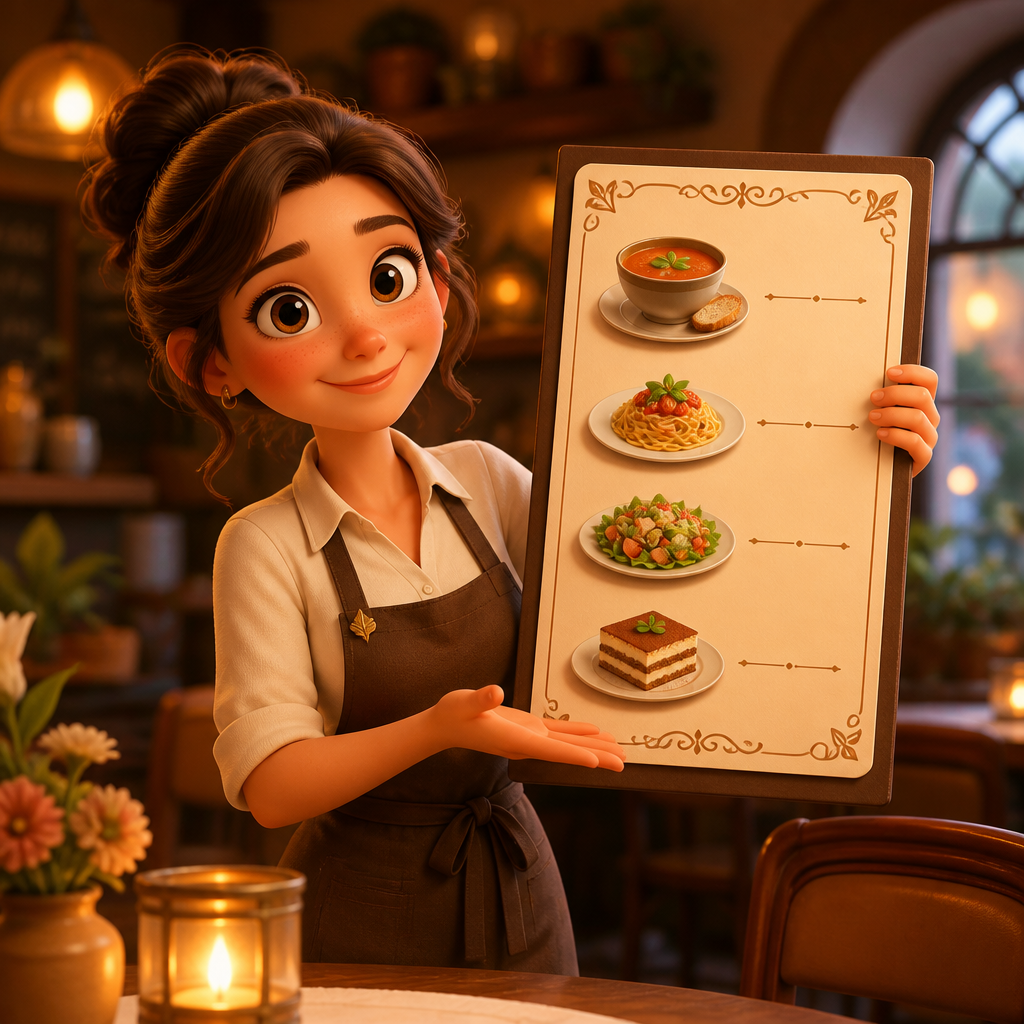
메뉴판 디자인
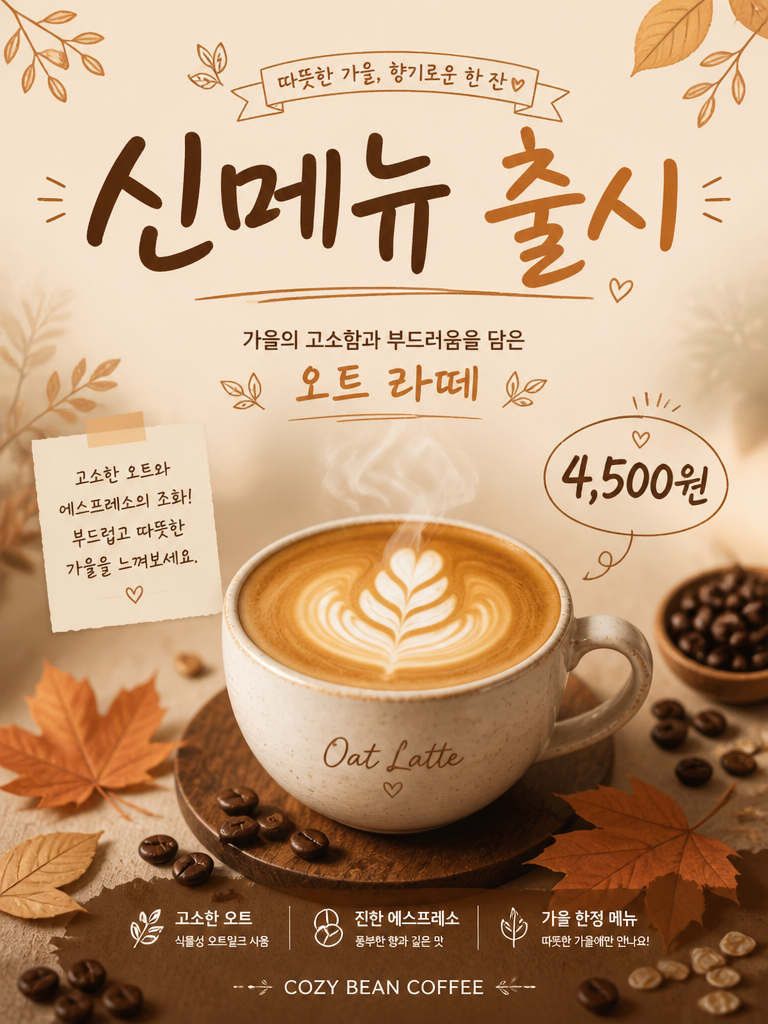
신메뉴 카페 포스터
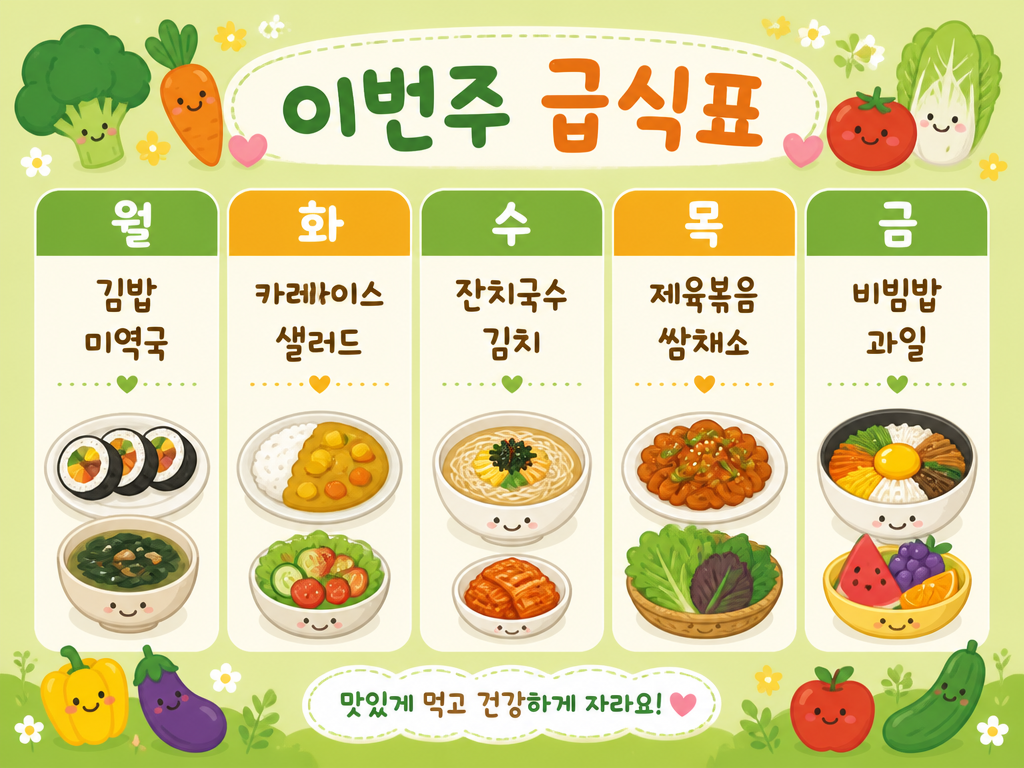
급식표 디자인
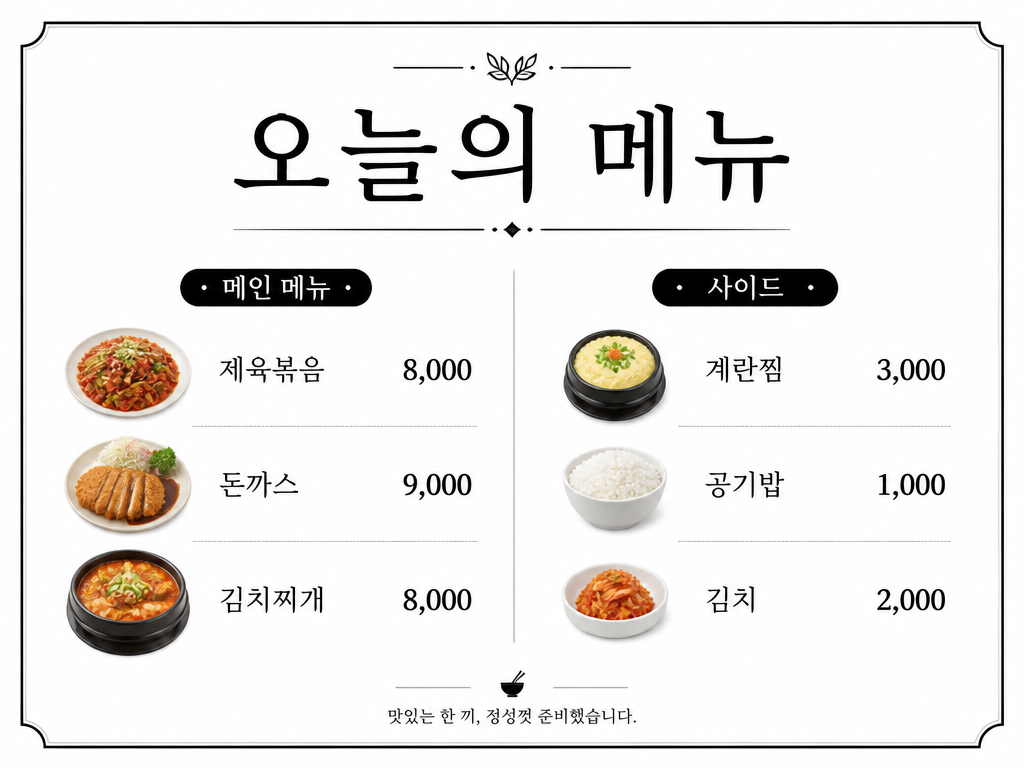
식당 메뉴판 디자인
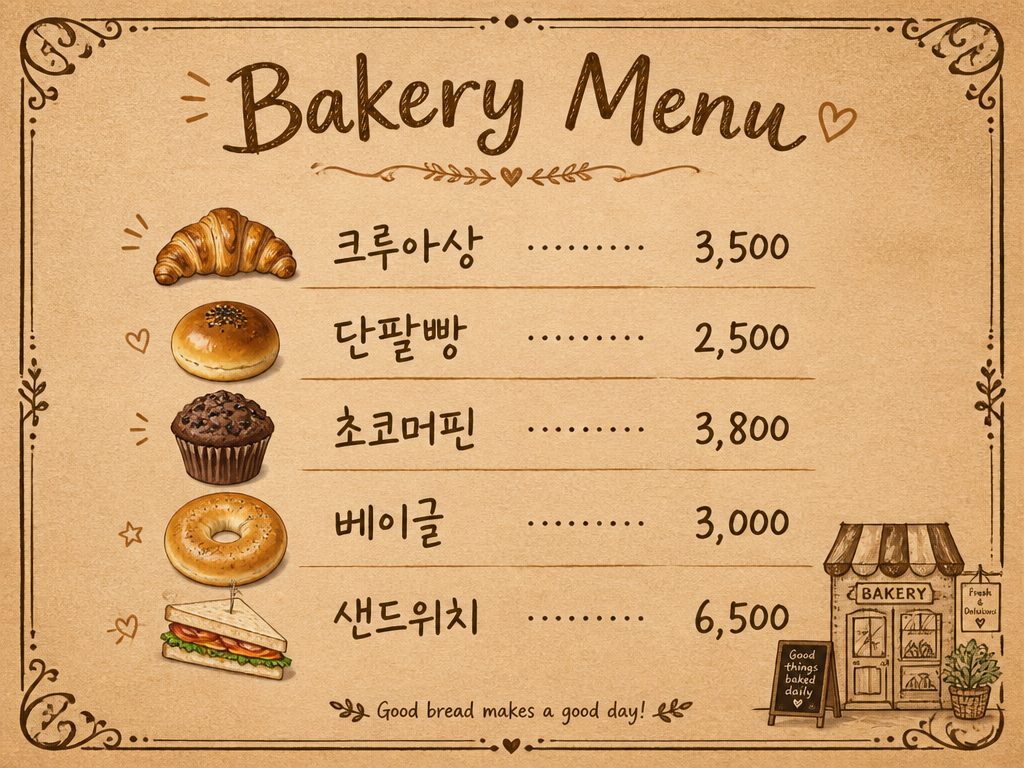
베이커리 메뉴판
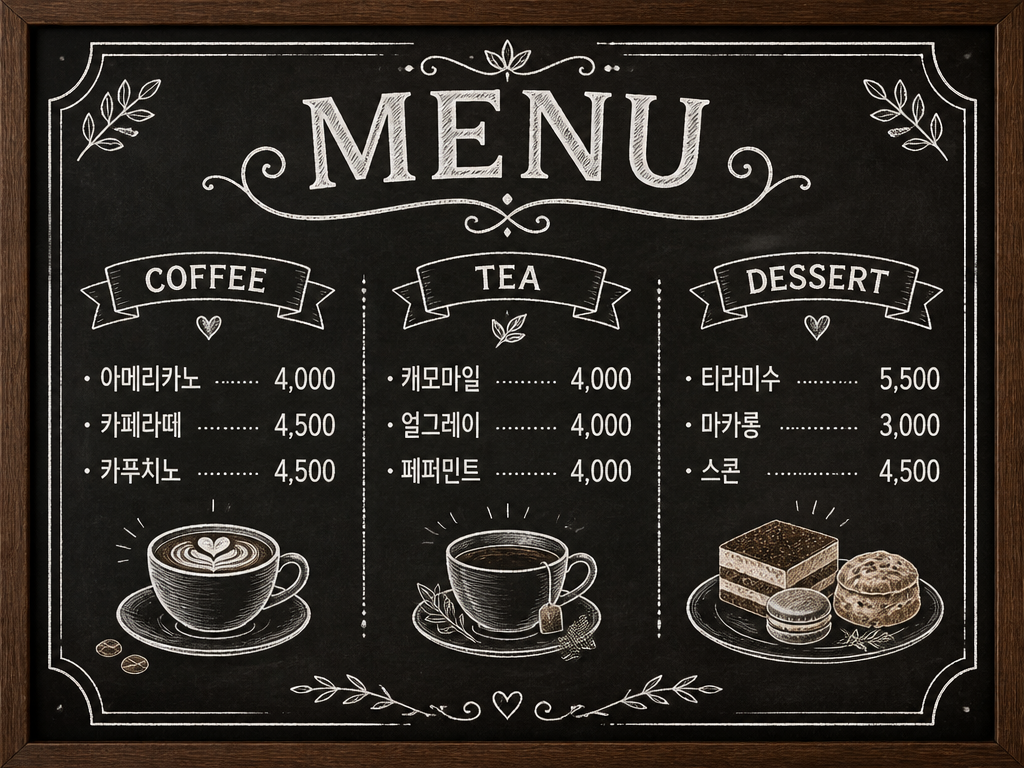
카페 메뉴판 디자인
What Are Menu Design AI Prompts?
Menu Design AI Prompts are specialized sets of instructions designed to help users generate high-quality visual layouts and artistic styles for food service establishments. Whether you are running a cozy neighborhood cafe, a high-end gourmet restaurant, or a trendy bakery, these prompts act as a bridge between your creative vision and the final professional design. By using precise descriptive language, these prompts guide artificial intelligence to understand specific aesthetic requirements such as vintage blackboard themes, modern minimalist grid layouts, or rustic farmhouse styles. In the past, creating a custom menu required expensive design software or hiring a freelance graphic designer, which could take days or even weeks. Now, with Carat's curated collection of menu design prompts, anyone can produce a stunning and unique menu in just a few minutes. This democratization of design allows small business owners to maintain a high level of branding without the heavy financial burden typically associated with professional marketing assets.
Best Use Cases
The versatility of menu design prompts makes them indispensable for various scenarios in the culinary industry. One of the most popular uses is creating daily or seasonal specials for cafes and bistros. Since these menus change frequently, being able to generate a fresh, on-theme design instantly is a huge advantage. They are also perfect for designing chalkboard-style menu boards for bakeries and coffee shops, providing a warm and inviting atmosphere. For larger restaurants, these prompts can be used to brainstorm the visual direction of a complete menu overhaul, allowing owners to experiment with different color palettes and font arrangements before final production. Beyond traditional menus, they are excellent for creating food-themed posters for events, social media graphics for menu announcements, and even meal cards for institutions like schools or kindergartens. The ability to integrate specific food items like "bakery display" elements or "K-food recipe" graphics further enhances the practical application for global cuisines.
Why This Tag Works
The Menu Design tag is particularly effective because it focuses on the structural and aesthetic balance required for commercial readability and appeal. First, it addresses the technical aspect of layout-ensuring that items are placed in a way that feels organized and professional rather than cluttered. Second, the prompts incorporate psychological color theories to evoke hunger and satisfaction, using specific color combinations optimized for the food industry. Third, it allows for seamless brand integration; by specifying consistent styles across all prompts, a business can ensure that its menu, flyers, and digital ads all share the same visual DNA. Finally, this tag is a powerful tool for rapid prototyping. Instead of settling for a generic template, users can iterate through dozens of unique, tailored designs in seconds, finding the one that perfectly captures the "Cafe Lifestyle" or "Small Business" essence they want to convey.
Explore Related Prompts
To build a cohesive brand experience, we recommend exploring our wide range of complementary prompts. If you have mastered the basics of Menu Design, try using Menu Board prompts for large-scale interior displays. For those in the beverage industry, the Cafe Lifestyle tag offers beautiful atmospheric shots that pair perfectly with your menu. If your business focuses on specific traditions, the K-Food Recipe Infographic tag can help you create informative and visually stunning educational content. Don't forget to check out Bakery Display for mouth-watering pastry visuals, or the general Small Business tag for broader marketing needs. For promotional needs, our Poster and Illustration tags provide additional creative assets to round out your brand's visual presence and marketing strategy.
Prompt Building Tips
To get the best results for your menu design, focus on specificity and texture. Instead of a vague request, try describing the background material, such as "weathered wooden background" or "sleek dark slate texture." Clearly state the desired artistic movement, like "Art Deco style with gold accents" or "Bauhaus-inspired minimalism." Regarding typography, use keywords like "elegant serif font for a luxury feel" or "bold sans-serif for high readability." If you want specific imagery included, name the dishes clearly, for example, "photorealistic sourdough bread" or "vibrant acai bowl." Mentioning the layout is also crucial-specify if you want a "single-column list," a "symmetrical two-page spread," or "icons next to each item." By combining these detailed descriptors, you ensure the AI produces a menu that is not only beautiful but also perfectly aligned with your business's functional requirements and branding goals.