Motion Blur Photo
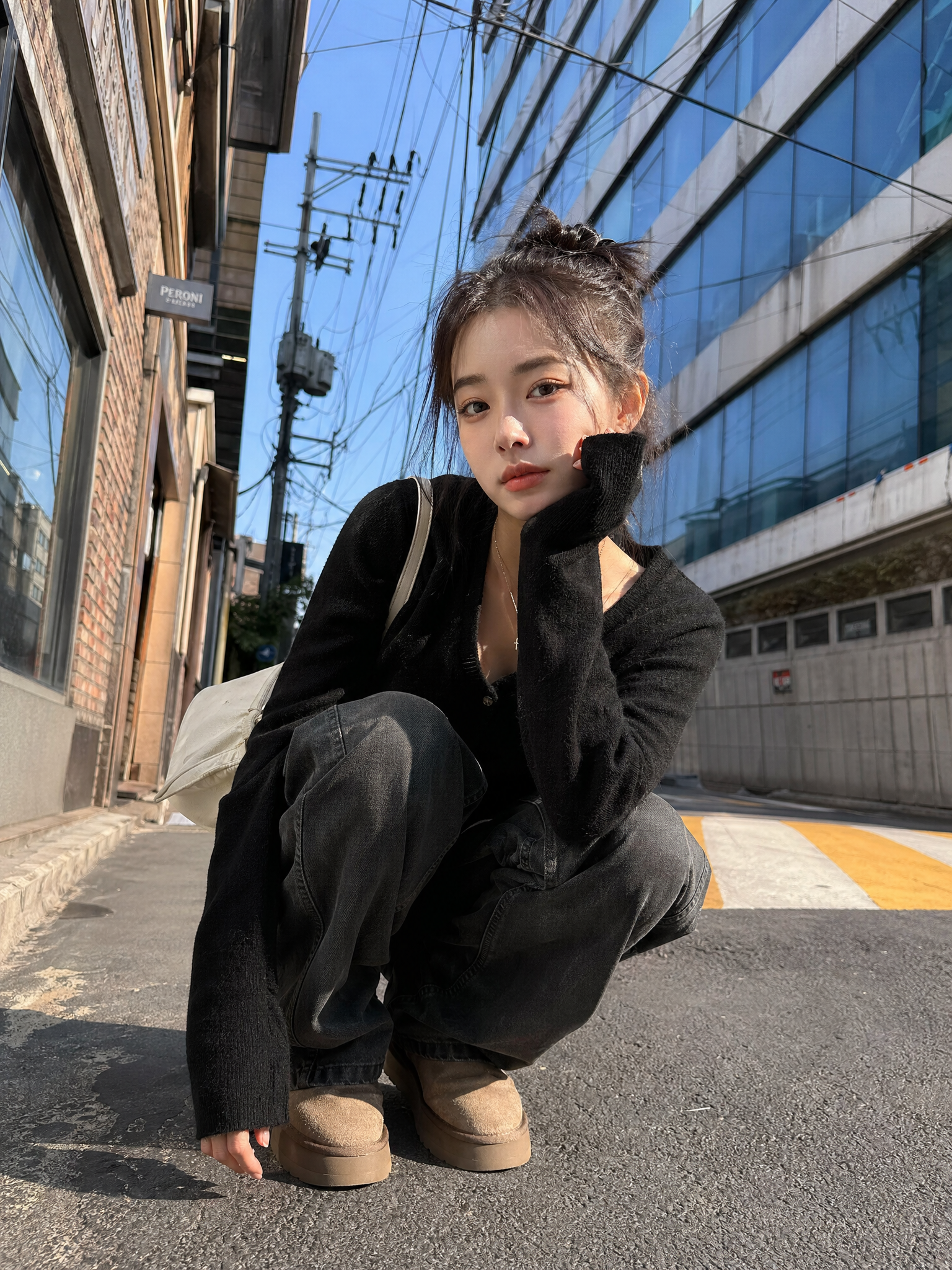
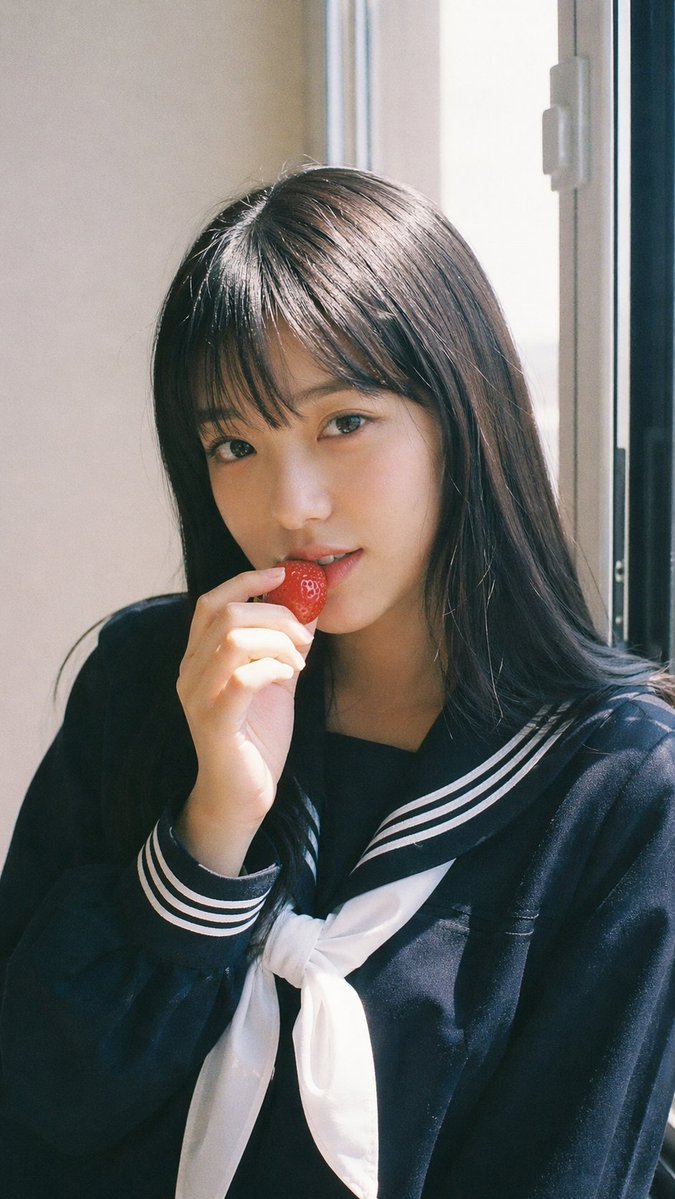
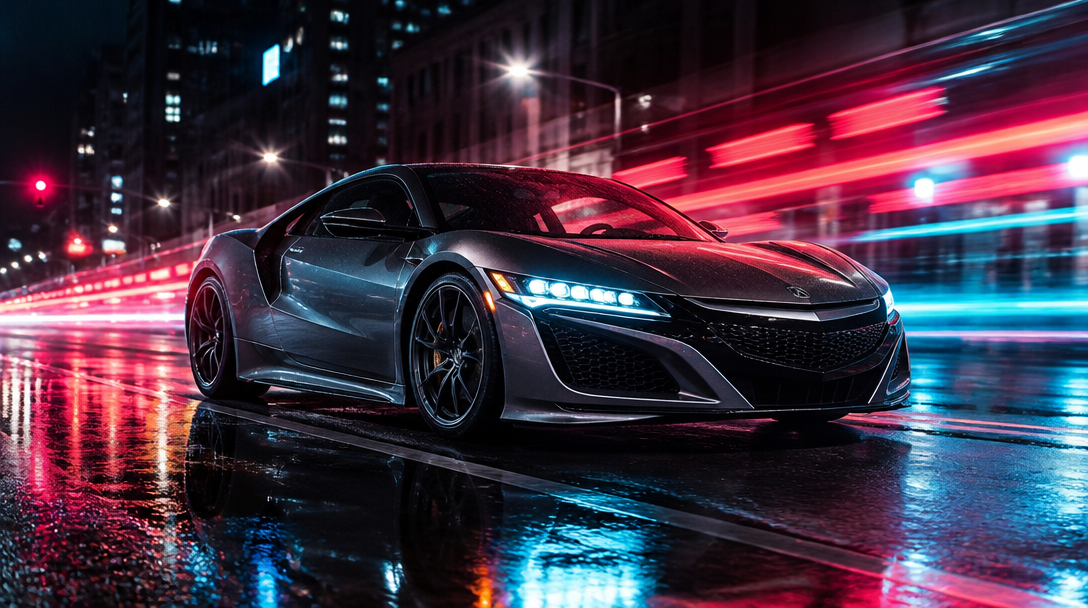
AI prompts for creating motion blur photos with handheld movement, soft focus, and realistic snapshot energy. Use them for shaky selfies that feel spontaneous and real, night photos with moving lights and soft trails, and polished visual concepts in Carat.
2026.05.22
Make “Motion Blur Photo” exactly the way you wantCreate your own “Motion Blur Photo”
Just ask in plain language — Carat generates optimized images and videos for you.

Start now with 100 free credits daily
Paparazzi Flash Close-Up
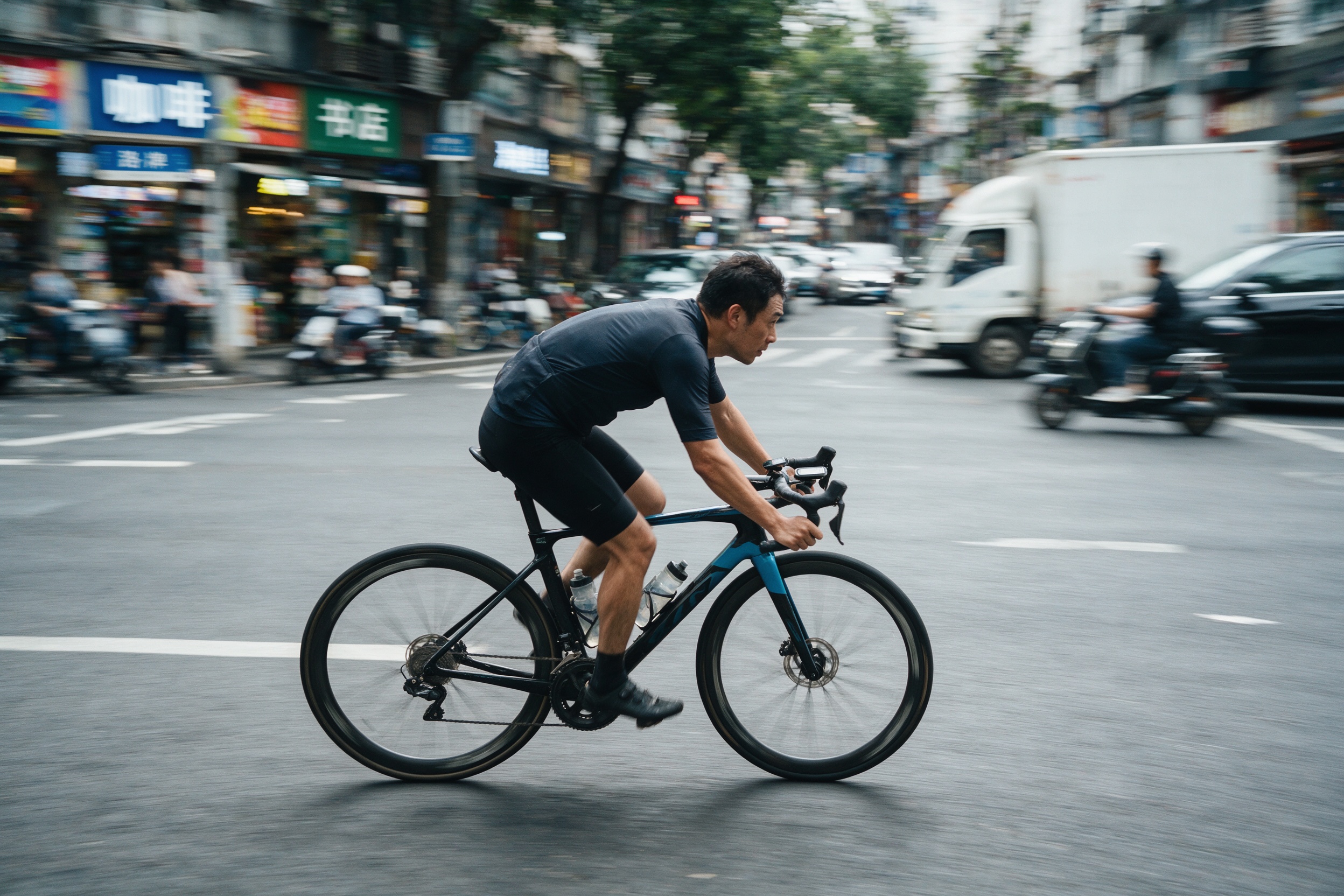
Panning-Shot Cyclist Photo
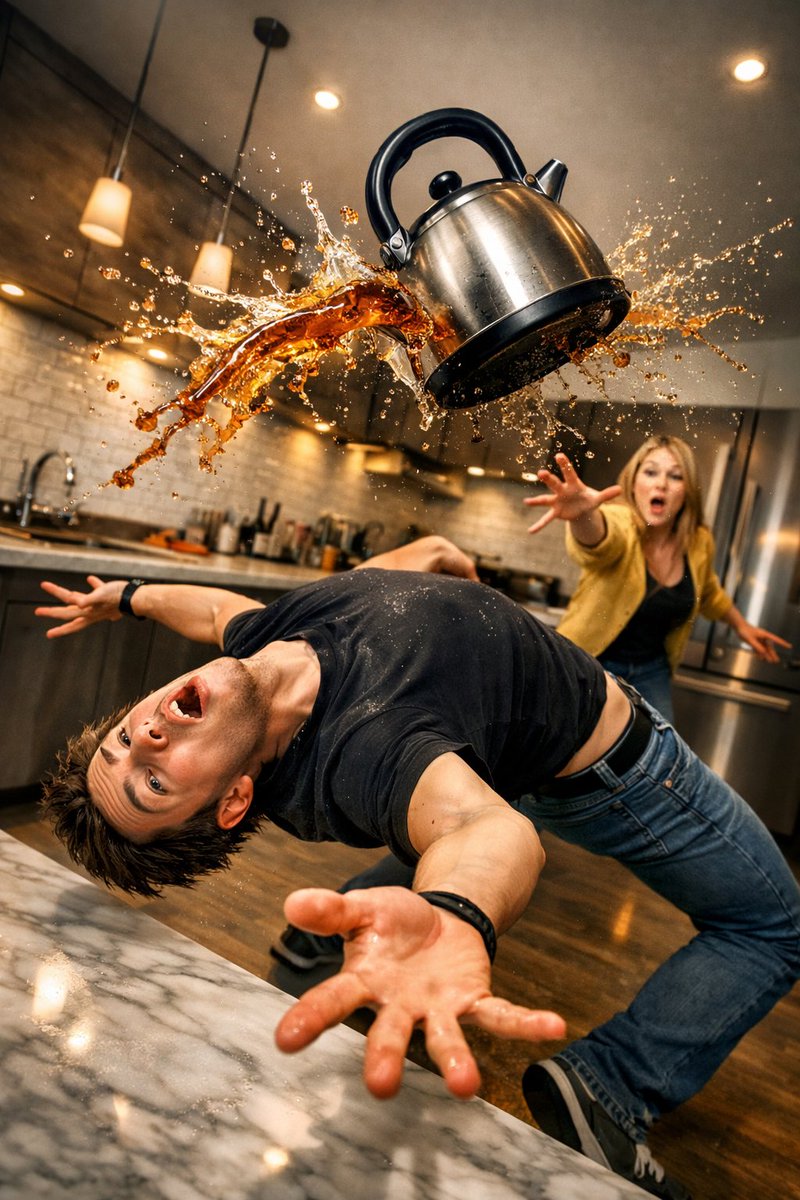
Comedic Kitchen Action Scene
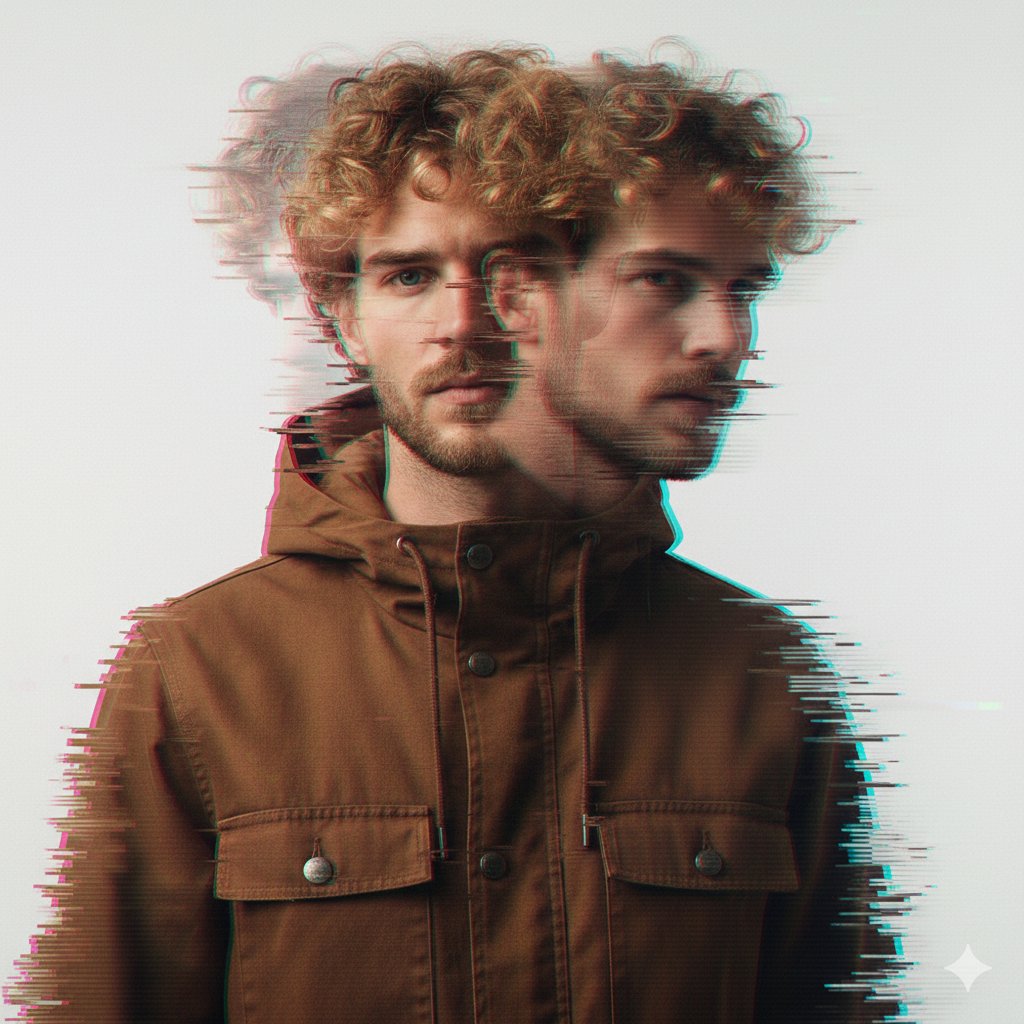
Glitch Double Exposure Portrait
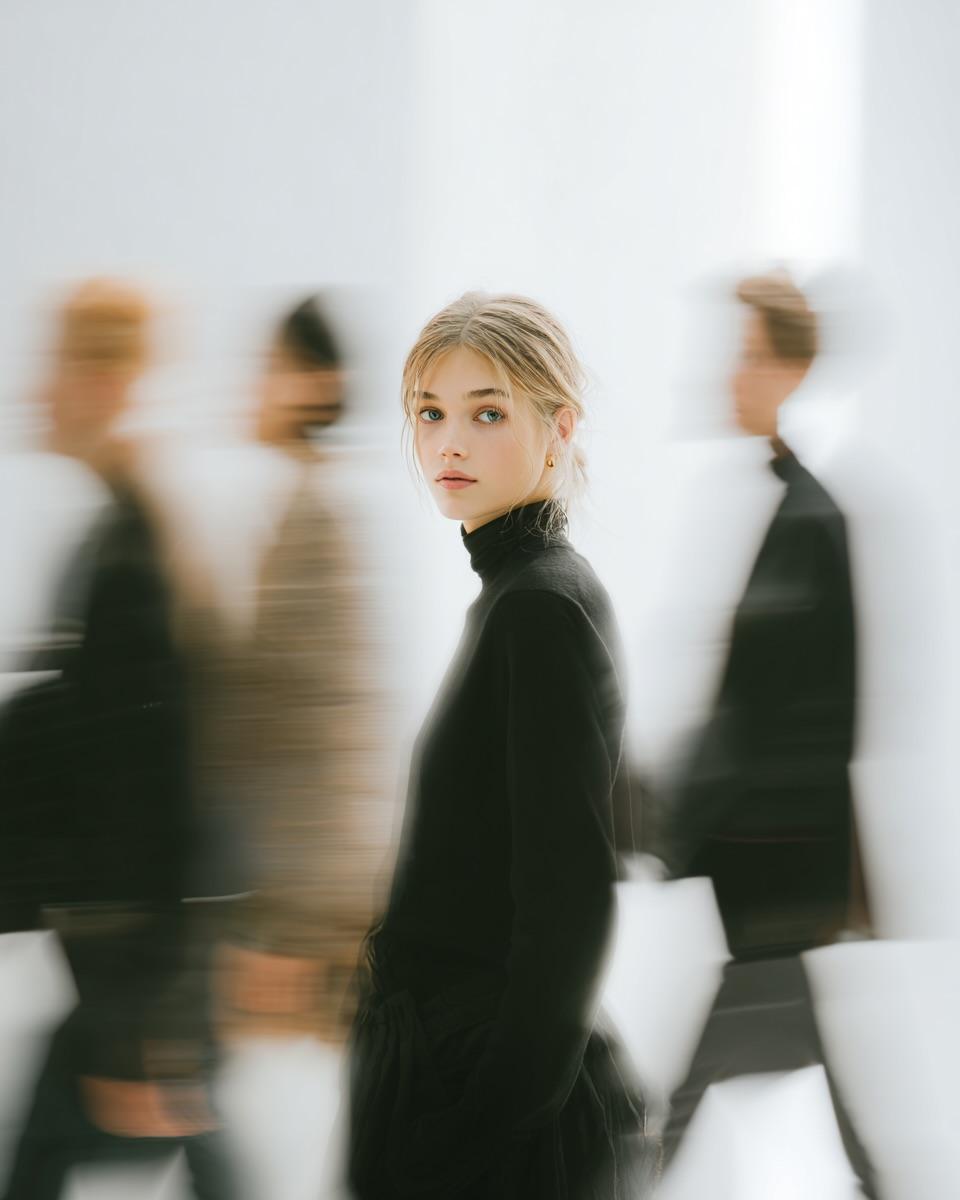
Motion Blur High Fashion Portrait
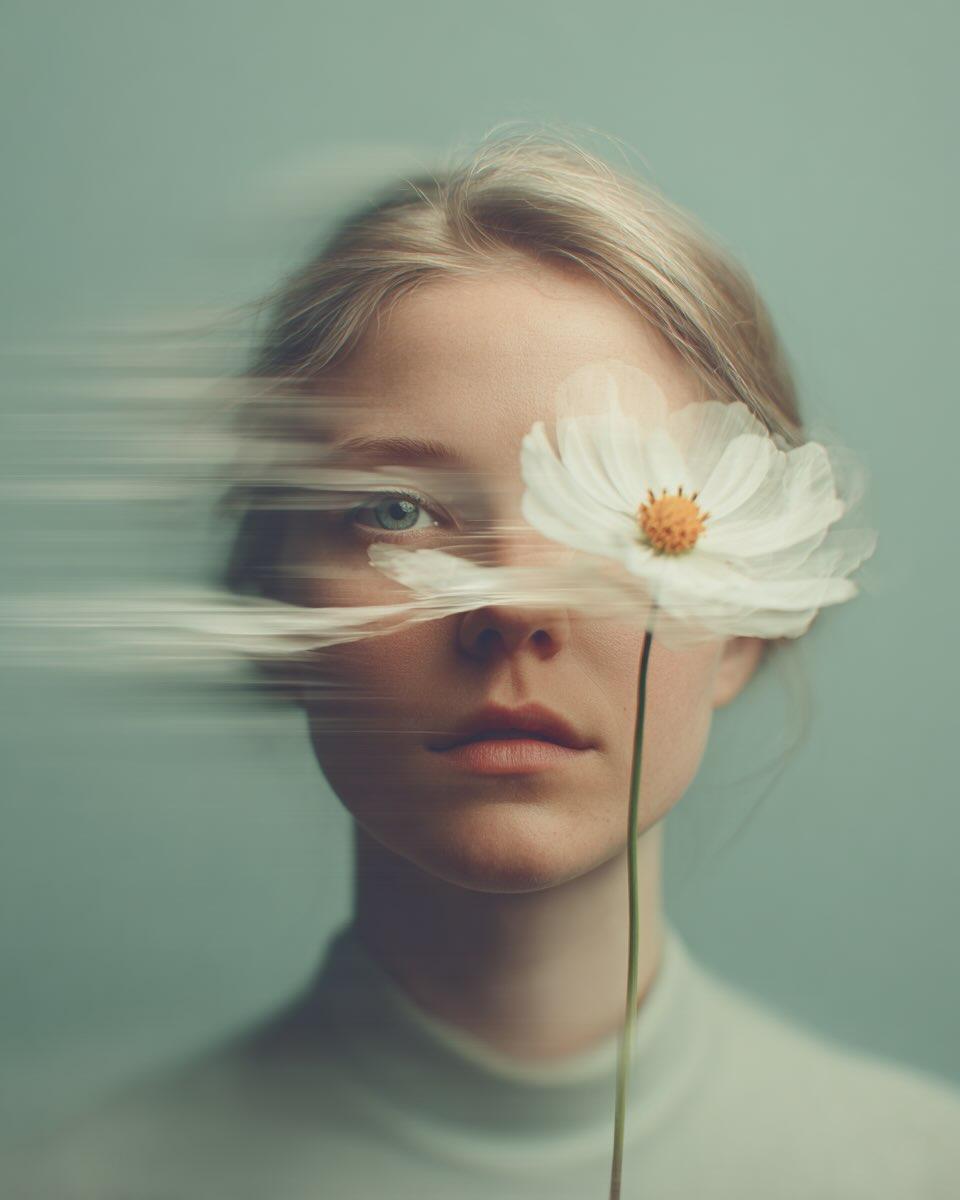
Flower Motion Blur Fine-Art Portrait
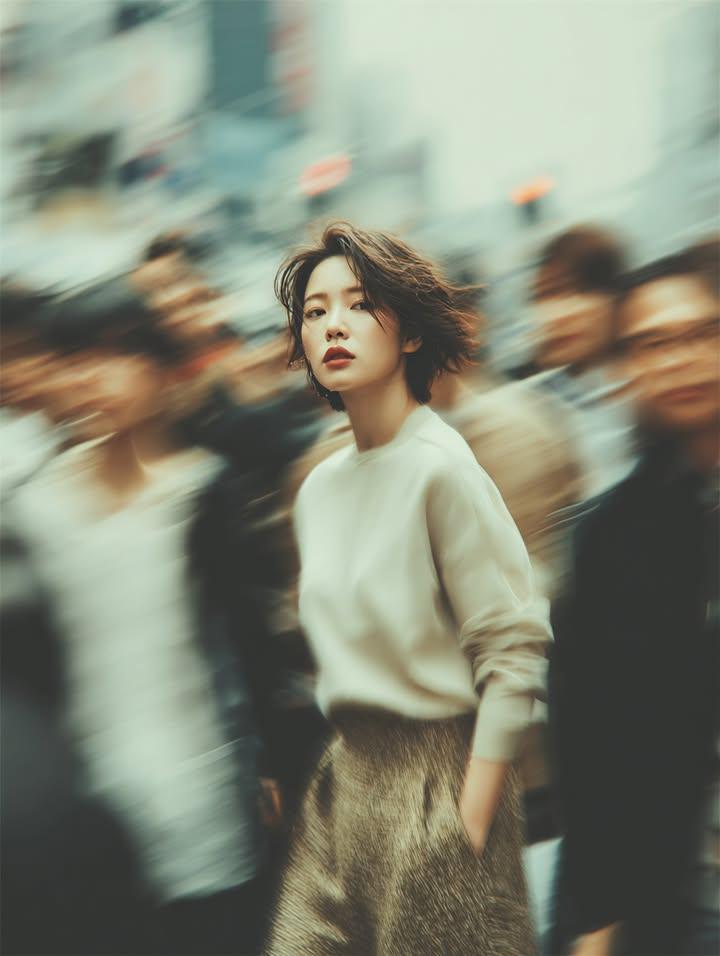
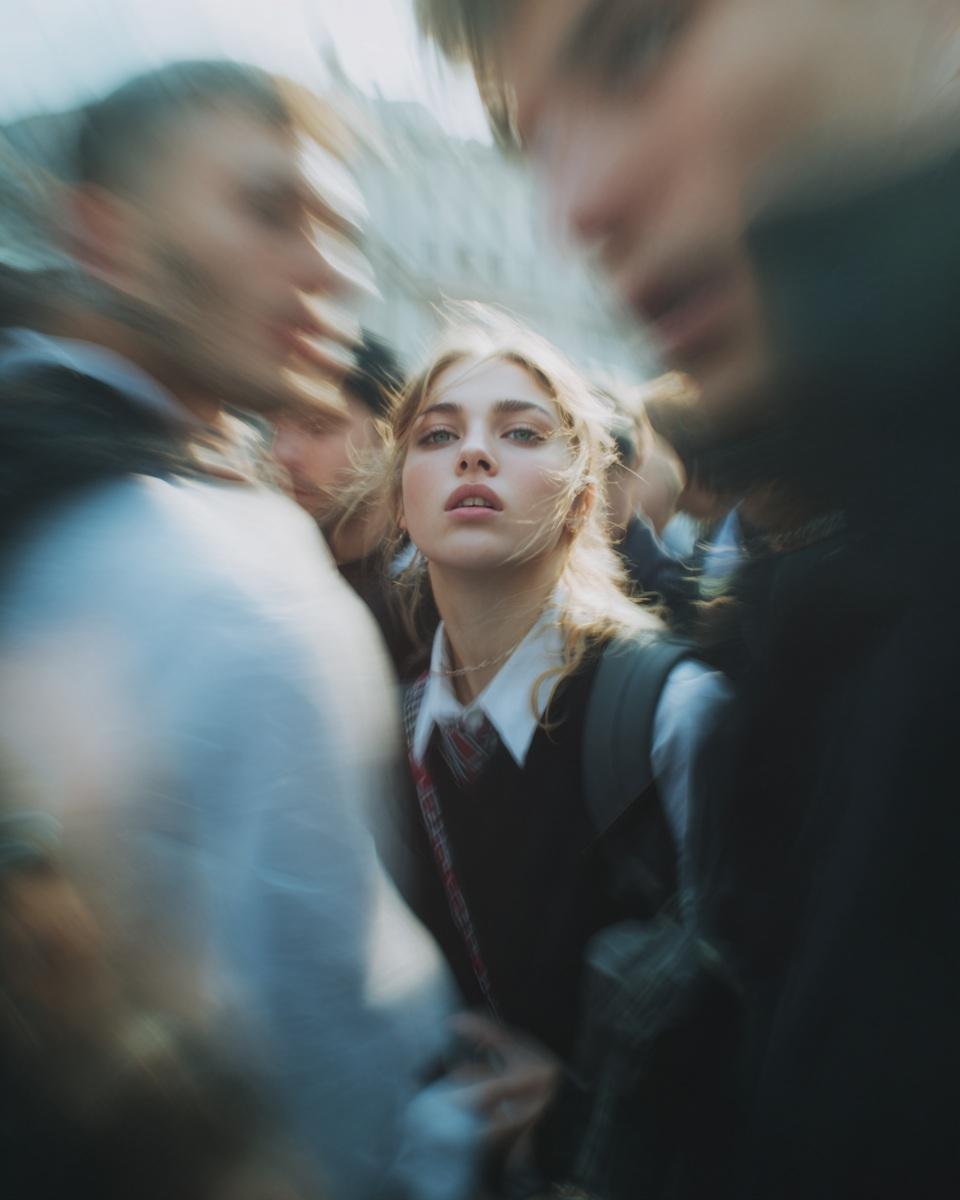
Crowd Motion Blur Street Portrait
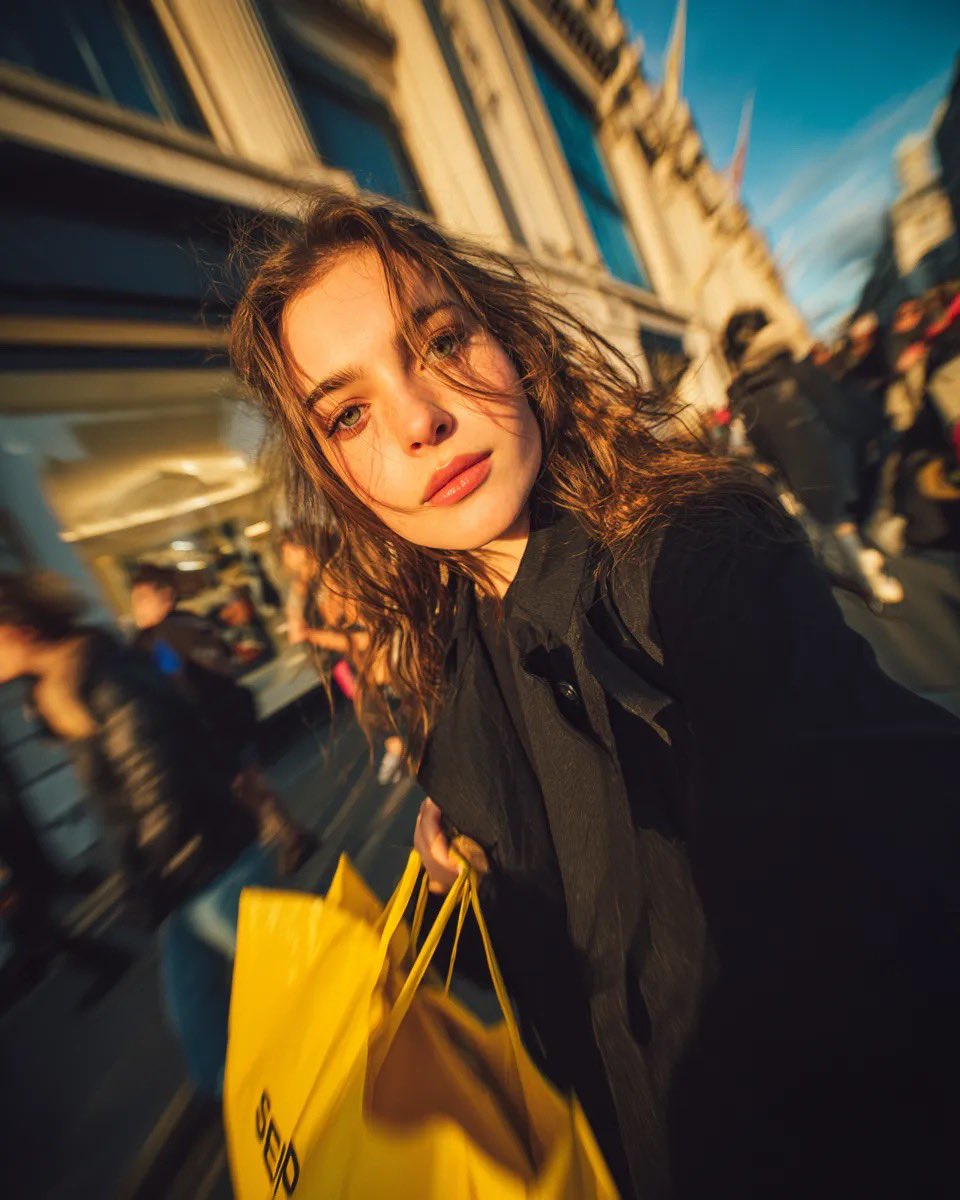
Golden Hour Shopping Street Portrait
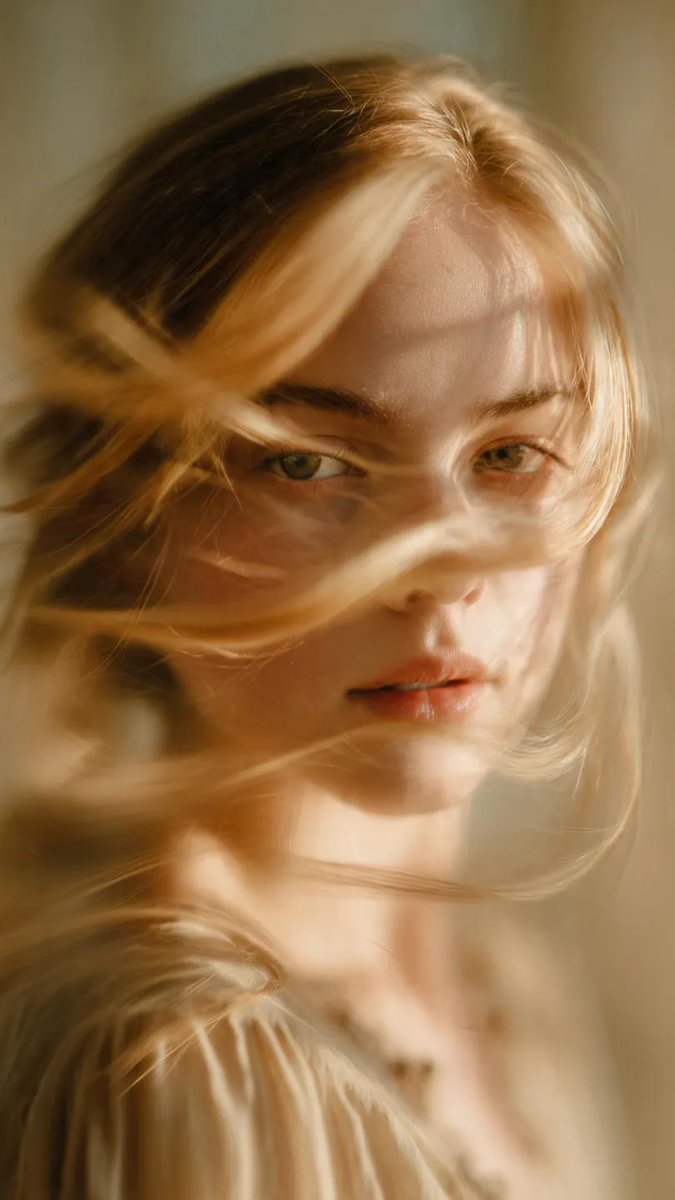
Soft-Focus Motion Ghost Portrait
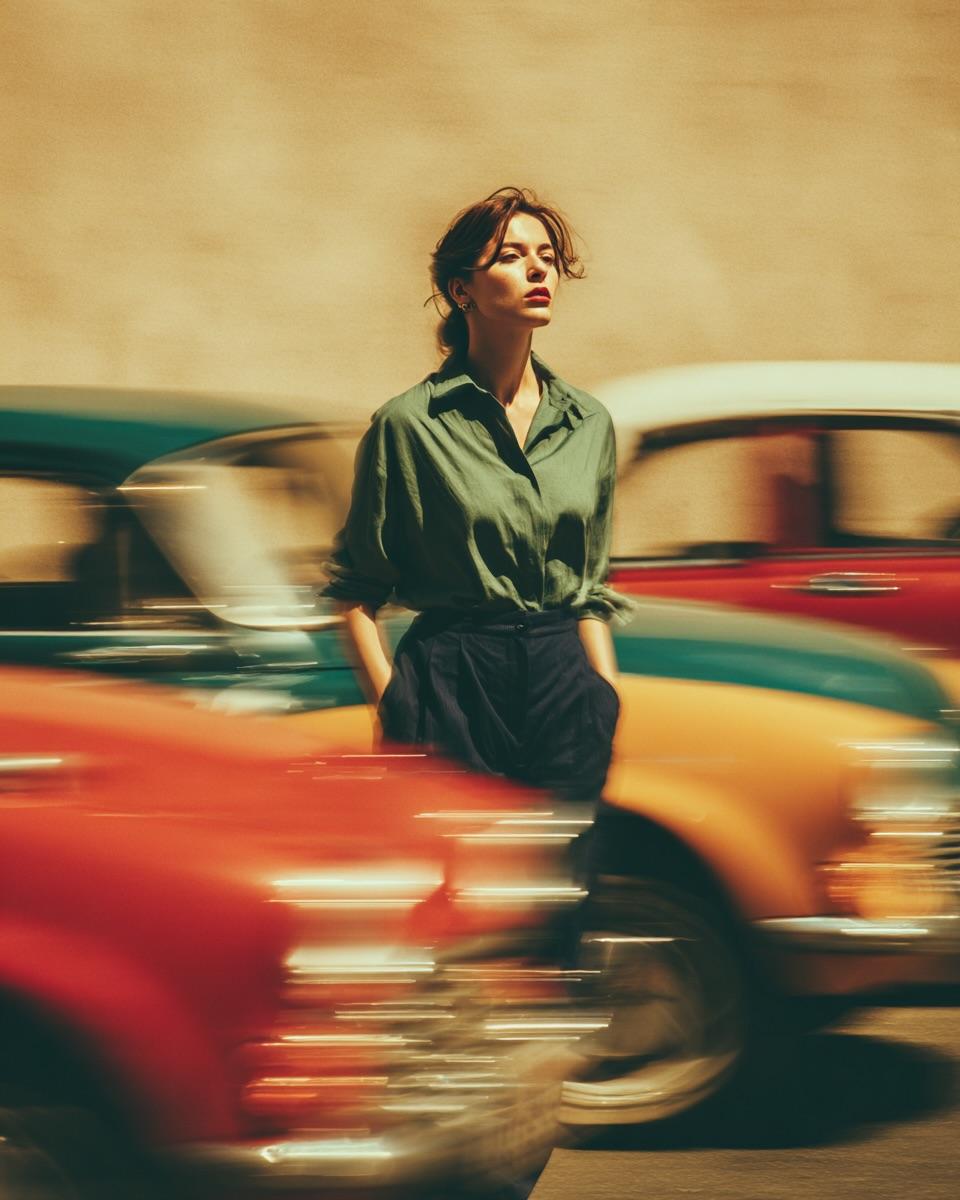
Vintage Car Motion Blur Portrait
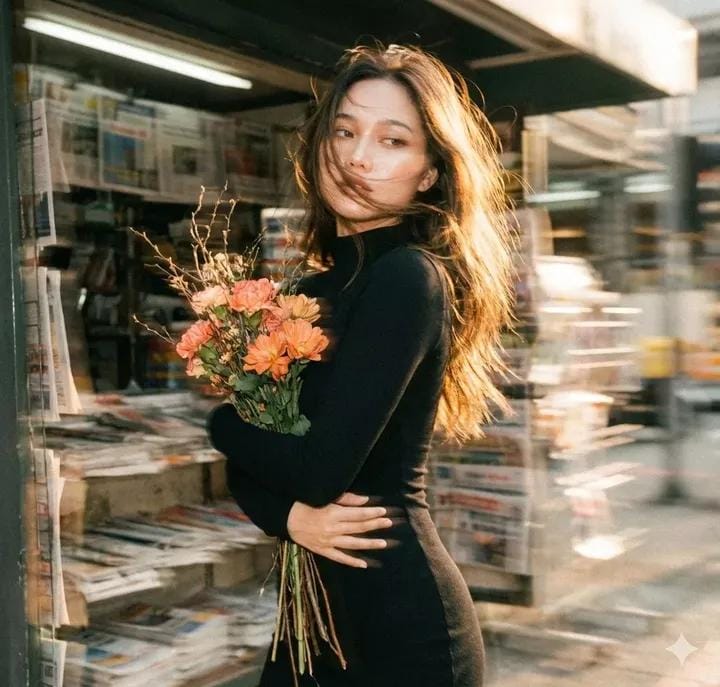
Vintage Film Motion Blur Portrait
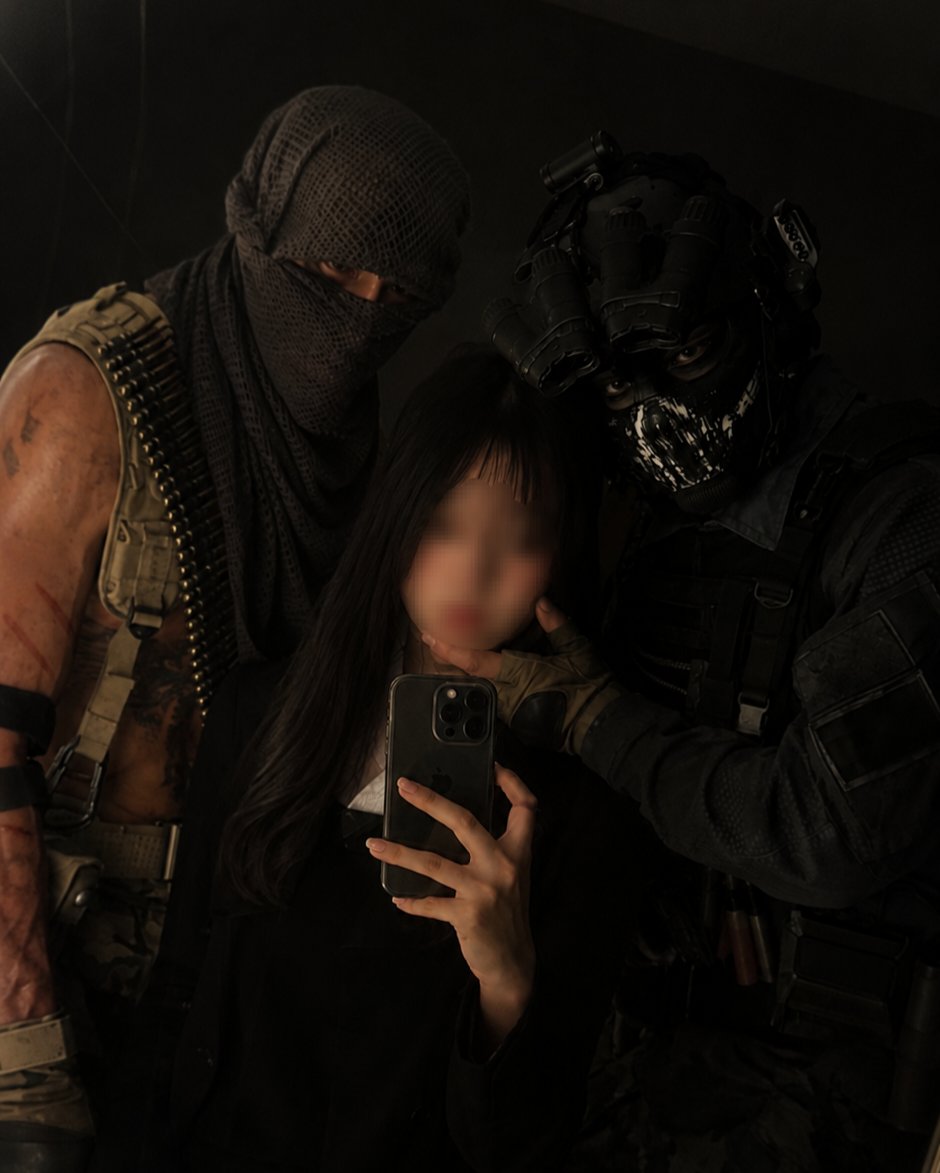
Mirror Selfie with Your Favorite Character
What Are Motion Blur Photo AI Prompts?
Motion Blur Photo AI prompts create photos where the subject stays sharp while everything around them streaks and flows: long-exposure trails, a passing crowd, or a soft ghost drifting across a face. The effect feels far more alive than a frozen snapshot. In Carat, you can generate these images with models such as Nano Banana Pro or GPT Image 2, then continue with follow-up work like changing the aspect ratio, removing distractions, improving resolution, or converting the still into a short video.
Where You'll Use It
- Cinematic street portraits of one clear person standing still inside a busy crowd
- Fine-art photos with trails and ghosting that partly veil the face
- Editorial magazine covers built from long exposure and double exposure
- Paparazzi-style close-ups with harsh flash and heavy film grain
- Profile images, campaign concepts, moodboards, and social posts
Why This Tag Is Useful
Motion blur adds speed and real presence to AI images that would otherwise look too polished. Keeping the subject crisp while the background flows pulls the eye straight to the main person and gives the frame the finished mood of a magazine cover or fashion editorial. The trick to a strong result is stating the direction and strength of the blur, and making it clear the subject holds still.
Tips for Crafting Prompts
- Make it clear that the subject stays still while only the surroundings blur. Who they are, where they stand, and their expression matter most.
- Add a concrete setting such as a busy crowd, a night street, a magazine studio, or a golden-hour shopping street so the image has a clear place.
- Describe the blur and texture with visible words like long-shutter trails, double exposure, soft focus, strong flash, and coarse film grain.
- Control the shot by setting the direction and strength of the blur, whether the face is veiled, and the camera angle.
Pick a prompt that matches the scene you want, then swap in your own character, outfit, location, and color palette. After the first result, ask Carat for a targeted revision like softer lighting, a darker background, or a vertical crop, so you can grow one prompt into several usable versions without starting over.