Old Photo
Old photo AI prompts you can use right away to revive faded pictures. Quickly create restored black-and-white photos or colorized old portraits.
2026.07.08
Make “Old Photo” exactly the way you wantCreate your own “Old Photo”
Just ask in plain language — Carat generates optimized images and videos for you.

Start now with 100 free credits daily

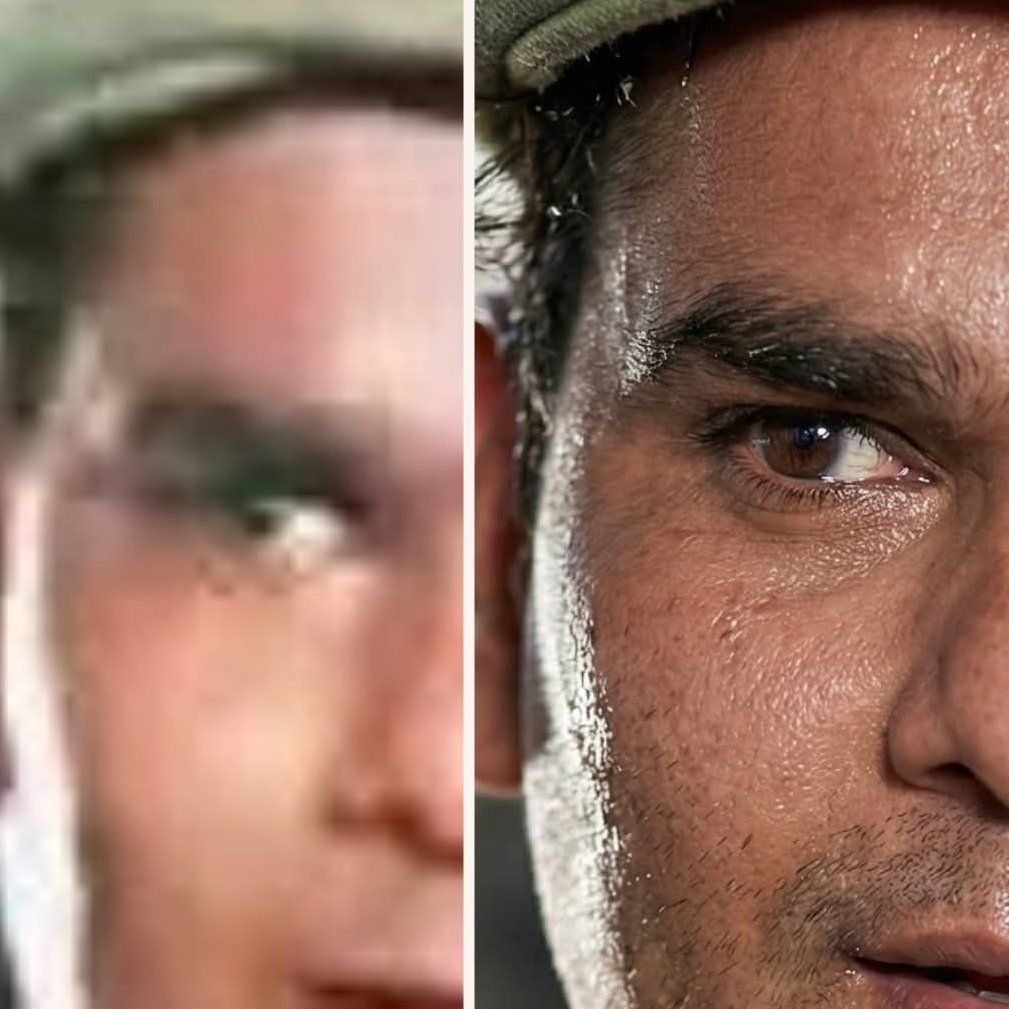
Old Photo Restored to Modern Quality
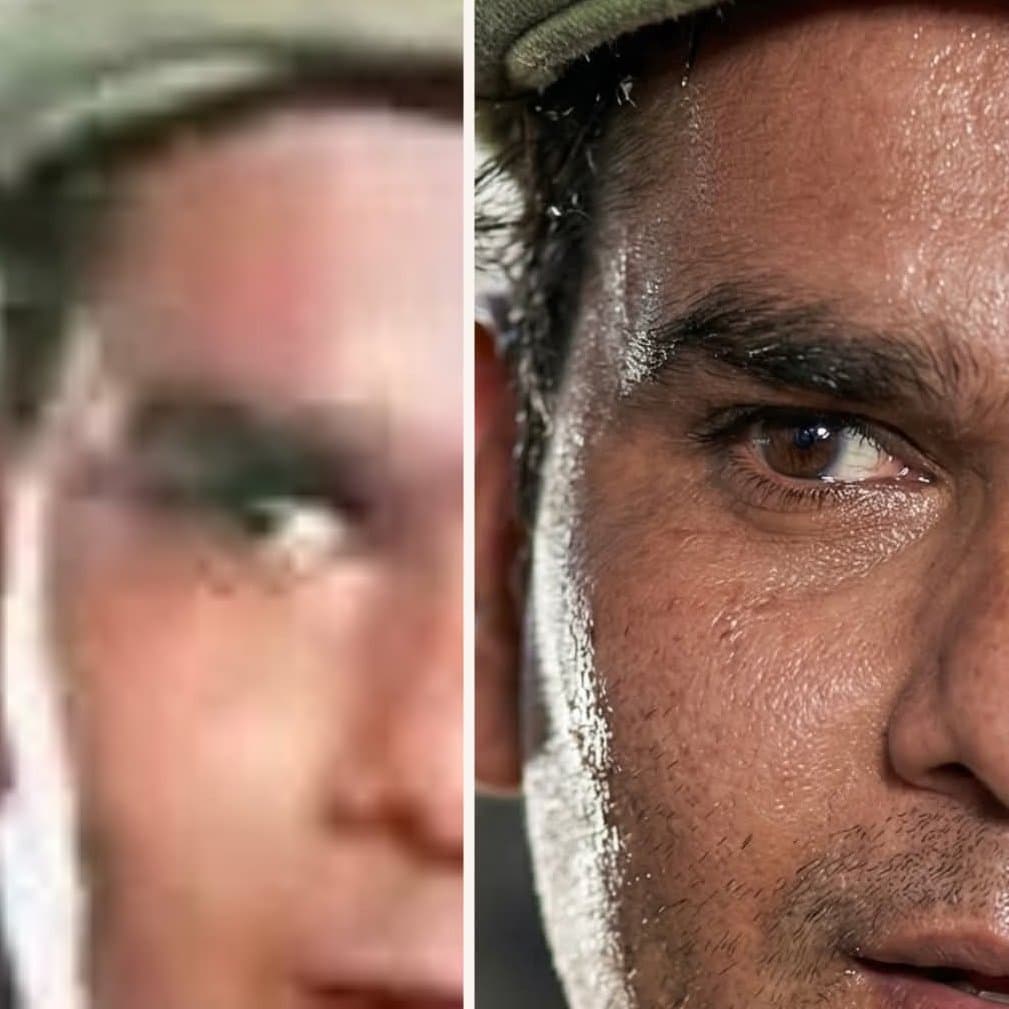
Old Photo Restoration
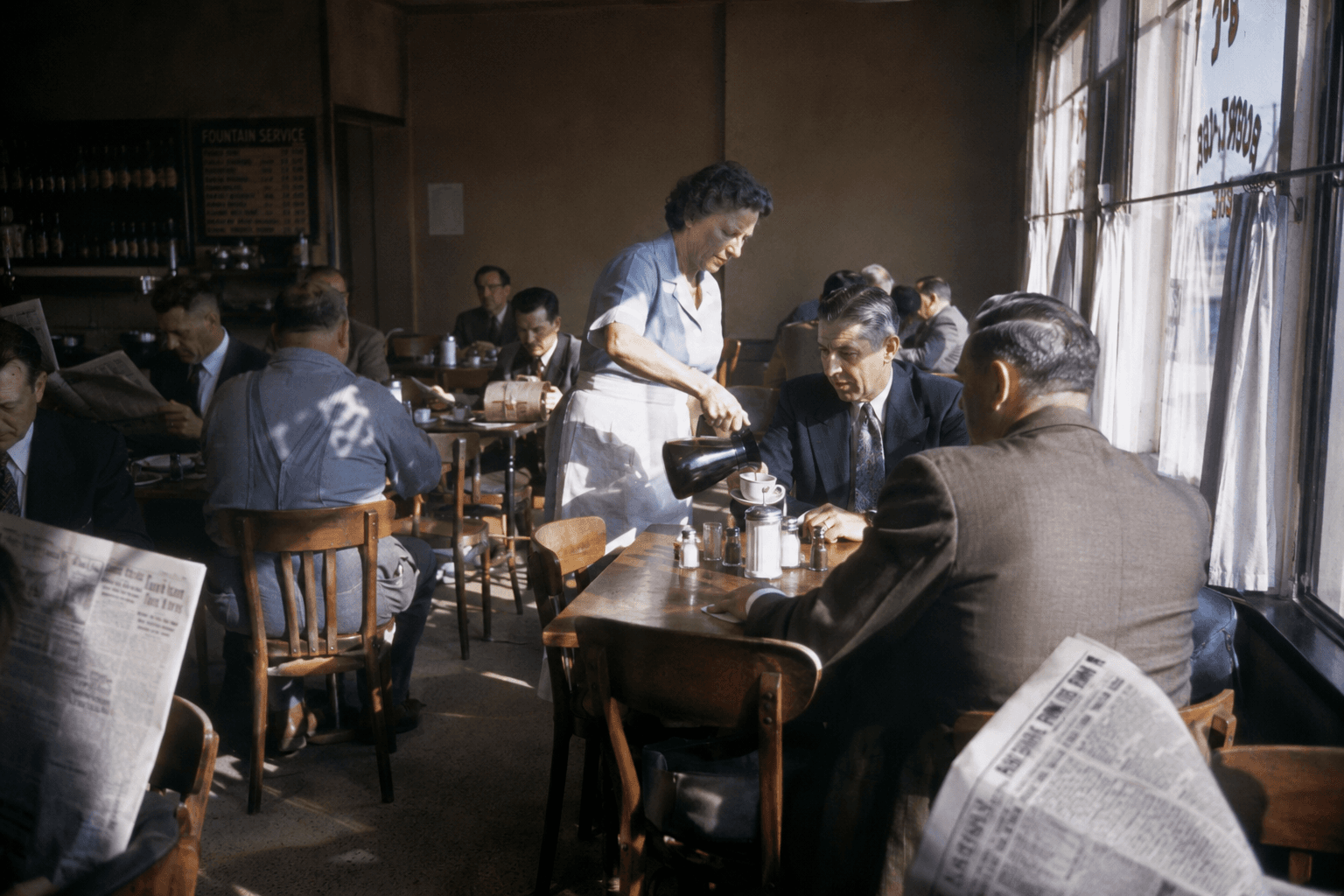
1950s Documentary Cafe Scene
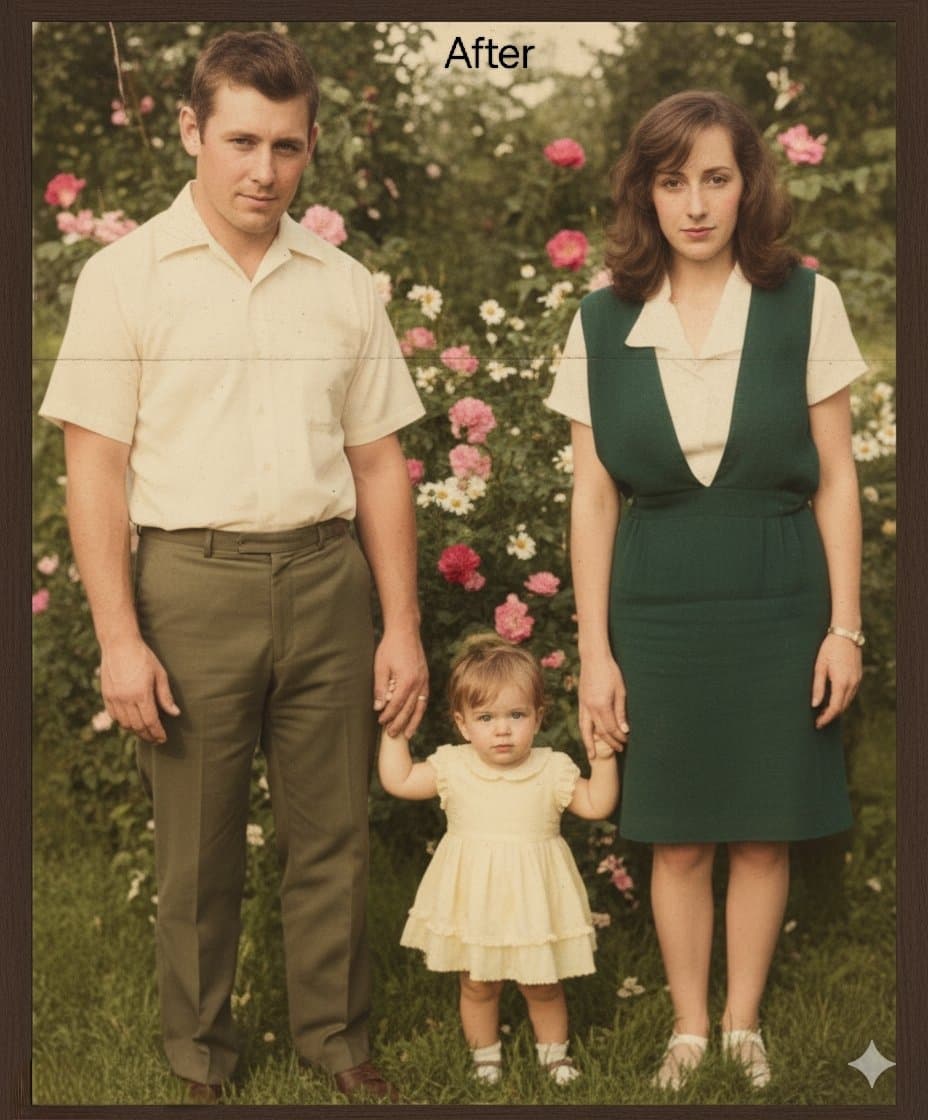
Repair and Restore Old Photos
What Are Old Photo AI Prompts?
Prompts designed to restore and colorize damaged or faded old photographs using AI. They repair scratches and stains while adding natural color to black-and-white images, bringing old memories back to life.
Where You'll Use It
- Restoring faded black-and-white photos of parents or grandparents
- Colorizing old family album pictures
- Fixing torn or stained photographs
- Reviving old wedding or first-birthday photos
- Restoring photos of deceased family members or pets
Why This Tag Is Useful
Old photos vary widely in damage depending on how they were scanned or stored, so generic editing prompts often fall short. This tag gathers wording tuned specifically for restoration and colorization, making natural results easier to get without losing the original mood.
Tips for Crafting Prompts
- Describe the specific damage (scratches, stains, creases) in the original.
- Specify the colorization style you want, like 'natural skin tone' or 'realistic color.'
- State that the subject's original features (expression, hairstyle) should stay unchanged.
- Mention the era's clothing or background style if you want that atmosphere preserved.
A single cherished photo can look vivid again with just a few lines of prompt.