AI Retouch
Generate professional photo retouching, skin editing, and product composite images with AI prompts. Master natural skin retouching, lighting correction, and background replacement.
2026.07.08
Make “AI Retouch” exactly the way you wantCreate your own “AI Retouch”
Just ask in plain language — Carat generates optimized images and videos for you.

Start now with 100 free credits daily
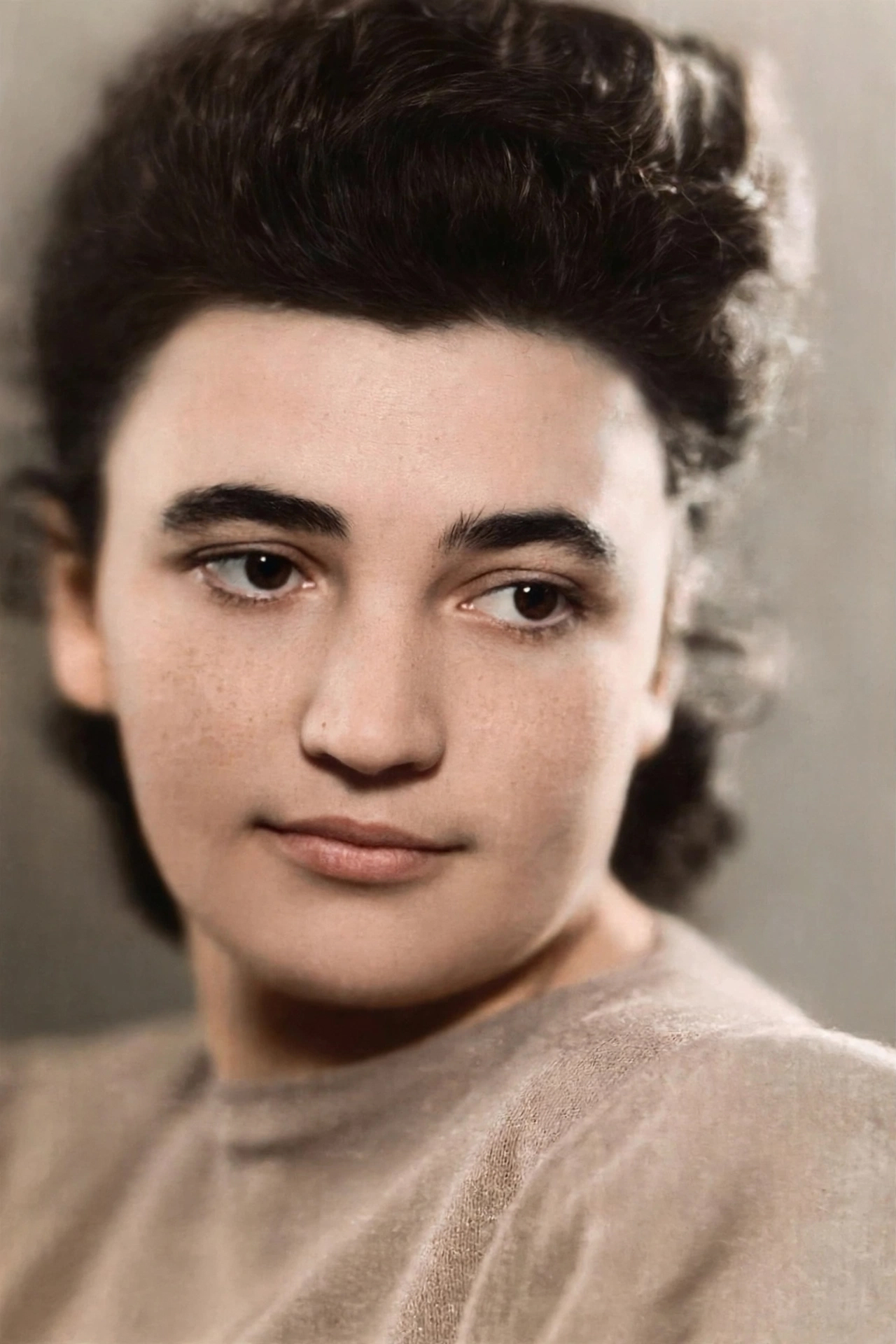
Old Photo Restored to Modern Quality
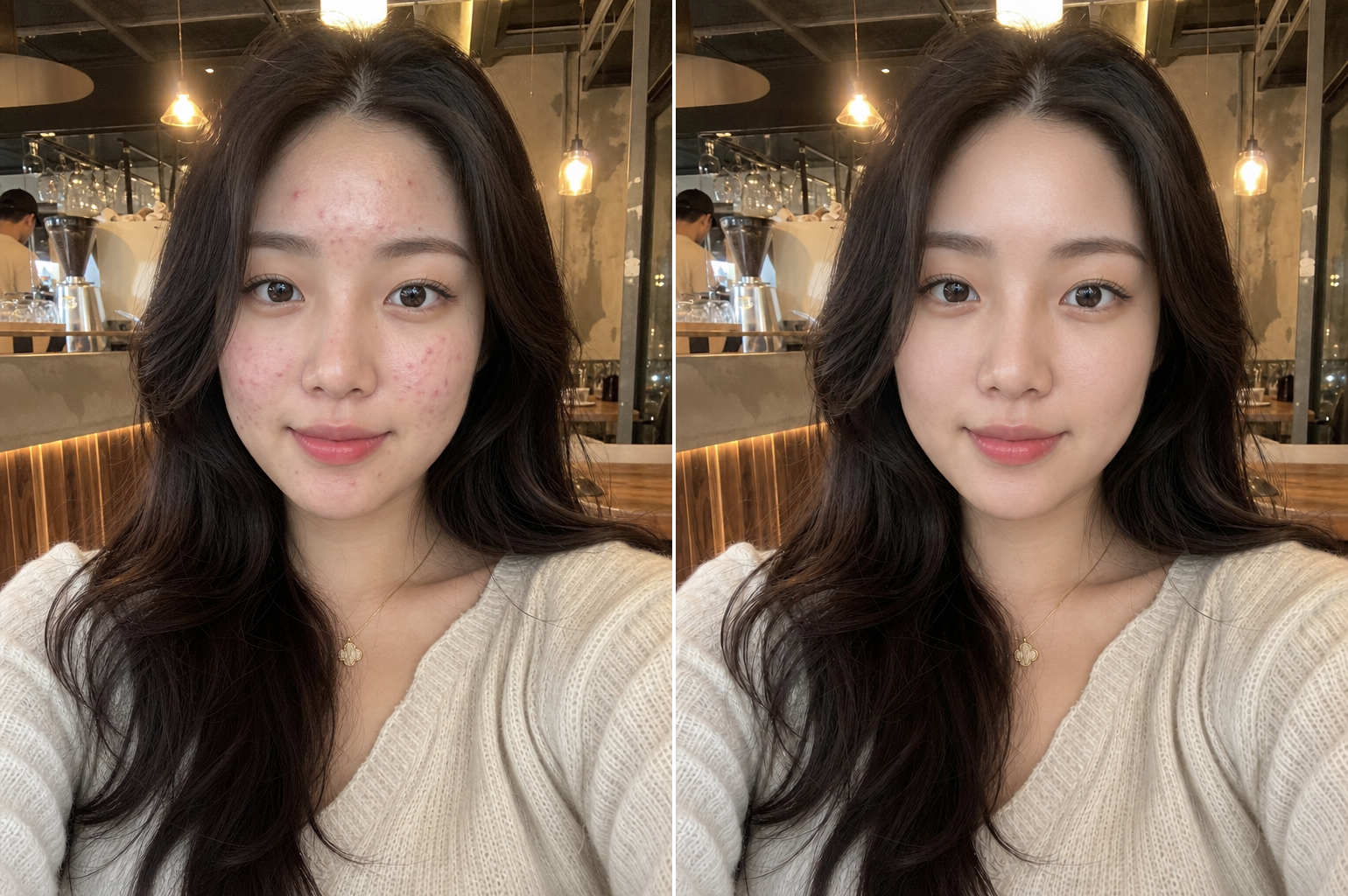
Natural Skin Retouching
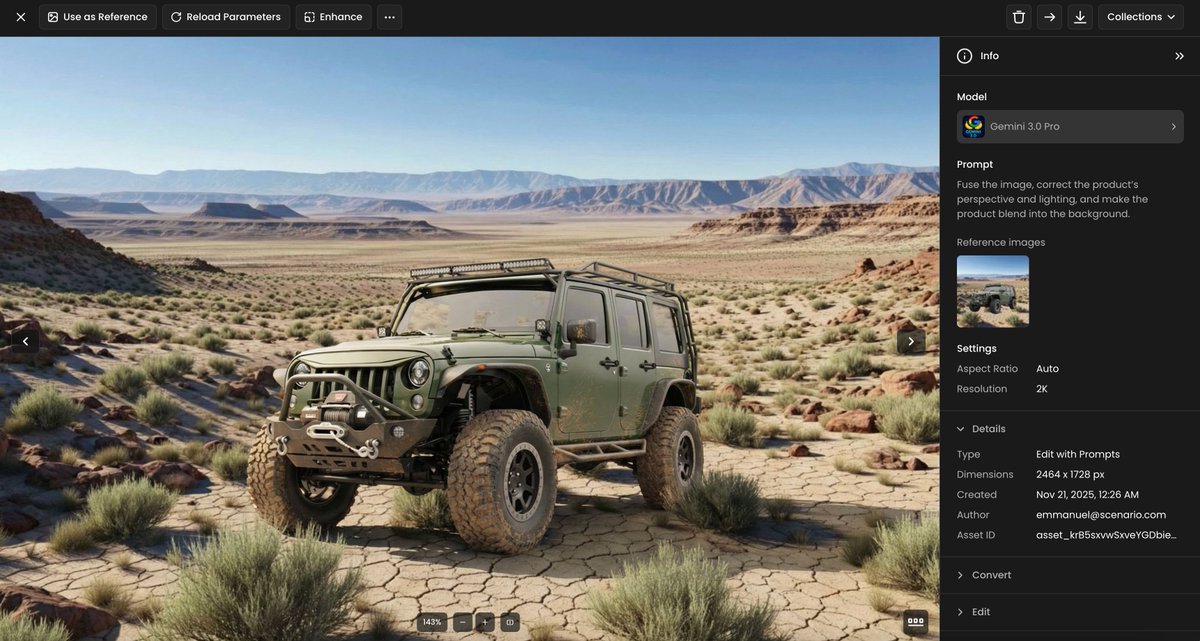
Product Perspective Lighting Blend
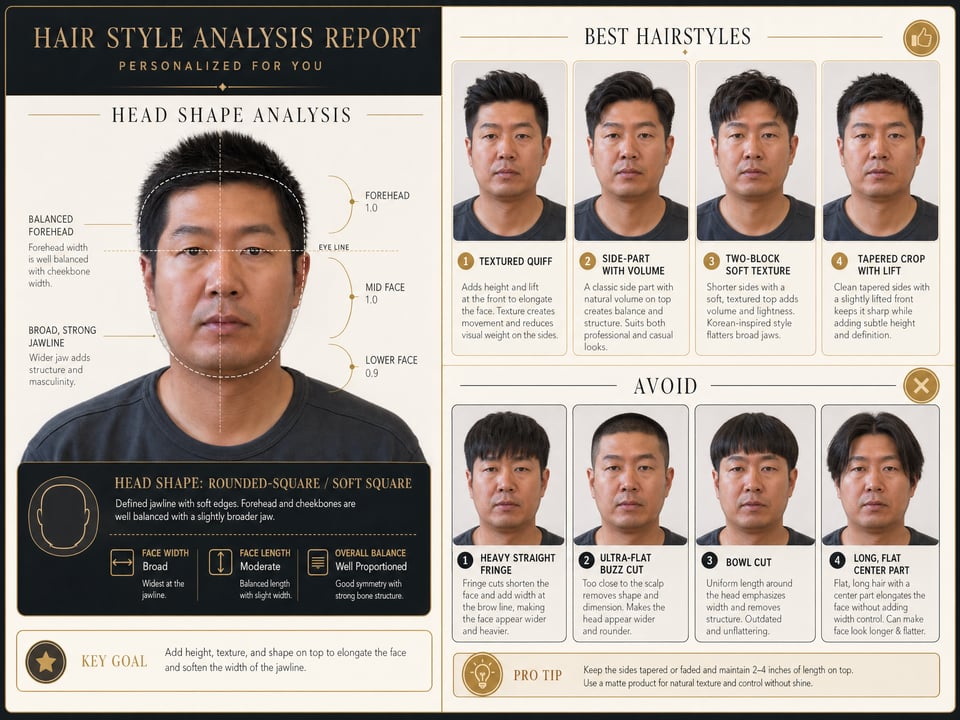
Face Shape Hairstyle Analysis Report
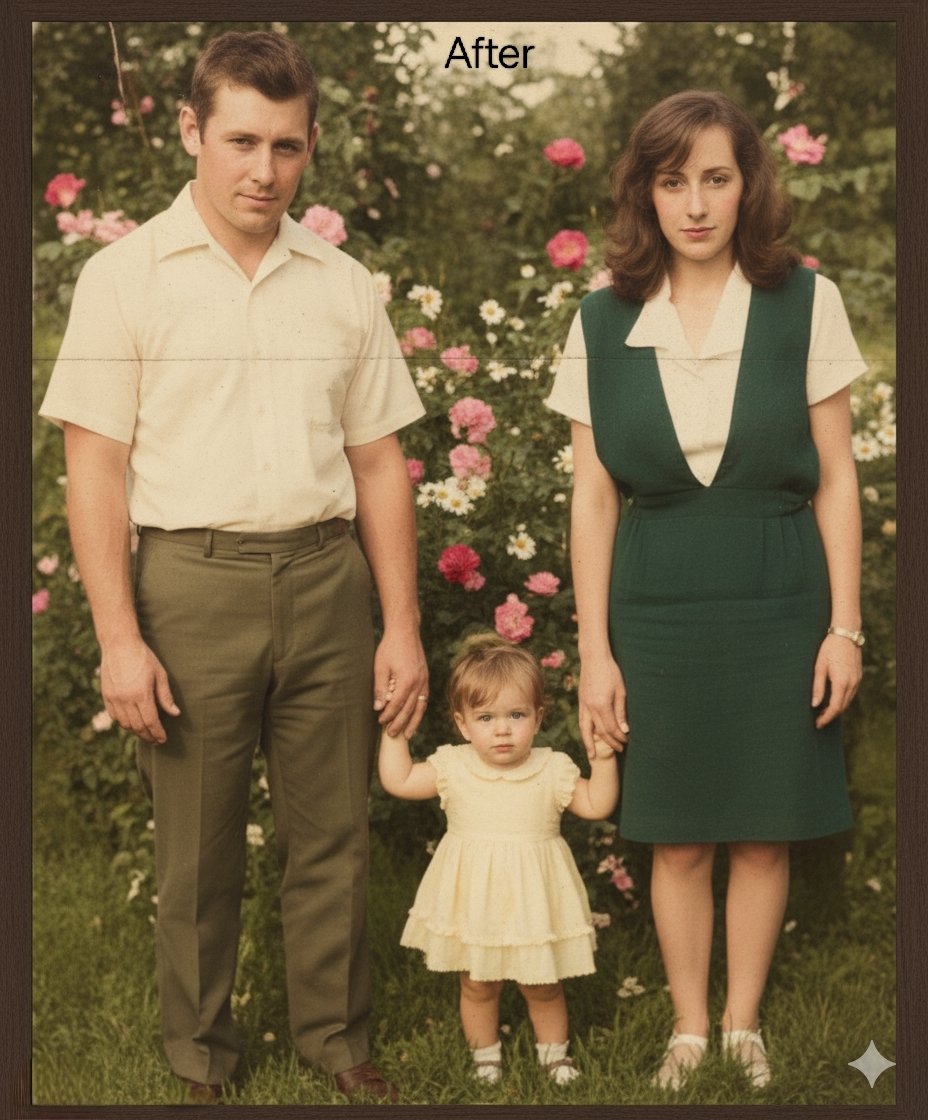
Repair and Restore Old Photos
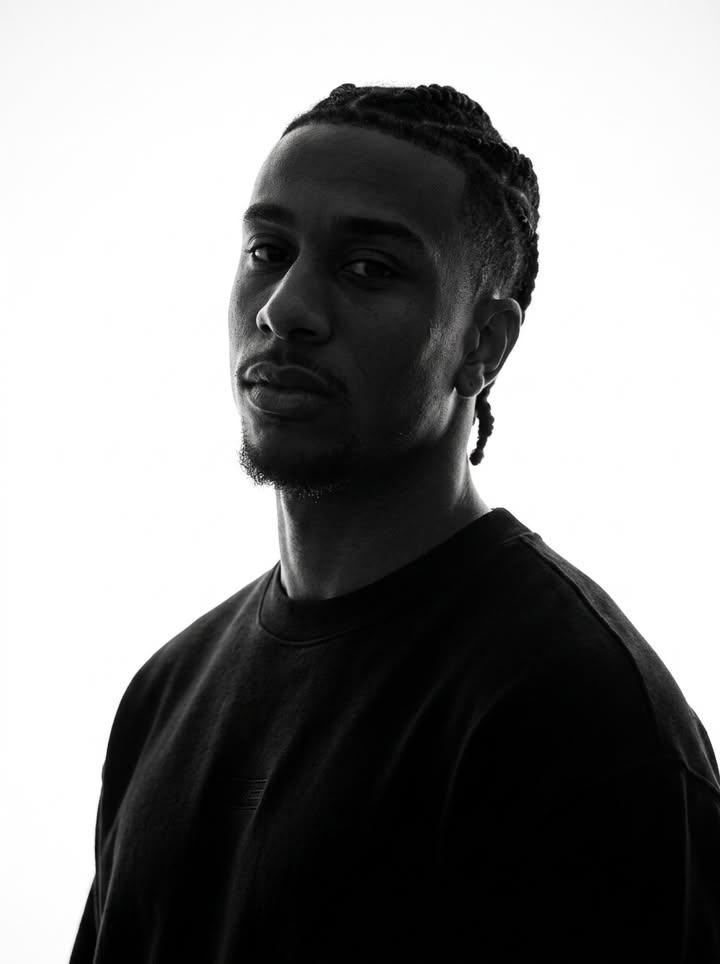
Identity-Preserving Monochrome Portrait
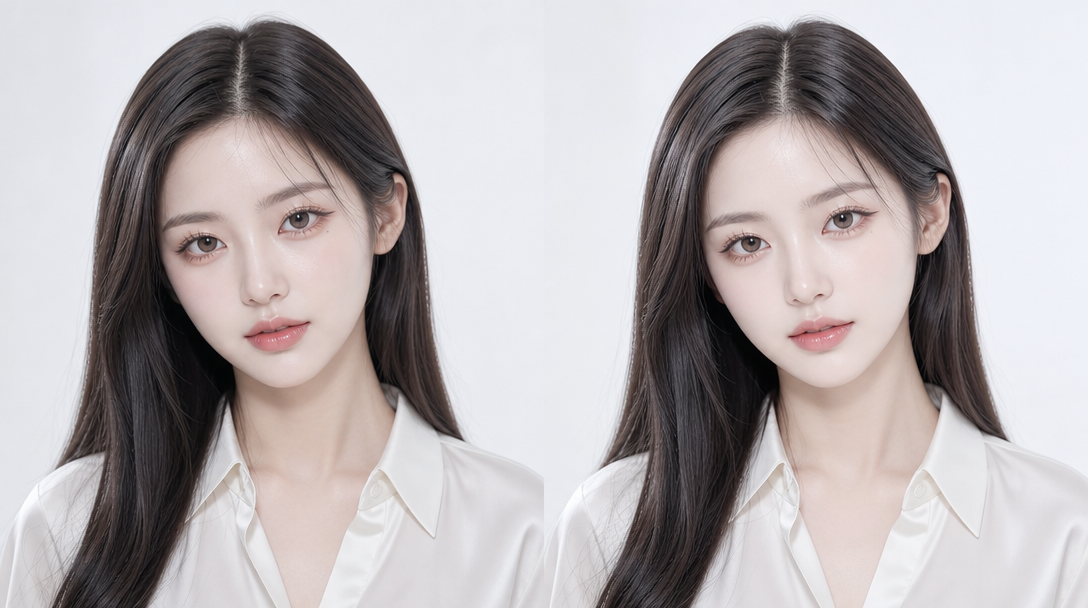
사진 보정
The Complete Guide to AI Retouch Prompts
Photo retouching is essential for portrait photography, product imagery, and content creation. AI image generation enables you to achieve natural skin retouching, lighting correction, background replacement, product compositing, and a wide range of professional retouching effects. This guide covers everything from subtle skin editing to complex composite work.
Key Elements of AI Retouch Prompts
1. Retouching Intensity: Specify how much correction to apply. "Subtle skin retouching, natural pore texture preserved, minimal frequency separation" ensures natural results without over-processing. The goal is enhancement, not transformation - the subject should still look like themselves.
2. Skin Texture: Preserve realism by specifying skin details. "Visible skin texture, realistic pore structure, natural shine on T-zone, subtle freckles retained" maintains authenticity. Over-smoothed skin looks plastic and fake, so always include texture preservation instructions.
3. Lighting Modification: "Relit from warm to cool color temperature, soft Rembrandt lighting added, shadow softened on left cheek, highlight enhanced on cheekbone" describes specific lighting changes. This lets you correct lighting issues or enhance the mood without reshooting.
4. Color Grading: "Color graded teal and orange, shadows pushed toward blue, highlights warmed, split toning effect, cinematic color correction" defines the color treatment. Match the grade to the intended use: neutral for e-commerce, cinematic for editorial, vibrant for social media.
5. Detail Preservation: "Hair strands sharp, eyelashes individually defined, fabric texture visible, jewelry sparkle preserved" ensures fine details survive the retouching process. These small details are what separate professional retouching from amateur editing.
Retouching Type-Specific Prompt Examples
Skin Retouching: "Professional skin retouching on female portrait, blemish removal while preserving natural texture, even skin tone across all areas, subtle glow on cheekbones, frequency separation technique applied, natural pore structure visible, no plastic look, before-after comparison view."
Product Composite: "Product composite of perfume bottle on clean white background, original product shadow preserved and refined, subtle reflection added on glossy surface, studio lighting simulation with soft box from upper left, catalog-ready result, color-accurate product rendering, 100mm macro lens perspective."
Background Replacement: "Background replaced with blurred outdoor cafe setting, natural depth of field preserved at f/2.8, subject edge refined with no halos, color-matched ambient lighting blending subject and background seamlessly, realistic composite with proper color spill from environment."
Beauty Editorial Retouch: "High-end beauty editorial retouching, flawless but natural skin, enhanced eye makeup vibrancy, hair volume increased while maintaining realistic texture, lip color saturated slightly, skin glow enhanced on high points, magazine cover quality, 85mm beauty lens."
Lighting Correction: "Original flat lighting corrected to dramatic Rembrandt lighting, shadow added on camera-right side of face, highlight enhanced on cheekbone, overall contrast increased subtly, warm color cast removed, natural-looking relit portrait."
Body Contouring: "Subtle body contouring, waist definition enhanced naturally, posture slightly improved, clothing drape adjusted, realistic proportions maintained, no obvious distortion, professional fashion retouching standard."
Advanced Techniques
Frequency Separation: "Frequency separation retouching, low frequency layer for skin tone and color, high frequency layer for texture and detail, natural result with preserved pore structure, professional retoucher quality."
Dodge and Burn: "Dodging highlights on cheekbones, nose bridge, and cupid's bow, burning shadows on jawline and sides of nose, natural contouring effect, no visible banding, portrait retouching technique."
Color Spill Correction: "Color spill from green screen background removed, natural skin tone restored on edges, hair color corrected for green tint, realistic edge blending, professional composite quality."
Fabric and Texture Enhancement: "Fabric texture enhanced with clarity, weave pattern visible, natural drape and fold preserved, color saturation adjusted for accuracy, wrinkle removal while maintaining realistic fabric behavior."
Retouching Tips for AI Prompts
- Always specify "natural" or "subtle" to avoid over-processed results
- Include "before-after comparison" when you need to show the retouching effect
- Specify which details to preserve (hair, eyelashes, pores, fabric texture)
- Match the retouching style to the use case (e-commerce needs accuracy, editorial needs drama)
- Include lighting direction to maintain consistent shadows and highlights
- Consider the final output medium - print requires different treatment than web
Common Mistakes to Avoid
- Do not request "perfect skin" or "flawless complexion" without texture preservation
- Avoid specifying "plastic surgery" effects - retouching should enhance, not transform
- Do not over-saturate colors - subtle adjustments look more professional
- Keep skin tone consistent across all visible body parts
- Do not forget to specify edge treatment for composite work