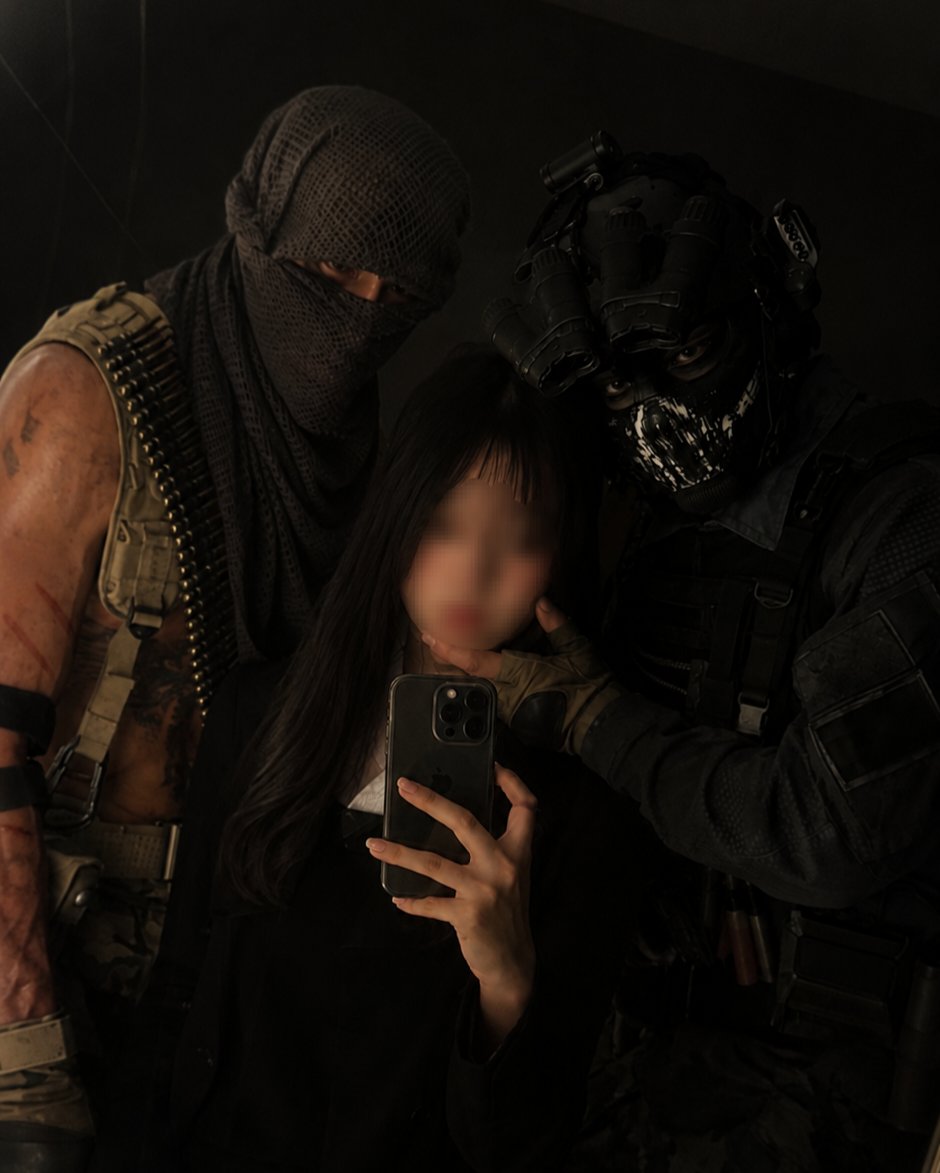
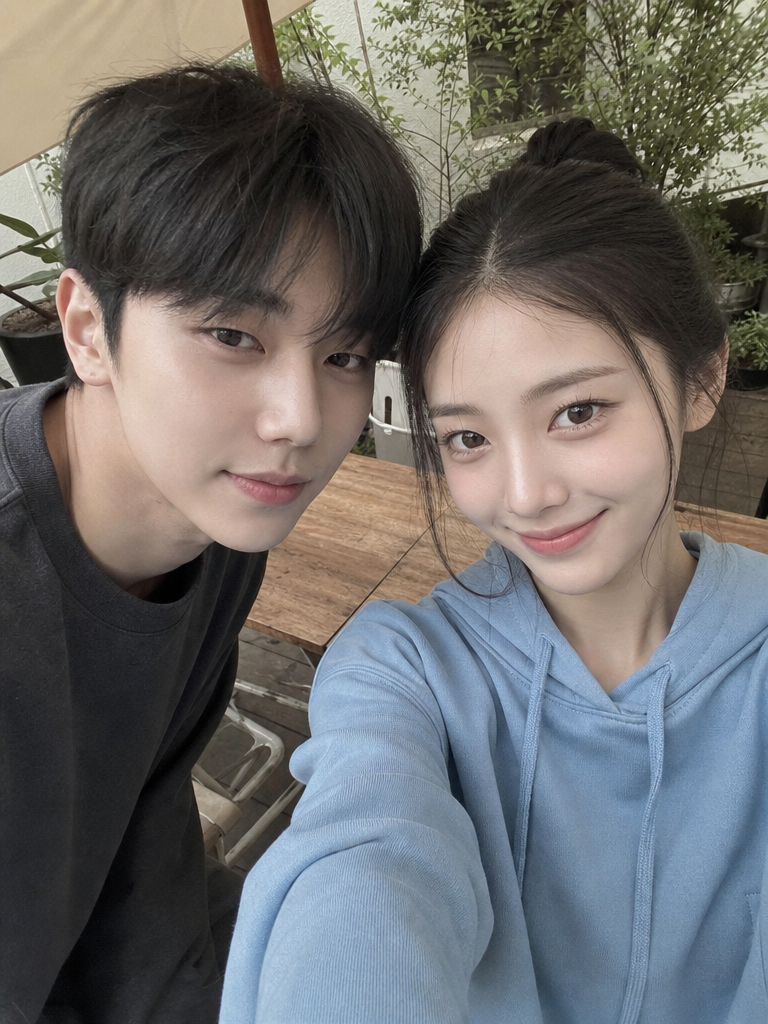
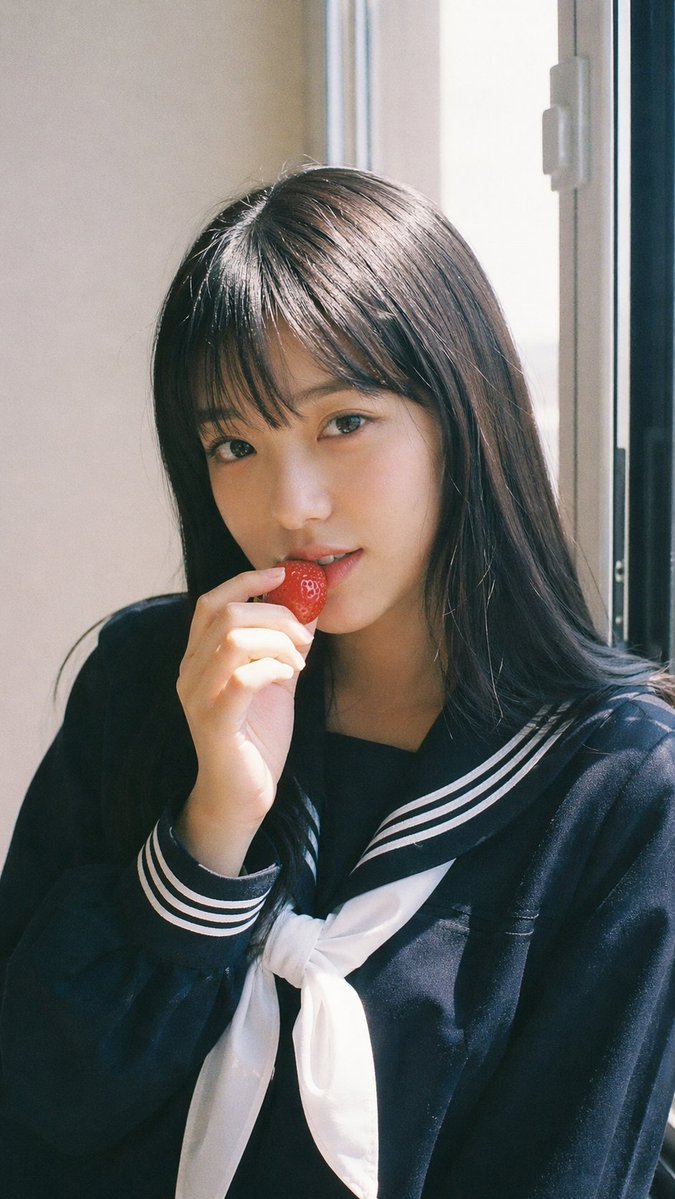
Portrait Enhance
Enhance portrait photos with AI retouching and photo correction prompt templates.
2026.07.08
Make “Portrait Enhance” exactly the way you wantCreate your own “Portrait Enhance”
Just ask in plain language — Carat generates optimized images and videos for you.

Start now with 100 free credits daily
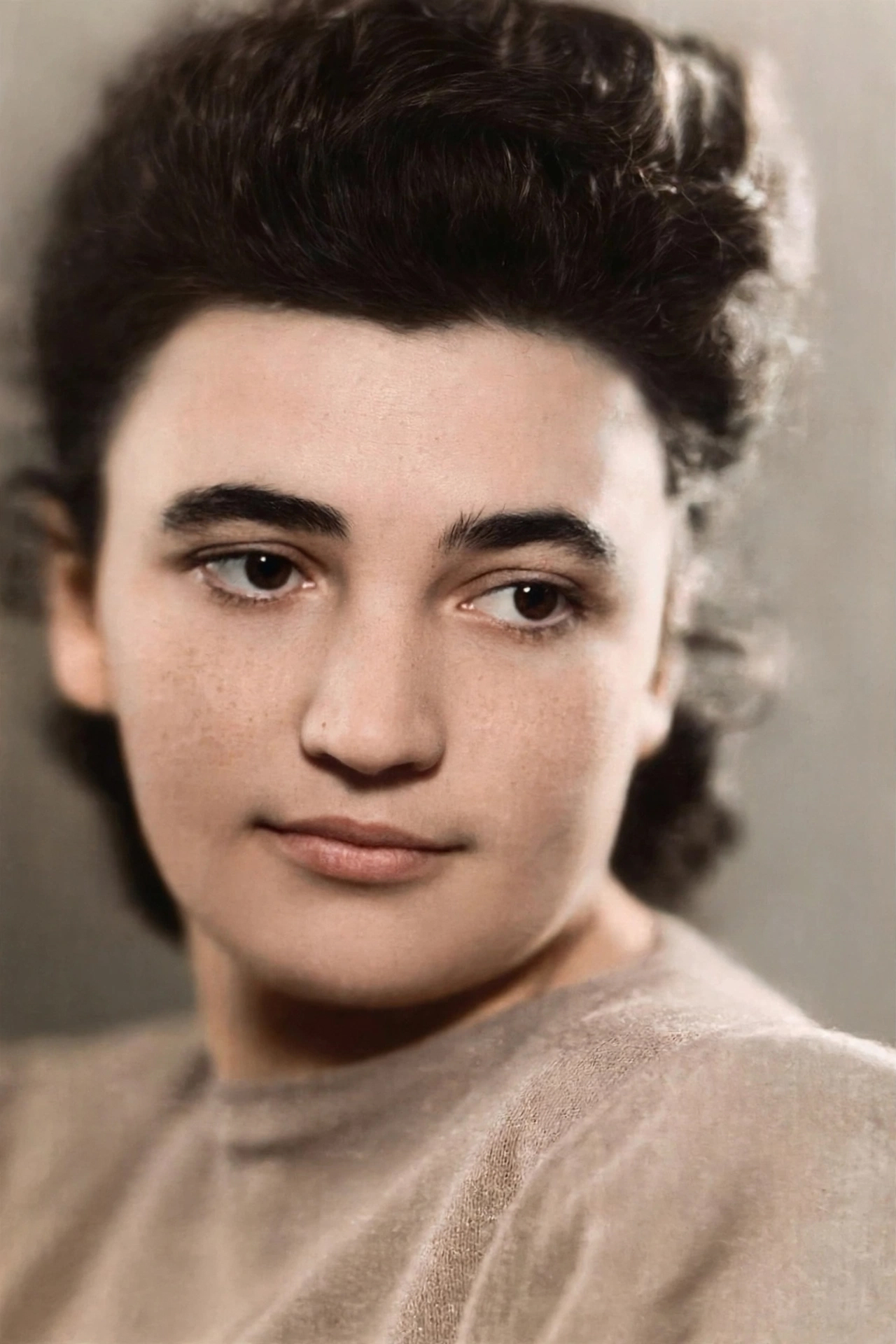
Old Photo Restored to Modern Quality
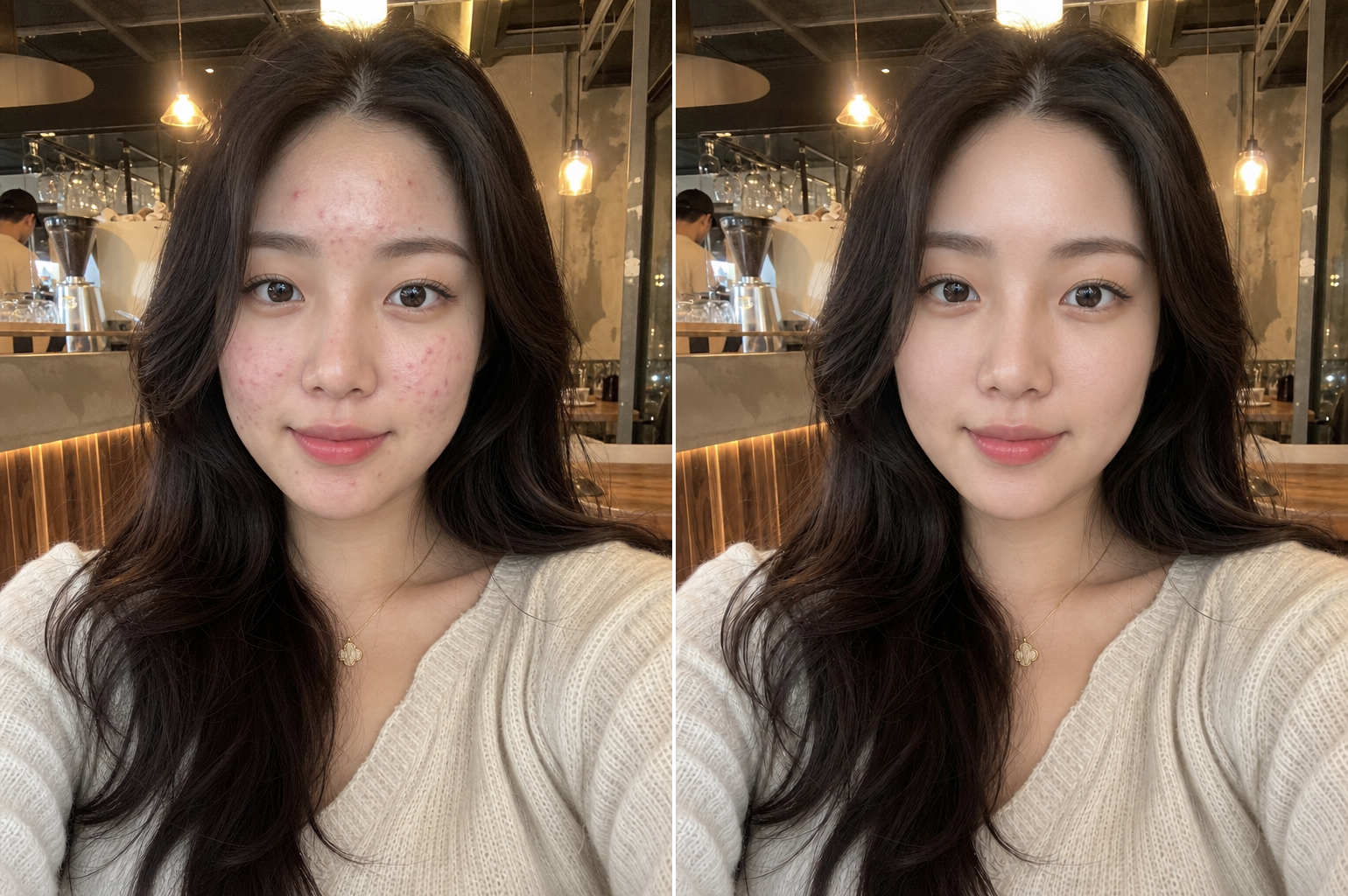
Natural Skin Retouching
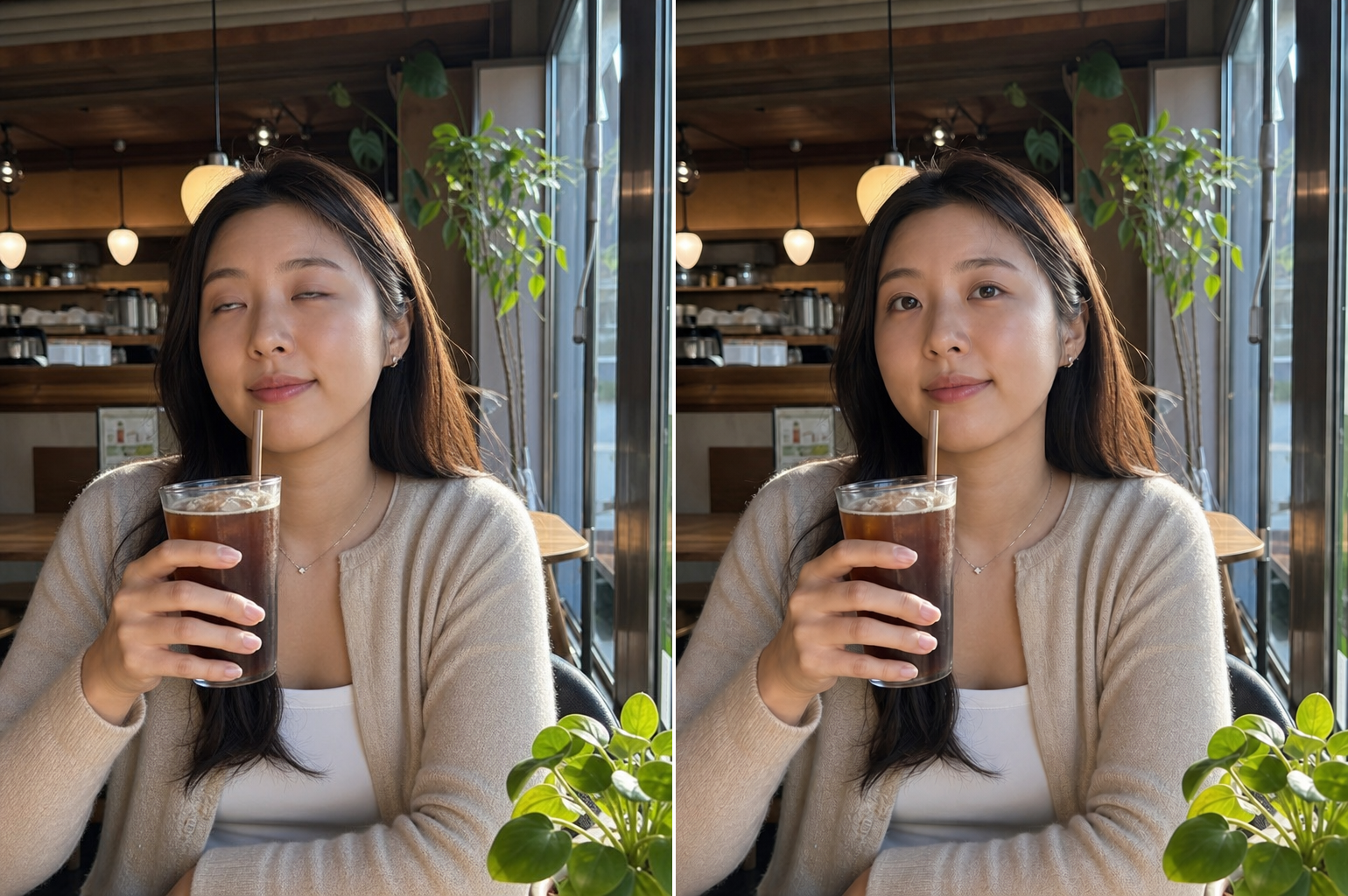
Closed Eyes Fix
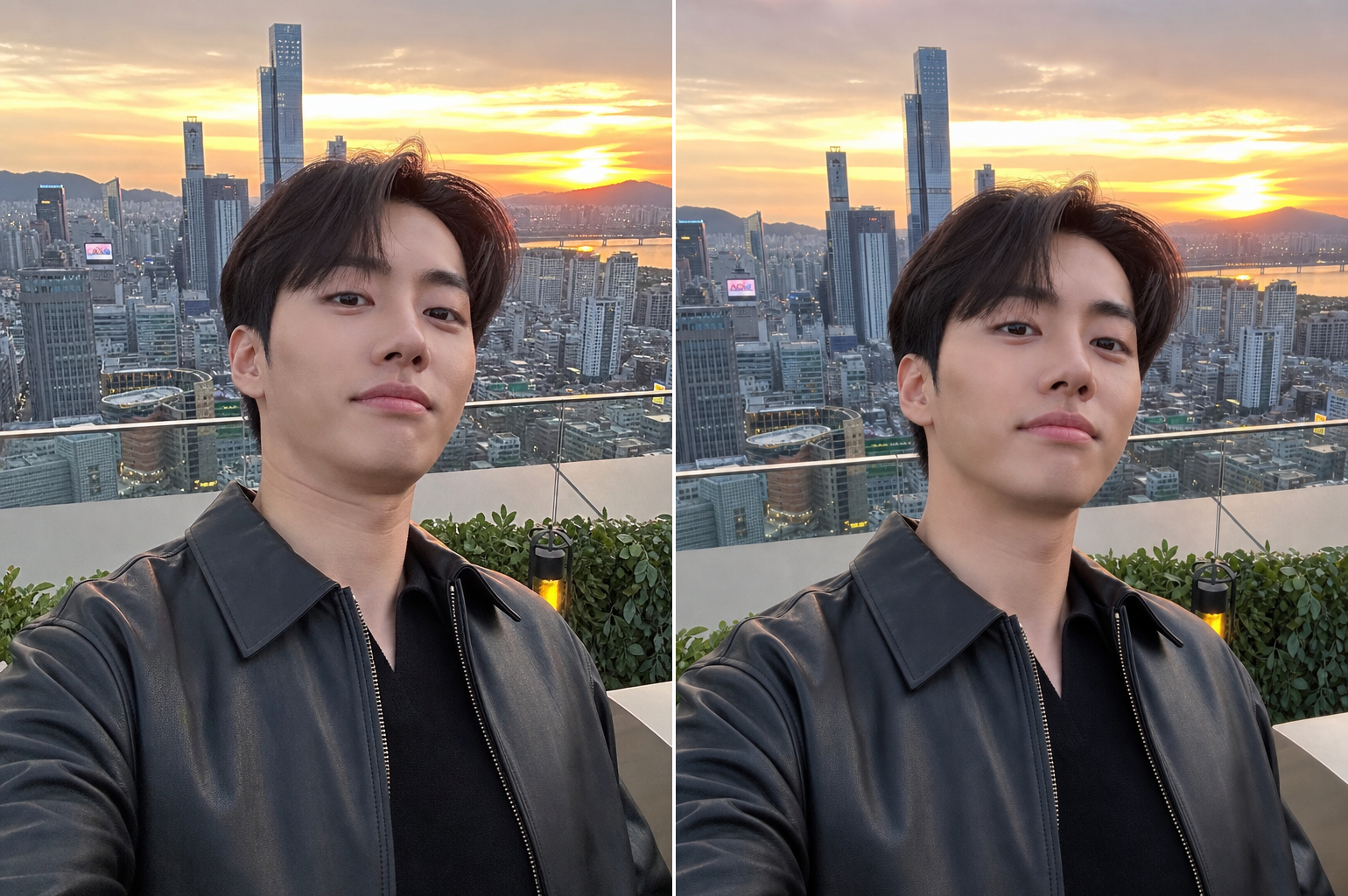
Unflattering Angle Fix
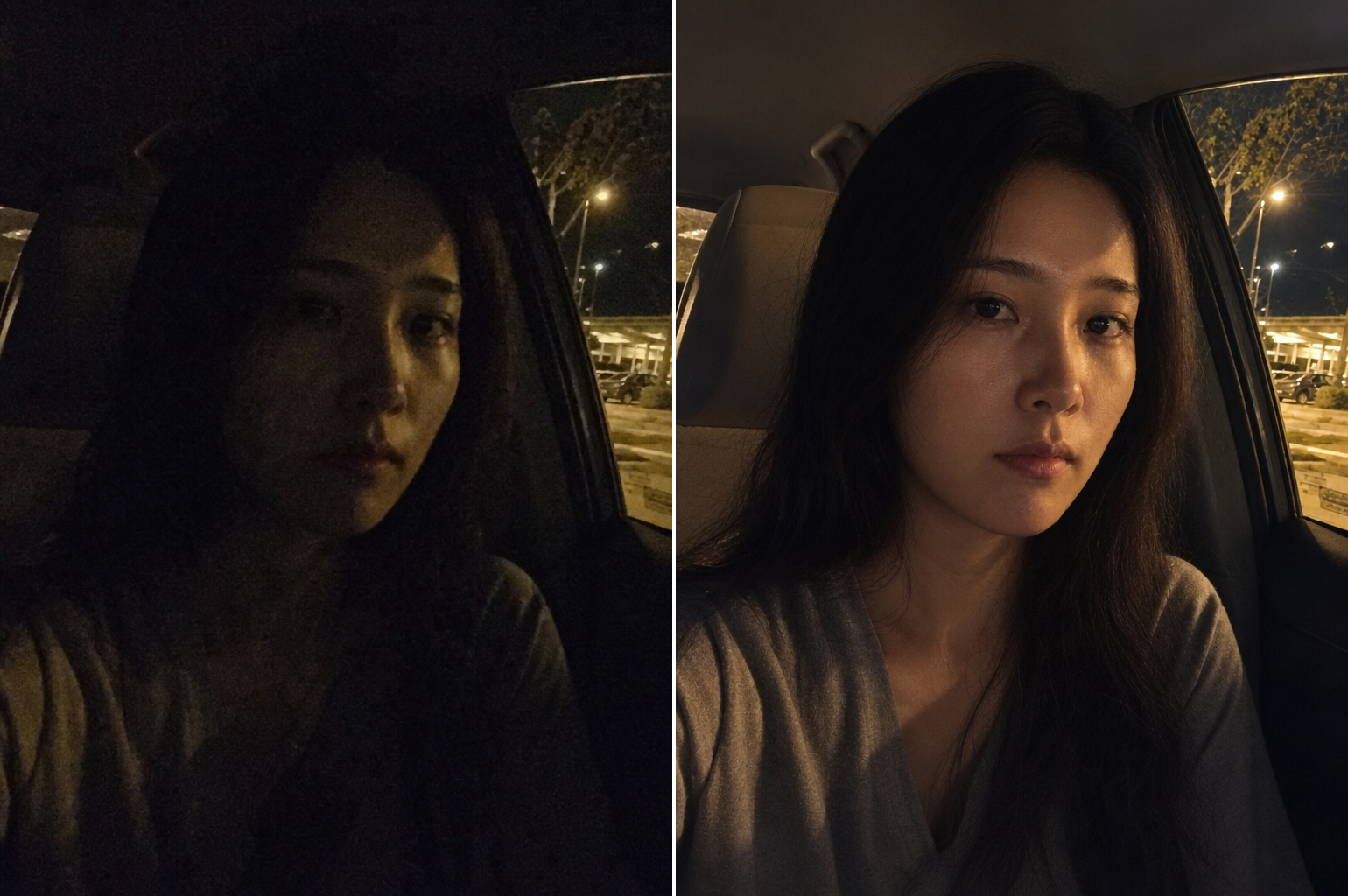
Dark Photo Recovery
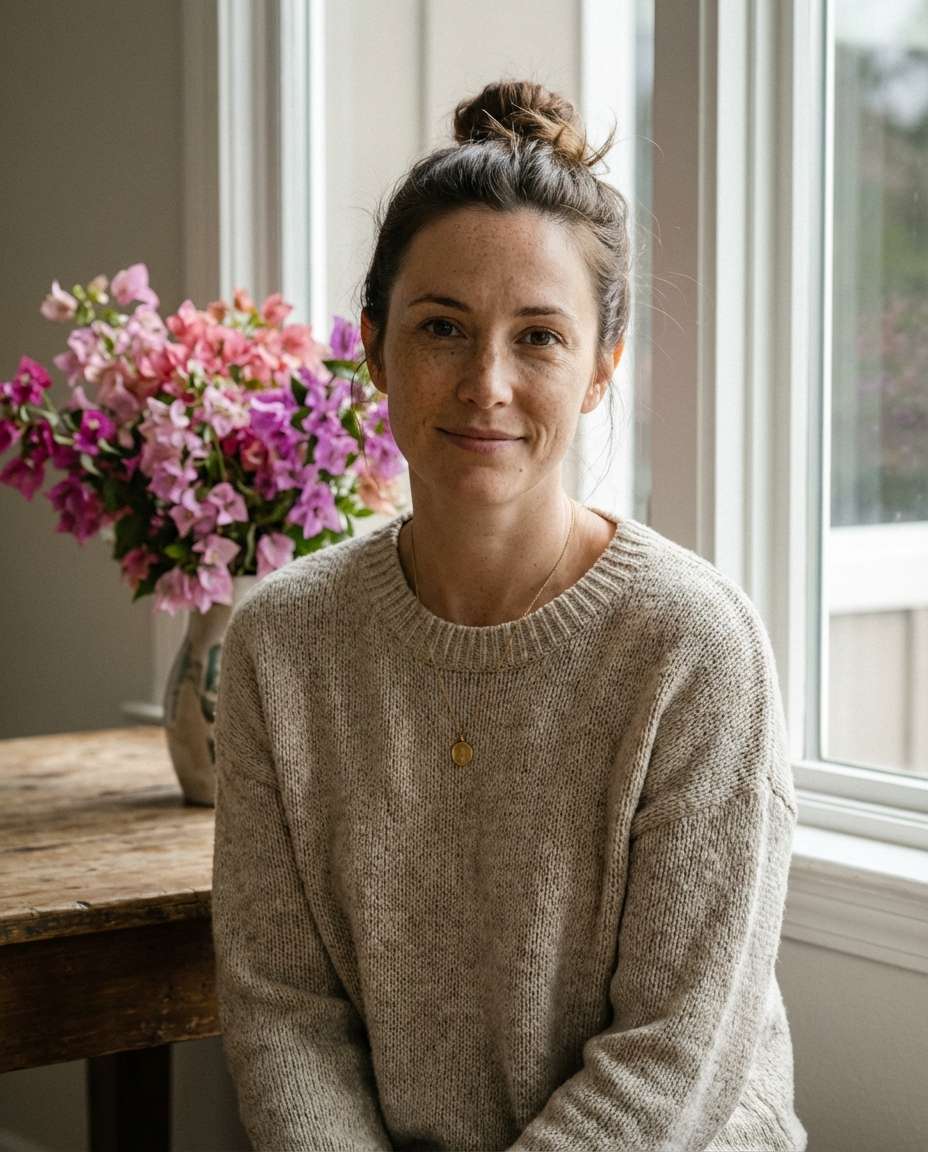
Flowerlit Portrait by the Window
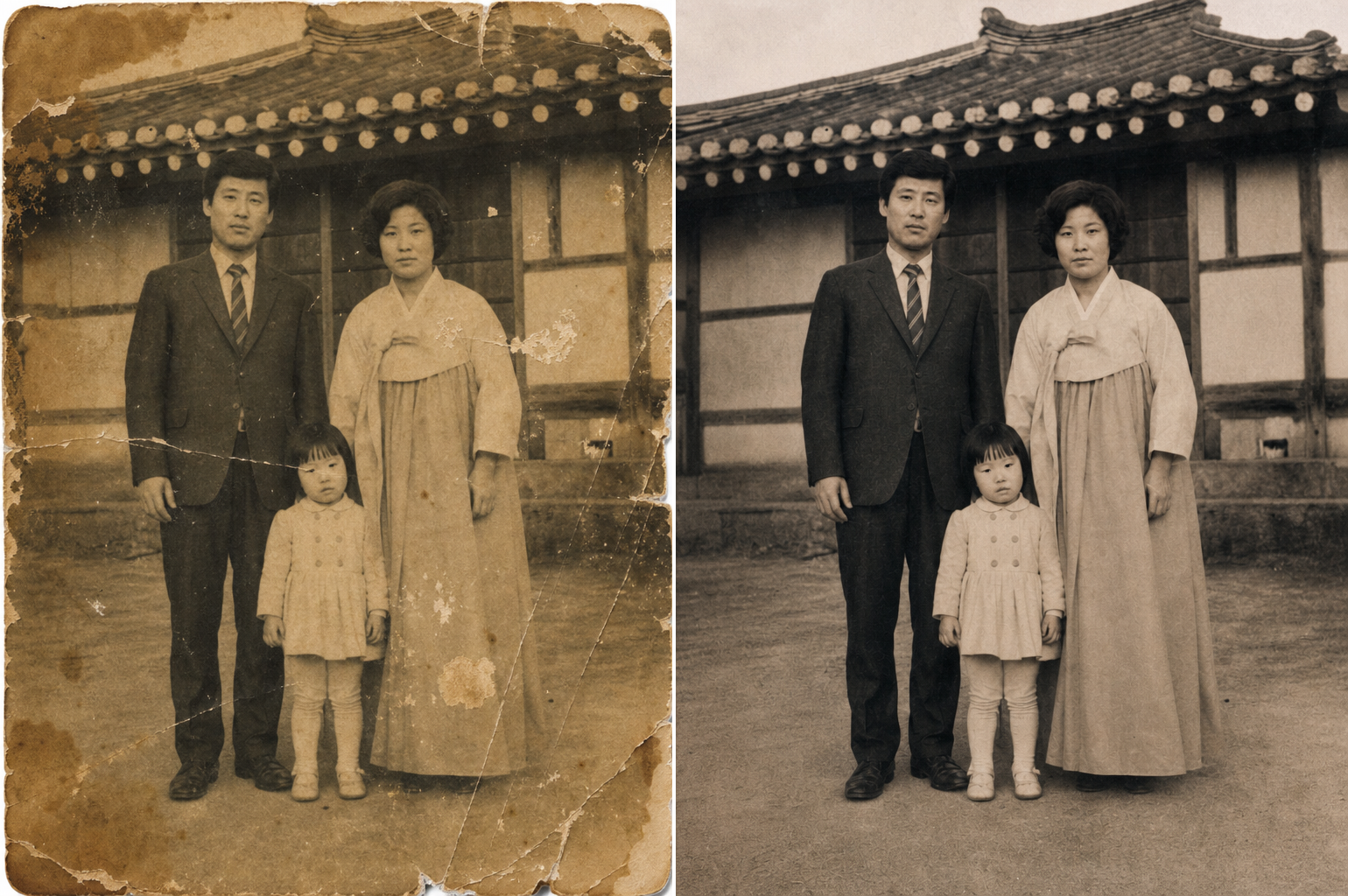
Old Photo Restoration
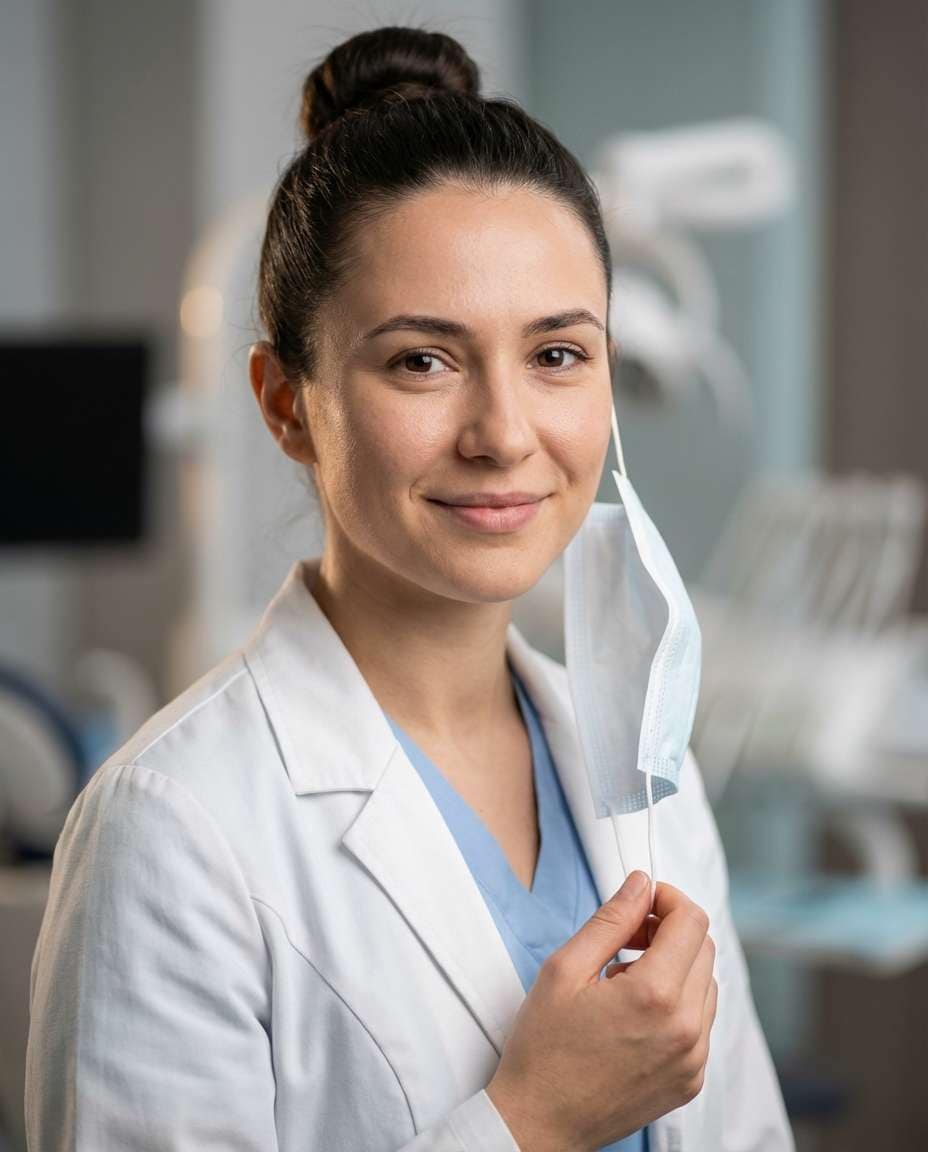
Doctor with a Face Mask
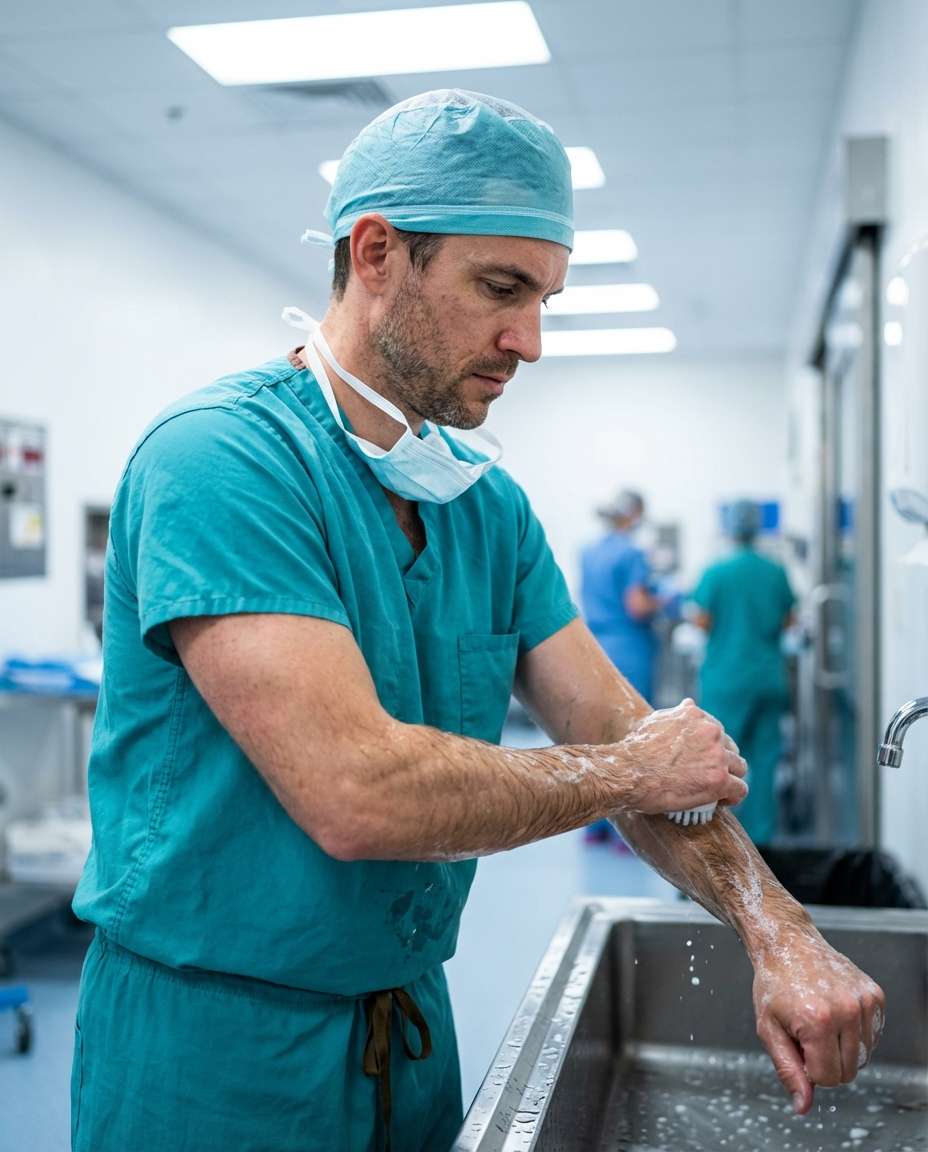
Surgical Prep Doctor
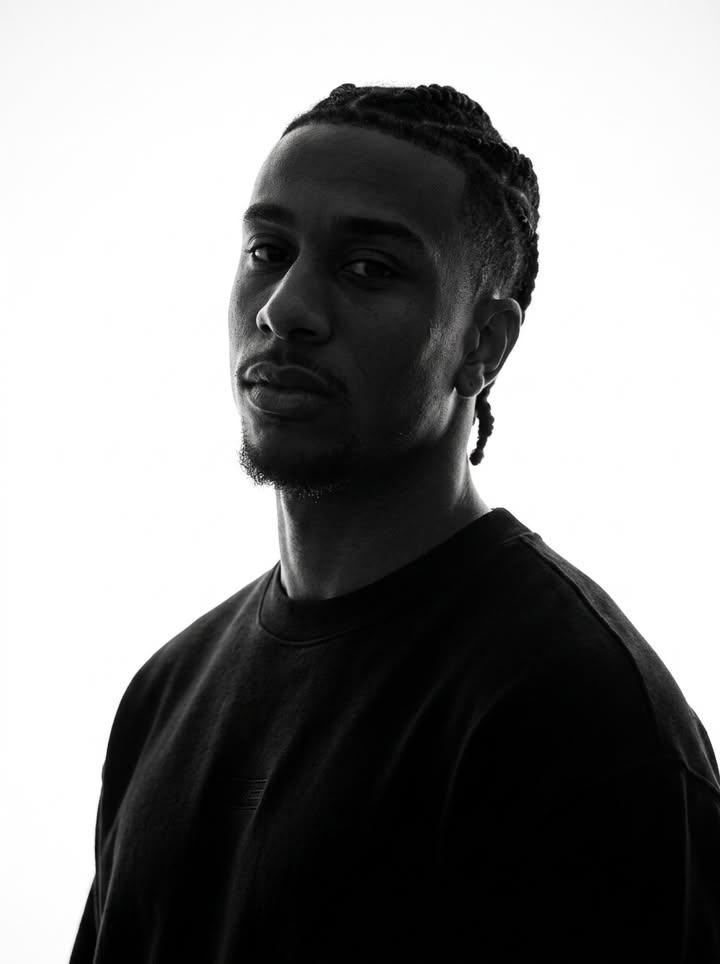
Identity-Preserving Monochrome Portrait
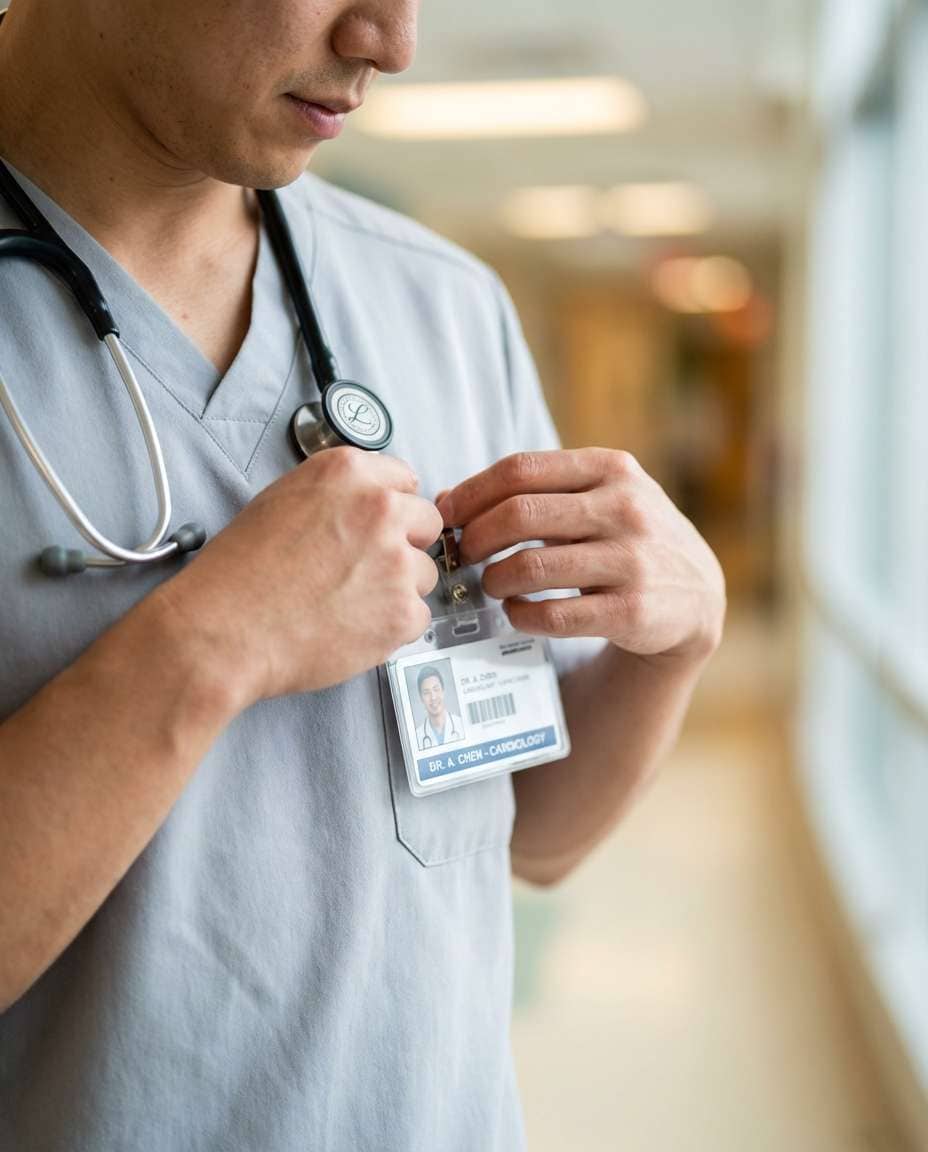
Medical Scrubs Detail
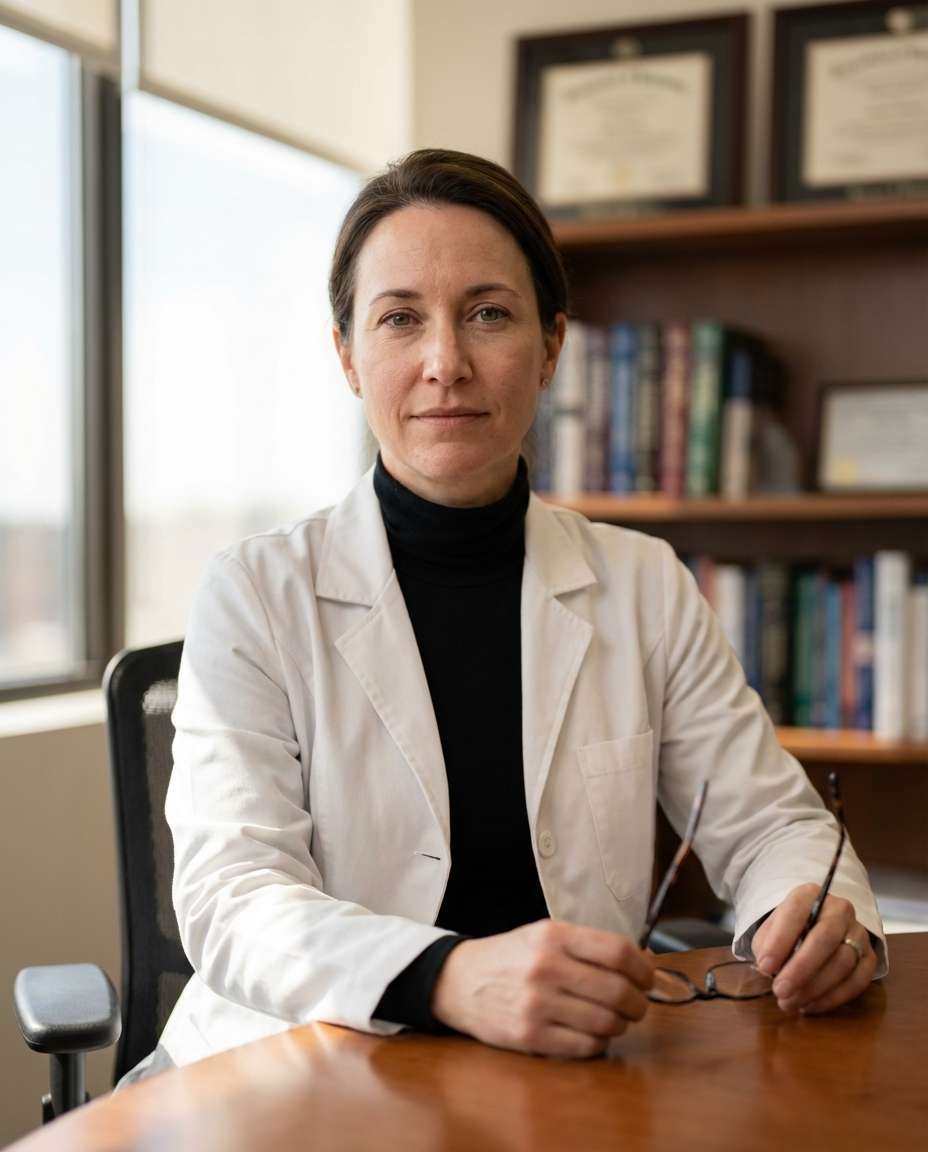
Doctor by the Office Window
What Is Portrait Enhancement?
Portrait enhancement is the process of improving the skin tone, lighting, composition, and color of portrait photographs to create more beautiful, polished results. Techniques include skin retouching, color correction, exposure adjustment, composition fixing, and photo restoration, widely applied to social media profiles, ID photos, wedding photos, and portfolio images. The goal is to elevate the original photograph while maintaining the subject's natural characteristics, avoiding the over-processed look that signals obvious editing. With AI image generation tools, complex retouching tasks that once required hours of Photoshop work can now be accomplished quickly and naturally, making professional-quality portrait enhancement accessible to everyone regardless of their photo editing skills.
How to Write AI Portrait Enhancement Prompts
When enhancing a portrait photo with AI, specify the skin tone adjustment, lighting improvement, composition correction, color grading, and natural result preservation as key elements. Include prompt phrases like "uniform skin tone," "soft lighting enhancement," "composition correction," "color grading adjustment," and "natural retouching." Emphasize natural improvement over excessive editing, and set a direction that enhances the subject's beauty while preserving their original features. Different enhancement scenarios require different approaches: skin retouching focuses on evening out skin tone and removing blemishes, photo restoration deals with repairing damaged or aged photographs, exposure correction addresses lighting problems, and composition fixing corrects poor shooting angles. Always specify the type of enhancement needed and the desired intensity level to achieve results that look professionally retouched rather than artificially processed.
Portrait Enhancement Prompt Examples
A photo retouching prompt performs comprehensive quality improvement across the entire photograph, addressing skin tone, lighting, and color balance in a single pass. A skin retouching prompt focuses specifically on evening out skin tone and naturally removing blemishes, creating a flawless but realistic complexion. An old photo restoration prompt restores damaged, aged photographs to clarity and sharpness, bringing new life to precious memories captured on degraded film or prints. A dark photo rescue prompt brightens and revitalizes underexposed photos, recovering detail from shadow areas while maintaining natural contrast. A closed-eye photo repair prompt naturally modifies portraits where the subject's eyes are closed, creating an open-eyed result that looks authentic. A bad angle correction prompt fixes poor shooting angles by recomposing the portrait for a more flattering perspective.
Tips for Using AI Portrait Enhancement
Generated enhanced portraits can be used across social media profiles, portfolios, wedding photos, ID photos, and blog content. Adjust the enhancement style and intensity in the prompt to match the intended use, and maintain the subject's original features while achieving natural improvement. For professional applications like ID photos and portfolios, specify subtle, natural enhancement that meets formal standards. For social media and creative uses, experiment with more dramatic enhancement styles and color grading. Building a reference library by generating various enhancement scenarios helps you quickly identify the best approach for different photo types. Always specify both the technical correction parameters, such as exposure level and retouching intensity, and the aesthetic goals, such as natural versus dramatic, to achieve professional-quality portrait enhancement that genuinely improves the original photograph without obvious artificial artifacts.
Frequently Asked Questions About Portrait Enhancement Prompts
Common questions include whether AI-enhanced photos look natural, whether skin retouching intensity can be adjusted, whether old photos can be restored, whether dark photos can be brightened, and whether composition can be corrected. With precise prompting, AI tools produce natural, professional-quality enhancement results that address a wide range of photo improvement scenarios. The key is specifying the enhancement type, intensity level, and natural aesthetic goals to generate results that rival professional photo retouching while maintaining the subject's authentic appearance.