Photo Retouching Prompt
Retouch photos, fix skin, and apply creative edits with AI prompt templates.
2026.07.08
Make “Photo Retouching Prompt” exactly the way you wantCreate your own “Photo Retouching Prompt”
Just ask in plain language — Carat generates optimized images and videos for you.

Start now with 100 free credits daily
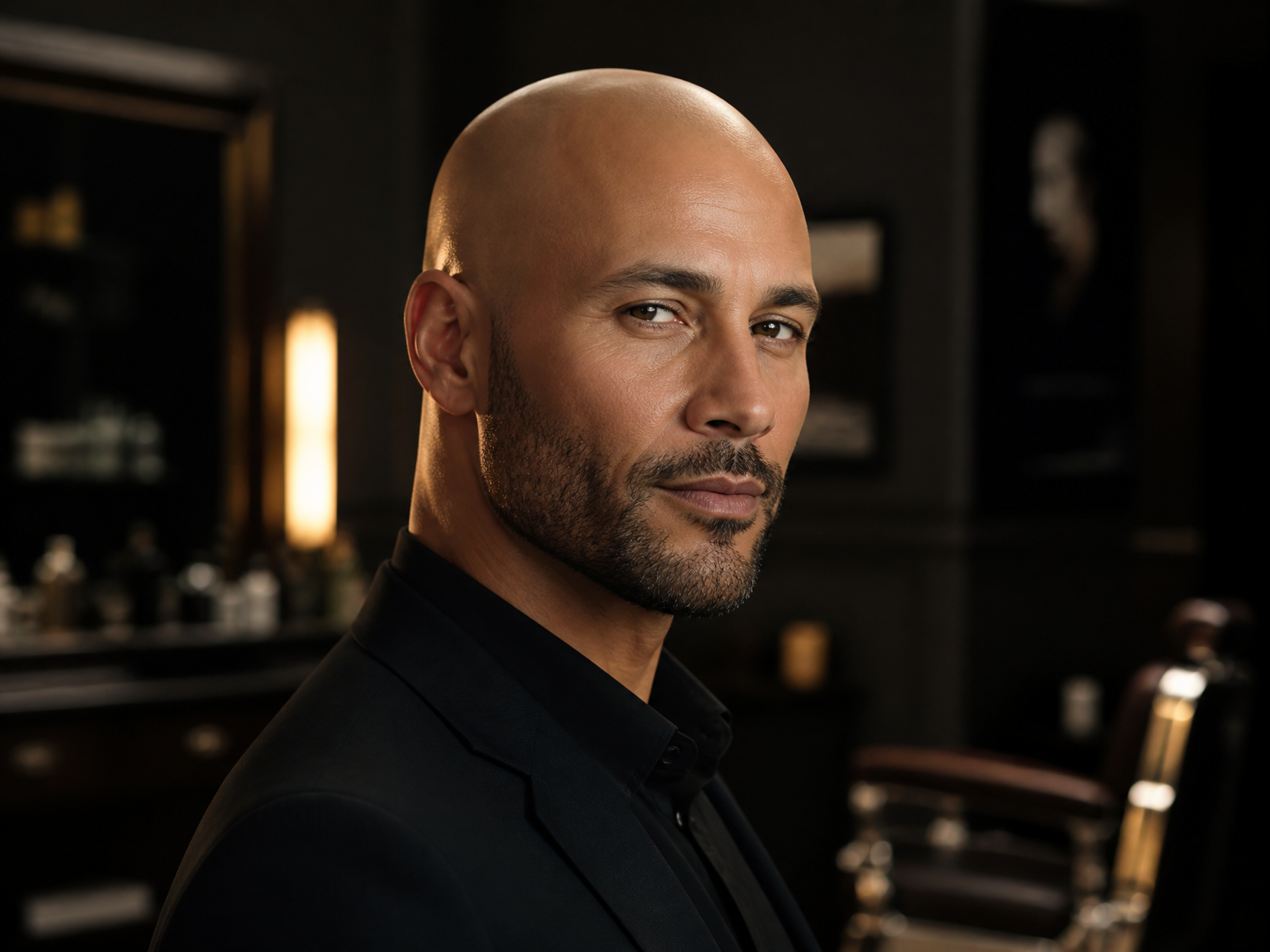
대머리 합성 예시 3
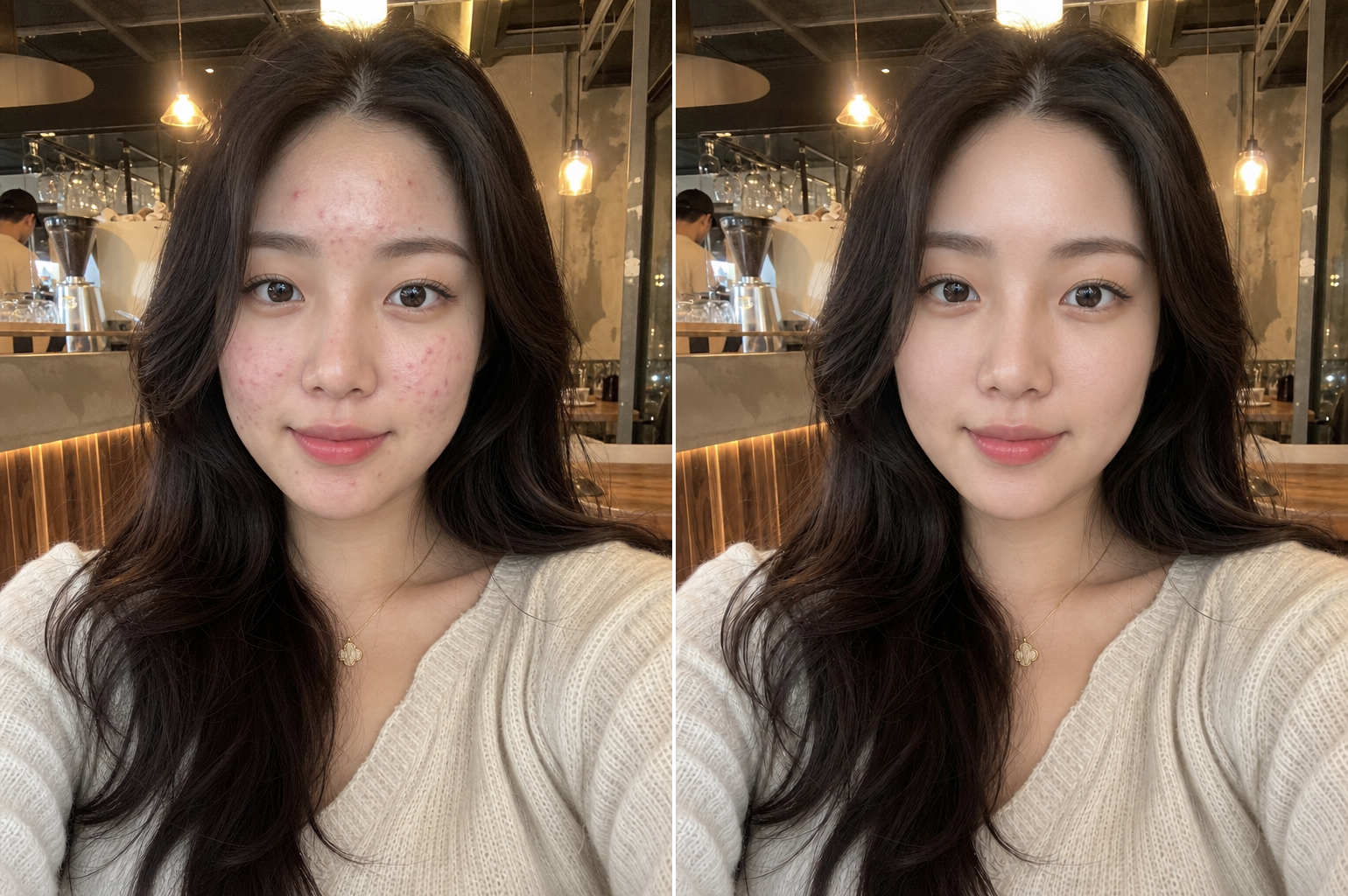
Natural Skin Retouching
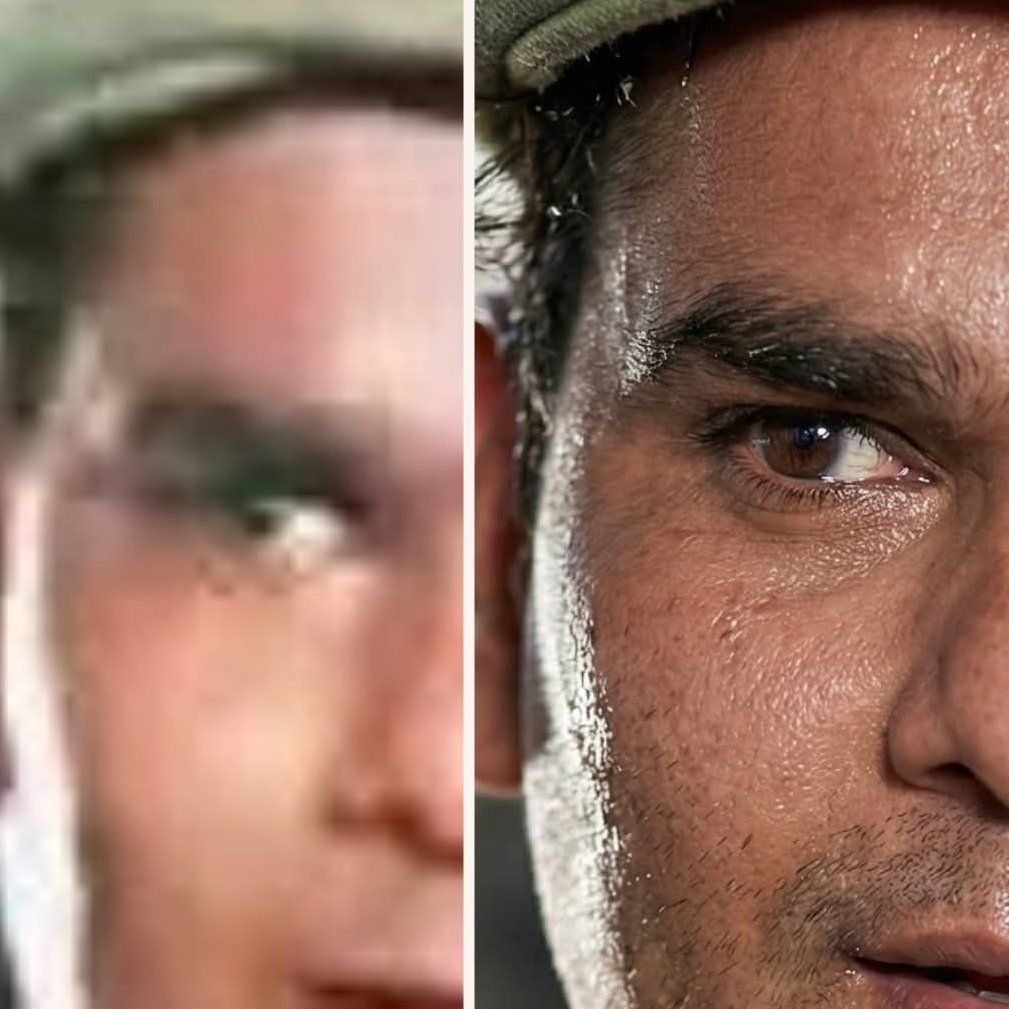
Old Photo Restoration
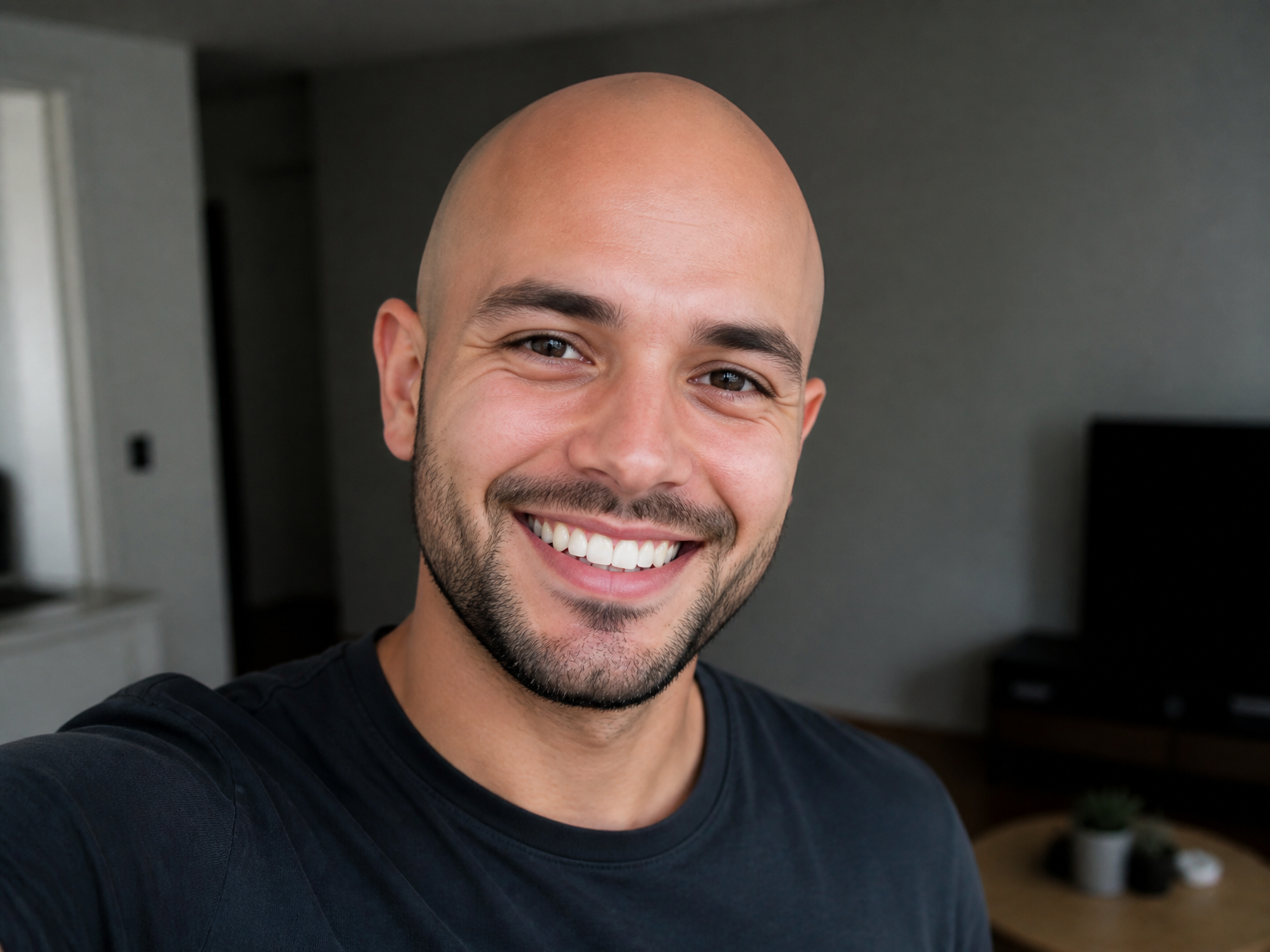
대머리 합성 예시 2
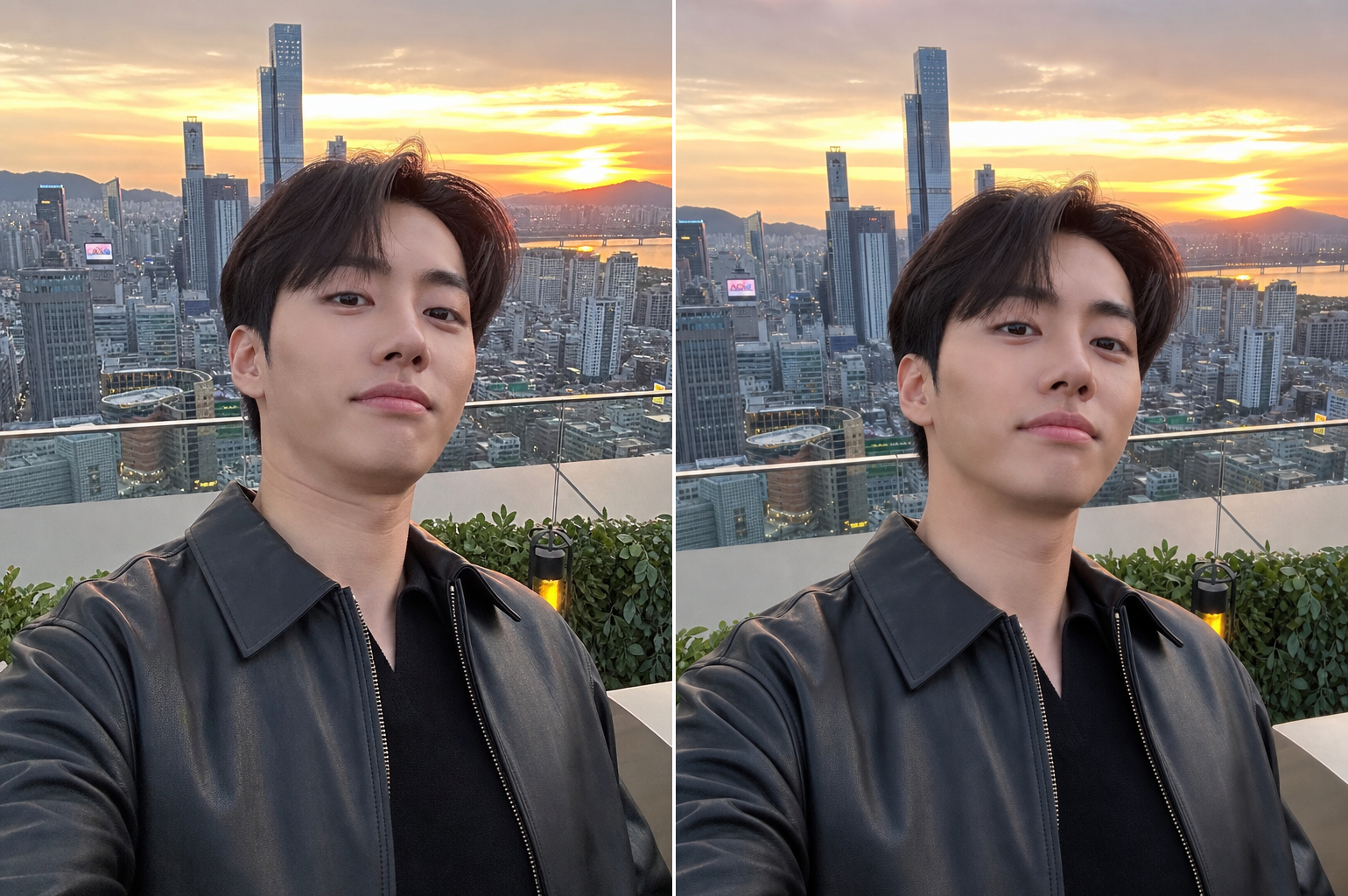
Unflattering Angle Fix
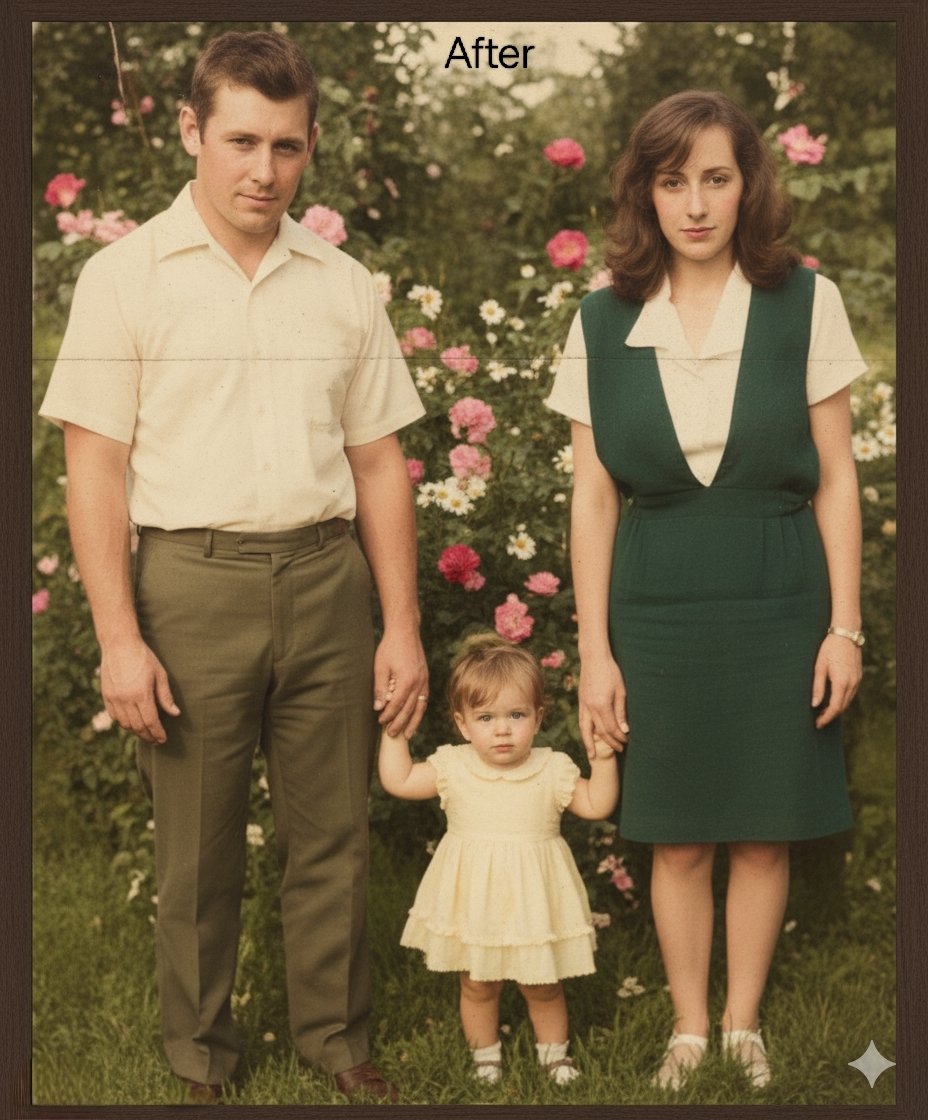
Repair and Restore Old Photos
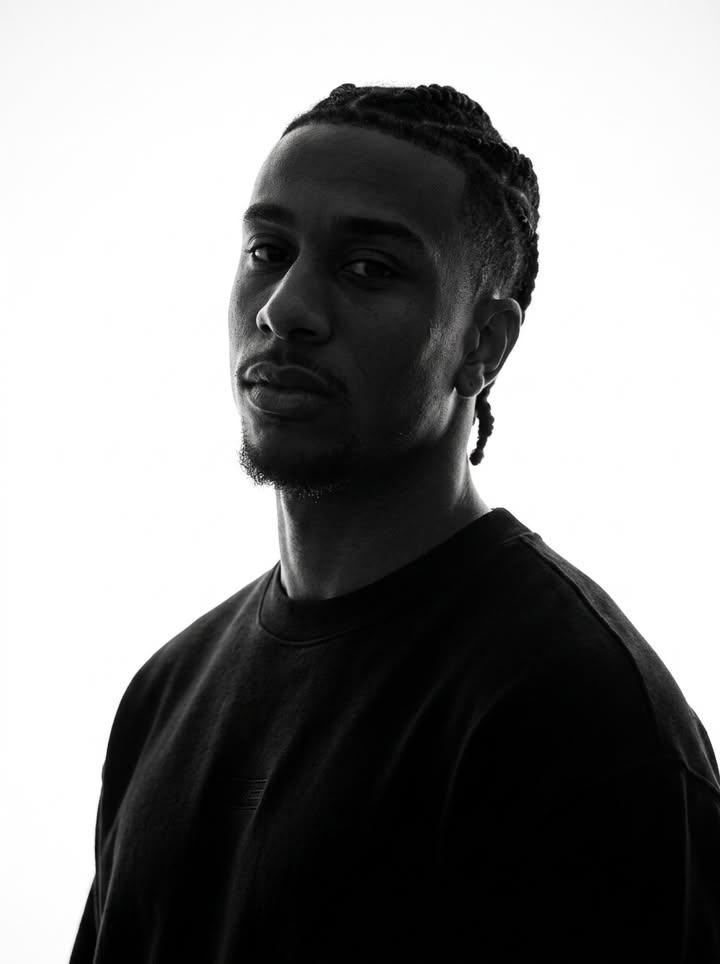
Identity-Preserving Monochrome Portrait
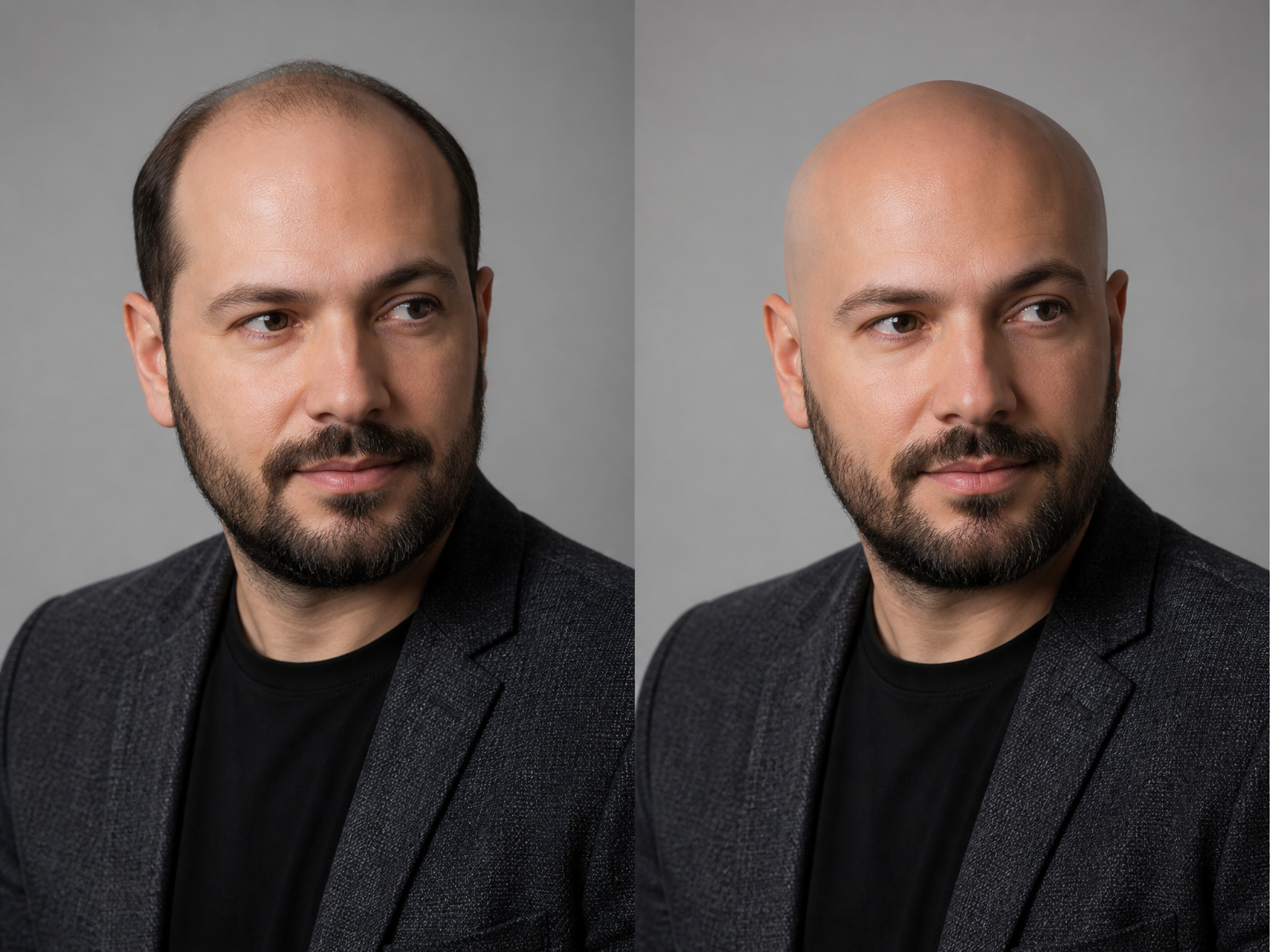
대머리 합성 예시 1
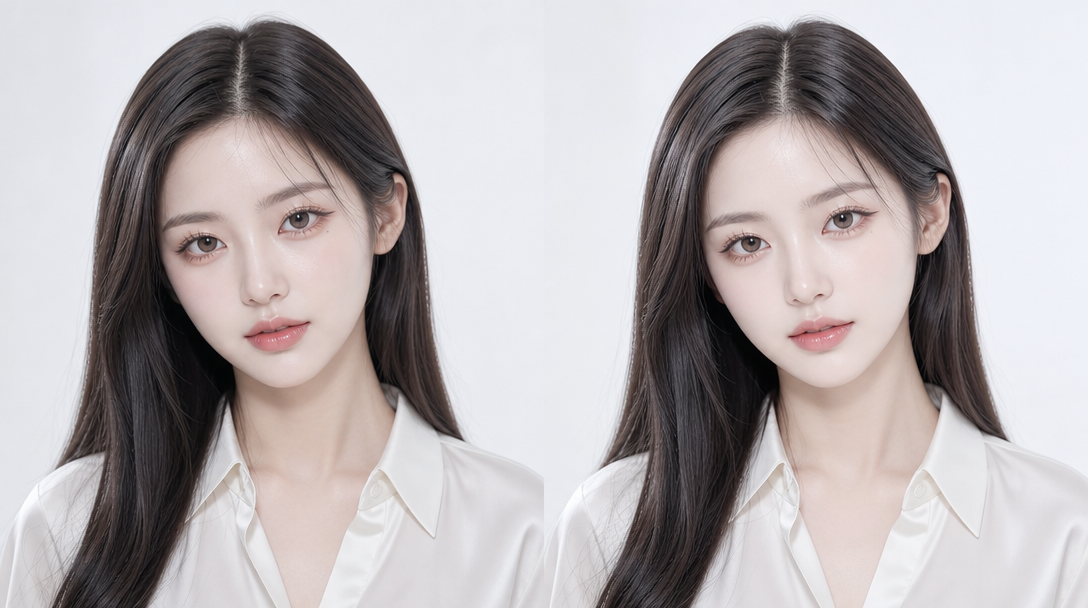
사진 보정
What Is a Photo Retouching Prompt?
A photo retouching prompt is an instruction set used with AI image generation tools to enhance, correct, and transform portrait photographs through digital retouching techniques. Photo retouching encompasses a wide range of enhancement operations including skin retouching to smooth blemishes and even out skin tone, quality enhancement to improve image resolution and clarity, creative effects like bald head synthesis for entertainment purposes, closed-eye photo restoration to fix photos where the subject blinked, and angle correction to fix poorly composed shots. The demand for AI-powered photo retouching has grown significantly as users seek professional-quality photo enhancement without expensive software or specialized skills. Photo retouching prompts are used across various contexts including ID photo enhancement, profile photo retouching, social media content creation, and creative photo manipulation, with each use case requiring specific retouching approaches and intensity levels.
How to Write AI Photo Retouching Prompts
When retouching photos with AI, specify the retouching type, natural appearance, skin tone, lighting, and background as key elements. Include prompt phrases like "skin retouching," "natural skin tone," "soft lighting," "quality enhancement," and "natural finish" to define the retouching direction. Emphasize natural finish over excessive editing, and ensure the retouched photo still looks like the same person, as overly aggressive retouching can produce results that look significantly different from the actual individual. Different retouching operations require different prompt approaches: skin retouching benefits from specifying skin glow and texture preservation, eye restoration needs specific instructions about eye openness and natural appearance, and angle correction requires clear composition and orientation specifications. Always specify both the retouching operation and the desired intensity level to achieve professional-quality results.
Photo Retouching Prompt Examples
A photo retouching prompt improves overall image quality and skin appearance naturally, creating a polished look without obvious editing. A bald head synthesis prompt applies a bald effect to the face, creating an entertaining transformation photo that shows what the subject might look like bald. A closed-eye photo restoration prompt converts a photo where the subject blinked into a normal, open-eyed photo, salvaging otherwise unusable photos. A bad angle correction prompt fixes poorly composed angles and converts them to proper front-facing composition, rescuing photos with awkward tilts or rotations. A skin retouching prompt focuses specifically on skin texture, smoothing blemishes while maintaining natural skin glow and pore detail. A portrait enhancement prompt improves the overall tone and atmosphere of a portrait photo, creating a more polished and professional appearance.
Tips for Using AI Photo Retouching
Retouched photos can be used for ID photos, profile photos, social media posts, blog thumbnails, portfolios, and various other purposes. Maintain natural retouching while improving skin texture and lighting to create trustworthy, professional photos that present the subject at their best. Avoid excessive retouching that could make the photo look significantly different from the actual person, as this can cause issues during identity verification and reduce authenticity. AI tools enable rapid application of various retouching effects without professional photo editing software, making it possible to enhance photos quickly and cost-effectively. For users who need multiple retouching styles, generating different versions with varying retouching intensities and approaches provides options to choose the most natural and appropriate result for each use case. Always specify both the retouching operation, such as skin correction or angle fix, and the quality parameters, such as natural finish and resolution, to achieve professional-quality retouched photos.
Frequently Asked Questions About Photo Retouching Prompts
Common questions include whether AI retouching looks natural, whether skin retouching can be done separately, whether bald synthesis is possible, whether closed-eye photos can be restored, and whether bad angles can be fixed. With precise prompting, AI tools produce natural, polished retouched photos with full control over the retouching type and intensity. The key is specifying the retouching operation, intensity level, and natural finish to achieve results that look professional while remaining authentic to the original subject.