Pencil Sketch
Generate pencil sketch prompts with AI. Create portrait, landscape, and product sketches with graphite texture for portfolios, education materials, and design assets.
2026.07.08
Make “Pencil Sketch” exactly the way you wantCreate your own “Pencil Sketch”
Just ask in plain language — Carat generates optimized images and videos for you.

Start now with 100 free credits daily
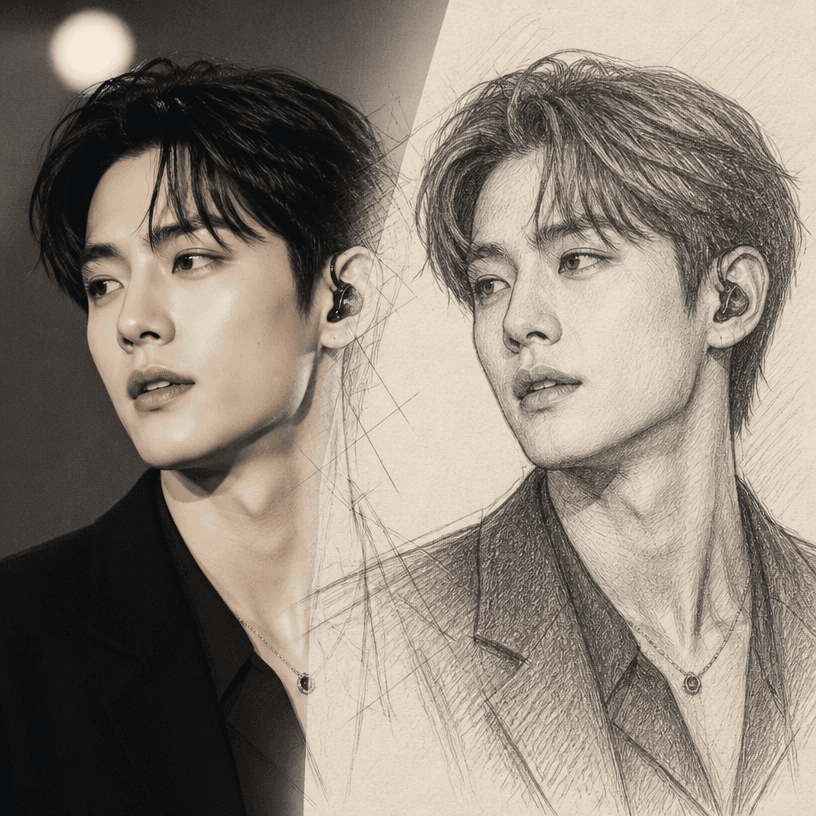
팬 스케치 변환
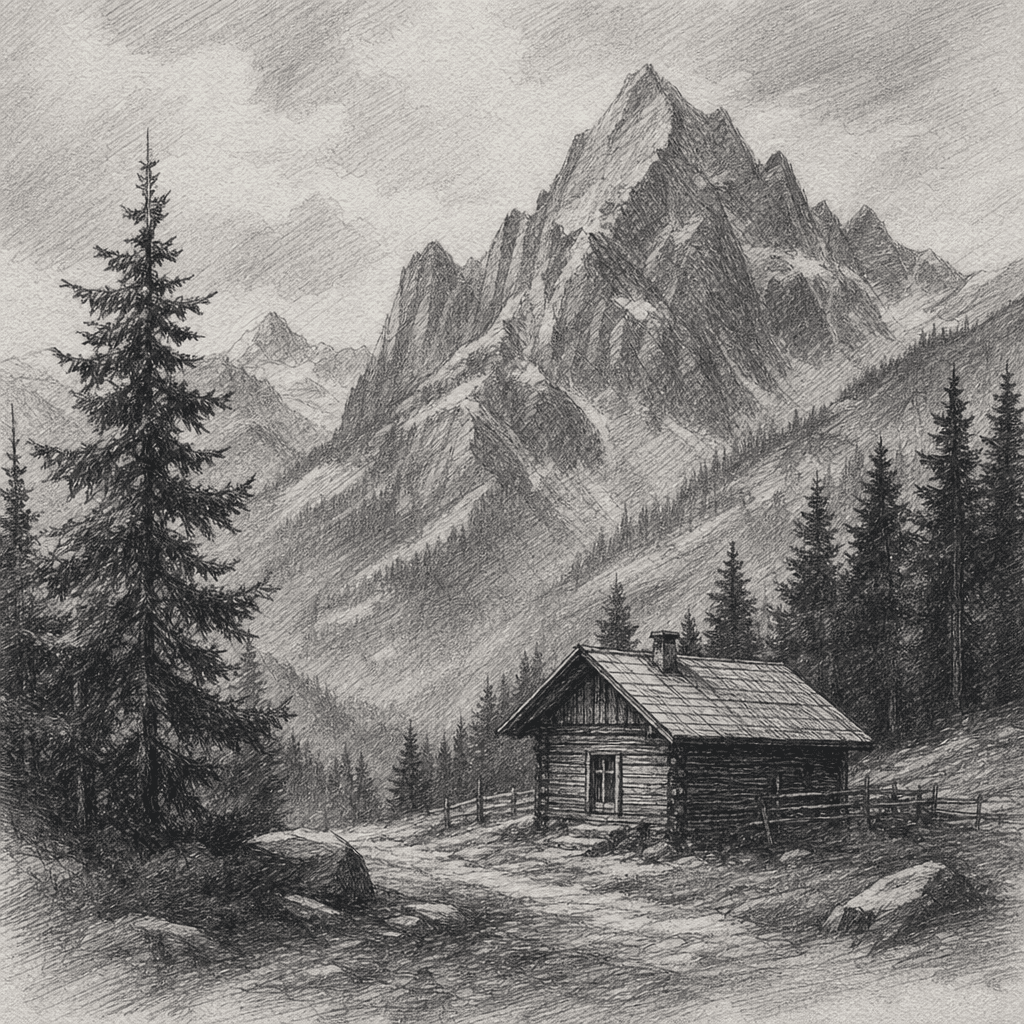
스케치 일러스트
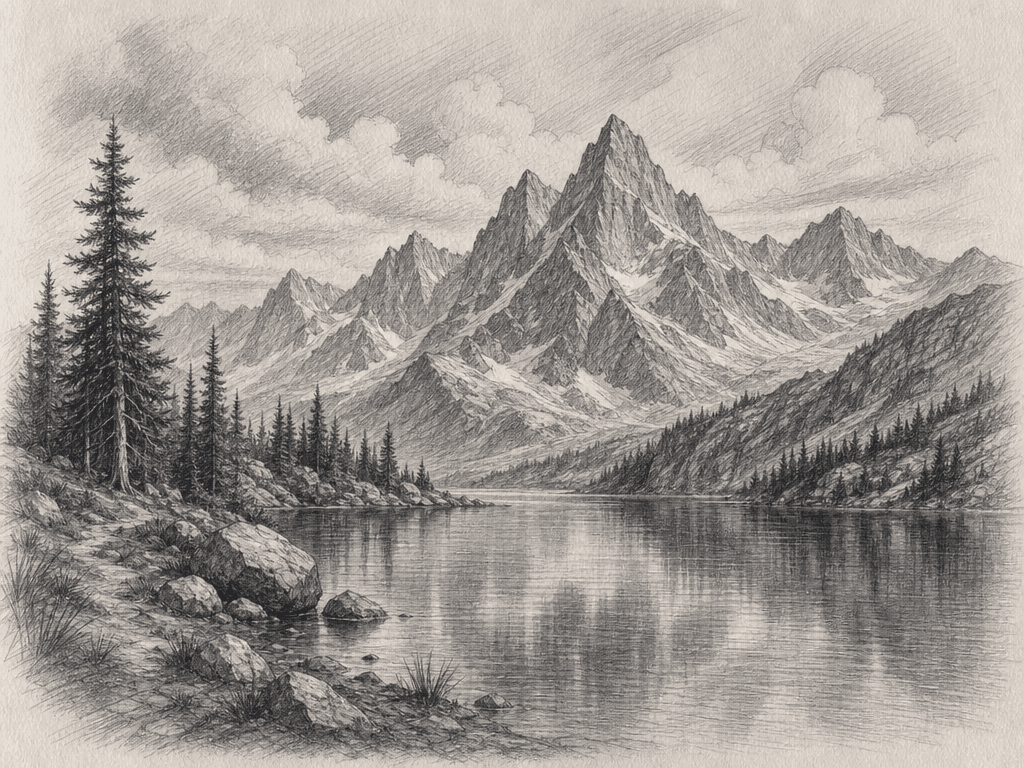
스케치 그림
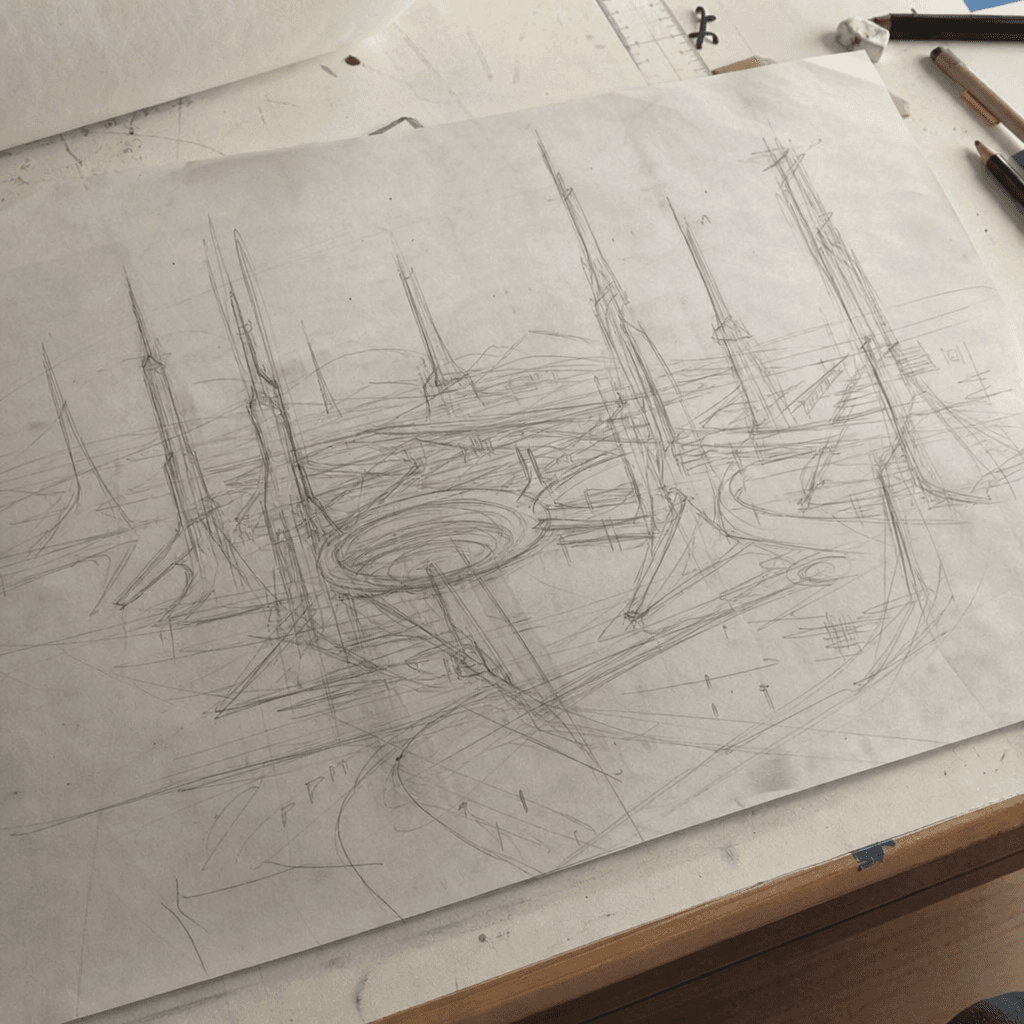
러프 스케치
What is a Pencil Sketch?
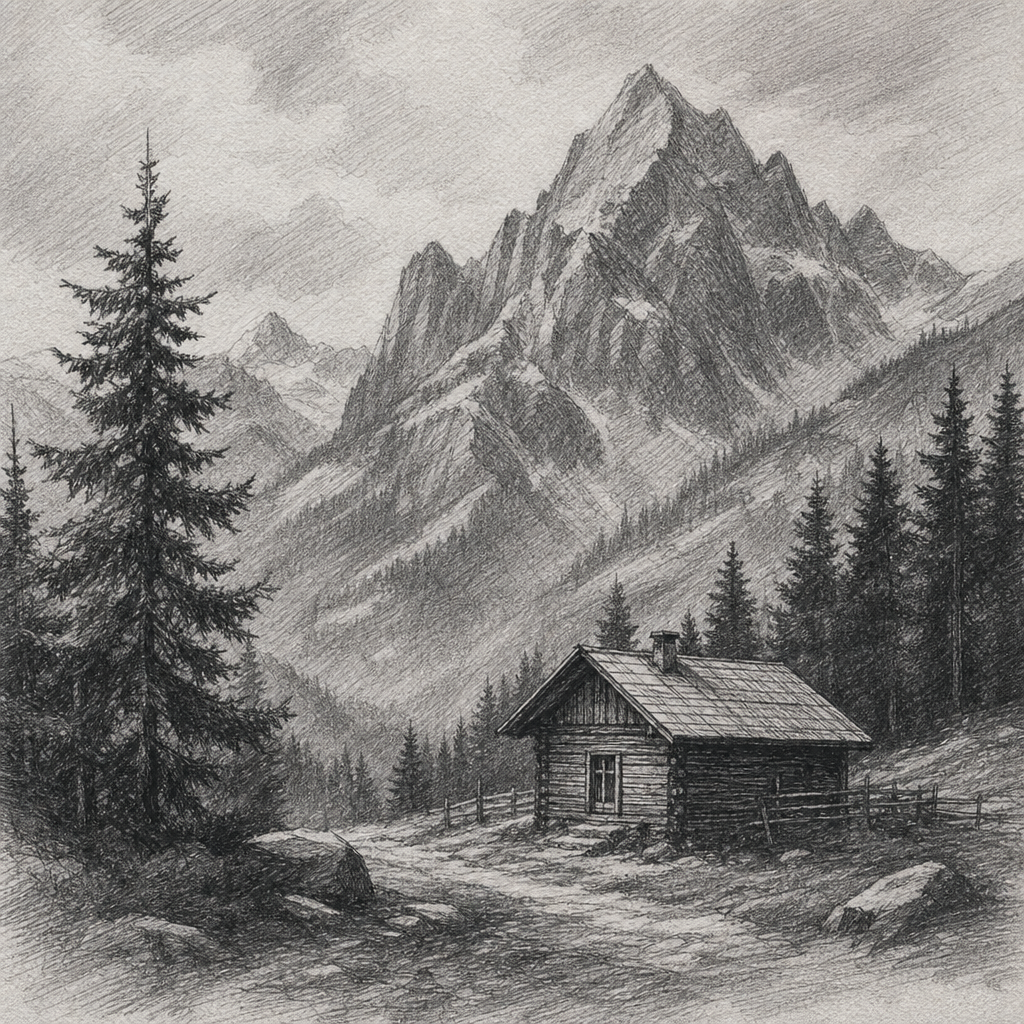
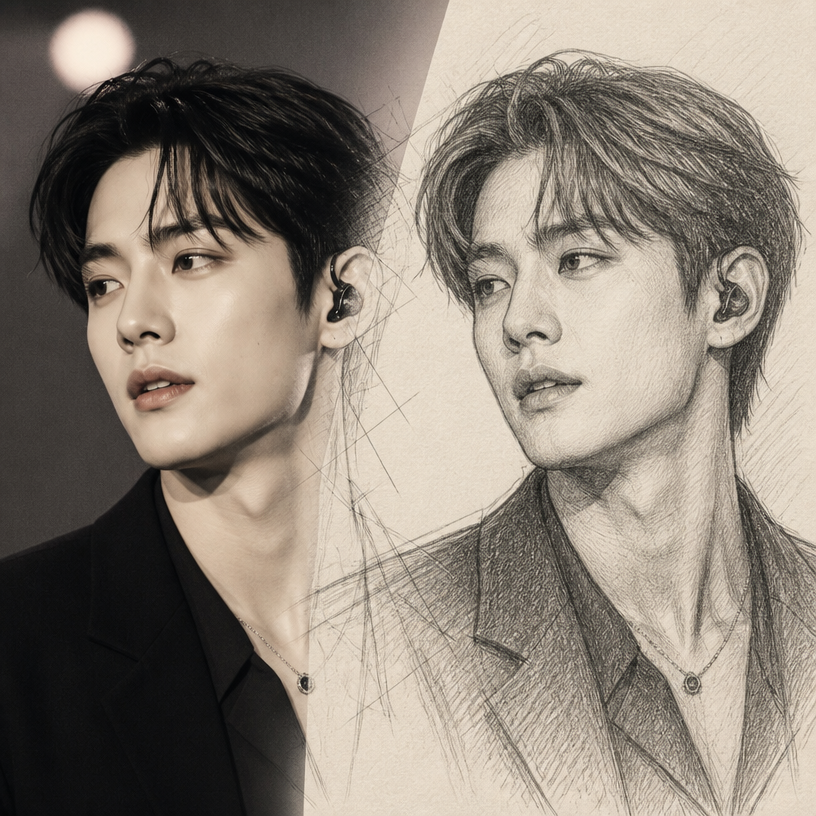
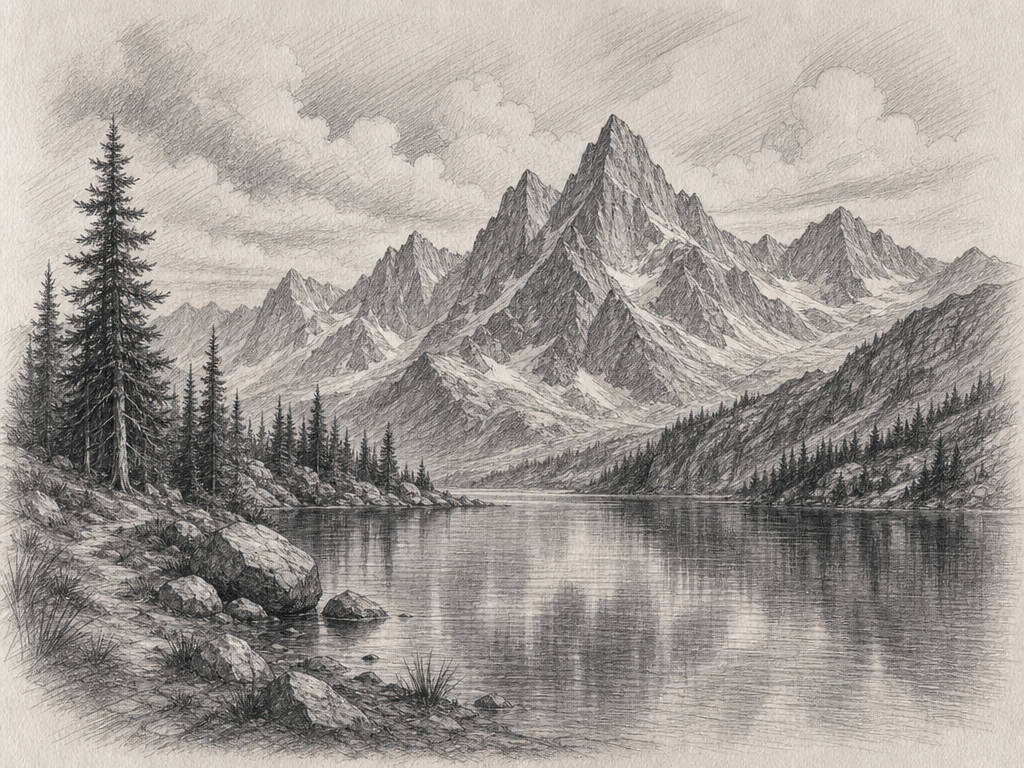
A pencil sketch is a drawing style that captures the characteristic texture and shading of graphite pencils. It expresses depth and dimension through soft lines, cross-hatching, and gradients, and is used across a wide range of subjects including portrait drawings, landscapes, and product sketches. With AI generation, you can quickly and cost-efficiently obtain sketch-quality illustrations for portfolios, educational materials, and design assets.
Main Use Cases
- Portrait sketches and profile drawings
- Product design sketches and concept art
- Architectural and interior sketches
- Educational materials and drawing tutorial illustrations
- Portfolio and branding assets
Why This Tag Is Useful
Pencil sketches are in demand across diverse content thanks to their warm, natural feel. While actual drawing requires time and skill, AI generation lets you quickly obtain the desired composition and shading. By specifying line intensity, paper texture, and tonal range in your prompt, you can achieve more refined results that match traditional pencil drawing aesthetics.
Related Prompts
Prompt Writing Tips
- Specify the subject clearly. "Portrait sketch," "landscape sketch," or "product drawing" produces more accurate results.
- Define the line style. "Soft lines," "cross-hatching," or "rough strokes" brings the desired texture to life.
- Set the paper and shading. "Rough paper," "bright shading," or "warm tones" changes the overall mood.
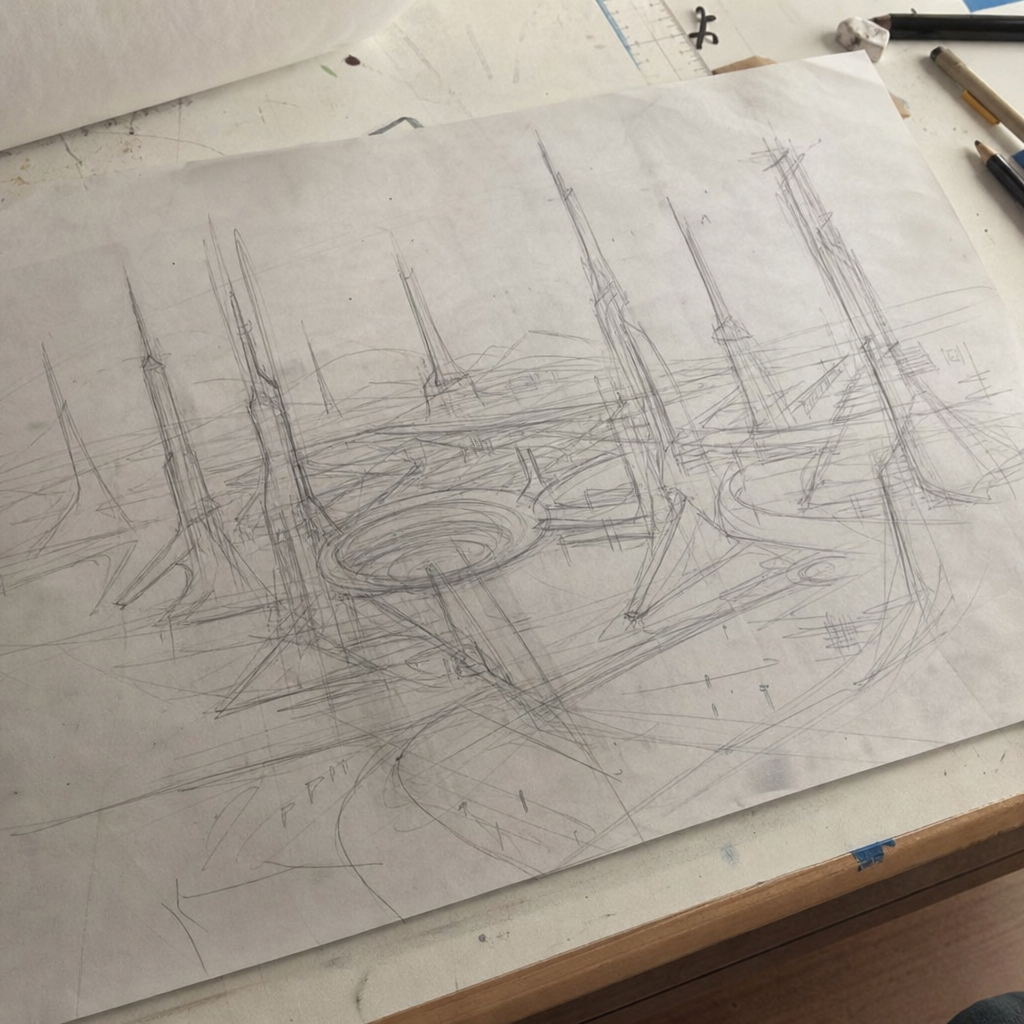
- Control the finish level by specifying "rough sketch" for loose work or "detailed drawing" for refined results.
Getting started is simple. Browse the curated prompts on this page, select one that fits your project, and customize the subject, line style, and paper texture. Generate at the aspect ratio you need, whether square for social media or landscape for a portfolio piece. You can iterate quickly, adjusting the prompt until the sketch matches your vision. Many designers generate several variations to find the perfect balance of line weight and shading. The best approach is to start with a clear concept of the subject and mood, be specific about the graphite texture and paper quality, and refine based on the results. For a cohesive portfolio or branding collection, maintain visual consistency by using the same line style and tonal range across all sketches. This creates a unified body of work that looks professionally curated and strengthens your visual identity across all platforms and applications.