carat

Prompt Gallery

/

Pixel Art

Login
Sign Up

Pixel Art

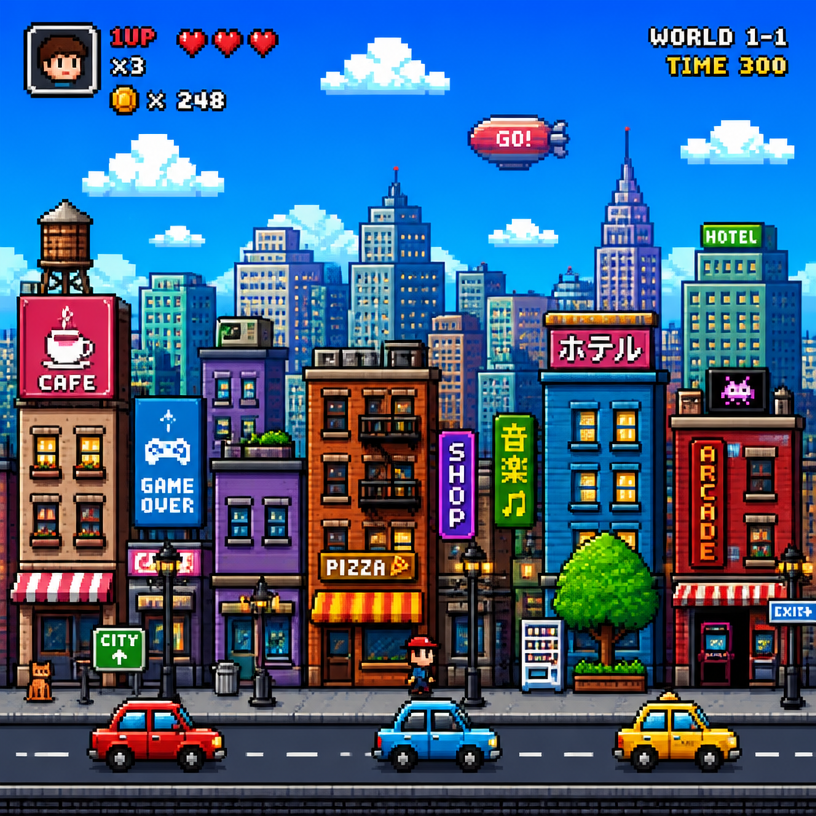
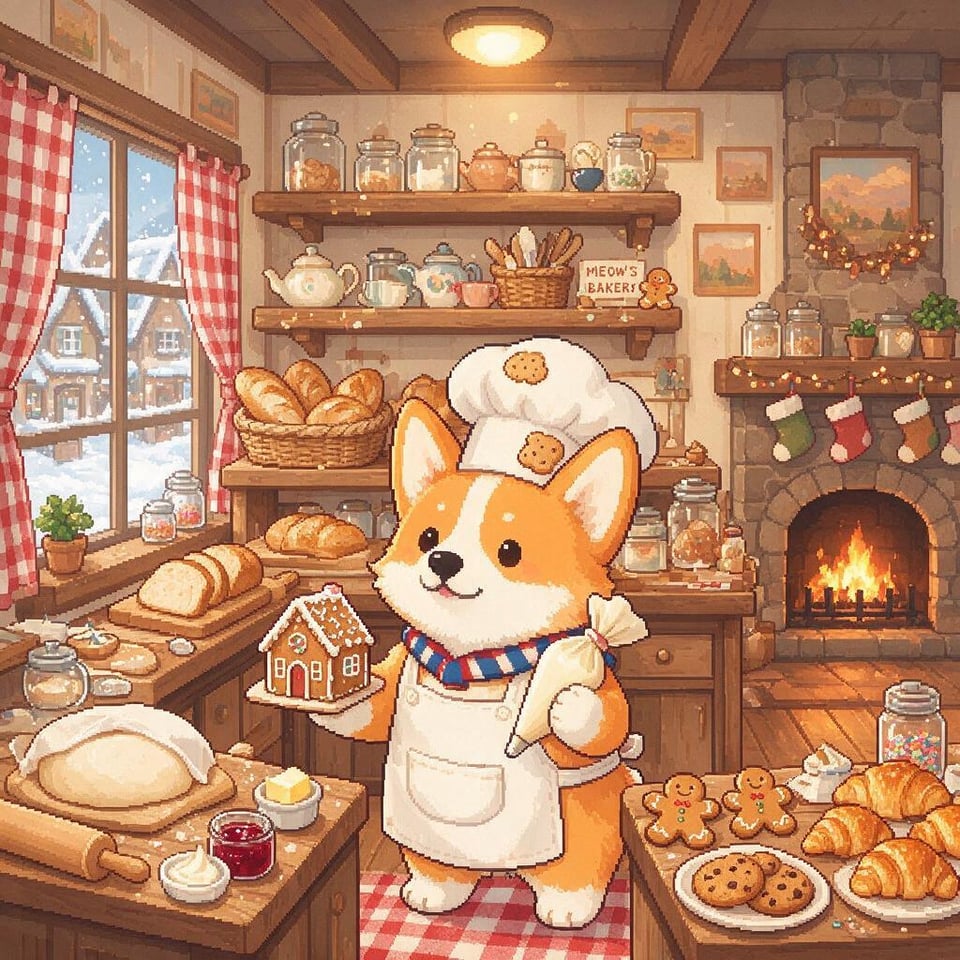
Pixel art AI prompts that turn your photo into a MapleStory-style dot character. Quickly create game avatars and chibi sprites.

2026.06.30

·
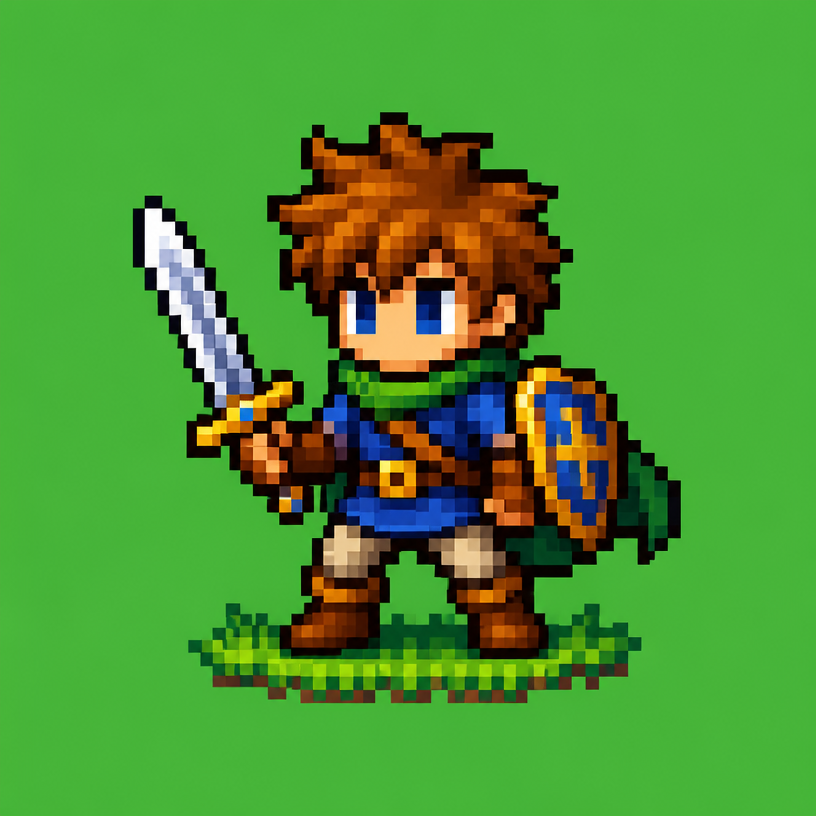
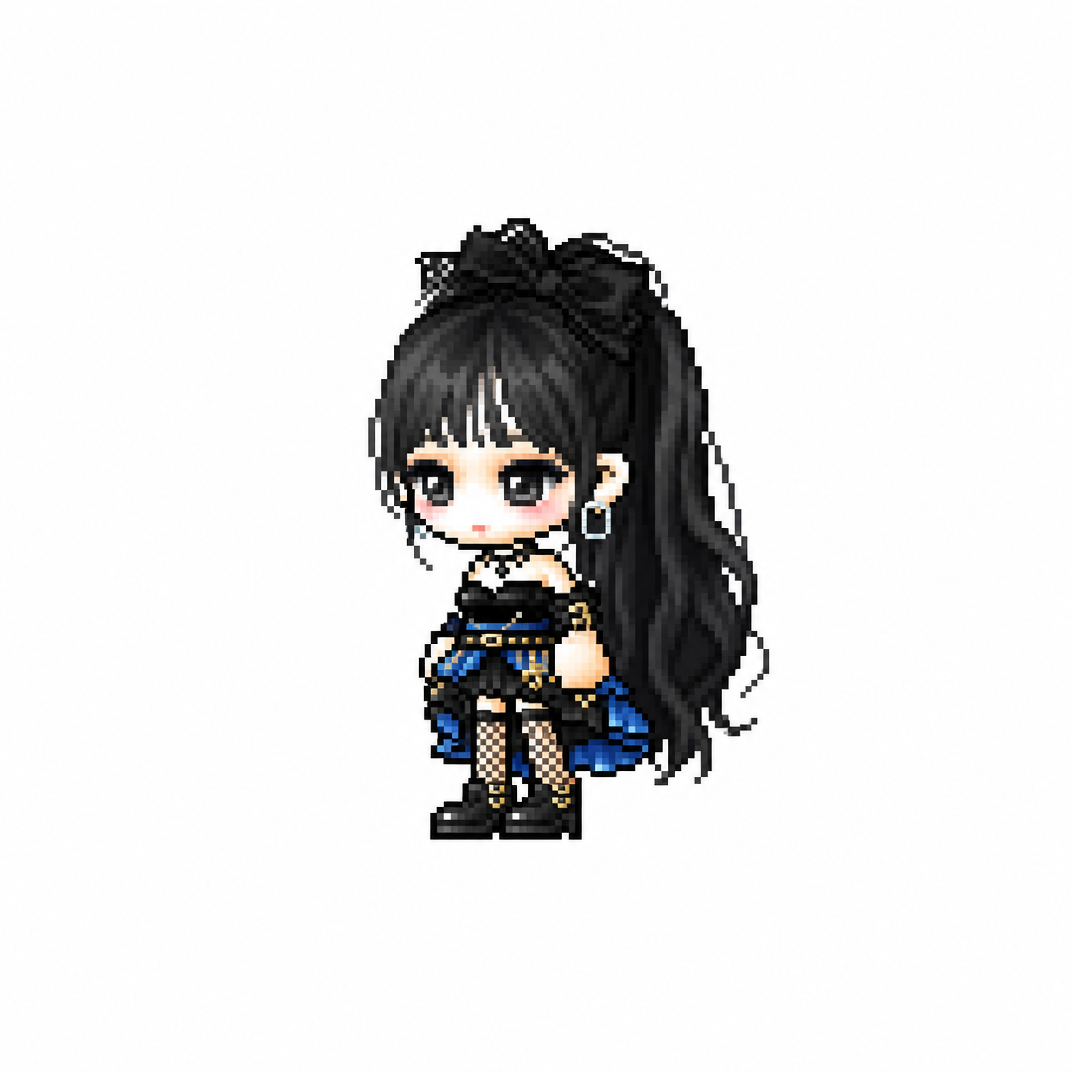
AI-generated MapleStory Pixel Avatar made with GPT Image 2

MapleStory Pixel Avatar

GPT Image 2· Image
당신은 애니메이션, 게임, 만화 캐릭터를 메이플스토리 플레이어 아바타 스프라이트로 변환하는 전문 픽셀 아트 디렉터다. [입력] 이미지 첨부 (전신 추천) [작업] 1. 첨부된 이미지 속 인물(또는 캐릭터)의 대표 외형 특징을 분석한다. * 헤어스타일 * 머리색 * 눈 색상 * 대표 의상 * 대표 액세서리 * 대표 무기 * 대표 상징 요소 * 대표 색상 2. 위 특징을 유지하면서 메이플스토리 플레이어 캐릭터 아바타 구조로 재해석한다. 3. 결과물은 일반 픽셀아트가 아니라 실제 메이플스토리 플레이어 캐릭터 스프라이트처럼 보여야 한다. ──────────────────── [MAPLE PLAYER FRAME SPEC] 한국 MMORPG 플레이어 아바타 구조 실제 메이플스토리 플레이어 캐릭터 비율 적용 * 머리 + 헤어 : 전체 높이의 60~65% * 몸통 : 15~18% * 다리 : 20~25% * 2.0~2.3등신 시점 * 35~45도 Quarter View * 양쪽 눈이 모두 보여야 함 * 거의 평면적인 2D 스프라이트 얼굴 * 눈은 얼굴 하단부에 위치 * 눈 간격 넓음 * 가로로 넓은 평평한 눈 * 큰 눈동자 * 눈동자 하이라이트 * 코 표현 금지 * 매우 작은 입 * 부드러운 홍조 목 * 목 표현 금지 * 머리가 몸통에 바로 연결 * 턱 아래 바로 의상 시작 헤어 * 캐릭터 정체성의 핵심 * 두상보다 훨씬 큰 볼륨 * 실루엣 우선 * 가닥 표현 최소화 * 상단 하이라이트 존재 신체 * 매우 작은 몸통 * 짧은 팔 * 짧은 다리 * 단순한 원통형 팔다리 * 관절 표현 최소화 장비 레이어 구조 유지 Hair Hat Face Accessory Top Bottom Shoes Cape Weapon 장비와 헤어가 캐릭터 개성을 결정해야 함 포즈 * Idle Standing Pose * 캐릭터 선택창 느낌 * 점프 금지 * 전투 포즈 금지 * 액션 연출 금지 ──────────────────── [PIXEL RENDERING SPEC] 중요: 고해상도 픽셀아트 금지 Ultra Detailed Pixel Art 금지 HD Pixel Art 금지 Fine-Grained Pixel Art 금지 목표: 32~64px 게임 스프라이트를 확대 표시한 느낌 * Low-resolution game sprite * Enlarged MMORPG sprite * Chunky pixel structure * Grid-aligned pixel art * Visible pixel blocks * Clean 1px outline * Limited color palette * Flat color shading * Solid tone pixel blocks * Minimal shading * No dithering * No smooth gradients * No airbrush effects ──────────────────── [출력 조건] Canvas Size: 1080 x 1080 Perfect Square Format Pure White Background (#FFFFFF) Single Character Only Full Body Visible Centered Composition Character Occupies Approximately 75% Of Canvas Height No Cropping No Additional Characters No Pets No Environment No Scene No Background Objects No Ground No Text No Logo No Watermark No UI ──────────────────── [절대 금지] Pokemon Style Terraria Style Stardew Valley Style Ragnarok Online Style JRPG Battle Sprite Octopath Traveler Style Western Cartoon Disney Style Realistic Semi Realistic 3D Render Illustration Concept Art Splash Art Poster Wallpaper Anime Illustration Digital Painting Cinematic Lighting Ultra Detailed Sprite High Definition Pixel Art Fine-Grained Pixel Art Smooth Gradient Shading Airbrush Shading ──────────────────── Create the person or character shown in the uploaded image as a true MapleStory player avatar sprite. The result must look like an actual MapleStory player character converted from the uploaded subject, not a generic pixel-art character
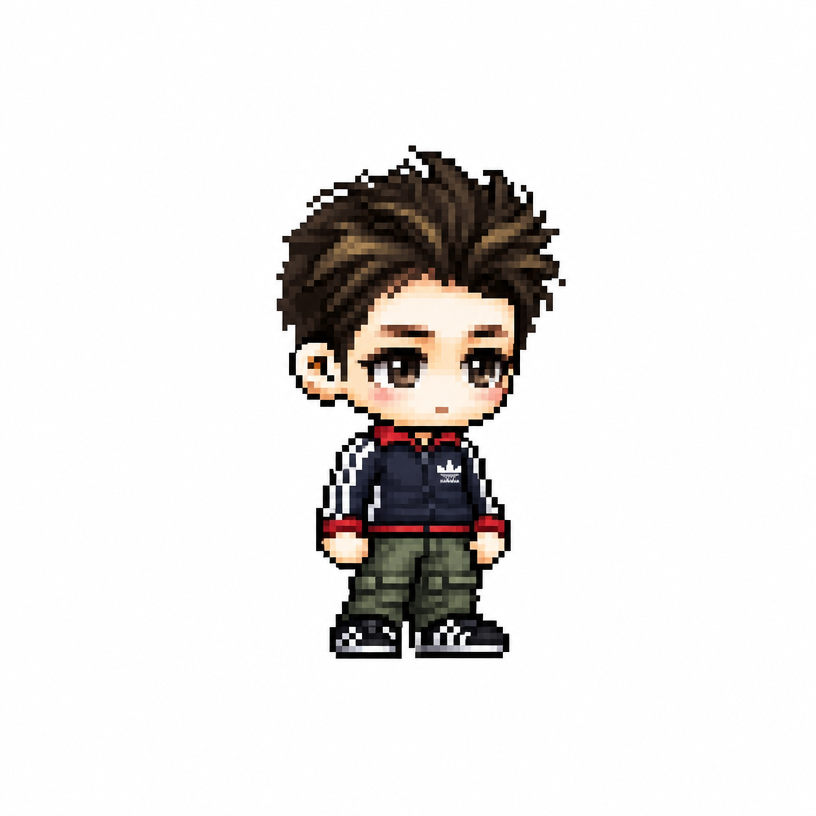
AI-generated MapleStory Chibi Character made with GPT Image 2

MapleStory Chibi Character

GPT Image 2· Image
당신은 애니메이션, 게임, 만화 캐릭터를 메이플스토리 플레이어 아바타 스프라이트로 변환하는 전문 픽셀 아트 디렉터다. [입력] 이미지 첨부 (전신 추천) [작업] 1. 첨부된 이미지 속 인물(또는 캐릭터)의 대표 외형 특징을 분석한다. * 헤어스타일 * 머리색 * 눈 색상 * 대표 의상 * 대표 액세서리 * 대표 무기 * 대표 상징 요소 * 대표 색상 2. 위 특징을 유지하면서 메이플스토리 플레이어 캐릭터 아바타 구조로 재해석한다. 3. 결과물은 일반 픽셀아트가 아니라 실제 메이플스토리 플레이어 캐릭터 스프라이트처럼 보여야 한다. ──────────────────── [MAPLE PLAYER FRAME SPEC] 한국 MMORPG 플레이어 아바타 구조 실제 메이플스토리 플레이어 캐릭터 비율 적용 * 머리 + 헤어 : 전체 높이의 60~65% * 몸통 : 15~18% * 다리 : 20~25% * 2.0~2.3등신 시점 * 35~45도 Quarter View * 양쪽 눈이 모두 보여야 함 * 거의 평면적인 2D 스프라이트 얼굴 * 눈은 얼굴 하단부에 위치 * 눈 간격 넓음 * 가로로 넓은 평평한 눈 * 큰 눈동자 * 눈동자 하이라이트 * 코 표현 금지 * 매우 작은 입 * 부드러운 홍조 목 * 목 표현 금지 * 머리가 몸통에 바로 연결 * 턱 아래 바로 의상 시작 헤어 * 캐릭터 정체성의 핵심 * 두상보다 훨씬 큰 볼륨 * 실루엣 우선 * 가닥 표현 최소화 * 상단 하이라이트 존재 신체 * 매우 작은 몸통 * 짧은 팔 * 짧은 다리 * 단순한 원통형 팔다리 * 관절 표현 최소화 장비 레이어 구조 유지 Hair Hat Face Accessory Top Bottom Shoes Cape Weapon 장비와 헤어가 캐릭터 개성을 결정해야 함 포즈 * Idle Standing Pose * 캐릭터 선택창 느낌 * 점프 금지 * 전투 포즈 금지 * 액션 연출 금지 ──────────────────── [PIXEL RENDERING SPEC] 중요: 고해상도 픽셀아트 금지 Ultra Detailed Pixel Art 금지 HD Pixel Art 금지 Fine-Grained Pixel Art 금지 목표: 32~64px 게임 스프라이트를 확대 표시한 느낌 * Low-resolution game sprite * Enlarged MMORPG sprite * Chunky pixel structure * Grid-aligned pixel art * Visible pixel blocks * Clean 1px outline * Limited color palette * Flat color shading * Solid tone pixel blocks * Minimal shading * No dithering * No smooth gradients * No airbrush effects ──────────────────── [출력 조건] Canvas Size: 1080 x 1080 Perfect Square Format Pure White Background (#FFFFFF) Single Character Only Full Body Visible Centered Composition Character Occupies Approximately 75% Of Canvas Height No Cropping No Additional Characters No Pets No Environment No Scene No Background Objects No Ground No Text No Logo No Watermark No UI ──────────────────── [절대 금지] Pokemon Style Terraria Style Stardew Valley Style Ragnarok Online Style JRPG Battle Sprite Octopath Traveler Style Western Cartoon Disney Style Realistic Semi Realistic 3D Render Illustration Concept Art Splash Art Poster Wallpaper Anime Illustration Digital Painting Cinematic Lighting Ultra Detailed Sprite High Definition Pixel Art Fine-Grained Pixel Art Smooth Gradient Shading Airbrush Shading ──────────────────── Create the person or character shown in the uploaded image as a true MapleStory player avatar sprite. The result must look like an actual MapleStory player character converted from the uploaded subject, not a generic pixel-art character

What Are Pixel Art AI Prompts?

Pixel art AI prompts turn a photo of a person or a character image into a dot (pixel) style game character. They analyze key visual traits such as hairstyle, hair color, eye color, signature outfit, and accessories, then convert them into a 2D game avatar sprite in the style of games like MapleStory. With GPT Image 2, you attach a full-body photo and add the prompt to get an adorable pixel character in seconds, without any manual dot work.

Where You'll Use It

  • Turning your own face into a MapleStory-style pixel avatar
  • Reimagining a favorite anime or game character as a dot sprite
  • Creating character icons for profiles, Discord, or chat apps
  • Drafting character sprites for an indie game
  • Making retro game-style chibi characters from friend or couple photos

Why This Tag Is Useful

Drawing pixel art by hand has a high learning curve, requiring familiarity with color palettes and pixel-by-pixel work. With AI prompts, you only need to provide a photo of the subject, and the model handles the rest of the conversion. Because the output uses a familiar game style like MapleStory, the results feel intuitive and are ready to use for social profiles or game mockups without any dedicated design tools.

More Prompts to Explore

  • MapleStory Style
  • Chibi
  • Game
  • Character
  • Caricature
  • Figure
  • Designer Toy

Prompt Building Tips

  1. Attach a full-body photo of the person or character so the hair, outfit, and accessories are clearly visible.
  2. Spell out the traits to preserve, such as hairstyle, hair color, eye color, signature outfit, and weapon.
  3. Specify the game style you want, like "MapleStory avatar sprite" or "dot pixel art."
  4. Set output conditions such as a white background and full-body front view so you get a clean, isolated character.

If the output lines look blurry, sharpen the outlines and tidy up the color palette to bring out a crisper dot-art look.
Frequently Asked Questions

Related Prompts

Drink Photo

Drink Photo

26 prompts

Prop Design

Prop Design

1 prompts

Music Video

50 prompts

Double Exposure

Double Exposure

4 prompts

Carat Prompt Gallery

Create trending AI prompts instantly

Prompts

  • Logo
  • PPT Design
  • Thumbnail
  • Poster
  • Web Novel Cover
  • ID Photo
  • Caricature
  • Product Detail Page
  • Banner

Models

  • GPT Image 2
  • Seedance 2.0
  • NanoBanana Pro
  • NanoBanana 2

Carat

  • Get started
  • About
  • Blog
  • Careers
  • Contact
  • Partnership
  • Terms
  • Privacy

© 2026 Paradot.Inc All rights reserved.