Pixel Art Scenery
Evoke nostalgia with detailed pixel art prompts for retro game style environments and backgrounds.
2026.07.03
Make “Pixel Art Scenery” exactly the way you wantCreate your own “Pixel Art Scenery”
Just ask in plain language — Carat generates optimized images and videos for you.

Start now with 100 free credits daily
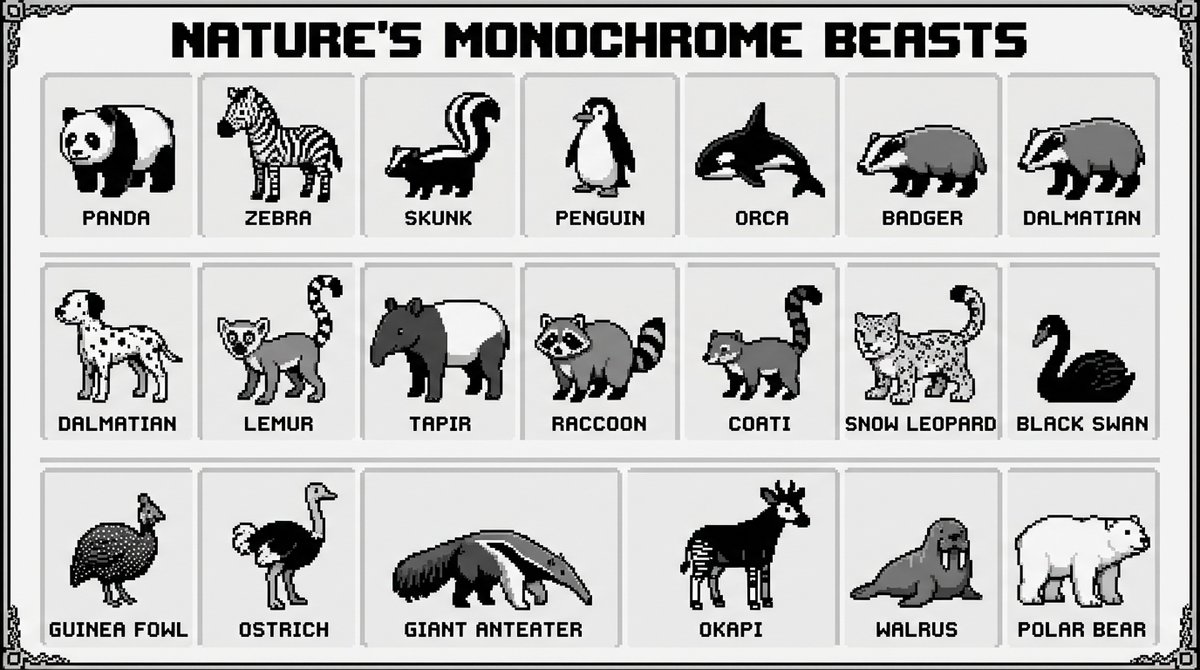
Black and White Animals Pixel Infographic
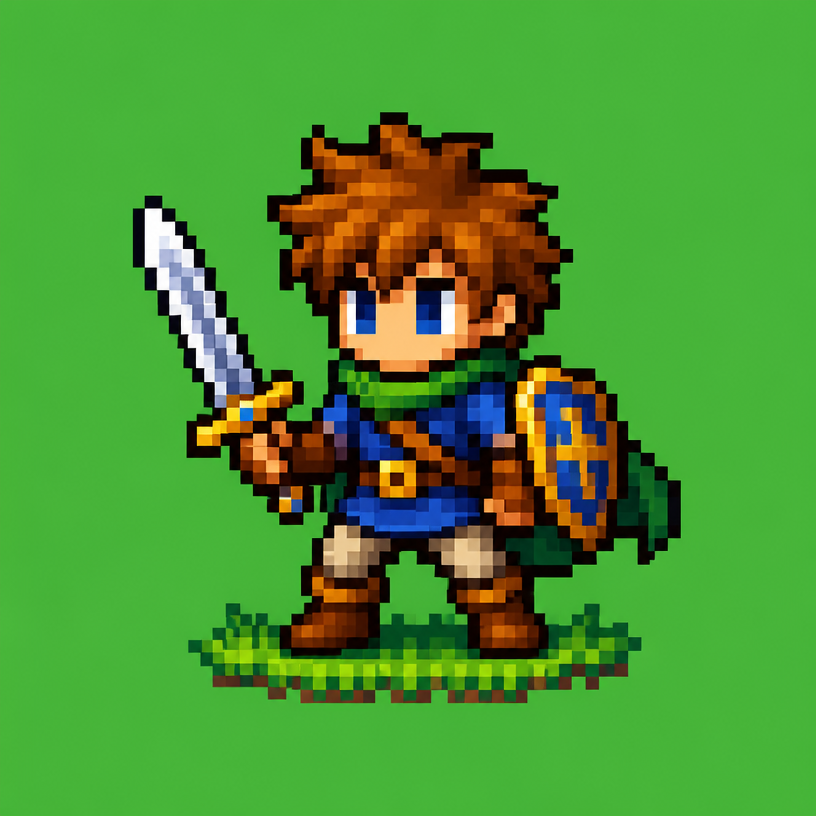
픽셀아트 캐릭터
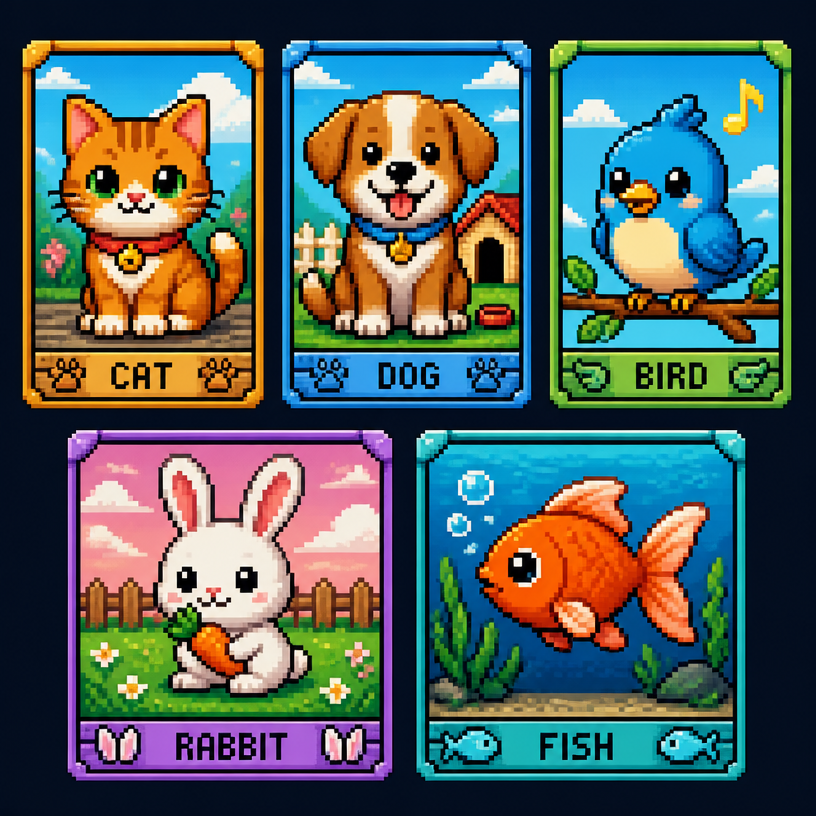
픽셀아트 동물
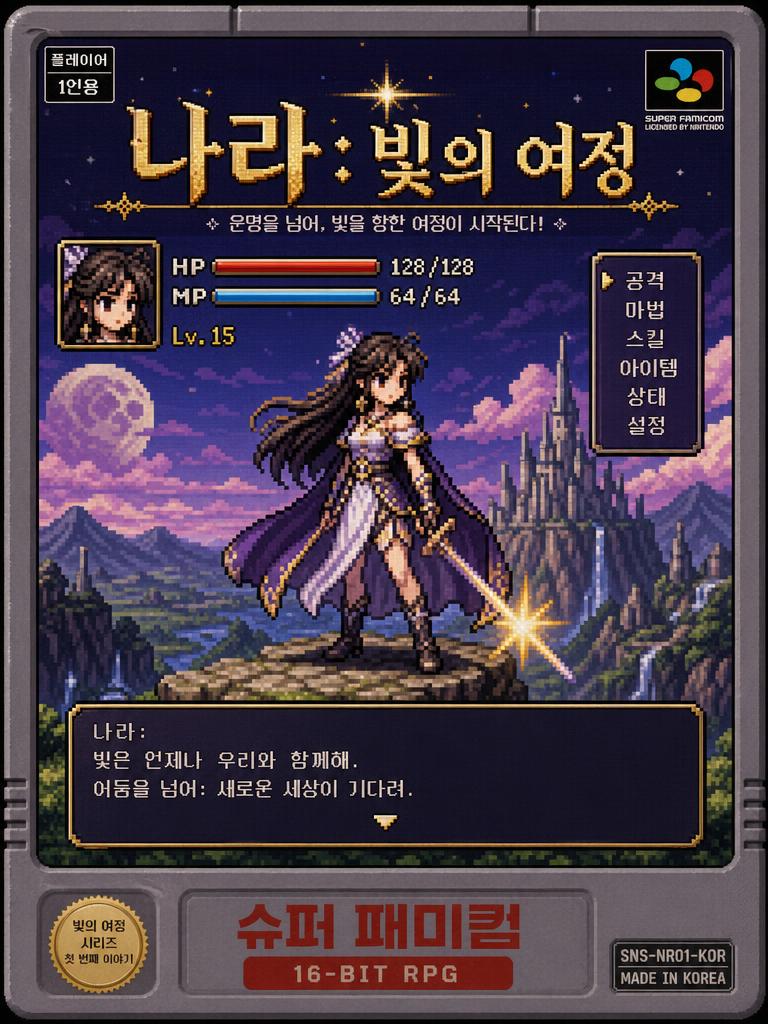
Poster of a Korean Webtoon Fantasy Heroine Reimagined as a Retro 16-bit SNES Game
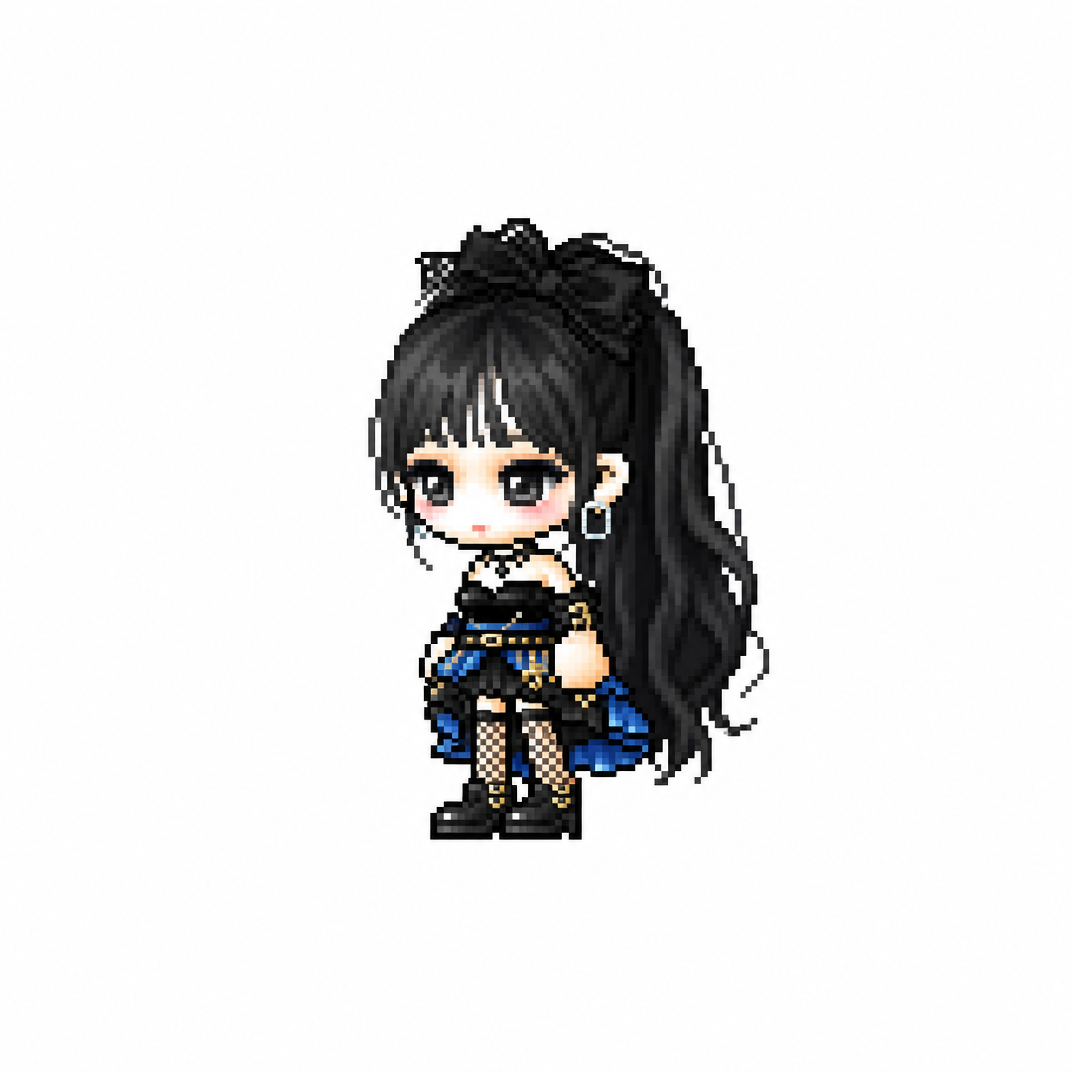
MapleStory Chibi Character
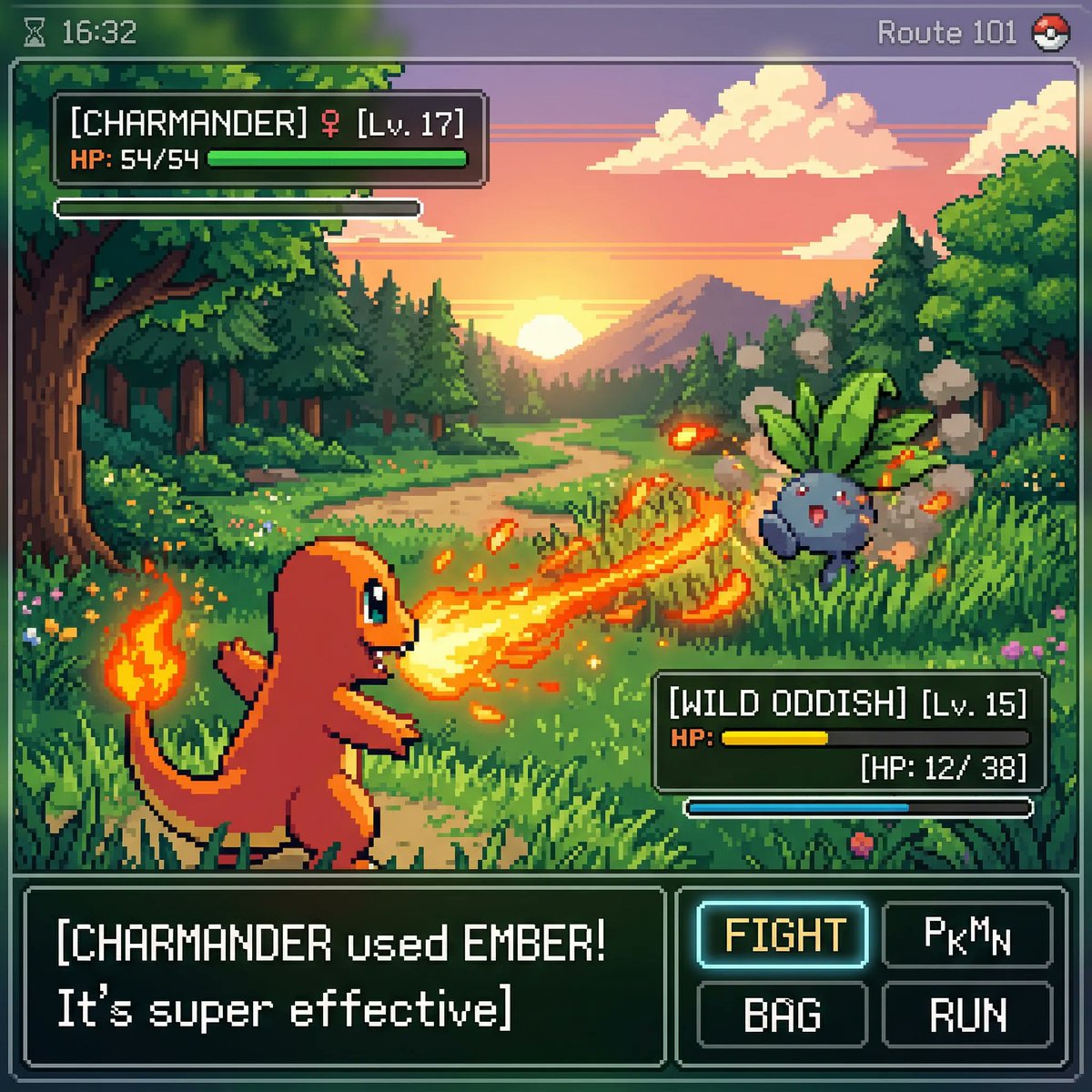
Pokemon-Style Pixel Art Game
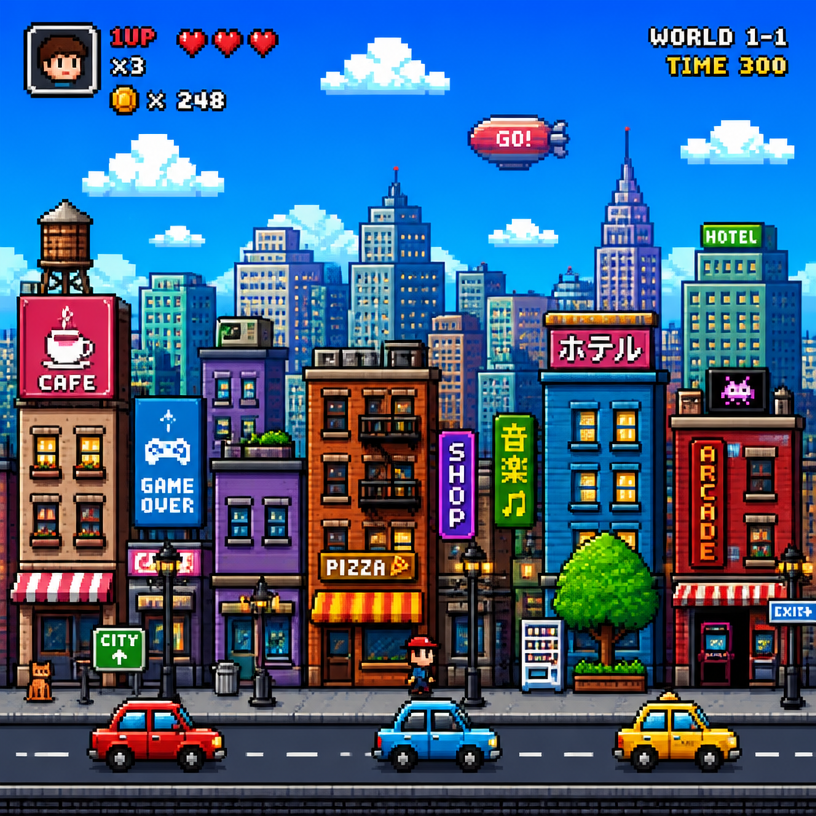
픽셀아트 도시
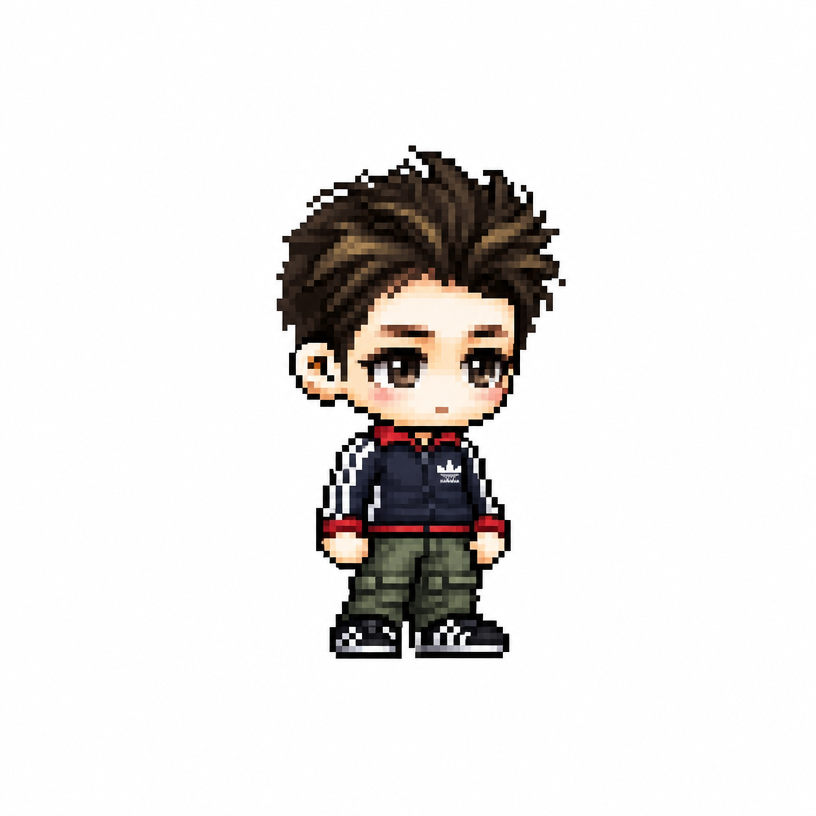
MapleStory Pixel Avatar
What are Pixel Art Scenery AI Prompts?
Pixel Art Scenery AI prompts are a unique category of instructions designed to replicate the beloved aesthetic of 8-bit and 16-bit video games from the golden age of arcade and console gaming. These prompts guide AI models to generate landscapes and environments composed of distinct, square-colored blocks-pixels-rather than smooth gradients or photographic realism. The beauty of pixel art scenery lies in its ability to spark nostalgia while offering a clean, stylized visual language that is highly effective for modern digital storytelling. By specifying 'Bit-depth', 'Dithering techniques', and 'Color palettes', creators can produce everything from cozy cyberpunk cityscapes to lush fantasy forests that look as if they were hand-drawn by legendary game artists. It is an intersection of vintage limitations and infinite modern creativity.
Key Use Cases for Pixel Landscapes
- Indie Game Development: Generate high-quality environment assets for 2D platformers, top-down RPGs, or point-and-click adventures without the months of labor-intensive dot-work.
- Twitch and YouTube Branding: Create dynamic and charming 'starting soon' screens, stream backgrounds, or banner art that aligns with a gaming or tech-focused persona.
- Mobile App and UI Design: Use pixel art backgrounds for loading screens, weather app themes, or retro-styled interfaces to give your product a unique, friendly personality.
- Digital Wallpaper and Personal Art: Produce crisp, high-resolution pixel artwork for desktop and smartphone wallpapers that offer a clean and organized visual feel.
- Animations and Lofi Music Loops: Pixel scenery is the perfect companion for Lofi beats or ambient music videos, providing a serene and atmospheric backdrop that doesn't distract from the audio.
- NFT and Crypto Art Collections: Build cohesive worlds and series of collectible pixel environments that tap into the massive internet culture surrounding retro gaming aesthetics.
Why This Tag is a Treasure Trove for Retro Lovers
The Pixel Art Scenery tag on Carat is a specialized portal for creators who value the 'calculated simplicity' of dot art. Creating good pixel art through AI is surprisingly difficult because the models often try to blend colors too smoothly. This tag provides prompts that have been carefully crafted to maintain 'sharp pixels' and 'intentional aliasing', ensuring the output looks like authentic pixel art rather than a blurry filter. It allows for the exploration of complex lighting and weather effects-like 'Pixelated rain' or 'Glistening 16-bit water'-within the constraints of the style. This tag is the ultimate shortcut for designers who want to harness the timeless charm of retro games for modern-day projects, ensuring high-fidelity results that stay true to the medium's roots.
Explore More Related Prompts
Tips for Creating Perfect Pixel Scenery
- Define the Bit Era: Use '8-bit' for a more blocky, abstract, and classic feel (like the NES), or '16-bit' and '32-bit' for richer colors and more detailed textures (like the SNES or early PlayStation era).
- Specify the Perspective: Choose your view carefully. 'Side-view' is great for platformers, while 'Top-down' is classic for RPGs. 'Isometric view' or '3/4 view' is perfect for detailed, miniature-world looks that feel tactile and deep.
- Control the Color Palette: Pixel art thrives on limited colors. Try adding phrases like 'Vibrant EGA palette', 'Sepia-toned retro scheme', or 'Neon cyberpunk colors' to ensure a cohesive and stylish look.
- Add Atmospheric Detail: To make your scenery feel alive, include small environmental descriptors like 'Floating dust particles', 'Distant moving clouds', or 'Subtle flickering lanterns' to add narrative depth to the pixels.
Pixel art is about making every block count. By utilizing the expert prompts in the Carat gallery, you can easily bridge the gap between retro nostalgia and modern digital art, creating pixel-perfect worlds that resonate with viewers of all ages.