carat

Prompt Gallery

/

Product Cutaway

Login
Sign Up

Product Cutaway

AI product cutaway prompts ready for appliance, automotive, and electronics detail pages — quickly create cutaway and exploded-view images that reveal internal structure.

2026.07.01

·
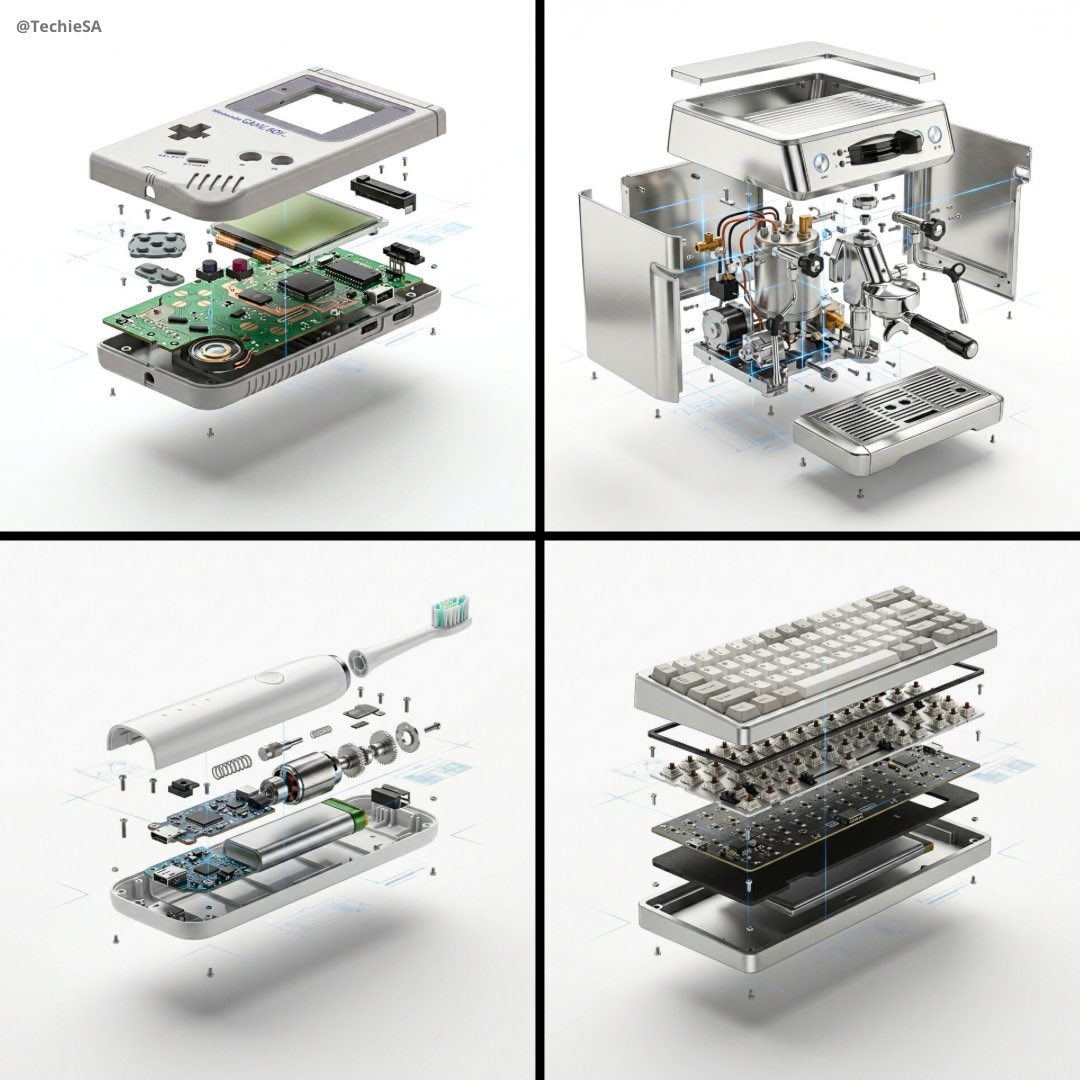
AI-generated Product Exploded View Ad made with Nano Banana Pro

Product Exploded View Ad

NanoBanana Pro· Image
[PRODUCT], high-end product advertising, white seamless background, exploded view with inner mechanics revealed, outer shell hovering above core, micro screws and components suspended, perfect alignment guides implied, crisp soft shadow, ultra realistic, macro product photography, 100mm lens look, f/8, 8k
@TechieBySA
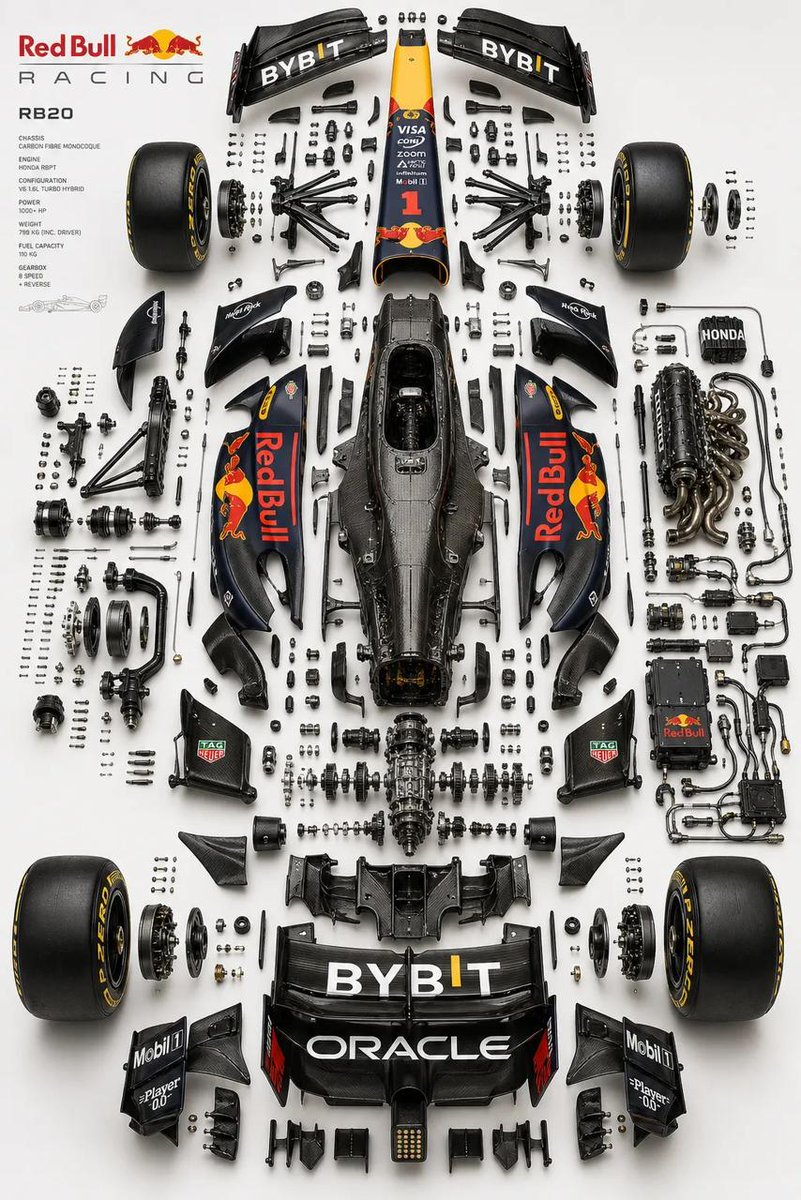
AI-generated Exploded View Automotive Diagram made with GPT Image 2

Exploded View Automotive Diagram

GPT Image 2· Image
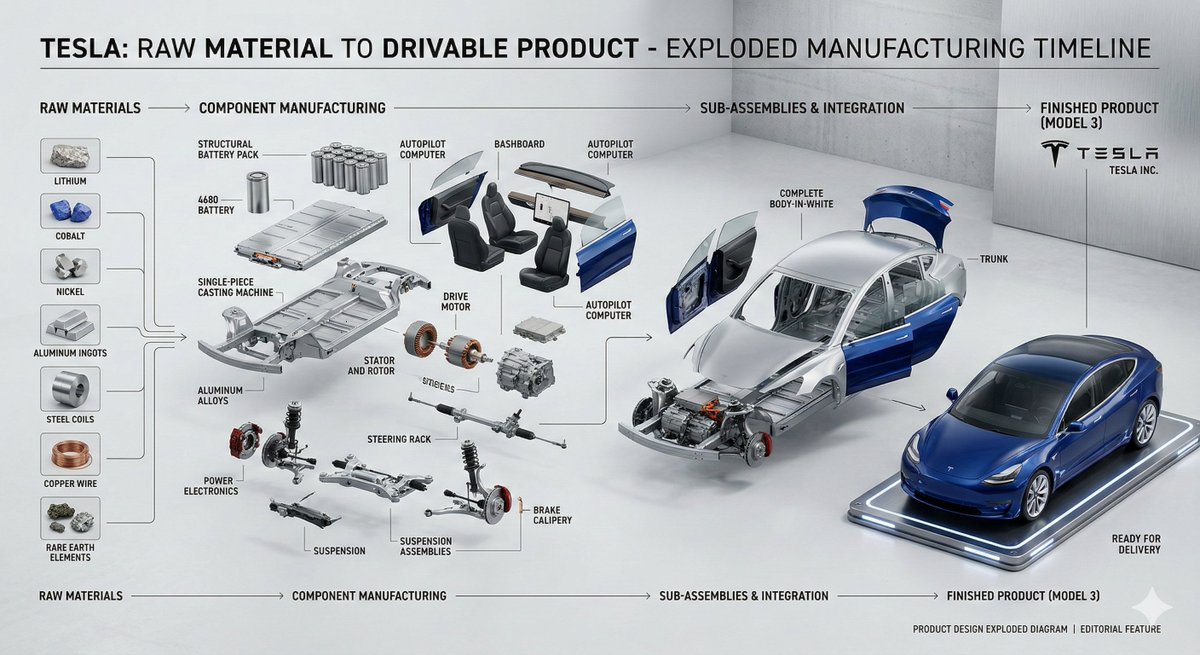
Place the primary chassis or structural platform perfectly centered as the core spine, and position the main body shell separately (left or top), aligned parallel as a reference form while preserving accurate proportions, stance, and geometry of the real vehicle. Design a multi-layered exploded system with components separated across depth (Z-axis) as well as planar spacing, using clear hierarchy: micro hardware (bolts, screws, washers) tightly grouped, functional assemblies moderately spaced, and major systems widely separated. Organize parts into realistic subsystems depending on the vehicle type, including front assembly (suspension, steering, brakes), rear assembly (suspension, drivetrain, differential), chassis/structure (frame, monocoque, subframes), powertrain (engine or motor with slight internal exposure, transmission, intake, exhaust, cooling), electronics (battery, ECU, wiring harness with clean routing), and wheel systems (4 wheels symmetrically placed with tire, rim, and hub separation). Ensure engineering realism by preserving mechanical relationships, aligning shafts and rotational axes, maintaining symmetry across left/right systems, and grouping micro components logically near their assembly points in precise micro-grid arrangements. Avoid random placement. Use a refined, high-end aesthetic: soft neutral gradient background (white to light grey or warm beige), studio-grade product lighting with soft top illumination, subtle directional shadows, and controlled reflections. Apply realistic materials such as brushed metal, carbon fiber, rubber, and glass with slight wear—avoid toy-like finishes. Maintain strong horizontal symmetry with controlled depth asymmetry for visual complexity, and ensure balanced negative space to avoid overcrowding. Render in ultra-realistic quality with razor-sharp edges, macro-level detail, subtle ambient occlusion, and ray-traced shadows. Output in 2K or 4K resolution, 4:5 aspect ratio. No text, no labels, no arrows, no branding overlays, no stylization, no perspective distortion. Style keywords: F1 engineering exploded diagram, luxury automotive technical poster, industrial design breakdown, Apple-style product visualization, ultra-precision mechanical layout, museum-grade presentation.
@Naiknelofar788
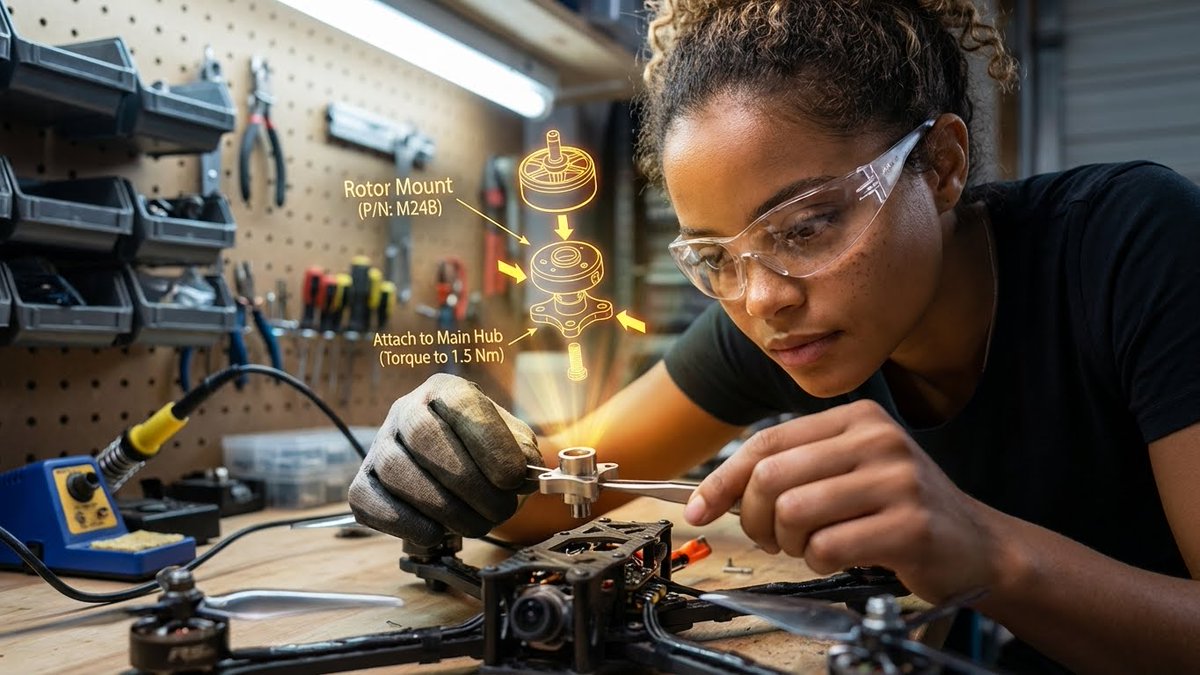
Example image of AR Assembly Guide Workshop generated with Nano Banana Pro

AR Assembly Guide Workshop

NanoBanana Pro· Image
{"promptDetails":{"description":"A garage/workshop environment with the subject assembling a complex mechanical device, viewing a 3D exploded assembly diagram floating in space.","styleTags":["Industrial","High Detail","Technical","Action Shot"]},"scene":{"background":{"setting":"A cluttered but organized home workshop/garage bench","details":"Pegboard tool wall in the background, organized small parts containers, a soldering iron station, wood grain of the workbench, metal shavings (subtly)."},"subject":{"description":"The person defined by `[UPLOADED IMAGE]`, wearing safety glasses or a work glove, deeply concentrated.","pose":"Leaning over the bench, holding a small component (e.g., a rotor or circuit board) with tweezers or a small screwdriver.","focus":"Hands, component, and the diagram are the sharpest elements."}},"overlayObject":{"type":"3D Exploded View Assembly Hologram","relationshipToEnvironment":"Hovering directly above the disassembled drone parts on the workbench.","transform":"A fully rendered, rotating 3D model of the device, clearly showing where the held component fits.","surfaceInteraction":"Bright, high-contrast yellow/orange vector lines with directional arrows and part numbering. It must look spatially correct.","components":{"partID":"Rotor Mount (P/N: M24B)","instruction":"Attach to Main Hub (Torque to 1.5 Nm)","position":"Floating central to the workspace."}},"technicalStyle":{"aspectRatio":"16:9","photographyStyle":"Product/Technical, High Contrast","camera":{"shotType":"Close-Up","angle":"Slightly overhead (designer/technical perspective).","depthOfField":"Extremely shallow, focusing only on the hands, the component, and the projected diagram. The background should be a creamy blur (bokeh)."},"lighting":{"type":"Fluorescent Shop Light and Holographic Glow","description":"Cool, bright, uniform white light from above, contrasted by the warm, directional glow of the yellow/orange hologram."},"color":{"palette":"Greys, deep reds, metallic silver, and the neon yellow of the graphic."}}}
@HBCoop_
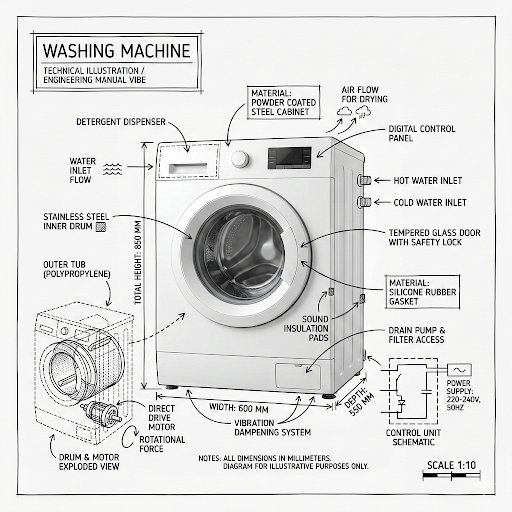
AI-generated Washing Machine Technical Infographic made with GPT Image 2
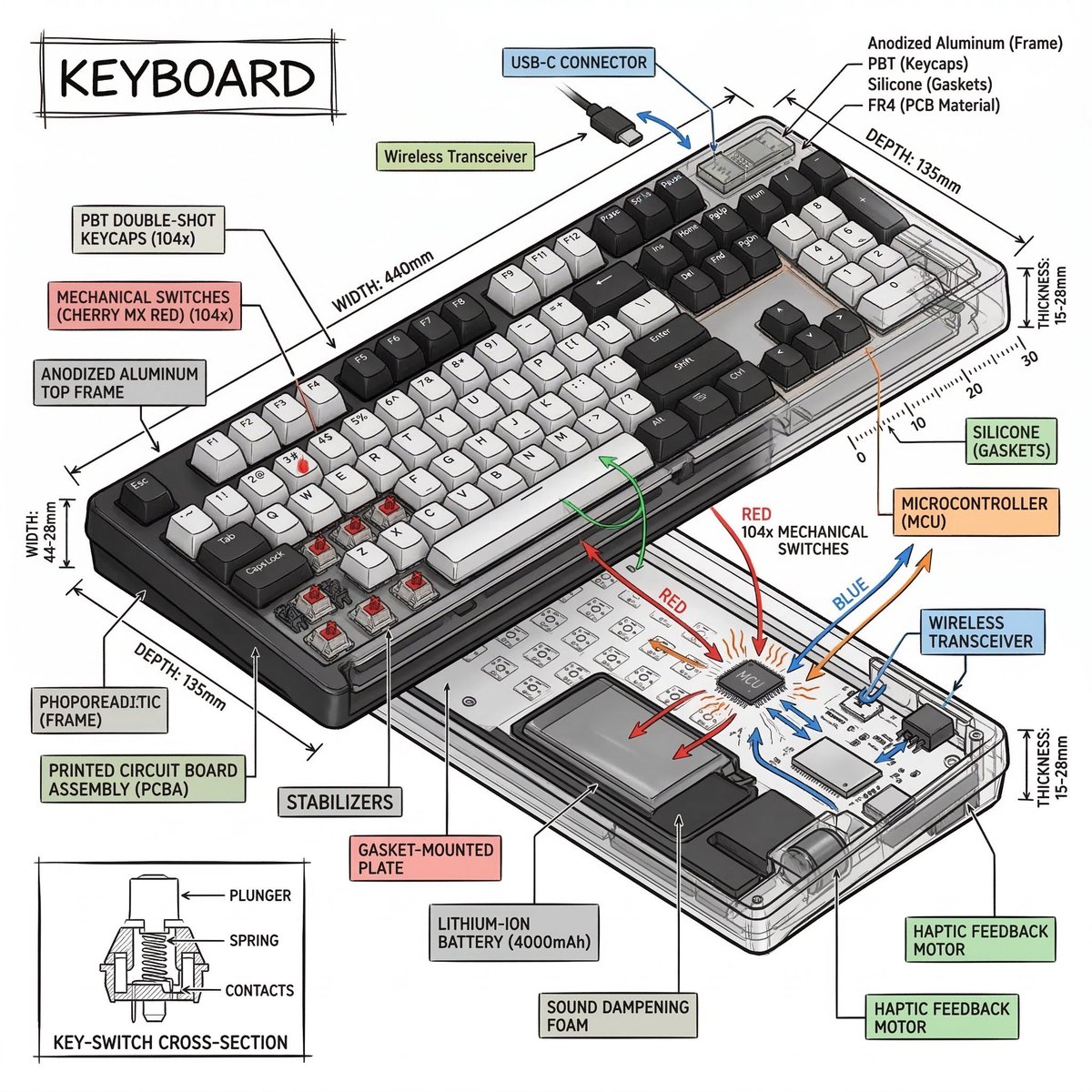
Washing Machine Technical Infographic

GPT Image 2· Image
Create an infographic image of [washing machine], combining a realistic photograph or photoreal render of the object with technical annotation overlays placed directly on top. Use black ink–style line drawings and text (technical pen / architectural sketch look) on a pure white studio background, including: •Key component labels •Internal cutaway or exploded-view outlines •Measurements, dimensions, and scale markers •Material callouts and quantities •Arrows indicating function, force, or flow (air, sound, power, pressure) •Simple schematic or sectional diagrams where relevant Place the title [PRODUCT] inside a hand-drawn technical annotation box in one corner. Style & layout rules: •The real object remains clearly visible beneath the annotations •Annotations feel sketched, technical, and architectural •Clean composition with balanced negative space •Educational, museum-exhibit / engineering-manual vibe Visual style: Minimal technical illustration aesthetic, black linework over realistic imagery, precise but slightly hand-drawn feel. Color palette: White background, black annotation lines and text only. No colors. Output: 1080×1080, ultra-crisp, social-feed optimized, no watermark.
@Naiknelofar788
Example image of Isometric Technical Infographic generated with Nano Banana 2

Isometric Technical Infographic

NanoBanana 2· Image
Create a technical infographic of [OBJECT] with a 45-degree isometric 3D perspective showing the device slightly tilted to reveal depth and dimension. Combine a realistic photoreal render with black ink technical annotations on pure white background. Include: Key component labels with color-coded callout boxes Internal component visibility through transparent/cutaway sections Measurements, dimensions, and precise scale markers Material callouts and quantities Color-coded arrows for function/flow: RED (power/battery), BLUE (data/connectivity), ORANGE (thermal/processor), GREEN (sensors/haptics) Simple schematics or cross-sectional diagrams where relevant Place “OBJECT” title in a hand-drawn technical box (top-left corner). Style: Black linework (technical pen/architectural), sketched but precise. Object remains clearly visible. Educational museum-exhibit vibe. Clean composition, balanced negative space. Perspective: Isometric 3D angle—tilted to show depth, dimension, and internal architecture dramatically. Like a professional product teardown or engineering manual. Colors: ~10-15% accent density. Black dominant. White background. Output: 1080×1080, ultra-crisp, social-feed optimized.
@heymarmot_ai
AI-generated Product Cross-Section Cutaway Design made with Nano Banana 2

Product Cross-Section Cutaway Design

NanoBanana 2· Image
product design, [object], cross-section cutaway view, internal anatomy revealed, white background, museum specimen aesthetic, scientific illustration style
@0x00_Krypt
AI-generated Object Disassembly Science Lab Shot made with Nano Banana 2

Object Disassembly Science Lab Shot

NanoBanana 2· Image
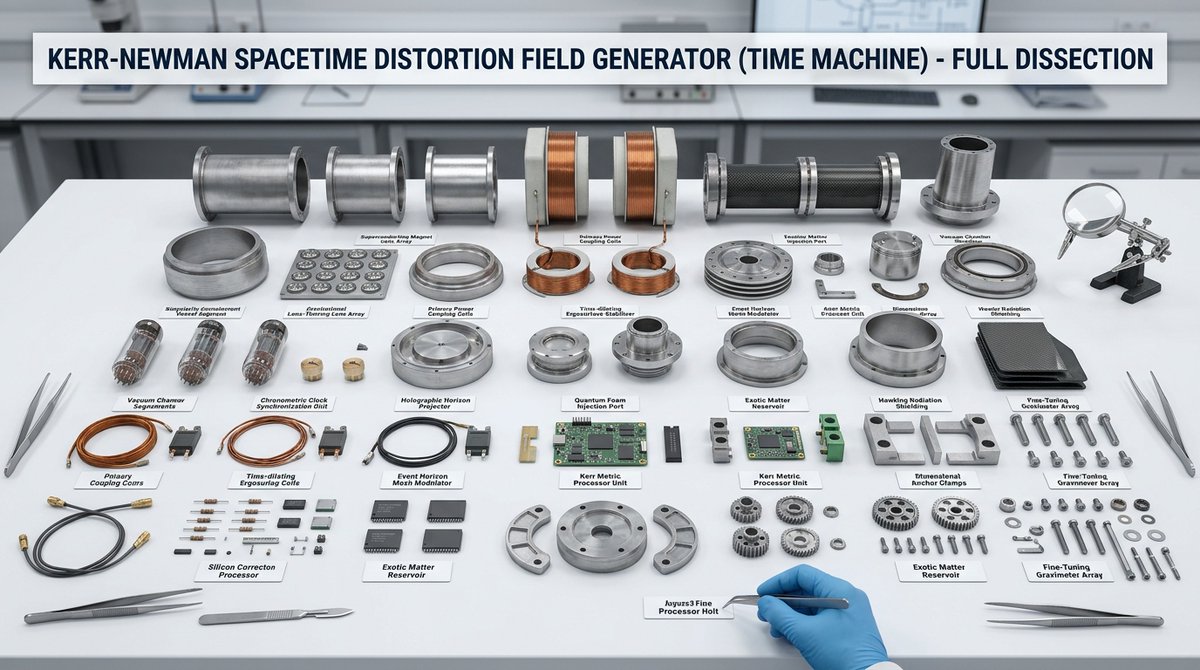
hyper-realistic scientific laboratory dissection scene on a clean white lab table, [object] completely disassembled and neatly arranged into all its individual components, every single piece separated and perfectly organized in rows, each part clearly labeled with small white tags and precise black text naming exactly what it is, a clean professional banner at the top of the image with bold text reading the name of the object followed by "Dissection", professional clinical lighting with soft overhead illumination and subtle shadows, visible tools like tweezers, scalpel and magnifying glass around the edges, ultra-detailed textures, realistic materials, scientific educational style, clean and methodical composition, masterpiece, sharp focus
@ToshiArte
AI-generated VR Headset Exploded-View Poster made with GPT Image 2

VR Headset Exploded-View Poster

GPT Image 2· Image
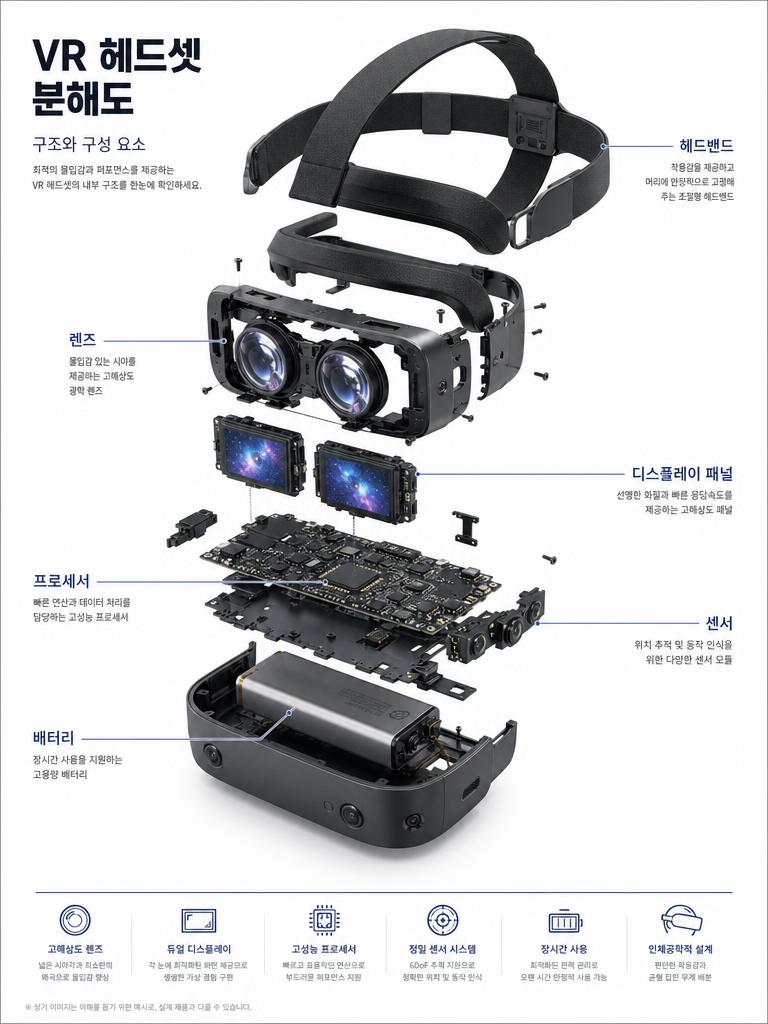
Exploded view technical diagram poster of a VR headset. Components floating in organized arrangement on white background. Korean annotation lines labeling: 렌즈, 디스플레이 패널, 프로세서, 센서, 배터리, 헤드밴드. Korean typography labels. Premium technical blueprint illustration quality.
@wory37303852
AI-generated Detailed Exploded View Technical Diagram Poster of Sony A7 Mirrorless Camera made with GPT Image 2
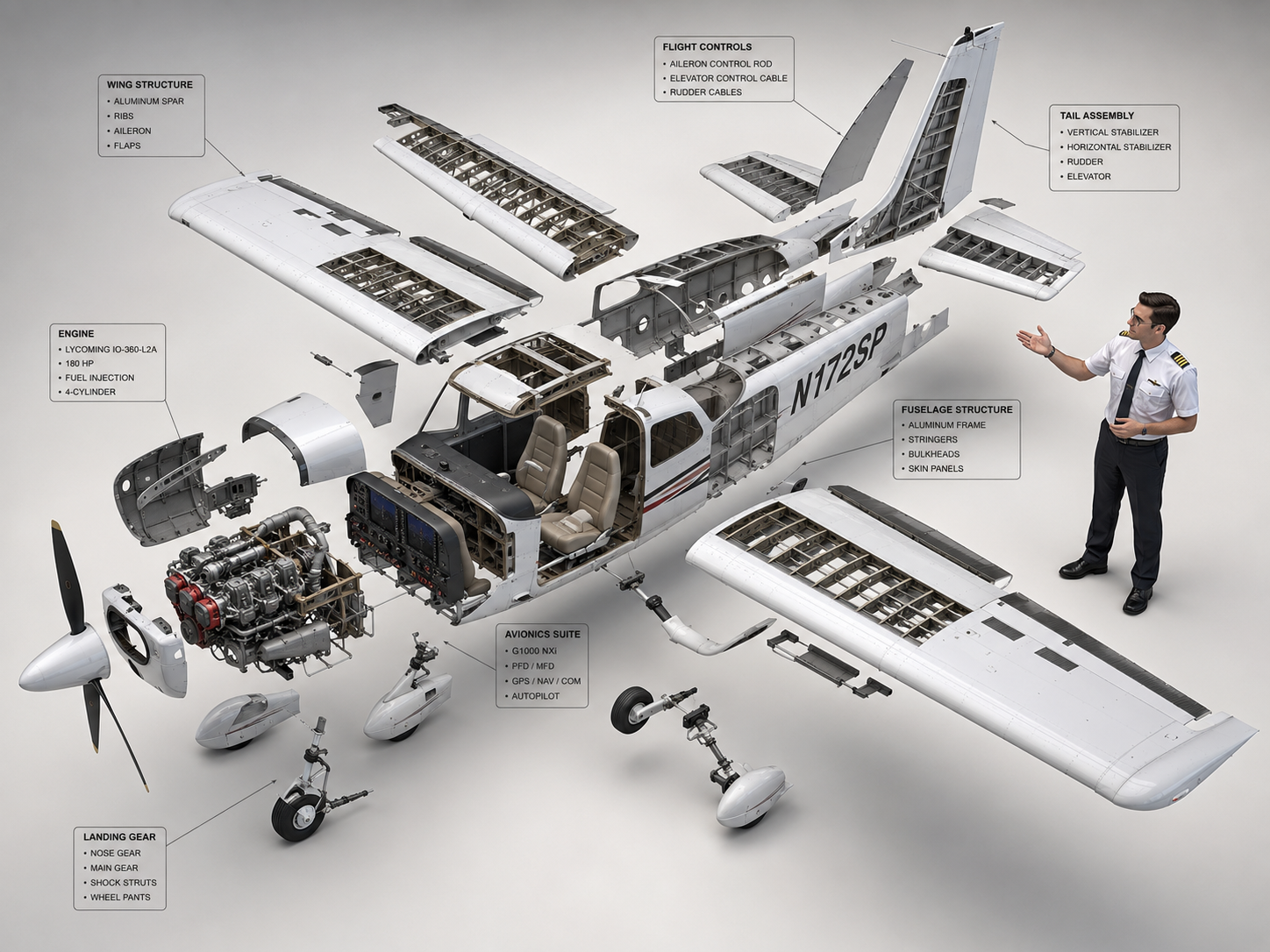
Detailed Exploded View Technical Diagram Poster of Sony A7 Mirrorless Camera

GPT Image 2· Image
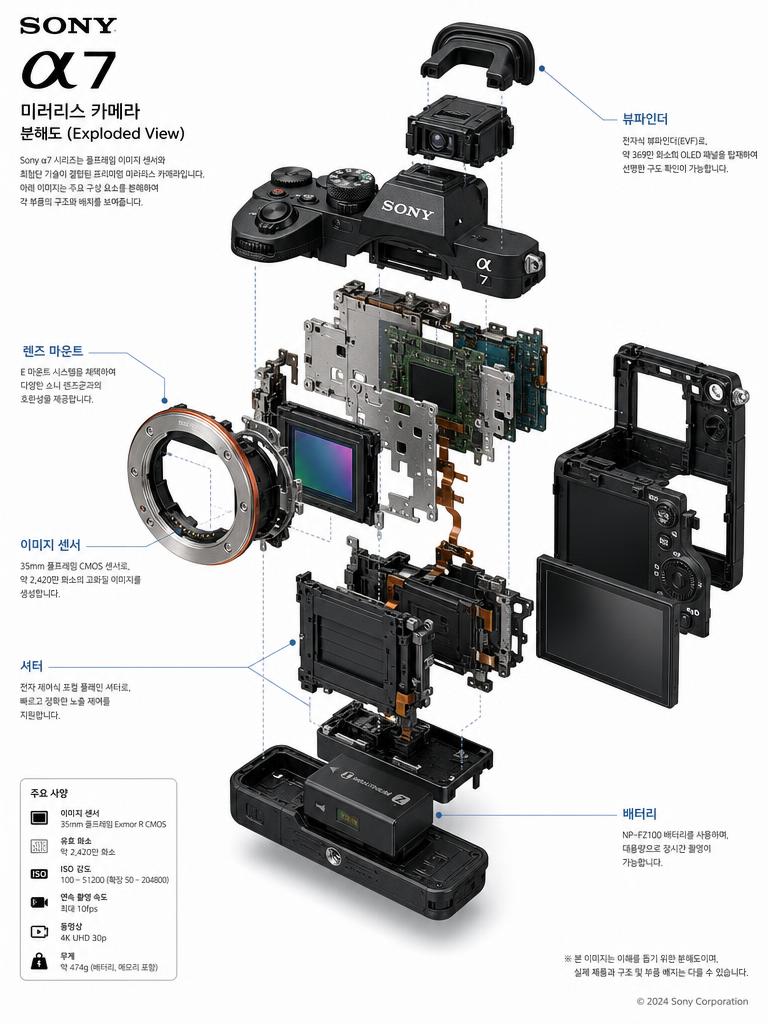
Detailed exploded view technical diagram poster of Sony A7 mirrorless camera. Clean white background, floating component parts with Korean annotation lines labeling: 렌즈 마운트, 이미지 센서, 뷰파인더, 배터리, 셔터. Korean typography labels, technical blueprint aesthetic, premium product illustration quality.
@iaPulse_

What Are Product Cutaway AI Prompts?

Product cutaway AI prompts generate images that slice away a product's outer shell or separate its parts to reveal the internal structure at a glance. They visualize the inner mechanics, component layout, and material makeup that a plain exterior shot cannot explain, helping detail pages communicate a product's build quality and engineering. From exploded arrangements where the outer shell hovers above the core on a white background, to cross-section cutaways revealing internal anatomy, to technical diagrams with labeled components — a range of formats can be produced easily with models like GPT Image 2, Nano Banana Pro, and Nano Banana 2.

Where You'll Use It

  • Cutaway images that explain internal parts and technology on appliance and electronics detail pages
  • Chassis and body exploded views for automotive and mobility products to emphasize structure and build
  • Labeled technical diagram posters for precision devices such as cameras and VR headsets
  • Infographics that showcase engineering for crowdfunding and product launches
  • Internal-structure illustrations for manuals and product introduction materials

Why This Tag Is Useful

A product cutaway is a powerful persuasion tool that lets shoppers see the internal design and part quality they cannot judge from the outside, building trust. Especially for appliances, cars, and electronics — where internal technology drives purchase decisions — AI can quickly create sliced cross-sections and exploded structures that are hard to reproduce with real photography, dramatically cutting shooting and CG costs and time. By specifying a white background, an organized part layout, and a labeled-diagram style in your prompt, you get consistent results that drop straight into detail pages and posters.

Explore Related Prompts

  • Cutaway Diagram
  • Exploded View
  • Blueprint Sheet
  • Product Detail Page
  • Product Ad Image
  • Infographic
  • Package Design

Tips for Building Your Prompt

  1. Specify the cutaway method clearly. A "cross-section cutaway" and an "exploded view" produce very different results, so pin down the exact form you want.
  2. Keep the background and lighting consistent. A "white seamless background" with a soft shadow yields a clean tone that fits directly onto detail pages.
  3. List component names if you need labels. Naming parts like lens, sensor, and battery in your prompt turns the image into a labeled technical diagram.
  4. Use quality keywords to raise fidelity. Phrases such as "ultra realistic, macro product photography, technical blueprint" steer the model toward polished, ad-ready quality.

Decide which part of the product you want to reveal first, then specify the cutaway method, background, and labels in order to complete a product cutaway you can use right away on detail pages.
Frequently Asked Questions

Related Prompts

Drink Photo

Drink Photo

28 prompts

Prop Design

Prop Design

1 prompts

Music Video

52 prompts

Double Exposure

Double Exposure

4 prompts

Carat Prompt Gallery

Create trending AI prompts instantly

Prompts

  • Logo
  • PPT Design
  • Thumbnail
  • Poster
  • Web Novel Cover
  • ID Photo
  • Caricature
  • Product Detail Page
  • Banner

Models

  • GPT Image 2
  • Seedance 2.0
  • NanoBanana Pro
  • NanoBanana 2

Carat

  • Get started
  • About
  • Blog
  • Careers
  • Contact
  • Partnership
  • Terms
  • Privacy

© 2026 Paradot.Inc All rights reserved.