Restroom Information Poster
Create a clear, editable restroom information poster with practical AI prompts and layout guidance.
2026.07.15
Make “Restroom Information Poster” exactly the way you wantCreate your own “Restroom Information Poster”
Just ask in plain language — Carat generates optimized images and videos for you.

Start now with 100 free credits daily
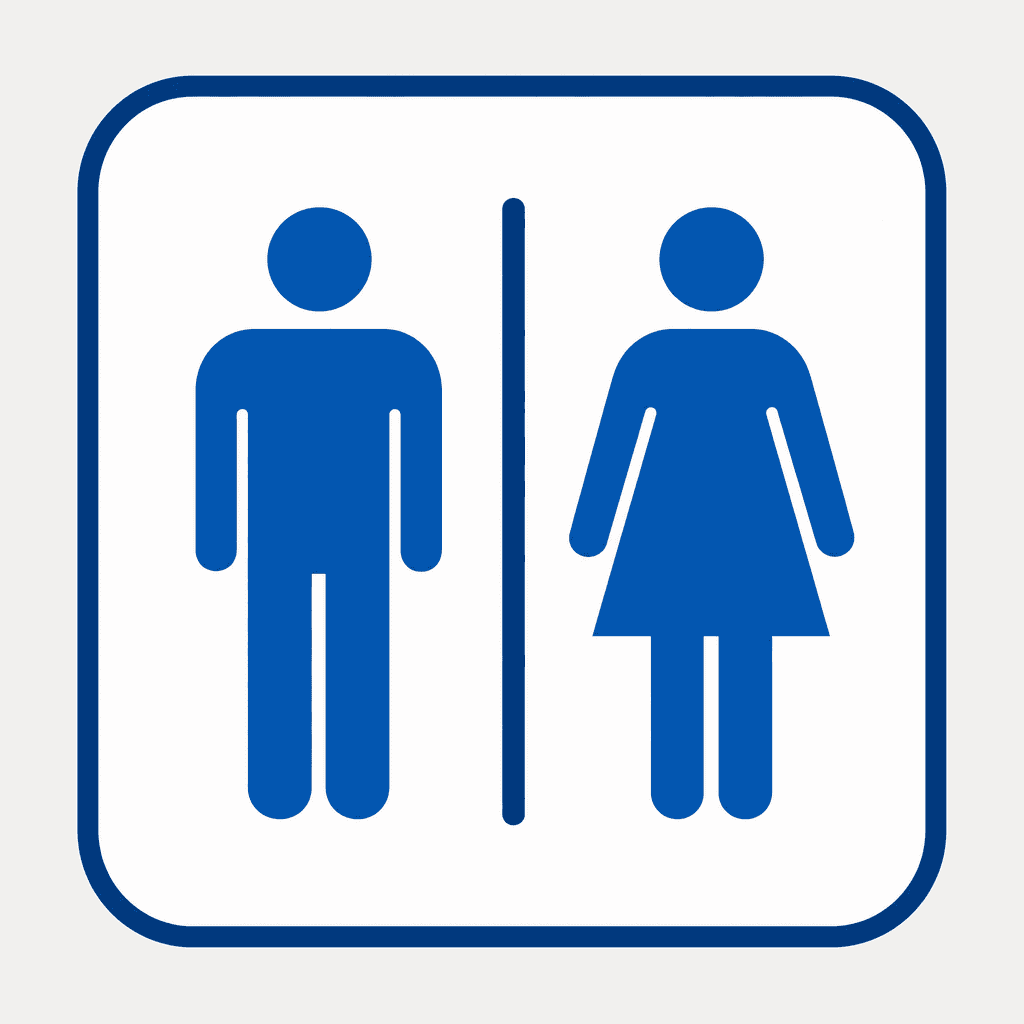
Restroom Pictogram Illustration
Pictogram
What it creates
This prompt creates a restroom information poster that communicates location and usage rules at a glance. The core is immediate recognition through accessibility pictograms, arrows, and short instructions. Control define placement, viewing distance, multilingual labels, prohibited actions, and contrast colors. This prompt creates a restroom information poster that communicates location and usage rules at a glance. The core is immediate recognition through accessibility pictograms, arrows, and short instructions. Control define placement, viewing distance, multilingual labels, prohibited actions, and contrast colors. This prompt creates a restroom information poster that communicates location and usage rules at a glance. The core is immediate recognition through accessibility pictograms, arrows, and short instructions. Control define placement, viewing distance, multilingual labels, prohibited actions, and contrast colors.
Best use cases
This prompt creates a restroom information poster that communicates location and usage rules at a glance. The core is immediate recognition through accessibility pictograms, arrows, and short instructions. Control define placement, viewing distance, multilingual labels, prohibited actions, and contrast colors. This prompt creates a restroom information poster that communicates location and usage rules at a glance. The core is immediate recognition through accessibility pictograms, arrows, and short instructions. Control define placement, viewing distance, multilingual labels, prohibited actions, and contrast colors. This prompt creates a restroom information poster that communicates location and usage rules at a glance. The core is immediate recognition through accessibility pictograms, arrows, and short instructions. Control define placement, viewing distance, multilingual labels, prohibited actions, and contrast colors.
Why the layout works
This prompt creates a restroom information poster that communicates location and usage rules at a glance. The core is immediate recognition through accessibility pictograms, arrows, and short instructions. Control define placement, viewing distance, multilingual labels, prohibited actions, and contrast colors. This prompt creates a restroom information poster that communicates location and usage rules at a glance. The core is immediate recognition through accessibility pictograms, arrows, and short instructions. Control define placement, viewing distance, multilingual labels, prohibited actions, and contrast colors. This prompt creates a restroom information poster that communicates location and usage rules at a glance. The core is immediate recognition through accessibility pictograms, arrows, and short instructions. Control define placement, viewing distance, multilingual labels, prohibited actions, and contrast colors.
Prompt details to control
This prompt creates a restroom information poster that communicates location and usage rules at a glance. The core is immediate recognition through accessibility pictograms, arrows, and short instructions. Control define placement, viewing distance, multilingual labels, prohibited actions, and contrast colors. This prompt creates a restroom information poster that communicates location and usage rules at a glance. The core is immediate recognition through accessibility pictograms, arrows, and short instructions. Control define placement, viewing distance, multilingual labels, prohibited actions, and contrast colors. This prompt creates a restroom information poster that communicates location and usage rules at a glance. The core is immediate recognition through accessibility pictograms, arrows, and short instructions. Control define placement, viewing distance, multilingual labels, prohibited actions, and contrast colors.
Practical workflow
This prompt creates a restroom information poster that communicates location and usage rules at a glance. The core is immediate recognition through accessibility pictograms, arrows, and short instructions. Control define placement, viewing distance, multilingual labels, prohibited actions, and contrast colors. This prompt creates a restroom information poster that communicates location and usage rules at a glance. The core is immediate recognition through accessibility pictograms, arrows, and short instructions. Control define placement, viewing distance, multilingual labels, prohibited actions, and contrast colors. This prompt creates a restroom information poster that communicates location and usage rules at a glance. The core is immediate recognition through accessibility pictograms, arrows, and short instructions. Control define placement, viewing distance, multilingual labels, prohibited actions, and contrast colors.
Related prompts:
Frequently Asked Questions
Prompts are free to copy, while image generation uses paid credits.
define placement, viewing distance, multilingual labels, prohibited actions, and contrast colors
immediate recognition through accessibility pictograms, arrows, and short instructions
GPT Image 2 handles layout and visual direction effectively.
Yes. Preserve hierarchy while replacing the palette and copy.
Check spelling, dates, safe margins, rights, and output size.
Reuse the same palette, type scale, margins, and composition rules.