carat

Prompt Gallery

/

Screen Golf Promotional Materials

Login
Sign Up

Screen Golf Promotional Materials

Screen Golf Promotional Materials prompts. Copy and use Screen Golf Promotional Materials image generation prompts from Carat right away.

2026.08.12

·
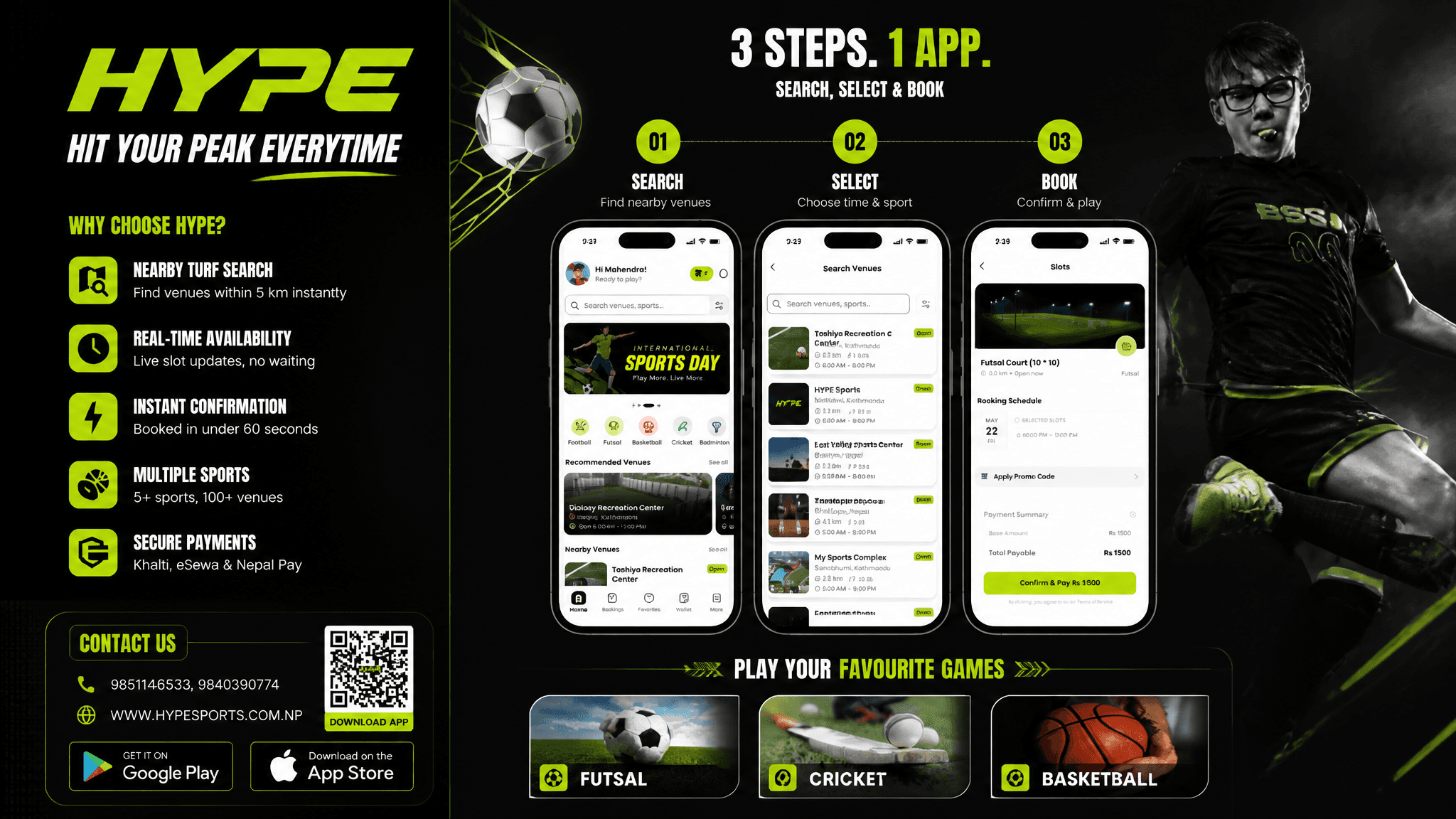
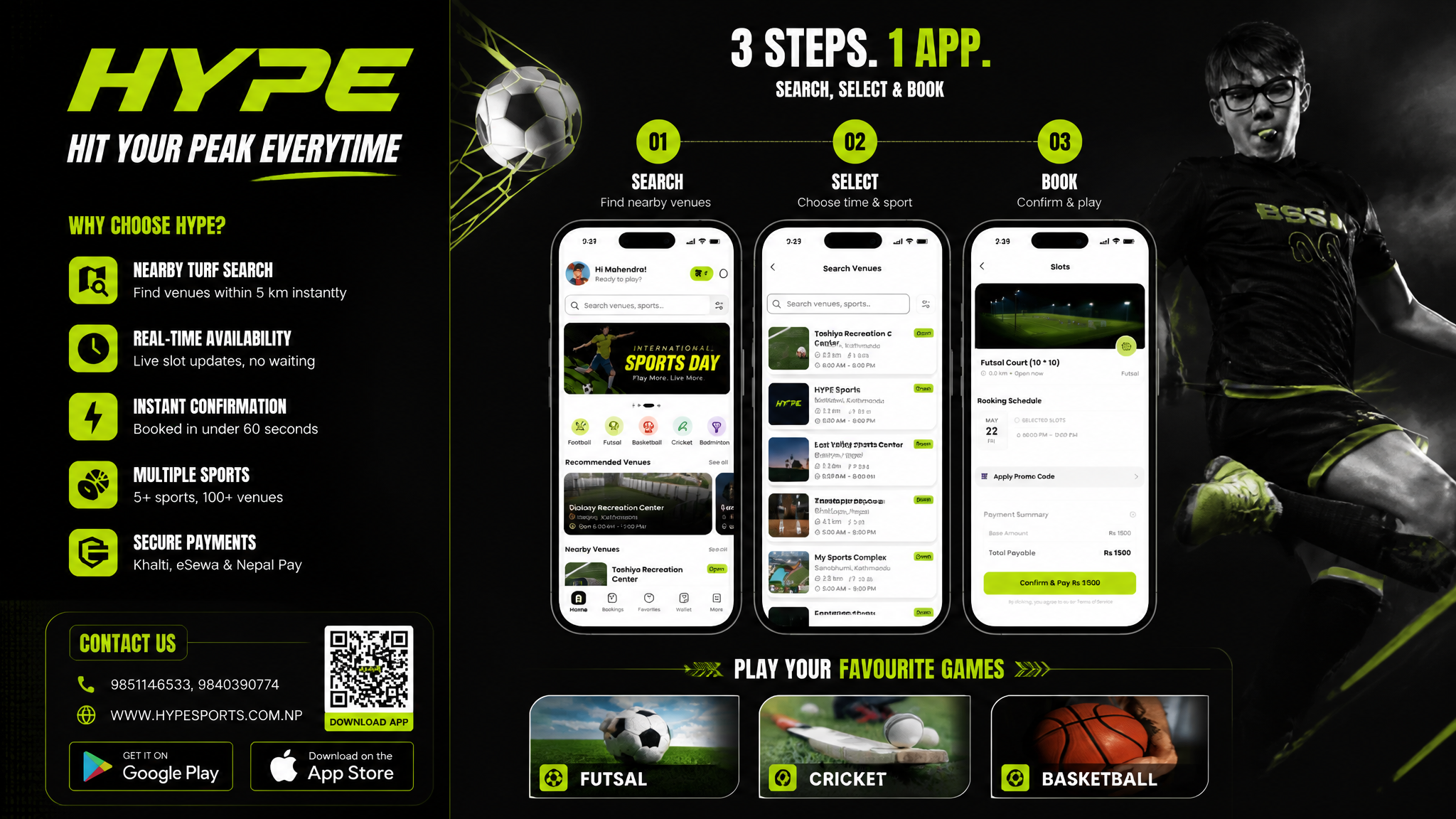
AI-generated Sports Booking App Flex Banner made with GPT Image 2

Sports Booking App Flex Banner

GPT Image 2· Image
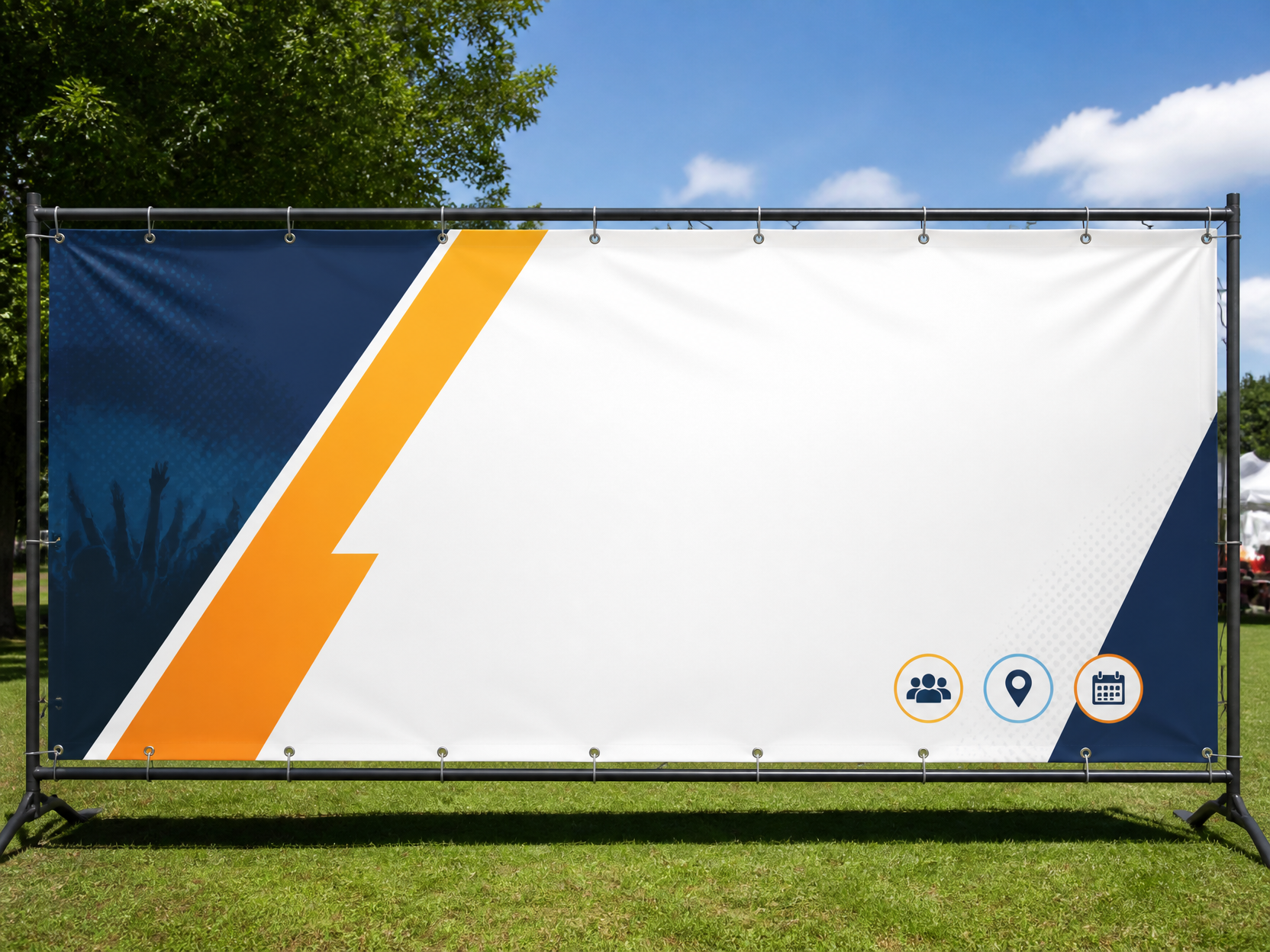
Based on the given layout Recommended Layout Structure (3ft × 5ft) horizontal flex banner. Overall Grid Use a 2-column layout:Left Column → Branding + Benefits + ContactRight Column → App Flow + Sports Icons Visual Hierarchy LEFT SIDE (40%)Logo Area Top-left large rectangle.Height: ~28%Keep lots of whitespaceUse bold premium typographyAdd tagline if needed Example:HYPE Book Your Sport Instantly Benefits Box Middle-left large box. Use 3–5 short benefit points:✓ Easy Booking ✓ Nearby Turf Search ✓ Instant Confirmation ✓ Multiple Sports Use icons beside each point. 3. Contact Strip Bottom-left horizontal strip. Include:PhoneWebsiteQR code (optional) Example:Call: +91 XXXXX XXXXX www.hypeplay.com RIGHT SIDE (60%) Mobile Screens Section Instead of plain rectangles, show actual mobile mockups. Use 3 phone cards: Screen 1 — SearchTurf listingMapSearch bar Screen 2 — SelectVenue detailsTime slots Screen 3 — BookPayment successConfirmation UI Sports Circles Section Instead of empty circles: Use:FootballCricketBadmintonBasketballTennis Add:Sport icon/photoSmall label below Example arrangement: ⚽ 🏀 🏏 Make circles slightly overlapping for modern look. Better Composition Your current sketch feels very boxed. Modern flex banners use:Consistent paddingLarger imageryFewer bordersStrong contrast Instead of outlines everywhere:Use background color blocksSoft shadowsMinimal separators mportant Design Improvements Avoid: Too many borders Centered italic text Uneven spacing Different box sizes without alignment Use: 24px consistent spacing Alignment grid Real app screenshots High contrast headings Best Layout Ratio Section Width Left Info Panel 35–40% Right Visual Panel 60–65% This creates better balance. Printing Tips For a 3ft × 5ft flex: Design in: 150 DPI minimum CMYK colors Keep text inside safe margin Avoid very thin fonts Extra Premium Touch Add: QR code → “Download App” App Store / Play Store badges Small stadium texture background Dynamic diagonal shapes behind screenshots That will make it feel like a real startup campaign banner instead of a simple poster. Logo colors: #c9fb07 , #0a0a0a
DIVINE MAHENDRA
GPT 이미지 2로 생성한 공방 홍보물

공방 홍보물

GPT Image 2· Image
A beautiful cozy craft workshop promotion poster concept, displaying handmade ceramic pottery and tools on a warm wooden worktable, earthy terracotta and sage green colors, stylish raw textured look with blank text design layout, square composition, no readable text, no logos, no watermark.
GPT 이미지 2로 생성한 법무사 홍보물

법무사 홍보물

GPT Image 2· Image
A Judicial Scrivener Promotional Materials illustration, professional design, clean composition, vibrant colors, suitable for digital use. No text, no watermark.
GPT 이미지 2로 생성한 세무사 홍보물

세무사 홍보물

GPT Image 2· Image
A Tax Accountant Promotional Materials illustration, professional design, clean composition, vibrant colors, suitable for digital use. No text, no watermark.
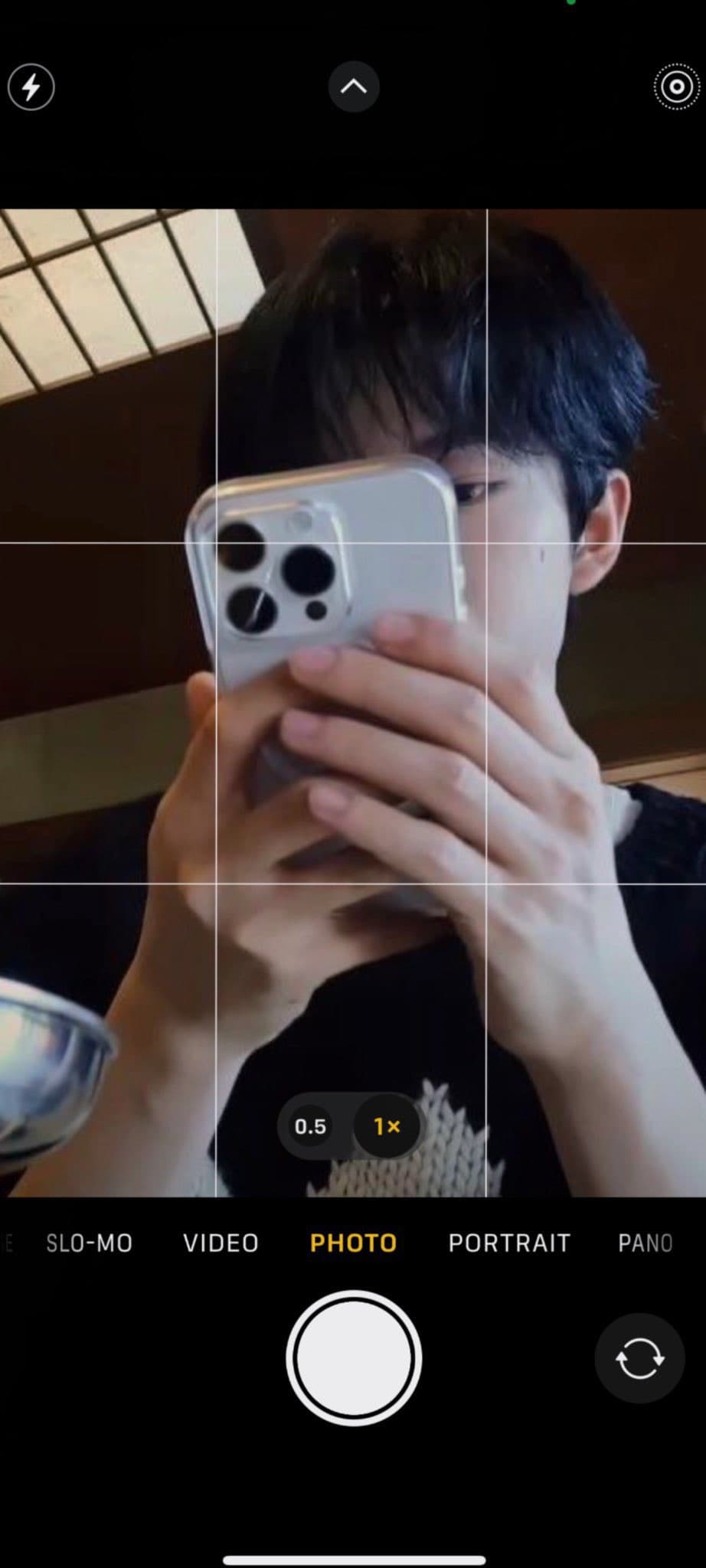
AI-generated iPhone Selfie with Your Bias made with GPT Image 2

iPhone Selfie with Your Bias

GPT Image 2· Image
예시 사진을 받아서 아래 프롬프트 내용의 주인공으로 100% 반영하여 등장시킬 것. [절대 규칙] ☐ 입력 이미지 속 인물의 얼굴 특징 100% 유지 ☐ 얼굴 구조, 눈매, 코, 입, 비율 변경 금지 ☐ AI가 새로운 얼굴 생성 금지 ☐ 얼굴 평균화 금지 ☐ 다른 사람과 섞기 금지 ☐ 성별 변경 금지 ☐ 나이 변경 금지 ☐ 피부톤 변경 최소화 ☐ 헤어스타일 변경 금지 → 반드시 "실존 인물이 직접 촬영한 원본 사진"처럼 보여야 함 [결과물 이미지 정보] latest iPhone camera app screenshot ☐ 최신 아이폰 카메라 앱 화면 전체 캡처 ☐ 실제 iOS 카메라 인터페이스 ☐ 카메라 프리뷰 상태 ☐ 촬영 직전 화면 ☐ 세로 비율 9:19.5 ☐ 스마트폰 스크린샷 ☐ 인스타그램용 사진 느낌 금지 ☐ 전문 촬영 느낌 금지 [핵심 컨셉] latest iPhone camera app screenshot ☐ 사용자가 카메라 앱을 켜고 촬영 직전 화면을 캡처한 상태 ☐ 사진이 아니라 "카메라 프리뷰 화면" ☐ 실제 아이폰 화면 캡처처럼 보여야 함 ☐ 인물은 카메라 프리뷰 안에 존재 ☐ 아이폰 UI가 함께 보임 [카메라 인터페이스] latest iPhone camera interface ☐ 화면 전체에 3x3 그리드 표시 ☐ 상단 카메라 UI 존재 예시: ☐ 플래시 아이콘 ☐ 라이브포토 아이콘 ☐ 화살표 메뉴 ☐ 설정 아이콘 ☐ 하단 촬영 버튼 존재 예시: ☐ 큰 흰색 셔터 버튼 ☐ 사진 모드 활성화 ☐ 최근 촬영 썸네일 ☐ 카메라 전환 버튼 ☐ 모든 UI는 실제 최신 아이폰 디자인 ☐ 안드로이드 UI 금지 ☐ 가짜 아이콘 금지 [인물 배치] ☐ 입력 이미지 속 인물만 등장 ☐ 다른 사람 생성 금지 ☐ 카메라를 바라보고 있음 ☐ 인물이 프레임 중앙 또는 중앙보다 약간 위 ☐ 얼굴 일부 잘림 허용 ☐ 머리 일부 프레임 밖 허용 ☐ 자연스러운 셀카 거리 [촬영 방식] front camera preview ☐ 팔을 뻗어 촬영한 셀카 느낌 ☐ 거울 셀카 금지 ☐ 삼각대 금지 ☐ 전문 촬영 금지 ☐ 실제 사람이 급하게 카메라 앱을 켠 상태 [구도] ☐ 아이폰이 얼굴 정중앙을 살짝 빗겨나가게 가리고 있음 ☐ 얼굴보다 핸드폰이 더 먼저 보이는 원근감 ☐ 핸드폰이 프레임 중앙을 크게 차지 ☐ 한쪽 눈은 보이고, 양쪽 눈이 겨우 보이는 수준 ☐ 턱선 대부분 가려짐 ☐ 얼굴 전체가 드러나면 실패 ☐ 인물이 카메라를 응시 ☐ 상반신은 거의 보이지 않음 ☐ 얼굴과 핸드폰 위주의 초근접 셀카 → 매우 중요 ☐ 얼굴 노출 비율 20~40% ☐ 그러나 인물의 왜곡은 전혀 없이 이목구비가 예시 로 주어진 사진과 100%같아야 함 ☐ 코와 입 대부분 가려짐 ☐ 얼굴 전체가 보이면 실패 [표정] ☐ 자연스러운 무표정 ☐ 인물의 왜곡은 전혀 없이 이목구비가 예시 로 주어진 사진과 100%같아야 함 ☐ 살짝 웃는 표정 허용 ☐ 자연스러운 살짝의 눈웃음 추가 ☐ 과장된 미소 금지 ☐ 모델 포즈 금지 ☐ 인플루언서 느낌 금지 ☐ 카메라 응시 [핸드폰 위치] ☐ 핸드폰이 얼굴 바로 앞 ☐ 카메라 렌즈와 매우 가까움 ☐ 얼굴보다 전면에 위치 ☐ 화면 중앙 차지 ☐ 얼굴의 중심부를 가림 ☐ 핸드폰이 얼굴보다 크게 보이는 원근감 ☐ 자연스러운 광각 왜곡 ☐ 결과물에서 가장 먼저 보이는 것은 얼굴이 아니라 핸드폰이어야 함 [핸드폰 형태] latest iPhone Pro model ☐ 현실적인 아이폰 형태 ☐ 정확한 모서리 곡률 ☐ 정확한 두께 ☐ 정확한 카메라 범프 ☐ 렌즈 3개 ☐ 렌즈 크기 비율 정확 ☐ AI 특유의 가짜 스마트폰 금지 ☐ 렌즈 개수 오류 금지 ☐ 카메라 배열 오류 금지 ☐ 비현실적인 두께 금지 [손 ㅡ 최우선 중요] real human hands ☐ 양손으로 핸드폰을 잡고 있음 ☐ 실제 사람이 핸드폰을 잡는 자연스러운 그립 ☐ 손가락 개수 정확히 5개 ☐ 손가락 중복 금지 ☐ 손가락 융합 금지 ☐ 손가락 절단 금지 ☐ 손가락 길이 현실적 ☐ 관절 구조 현실적 ☐ 손톱 자연스럽게 표현 ☐ 과도한 주름 금지 ☐ 노화 표현 금지 ☐ 손가락 끝 변형 금지 ☐ 양 엄지가 핸드폰 뒤쪽 지지 ☐ 검지와 중지가 핸드폰 측면 감쌈 ☐ 약지와 새끼손가락은 아래쪽 받침 ☐ 손가락 일부 겹침 허용 ☐ 실제 셀카 찍을 때 나오는 자연스러운 배치 ☐ 손 포즈 연출 금지 ☐ 모델 손 포즈 금지 ☐ 양손이 화면 중앙 하단에 위치 [조명] natural indoor lighting ☐ 자연광 또는 실내등 ☐ 플래시 없음 ☐ 얼굴에 은은한 그림자 ☐ 과도한 보정 금지 ☐ 과도한 밝기 금지 [색감] ☐ 최신 아이폰 기본 카메라 색감 ☐ 과한 HDR 금지 ☐ 과한 대비 금지 ☐ 과한 채도 금지 ☐ 현실적인 피부색 [화질] iPhone front camera preview ☐ 실제 아이폰 프리뷰 품질 ☐ 약간의 센서 노이즈 허용 ☐ 미세한 모션 블러 허용 ☐ AI 렌더링 느낌 제거 ☐ CGI 느낌 제거 ☐ 게임 그래픽 느낌 제거 [배경] ☐ 실제 공간 예시: 침실, 거실, 카페, 거리 ☐ 현실적인 원근감 ☐ 자연스러운 배경 흐림 [현실성 강화] raw smartphone screenshot ☐ 사람이 직접 캡처한 화면처럼 보일 것 ☐ SNS 업로드용 사진처럼 보이면 실패 ☐ 광고 이미지처럼 보이면 실패 ☐ 화보처럼 보이면 실패 ☐ AI 생성 이미지처럼 보이면 실패 ☐ "친구가 보낸 실제 아이폰 카메라 화면 캡처" 수준의 현실감 [실패 조건] ☐ 얼굴이 변경되면 실패 ☐ 입력 인물과 다른 사람처럼 보이면 실패 ☐ 그리드가 없으면 실패 ☐ 최신 아이폰 UI가 없으면 실패 ☐ DSLR 느낌이면 실패 ☐ 스튜디오 촬영 느낌이면 실패 ☐ 과도한 보정이 들어가면 실패 ☐ AI 생성 티가 나면 실패 ☐ 인물이 모델 촬영처럼 포즈를 취하면 실패 ☐ 카메라 앱 화면이 아닌 완성된 사진처럼 보이면 실패
@lemon_love04
GPT 이미지 2로 생성한 왁싱샵 홍보물

왁싱샵 홍보물

GPT Image 2· Image
A clean minimalist modern waxing shop promotion poster design, organic leaf shadows, abstract soft skin tone shapes, pastel teal and cream accent palette, welcoming corporate aesthetic with blank text areas, square composition, no readable text, no logos, no watermark.
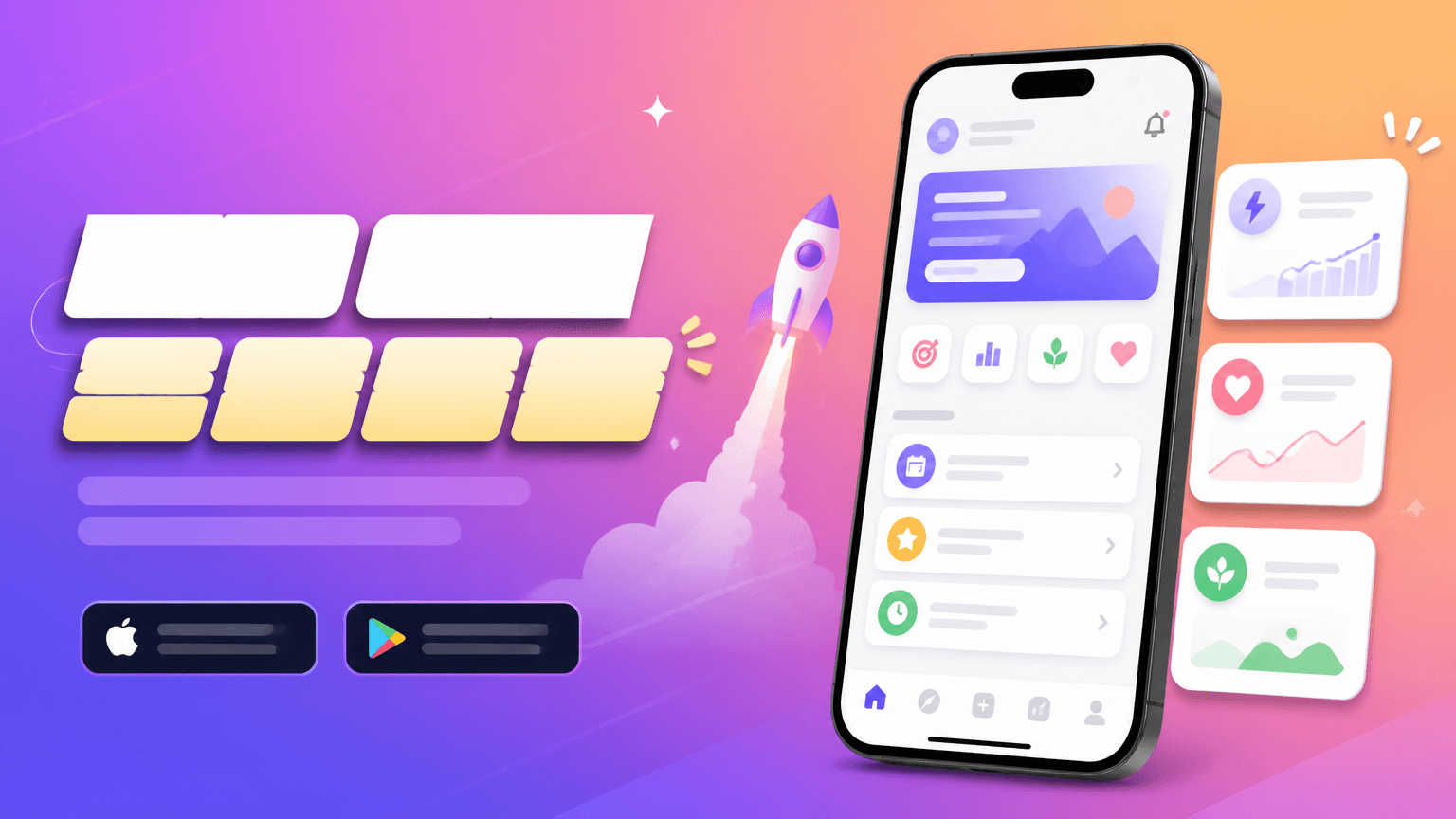
AI-generated Horizontal App Launch Web Banner, 16:9 made with GPT Image 2

Horizontal App Launch Web Banner, 16:9

GPT Image 2· Image
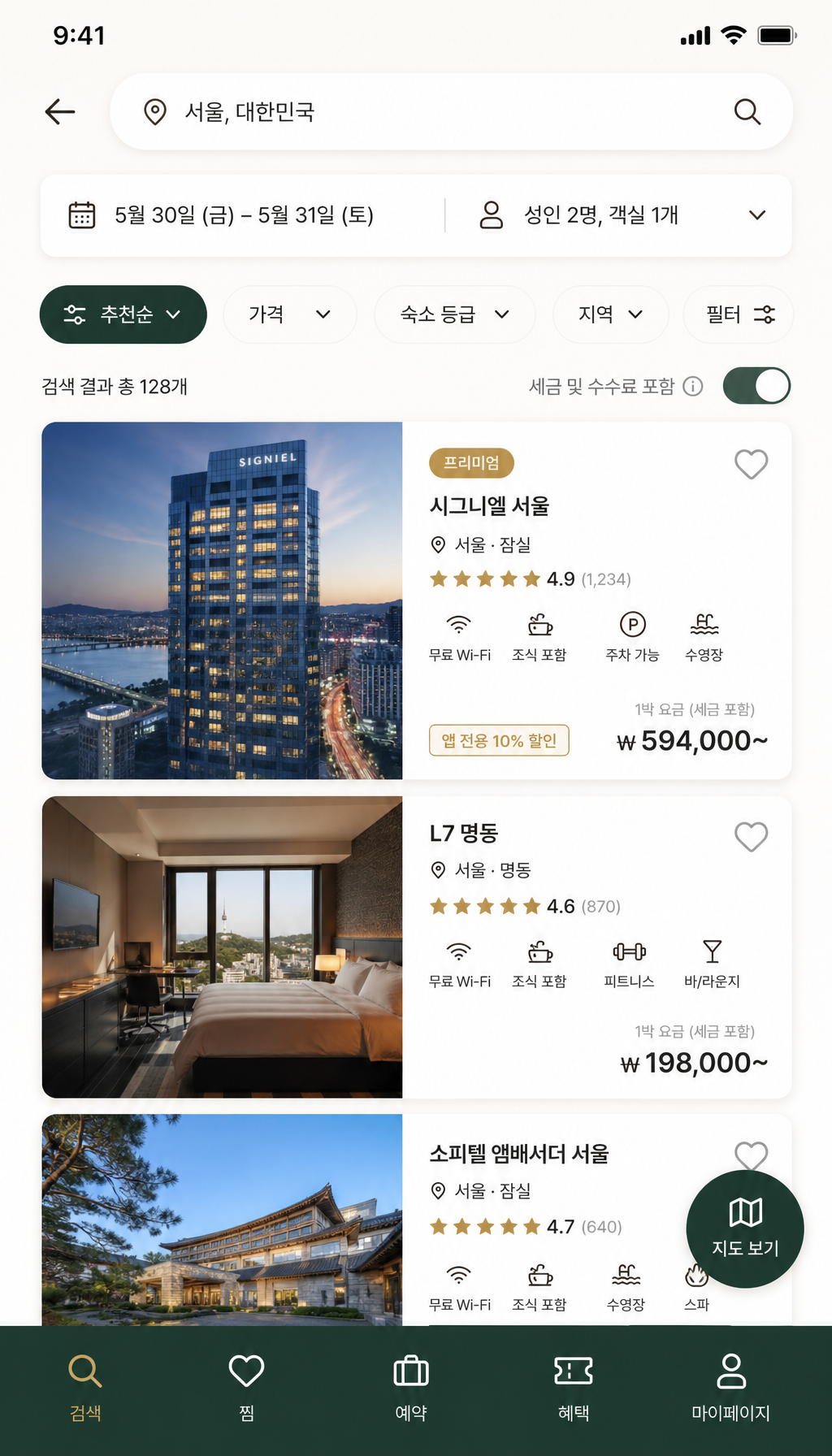
Design a horizontal app launch web banner, 16:9. Main Korean headline: '하루를 정리하는 가장 쉬운 앱'. Show a central smartphone UI mockup card, soft gradient background, small feature chips, and CTA button '무료로 시작하기'. Modern SaaS/app marketing banner, clean Korean typography, spacious layout, blue and lavender palette.
GPT 이미지 2로 생성한 네일샵 홍보물

네일샵 홍보물

GPT Image 2· Image
An elegant grand-opening promotion poster concept for a modern nail salon, stylish hand mockup displaying manicured pastel pink nails, warm soft lighting, minimal luxury typography layout with blank text boxes, square composition, no readable text, no logos, no watermark.
AI-generated Futuristic AI App Marketing Banner made with GPT Image 2

Futuristic AI App Marketing Banner

GPT Image 2· Image
Create a clean, futuristic marketing banner in a premium 3D commercial style, designed for an AI app, mobile platform, or startup landing page. Use a soft white-to-light-blue gradient background with a subtle airy glow, lots of negative space, and a polished minimal tech aesthetic. On the left side, place a tall modern smartphone in a slight three-quarter view, with a glossy black frame, realistic screen reflections, and a visible app interface that resembles a social media profile.In front of the phone, position a sleek humanoid robot with a glossy white armored body, black joints, illuminated cyan-blue accents, and a large smooth visor-style face with glowing blue eyes. The robot should be in an energetic forward-running pose, as if stepping out of the phone into the real world, one leg lifted and arms bent dynamically. Give it a friendly but powerful AI assistant look, with detailed mechanical seams, polished surfaces, and high-end sci-fi realism. The robot should feel advanced, helpful, and ready to power a smart app experience.On the right side of the composition, place large bold headline text in a modern rounded sans-serif font, colored deep blue or indigo, aligned left and stacked in three lines: “AI SOCIAL MEDIA AUTOMATION EXPERT” and 'Content • Posting • Full Management'. The typography should be crisp, oversized, and highly legible, with a strong hierarchy and clean spacing. The overall layout should feel balanced and professional, with the robot and phone acting as the visual anchor and the headline as the main message.Use soft studio lighting, realistic shadows under the robot, subtle ambient reflections on the phone, and a light futuristic glow around the subject. Keep the image polished, modern, and app-focused, with a strong sense of innovation, automation, and intelligent digital transformation. The final result should look like a premium AI product ad, startup banner, or SaaS hero image with a sleek, trustworthy, high-conversion visual style.Negative prompt:No clutter, no extra robots, no extra phones, no dark background, no heavy shadows, no neon overload, no chaotic UI, no low-resolution details, no cartoon look, no text distortions, no spelling mistakes, no extra limbs, no broken anatomy, no watermark, no frame, no grain, no messy composition. 16:9 aspect ratio
611501fcbfd00cc0b925fe59020c1ae5

What are Screen Golf Promotional Materials Prompts?

A collection of AI prompts for generating screen golf promotional materials images. Copy the Screen Golf Promotional Materials prompts provided by Carat and paste them into an AI image generation tool to get professional-grade results.

How to Use Screen Golf Promotional Materials Prompts

  1. Select and copy your desired prompt.
  2. Paste it into the Carat agent.
  3. Modify colors, styles, and composition as needed.
  4. Download the generated image and use it in your project.

Tips for Writing Screen Golf Promotional Materials Prompts

Specify lighting, texture, composition, and lens information in detail for more precise results. Add "No text, no watermark" to prevent unwanted text overlays.

Screen Golf Promotional Materials Prompt Applications

Screen Golf Promotional Materials prompts are used across content creation, marketing, design, and educational resources. AI-generated images dramatically reduce production time while maintaining professional quality.

Screen Golf Promotional Materials Prompt Optimization Guide

Choose the aspect ratio based on your use case: vertical (9:16) for social media, horizontal (16:9) for web banners, and square (1:1) for product images.
Frequently Asked Questions

Related Prompts

Coding Academy Promotional Materials

Coding Academy Promotional Materials

12 prompts

Nursing Home Promotional Materials

Nursing Home Promotional Materials

12 prompts

Pet Grooming Salon Promotional Materials

Pet Grooming Salon Promotional Materials

12 prompts

Taekwondo Studio Promotional Materials

Taekwondo Studio Promotional Materials

12 prompts

Carat Prompt Gallery

Create trending AI prompts instantly

Prompts

  • Logo
  • PPT Design
  • Thumbnail
  • Poster
  • Web Novel Cover
  • ID Photo
  • Caricature
  • Product Detail Page
  • Banner

Models

  • GPT Image 2
  • Seedance 2.0
  • NanoBanana Pro
  • NanoBanana 2

Carat

  • Get started
  • About
  • Blog
  • Careers
  • Contact
  • Partnership
  • Terms
  • Privacy

© 2026 Paradot.Inc All rights reserved.