Slow zoom in
AI video prompts for the Slow zoom in camera move, ready to apply with Seedance.
2026.07.06
Make “Slow zoom in” exactly the way you wantCreate your own “Slow zoom in”
Just ask in plain language — Carat generates optimized images and videos for you.

Start now with 100 free credits daily
·
Slow zoom in
Seedance 2.0· Video
Shot 05 Zoom/Lens slow zoom in. Movement: slowly increase lens focal length toward a tighter frame. Speed: gradual and even. Framing: keep the main visual target readable as it becomes larger in frame. End: finish on a stable tighter composition.
Macro Coffee-to-Fluid Transition
MiniMax H3· Video
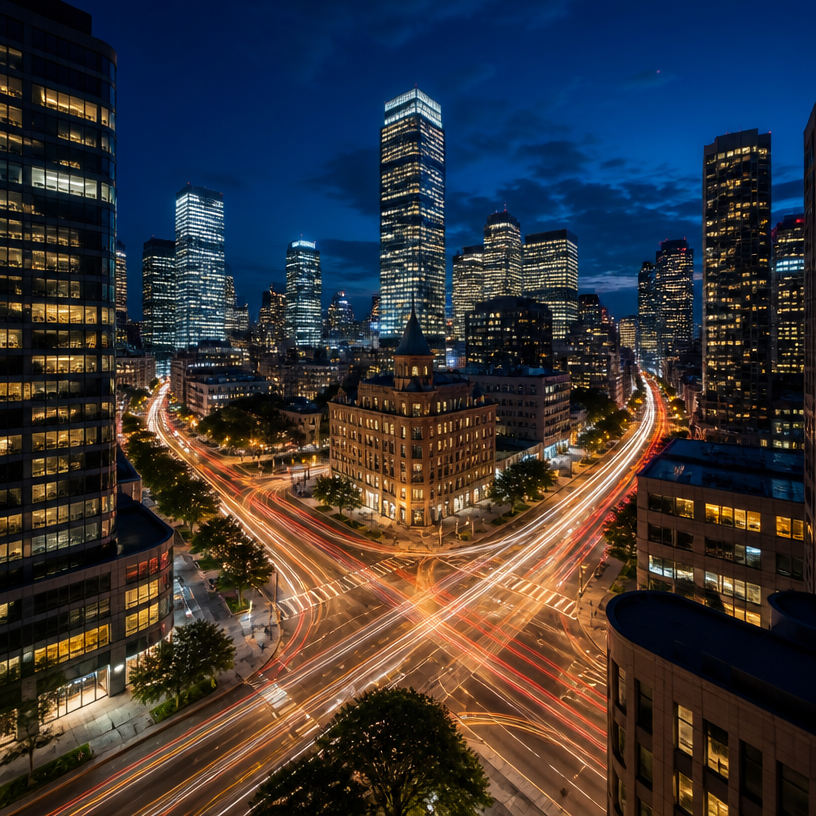
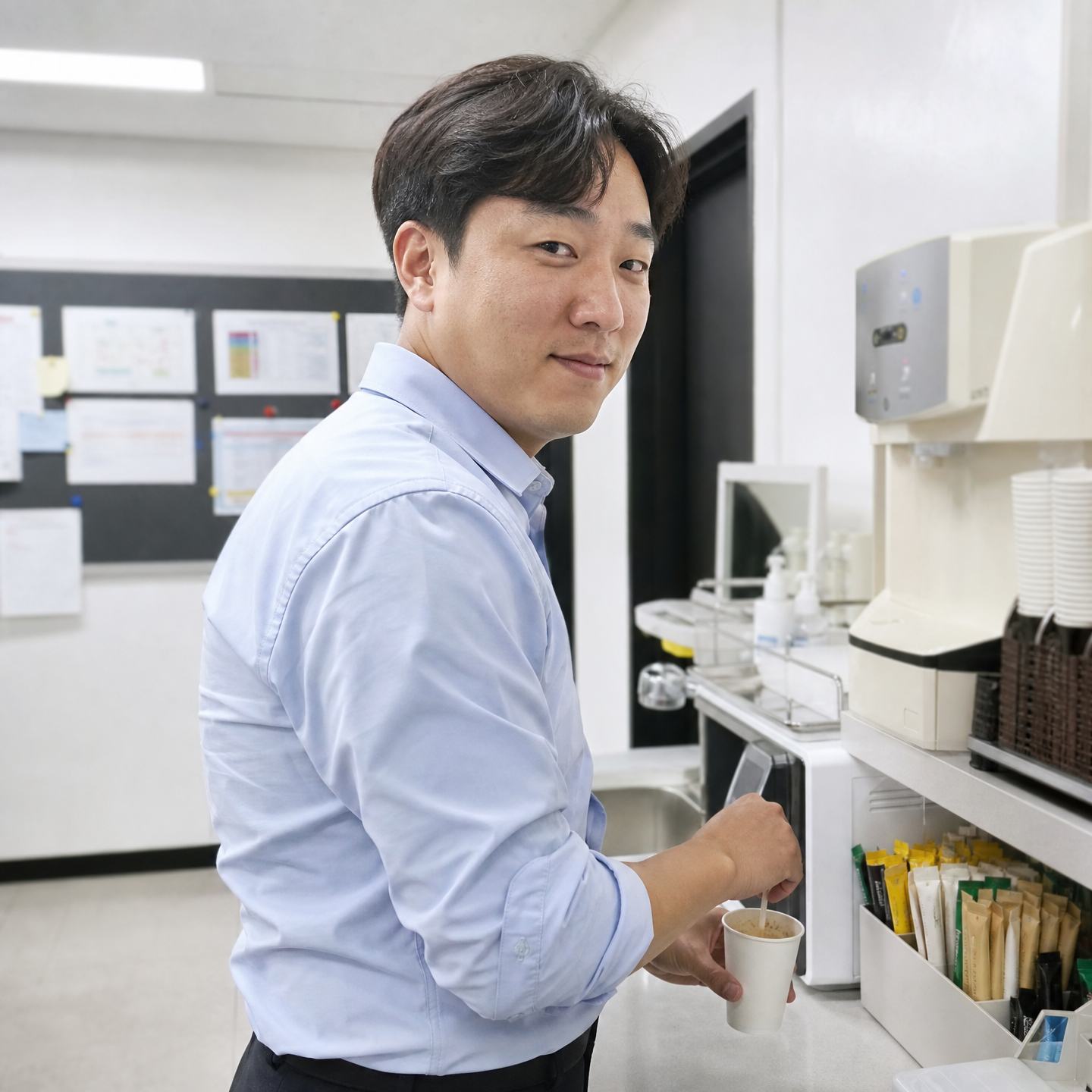
@Image 1: Push in rapidly toward the milk foam, cocoa particles, and dark liquid texture on the coffee until particles, bubbles, and ripples fill the frame. Keep the macro photography realistic, with extremely shallow depth of field and fine powder drifting through backlight. Let the surface feel suspended between granular sand and fluid.
At the exact moment when the cocoa particles, foam contours, and coffee swirl closely resemble the dune ridges, wind-carved textures, and airborne sand in @Image 2, transition seamlessly into the desert landscape. Continue pushing forward until the full dunes from @Image 2 are revealed.
No tearing, black frames, hard cuts, obvious VFX, or compositing seams. Keep it photoreal, quiet, and restrained—as though one granular material naturally expands from the microscopic coffee surface into a vast desert. One continuous shot with no visible edit.
What Are Slow zoom in AI Prompts?
A slow, gradual zoom-in that gently draws focus toward emotion or detail.
Where You'll Use It
- Emphasis cuts for reveals and reactions
- Openers/closers that show scale contrast
- Product or portrait close-up emphasis
- Immersive documentary moments
- Attention-grabbing ad cuts
Why This Tag Is Useful
A zoom changes frame scale instantly without moving the camera, pulling focus exactly where you want it. Speed - fast, slow, or crash - changes the emotional temperature, so pick it to match the moment.
Tips for Crafting Prompts
- State zoom speed and direction (in/out) clearly.
- Specify the ending frame (close-up or wide).
- Use crash zooms for shock, slow zooms for immersion.
- When combining with other moves, break the sequence into seconds.
Try a slow zoom in move easily with Seedance. This single camera technique alone can transform how the same scene feels.