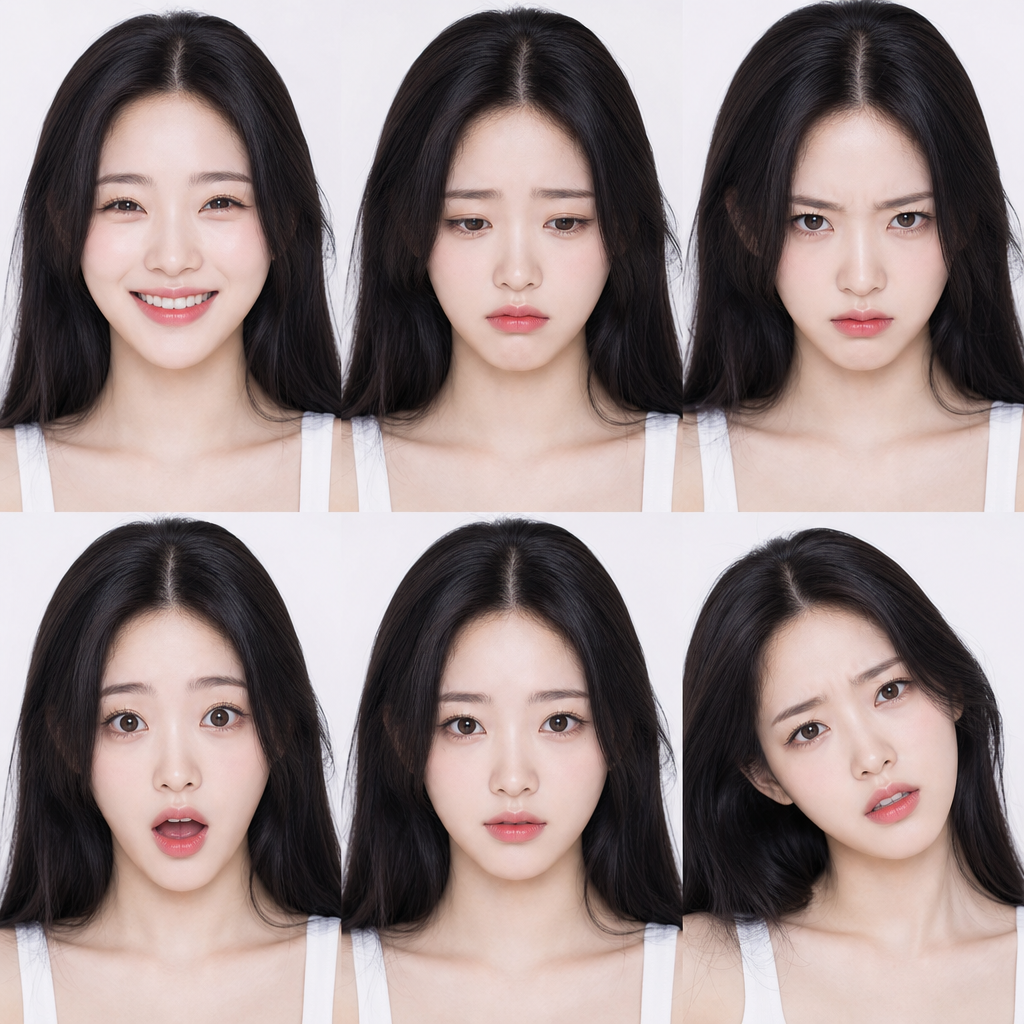
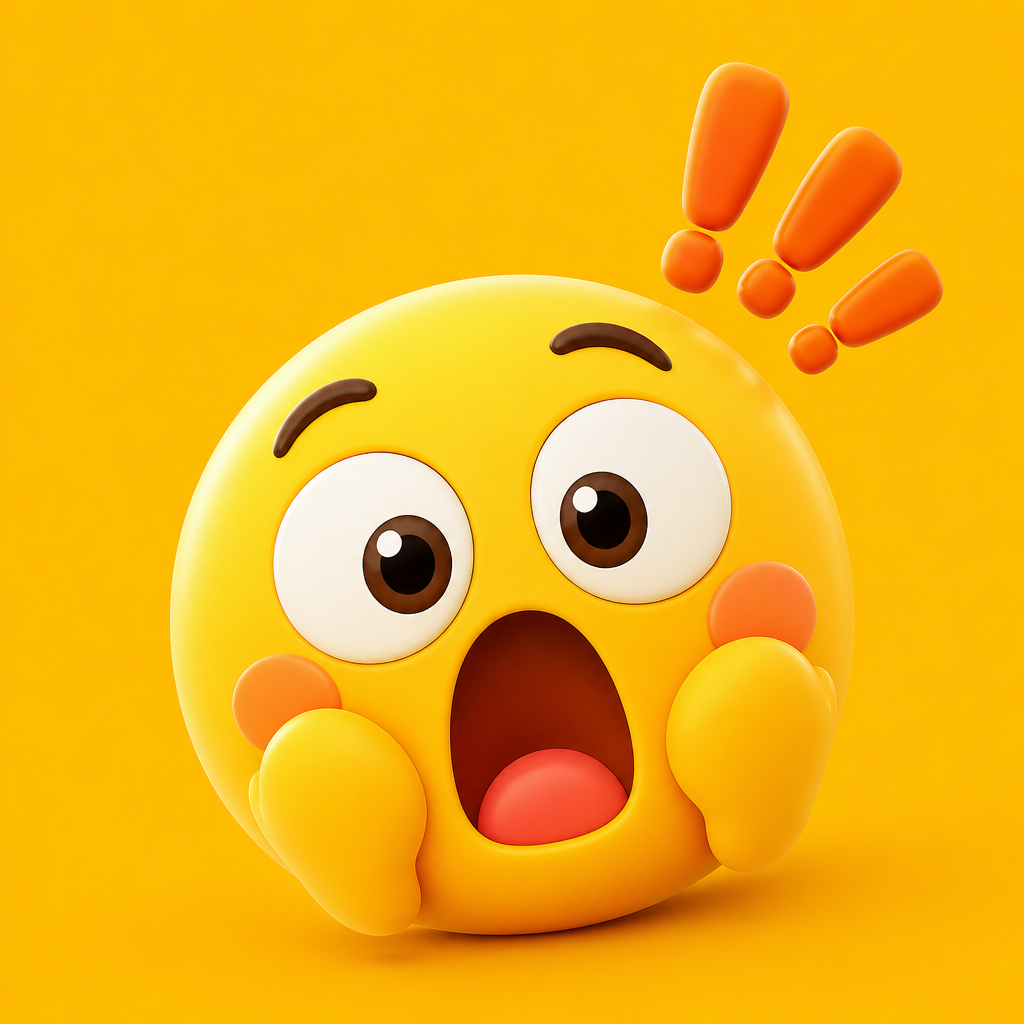
Surprised Emoticon
Generate surprised emoticon prompts with AI. Create shocked expressions, startled emoticons, and surprised emotion stickers for chat, social media, and card news.
2026.07.09
Make “Surprised Emoticon” exactly the way you wantCreate your own “Surprised Emoticon”
Just ask in plain language — Carat generates optimized images and videos for you.

Start now with 100 free credits daily
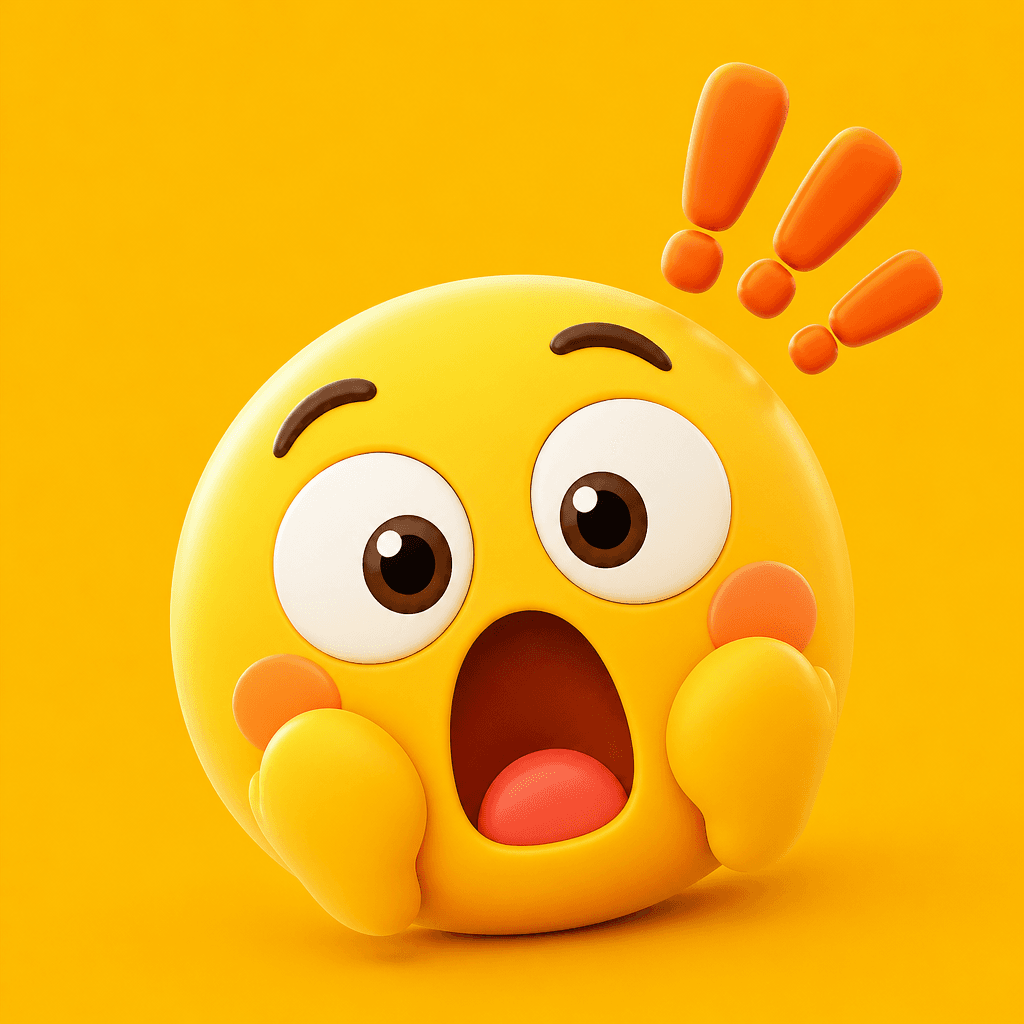
놀란 이모지

재밌는 짤
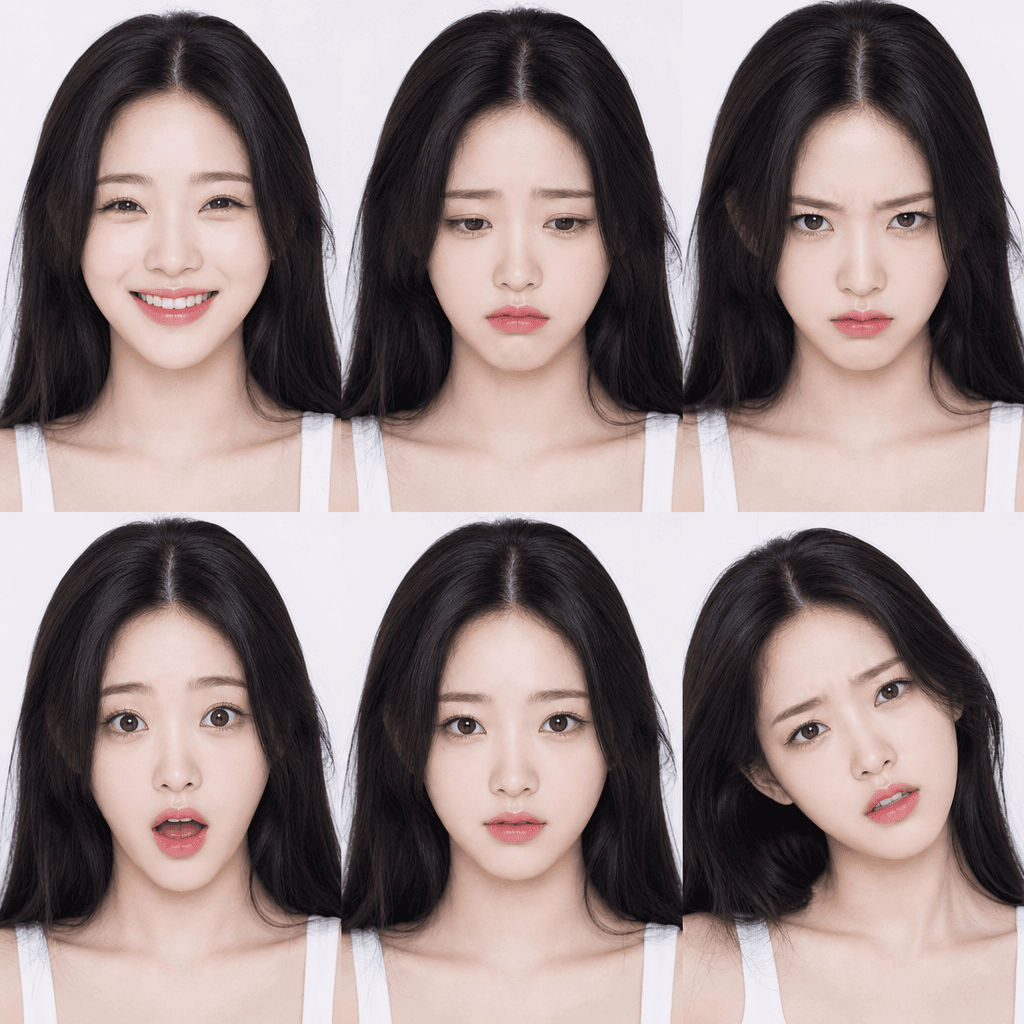
얼굴 표정 시트
What is a Surprised Emoticon?
A surprised emoticon is a visual representation of shock, startle, and astonishment expressions. Widely used in chat, social media, card news, and messenger conversations to convey the emotion of surprise. Characterized by wide-open eyes, gaping mouth, and circular eye shapes, they are created in various forms including characters, emojis, stickers, and illustrations. With AI generation, you can quickly produce surprised emoticons tailored to your preferred style and character, making them popular among content creators and chat sticker designers.
Main Use Cases
- KakaoTalk and messenger chat stickers
- Social media and blog reactive emoticons
- Card news and infographic emotion expression
- YouTube thumbnails and short-form reaction content
- Educational materials and presentation emotion visualization
Why This Tag Is Useful
Surprise is one of the basic human emotions, very frequently expressed in digital communication. Intuitive emoticons convey emotions much more effectively than text saying 'surprised.' AI generation lets you quickly create surprised emoticons in various styles (character, minimalist, hand-drawn, 3D), eliminating the need to rely on pre-made sticker sets. They are usable in chat, social media, and content creation, making them highly versatile.
Related Prompts
Prompt Writing Tips
- Specify the intensity of surprise. 'Slightly surprised,' 'shocked,' or 'astonished' adjusts the dramatic degree of the expression.
- Define the character or subject. Human, cat, dog, or character creates a customized emoticon.
- Set the style. Minimalist, hand-drawn, 3D, or flat produces an emoticon matching your project tone.
- Specify the purpose for emoticons tailored to chat stickers, social media, or content use with appropriate size and style.
Getting started is simple. Browse the curated prompts on this page, choose one that matches your vision, and customize the intensity, character, and style. Generate at a square aspect ratio for optimal emoticon composition. You can iterate quickly, adjusting the prompt until the emoticon perfectly captures the desired level of surprise with clarity and expressiveness. Many sticker designers generate multiple variations to find the ideal balance of exaggeration and readability for different contexts. The best approach is to start with a clear surprise concept, be specific about the character and style, and refine based on the results. For a cohesive emoticon set, maintain visual consistency by using identical line weight, color palette, and character design across all emotion emoticons. This creates a unified, professional sticker collection that covers the full spectrum of human emotion, whether you are designing a chat sticker pack for a messaging platform, creating reactive emoticons for social media content, building an educational emotion recognition system for children, or developing a complete expression library for a digital communication tool or interactive media project that users will enjoy.