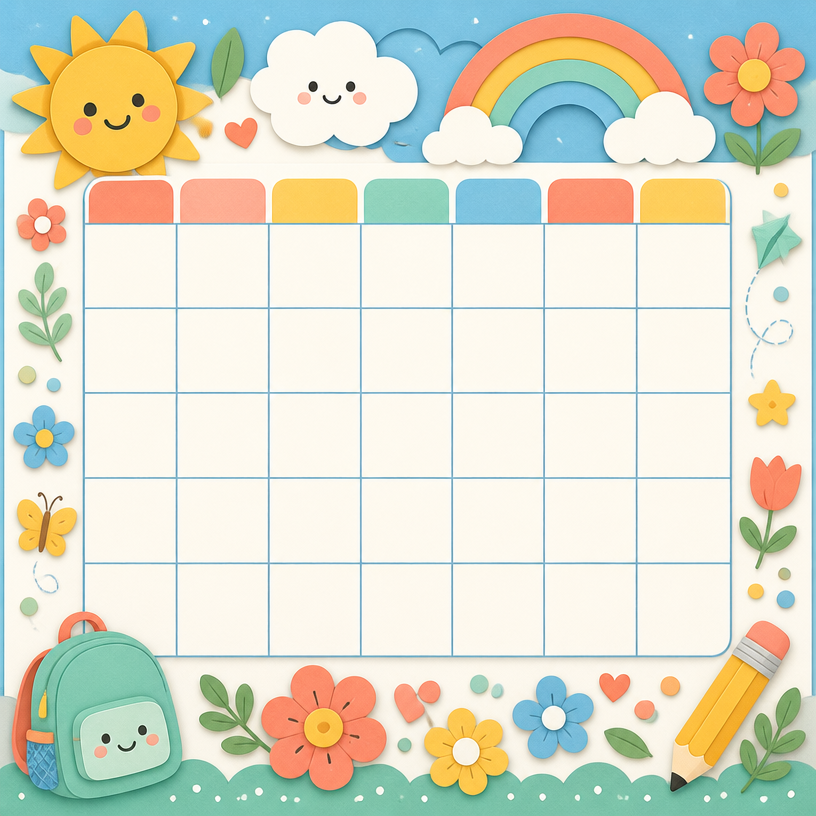
Timetable Design
AI prompts for creating weekly timetable templates with color-coded subjects and clean grid layouts for schools and academies.
2026.07.08
Make “Timetable Design” exactly the way you wantCreate your own “Timetable Design”
Just ask in plain language — Carat generates optimized images and videos for you.

Start now with 100 free credits daily
시간표 디자인
What Are Timetable Design AI Prompts?
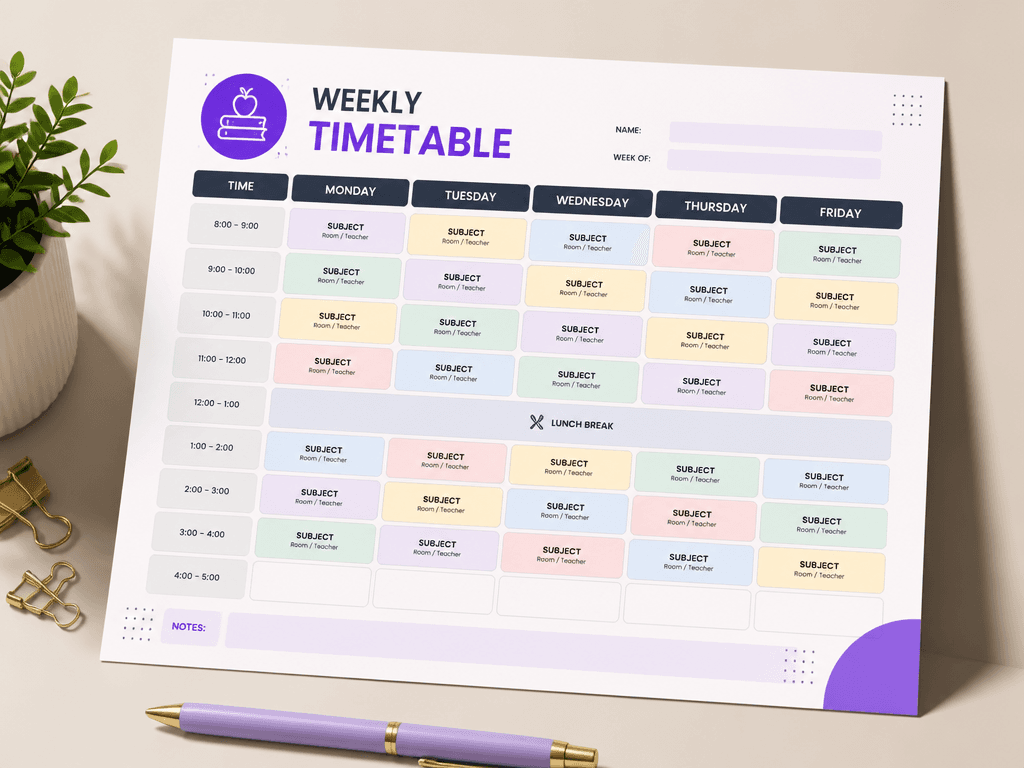
Timetable design AI prompts help you create weekly schedule templates with Monday-through-Friday columns, time slot rows, and pastel color-coded subjects arranged in a clean grid layout. By describing the number of days, periods, and color scheme to GPT Image 2, you get an editable timetable image ready for classrooms, tutoring centers, and personal study planners. The core value is generating functional, visually organized schedules without spreadsheet or design software.
Common Use Cases
- Classroom timetable posters for elementary, middle, and high school
- Academy class schedule handouts and SNS images
- Personal study planner weekly timetables
- Club and group regular meeting schedules
- After-school program timetables
Why This Tag Is Useful
A good timetable needs accurate day-period alignment and distinct subject colors for at-a-glance readability. Timetable design prompts handle grid structure and color coding automatically, so you can create polished schedules without Excel or design tools. You can quickly produce reusable templates at the start of each semester or new course cycle.
Related Prompts
Tips for Crafting Your Prompt
- Specify the number of days and periods. Writing "Mon-Fri, 6 periods per day" produces an accurate grid.
- Assign subject colors. Settings like "Korean yellow, Math blue, English green" make subjects distinguishable at a glance.
- Indicate the target audience. "Elementary classroom" or "academy notice" helps tailor the tone and design.
- Specify paper size for print-ready proportions that work directly for output.