carat

Prompt Gallery

/

Workflow Diagram

Login
Sign Up

Workflow Diagram

Workflow Diagram prompts. Copy and use Workflow Diagram image generation prompts from Carat right away.

2026.07.11

·
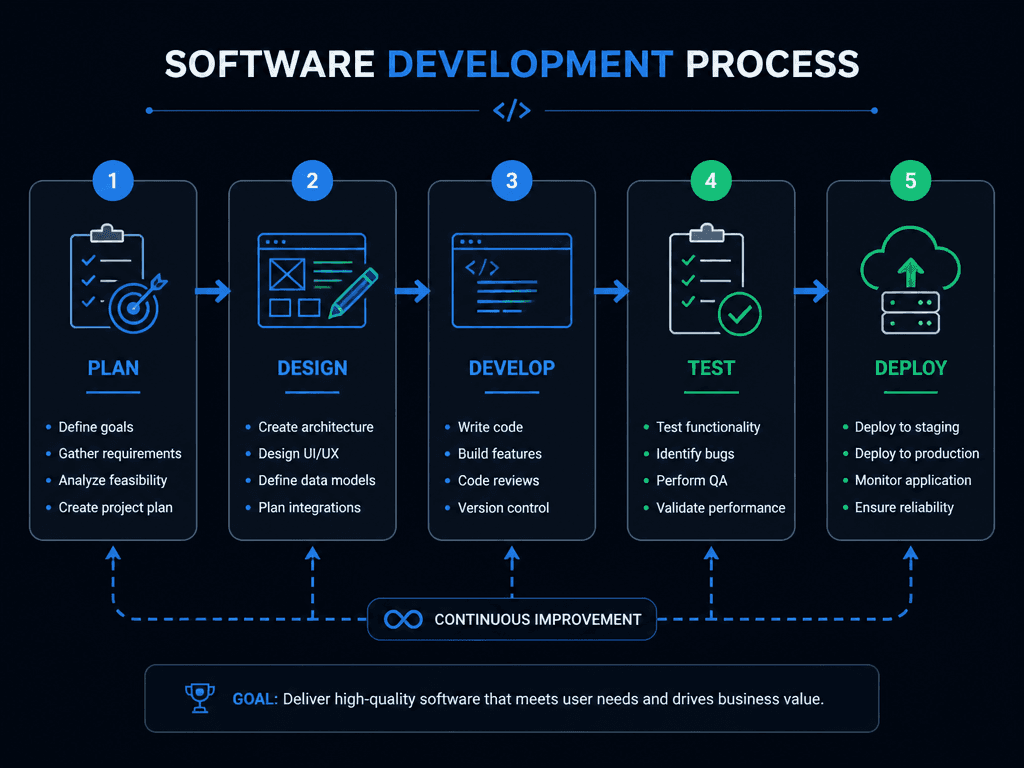
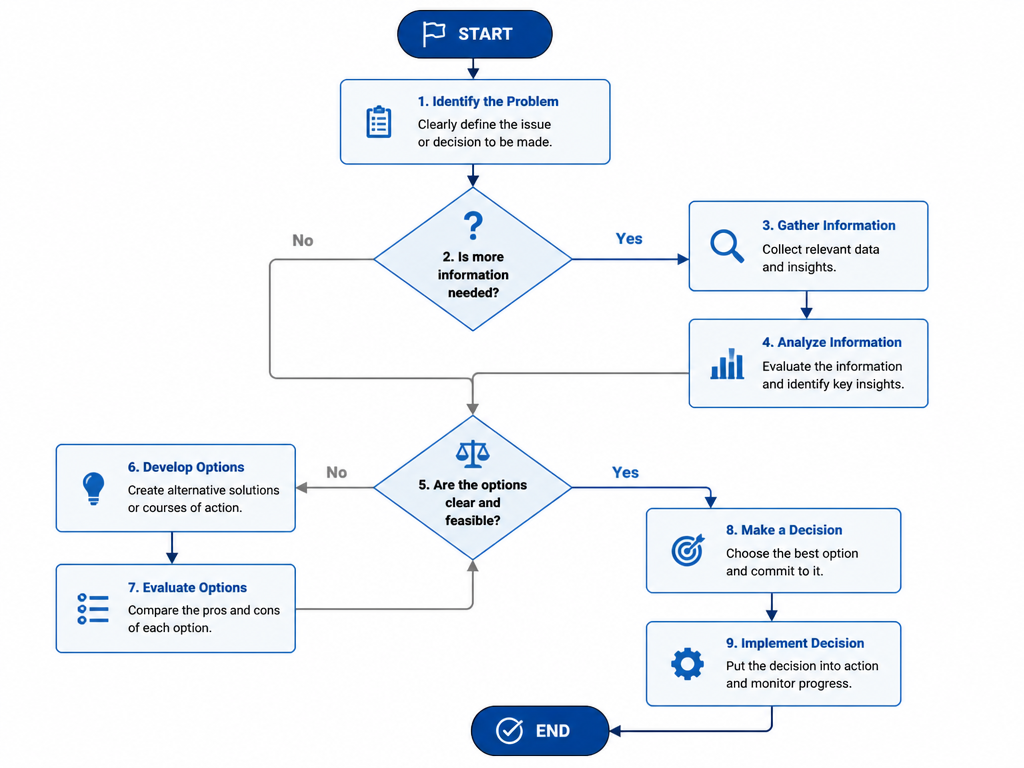
GPT 이미지 2로 생성한 소프트웨어 개발 플로우

소프트웨어 개발 플로우

GPT Image 2· Image
A software development process diagram showing plan, design, develop, test, deploy steps. Connected boxes with icons, arrows showing flow. Modern dark theme with blue and green accents, clean tech diagram style.
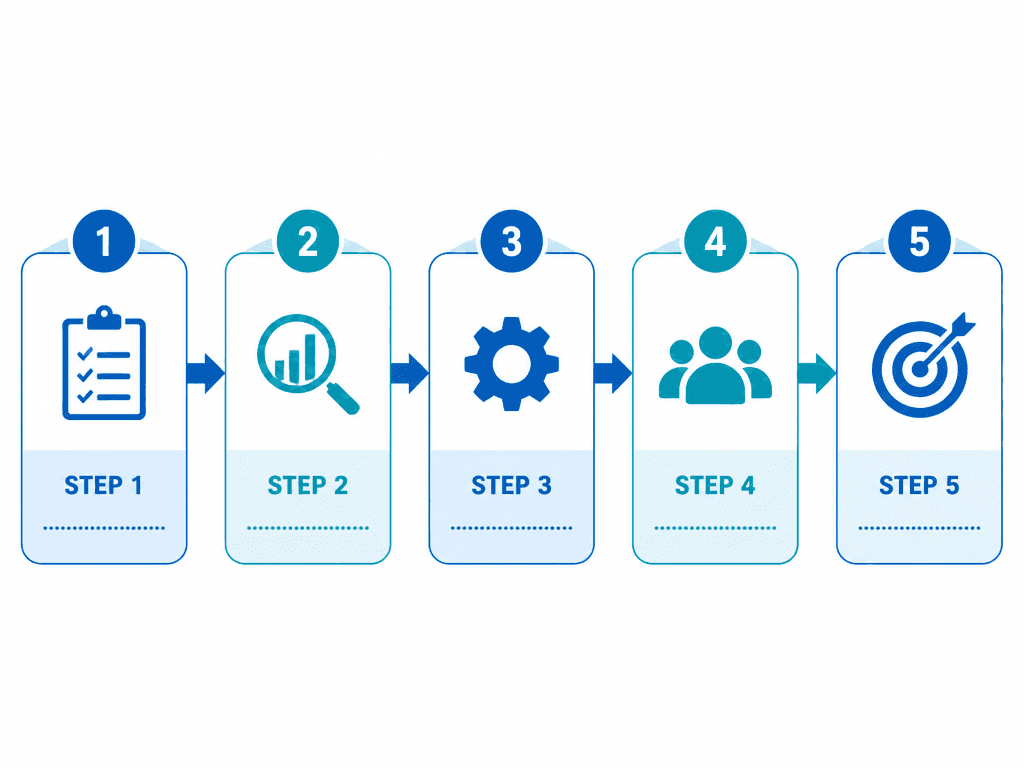
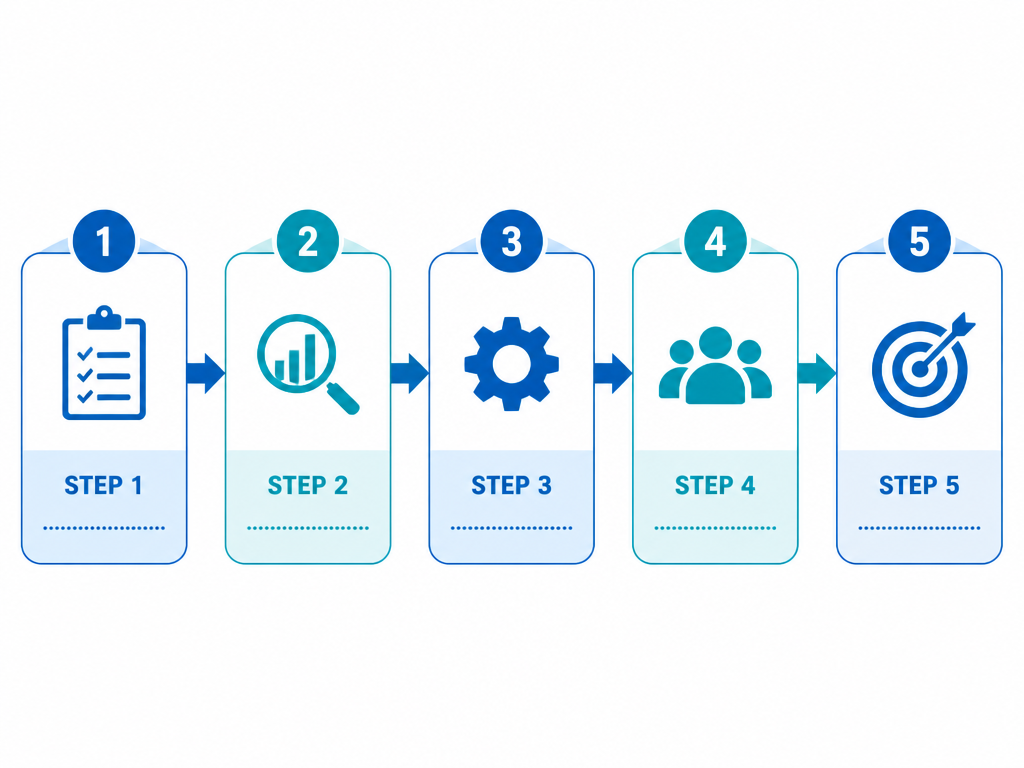
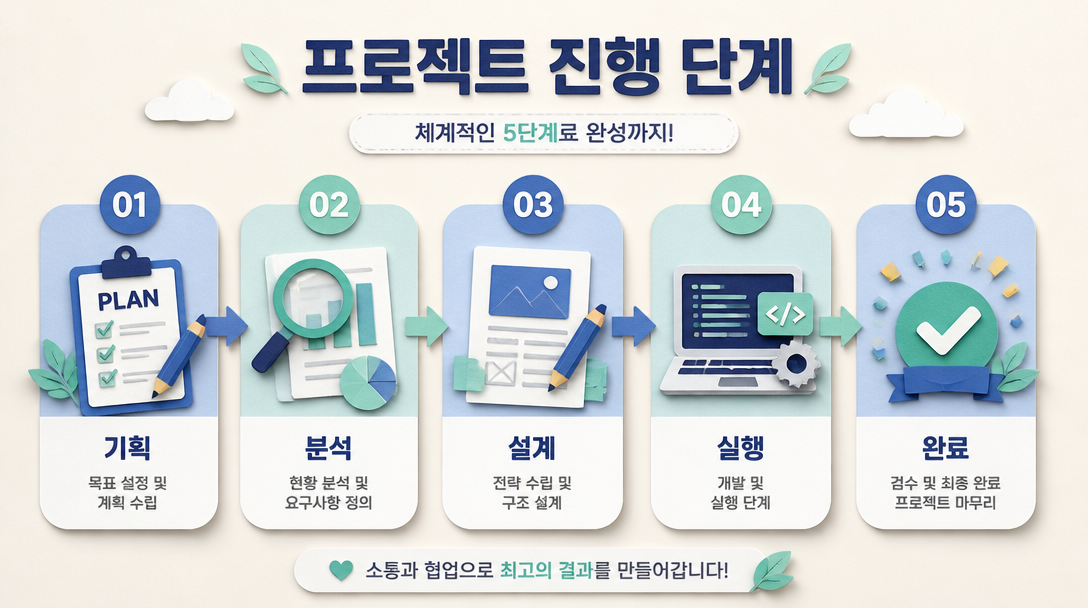
GPT 이미지 2로 생성한 업무 프로세스 플로우

업무 프로세스 플로우

GPT Image 2· Image
A business process flow diagram template. 5 connected steps with arrows, each with an icon and label area. Clean white background, blue and teal color scheme, modern flat design. Suitable for process documentation.
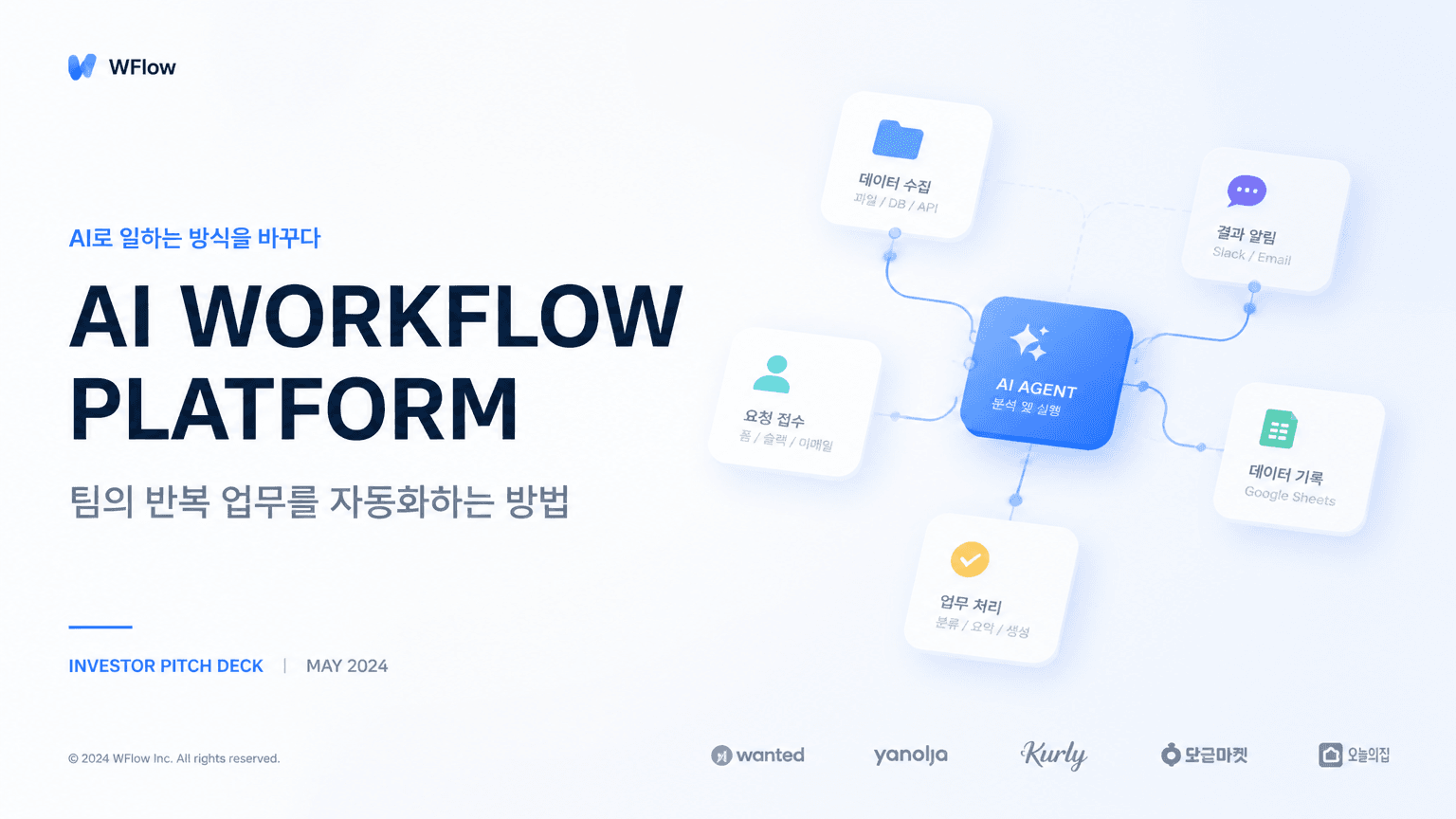
AI-generated Startup Pitch Deck Cover Slide made with GPT Image 2

Startup Pitch Deck Cover Slide

GPT Image 2· Image
Create a polished 16:9 presentation cover slide for a Korean startup pitch deck. Title text: 'AI WORKFLOW PLATFORM'. Korean subtitle: '팀의 반복 업무를 자동화하는 방법'. Use a clean SaaS visual style with a large abstract modular workflow diagram, soft blue gradient blocks, generous white space, and sharp modern Korean/English typography. Must look like a real investor presentation cover, not a poster. Clear hierarchy, professional layout, no mockup, no people.

What are Workflow Diagram Prompts?

A collection of AI prompts for generating workflow diagram images. Copy the Workflow Diagram prompts provided by Carat and paste them into an AI image generation tool to get professional-grade results.

How to Use Workflow Diagram Prompts

  1. Select and copy your desired prompt.
  2. Paste it into the Carat agent.
  3. Modify colors, styles, and composition as needed.
  4. Download the generated image and use it in your project.

Tips for Writing Workflow Diagram Prompts

Specify lighting, texture, composition, and lens information in detail for more precise results. Add "No text, no watermark" to prevent unwanted text overlays.

Workflow Diagram Prompt Applications

Workflow Diagram prompts are used across content creation, marketing, design, and educational resources. AI-generated images dramatically reduce production time while maintaining professional quality.

Workflow Diagram Prompt Optimization Guide

Choose the aspect ratio based on your use case: vertical (9:16) for social media, horizontal (16:9) for web banners, and square (1:1) for product images.
Frequently Asked Questions

Related Prompts

Process Diagram

Process Diagram

6 prompts

Flowchart Design

Flowchart Design

4 prompts

Mind Map

Mind Map

4 prompts

UX Flowchart

UX Flowchart

4 prompts

Carat Prompt Gallery

Create trending AI prompts instantly

Prompts

  • Logo
  • PPT Design
  • Thumbnail
  • Poster
  • Web Novel Cover
  • ID Photo
  • Caricature
  • Product Detail Page
  • Banner

Models

  • GPT Image 2
  • Seedance 2.0
  • NanoBanana Pro
  • NanoBanana 2

Carat

  • Get started
  • About
  • Blog
  • Careers
  • Contact
  • Partnership
  • Terms
  • Privacy

© 2026 Paradot.Inc All rights reserved.