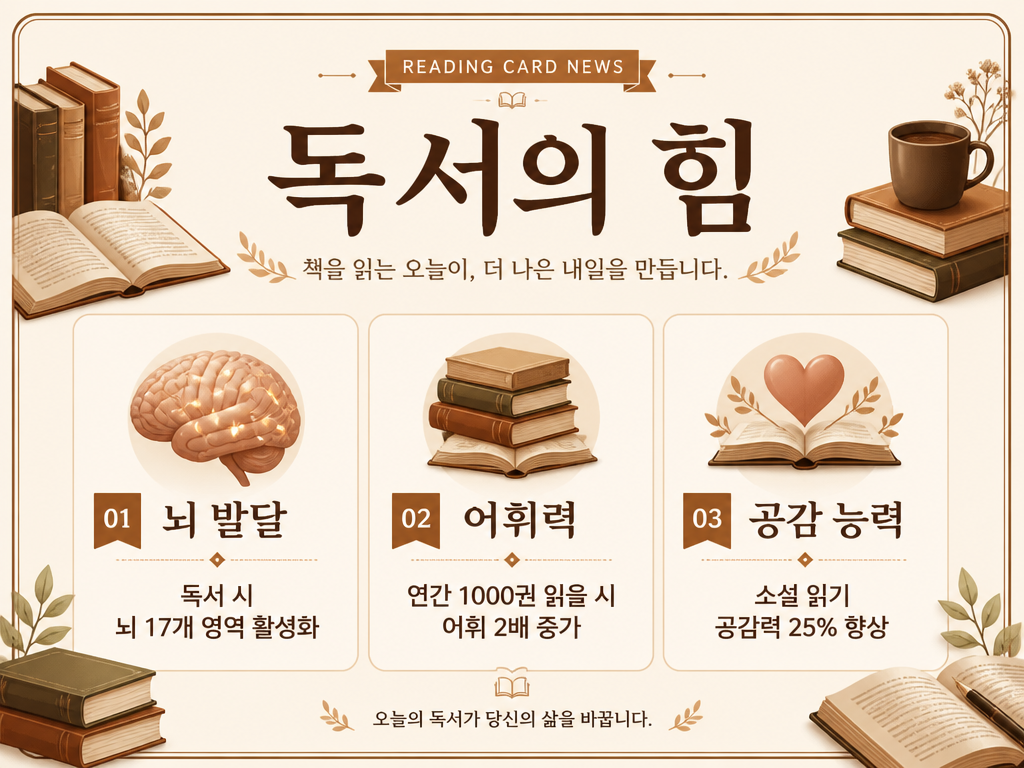
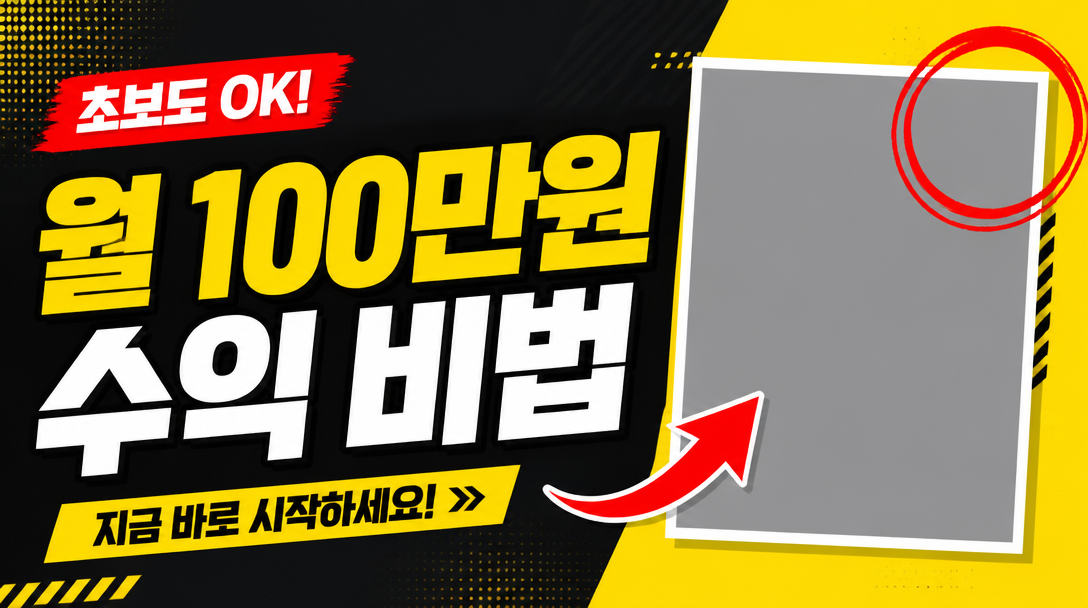
YouTube Thumbnail Template
Create high-CTR YouTube thumbnail layouts with headline zones, photo frames, and accent marks.
2026.07.07
Make “YouTube Thumbnail Template” exactly the way you wantCreate your own “YouTube Thumbnail Template”
Just ask in plain language — Carat generates optimized images and videos for you.

Start now with 100 free credits daily
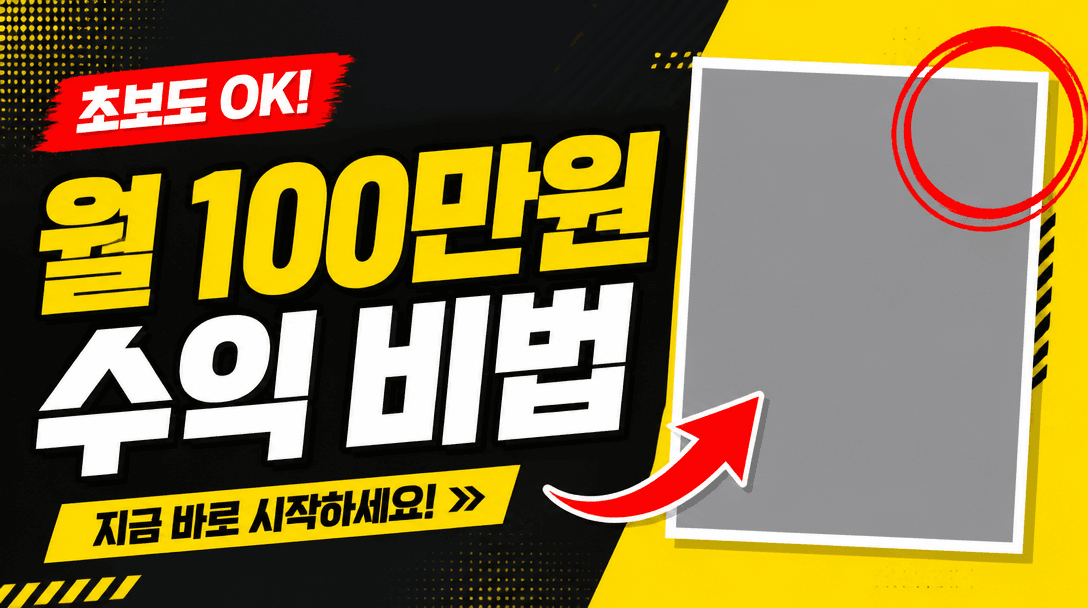
유튜브 썸네일 템플릿
What Is a YouTube Thumbnail Template Prompt?
A YouTube thumbnail template prompt generates a 16:9 thumbnail layout with a headline text area on the left, a photo placeholder frame on the right, red arrow and circle accents, and a high-contrast yellow and dark charcoal background. It is designed for YouTube creators, short-form content makers, and marketers who need high-CTR thumbnail designs quickly. Rather than building a layout from scratch in Canva, you can generate the full structure with AI and swap in your own text and photos.
Common Use Cases
- YouTube video thumbnails (16:9 landscape)
- YouTube Shorts thumbnails (vertical variant)
- Blog post featured images
- Online course thumbnails (Class101, Inflearn, etc.)
- Webinar and seminar presentation covers
Why This Prompt Is Useful
On YouTube, thumbnail quality drives up to 80% of click-through rate. But commissioning a designer or building layouts from scratch in Canva every time is time-consuming. This prompt generates a high-contrast layout with a left headline zone, right photo frame, red arrow and circle accents in a single step. The yellow and dark charcoal palette grabs attention, while the geometric layout grid provides structure. Using the generated image as a reference, you can replace text and photos in Canva to cut thumbnail production time dramatically.
Related Prompts
- instagram-feed-template: Instagram feed template
- presentation-template: presentation slide template
- infographic-example: infographic example
Customization Tips
To adapt this prompt, change the layout structure, accent elements, and color scheme. Swap the left-text right-photo layout for a top-text bottom-photo, split-screen, or full-photo with text overlay. Replace red arrows with yellow underlines, highlighter marks, or lightning bolt icons for different vibes. Colors can be matched to channel branding, and the number of text zones can be increased from one to two or three for information-dense thumbnails. For Shorts, specify a 9:16 vertical format.