3D 코끼리 캐릭터
3D 코끼리 캐릭터 제작에 필요한 구도, 재질, 조명과 활용법을 담은 AI 이미지 프롬프트를 확인하세요.
2026.07.14
「3D 코끼리 캐릭터」 원하는 대로 직접 만들어보세요「3D 코끼리 캐릭터」 직접 만들어보세요
대화로 요청만 하면 최적화된 이미지·영상을 만들어줘요

매일 무료 100크레딧으로 바로 시작

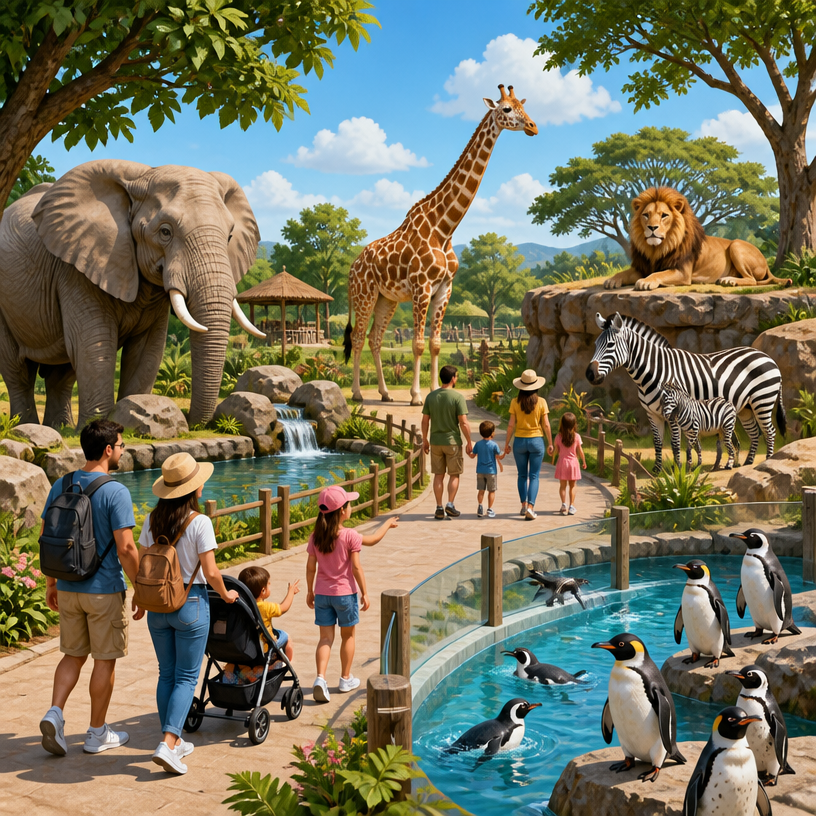
코끼리 일러스트
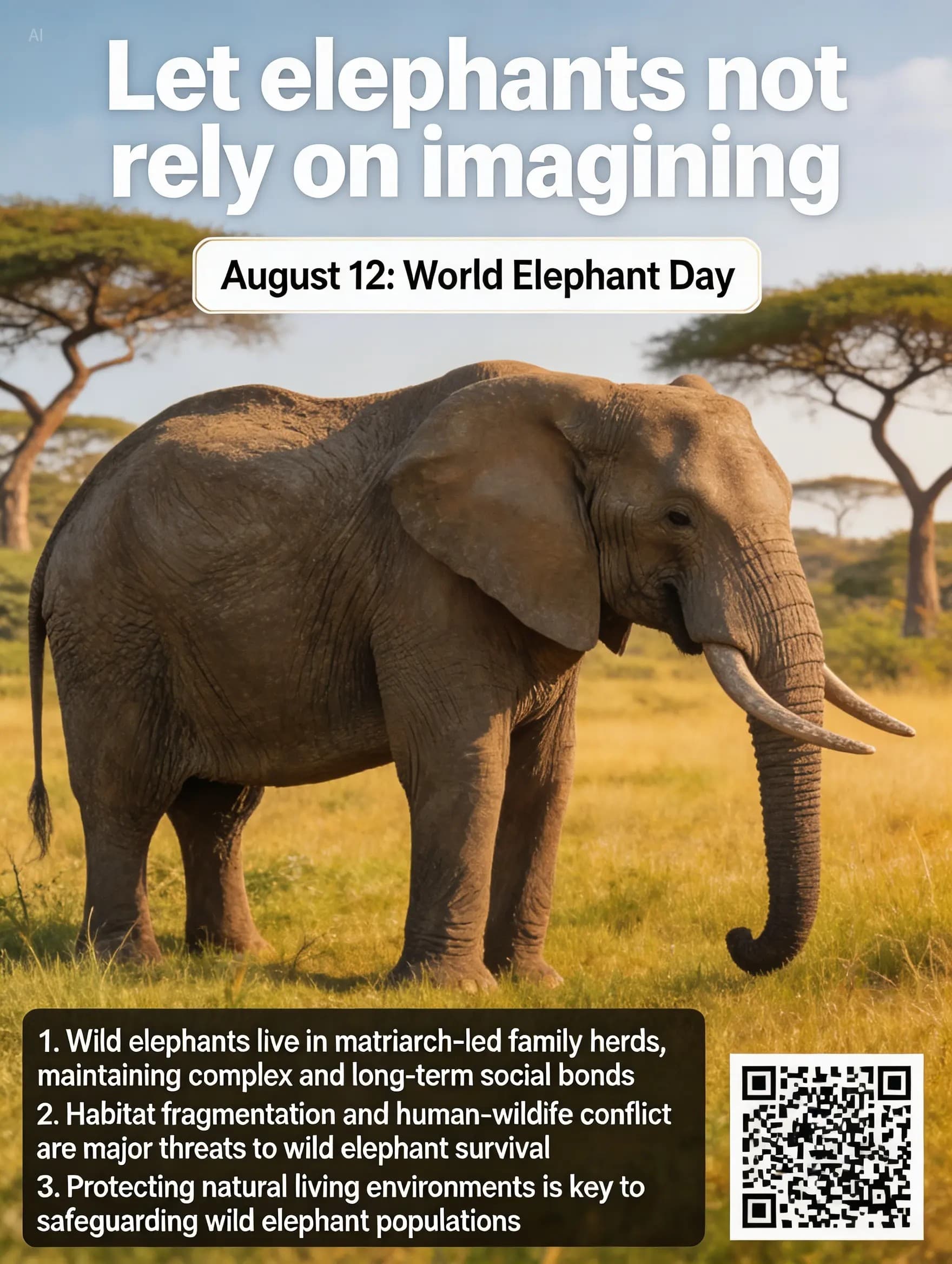
세계 코끼리의 날 캠페인 포스터
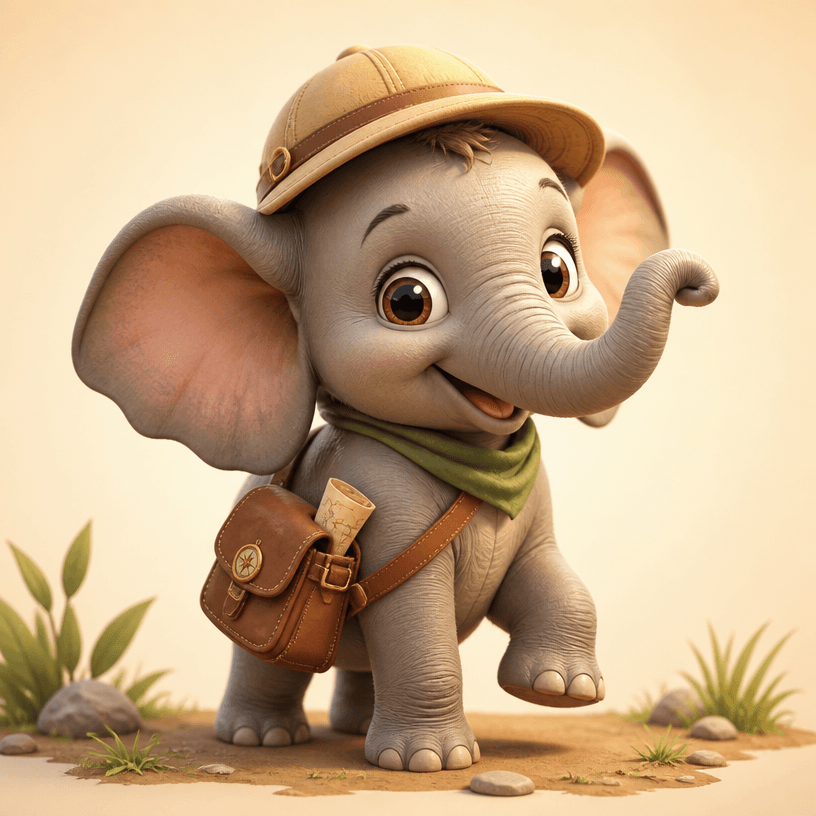
3D 코끼리 캐릭터
3D 코끼리 캐릭터 프롬프트란?
3D 코끼리 캐릭터 프롬프트는 주제의 핵심 형태와 성격을 이미지 생성 모델이 일관되게 해석하도록 돕는 제작 지시문입니다. 단순히 이름만 입력하는 대신 대상의 비율, 표정, 재질, 색상, 조명, 카메라 시점과 최종 사용처를 함께 설명합니다. 이렇게 작성하면 첫 결과부터 목적에 맞는 구도에 가까워지고, 여러 버전을 만들 때도 캐릭터나 디자인의 정체성을 유지하기 쉽습니다. 갤러리 예시는 그대로 복사한 뒤 색상과 소품만 바꾸어 빠르게 실험할 수 있습니다.
어떤 결과를 만들 수 있나요?
이 주제는 큰 귀와 긴 코 같은 특징을 유지하면서 교육용 마스코트, 동화 주인공, 스티커, 게임 NPC로 변형하는 데 적합합니다. 정사각형 썸네일은 프로필과 굿즈 시안에 유리하고, 세로형은 포스터와 캐릭터 소개 카드에 어울립니다. 배경을 단순하게 지정하면 대상의 실루엣과 표정이 또렷해지며, 장면형 배경을 추가하면 이야기와 세계관을 전달할 수 있습니다. 같은 기본 설정에서 표정, 의상, 계절, 카메라 거리만 바꾸면 서로 연결되는 시리즈를 만들 수 있습니다.
프롬프트 구성 방법
좋은 결과를 위해 연령대와 성격, 귀와 코의 비율, 피부 또는 벨벳 질감, 소품, 전신 포즈, 키 라이트 방향을 구체화합니다. 추상적인 칭찬보다 보이는 속성을 적는 것이 중요합니다. 예를 들어 '멋진 조명' 대신 '왼쪽 위의 따뜻한 키 라이트와 오른쪽의 차가운 림 라이트'처럼 방향과 색을 씁니다. 렌즈 화각, 전신 또는 반신, 정면 또는 3분의 2 시점도 함께 정하면 크롭 오류가 줄어듭니다. 텍스트가 필요하지 않다면 문구와 로고를 제외하도록 명시하고, 인쇄물이 포함되면 읽혀야 할 짧은 문구만 제한적으로 요청하세요.
활용과 수정 팁
첫 생성에서는 핵심 형태와 구도를 확인하고, 두 번째 생성부터 재질과 배경 밀도를 조정하세요. 얼굴이나 형태가 매번 달라지면 눈, 귀, 줄무늬, 대표 소품처럼 반드시 유지할 기준을 문장 앞부분에 고정합니다. 너무 복잡하면 배경 요소를 줄이고 색상을 세 가지 안팎으로 제한합니다. 썸네일에서는 작은 장식보다 큰 실루엣과 명확한 대비가 중요합니다. 결과물 사용 전에 손가락, 가장자리, 반복 무늬, 잘못된 글자가 없는지도 확대해 확인하는 것이 좋습니다.
관련 프롬프트 더 보기
관련 페이지의 구도와 재질 표현을 비교하면 같은 주제를 사진, 일러스트, 3D 렌더 등 다른 방식으로 확장할 수 있습니다. 한 번에 모든 요소를 바꾸기보다 조명, 팔레트, 포즈 중 하나씩 교체하면 어떤 지시가 결과를 개선했는지 판단하기 쉽습니다.