본문으로 건너뛰기


방송 오프닝 타이틀
방송 오프닝 타이틀 프롬프트. 캐럿에서 제공하는 방송 오프닝 타이틀 이미지 생성 프롬프트를 복사해 바로 사용해보세요.
2026.07.24
「방송 오프닝 타이틀」 원하는 대로 직접 만들어보세요「방송 오프닝 타이틀」 직접 만들어보세요
대화로 요청만 하면 최적화된 이미지·영상을 만들어줘요
매일 무료 100크레딧으로 바로 시작
·
레트로 애니 범죄물 오프닝
미니맥스 H3· 영상
Create a 15-second, 16:9 opening-title sequence for a stylish crime mystery. Draw from retro Japanese animation titles, hard-edged silhouettes, comic-book collage, asymmetric split screens, bold geometric color fields, English credit typography, sparse katakana accents, and a noir-jazz sensibility. Aim for 60% suspense and 40% jazz: mysterious, cool, agile, and urban—never horror, heavy drama, or a cheerful jazz music video.
Build the sequence as motion-graphics collage: linework appears over black, split-screen boundaries snap into place, then color blocks and frames assemble piece by piece. Character silhouettes, prop close-ups, and English credits slide, pop, and reveal through masks on the beat. Keep it designed and graphic, not like conventional narrative animation.
Credits must be clean and legible. Animate thin frames drawing on, names sliding in, letters appearing one at a time, or color blocks revealing type, then hold briefly. Do not introduce Chinese text, garbled characters, or misspellings. Each role and each name appears once only; do not assign multiple roles to the same name.
Vary the transitions: circular vinyl-record wipes, vertical car-door cuts, long character shadows wiping frame, red-line slices, oversized letter masks, split-screen reconfigurations, hard color-block cuts, and tiled frames snapping into place. Keep every transition crisp, rhythmic, suspenseful, and collage-driven. No soft dissolves or fluid morphs.
BGM: an original 15-second title cue, 60% suspense and 40% jazz. Use a low drone, tense string pizzicato, cool synth pulses, low kick, sparse brushwork, fragments of walking bass, short baritone-sax phrases, and clipped brass accents. Build suspense with low frequencies and hi-hat in the first 2 seconds; bring in the low beat at 3 seconds, jazz-bass movement at 6 seconds, and a short sax/brass riff at 10 seconds. Freeze the final 2 seconds on a tense chord and drum hit. Keep it mysterious and criminally cool, never upbeat, and do not imitate an existing melody.
방송 자막바
GPT 이미지 2· 이미지
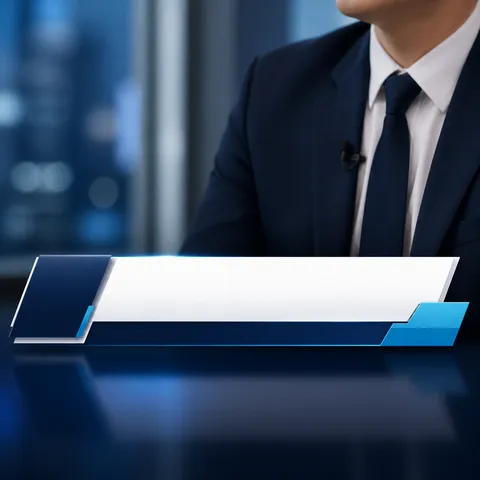
A polished square broadcast interview subtitle bar design concept, sleek lower-third overlay with navy, cyan, and white geometric panels, a blank horizontal area reserved for Korean name and role text, clean television news graphics, no readable text, no logos, no watermark.
선거 방송 화면
GPT 이미지 2· 이미지
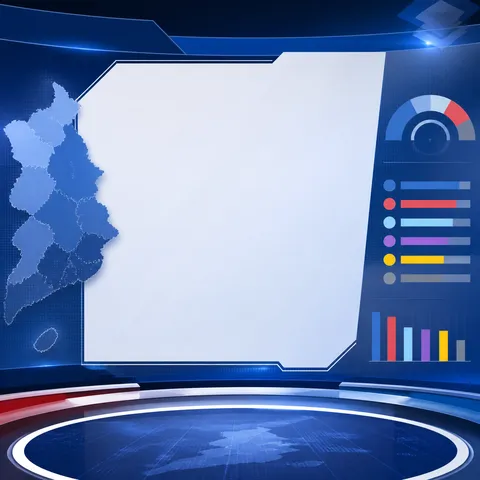
A polished square election broadcast screen concept, modern television studio interface with layered blue panels, abstract regional map and result indicators, professional newsroom composition, blank central space reserved for Korean text, no readable text, no logos, no watermark.
개표 방송 그래픽
GPT 이미지 2· 이미지
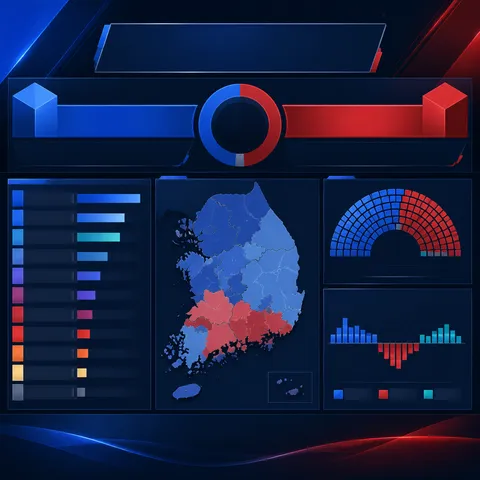
A polished square election results broadcast graphic concept, deep navy and royal blue studio palette with restrained red and teal accents, abstract vote-count bars and map silhouettes, clear data-display hierarchy, blank space reserved for Korean labels, no readable text, no logos, no watermark.
방송 오프닝 타이틀 프롬프트란?
방송 오프닝 타이틀 이미지를 생성하기 위한 AI 프롬프트 모음입니다. 캐럿에서 제공하는 방송 오프닝 타이틀 프롬프트를 복사하여 AI 이미지 생성 도구에 붙여넣으면 전문가 수준의 결과물을 얻을 수 있습니다.
방송 오프닝 타이틀 프롬프트 활용 방법
- 원하는 프롬프트를 선택하여 복사합니다.
- 캐럿 에이전트에 붙여넣습니다.
- 필요에 따라 색상, 스타일, 구도를 수정합니다.
- 생성된 이미지를 다운로드하여 활용합니다.
방송 오프닝 타이틀 프롬프트 작성 팁
조명(Lighting), 질감(Texture), 구도(Composition), 렌즈(Lens) 정보를 구체적으로 명시하면 더 정밀한 결과를 얻을 수 있습니다. "No text, no watermark"를 추가하면 불필요한 텍스트를 방지할 수 있습니다.
방송 오프닝 타이틀 프롬프트 적용 사례
방송 오프닝 타이틀 프롬프트는 콘텐츠 제작, 마케팅, 디자인, 교육 자료 등 다양한 분야에서 활용됩니다. AI 이미지를 활용하면 제작 시간을 단축하면서도 전문적인 퀄리티를 유지할 수 있습니다.
방송 오프닝 타이틀 프롬프트 최적화 가이드
이미지 비율은 용도에 맞게 선택하세요. SNS용은 세로형(9:16), 웹 배너는 가로형(16:9), 제품 이미지는 정사각형(1:1)이 적합합니다.