이벤트 무대 배경
이벤트 무대 배경 프롬프트. 캐럿에서 제공하는 이벤트 무대 배경 이미지 생성 프롬프트를 복사해 바로 사용해보세요.
2026.07.13
「이벤트 무대 배경」 원하는 대로 직접 만들어보세요「이벤트 무대 배경」 직접 만들어보세요
대화로 요청만 하면 최적화된 이미지·영상을 만들어줘요

매일 무료 100크레딧으로 바로 시작
·

프로모션 배너 템플릿
GPT 이미지 2· 이미지
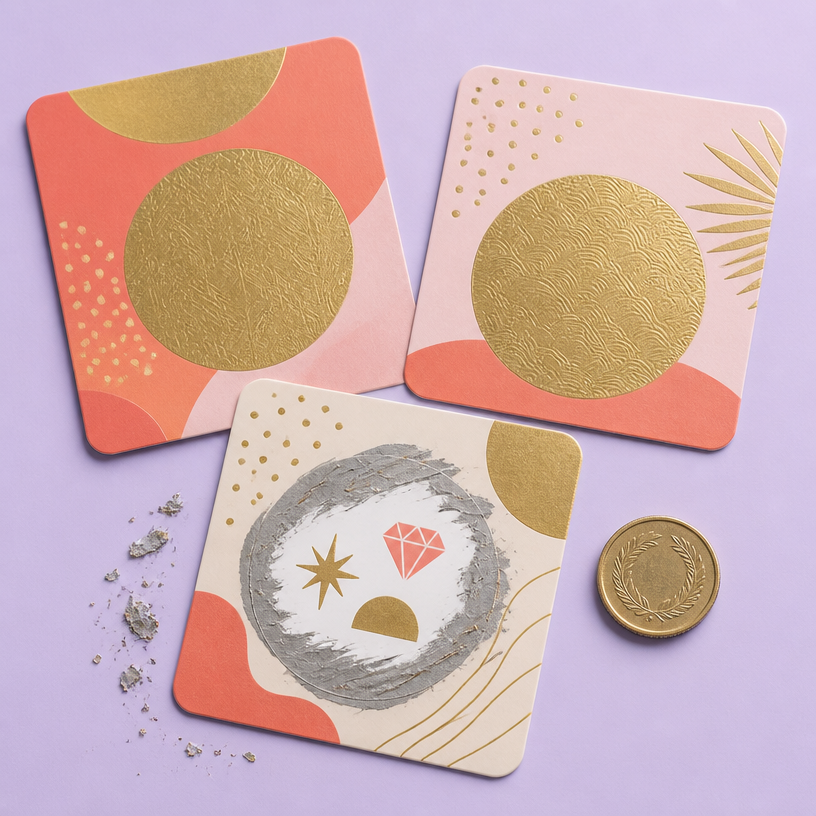
A modern e-commerce promotion banner template design. Clean layout with geometric shapes in coral and mint colors, abstract product podium in center with soft shadow, subtle confetti particles floating. Minimalist flat design with depth, professional marketing aesthetic. Plenty of negative space on left for text placement. No actual text, no watermark.
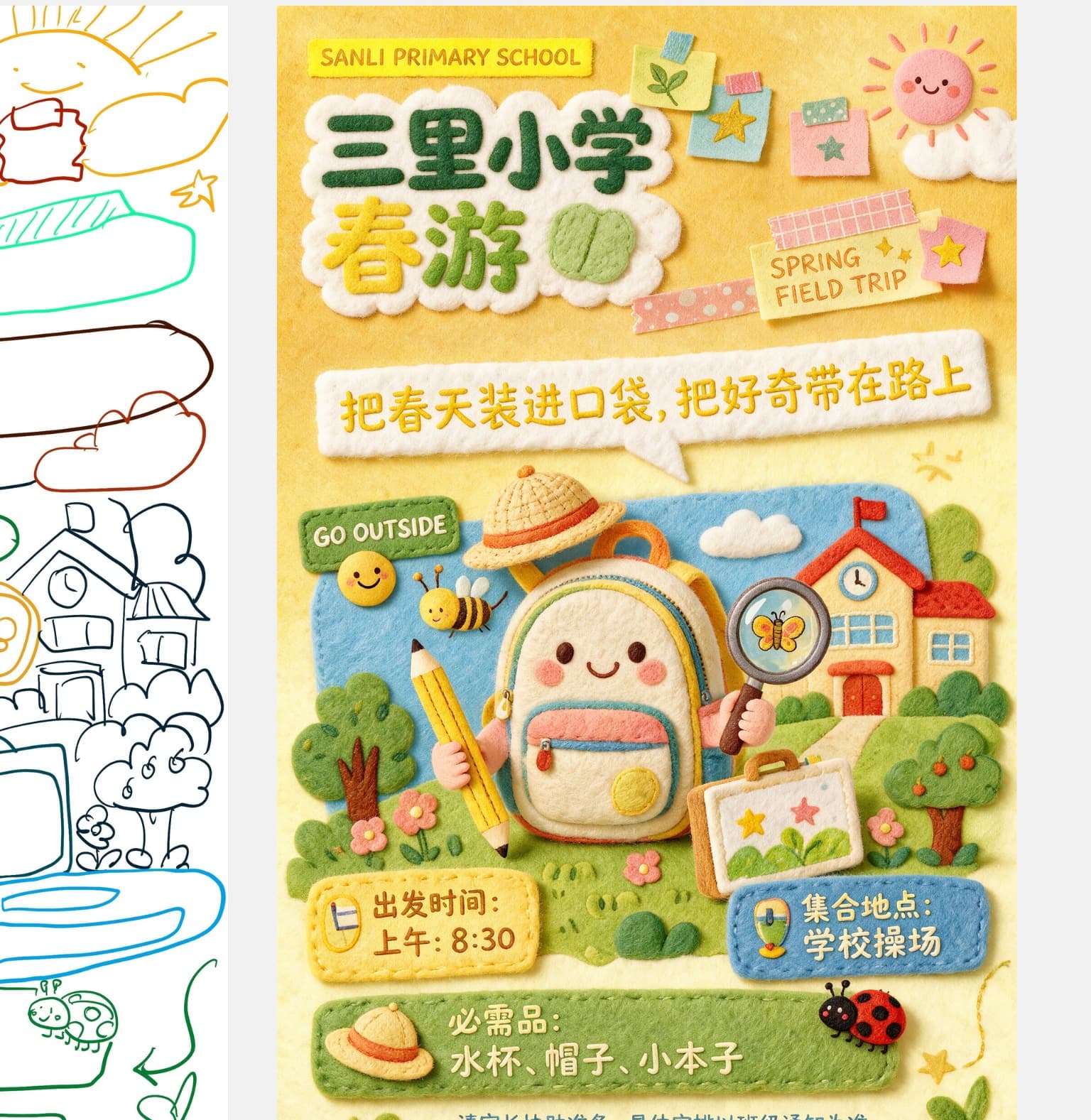
봄소풍 포스터
씨드림 5.0 프로· 이미지
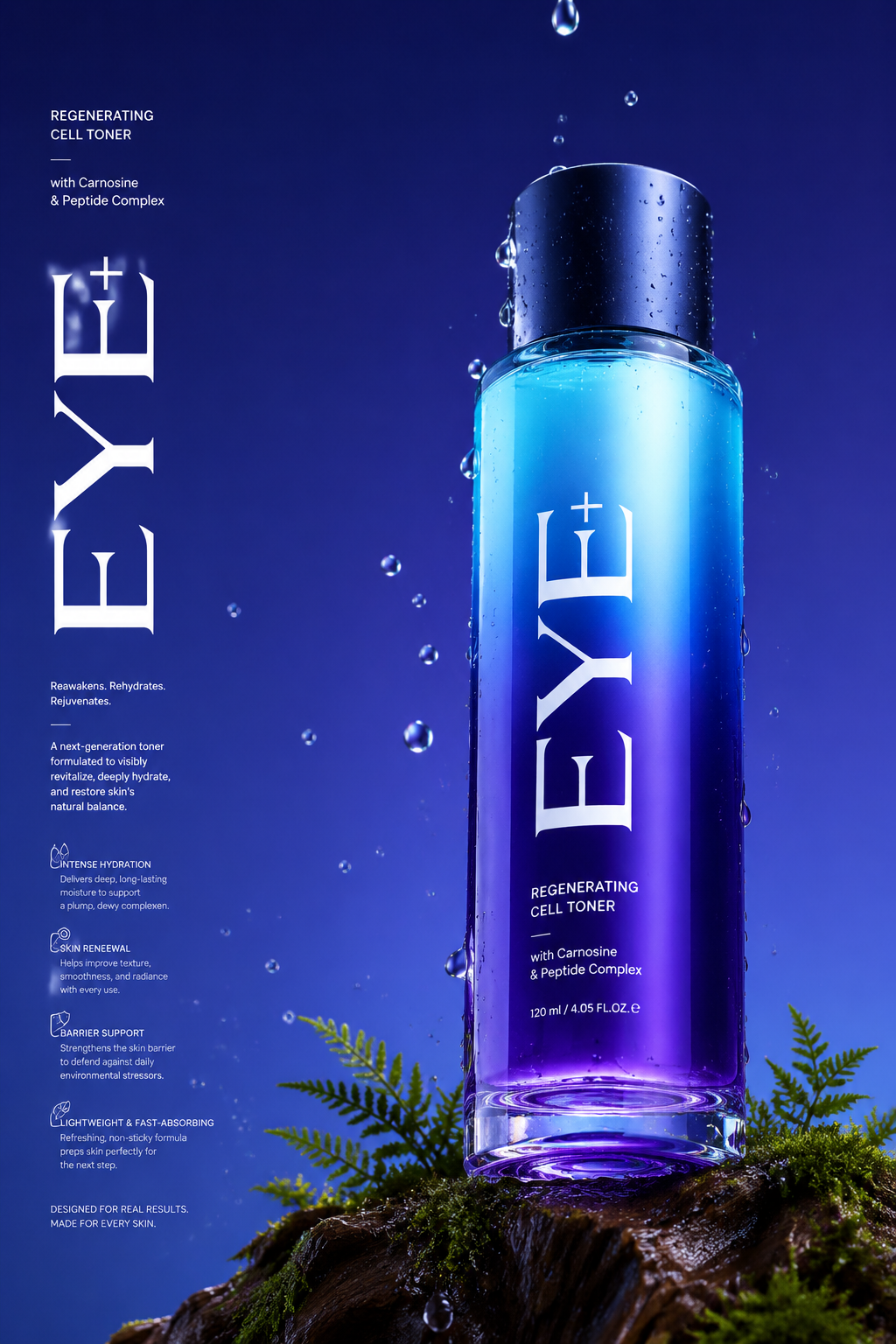
Felt-textured stitched poster made from this sketch, bright spring kid-friendly palette, vivid and lively. Top text: SANLI PRIMARY SCHOOL. Center rounded title (dark green, lemon yellow, grass green): Spring Trip of Sanli Primary School; right leaf-star note: SPRING FIELD TRIP. Bottom-left green box, white text: GO OUTSIDE, with 3 colored rects below: Yellow: Depart 8:30 AM / Blue: Meet at School Playground / Long green strip with ladybug: Essentials: water bottle, cap, notebook. Tiny blue footer text: parents please prepare items, follow class notices for exact plans.
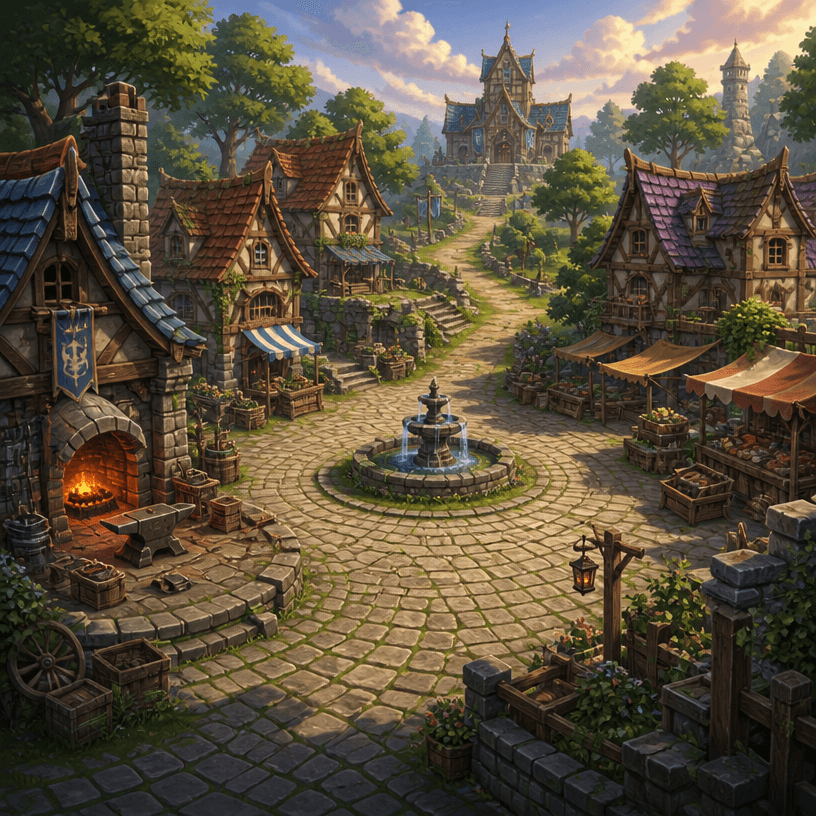
RPG 마을 배경
GPT 이미지 2· 이미지
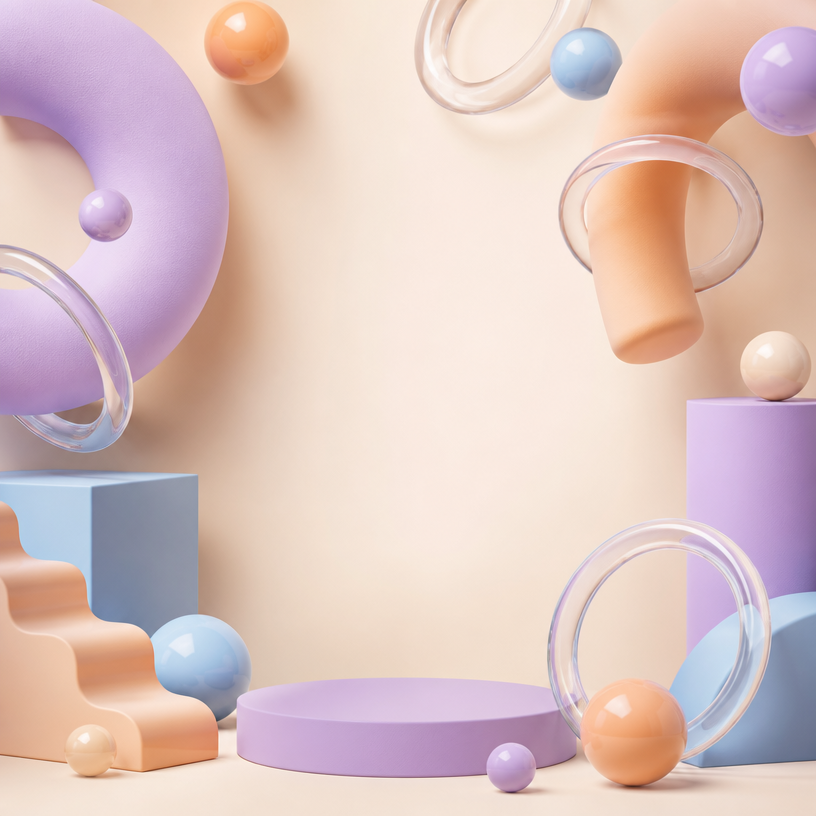
Square fantasy RPG village environment concept art, inviting cobblestone plaza surrounded by timber-and-stone cottages, small blacksmith forge, market stalls, central fountain, winding path toward a distant guild hall, warm late-afternoon light, lush greenery, clear navigable level-design layout, painterly game background with no characters. No text, no interface, no watermark.
fal:237233
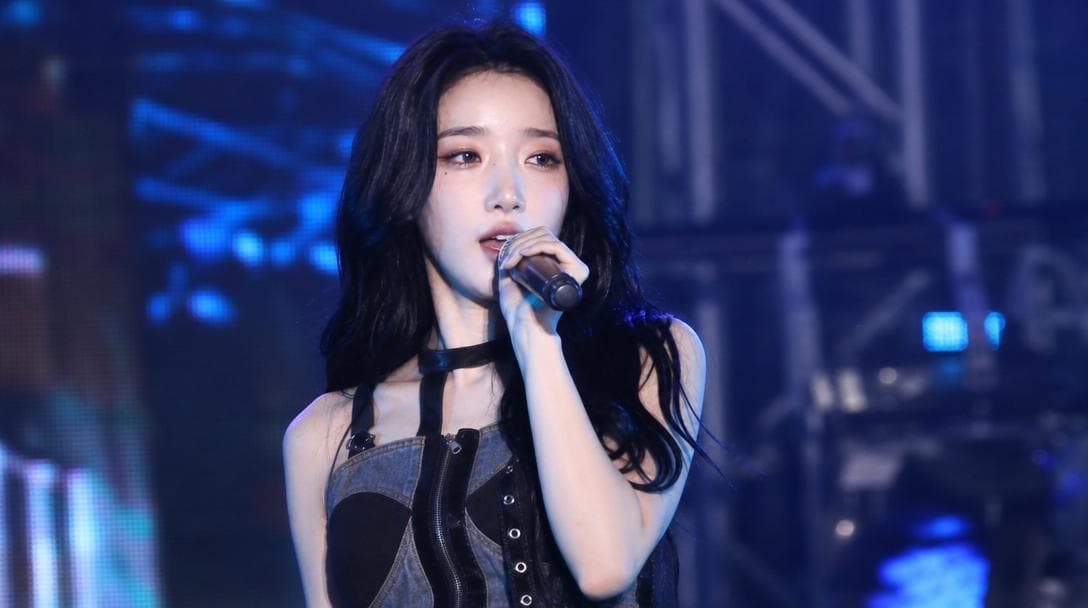
축제 무대 라이브 직찍
GPT 이미지 2· 이미지
Use the uploaded reference image as the strongest facial identity anchor. The person must look like the exact same person from the reference image. Preserve their facial identity with very high priority: same face shape, same eyes, same nose, same lips, same skin tone, same expression style, and same overall hair impression.
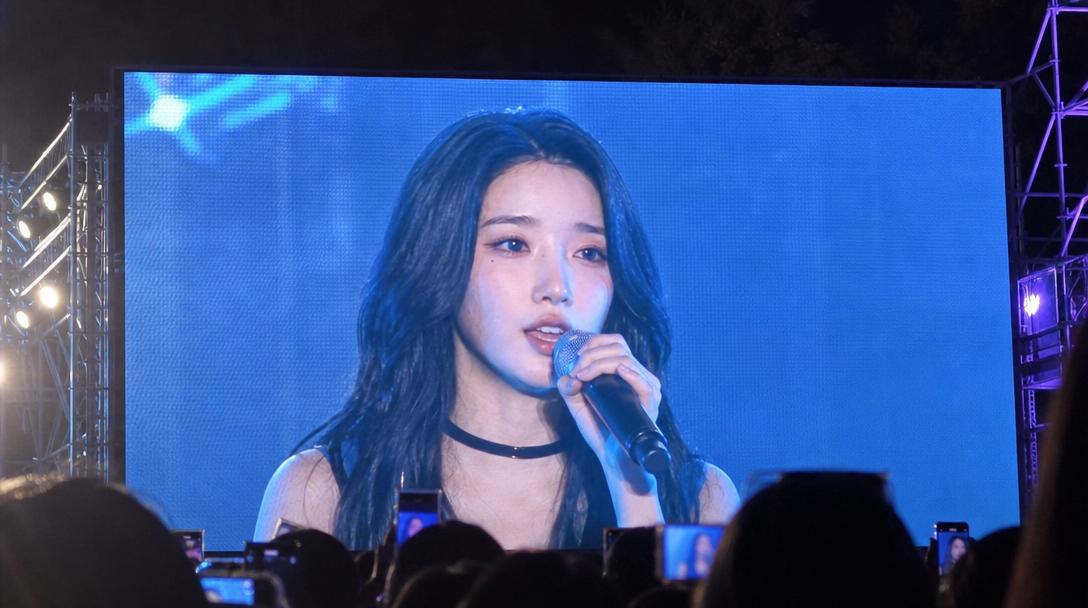
Create an ultra-realistic candid Korean university festival stage broadcast screenshot of this person performing on stage. They are a singer captured accidentally by a live event camera while in the middle of a real performance, not posing for the camera. The person must not look directly into the lens. Their gaze should be toward the audience, slightly off to the side, or downward toward the stage while singing or moving naturally. The expression should feel unplanned and mid-performance: focused, energetic, slightly breathless, with natural facial movement.
The person is on the actual stage, holding a handheld microphone or wearing a performance mic, captured during a live song moment. Do not assign a specific outfit color or fixed clothing style. Let wardrobe, colors, accessories, and styling vary naturally as contemporary Korean campus festival performer fashion. Avoid staged idol beauty-shot posing, avoid deliberate hand poses, avoid direct eye contact, avoid symmetrical studio portrait composition.
Use a realistic live broadcast / giant LED jumbotron look: telephoto compression from the audience area, imperfect off-center framing, slight motion blur from movement, mild video softness, stage haze, LED screen texture, subtle moire, strong colored stage lights, dark truss and concert lighting in the background, blurred crowd lights below the stage. The image should feel like one frame captured from a live campus festival screen while the performer was moving.
Composition: 16:9 horizontal broadcast screenshot, upper-body or half-body on-stage framing, face visible but candid, microphone visible, dynamic stage atmosphere. Photorealistic, natural skin texture, realistic event camera image quality, high-definition social media screenshot feel. No captions, no overlay text, no watermark, no brand logos, no readable university names, no extra duplicated face, no celebrity resemblance, no reference to any specific real person.
이벤트 무대 배경 프롬프트란?
이벤트 무대 배경 이미지를 생성하기 위한 AI 프롬프트 모음입니다. 캐럿에서 제공하는 이벤트 무대 배경 프롬프트를 복사하여 AI 이미지 생성 도구에 붙여넣으면 전문가 수준의 결과물을 얻을 수 있습니다.
이벤트 무대 배경 프롬프트 활용 방법
- 원하는 프롬프트를 선택하여 복사합니다.
- 캐럿 에이전트에 붙여넣습니다.
- 필요에 따라 색상, 스타일, 구도를 수정합니다.
- 생성된 이미지를 다운로드하여 활용합니다.
이벤트 무대 배경 프롬프트 작성 팁
조명(Lighting), 질감(Texture), 구도(Composition), 렌즈(Lens) 정보를 구체적으로 명시하면 더 정밀한 결과를 얻을 수 있습니다. "No text, no watermark"를 추가하면 불필요한 텍스트를 방지할 수 있습니다.
이벤트 무대 배경 프롬프트 적용 사례
이벤트 무대 배경 프롬프트는 콘텐츠 제작, 마케팅, 디자인, 교육 자료 등 다양한 분야에서 활용됩니다. AI 이미지를 활용하면 제작 시간을 단축하면서도 전문적인 퀄리티를 유지할 수 있습니다.
이벤트 무대 배경 프롬프트 최적화 가이드
이미지 비율은 용도에 맞게 선택하세요. SNS용은 세로형(9:16), 웹 배너는 가로형(16:9), 제품 이미지는 정사각형(1:1)이 적합합니다.