패션 룩북
패션 룩북 프롬프트. 캐럿에서 제공하는 패션 룩북 이미지 생성 프롬프트를 복사해 바로 사용해보세요.
2026.07.16
「패션 룩북」 원하는 대로 직접 만들어보세요「패션 룩북」 직접 만들어보세요
대화로 요청만 하면 최적화된 이미지·영상을 만들어줘요

매일 무료 100크레딧으로 바로 시작
·
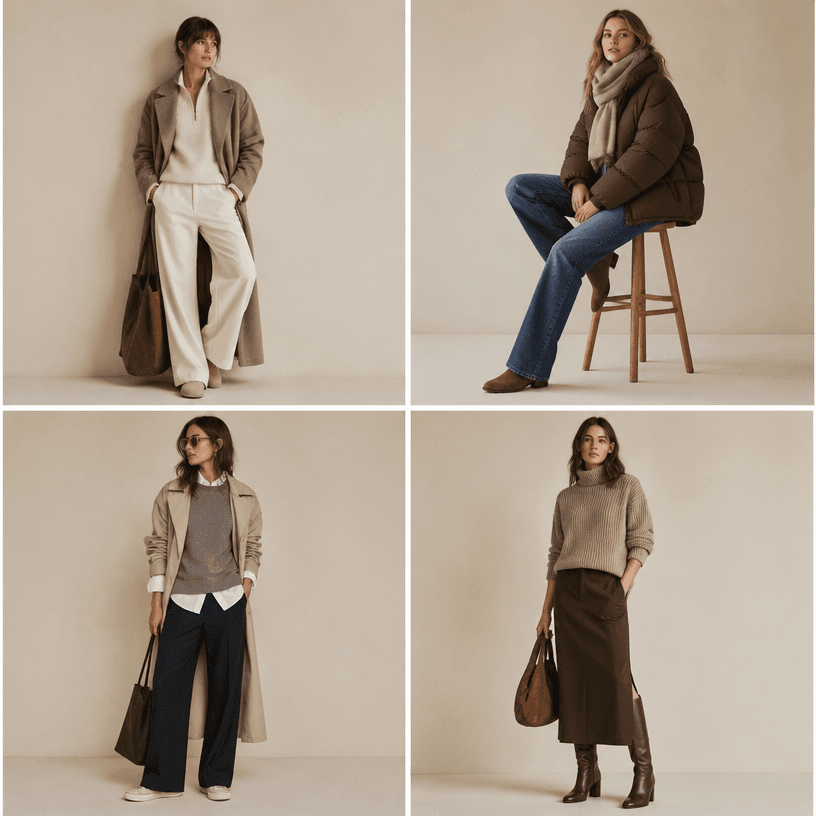
룩북 촬영
GPT 이미지 2· 이미지
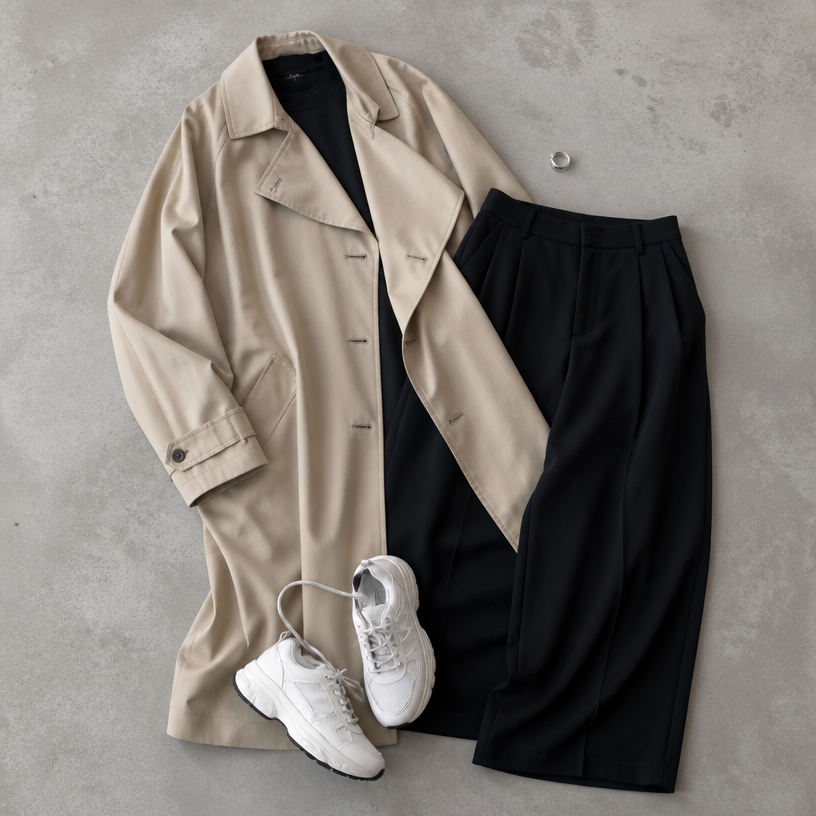
A fashion lookbook page with four outfit grid, casual chic styles on a neutral background, each outfit featuring a model in different poses wearing seasonal layered clothing, clean editorial layout, soft studio lighting, magazine style photography. No text, no watermark.
미니멀 스튜디오 패션 에디토리얼 필름
제미나이 옴니 플래시· 영상
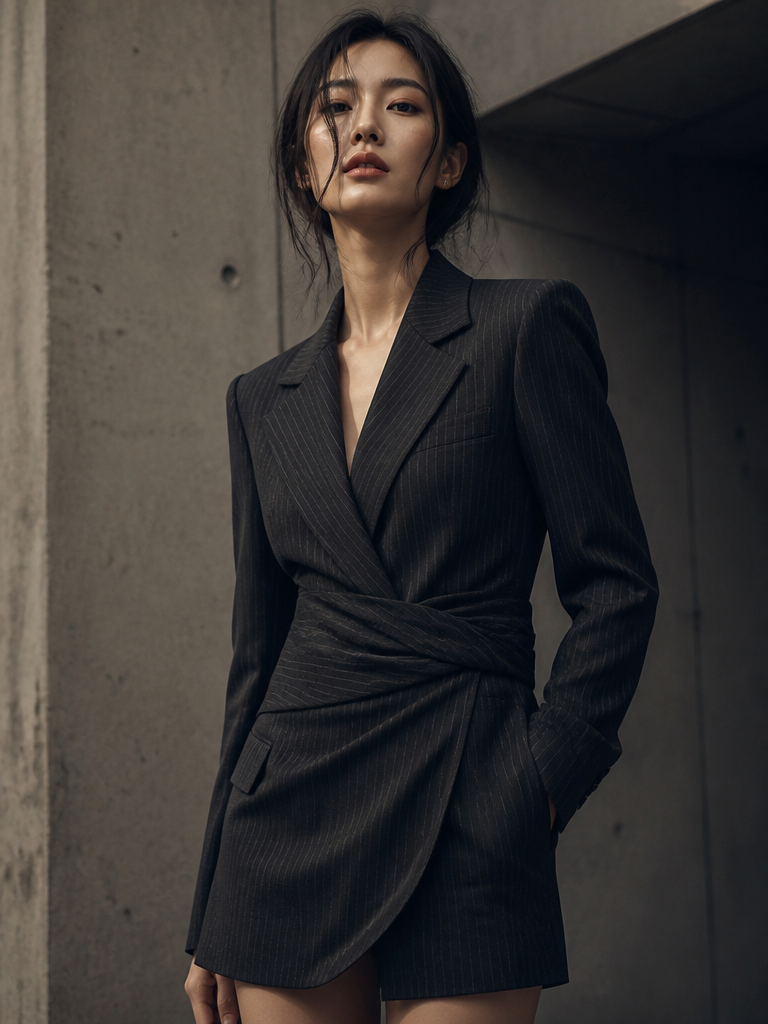
Cinematic fashion editorial film of an elegant woman in her late twenties, luminous skin, sharp cheekbones, soft natural makeup with a bold matte lip, dark hair slicked back into a low chignon. She wears a structured ivory silk blazer over a black slip dress. Shot in a minimalist studio: seamless warm-grey cyclorama, single large softbox key at 45°, subtle rim light separating her from the background, soft falloff, gentle film grain. Camera on a slow dolly with an 85mm lens, shallow depth of field, f/2.0. She flows through five distinct editorial poses, each held for a beat before transitioning with a natural, unhurried movement. Muted warm color grade, creamy highlights, deep neutral shadows. 24fps, anamorphic feel, high-fashion magazine aesthetic.
Shot-by-shot beat sheet (8–10s per beat, or compress to ~2s each for a single clip):
# Pose | Camera | Note
1 Standing tall, chin lifted, one hand grazing the lapel, gaze direct to lens | Slow push-in, medium-full | Opens with authority
2 Three-quarter turn away, head rotating back over the shoulder, eyes finding camera last | Static, slight tilt up | Classic over-the-shoulder
3 Seated on a low concrete block, elbows on knees, fingers interlaced, gaze down and away | Low-angle, slow orbit left | Introspective beat
4 Arms raised, hands framing the face, wrists relaxed, head tilted into the light | Slow tilt down from above | Sculptural, light-play
5 Mid-stride toward camera, blazer catching air, hair loosening, half-smile | Dolly back matching her pace
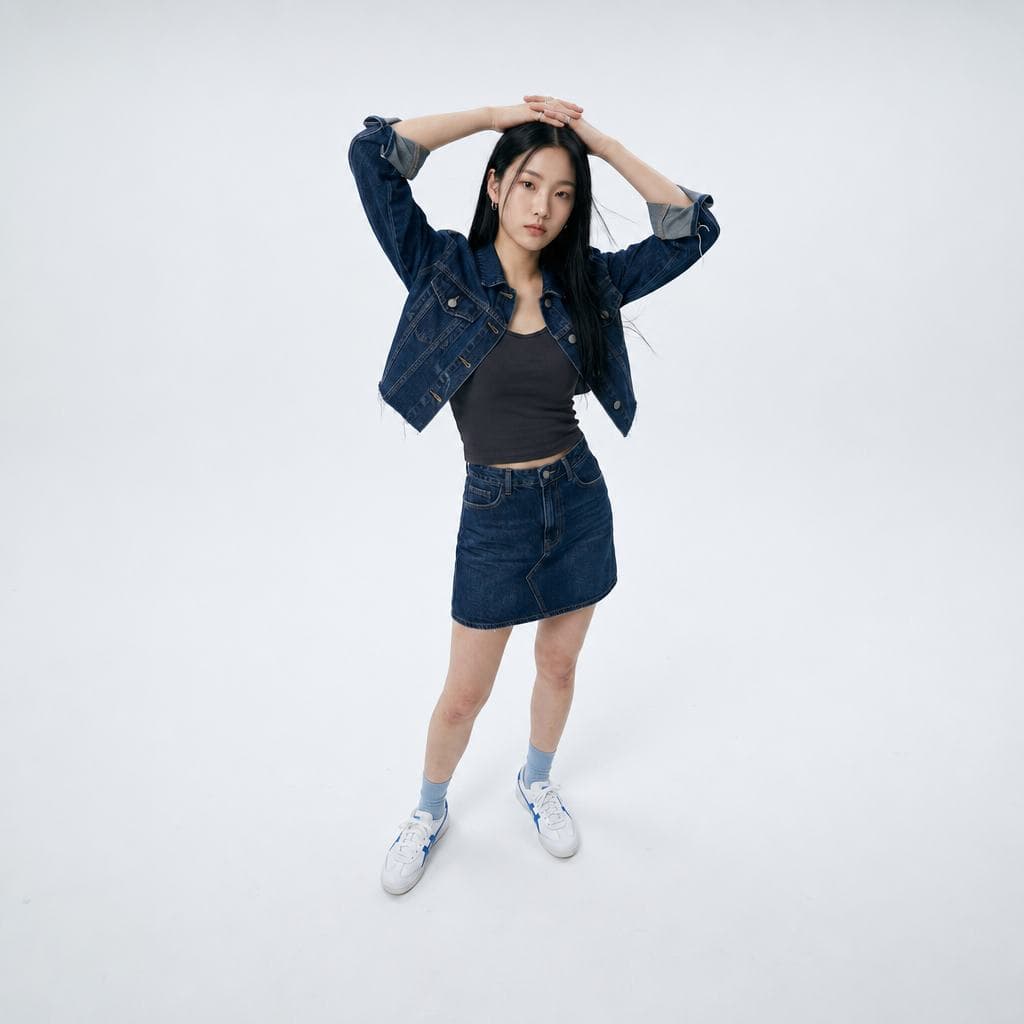
데님 룩북 풀샷
나노바나나 2· 이미지
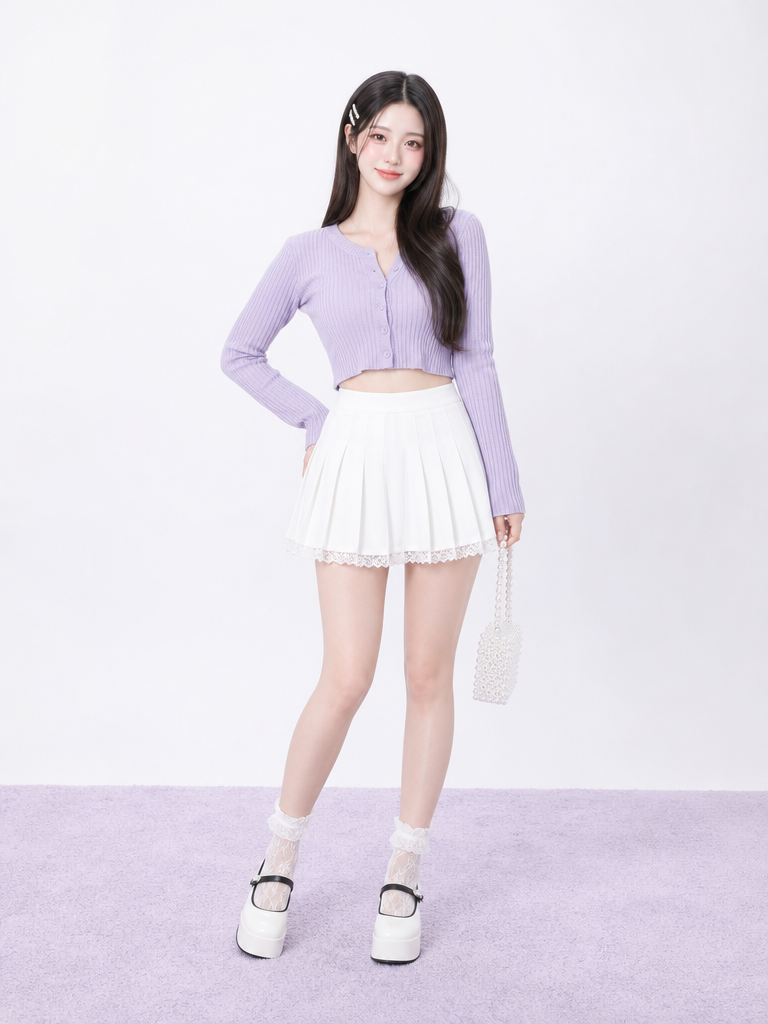
photograph, full-body studio fashion lookbook shot of one young Korean woman in her early 20s on a seamless matte white cyclorama floor, nothing else in the room. Camera placed slightly above eye level with a mild wide-angle view, looking down enough that the shoulders and shoes are both visible; full body centered with white space around her. She leans a few degrees to her left, both arms raised over her head, fingers interlaced against the crown, elbows uneven, wrists slightly bent, visible tension in knuckles and forearms. Neutral cool expression, lips closed but relaxed, gaze slightly below the lens. Long straight black hair, center part, a few flyaway hairs near cheeks and jacket collar. Small silver hoop earrings, two thin rings. Dark charcoal cropped ribbed sports camisole under a cropped dark indigo denim jacket; rolled sleeves, frayed bottom edge, thick seams, faded creases at elbows, tiny loose threads. Matching dark indigo denim mini skirt with asymmetric front panel and raw hem. White leather low-top sneakers with blue side stripes, pale blue ribbed ankle socks, natural leg shadows. Bright even high-key studio strobes, soft contact shadow under shoes, cool white balance, crisp fabric texture, real skin pores at knees and hands, no beauty haze. No text, no letters, no logo, no watermark, no 3D render, no plastic skin, no extra fingers, no fused hands, no floating limbs, no collage.
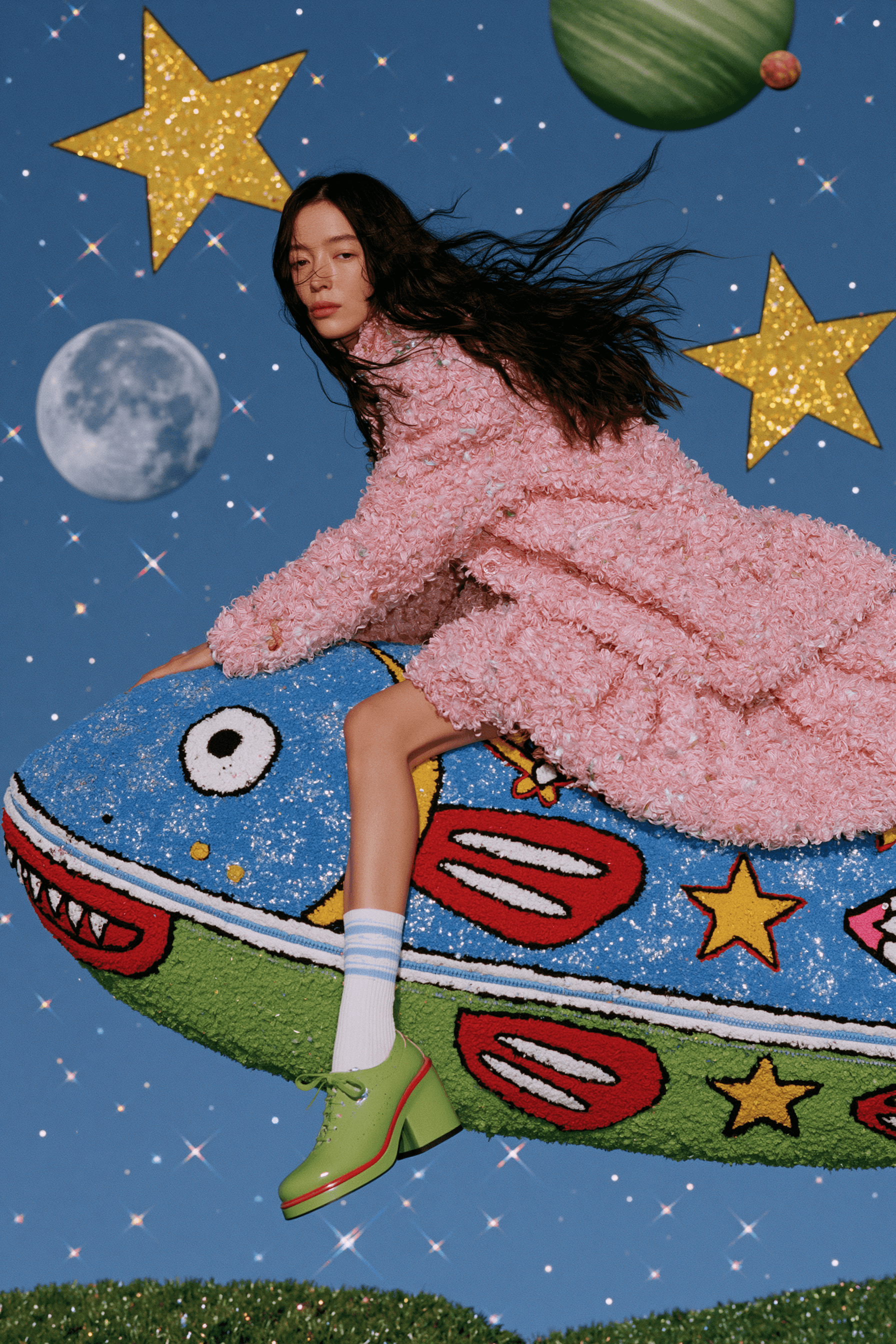
은하계 로봇 비행선 패션 화보
미드저니· 이미지
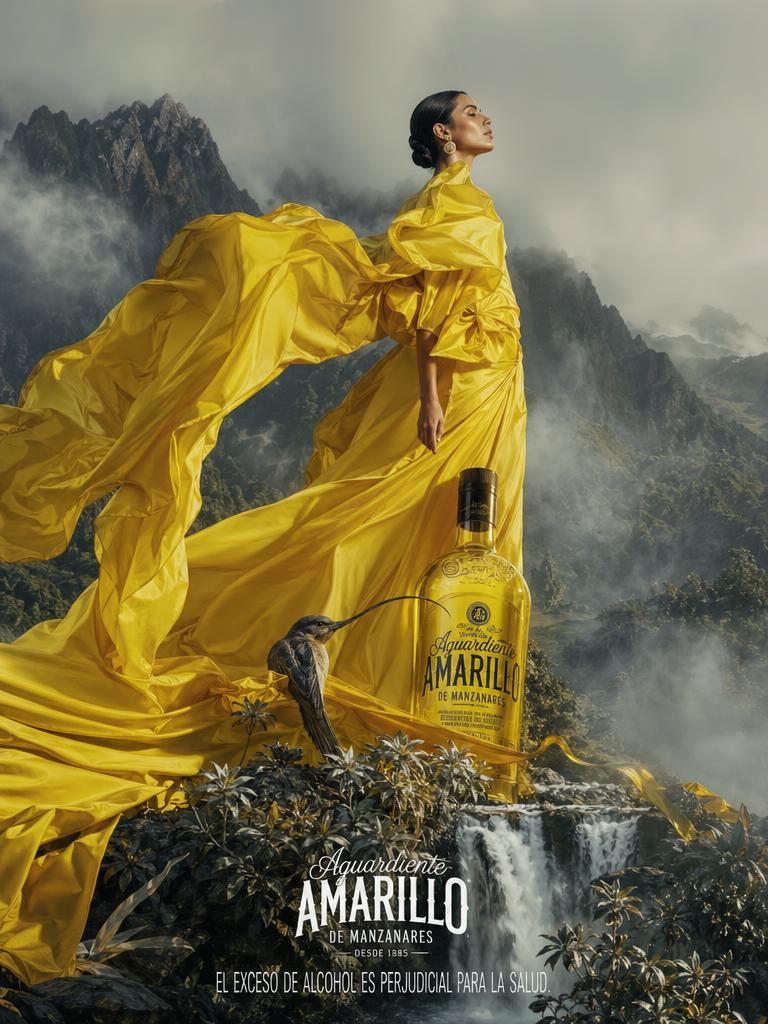
하늘이 떠다니는 물고기 A high tech high-fashion editorial photograph of a woman robot flying on a high tech flyer saucer through a surreal galaxy filled with holographic oversized stars, moon beams, and planets, elegant styling, soft colours, magical realism, cinematic photography --chaos 15 --ar 2:3 --exp 50 --raw --sref 6531962495 --profile w5tgviu 8jr11hw at5lqfr 9th9zcz g485zll 2trx3l5 --stylize 90 --hd --preview
패션 룩북 프롬프트란?
패션 룩북 이미지를 생성하기 위한 AI 프롬프트 모음입니다. 캐럿에서 제공하는 패션 룩북 프롬프트를 복사하여 AI 이미지 생성 도구에 붙여넣으면 전문가 수준의 결과물을 얻을 수 있습니다.
패션 룩북 프롬프트 활용 방법
- 원하는 프롬프트를 선택하여 복사합니다.
- 캐럿 에이전트에 붙여넣습니다.
- 필요에 따라 색상, 스타일, 구도를 수정합니다.
- 생성된 이미지를 다운로드하여 활용합니다.
패션 룩북 프롬프트 작성 팁
조명(Lighting), 질감(Texture), 구도(Composition), 렌즈(Lens) 정보를 구체적으로 명시하면 더 정밀한 결과를 얻을 수 있습니다. "No text, no watermark"를 추가하면 불필요한 텍스트를 방지할 수 있습니다.
패션 룩북 프롬프트 적용 사례
패션 룩북 프롬프트는 콘텐츠 제작, 마케팅, 디자인, 교육 자료 등 다양한 분야에서 활용됩니다. AI 이미지를 활용하면 제작 시간을 단축하면서도 전문적인 퀄리티를 유지할 수 있습니다.
패션 룩북 프롬프트 최적화 가이드
이미지 비율은 용도에 맞게 선택하세요. SNS용은 세로형(9:16), 웹 배너는 가로형(16:9), 제품 이미지는 정사각형(1:1)이 적합합니다.