Frame Design
Professional AI prompts for artistic frame designs, editorial layouts, and creative grid compositions.
2026.07.03
Make “Frame Design” exactly the way you wantCreate your own “Frame Design”
Just ask in plain language — Carat generates optimized images and videos for you.

Start now with 100 free credits daily

펫 추모 프레임
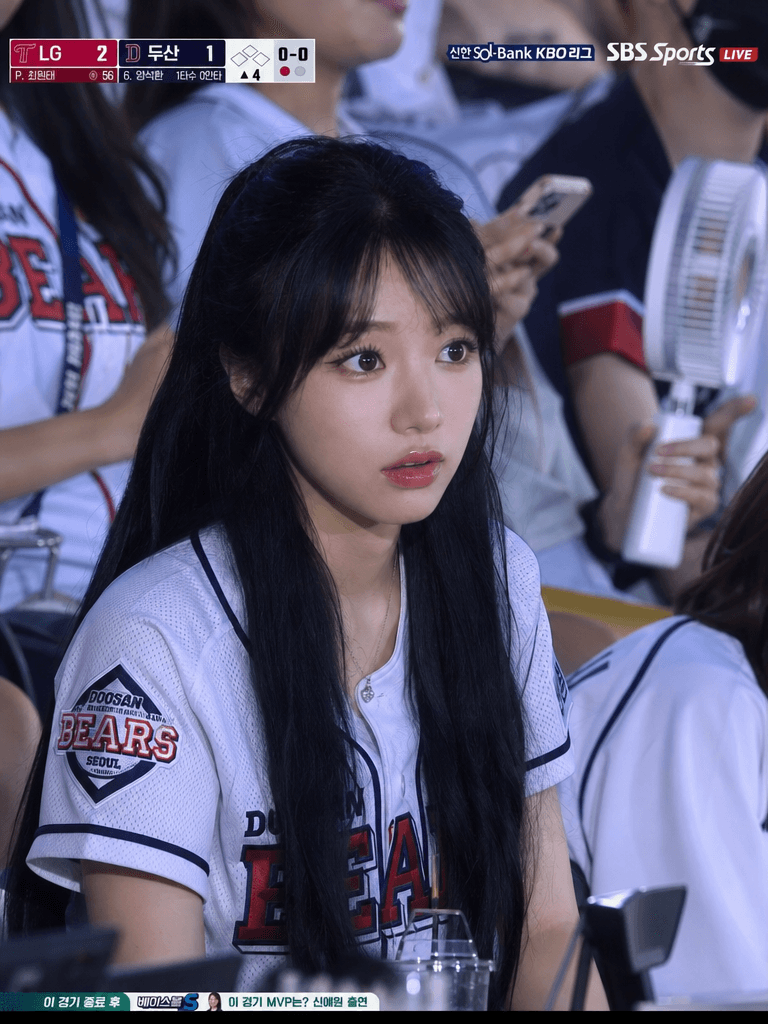
KBO Stadium 4:3 Close Audience Frame
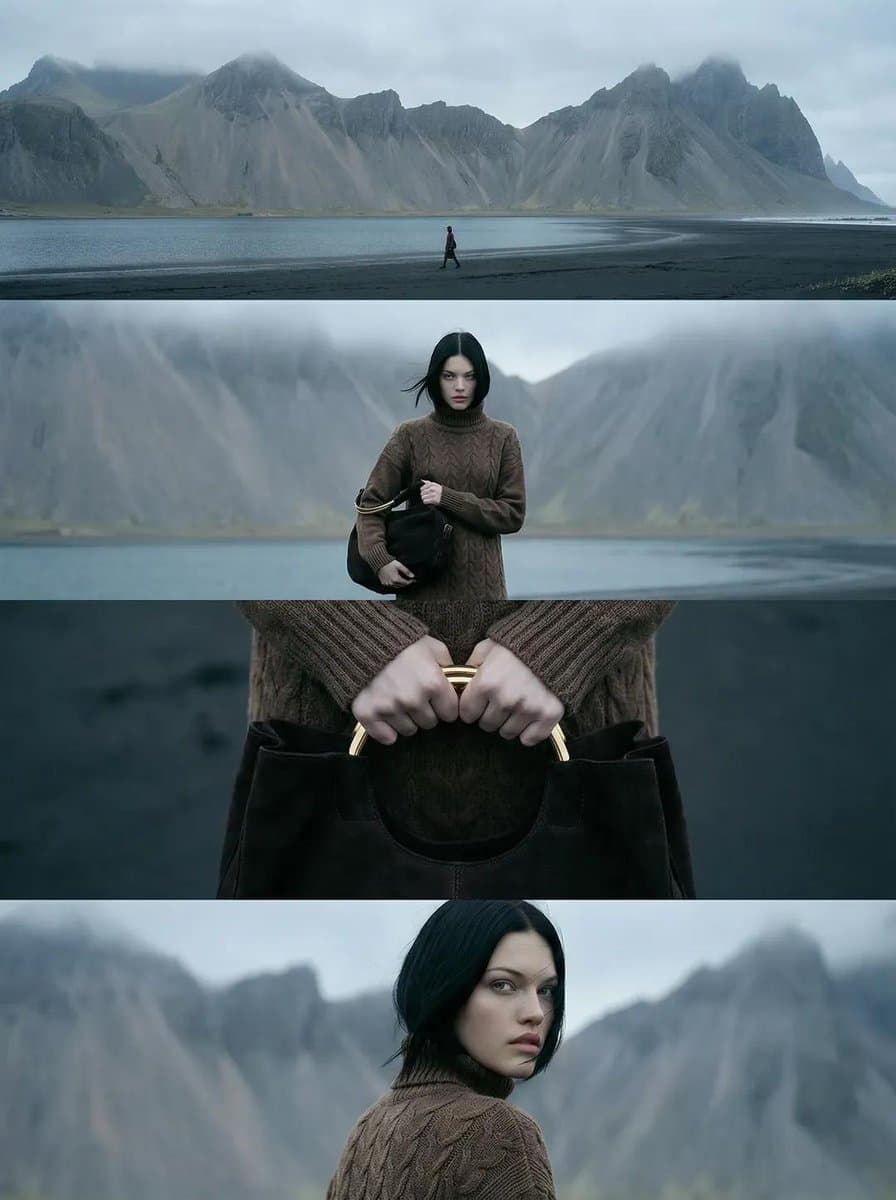
Nordic Coast 4-Frame Editorial

Surreal Photo Manipulation Concept: a Person Breaking Out of a Polaroid Photograph Frame
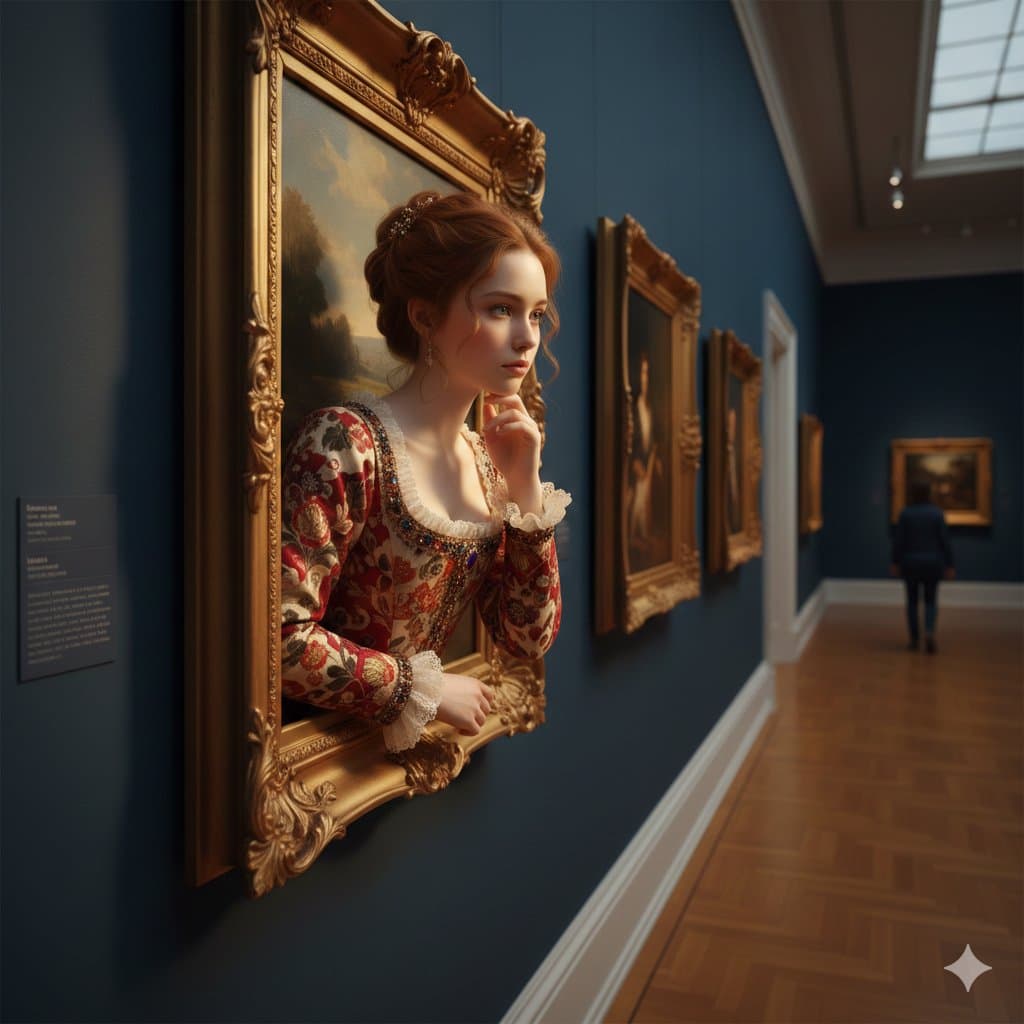
Woman Emerging From Golden Frame
What Are Frame Design AI Prompts?
Frame Design AI Prompts are specialized sets of instructions crafted to help artificial intelligence understand the structural and aesthetic principles of 'containment' and 'bordering' in visual art. These prompts go far beyond mere picture frames; they encompass a wide array of layout strategies, including sophisticated editorial grids, digital UI borders, minimalist Scandinavian frames, and vintage polaroid-style enclosures. Carat's frame-design tag provides users with the tools to build a professional 'stage' for their content, ensuring that the primary subject is complimented by its surroundings. Whether you are looking for ornate golden borders for a classical portrait or a clean, multi-paneled grid for a modern brochure, these prompts provide the geometric and textural information necessary to create structured, balanced, and visually appealing designs. By using these prompts, you can transform a simple image into a complete, ready-to-use design asset that feels intentional and well-composed.
Best Use Cases
The utility of frame design spans various industries, from e-commerce and marketing to personal art projects. In the commercial world, these prompts are invaluable for creating high-end product showcase layouts, where a structured frame can highlight the luxury or features of an item. For social media managers, generating consistent grid-based frames helps in creating a cohesive 'aesthetic' for an Instagram feed or a professional LinkedIn carousel. Designers use these prompts to brainstorm editorial layouts for magazines, digital lookbooks, or event flyers. They are also perfect for creating personalized 'Pet Memorial' frames or sentimental gift layouts that look like they were designed by a professional agency. Additionally, these prompts can generate mockups for interior designers to show how a piece of art would look in a specific frame against a gallery wall. The ability to generate 'empty' frames with designated spaces for text or photo placeholders makes them a powerful starting point for any composite design project.
Why This Tag Works
The frame-design tag is particularly effective because it focuses on 'spatial organization', an area where generic AI prompts often fail. By using specific design terminology like 'Rule of thirds', 'Asymmetrical layout', and 'Gutter spacing', these prompts force the AI to respect the boundaries and proportions required for a professional look. This tag filters for results that prioritize structural integrity and negative space, ensuring the generated images aren't just cluttered with details but are functional pieces of design. It bridges the gap between 'art generation' and 'graphic design', providing users with assets that have a clear hierarchy and focus. Moreover, it allows for high levels of material customization - from brushed aluminum and dark walnut to gilded gold and digital neon borders - giving the user complete control over the 'vibe' of the enclosure. This precision saves hours of manual layout work and provides immediate inspiration for complex design challenges.
Explore Related Prompts
To build a complete design toolkit, consider exploring these related categories on Carat. For promotional materials, check out Brochure Design, Banner Design, and Flyer Design. If you are focused on literature or media, our Cover Design gallery offers excellent prompts for book and album art. To master the art of page layout, explore Editorial Design and Grid Design. Each of these tags provides specialized prompts that complement the framing and layout principles found here, allowing you to create cohesive design systems for any project.
Prompt Building Tips
When crafting a frame design prompt, be specific about the 'architecture' and 'materiality' of the frame. Instead of just saying 'frame', try 'Minimalist floating black wooden frame' or 'Intricate Victorian gold ornate frame'. For layouts, use structural commands like '2x2 grid layout', 'Split screen composition', or 'Triple frame arrangement'. Lighting is also a key factor in making a frame look realistic; use 'Soft shadow from the frame' or 'Gallery spot lighting' to add depth. If you intend to add text or another image later, always include 'Large negative space' or 'Center placeholder'. For an editorial look, add keywords like 'Sans-serif typography placeholder' or 'High-end fashion magazine layout'. Finally, specifying the aspect ratio (e.g., --ar 3:4 or --ar 16:9) is crucial to ensure the frame fits your intended platform, whether it's a mobile screen or a physical print.