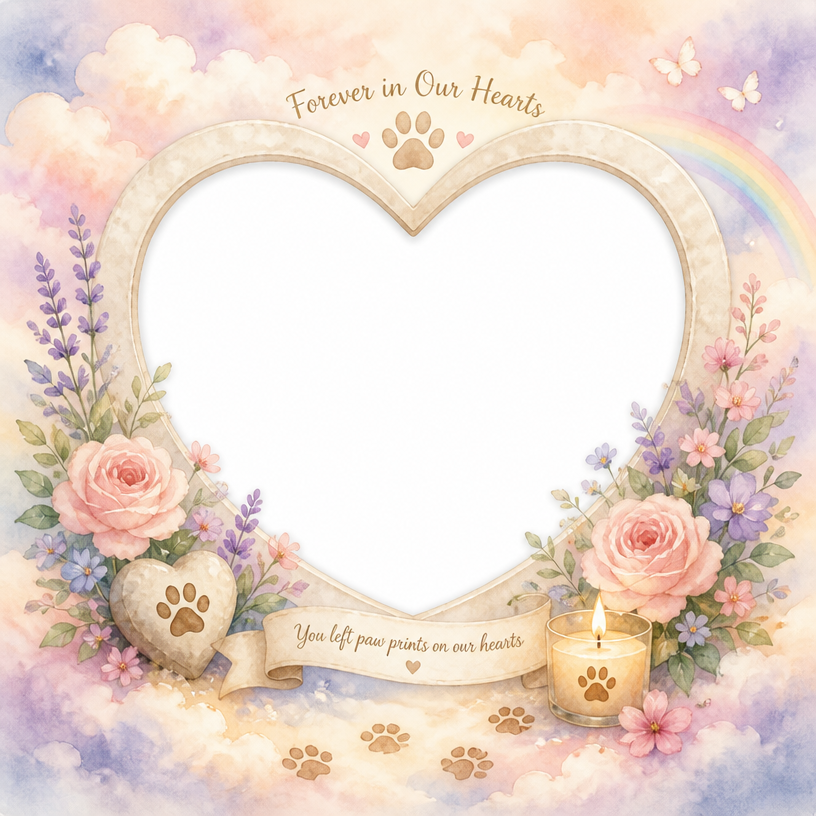
Frame Illustration
Create stunning frame and border illustrations with specialized AI prompts to highlight your photos and text.
2026.07.04
Make “Frame Illustration” exactly the way you wantCreate your own “Frame Illustration”
Just ask in plain language — Carat generates optimized images and videos for you.

Start now with 100 free credits daily

펫 추모 프레임
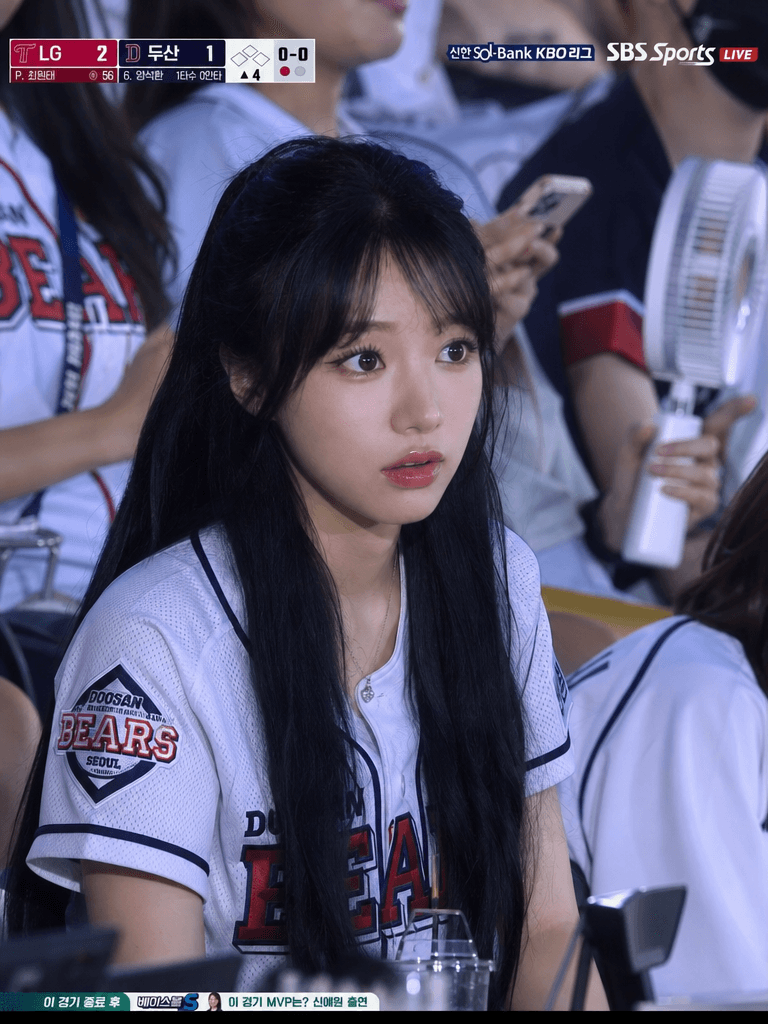
KBO Stadium 4:3 Close Audience Frame
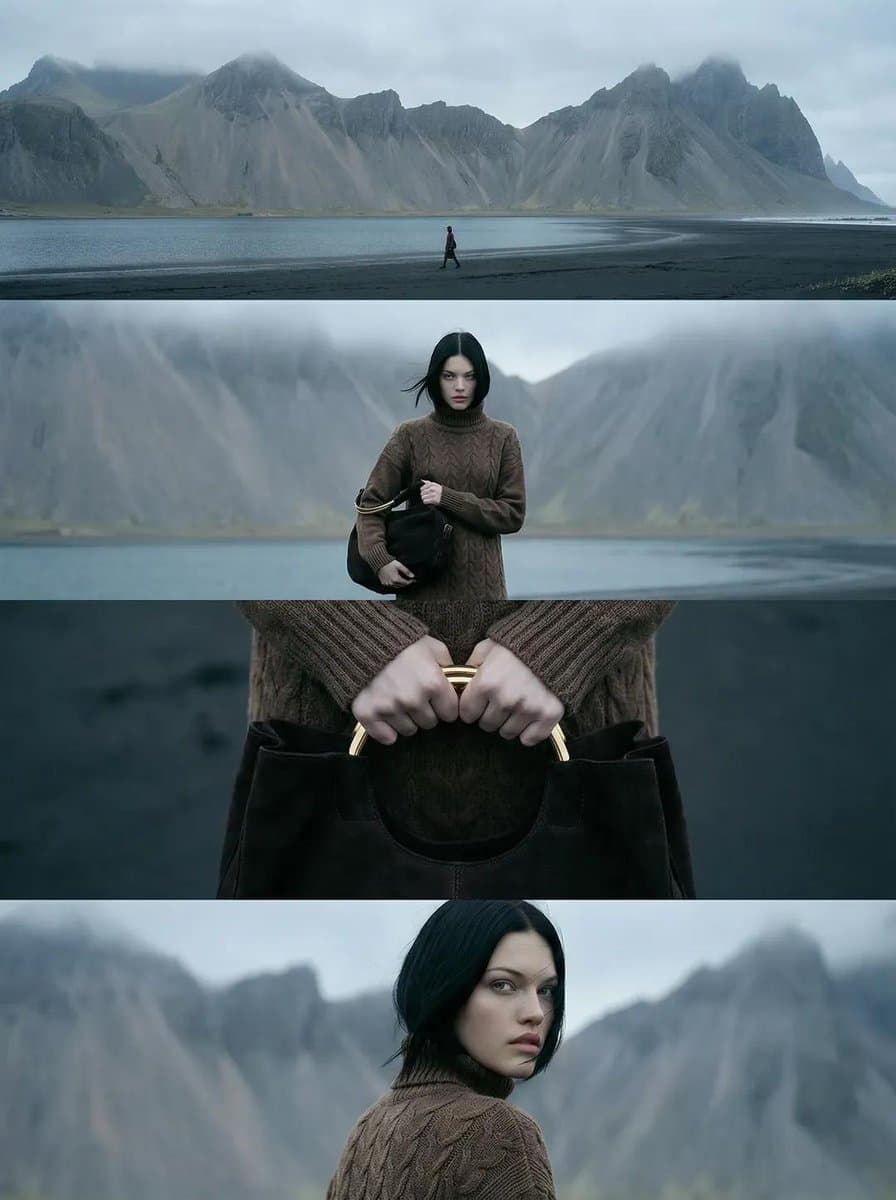
Nordic Coast 4-Frame Editorial

Surreal Photo Manipulation Concept: a Person Breaking Out of a Polaroid Photograph Frame
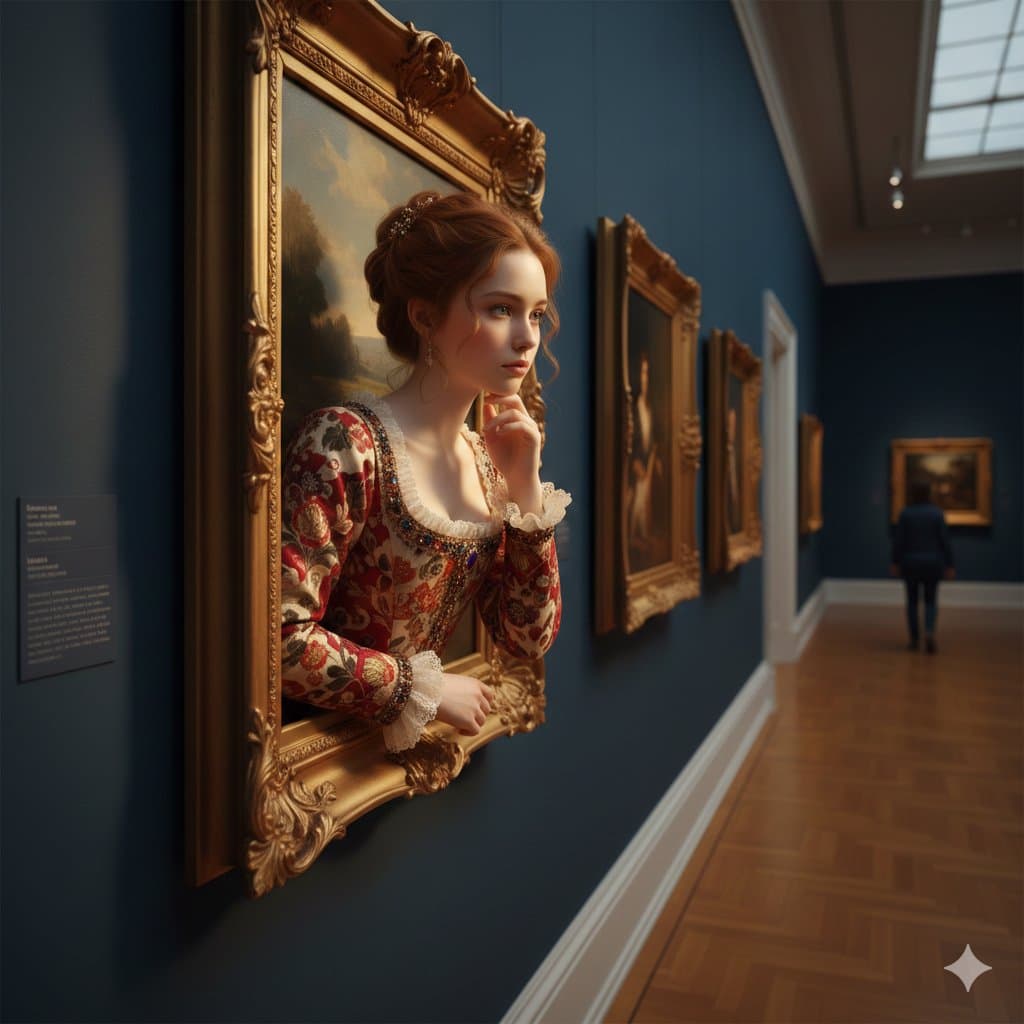
Woman Emerging From Golden Frame
What Are Frame Illustration AI Prompts?
Frame Illustration AI Prompts are sophisticated sets of textual instructions designed to guide artificial intelligence in generating decorative borders, edges, and frames that enclose images or text. In graphic design, a frame acts as a visual anchor, drawing the viewer's attention to the central message while establishing the overall aesthetic tone of the composition. These prompts can range from simple minimalist lines to highly complex, ornate structures inspired by classical architecture, nature, or modern art. Carat's frame prompts are engineered to ensure symmetry, intricate detailing, and consistent stylistic themes, solving common issues where AI might generate lopsided or messy borders. By using these prompts, you can specify everything from the material-like gold, wood, or marble-to the decorative motifs-such as floral vines, geometric patterns, or baroque flourishes. This precision allows users to create bespoke framing elements that are perfectly tailored to their specific creative projects, saving countless hours of manual illustration or searching through generic stock libraries.
Best Use Cases
The applications for frame illustrations are incredibly diverse, spanning across both digital and physical media. One of the most common use cases is in the creation of personalized greeting cards, wedding invitations, and event announcements, where a beautiful floral or metallic frame instantly elevates the perceived value of the design. In social media marketing, frames are used to make Instagram posts or YouTube thumbnails stand out in a crowded feed by creating a cohesive and professional brand look. For editorial design, frames help in organizing layouts, separating different sections of a magazine or a website while adding a touch of elegance. Small business owners often use these frame prompts to create labels, certificates, and menu borders that reflect their brand's personality. Additionally, digital hobbyists use frame illustrations for 'scrapbooking' and digital planner decorating, where unique borders serve as decorative dividers. The ability to generate frames that are thematic-such as spooky borders for Halloween or icy frames for winter-makes these prompts essential for seasonal campaigns and thematic storytelling.
Why This Tag Works
The Frame Illustration tag is a powerful tool because it provides a structured way to access one of the most fundamental yet time-consuming elements of graphic design. Creating a perfectly symmetrical, detailed frame manually requires advanced illustration skills and a significant time investment. This tag allows users to bypass those barriers by offering pre-tested prompts that produce high-quality, professional results instantly. It empowers creators to explore a vast array of styles-from Art Deco and Victorian to Modern Minimalist-without needing to be an expert in each movement. Furthermore, the AI-generated frames often feature unique textures and creative combinations that would be difficult to source from traditional stock websites. This ensures that every project has a unique, high-quality framing element that is both functional and beautiful, bridging the gap between amateur content and professional-level design.
Explore Related Prompts
To further enhance your creative projects, check out these related tags for more design elements:
Prompt Building Tips
Building a successful frame illustration prompt requires a balance of structural and stylistic descriptors. Start by defining the basic geometry: use terms like 'rectangular frame', 'circular border', or 'asymmetrical organic frame'. Next, define the theme or material; 'golden ornate baroque', 'rustic driftwood texture', or 'clean holographic lines' will set the primary visual direction. It is also crucial to describe the interior of the frame-use 'empty white center' or 'transparent center' to ensure you have a clean space to place your content later. For added depth, include lighting and atmospheric keywords such as 'soft drop shadow', 'backlit glow', or 'ambient studio lighting'. To ensure high quality, add technical modifiers like 'vector style', '8k resolution', 'highly detailed engravings', or 'clean edges'. By combining these, a prompt like 'A sophisticated circular frame made of blooming white peonies and green leaves, soft watercolor style, empty white center for text, high resolution, isolated on white background' will produce a much more usable and beautiful asset than a generic 'flower frame' request.