carat

프롬프트 갤러리

/

제미나이 옴니 플래시

로그인
회원가입

제미나이 옴니 플래시

대사와 효과음까지 함께 만들어지는 제미나이 옴니 플래시(Gemini Omni Flash) AI 영상 프롬프트. 텍스트와 사진으로 영상을 만들고, 이미 있는 영상의 바꿀 부분만 문장으로 지시할 수 있습니다.

2026.08.27

·

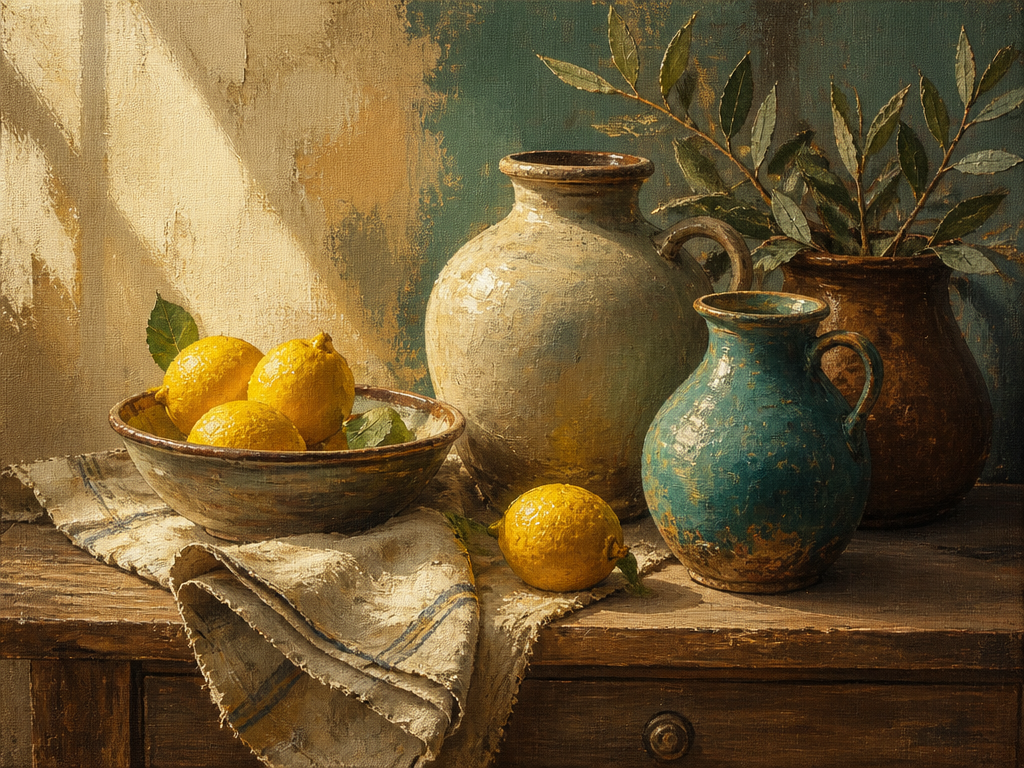
유화 영상 속 사물 바꾸기

제미나이 옴니 플래시· 영상
Replace the bottle with an apple on this oilpainting video
@fal.ai

새벽 안개 결투 시네마틱 영상

제미나이 옴니 플래시· 영상
Create a cinematic movie where it is about life or death
@fal.ai

카페 창가 스마트폰 셀카 영상

제미나이 옴니 플래시· 영상
Close vertical 9:16 smartphone selfie of a man in his late fifties in a café, seated by a large window. Phone held slightly below eye level, arm's length, 24–28mm perspective — face fills the upper half, sweater and torso the lower. In his other hand, raised into the lower-right corner and slightly closer to the lens, a thick off-white ceramic cappuccino cup with collapsing latte art, no logo or text. Salt-and-pepper hair, receding and loosely combed back, trimmed gray beard, thin tortoiseshell glasses with faint window reflections. Visible crow's feet, forehead lines, softened jawline, age spots, veined hands — no smoothing or de-aging. Small closed-mouth smile that reaches the eyes. Charcoal merino crewneck over an open-collar oxford shirt. Soft daylight from a large window on camera-left, ~5500K, right side falling into gentle shadow. Behind him: blurred patrons, wooden counter, pendant lights. Real smartphone texture — visible pores, beard strands, knit weave, natural depth falloff, no heavy bokeh or portrait-mode edges. Unposed, mid-coffee, casually human-shot. He is saying: 'Third one today. Don't tell my doctor.'
@fal.ai

미니멀 스튜디오 패션 에디토리얼 필름

제미나이 옴니 플래시· 영상
Cinematic fashion editorial film of an elegant woman in her late twenties, luminous skin, sharp cheekbones, soft natural makeup with a bold matte lip, dark hair slicked back into a low chignon. She wears a structured ivory silk blazer over a black slip dress. Shot in a minimalist studio: seamless warm-grey cyclorama, single large softbox key at 45°, subtle rim light separating her from the background, soft falloff, gentle film grain. Camera on a slow dolly with an 85mm lens, shallow depth of field, f/2.0. She flows through five distinct editorial poses, each held for a beat before transitioning with a natural, unhurried movement. Muted warm color grade, creamy highlights, deep neutral shadows. 24fps, anamorphic feel, high-fashion magazine aesthetic. Shot-by-shot beat sheet (8–10s per beat, or compress to ~2s each for a single clip): # Pose | Camera | Note 1 Standing tall, chin lifted, one hand grazing the lapel, gaze direct to lens | Slow push-in, medium-full | Opens with authority 2 Three-quarter turn away, head rotating back over the shoulder, eyes finding camera last | Static, slight tilt up | Classic over-the-shoulder 3 Seated on a low concrete block, elbows on knees, fingers interlaced, gaze down and away | Low-angle, slow orbit left | Introspective beat 4 Arms raised, hands framing the face, wrists relaxed, head tilted into the light | Slow tilt down from above | Sculptural, light-play 5 Mid-stride toward camera, blazer catching air, hair loosening, half-smile | Dolly back matching her pace
@fal.ai

제미나이 옴니 플래시 AI 프롬프트란?

제미나이 옴니 플래시(Gemini Omni Flash)는 구글의 영상 생성 모델입니다. 텍스트로 영상을 만들 때 화면에 맞는 오디오를 함께 생성하며, 제미나이의 실세계 지식과 물리 이해를 바탕으로 사물의 움직임과 상호작용을 표현합니다. 최신 버전은 1.1이고, 캐럿 모델 선택 화면에서는 Google Omni 브랜드의 Flash로 표시됩니다. 캐럿에서는 제미나이 옴니 플래시로 만든 결과물과 프롬프트를 함께 제공해, 복사만 하면 바로 쓸 수 있도록 구성했습니다.

주요 활용 장면

  • 대사와 효과음까지 한 번에 필요한 텍스트 기반 영상 제작
  • 사진 한 장을 움직이는 장면으로 바꾸는 이미지 기반 영상
  • 참고 이미지를 최대 3장 넣어 인물, 배경, 소품을 지정하는 영상
  • 이미 있는 영상에서 바꿀 부분만 문장으로 지시하는 편집
  • 팬, 틸트, 돌리, 클로즈업 같은 카메라 움직임을 문장으로 지정하는 연출
  • 낙하, 충돌, 유체처럼 물리 표현이 필요한 장면

이 태그가 유용한 이유

제미나이 옴니 플래시는 영상과 오디오를 따로 만들어 합치지 않고 함께 생성하므로, 대사와 효과음을 프롬프트에서 바로 지시할 수 있습니다. 텍스트 기반 생성, 이미지 기반 생성, 참고 이미지 기반 생성, 영상 편집이 같은 모델 안에 있어 장면을 만든 뒤 고치는 작업까지 프롬프트로 이어집니다. 해상도는 360p, 720p, 1080p, 4K 중에서 고를 수 있고 크레딧 소모는 해상도와 길이에 따라 달라집니다. 편집에 넣을 수 있는 영상 형식은 mp4, mov, webm, m4v, gif입니다.

관련 프롬프트 더 보기

  • AI 영상
  • 영화/드라마
  • 제품 광고 영상
  • 뮤직비디오
  • 영화 예고편 영상
  • 립싱크 영상
  • 대사 영상
  • 카메라 무브먼트

프롬프트 구성 팁

  1. 오디오가 함께 생성되므로 대사, 효과음, 배경음을 프롬프트에 문장으로 적어두세요.
  2. 카메라 움직임은 자연어로 지정할 수 있습니다. 팬, 틸트, 돌리 인처럼 동작 이름과 방향을 함께 적으세요.
  3. 참고 이미지는 3장까지 넣을 수 있습니다. 각 이미지에서 무엇을 가져올지(인물, 배경, 소품) 문장으로 지정하세요.
  4. 편집으로 쓸 때는 바꿀 대상과 유지할 대상을 한 문장씩 나눠 적으면 의도하지 않은 변형이 줄어듭니다.
  5. 해상도는 결과물을 쓸 자리에 맞춰 고르세요. 360p부터 4K까지 지정할 수 있고 크레딧 소모가 달라집니다.

자주 묻는 질문

관련 프롬프트

영화/드라마

프롬프트 491개

드라마틱 조명

드라마틱 조명

프롬프트 30개

캔버스 그림 스타일

캔버스 그림 스타일

프롬프트 1개

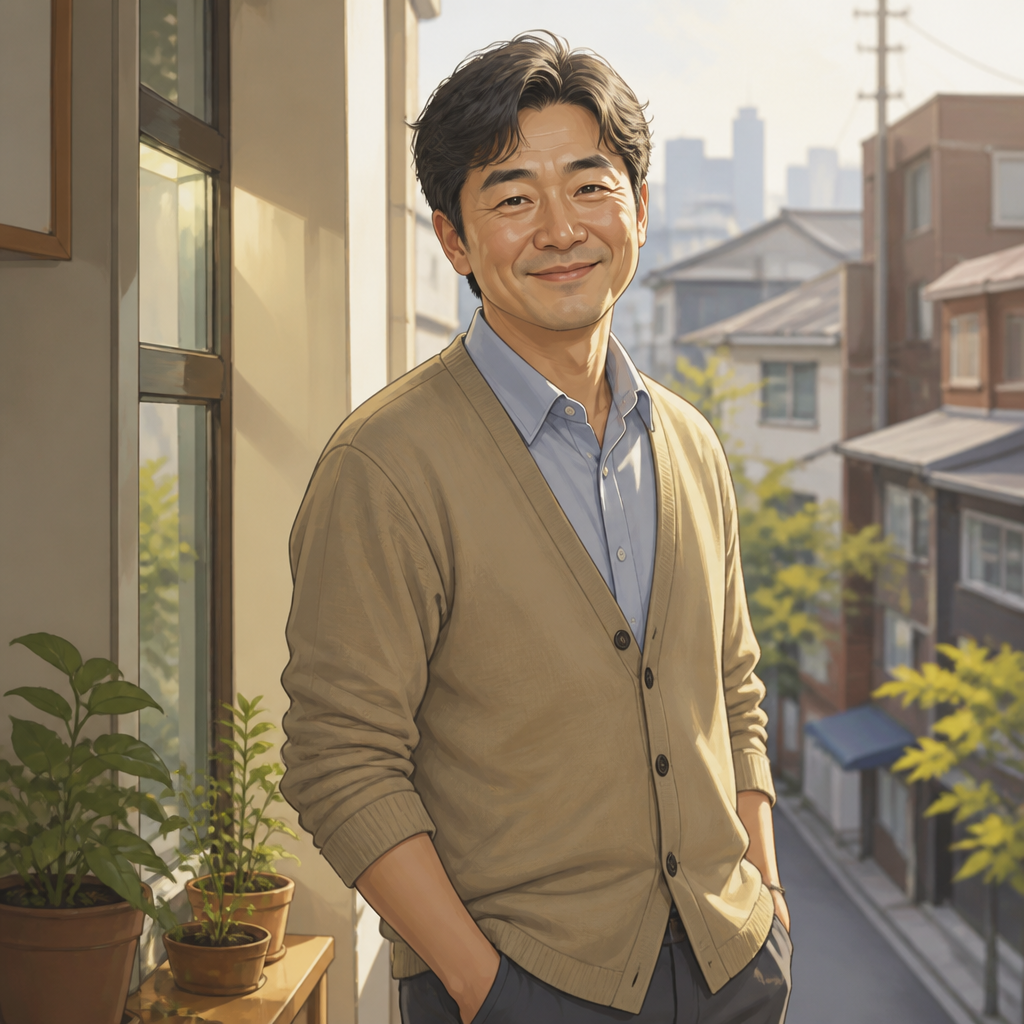
아저씨 캐릭터

아저씨 캐릭터

프롬프트 2개

캐럿 프롬프트 갤러리

지금 유행하는 AI 프롬프트를 바로 만들 수 있어요

프롬프트

  • 로고
  • PPT 디자인
  • 썸네일
  • 포스터
  • 웹소설 표지
  • 증명사진
  • 캐리커처
  • 상세페이지
  • 배너

모델

  • GPT 이미지 2
  • 씨댄스 2.0
  • 나노바나나 프로
  • 나노바나나 2

캐럿

  • 시작하기
  • 서비스 소개
  • 블로그
  • 채용
  • 문의
  • 파트너십
  • 이용약관
  • 개인정보 처리방침

© 2026 Paradot.Inc All rights reserved.