본문으로 건너뛰기

gpt 이미지 프롬포트

GPT Image 이미지 제작을 위한 실용적인 AI 프롬프트 가이드입니다.

2026.08.18

「gpt 이미지 프롬포트」 원하는 대로 직접 만들어보세요「gpt 이미지 프롬포트」 직접 만들어보세요

대화로 요청만 하면 최적화된 이미지·영상을 만들어줘요

매일 무료 100크레딧으로 바로 시작

·
GPT 이미지 2로 생성한 커뮤니티 리소스 1

커뮤니티 리소스 1

GPT 이미지 2· 이미지
A clean community resource graphic, shared folder, helpful documents, people icons and simple resource symbols arranged in a clear welcoming composition, blue green orange and cream palette, no readable text, square graphic design
GPT 이미지 2로 생성한 커뮤니티 리소스 3

커뮤니티 리소스 3

GPT 이미지 2· 이미지
A clean community resource graphic, open hands, helpful documents, people icons, shared tools and simple resource symbols arranged in a clear welcoming composition, blue green orange and cream palette, no readable text, square graphic design
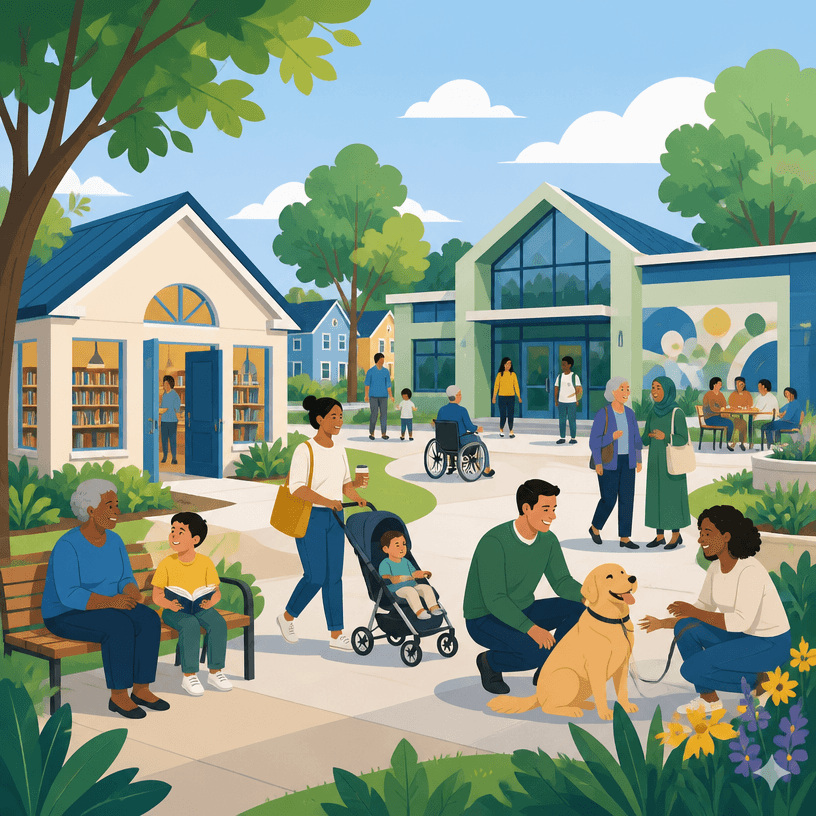
GPT 이미지 2로 생성한 로컬 리소스 1

로컬 리소스 1

GPT 이미지 2· 이미지
A clean editorial illustration for a local community resource directory, welcoming neighborhood scene with a small public library, community center, trees, diverse residents, simple geometric shapes, warm blue and green palette, square composition, no text, no logos
GPT 이미지 2로 생성한 커뮤니티 리소스 2

커뮤니티 리소스 2

GPT 이미지 2· 이미지
A clean community resource graphic, community center, helpful documents, people icons, links and simple resource symbols arranged in a clear welcoming composition, blue green orange and cream palette, no readable text, square graphic design
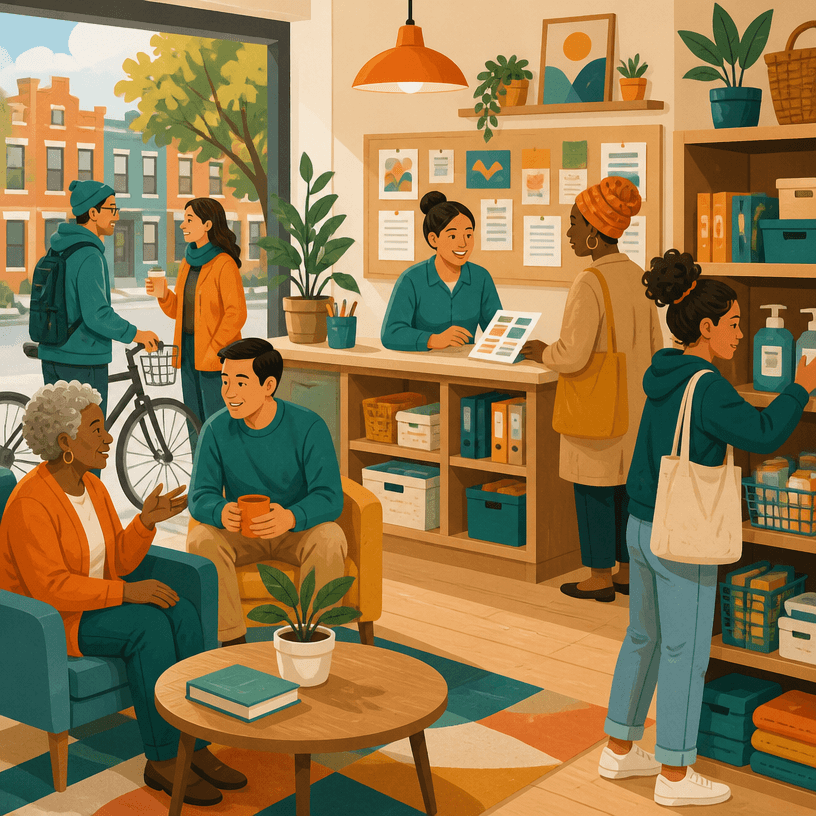
GPT 이미지 2로 생성한 로컬 리소스 2

로컬 리소스 2

GPT 이미지 2· 이미지
A clean editorial illustration for a local community resource directory, neighborhood help desk and shared resources shelf with friendly residents, organized urban community scene, warm orange and teal palette, square composition, no text, no logos
나노바나나 2.1 이미지 생성기 →구글 나노바나나 2.1(Nano Banana 2.1)로 이미지를 만들고 편집하세요. 최대 4K 해상도, 15가지 화면 비율, 참고 이미지 4장까지 지원합니다.

GPT Image AI 프롬프트란?

GPT Image 프롬프트는 아이디어를 관찰 가능한 이미지 조건으로 바꾸는 설계 문장입니다. 대상과 목적을 먼저 정하고 구도, 시점, 조명, 색상, 재질, 분위기, 여백과 출력 비율을 순서대로 지정하세요.

주요 활용 장면

  • 콘셉트와 무드보드 시안
  • 포스터와 카드 제작
  • 제품 또는 인물 표현
  • 소셜 미디어 콘텐츠
  • 후편집을 고려한 배경 제작

이 태그가 유용한 이유

명사만 나열하기보다 읽는 순서와 시각적 제약을 명확히 할 수 있습니다. 전경, 중경, 배경을 나누고 빛의 방향과 색온도, 표면 질감과 렌즈 느낌을 별도로 적으면 결과를 비교하기 쉽습니다. 생성된 문구, 숫자, 로고와 사실 정보는 정확하지 않을 수 있으므로 공식 원문을 대조해 후편집하세요. 인물, 사진, 폰트와 레퍼런스의 권리도 게시 전에 확인해야 합니다.

관련 프롬프트 더 보기

photo-to-painting, watercolor-style, cartoon-style, small-business, health-infographic, children-book 태그를 함께 살펴보세요.

프롬프트 구성 팁

  1. 대상, 목적, 사용 채널과 출력 비율을 정합니다.
  2. 구도와 시점, 전경과 배경의 순서를 지정합니다.
  3. 조명, 팔레트, 재질, 질감과 분위기를 분리해 적습니다.
  4. 텍스트와 로고는 후편집으로 넣는다고 명시합니다.
    첫 결과에서는 장식보다 형태와 가독성을 확인하고, 한 번에 한 변수만 바꾸세요. 최종 게시 전에는 사실 정보와 사용 권리를 검토하세요.

자주 묻는 질문