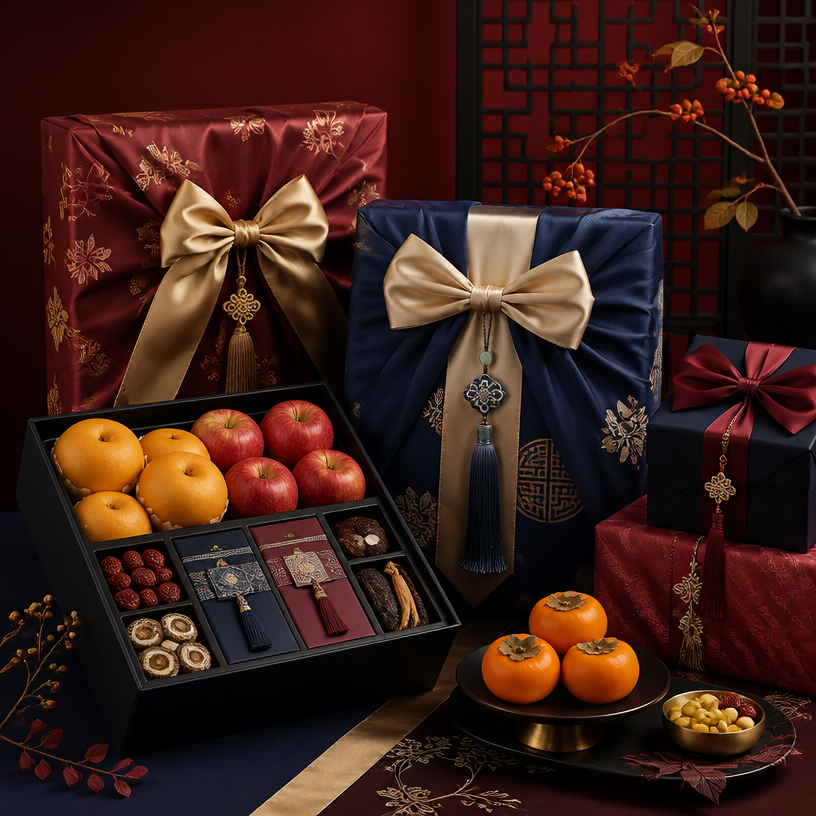
명절 선물 패키지
명절 선물 패키지 프롬프트. 캐럿에서 제공하는 명절 선물 패키지 이미지 생성 프롬프트를 복사해 바로 사용해보세요.
2026.07.13
「명절 선물 패키지」 원하는 대로 직접 만들어보세요「명절 선물 패키지」 직접 만들어보세요
대화로 요청만 하면 최적화된 이미지·영상을 만들어줘요

매일 무료 100크레딧으로 바로 시작
·
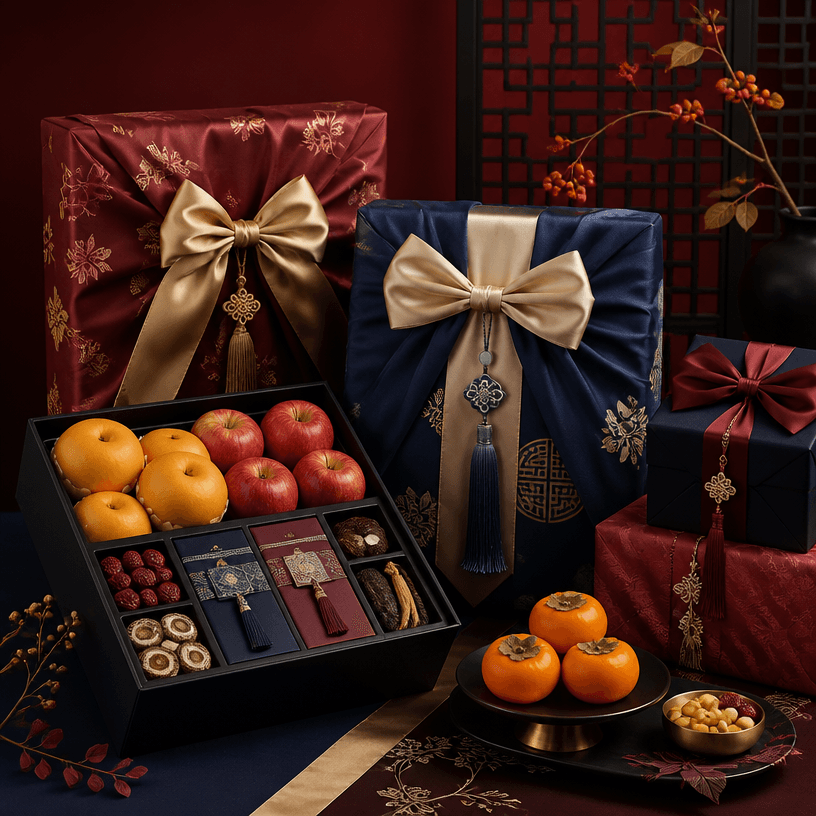
명절 선물 패키지
GPT 이미지 2· 이미지
Square editorial illustration of a premium Korean holiday gift package, elegant wrapped boxes with silk ribbon, traditional pattern accents, fruit and gourmet gift details, warm crimson, deep navy and gold palette, refined festive presentation, clean balanced composition, no readable text, no logo, no watermark.

선물 이모지
GPT 이미지 2· 이미지
a decorated gift box with ribbon and bow, cute excited emoji character holding a present box, celebration confetti around. clay-like cute sticker character, tactile matte surface, warm studio light, simplified shape language. three-quarter view with clear silhouette and subtle depth. muted neutral palette with a vivid focal color. Make the subject immediately recognizable at thumbnail size. Use clean composition, purposeful details, and no watermark. Keep the result clean, sticker-like, simple, bright, and readable; avoid busy backgrounds, tiny details, and unreadable text.
fal:223003
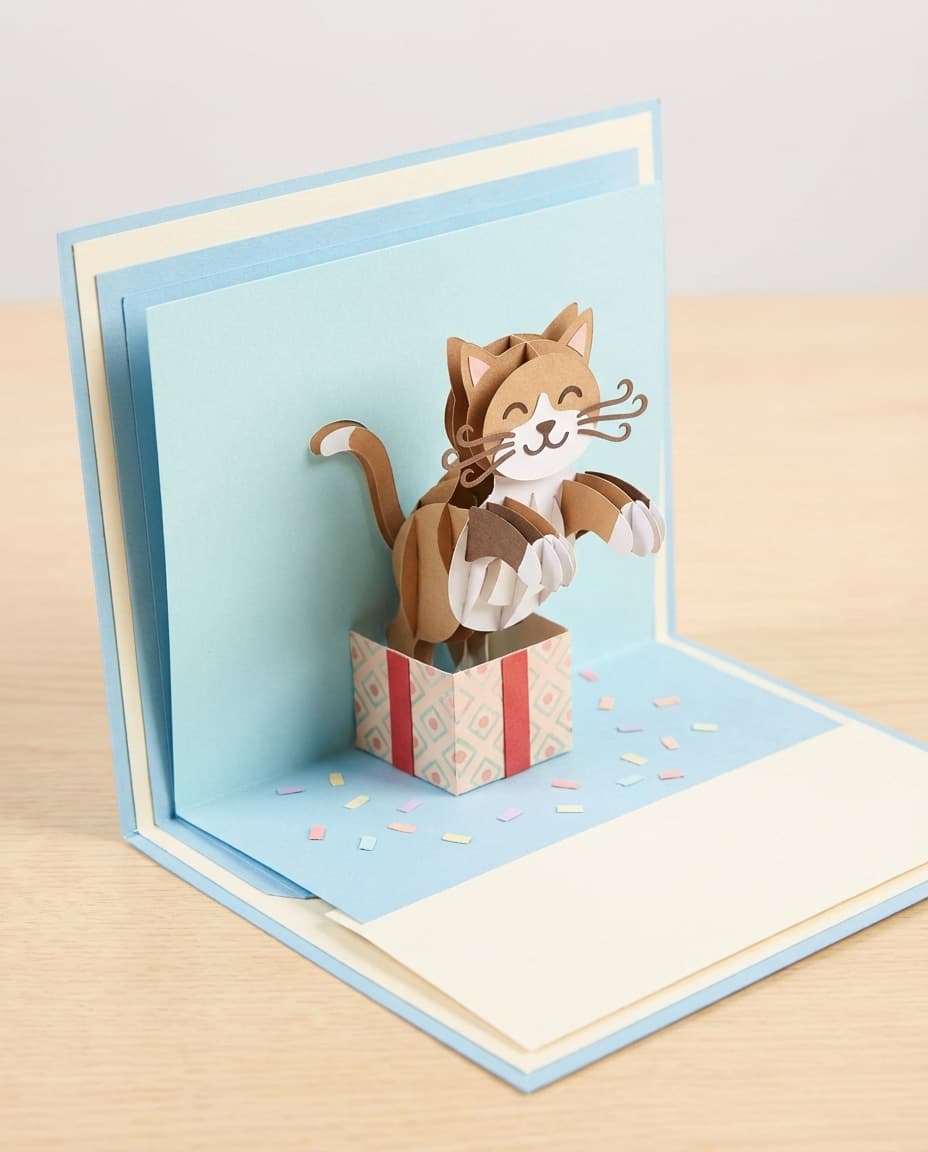
고양이 집사 서프라이즈 팝업 카드
나노바나나 프로· 이미지
A playful 3D pop-up card with a cute paper cat popping out of a gift box, layered whiskers and paws, pastel confetti inside, smooth cardstock with visible cut edges, soft studio light, shot on Sony A6400 50mm, close-up composition, photorealistic craft product photography --ar 4:5
명절 선물 패키지 프롬프트란?
명절 선물 패키지 이미지를 생성하기 위한 AI 프롬프트 모음입니다. 캐럿에서 제공하는 명절 선물 패키지 프롬프트를 복사하여 AI 이미지 생성 도구에 붙여넣으면 전문가 수준의 결과물을 얻을 수 있습니다.
명절 선물 패키지 프롬프트 활용 방법
- 원하는 프롬프트를 선택하여 복사합니다.
- 캐럿 에이전트에 붙여넣습니다.
- 필요에 따라 색상, 스타일, 구도를 수정합니다.
- 생성된 이미지를 다운로드하여 활용합니다.
명절 선물 패키지 프롬프트 작성 팁
조명(Lighting), 질감(Texture), 구도(Composition), 렌즈(Lens) 정보를 구체적으로 명시하면 더 정밀한 결과를 얻을 수 있습니다. "No text, no watermark"를 추가하면 불필요한 텍스트를 방지할 수 있습니다.
명절 선물 패키지 프롬프트 적용 사례
명절 선물 패키지 프롬프트는 콘텐츠 제작, 마케팅, 디자인, 교육 자료 등 다양한 분야에서 활용됩니다. AI 이미지를 활용하면 제작 시간을 단축하면서도 전문적인 퀄리티를 유지할 수 있습니다.
명절 선물 패키지 프롬프트 최적화 가이드
이미지 비율은 용도에 맞게 선택하세요. SNS용은 세로형(9:16), 웹 배너는 가로형(16:9), 제품 이미지는 정사각형(1:1)이 적합합니다.