아이소메트릭 건물
아이소메트릭 건물 프롬프트. 캐럿에서 제공하는 아이소메트릭 건물 이미지 생성 프롬프트를 복사해 바로 사용해보세요.
2026.07.13
「아이소메트릭 건물」 원하는 대로 직접 만들어보세요「아이소메트릭 건물」 직접 만들어보세요
대화로 요청만 하면 최적화된 이미지·영상을 만들어줘요

매일 무료 100크레딧으로 바로 시작
·
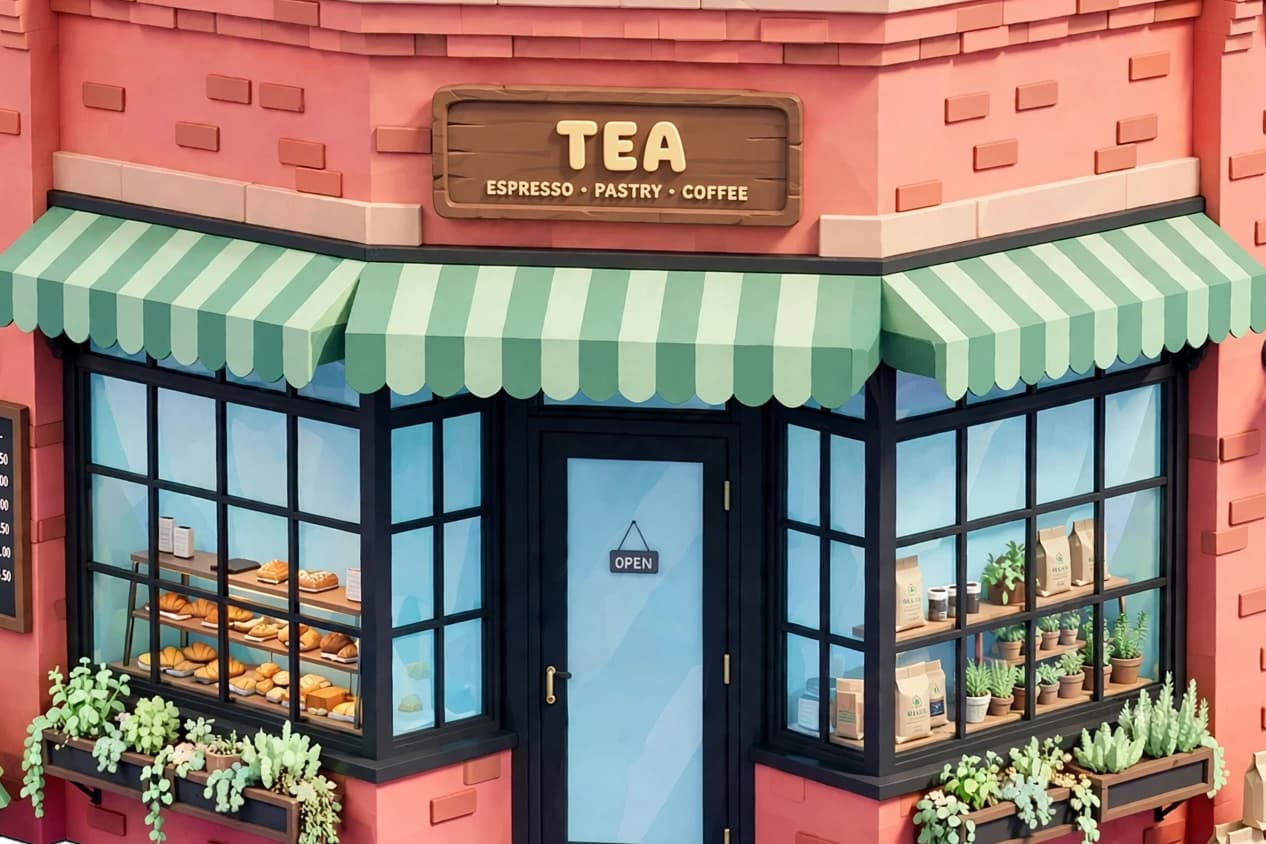
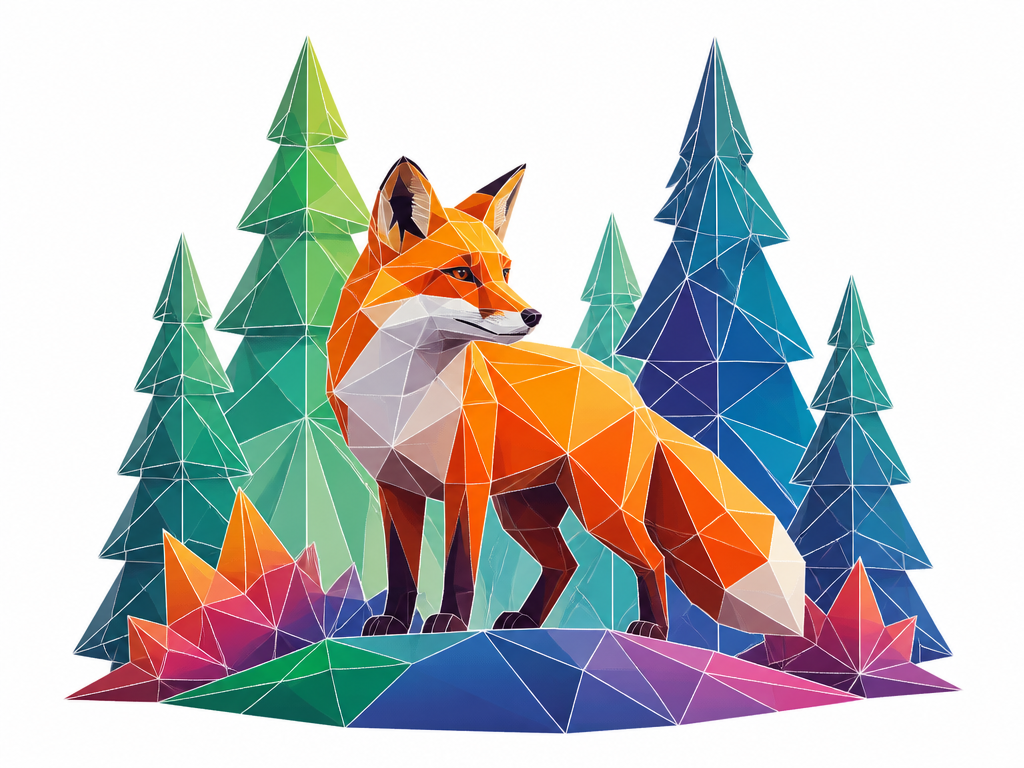
아이소메트릭 저폴리 건물
메타 뮤즈· 이미지
Turn this building photo into a cute isometric game asset. Low-poly 3D, pastel colors, tiny trees + props, tilt-shift focus, cozy mobile-game style, transparent background, soft ambient occlusion.
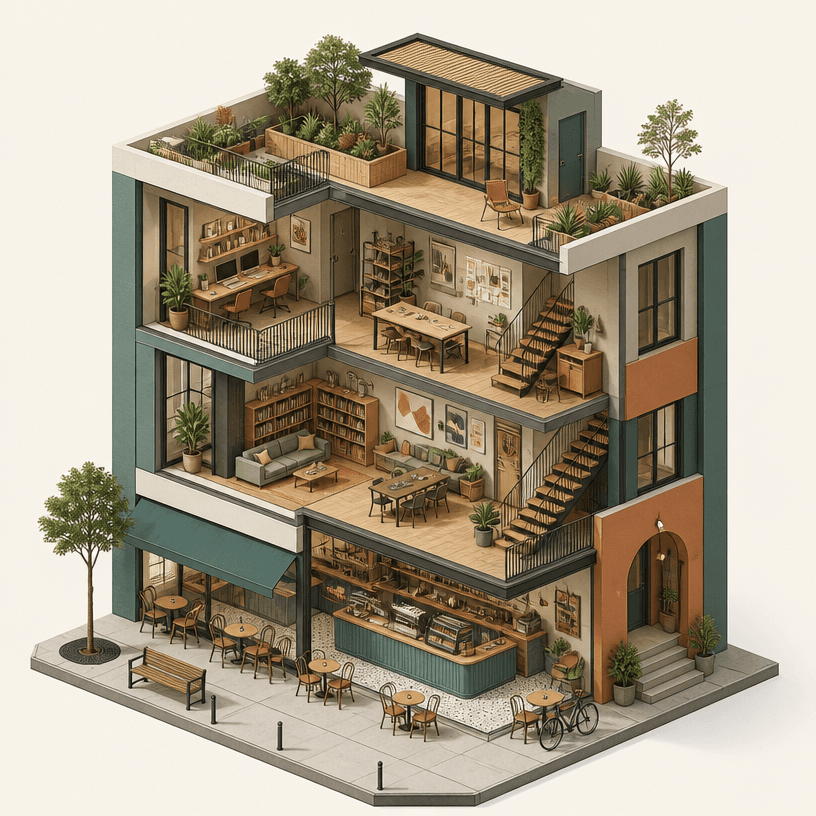
아이소메트릭 건물
GPT 이미지 2· 이미지
Square isometric architectural illustration of a compact contemporary mixed-use building, cutaway floors showing a cafe, studio workspace and rooftop garden, clean geometric forms, soft daylight, muted teal terracotta cream and warm gray palette, detailed windows stairs plants and street furniture, precise three-quarter orthographic view, polished 3D-style digital rendering, plain background, no readable text, no logo, no watermark.
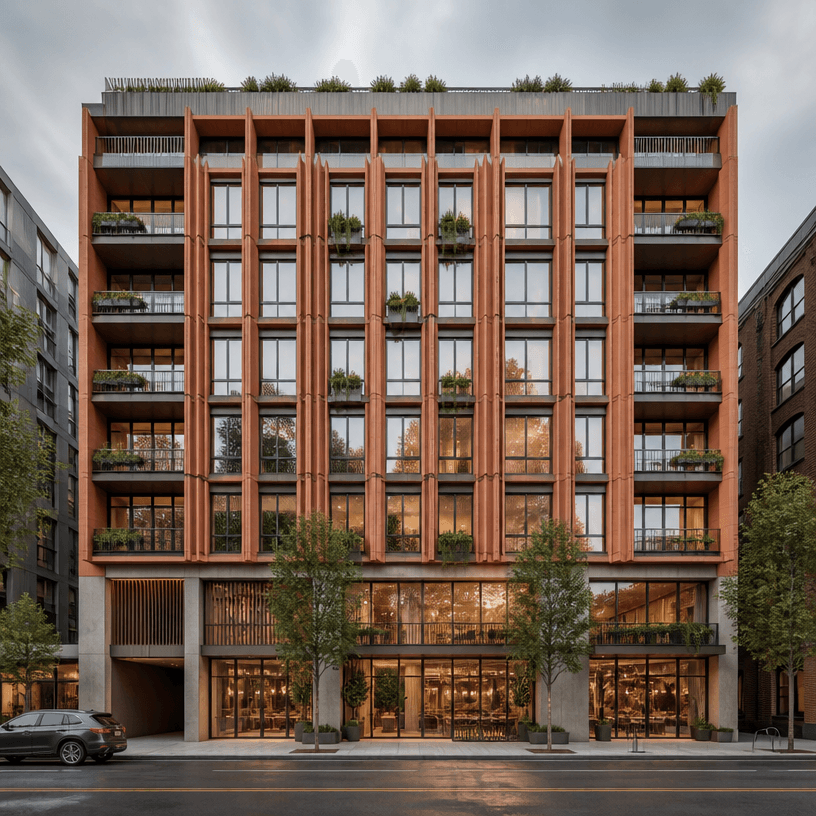
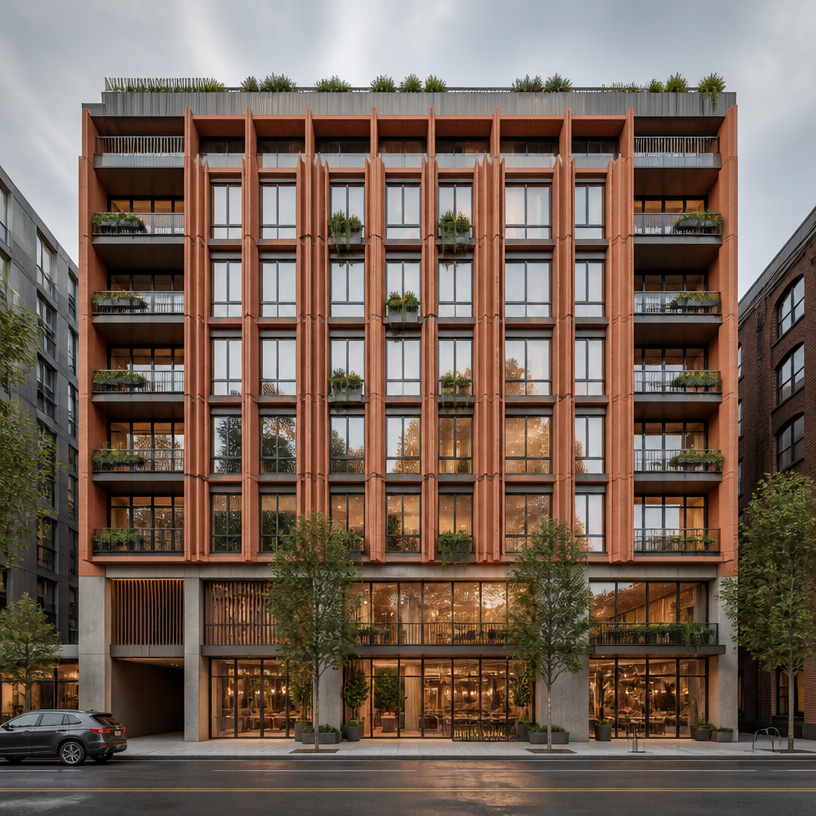
건물 외관 디자인
GPT 이미지 2· 이미지
Square architectural facade design study of a contemporary mid-rise mixed-use building, rhythmic terracotta fins, recessed balconies, clear modular window grid, planted ledges, finely detailed street-level entrance, straight-on elevation perspective with subtle depth, soft overcast daylight, realistic materials and urban context, no readable signage, no logo, no watermark.
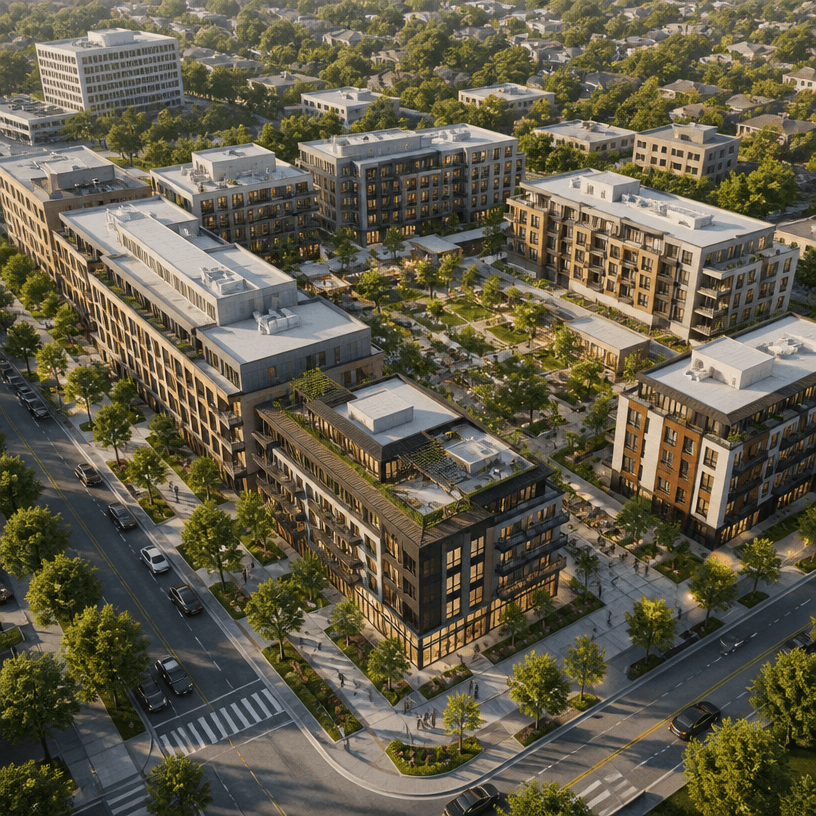
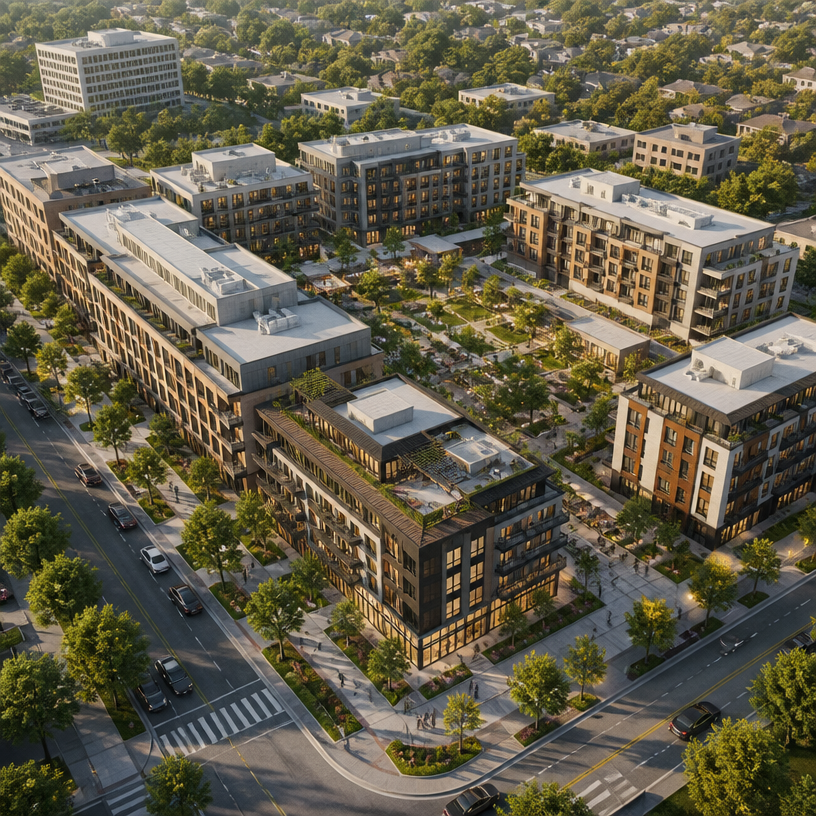
조감도 렌더링
GPT 이미지 2· 이미지
A polished architectural aerial rendering viewed from an elevated oblique angle, showing a contemporary mixed-use development with several mid-rise buildings, landscaped courtyards, tree-lined pedestrian paths, access roads, and realistic surrounding urban context. Clear site planning, believable materials, soft late-afternoon daylight, natural shadows, clean professional real-estate visualization, balanced square composition. No labels, no text, no logos, no watermark.
아이소메트릭 건물 프롬프트란?
아이소메트릭 건물 이미지를 생성하기 위한 AI 프롬프트 모음입니다. 캐럿에서 제공하는 아이소메트릭 건물 프롬프트를 복사하여 AI 이미지 생성 도구에 붙여넣으면 전문가 수준의 결과물을 얻을 수 있습니다.
아이소메트릭 건물 프롬프트 활용 방법
- 원하는 프롬프트를 선택하여 복사합니다.
- 캐럿 에이전트에 붙여넣습니다.
- 필요에 따라 색상, 스타일, 구도를 수정합니다.
- 생성된 이미지를 다운로드하여 활용합니다.
아이소메트릭 건물 프롬프트 작성 팁
조명(Lighting), 질감(Texture), 구도(Composition), 렌즈(Lens) 정보를 구체적으로 명시하면 더 정밀한 결과를 얻을 수 있습니다. "No text, no watermark"를 추가하면 불필요한 텍스트를 방지할 수 있습니다.
아이소메트릭 건물 프롬프트 적용 사례
아이소메트릭 건물 프롬프트는 콘텐츠 제작, 마케팅, 디자인, 교육 자료 등 다양한 분야에서 활용됩니다. AI 이미지를 활용하면 제작 시간을 단축하면서도 전문적인 퀄리티를 유지할 수 있습니다.
아이소메트릭 건물 프롬프트 최적화 가이드
이미지 비율은 용도에 맞게 선택하세요. SNS용은 세로형(9:16), 웹 배너는 가로형(16:9), 제품 이미지는 정사각형(1:1)이 적합합니다.