키링 디자인
키링 디자인 프롬프트. 캐럿에서 제공하는 키링 디자인 이미지 생성 프롬프트를 복사해 바로 사용해보세요.
2026.07.16
「키링 디자인」 원하는 대로 직접 만들어보세요「키링 디자인」 직접 만들어보세요
대화로 요청만 하면 최적화된 이미지·영상을 만들어줘요

매일 무료 100크레딧으로 바로 시작
·
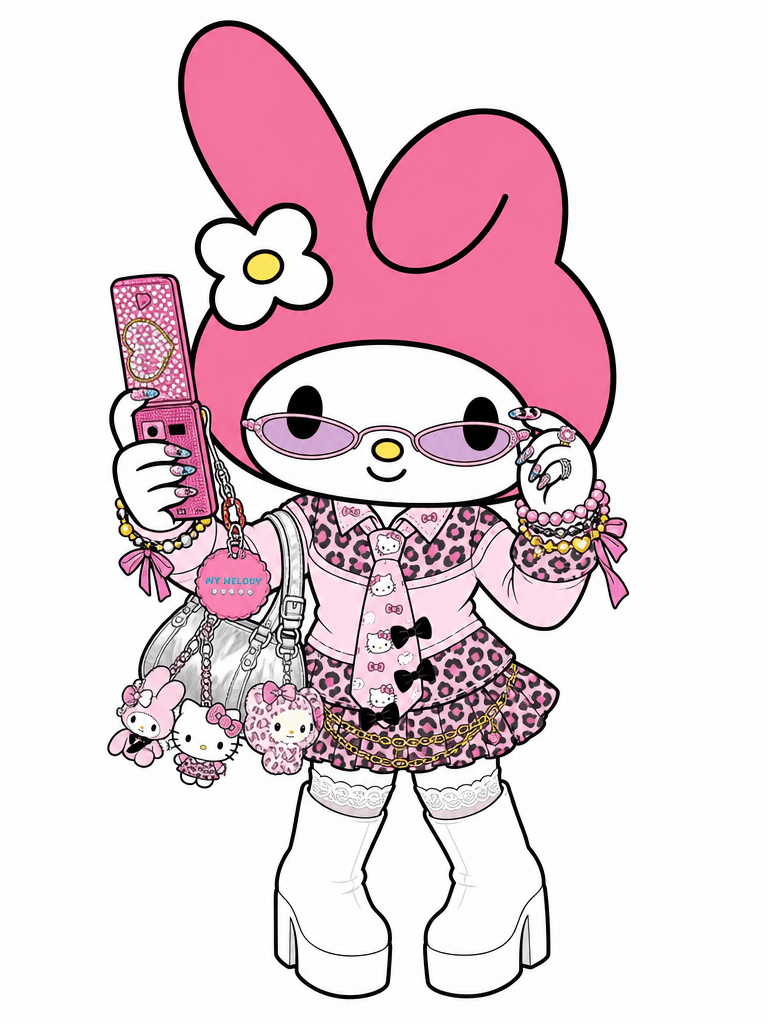
마이멜로디 갸루 코스플레이 일러스트
GPT 이미지 2· 이미지
Transform the person in this photo into the Sanrio character My Melody.
Keep the EXACT same outfit, accessories, and pose from the photo — replicate every detail: clothing items, colors, patterns, bag, jewelry, socks, shoes, and any charms or keyrings.
Replace the person entirely with My Melody in her original Sanrio cartoon illustration style: cute 2D chibi proportions, soft pink hood covering her head with two small round ears, sweet round white face with tiny black dot eyes and a small pink nose, no visible mouth. Do NOT make her look realistic or like a person wearing a mascot costume — she should look like official Sanrio character art.
Plain solid white background (#FFFFFF). Output in 3:4 portrait ratio.
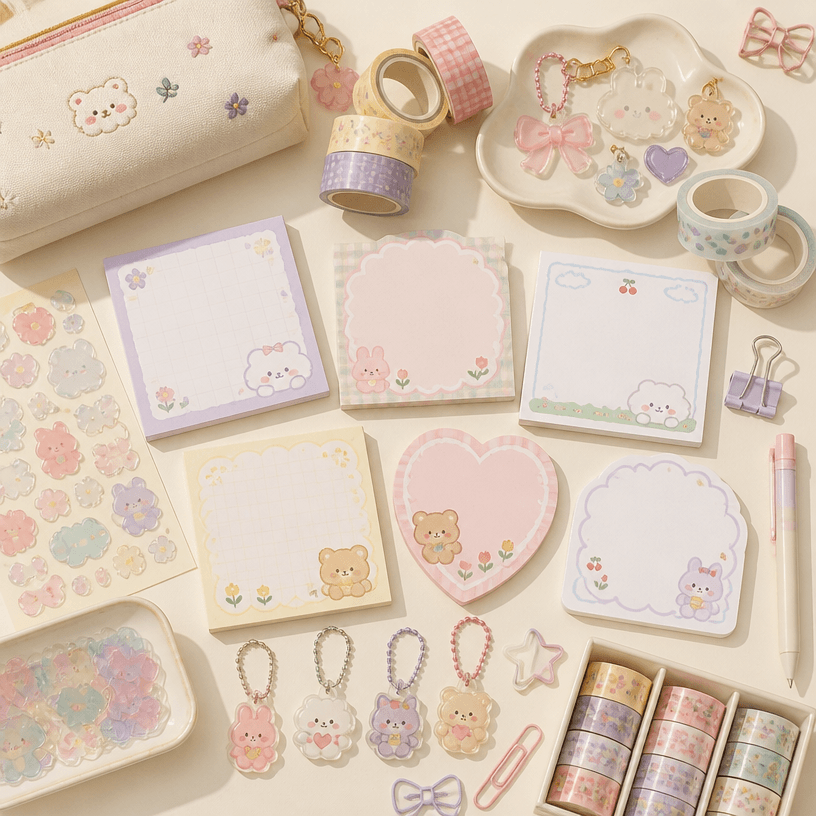
팬시 굿즈
GPT 이미지 2· 이미지
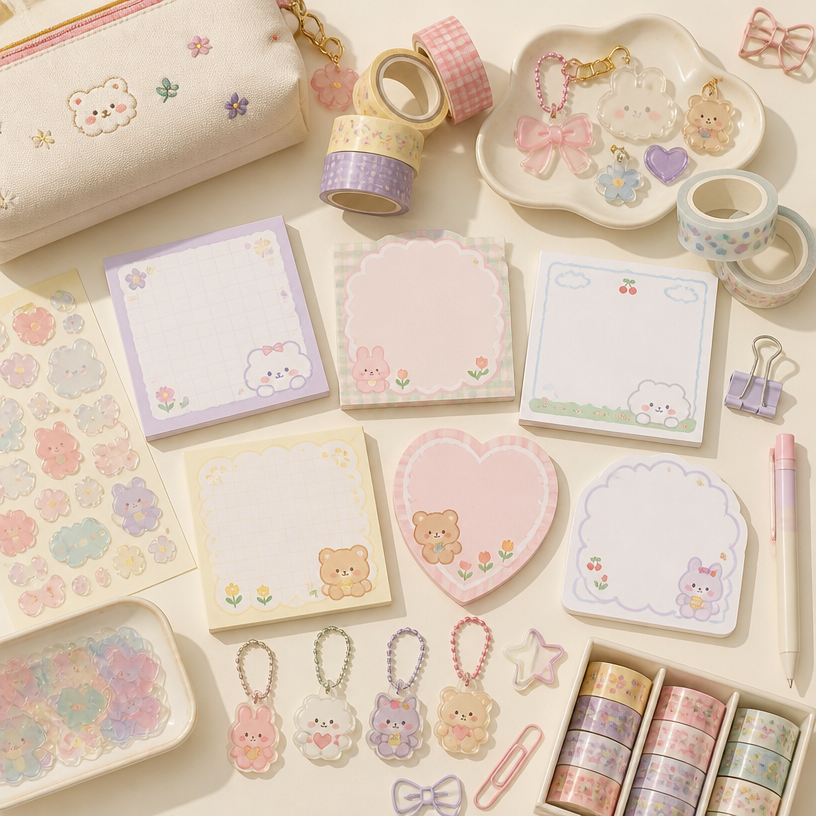
Square flat-lay collection of charming fancy stationery goods on a warm cream desk: pastel memo pads with blank pages, translucent sticker shapes, tiny acrylic charms, patterned washi tape, colorful clips and a compact pouch, playful yet curated Korean stationery-shop aesthetic, soft daylight and gentle shadows. No readable text, no logo, no watermark.
fal:237175
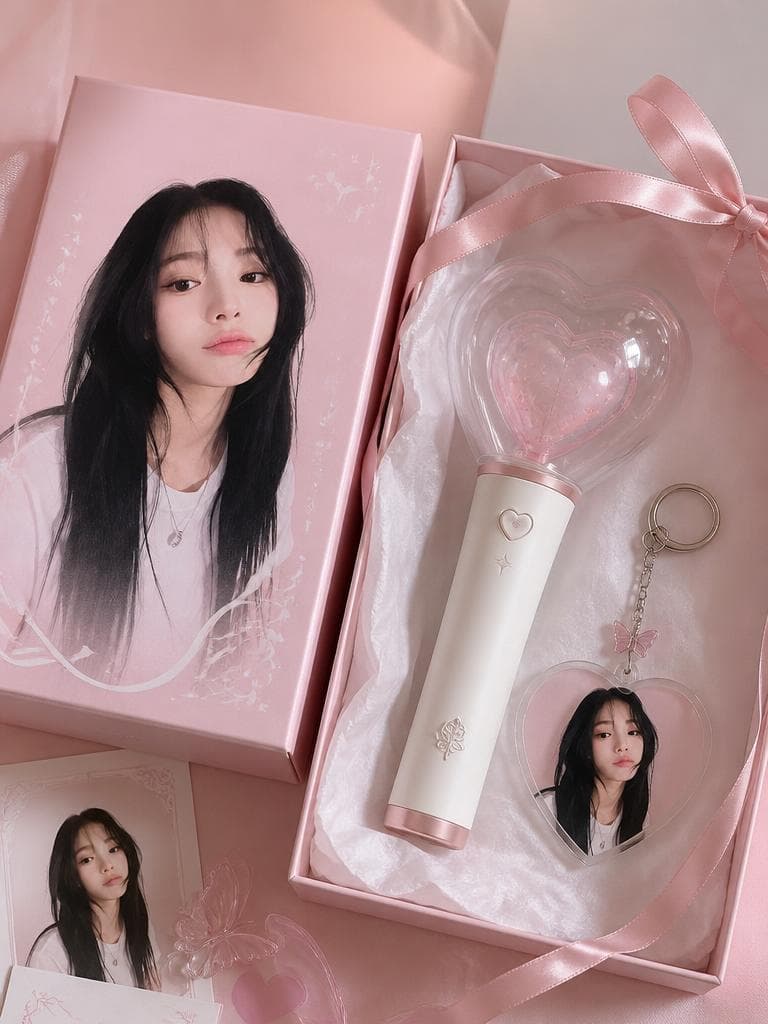
콘서트 응원봉 키링 굿즈
GPT 이미지 2· 이미지
Use the uploaded portrait as the identity reference for printed packaging only. Create a realistic K-pop fan goods package mockup featuring a custom lightstick and acrylic keyring set. The person s portrait appears as a printed design on the keyring and packaging box. Scene: clean product flatlay on pastel background, both items arranged neatly, small fandom name engraving detail on lightstick, ribbon bow, tissue paper wrapping. Shallow depth of field, Pinterest K-pop fan goods photography aesthetic. No real brand logos, no readable text.
fal:76266
키링 디자인 프롬프트란?
키링 디자인 이미지를 생성하기 위한 AI 프롬프트 모음입니다. 캐럿에서 제공하는 키링 디자인 프롬프트를 복사하여 AI 이미지 생성 도구에 붙여넣으면 전문가 수준의 결과물을 얻을 수 있습니다.
키링 디자인 프롬프트 활용 방법
- 원하는 프롬프트를 선택하여 복사합니다.
- 캐럿 에이전트에 붙여넣습니다.
- 필요에 따라 색상, 스타일, 구도를 수정합니다.
- 생성된 이미지를 다운로드하여 활용합니다.
키링 디자인 프롬프트 작성 팁
조명(Lighting), 질감(Texture), 구도(Composition), 렌즈(Lens) 정보를 구체적으로 명시하면 더 정밀한 결과를 얻을 수 있습니다. "No text, no watermark"를 추가하면 불필요한 텍스트를 방지할 수 있습니다.
키링 디자인 프롬프트 적용 사례
키링 디자인 프롬프트는 콘텐츠 제작, 마케팅, 디자인, 교육 자료 등 다양한 분야에서 활용됩니다. AI 이미지를 활용하면 제작 시간을 단축하면서도 전문적인 퀄리티를 유지할 수 있습니다.
키링 디자인 프롬프트 최적화 가이드
이미지 비율은 용도에 맞게 선택하세요. SNS용은 세로형(9:16), 웹 배너는 가로형(16:9), 제품 이미지는 정사각형(1:1)이 적합합니다.