기업 서류와 브랜드 인쇄물을 보여 주는 대봉투 목업 프롬프트입니다.
2026.07.17
「대봉투 목업」 원하는 대로 직접 만들어보세요「대봉투 목업」 직접 만들어보세요
대화로 요청만 하면 최적화된 이미지·영상을 만들어줘요

매일 무료 100크레딧으로 바로 시작
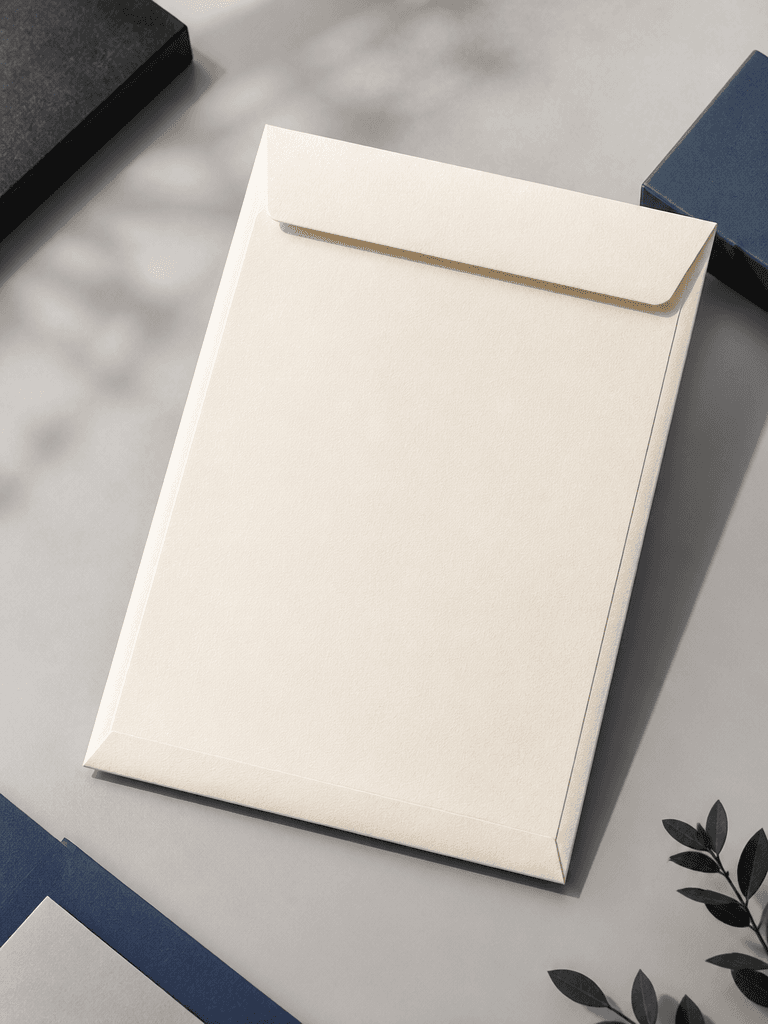
대봉투 목업 AI 프롬프트는 로고, 주소 영역, 색상, 종이 질감이 적용된 서류용 봉투의 모습을 미리 보여 주는 문장입니다. 실제 인쇄 전에 봉투의 크기와 접지 구조, 앞뒷면 인쇄 위치, 브랜드 인상이 어울리는지 확인할 수 있어 기업 아이덴티티와 문구류 제안서에 유용합니다. 흰색 봉투 한 장을 단순히 배치하는 것보다 어떤 문서가 들어가고 어디에서 사용되는지, 봉투의 재질과 촬영 각도가 무엇인지 구체적으로 정하면 결과를 비교하기 쉽습니다.
먼저 봉투의 용도와 규격을 정하고, 종이 색상, 표면의 거칠기, 봉투 덮개의 형태, 인쇄 위치를 나누어 적습니다. 정면 컷은 로고 영역과 여백을 보여 주기에 좋고, 사선 위쪽 컷은 두께와 접지 구조를 표현하기 좋습니다. 실제 주소나 전화번호 대신 빈 줄이나 가상 자리표시자를 사용하고, 로고를 넣을 때는 사용 권한이 있는 원본 파일을 활용하세요. 촬영 배경은 브랜드의 무게감에 맞추되 봉투가 묻히지 않도록 대비를 확보합니다.
종이 재질을 크라프트, 비코팅지, 고급 펄지처럼 지정하고 조명 방향과 그림자의 농도도 함께 적어 보세요. 인쇄 전개도를 확인하려는 목적이라면 평면 정면도와 접힌 상태의 입체 목업을 별도로 요청하는 편이 좋습니다. 봉투에 들어갈 문서의 두께나 손에 들었을 때의 크기를 보여 주고 싶다면 책상, 서류, 손 등의 보조 요소를 최소한으로 추가하세요. 작은 글자와 주소는 생성 후 편집 툴에서 교체하는 것이 정확합니다.
AI 목업은 실제 인쇄 규격과 재단선을 보장하지 않습니다. 봉투의 가로세로 치수, 접지선, 풀칠 영역, 우편 규격은 인쇄소의 템플릿과 대조해야 합니다. 생성된 로고와 주소가 왜곡되었는지 확인하고, 개인정보가 들어간 실제 문서를 참고 이미지로 사용할 때는 민감한 정보를 지우세요. 최종 시안에서는 앞면과 뒷면의 브랜드 색상이 일관적인지, 봉투가 실제로 문서를 수납할 수 있는 구조인지 확인합니다.



