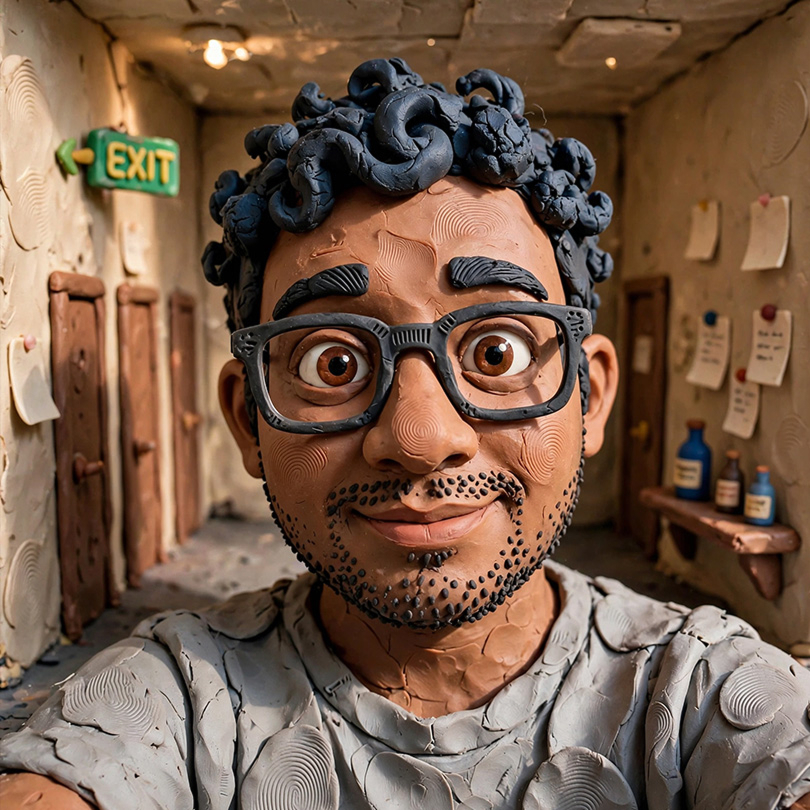
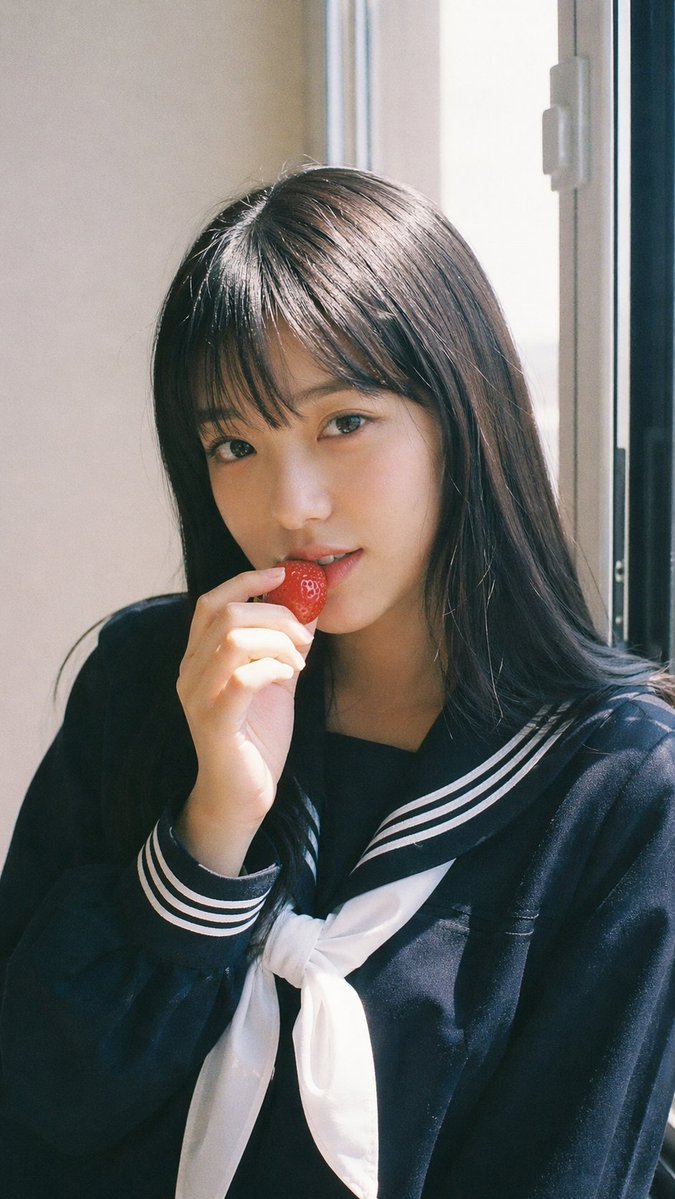
Transform the subject from the input image into appealing claymation character, keep likeness. Handmade plasticine style, simplified, matte clay with thumbprints, big expressive eyes, rounded features, warm studio light, pastel backdrop.
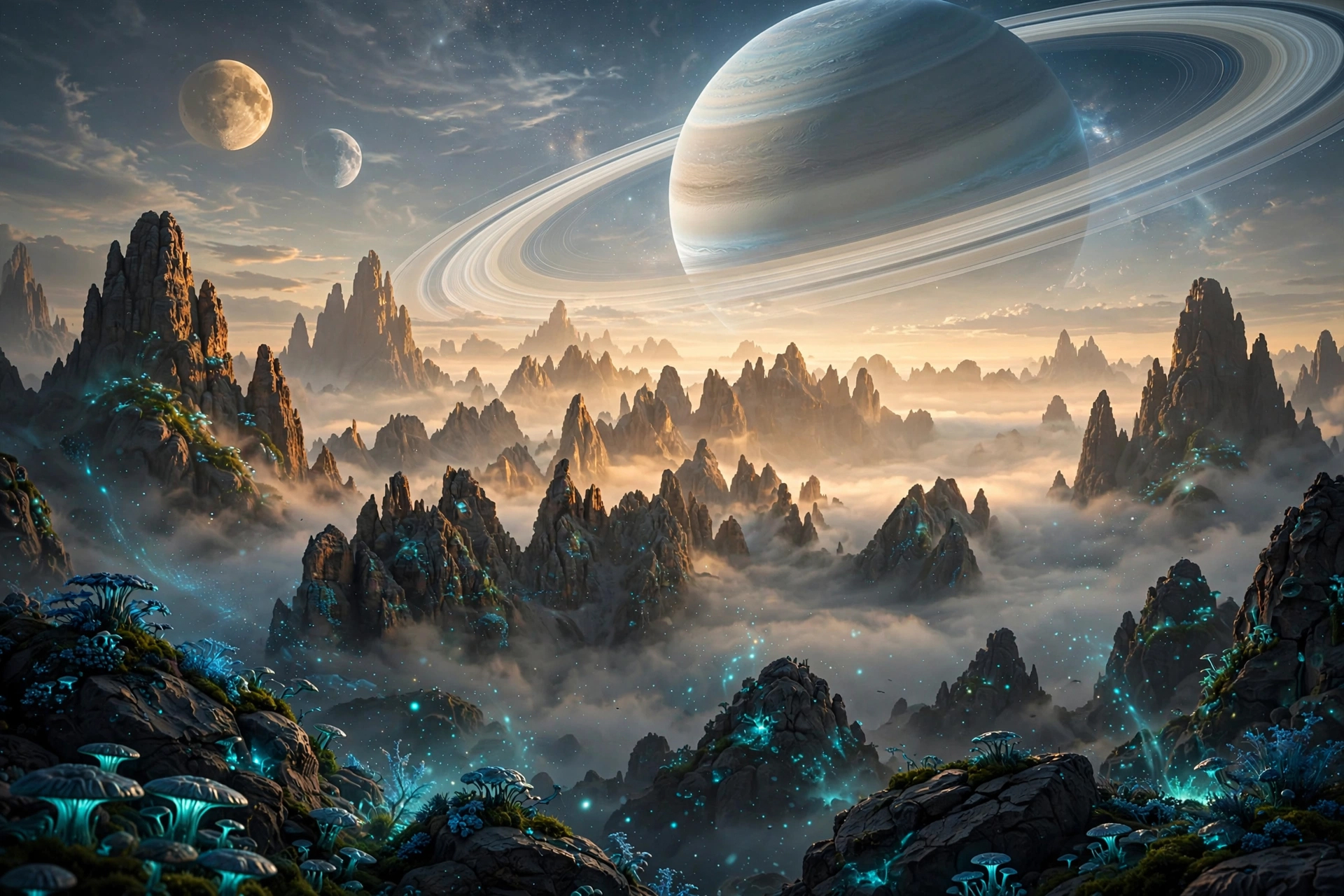
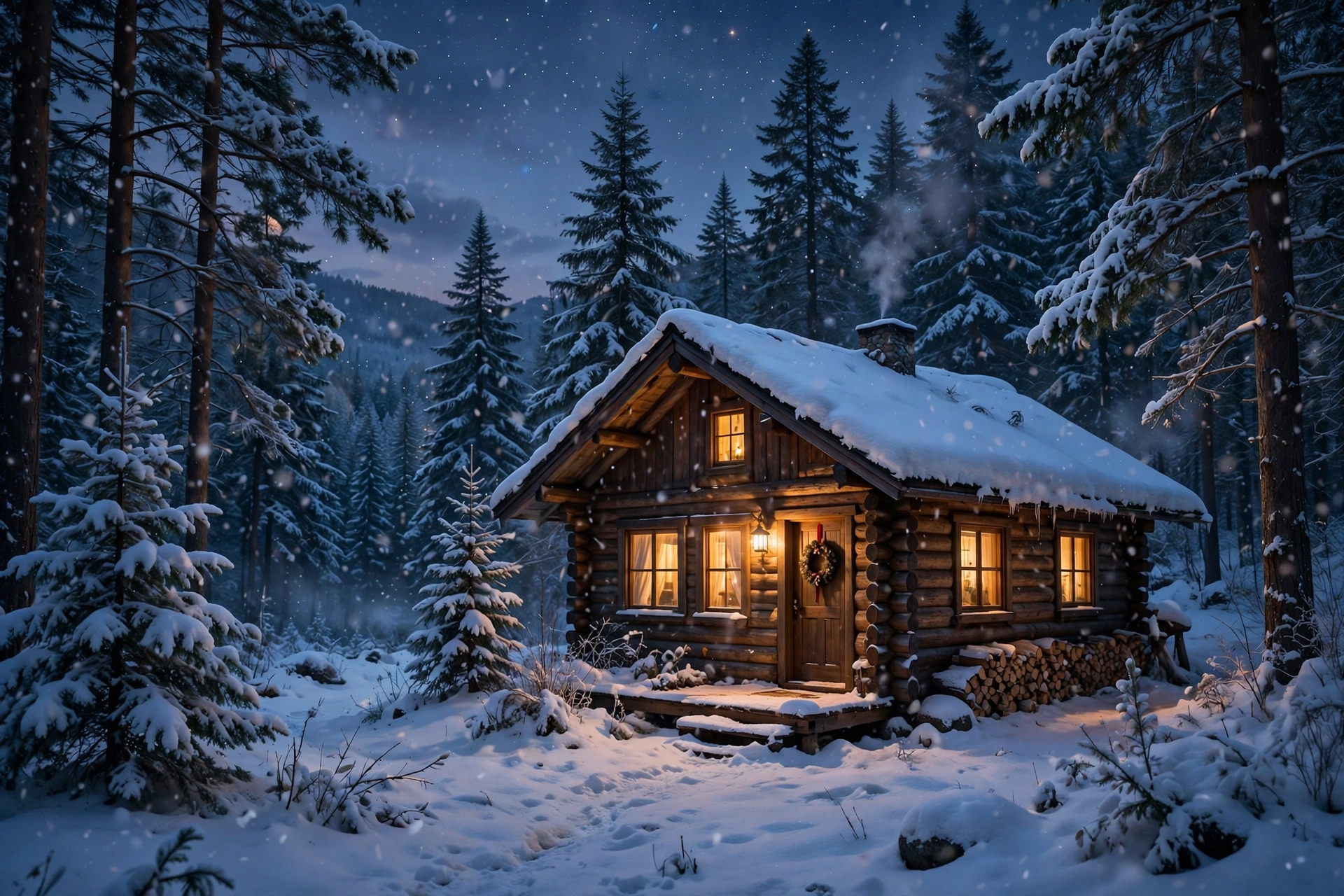
Create a flat illustration of this scene. Highly stylized, non-literal proportions, merge complicated features into large shapes, avoid realistic anatomy, bright & sophisticated colors, painterly edge texture, no outlines.
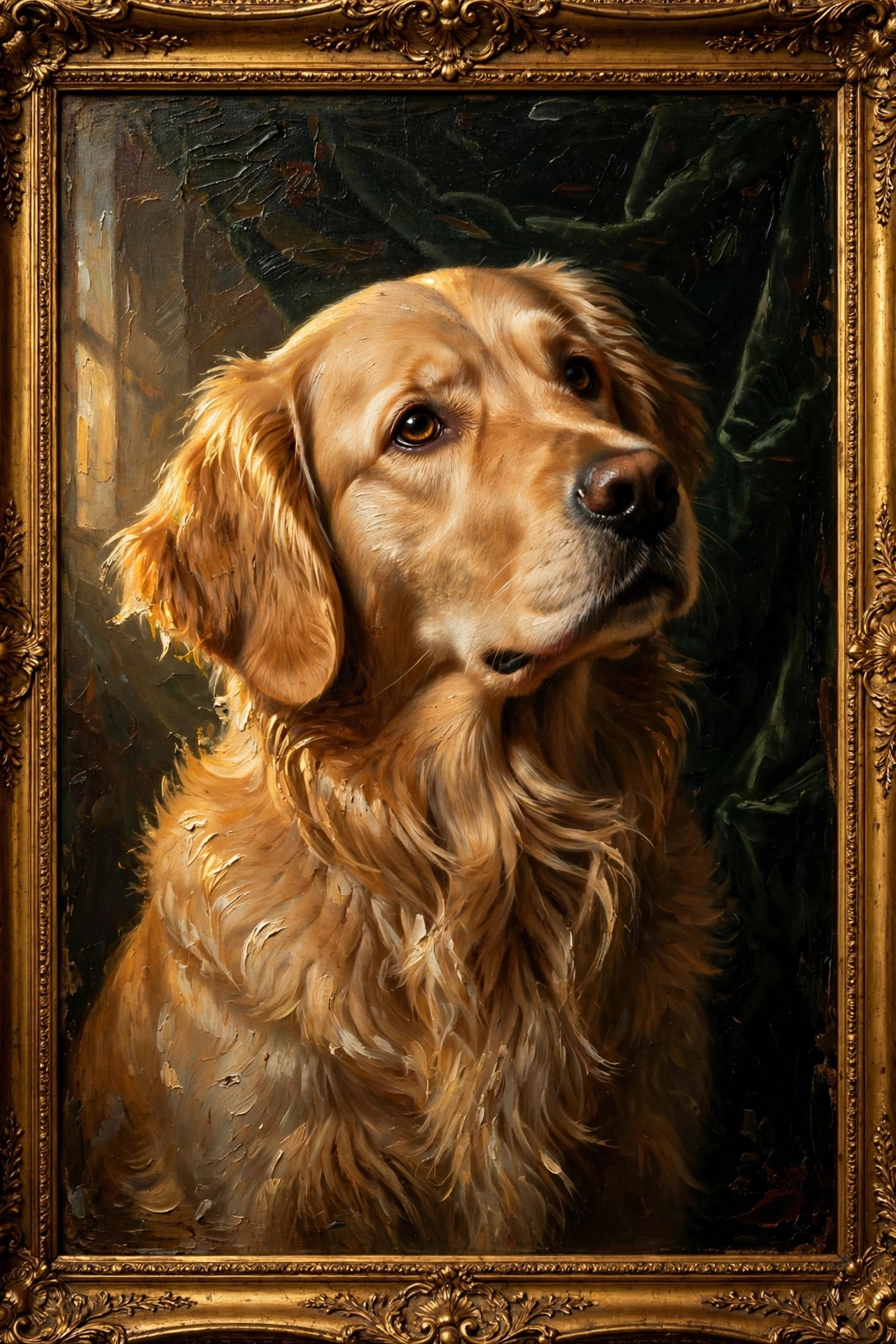
Repaint this pet photo as a classical oil painting. Thick impasto brushstrokes, dramatic directional lighting from one side, rich chiaroscuro contrast, velvet backdrop, ornate gold frame look, soulful expression, timeless museum feel.
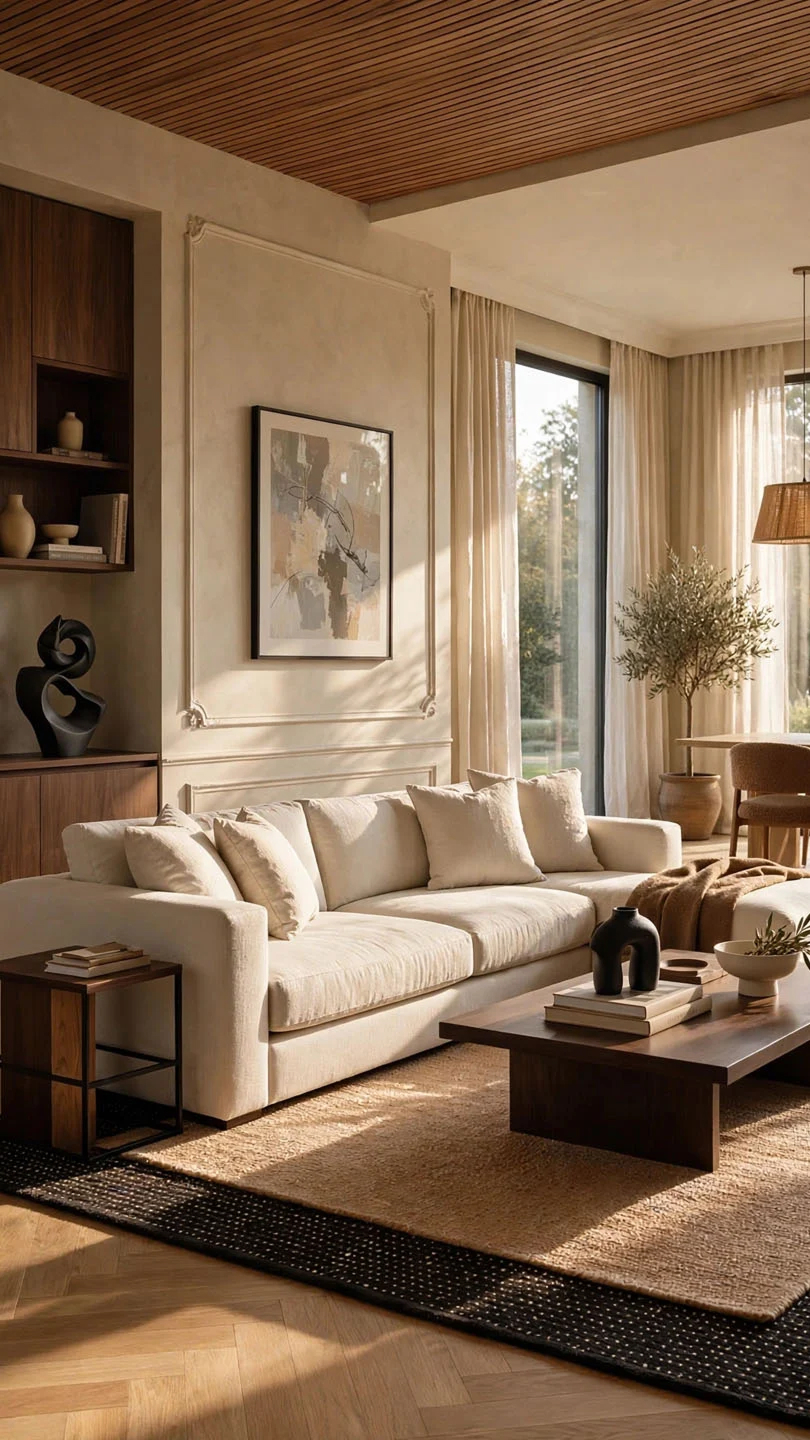
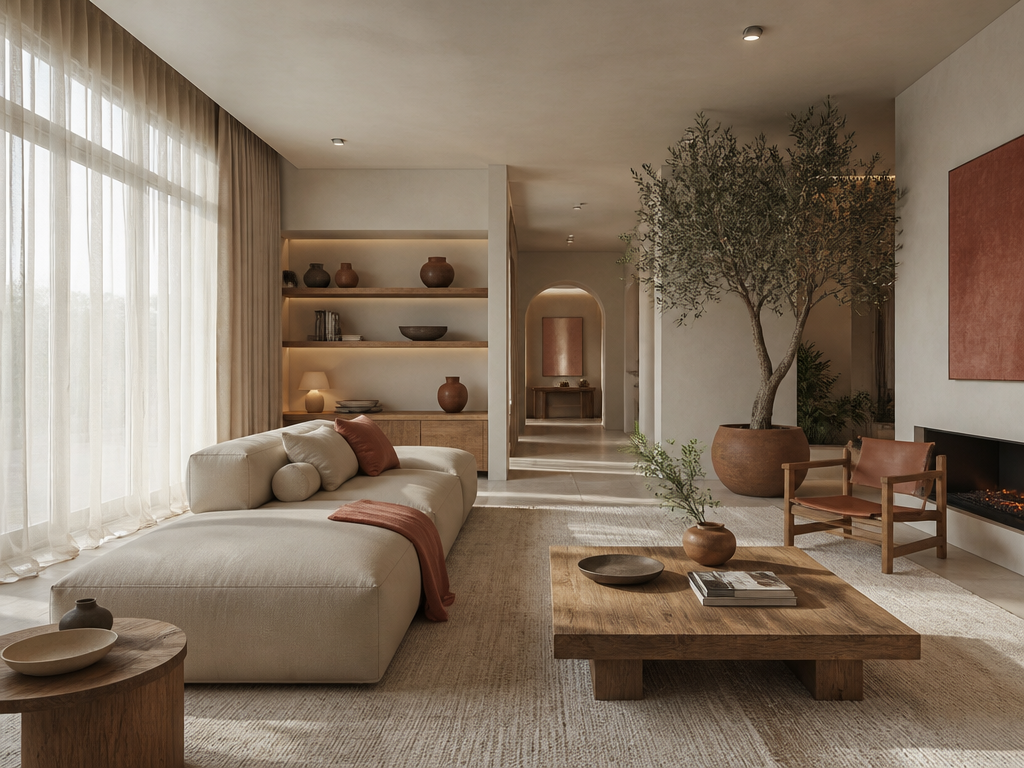
Refurnish and redecorate this room in a warm minimalist meets quiet luxury style with real products that I can purchase. Space should feel full, layered, abundant and carefully appointed, with aesthetically pleasing elements that fill out the space. Respect the general layout of the current space. Editorial interior design photographic style.
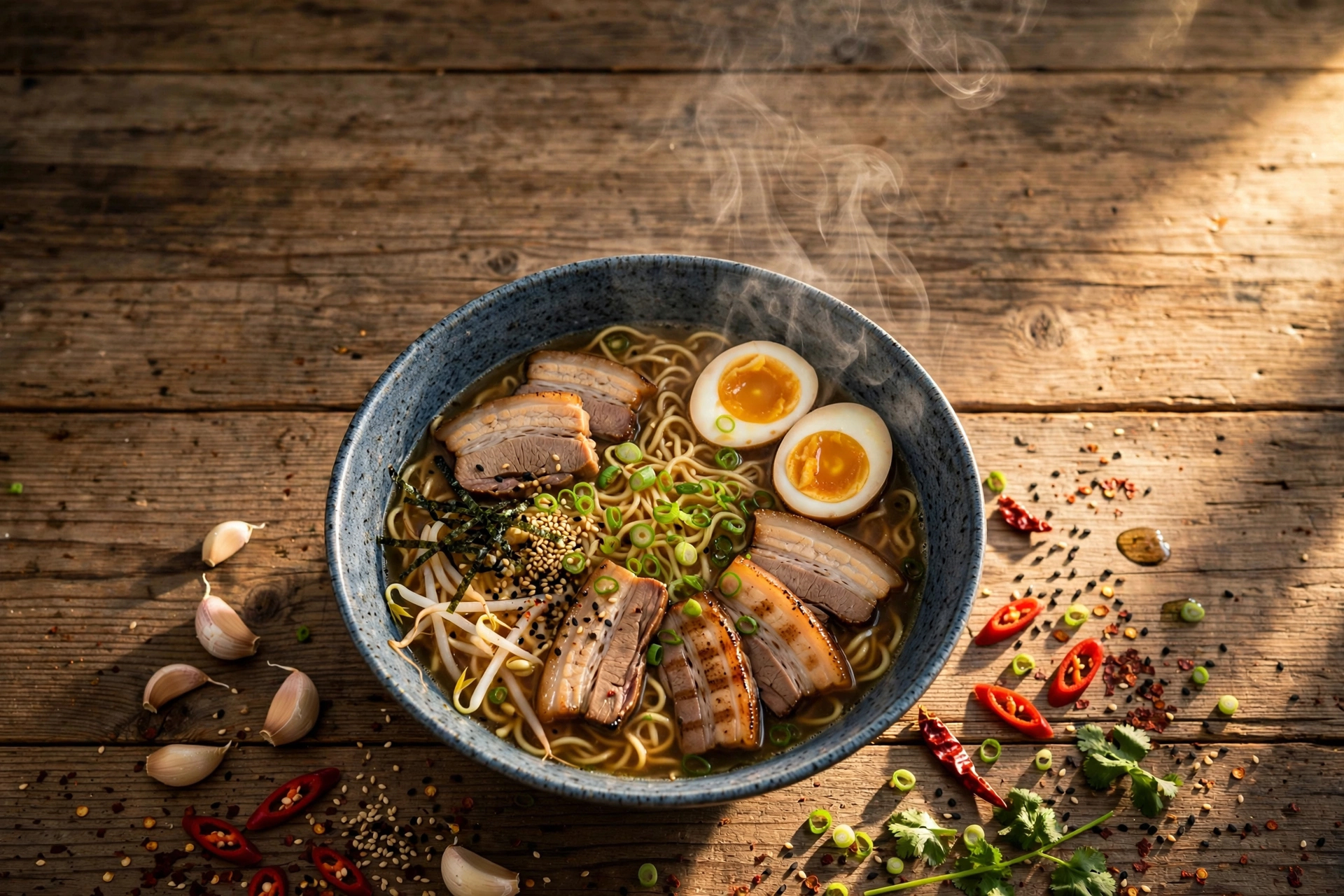
Make this dish photo into a premium food magazine cover. Overhead flat lay, rustic wood table, steam rising, dramatic side light, scattered ingredients, vivid color grade, negative space at top for title text.
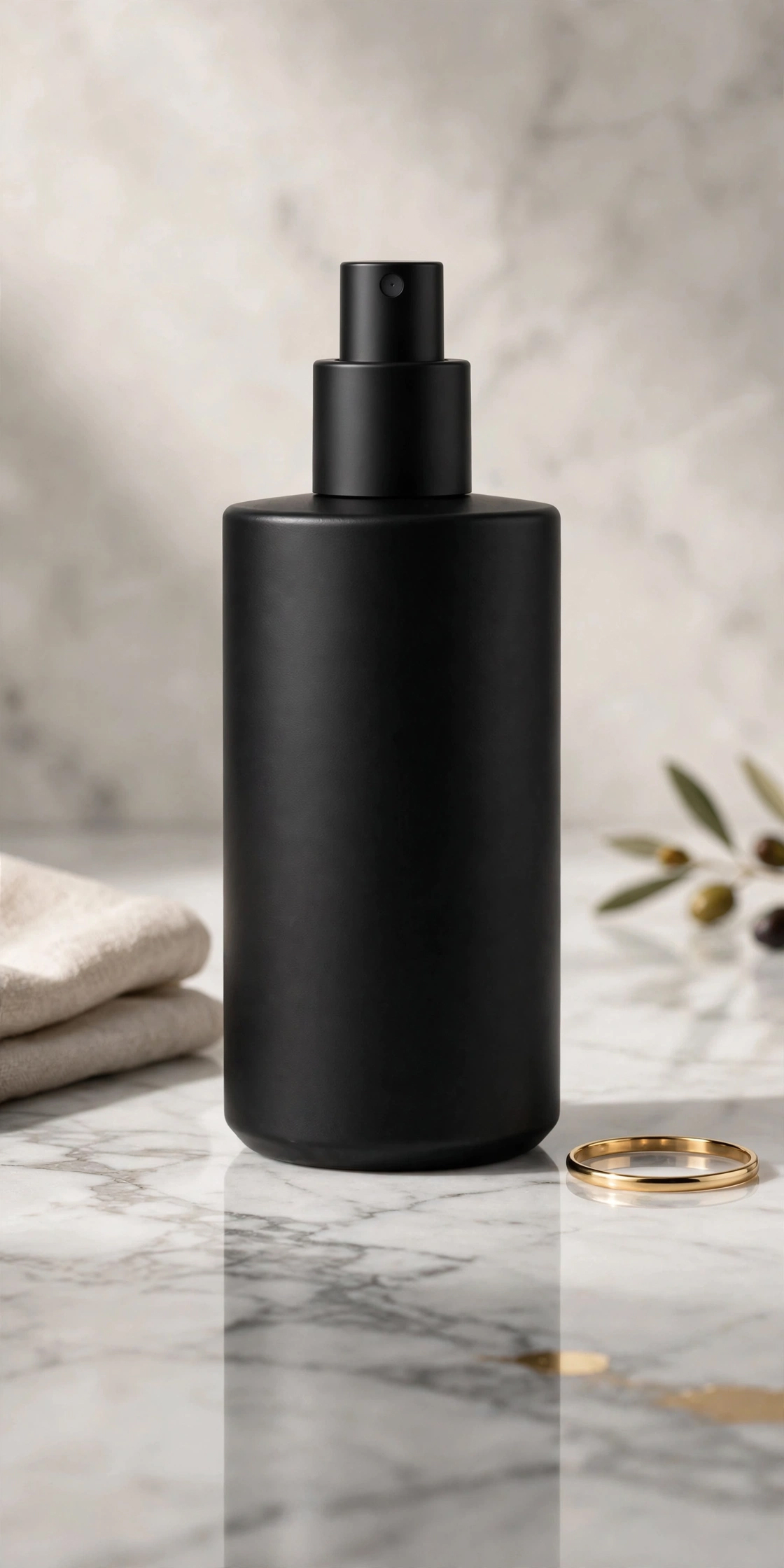
Make this product photo a luxury e-commerce hero shot. Place it on white Carrara marble, add soft studio shadows + crisp reflections, 8k detail, minimalist props, gold accent, premium ad-ready vibe.
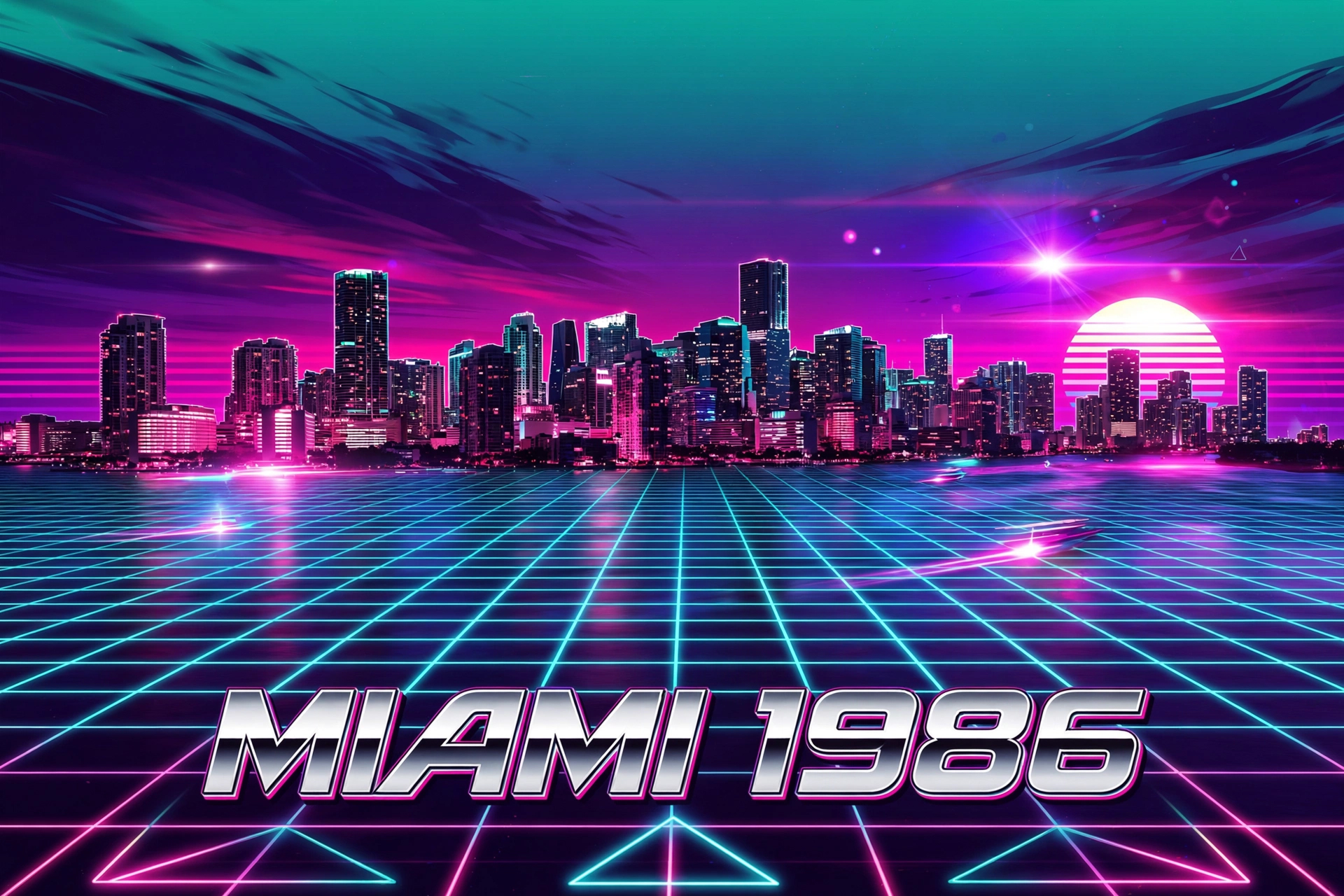
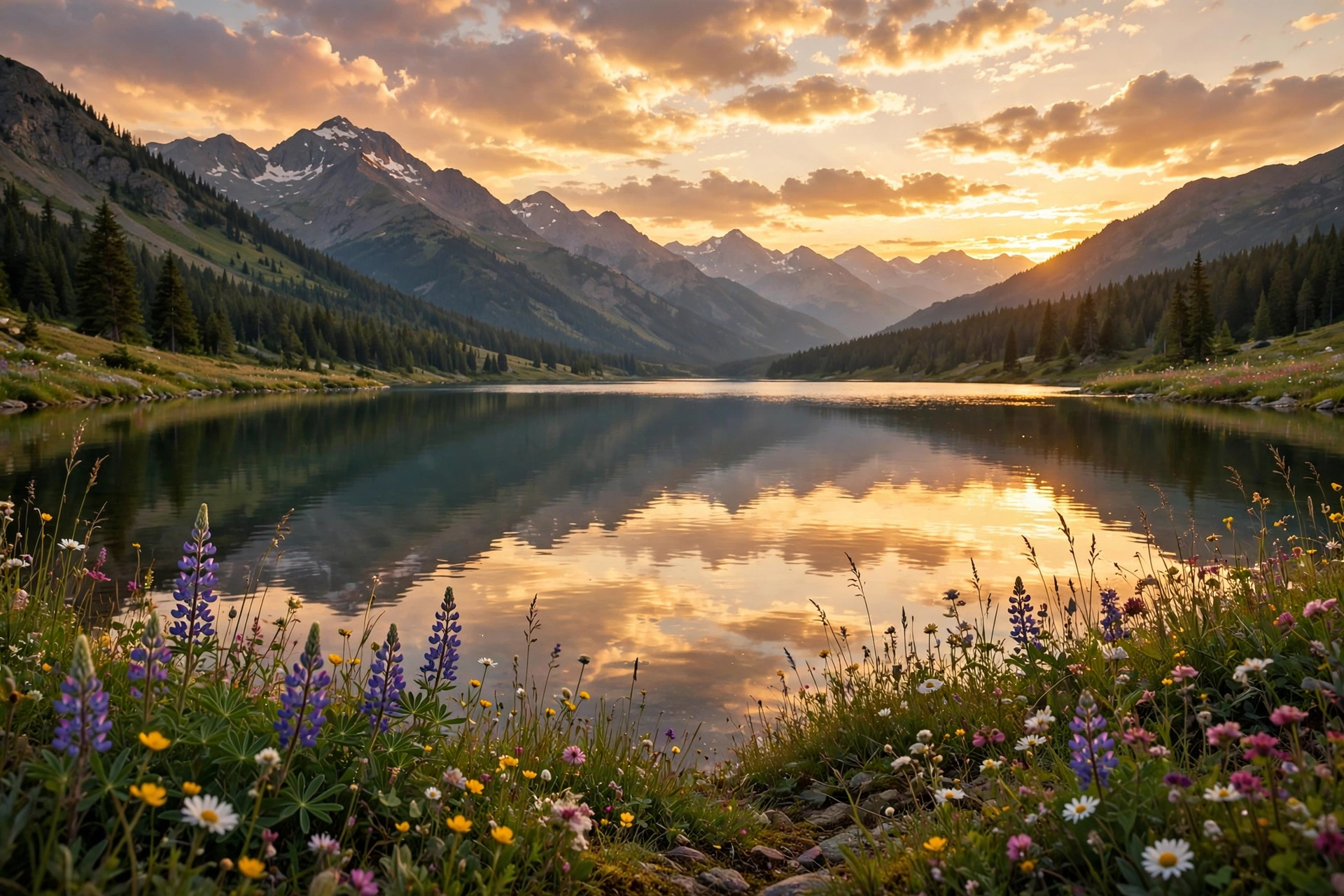
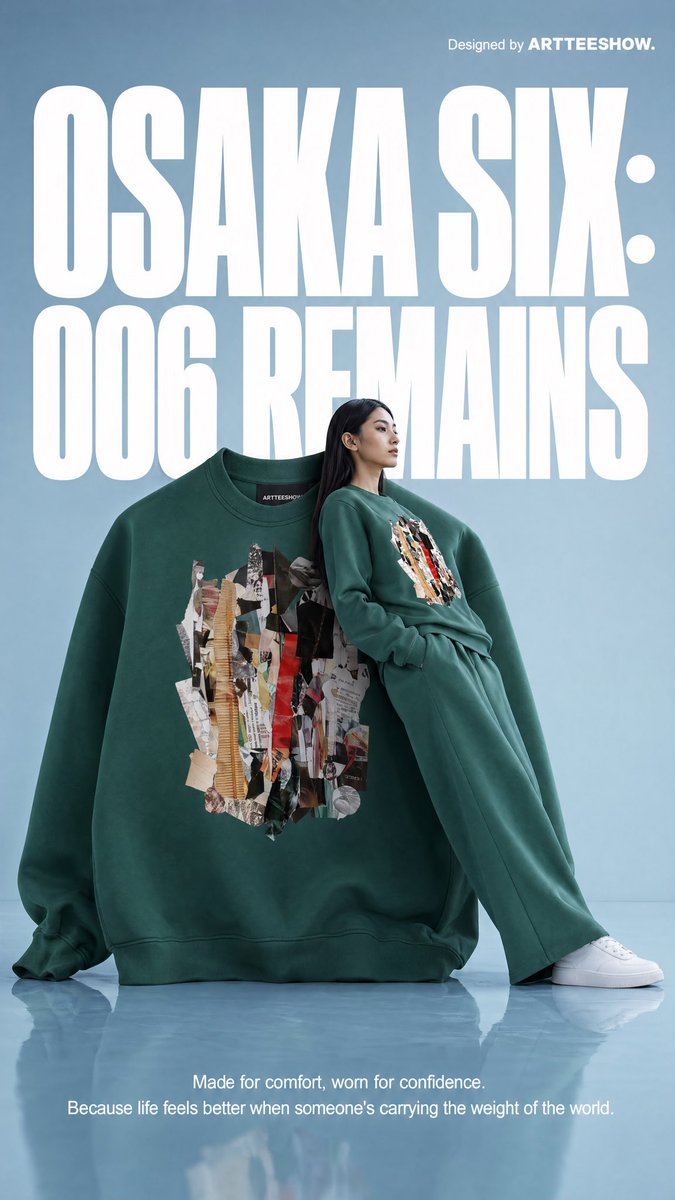
메타 뮤즈(Muse Image)는 메타 슈퍼인텔리전스 랩스가 2026년 7월 7일 공개한 이미지 생성 모델입니다. 프롬프트를 이미지로 곧바로 옮기는 대신, 렌더링 전에 화면 레이아웃을 계획하고 필요한 정보를 웹에서 찾아본 뒤 결과를 다시 다듬는 순서로 동작합니다. 캐럿에서는 Muse Image로 만든 결과물과 프롬프트를 함께 제공해, 복사만 하면 바로 쓸 수 있도록 구성했습니다.
주요 활용 장면
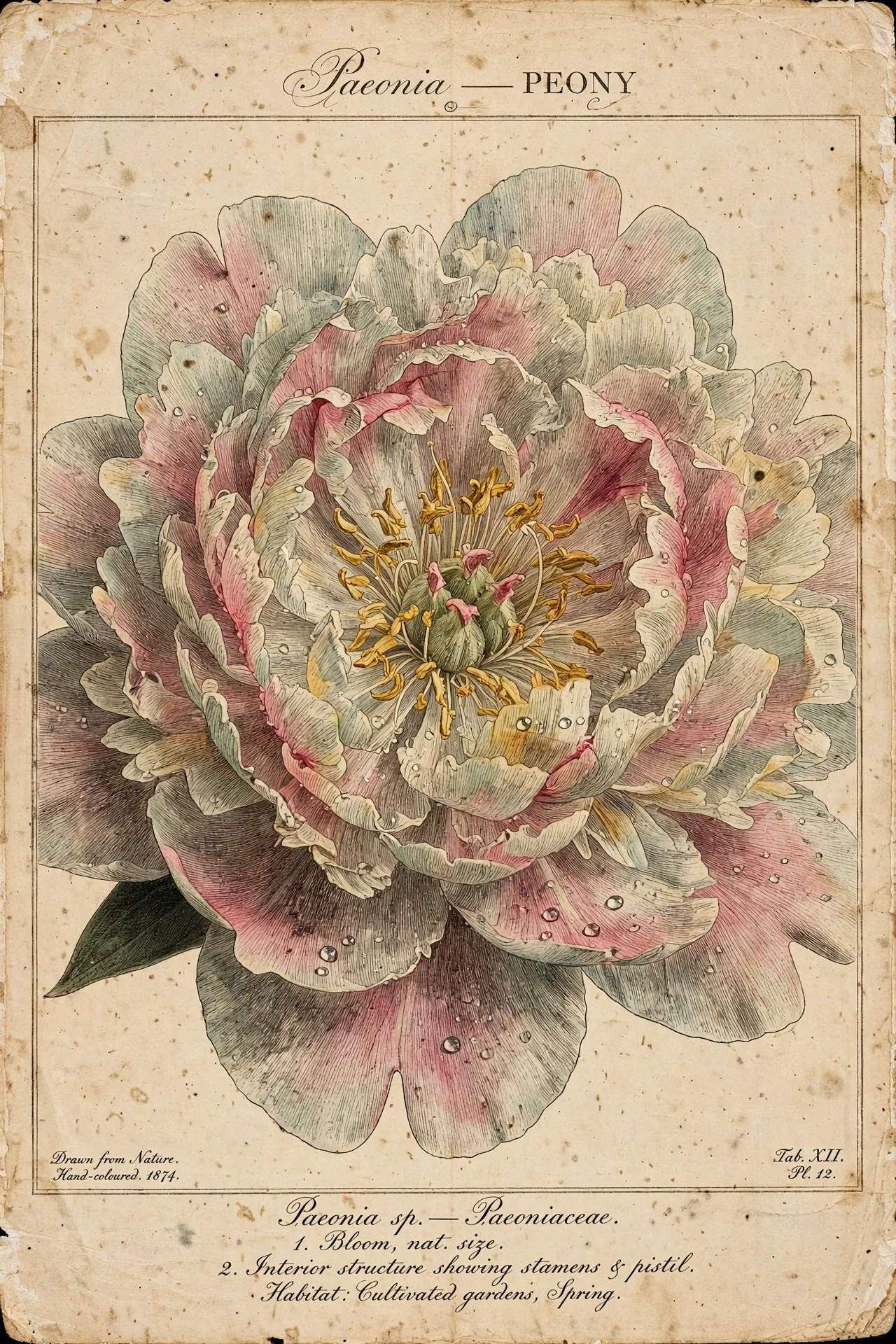
이미지 안에 글자, 표, 도표, 라벨이 정확히 들어가야 하는 포스터와 분해도
참고 이미지 여러 장을 합쳐 인물, 배경, 소품을 각각 지정하는 합성
사진 한 장을 유화, 클레이, 픽셀, 종이공예처럼 다른 재질과 화풍으로 옮기는 변환
방 사진의 구조는 그대로 두고 가구와 소품만 바꾸는 인테리어 리스타일링
제품 사진을 스튜디오 조명과 배경으로 다시 잡는 상세페이지용 컷
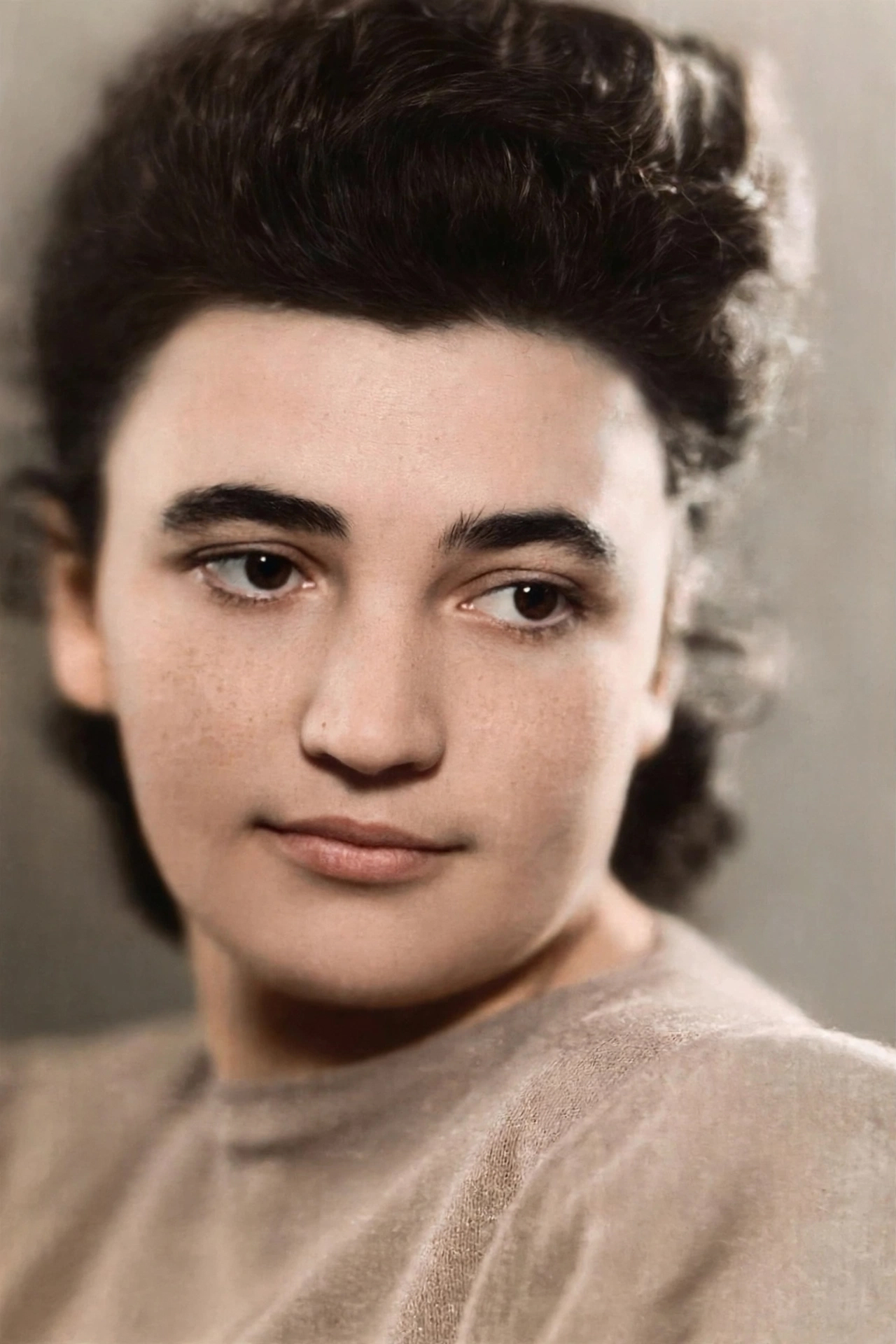
오래된 사진의 스크래치와 색을 정리하는 복원
이 태그가 유용한 이유
Muse Image는 문장으로 적은 지시를 순서대로 따르는 쪽에 맞춰져 있어, 쉼표로 나열한 키워드보다 대화하듯 적은 문장이 잘 통합니다. 편집 요청 하나에 참고 이미지를 10장까지 받고, 이어지는 요청에서도 앞서 만든 이미지의 인물과 구도를 유지합니다. 글자와 도표처럼 잔 요소를 정확히 렌더링하는 것도 이 모델이 내세운 축입니다. 화면비는 21:9부터 9:21까지 아홉 가지를 지정할 수 있고, 지정하지 않으면 요청 내용에 맞춰 모델이 정합니다.
프롬프트 구성 팁
바꿀 대상과 유지할 대상을 한 문장씩 나눠 적으면 의도하지 않은 변형이 줄어듭니다.
이미지에 넣을 문구는 따옴표로 묶어 그대로 적고, 들어갈 위치도 함께 지정하세요.
참고 이미지를 여러 장 넣을 때는 각 이미지에서 무엇을 가져올지(인물, 배경, 소품) 문장으로 지정하세요.
화면비를 프롬프트나 설정에서 지정하면 쓰려는 자리에 맞는 크기로 나옵니다.
결과가 의도와 어긋날 때는 프롬프트를 처음부터 다시 쓰기보다, 어긋난 부분만 한 문장으로 덧붙여 다시 요청하는 편이 빠릅니다.