본문으로 건너뛰기


뉴스 데스크 디자인
뉴스 데스크 디자인 프롬프트. 캐럿에서 제공하는 뉴스 데스크 디자인 이미지 생성 프롬프트를 복사해 바로 사용해보세요.
2026.07.24
「뉴스 데스크 디자인」 원하는 대로 직접 만들어보세요「뉴스 데스크 디자인」 직접 만들어보세요
대화로 요청만 하면 최적화된 이미지·영상을 만들어줘요
매일 무료 100크레딧으로 바로 시작
·
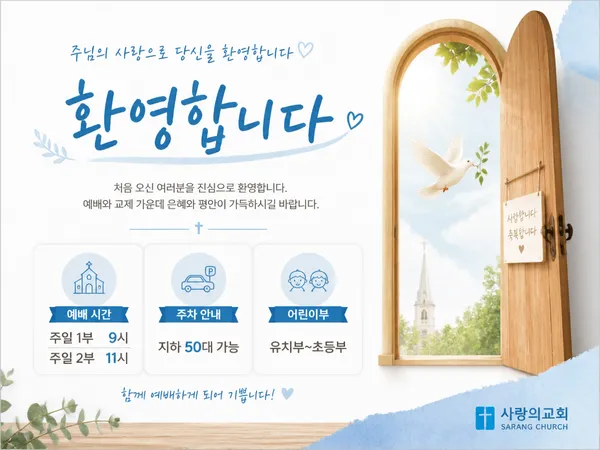
교회 환영 카드뉴스
GPT 이미지 2· 이미지
A church welcome card news design. Soft white background with light blue and warm wood tone accents. Title text '환영합니다' in Korean. Three sections: 예배 시간 (주일 1부 9시, 2부 11시), 주차 안내 (지하 50대 가능), 어린이부 (유치부~초등부). A simple open door illustration with a dove. Friendly and welcoming church card news style, clean and approachable design.
교회 성탄절 카드뉴스
GPT 이미지 2· 이미지
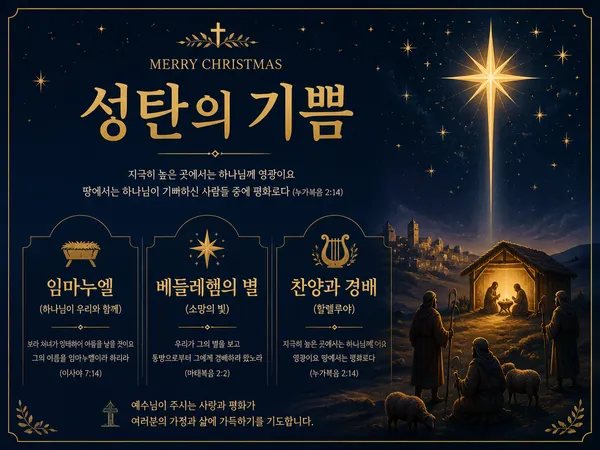
A church Christmas card news design. Deep navy background with warm gold star accents. Title text '성탄의 기쁨' in Korean. Three sections: 임마누엘 (하나님이 우리와 함께), 베들레헴의 별 (소망의 빛), 찬양과 경배 (할렐루야). A simple nativity star and shepherd illustration. Elegant church card news with warm navy and gold color scheme, reverent Christmas aesthetic.
뉴스레터 디자인
GPT 이미지 2· 이미지
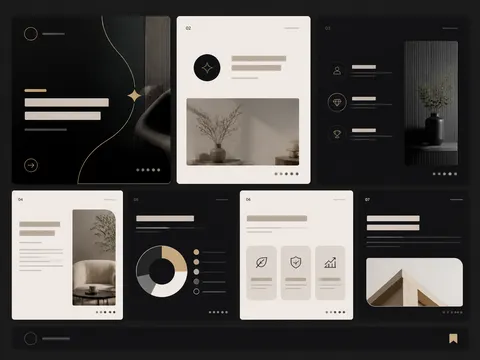
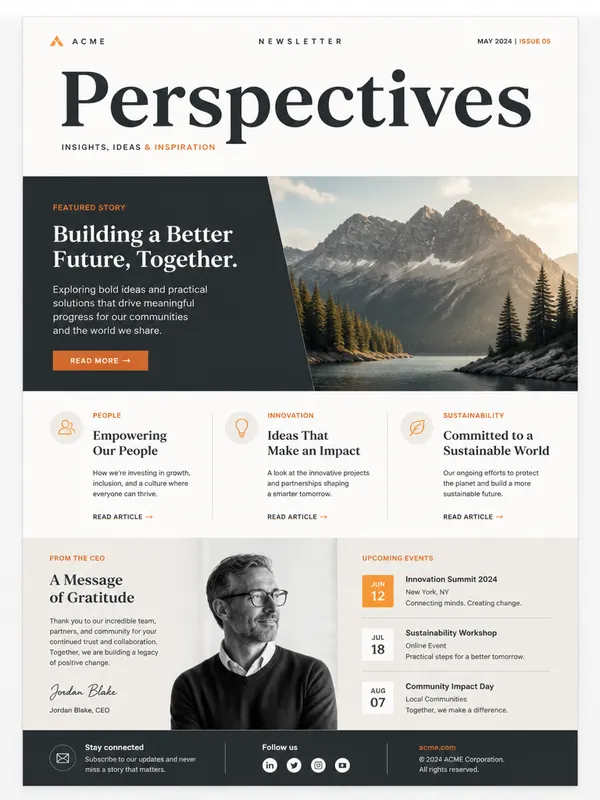
A modern newsletter design template with elegant typography layout, featuring a hero image placeholder, headline text blocks, and article sections, clean grid-based composition, muted color palette with accent orange, professional publication design, high-quality mockup presentation
마케팅 카드뉴스 예시
GPT 이미지 2· 이미지
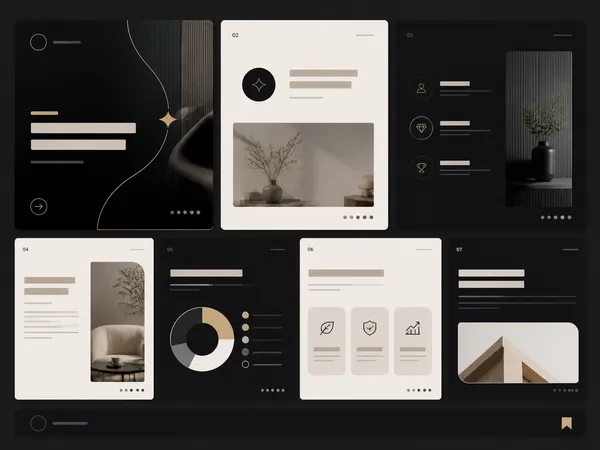
marketing card news example, premium Instagram carousel layout, strong cover slide and supporting information cards, clean typography placeholders, no readable text
교회 부활절 카드뉴스
GPT 이미지 2· 이미지
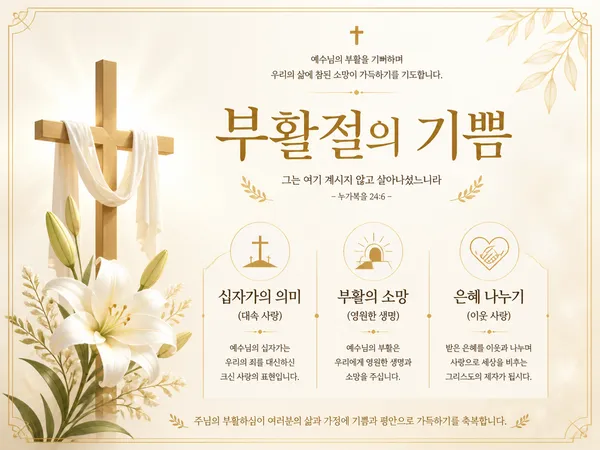
A church Easter card news design. Soft cream background with gold and white accents. Title text '부활절의 기쁨' in Korean. Three sections: 십자가의 의미 (대속 사랑), 부활의 소망 (영원한 생명), 은혜 나누기 (이웃 사랑). A simple cross and lily illustration. Elegant church card news design with reverent gold and cream color scheme, clean serif typography.
교육용 카드뉴스 예시
GPT 이미지 2· 이미지
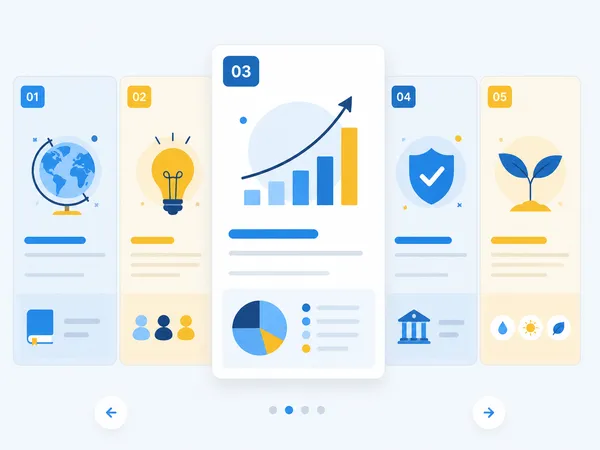
educational card news carousel example, modern grid layout with numbered sections, pastel blue and yellow palette, simple icons and charts, no readable text
정보형 카드뉴스 예시
GPT 이미지 2· 이미지
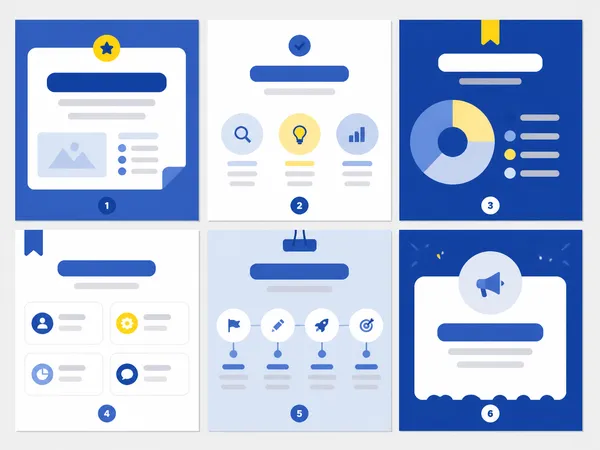
card news example design, 6 clean infographic slide thumbnails arranged as a carousel overview, Korean social media design style, bold blocks and icons, placeholder shapes only, no readable text
뉴스 스튜디오 배경
GPT 이미지 2· 이미지
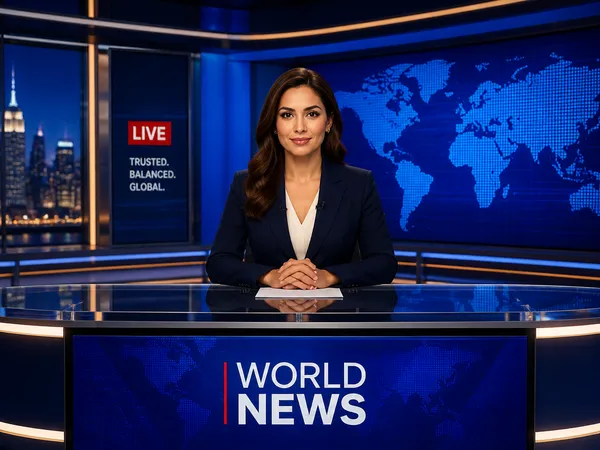
A professional news studio background with anchor desk, large screens showing world map, blue ambient lighting. decorative flat illustration, front-facing centered composition with generous padding, deep blue palette with warm accent lighting. Make the subject immediately recognizable at thumbnail size. Use clean composition, purposeful details, and no watermark.
뉴스레터 헤더
GPT 이미지 2· 이미지
Square editorial newsletter header artwork with an open envelope releasing layered paper sheets, small stars and abstract idea sparks, refined navy, butter yellow and coral palette, subtle paper grain, generous negative space, clean contemporary publication design, balanced horizontal visual flow adapted within a square canvas. No readable text, no letters, no logo, no watermark.
회사 소개서
GPT 이미지 2· 이미지
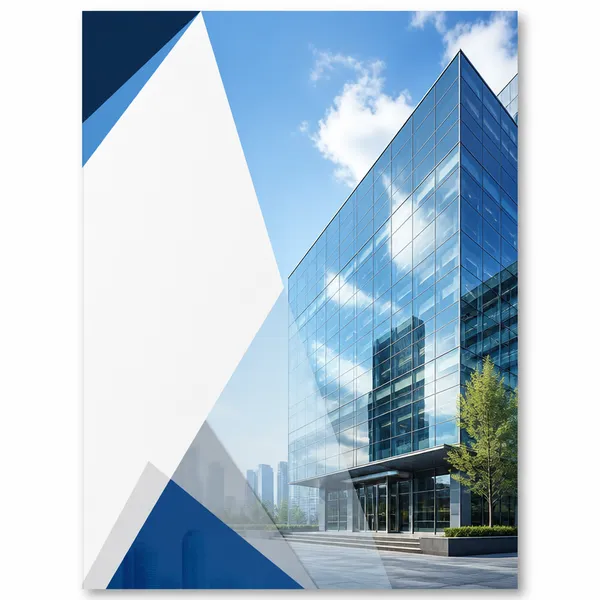
A company profile brochure cover with a modern corporate design, glass office building facade reflecting blue sky, clean white sidebar area, subtle diagonal geometric overlays, professional business aesthetic, editorial layout. No text, no watermark.
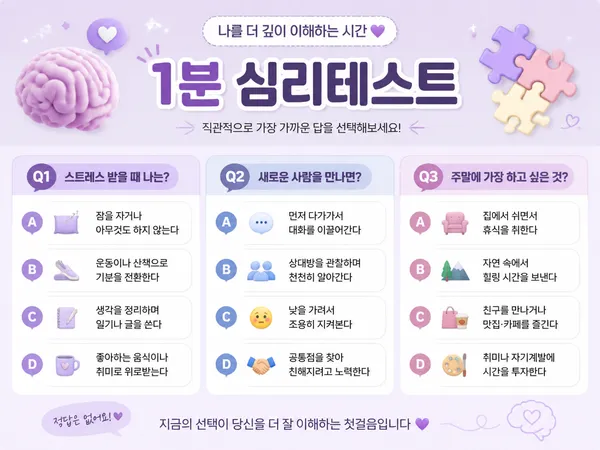
심리 테스트 카드뉴스
GPT 이미지 2· 이미지
A psychology test card news design. Soft lavender background with brain and puzzle piece icons. Title text '1분 심리테스트' in Korean. Three sections: Q1 (스트레스 받을 때 나는?), Q2 (새로운 사람을 만나면?), Q3 (주말에 가장 하고 싶은 것?). Each question has 4 multiple choice options. Clean and engaging psychology card news with pastel colors, horizontal format.
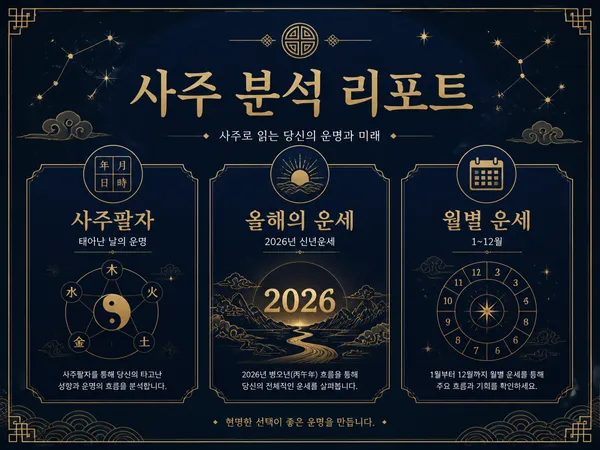
사주 분석 카드 뉴스
GPT 이미지 2· 이미지
A Korean saju fortune telling card news design. Deep navy background with gold constellation and traditional Korean pattern accents. Title text '사주 분석 리포트' in Korean. Three sections: 사주팔자 (태어난 날의 운명), 올해의 운세 (2026년 신년운세), 월별 운세 (1~12월). Elegant mystic fortune card design with navy and gold color scheme.
뉴스 데스크 디자인 프롬프트란?
뉴스 데스크 디자인 이미지를 생성하기 위한 AI 프롬프트 모음입니다. 캐럿에서 제공하는 뉴스 데스크 디자인 프롬프트를 복사하여 AI 이미지 생성 도구에 붙여넣으면 전문가 수준의 결과물을 얻을 수 있습니다.
뉴스 데스크 디자인 프롬프트 활용 방법
- 원하는 프롬프트를 선택하여 복사합니다.
- 캐럿 에이전트에 붙여넣습니다.
- 필요에 따라 색상, 스타일, 구도를 수정합니다.
- 생성된 이미지를 다운로드하여 활용합니다.
뉴스 데스크 디자인 프롬프트 작성 팁
조명(Lighting), 질감(Texture), 구도(Composition), 렌즈(Lens) 정보를 구체적으로 명시하면 더 정밀한 결과를 얻을 수 있습니다. "No text, no watermark"를 추가하면 불필요한 텍스트를 방지할 수 있습니다.
뉴스 데스크 디자인 프롬프트 적용 사례
뉴스 데스크 디자인 프롬프트는 콘텐츠 제작, 마케팅, 디자인, 교육 자료 등 다양한 분야에서 활용됩니다. AI 이미지를 활용하면 제작 시간을 단축하면서도 전문적인 퀄리티를 유지할 수 있습니다.
뉴스 데스크 디자인 프롬프트 최적화 가이드
이미지 비율은 용도에 맞게 선택하세요. SNS용은 세로형(9:16), 웹 배너는 가로형(16:9), 제품 이미지는 정사각형(1:1)이 적합합니다.