본문으로 건너뛰기

픽셀 프롬프트

픽셀 프롬프트 제작에 활용할 수 있는 실전 프롬프트와 연출 기준입니다.

2026.08.22

「픽셀 프롬프트」 원하는 대로 직접 만들어보세요「픽셀 프롬프트」 직접 만들어보세요

대화로 요청만 하면 최적화된 이미지·영상을 만들어줘요

매일 무료 100크레딧으로 바로 시작
·
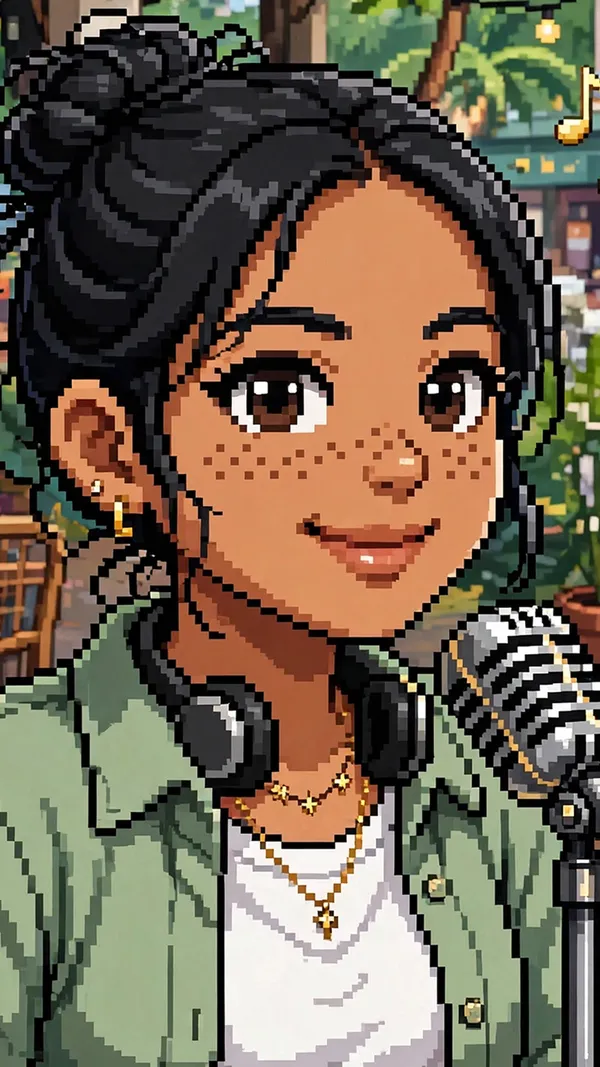
메타 뮤즈로 생성한 16비트 게임 캐릭터

16비트 게임 캐릭터

메타 뮤즈· 이미지
Use my photo and my interests/specialties. Create me as a stylized 16-bit game character appropriate to my professional and personal brand, original design.
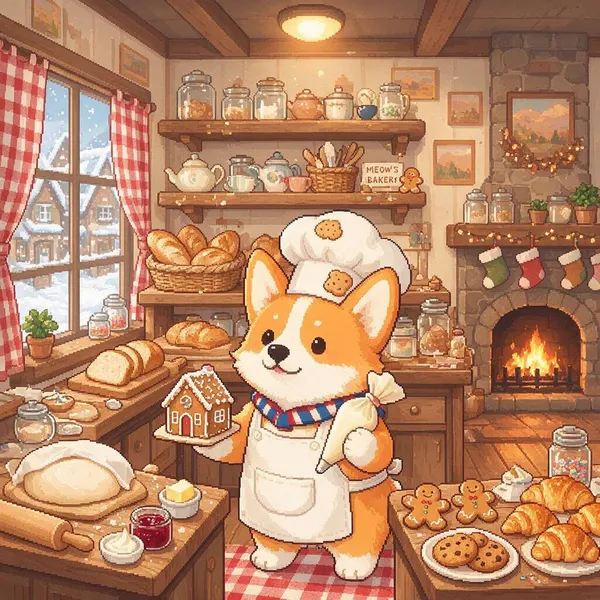
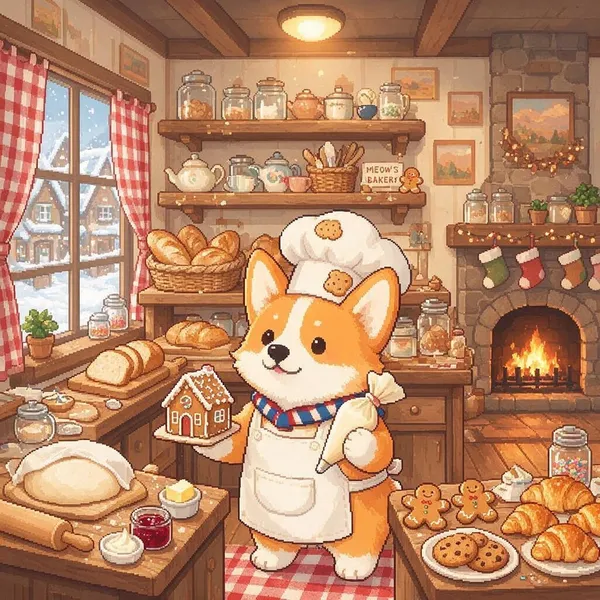
씨드림 5.0 프로로 생성한 픽셀아트 코기 베이커

픽셀아트 코기 베이커

씨드림 5.0 프로· 이미지
Cute pixel-art corgi-baker
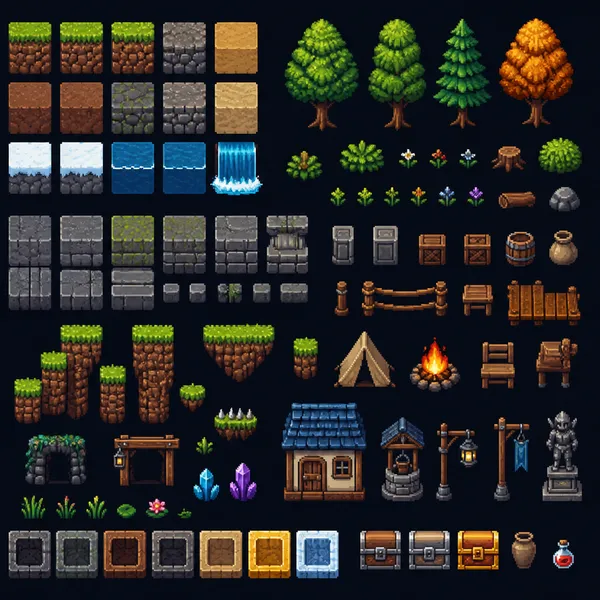
GPT 이미지 2로 생성한 픽셀 타일셋

픽셀 타일셋

GPT 이미지 2· 이미지
A Pixel Tileset illustration, professional design, clean composition, vibrant colors, suitable for digital use. No text, no watermark.
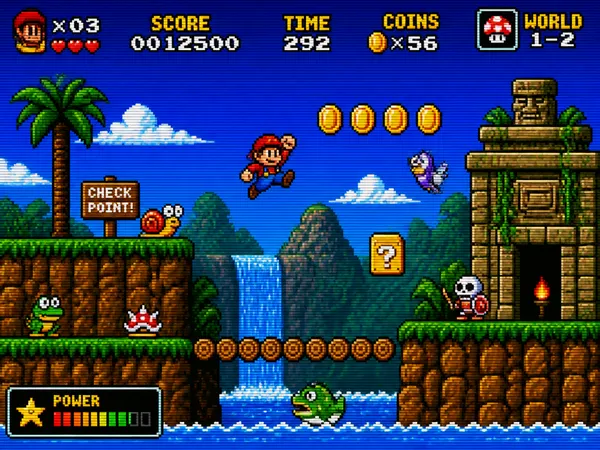
GPT 이미지 2로 생성한 8비트 픽셀 아케이드 씬

8비트 픽셀 아케이드 씬

GPT 이미지 2· 이미지
A vibrant retro 8-bit pixel art game scene reminiscent of classic 90s arcade games. Colorful sprites, side-scrolling platformer level design, nostalgic video game aesthetic with CRT scan lines effect. Detailed pixel environment with coins, enemies, and power-ups.
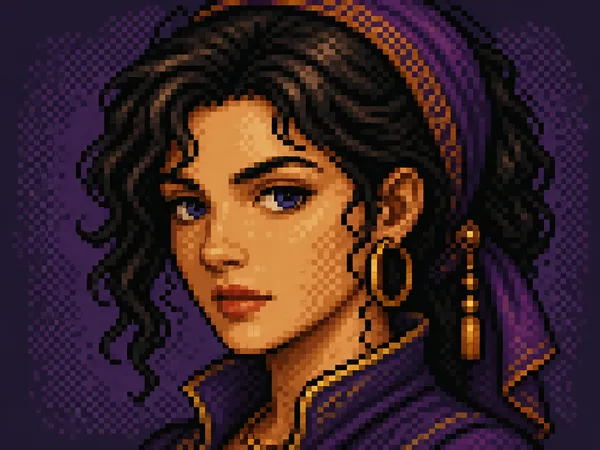
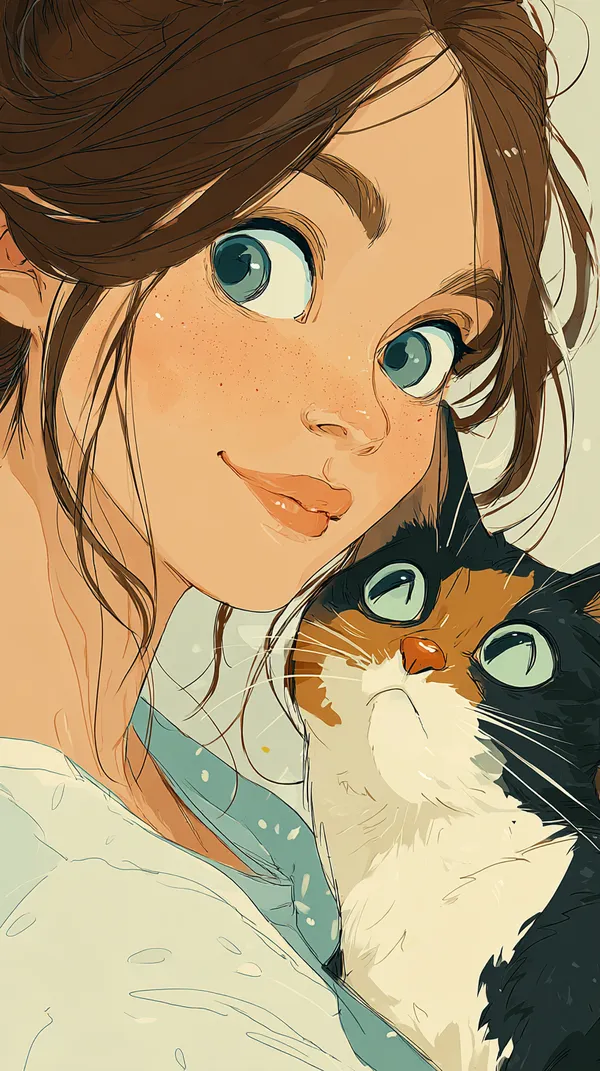
GPT 이미지 2로 생성한 16비트 픽셀 초상화

16비트 픽셀 초상화

GPT 이미지 2· 이미지
A detailed pixel art portrait of a woman's face, 16-bit style, limited color palette, dithering effects. Retro game character portrait aesthetic, square format, clean pixel grid.
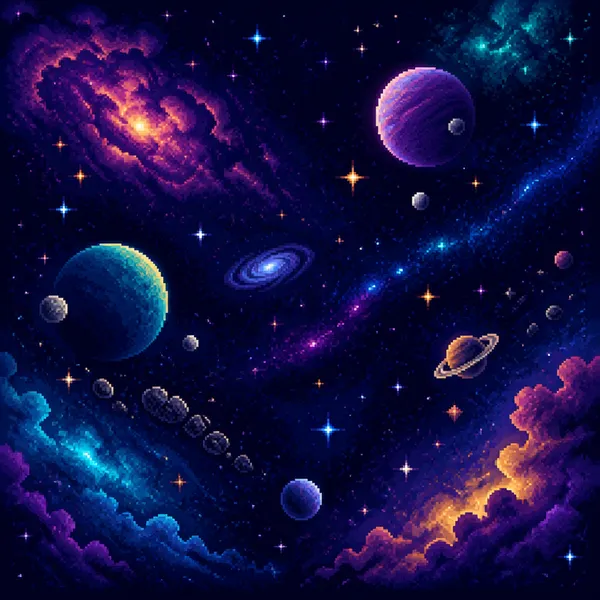
GPT 이미지 2로 생성한 픽셀 우주 배경

픽셀 우주 배경

GPT 이미지 2· 이미지
Square pixel art outer-space background for an original retro game, deep navy starfield, colorful nebula clouds, distant planets, small moons, sparkling stars and subtle cosmic dust, crisp pixel clusters, layered depth suitable for parallax, balanced composition, no readable text, no logo, no watermark.
미드저니로 생성한 AI 이미지 예시

모스번 픽셀 펫 캐릭터

미드저니· 이미지
Create a single original cute fantasy creature for a cozy collectible card game. Creature number: 1. Creature name: Mossbun. Style: pixel art sprite, retro handheld game aesthetic, crisp pixel edges, no anti-aliasing, no gradients, no soft shading, no smooth painterly rendering. Use exactly two visible colors only: #ffffff and #8a8a8a. Transparent background is allowed. No black, no colored pixels, no additional gray shades, no highlights in other colors. Full body, centered, small magical pet-like creature, cute and collectible, clean readable silhouette, charming expression. The creature should be unique and recognizable with a few distinctive fantasy details, but simple enough to read clearly at small size. No environment, no scenery, no frame, no card border, no text, no logo, no watermark, no UI elements. Output: square pixel art sprite, transparent background, designed for 128x128 pixels.
씨드림 5.0 프로로 생성한 픽셀아트 코기 제빵사

픽셀아트 코기 제빵사

씨드림 5.0 프로· 이미지
Cute pixel-art corgi-baker

픽셀 프롬프트 프롬프트 개요

픽셀 프롬프트 이미지를 기획할 때 바로 참고할 수 있는 실전형 프롬프트 페이지입니다. 주제의 핵심 대상과 사용 목적을 먼저 정한 뒤 인물, 형태, 색상, 배경, 조명, 질감의 순서로 조건을 구체화하면 결과를 비교하기 쉽습니다. 기존 아이템을 바탕으로 표현을 확장하고, 필요한 경우 화면 비율과 피사계 심도를 별도로 지정하세요.

구성과 연출 포인트

주제가 잘 드러나는 중심 피사체를 한 가지 먼저 배치하고 주변 요소는 계층적으로 정리합니다. 구도는 썸네일에서도 식별되는 크기를 우선하며, 명암 대비와 여백을 함께 지정하면 복잡한 장면에서도 의도가 흐려지지 않습니다. 사진풍, 그래픽, 일러스트 등 표현 방식을 목적에 맞춰 선택하세요.

프롬프트 작성 방법

첫 문장에 주제를 명확히 쓰고, 다음 문장에 카메라 또는 그래픽 스타일, 조명 방향, 색상 팔레트, 재질과 배경을 추가합니다. 마지막에는 화면 비율, 시선 방향, 제외할 요소를 적어 반복 생성 때 차이를 통제합니다. 짧은 키워드 나열보다 관찰 가능한 속성을 문장으로 쓰는 편이 수정에 유리합니다.

활용 아이디어

SNS 썸네일, 콘셉트 보드, 상품 소개, 캐릭터 개발, 카드뉴스 등 목적에 맞춰 같은 주제를 여러 구도로 변주할 수 있습니다. 세로형과 정사각형 결과를 각각 테스트하고, 색상과 배경만 바꾼 비교 세트를 만들면 가장 적합한 방향을 빠르게 찾을 수 있습니다.

자주 묻는 질문

이 페이지의 기존 프롬프트를 출발점으로 삼아 대상과 스타일을 바꿔 보세요. 관련 아이템의 태그와 제목을 함께 확인하면 비슷한 결과를 피하면서 새로운 조합을 만들 수 있습니다.

자주 묻는 질문