폴라로이드 사진
폴라로이드 사진 제작에 바로 활용할 수 있는 AI 이미지 프롬프트와 수정 가이드를 제공합니다.
2026.07.02
「폴라로이드 사진」 원하는 대로 직접 만들어보세요「폴라로이드 사진」 직접 만들어보세요
대화로 요청만 하면 최적화된 이미지·영상을 만들어줘요

매일 무료 100크레딧으로 바로 시작
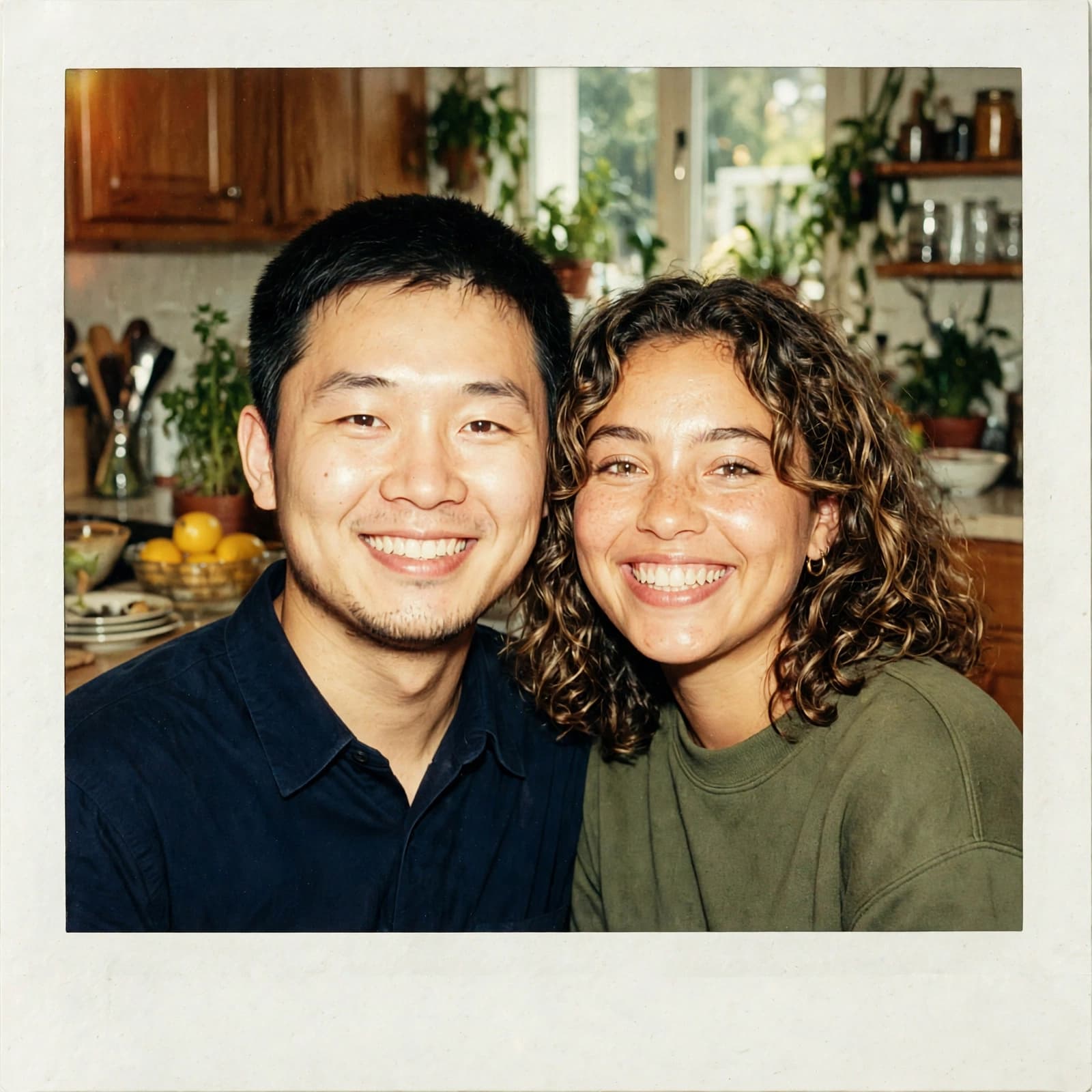
90년대 일회용 카메라 스냅
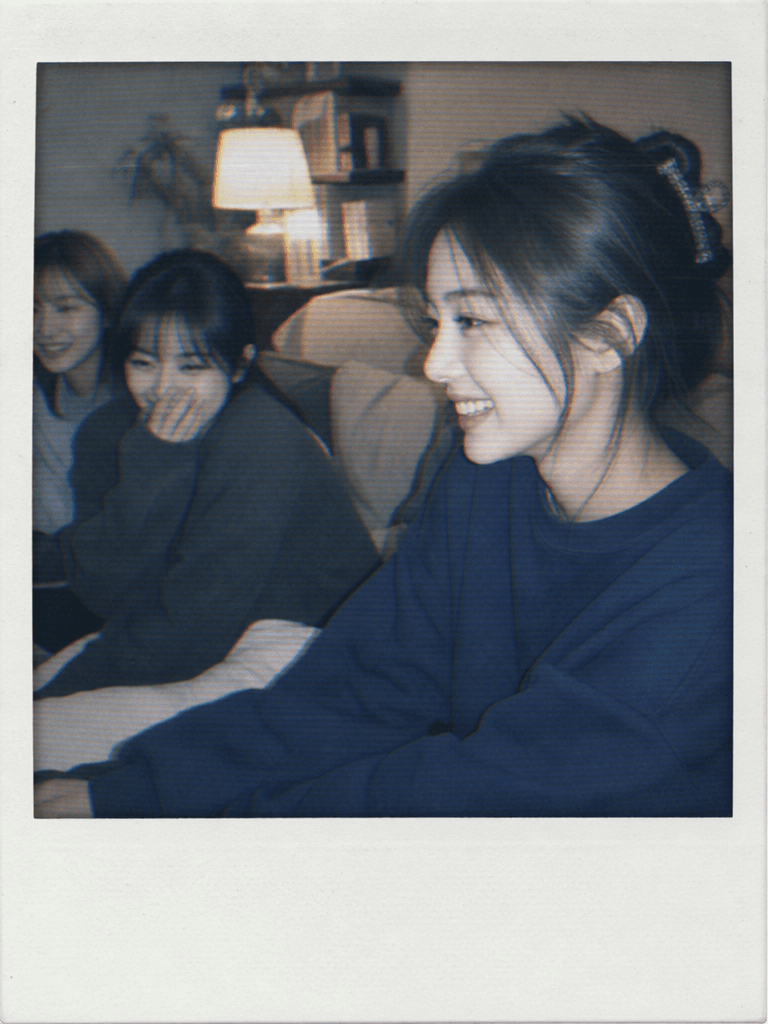
폴라로이드 사진
폴라로이드 사진 프롬프트 활용 가이드
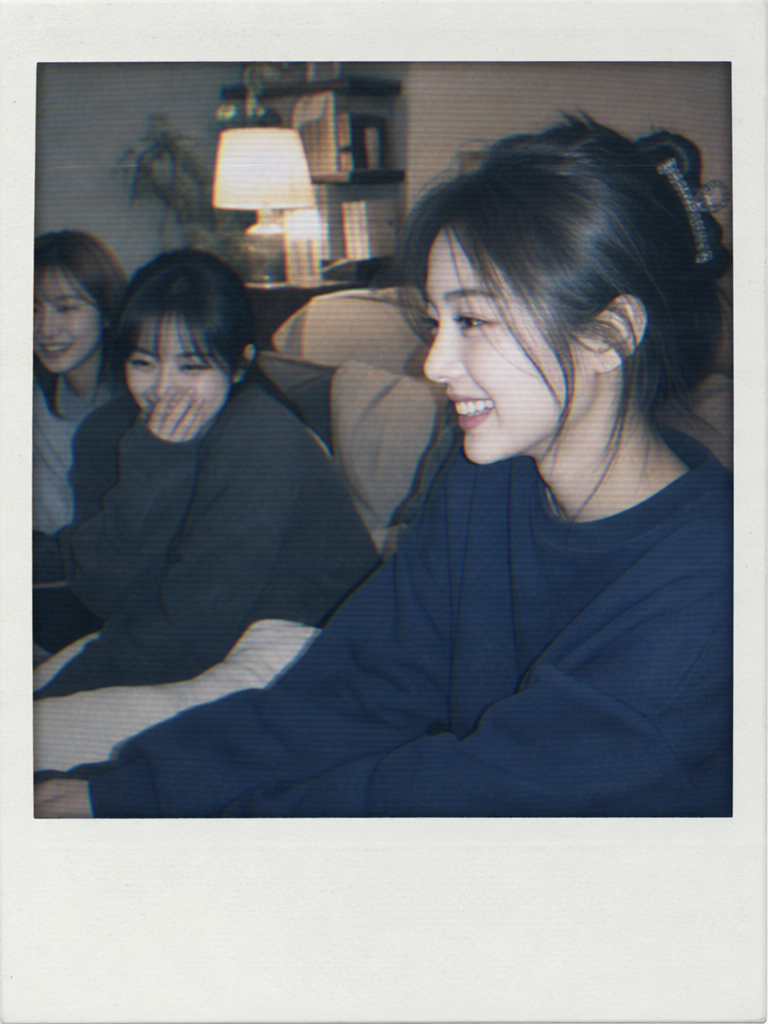
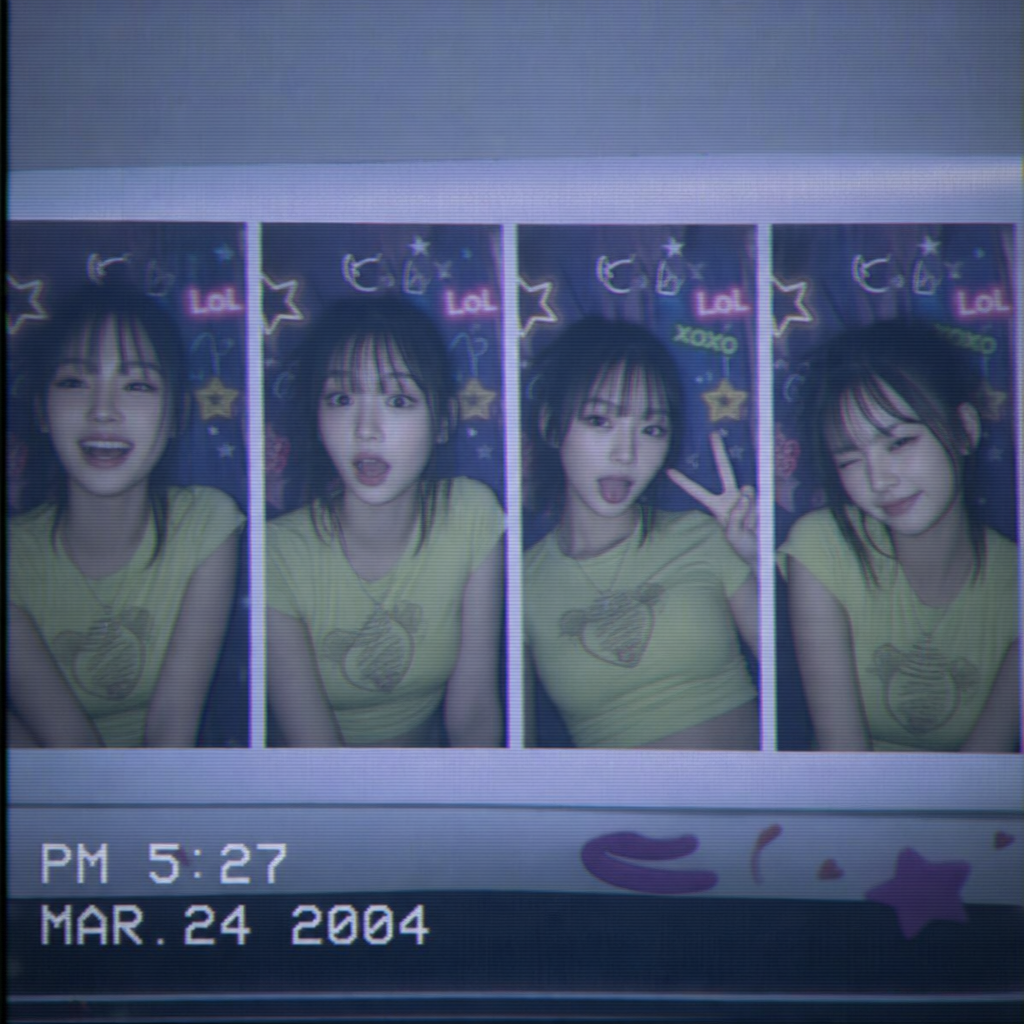
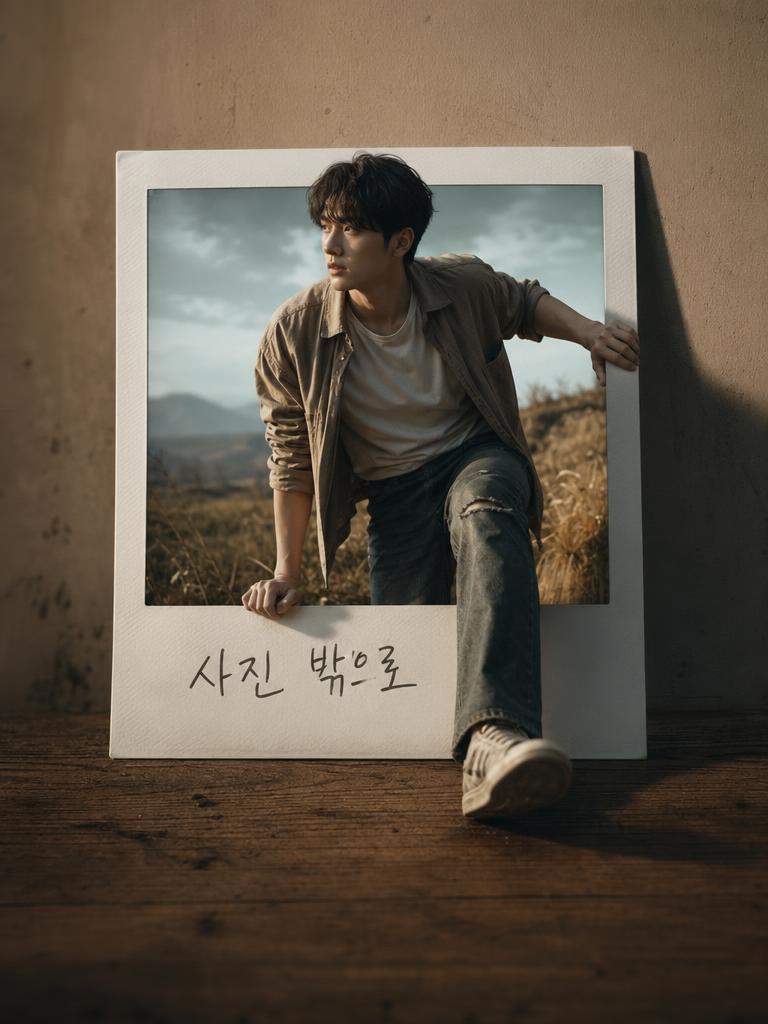
폴라로이드 사진는 이미지를 처음부터 찾기보다 원하는 사용처와 분위기를 직접 지정해 만들 때 효율이 높은 주제입니다. 캐럿에서는 예시 프롬프트를 복사한 뒤 색감, 배경, 구도, 비율만 바꿔 SNS, 블로그, 상세페이지, 무드보드, 카드뉴스에 맞는 이미지를 빠르게 만들 수 있습니다. 이 페이지는 즉석사진, 빈티지 필름, 추억 기록 감성의 폴라로이드 스타일 이미지를 중심으로 구성했습니다.
만들 수 있는 결과
좋은 프롬프트는 핵심 대상, 장면, 조명, 카메라 거리, 질감, 여백을 함께 지정합니다. 폴라로이드 사진 작업에서는 자연광, 스튜디오 조명, 빈티지 필름, 여행 사진, 편집 디자인, 포트폴리오 시트처럼 목적을 분명히 적으면 결과가 훨씬 안정적입니다. 인물 이미지의 경우 유명인이나 실제 인물을 닮게 하지 않고, 완전히 가상 인물로 지정하는 것이 좋습니다.
수정 포인트
먼저 채널을 정하세요. 피드용은 정사각형이나 4:5, 쇼츠와 릴스 커버는 9:16, 블로그와 배너는 16:9가 안정적입니다. 다음으로 배경 밀도, 색상, 소품, 표정, 카메라 거리, 빈 공간을 조절하세요. 문구가 필요한 디자인은 이미지 안에 글자를 생성하기보다 여백을 남긴 뒤 후편집하는 방식이 안전합니다.
품질을 높이는 작성법
명사만 나열하기보다 대상, 분위기, 빛, 배경, 마감 질감, 피해야 할 요소를 한 문장 안에서 연결하세요. 폴라로이드 사진 프롬프트에는 no readable text, no logo, no celebrity resemblance 같은 조건을 넣으면 갤러리용 샘플로 쓰기 좋은 범용 결과를 얻기 쉽습니다.
활용 상황
Polaroid Photo 이미지는 마케팅 시안, 개인 창작물, 프로필 참고, 교육 자료, 소상공인 콘텐츠에 활용하기 좋습니다. 예시를 기반으로 계절감, 의상, 장소, 카메라 앵글을 바꾸면 더 세분화된 결과를 만들 수 있습니다.