얼굴 합성
얼굴 합성 이미지 제작을 위한 실용적인 AI 프롬프트 가이드입니다.
2026.08.19
「얼굴 합성」 원하는 대로 직접 만들어보세요「얼굴 합성」 직접 만들어보세요
대화로 요청만 하면 최적화된 이미지·영상을 만들어줘요

매일 무료 100크레딧으로 바로 시작
·
흑백 인물사진 변환
GPT 이미지 2· 이미지
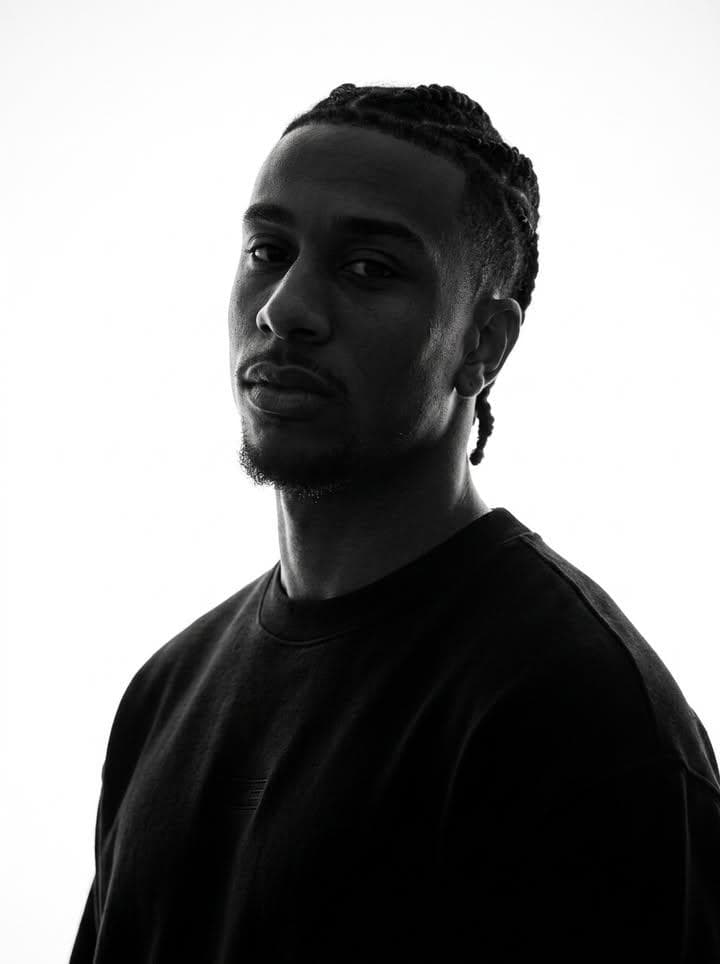
Preserve the target character’s true facial identity with maximum accuracy and consistency. Maintain the exact original face shape, facial structure, natural proportions, and recognizable identity throughout the entire image or video. Keep the same skin tone values translated into monochrome while preserving realistic highlights, shadows, and natural contrast. Do not alter the person’s ethnicity, age appearance, facial anatomy, or unique characteristics.
Maintain the original hairstyle, hair length, hair volume, texture, density, and natural flow. Preserve every detail of the eyebrows, including their shape, thickness, arch, and placement. Keep the exact structure of the eyes, including eye shape, eyelids, eyelashes, gaze, and natural expression. Preserve the original nose shape, bridge, nostrils, and proportions. Maintain the authentic lips, mouth shape, lip texture, smile, and natural expression.
Keep the original jawline, cheekbones, facial contours, chin shape, and overall head proportions unchanged. Preserve any facial hair exactly as present, including beard, mustache, stubble, sideburns, or subtle texture. Maintain all accessories and personal details such as earrings, piercings, glasses, necklaces, or other facial-area accessories with the same position, size, and appearance.
The monochrome treatment should enhance the subject’s natural identity rather than stylize or modify it. Preserve realistic skin texture, pores, subtle facial imperfections, natural wrinkles or lines, and authentic human details. Avoid beautification filters, face reshaping, artificial symmetry, age changes, or any modification that makes the person look like a different individual. The final result should feel like an authentic monochrome portrait with timeless photographic realism, preserving the person’s true appearance and emotional presence.
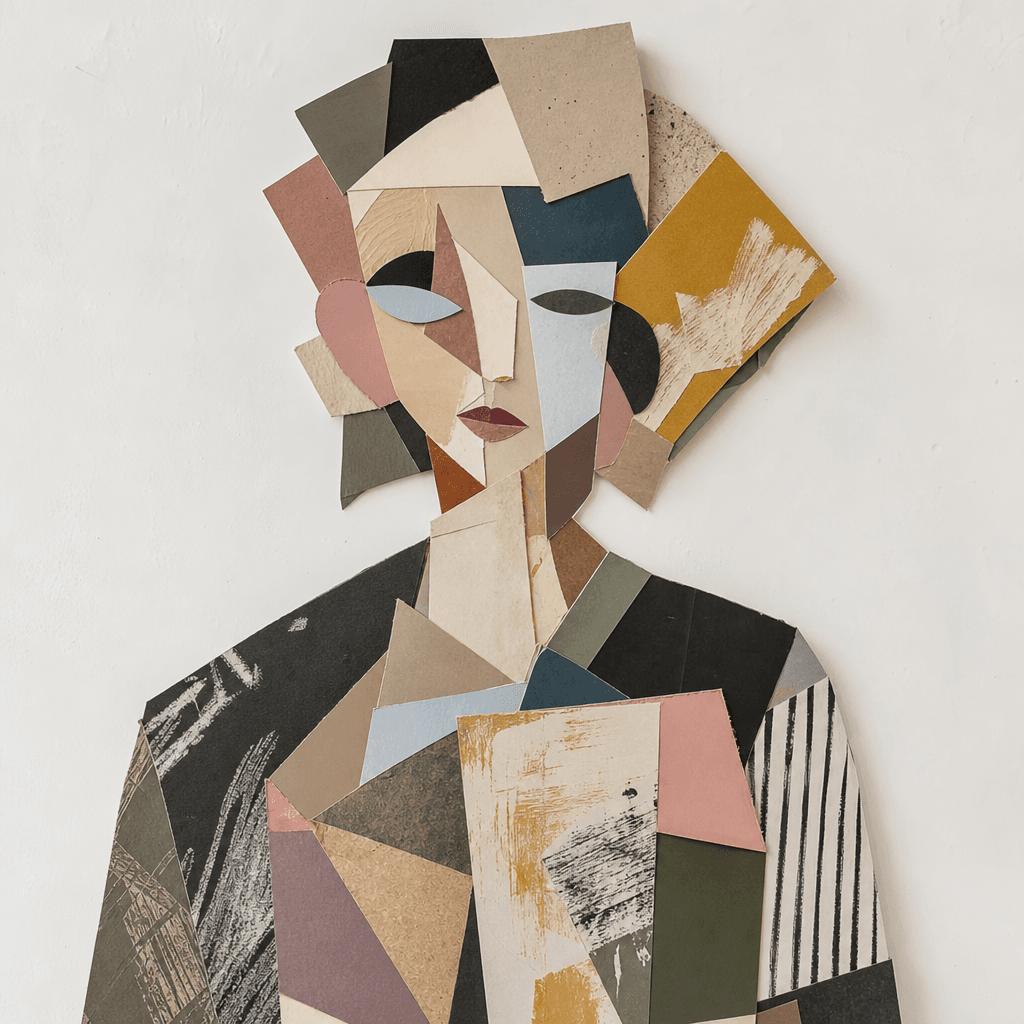
얼굴 합성 아트
GPT 이미지 2· 이미지
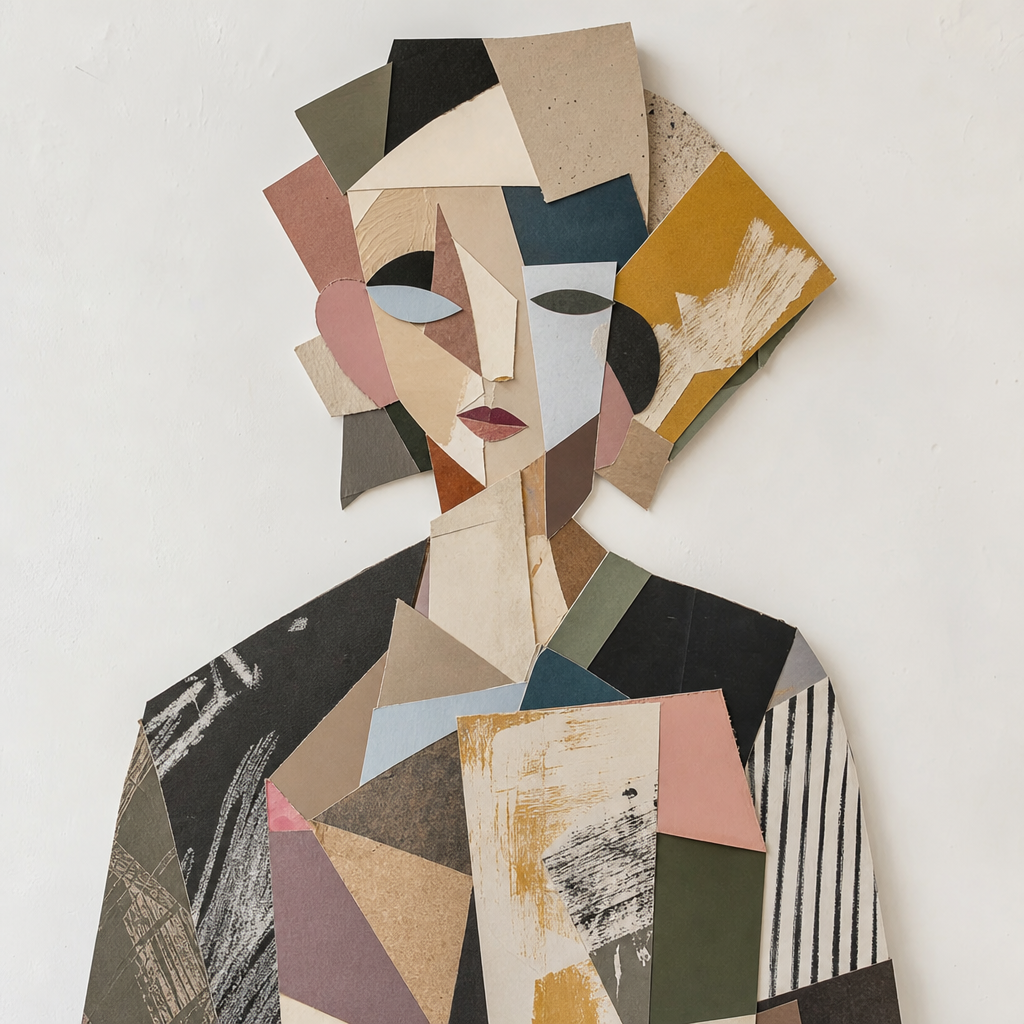
Artistic cubist collage photograph of an abstract figure. Muted washed-out tones, neutral white balance slightly warm, shadows lifted to ashy gray-brown, very low contrast flat exposure, midtones desaturated and chalky. iPhone 16 Pro, 24mm main lens. Eye level, centered composition. The subject is a vibrant mixed media artwork composed of overlapping geometric fragments and colorful paper cutouts forming an abstract human silhouette. Physical textures of torn paper edges, layered cardboard, and matte acrylic paint strokes. Setting is a clean white studio wall with soft diffused window light. No text, no watermark, no 3D render, no high contrast, no deep blacks.
fal:208613
얼굴 합성 AI 프롬프트란?
얼굴 합성 프롬프트는 아이디어를 관찰 가능한 이미지 조건으로 바꾸는 설계 문장입니다. 대상과 목적을 먼저 정하고 구도, 시점, 조명, 색상, 재질, 분위기, 여백과 출력 비율을 순서대로 지정하세요.
주요 활용 장면
- 교육 자료와 설명 이미지
- 콘셉트와 무드보드 시안
- 포스터와 카드 제작
- 인물과 장면 표현
- 후편집용 그래픽 제작
이 태그가 유용한 이유
전경, 중경, 배경을 나누고 빛의 방향과 색온도, 표면 질감과 선의 밀도를 별도로 적으면 결과 비교가 쉽습니다. 인물과 손 작업에서는 손가락 수, 관절, 포즈, 피부 질감과 겹침을 구체화하고, 합성 작업에서는 경계, 그림자, 색온도와 초점 거리를 분리해 설명하세요. 생성된 문구, 숫자, 로고와 사실 정보는 정확하지 않을 수 있으므로 공식 원문을 대조해 후편집하고, 폰트와 레퍼런스의 권리도 게시 전에 확인해야 합니다.
관련 프롬프트 더 보기
photo-to-painting, watercolor-style, cartoon-style, small-business, children-book, health-infographic 태그를 함께 살펴보세요.
프롬프트 구성 팁
- 대상, 목적, 채널과 비율을 정합니다.
- 구도와 시점, 전경과 배경의 순서를 지정합니다.
- 조명, 팔레트, 선, 질감과 분위기를 분리합니다.
- 텍스트와 로고는 후편집으로 넣는다고 명시합니다.
형태와 가독성을 먼저 확인하고 한 번에 한 변수만 바꾸세요. 최종 게시 전에는 사실 정보와 사용 권리를 검토하세요.