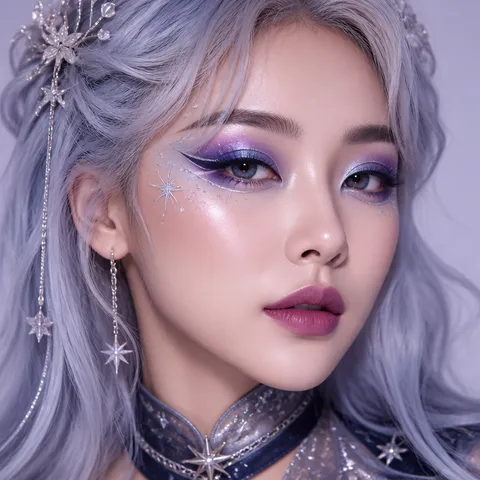
무대 메이크업
무대 메이크업 프롬프트. 캐럿에서 제공하는 무대 메이크업 이미지 생성 프롬프트를 복사해 바로 사용해보세요.
2026.07.17
「무대 메이크업」 원하는 대로 직접 만들어보세요「무대 메이크업」 직접 만들어보세요
대화로 요청만 하면 최적화된 이미지·영상을 만들어줘요

매일 무료 100크레딧으로 바로 시작
·
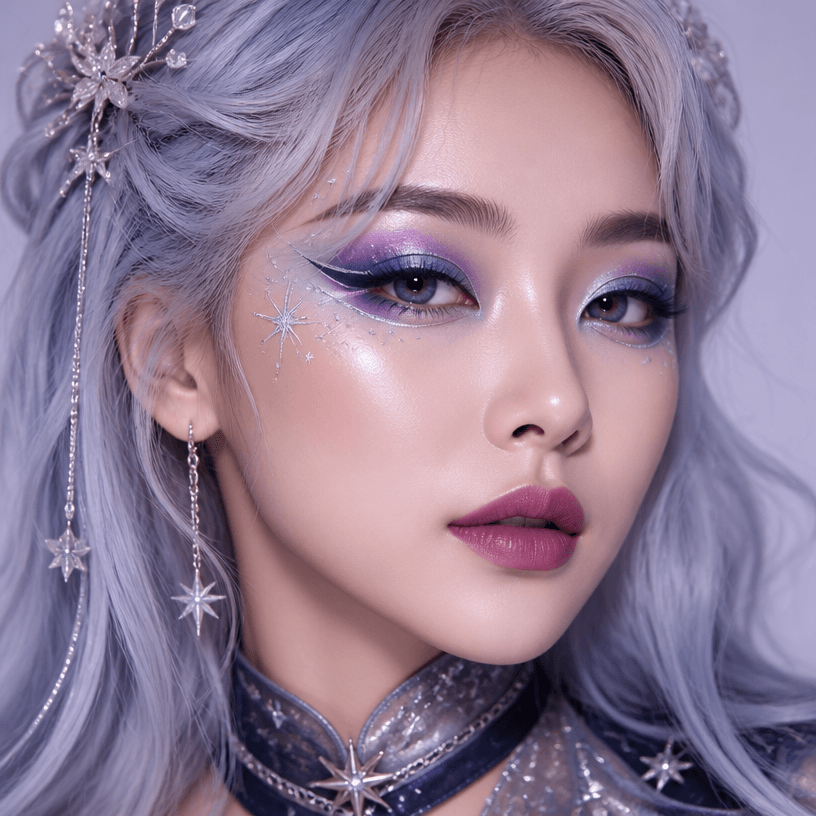
코스프레 메이크업
GPT 이미지 2· 이미지
A square beauty editorial close-up of an adult East Asian cosplayer wearing an original celestial-fantasy makeup design. Iridescent violet and midnight-blue eyeshadow, precise graphic silver eyeliner, tiny hand-painted star accents near the temples, luminous skin, soft berry gradient lips, a subtle silver wig framing the face, small crystal hair ornaments, dramatic but wearable convention makeup, clean studio background, professional beauty lighting, no resemblance to any copyrighted character, no logos, no readable text, no watermark.
무대 메이크업 프롬프트란?
무대 메이크업 이미지를 생성하기 위한 AI 프롬프트 모음입니다. 캐럿에서 제공하는 무대 메이크업 프롬프트를 복사하여 AI 이미지 생성 도구에 붙여넣으면 전문가 수준의 결과물을 얻을 수 있습니다.
무대 메이크업 프롬프트 활용 방법
- 원하는 프롬프트를 선택하여 복사합니다.
- 캐럿 에이전트에 붙여넣습니다.
- 필요에 따라 색상, 스타일, 구도를 수정합니다.
- 생성된 이미지를 다운로드하여 활용합니다.
무대 메이크업 프롬프트 작성 팁
조명(Lighting), 질감(Texture), 구도(Composition), 렌즈(Lens) 정보를 구체적으로 명시하면 더 정밀한 결과를 얻을 수 있습니다. "No text, no watermark"를 추가하면 불필요한 텍스트를 방지할 수 있습니다.
무대 메이크업 프롬프트 적용 사례
무대 메이크업 프롬프트는 콘텐츠 제작, 마케팅, 디자인, 교육 자료 등 다양한 분야에서 활용됩니다. AI 이미지를 활용하면 제작 시간을 단축하면서도 전문적인 퀄리티를 유지할 수 있습니다.
무대 메이크업 프롬프트 최적화 가이드
이미지 비율은 용도에 맞게 선택하세요. SNS용은 세로형(9:16), 웹 배너는 가로형(16:9), 제품 이미지는 정사각형(1:1)이 적합합니다.